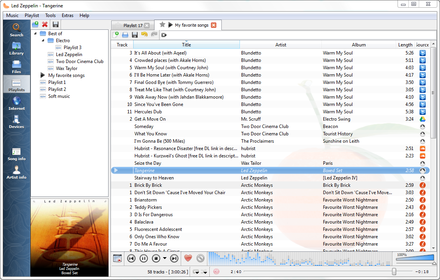
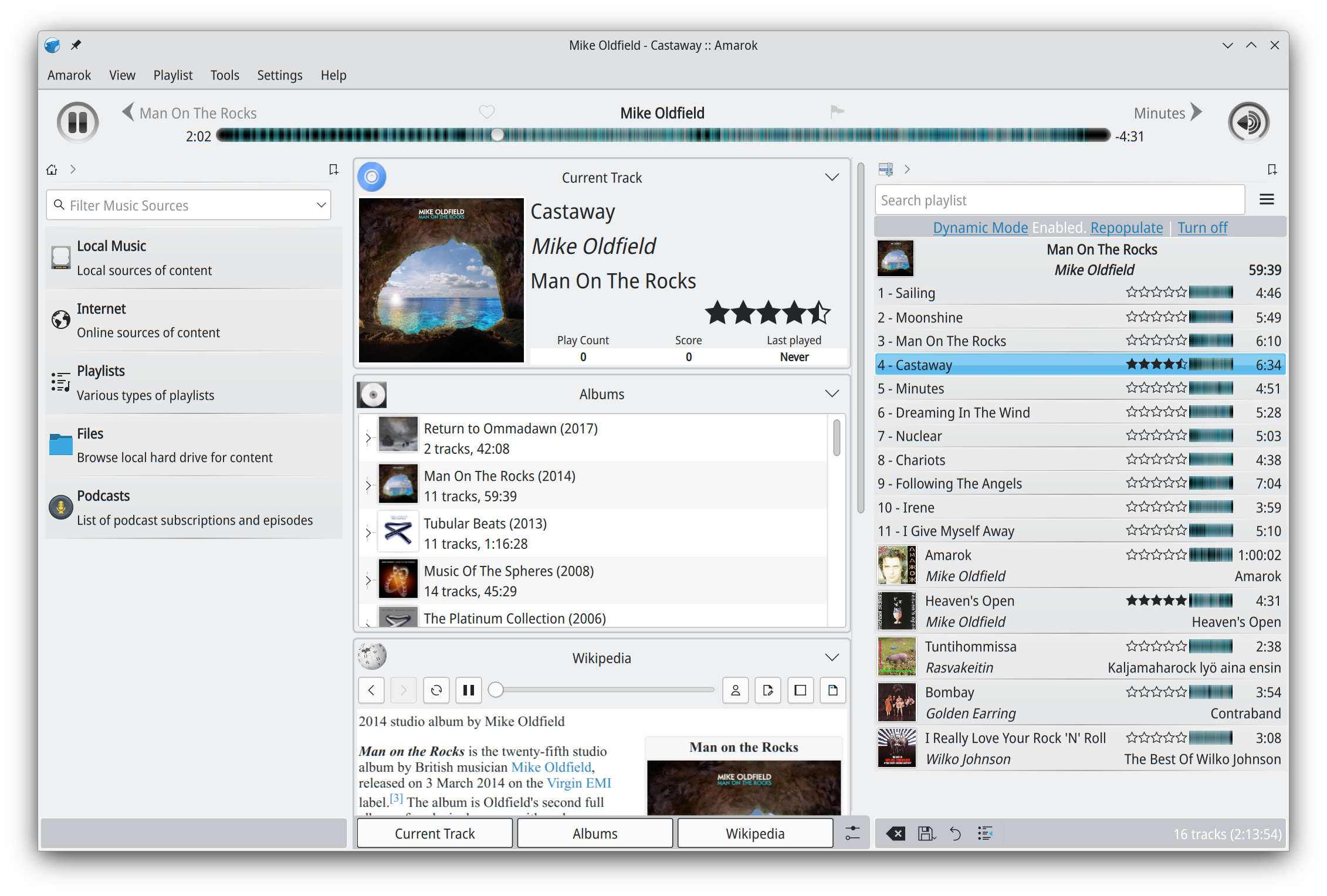
Clementine is a multi-platform music player. It’s inspired by Amarok 1.4, focusing on a fast and easy-to-use interface for searching and playing your music.
BMPx is a media player which is excruciatingly (painfully?) simple to use, while being very powerful under the hood. BMPx is based on the current experimental codebase of the BMP project.
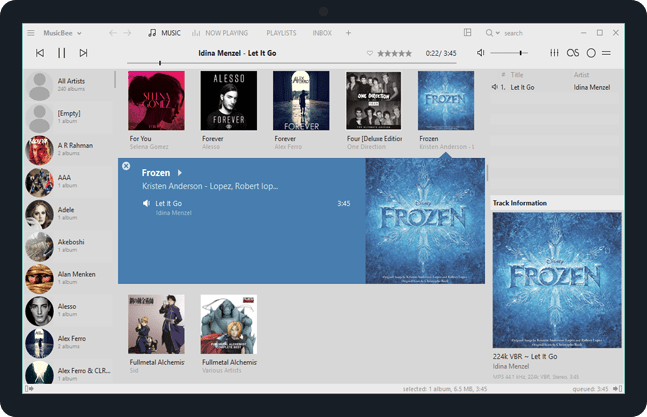
Enjoy a great music experience with MusicBee, the ultimate music manager and player. Play your music the way you want. Turn your computer into a music jukebox.
MusicBee makes it easy to manage, find, and play music files on your computer. Use auto-tagging to clean up your messy music library. MusicBee also supports podcasts, web radio stations and SoundCloud integration.
The purpose of beets is to get your music collection right once and for all. It catalogs your collection, automatically improving its metadata as it goes using the MusicBrainz database. Then it provides a bouquet of tools for manipulating and accessing your music.
Because beets is designed as a library, it can do almost anything you can imagine for your music collection. Via plugins, beets becomes a panacea:
Fetch or calculate all the metadata you could possibly need: album art, lyrics, genres, tempos, ReplayGain levels, or acoustic fingerprints.
Get metadata from MusicBrainz, Discogs or Beatport. Or guess metadata using songs’ filenames or their acoustic fingerprints.
Transcode audio to any format you like.
Check your library for duplicate tracks and albums or for albums that are missing tracks
Browse your music library graphically through a Web browser and play it in any browser that supports HTML5 Audio and lots more.
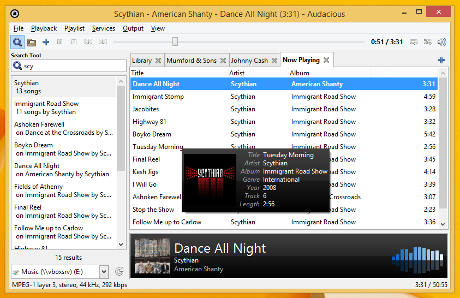
Audacious is an open source audio player. A descendant of XMMS, Audacious plays your music how you want it, without stealing away your computer’s resources from other tasks. Drag and drop folders and individual song files, search for artists and albums in your entire music library, or create and edit your own custom playlists. Listen to CD’s or stream music from the Internet. Tweak the sound with the graphical equalizer or experiment with LADSPA effects. Enjoy the modern GTK-themed interface or change things up with Winamp Classic skins. Use the plugins included with Audacious to fetch lyrics for your music, to set an alarm in the morning, and more.
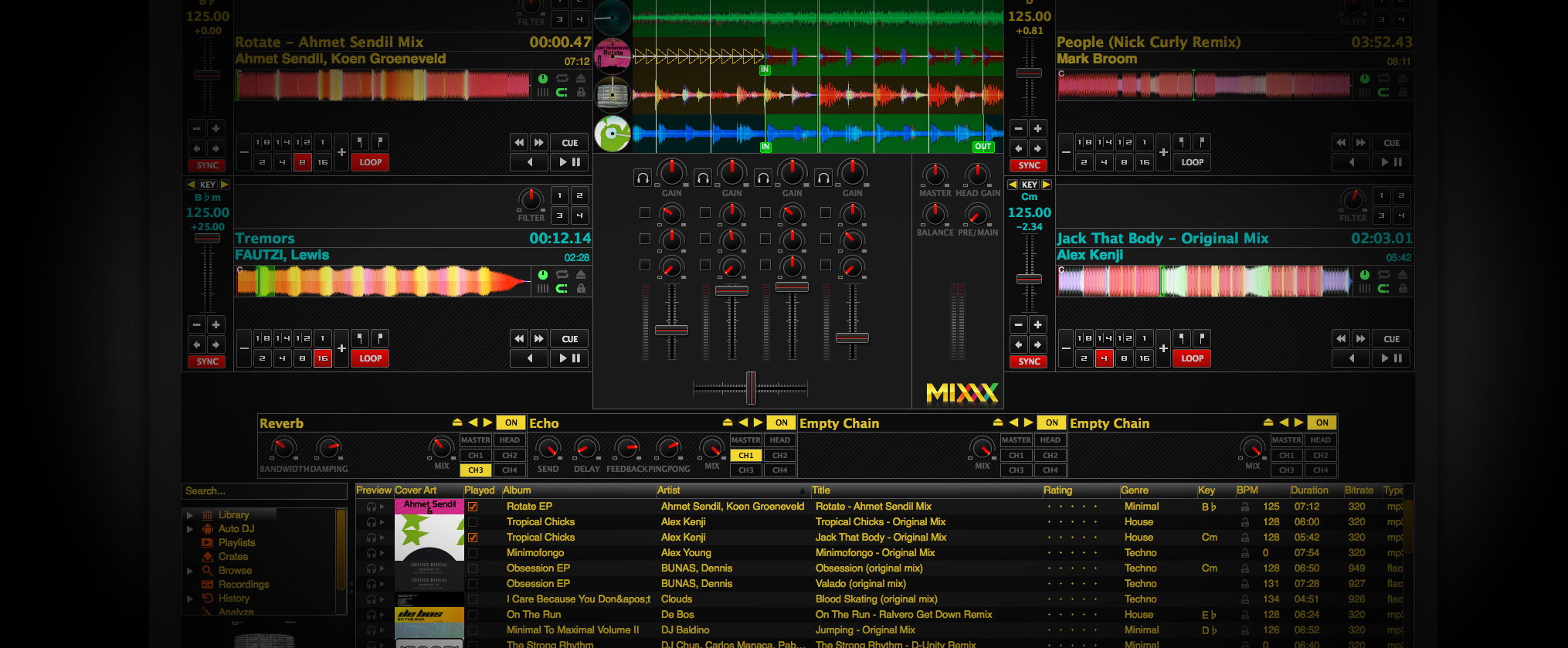
Mixxx has everything you need to start making DJ mixes in a tight, integrated package. Whether you’re DJing your next house party, spinning at a club, or broadcasting as a radio DJ, Mixxx has what you need to do it right.
Cross-platform, extensible, multi-language, open source & skinnable freeware. Support for iTunes, MusicBrainz, ReplayGain and Traktor.
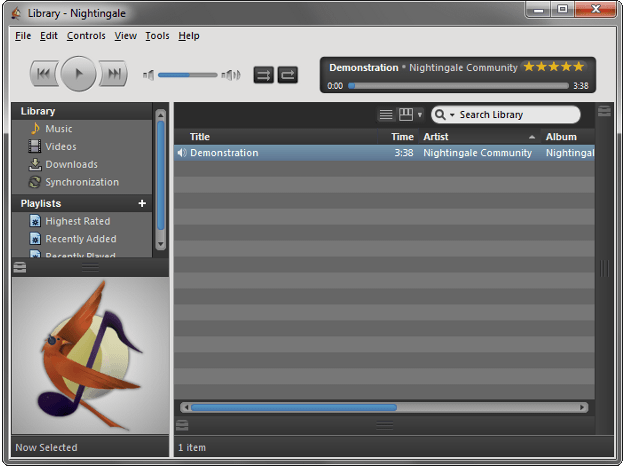
With a focus on fans, Songbird personalizes music content from the artists you love the most. Share your own photos with artists and other fans or discover new artists, all while listening to your music on your computer.
The predecessor to Nightingale, Songbird is now defunct software ~ FYI, the real download link at the website is entitled “Free For PC”
Amarok is a powerful music player, with multi-language support, for Macs, Unix/Linux and Windows. It has an intuitive interface and makes playing the music you love, and discovering new music, easier than ever before – and it looks good doing it!
Features:
Dynamic playlists matching different criteria
Collection managing with rating support
Support for basic iPod, MTP and UMS music player devices
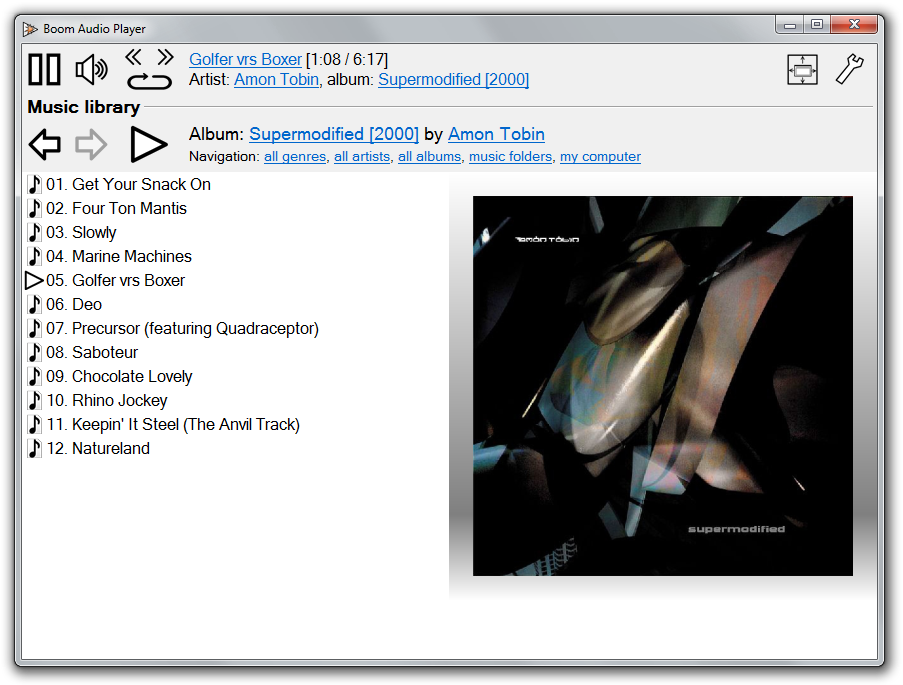
Frome the same developer who brought you Foobar2000 comes Boom.
Boom is an easy to use audio player intended for casual computer users who do not wish to spend their time on figuring more sophisticated software out. All of its most important features are easily accessible out-of-the-box.
Features:
No installation or administrator rights required! Just download and run.
Gapless playback of properly encoded files. Enjoy smooth transitions between tracks.
ReplayGain support. External software is currently required to write ReplayGain information to file tags to utilize this functionality.
Contents of your music folders are shown, in a convenient structured genre/artist/album/song view.
By default, contents of “my music” folder or Windows Music library folders are shown. You can configure Boom to index music from any other folders though.
You can install Boom to removable media and have it index contents of the folder it is installed in.
Are your files badly tagged or missing tags all together? No problem, Boom can browse your music library by its folder structure.
Supports variety of popular audio formats, including: MP3, Ogg Vorbis, FLAC, Musepack (MPC), WavPack, WAV, AIFF, MP4/M4A, WMA.
For emergency tagging needs, Boom includes a simplified version of the foobar2000 Properties dialog.
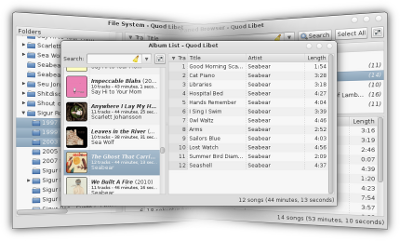
Quod Libet is a GTK+-based audio player written in Python, using the Mutagen tagging library. It’s designed around the idea that you know how to organize your music better than we do. It lets you make playlists based on regular expressions (don’t worry, regular searches work too). It lets you display and edit any tags you want in the file, for all the file formats it supports.
Unlike some, Quod Libet will scale to libraries with tens of thousands of songs. It also supports most of the features you’d expect from a modern media player: Unicode support, advanced tag editing, ReplayGain, podcasts & Internet radio, album art support and all major audio formats – see the screenshots.
Ex Falso is a program that uses the same tag editing backend as Quod Libet, but isn’t connected to an audio player. If you’re perfectly happy with your favorite player and just want something that can handle tagging, Ex Falso is for you.
An advanced and evolved freeware audio player for Android, Mac, Windows and Wine. Foobar2000 can be extensively extended, modified and themed.
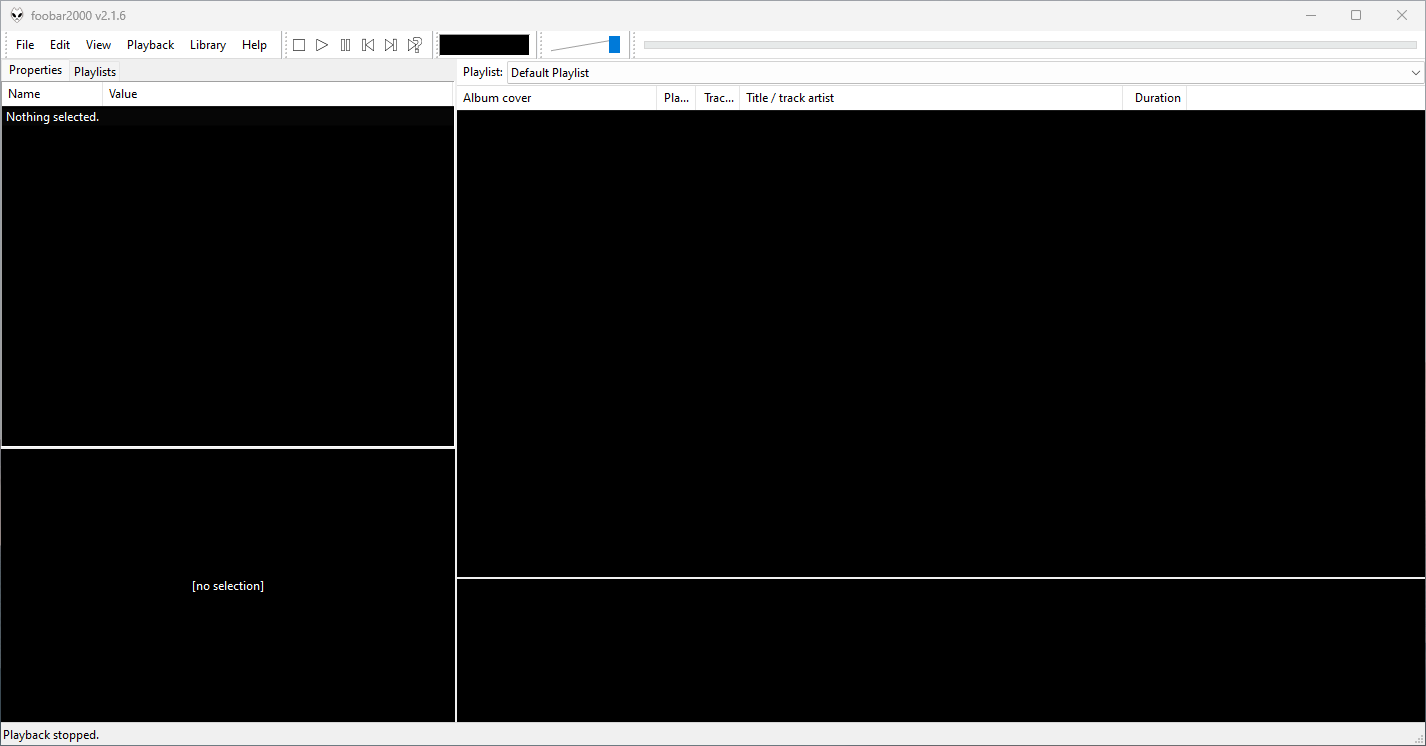
This is the basic Default User Interface or DUI. You will need to configure and extend the DUI Foobar2000 interface according to your preferences and requirements.
Foobar2000 Default User Interface
Features:
Supported audio formats: MP3, MP4, AAC, CD Audio, WMA, Vorbis, Opus, FLAC, WavPack, WAV, AIFF, Musepack, Speex, AU, SND… and more with additional components.
Open component architecture allows third-party developers to extend functionality.
Multiplatform: Android, Mac, Windows 32|64-bit and ARM (ARM64EC).
Interfaces:
foobar2000 is not limited to the Default User Interface (DUI). Over its history, foobar2000 has had several complete user-interface modules, as well as newer technologies that extend the modern interfaces with highly customizable panels.
Core and Historical User Interfaces:
Default User Interface (DUI) — The standard interface included with foobar2000. DUI uses configurable UI Elements to construct the player layout and remains the default interface in current versions of foobar2000.
Columns User Interface (CUI) — A popular alternative user interface with interchangeable panels and toolbars. CUI provides extensive control over the arrangement and appearance of the foobar2000 interface and is widely used for customized layouts and themes.
Classic User Interface — A recreation of the Default User Interface from early versions of foobar2000. It remains available as a component for current foobar2000 versions, primarily for historical and nostalgic purposes. The component intentionally does not attempt to reproduce all functionality of the modern DUI.
Panels UI (PUI) — A discontinued historical user-interface module that allowed the entire foobar2000 interface to be constructed from configurable panels. Panels UI was an important interface in the foobar2000 customization community before being discontinued. It should be regarded as a legacy interface, not a current alternative to DUI or CUI.
Modern Web-Based User Interface:
foobar2000 also supports web-based interface components. These should not be confused with complete UI modules: they operate as panels or UI Elements within the DUI or CUI.
WebView — Provides a Microsoft Edge WebView2 browser control as a foobar2000 UI panel. HTML, CSS and JavaScript can be used to create interactive panels and visualizations. It supports both Default UI and Columns UI.
WebView2 — A newer WebView-based component that exposes Microsoft Edge WebView2 as a foobar2000 Default UI Element or a Columns UI panel. It allows HTML, CSS and JavaScript to interact with foobar2000 and can access the visualization stream. The current component supports foobar2000 2.0 and newer, Windows 10 and newer, and x86, x64 and ARM64/ARM64EC builds.
WebView and WebView2 represent a web-based UI technology rather than separate core foobar2000 interfaces. A WebView/WebView2-based design is still a DUI or CUI layout with a web-based component incorporated into it. The official component repository explicitly identifies WebView2 as a Columns UI panel / Default UI element, rather than as a user-interface module.
The Interface Landscape
In practical terms, foobar2000’s interface history can be divided into:
Complete user-interface modules
Default User Interface (DUI) — current
Columns User Interface (CUI) — current
Classic User Interface — current component, reproducing the historical DUI
This distinction is important when describing foobar2000 themes. A theme designed for CUI is a theme for a different complete UI module than a DUI theme. A theme that incorporates WebView2, however, is still a DUI or CUI theme that uses WebView2 as one of its UI components.
For this reason, foobar2000 themes and interface collections identify the Intended User Interface separately from individual panel technologies and components.