mStream is a self-hosted music server. Self-hosting means you run the server software on a computer you own. mStream is lightweight and can be run on old hardware and boards like the Raspberry Pi.
Why host your own?
Own your music. No ads, and nothing gets removed from your library.
Quality. Stream FLAC and lossless files uncompressed.
Privacy. Streaming services log your listening habits. Your server never snitches on you.
Good for artists. Buy music directly and the money goes to them.
AudioGridder is a network bridge for audio and MIDI that allows for offloading the DSP processing of audio plugins to remote computers. This can come in handy when mixing complex projects or running CPU intensive instruments.
AudioGridder Server runs on a computer hosting your effect and instrument plugins. On your workstation, on which you run your DAW, you use the AudioGridder FX or instrument plugin to access your plugin library over the network. The plugin is looking for available servers on your network and once connected allows you to create insert chains or load instruments. Midi and audio data from your DAW will be streamed over the network, processed on the server and streamed back.
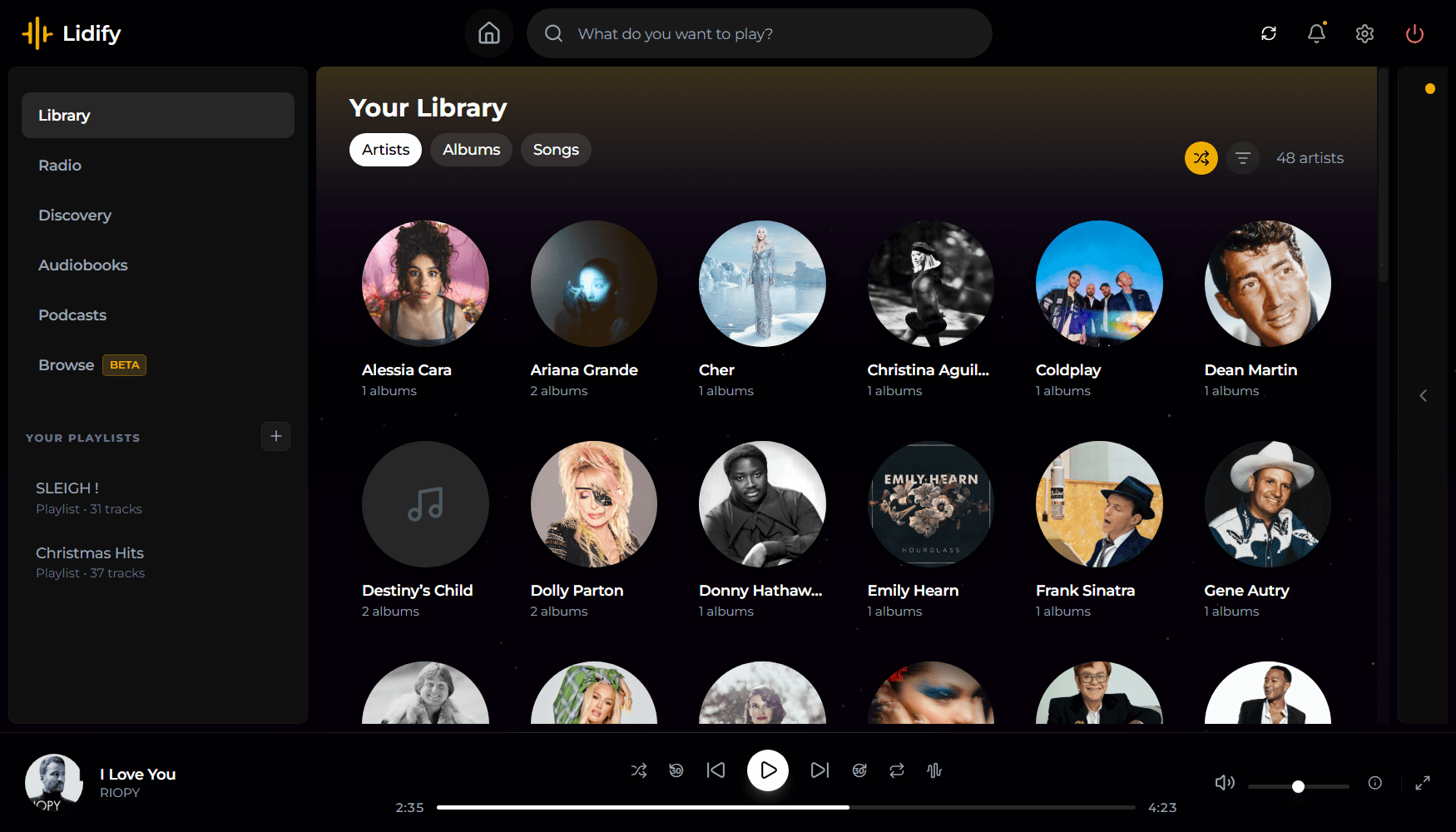
Lidify is built for music lovers who want the convenience of streaming services without sacrificing ownership of their library. Point it at your music collection, and Lidify handles the rest: artist discovery, personalized playlists, podcast subscriptions, and seamless integration with tools you already use like Lidarr and Audiobookshelf.
Stream your library – FLAC, MP3, AAC, OGG, and other common formats work out of the box
Automatic cataloging – Lidify scans your library and enriches it with metadata from MusicBrainz and Last.fm
Audio transcoding – Stream at original quality or transcode on-the-fly (320kbps, 192kbps, or 128kbps)
Ultra-wide support – Library grid scales up to 8 columns on large displays
Lipupini is a public domain platform for organizing computer files like images, videos, sounds and writings that you might want to display under your domain on the Internet. Lipupini aims to support RSS and Fediverse protocols.
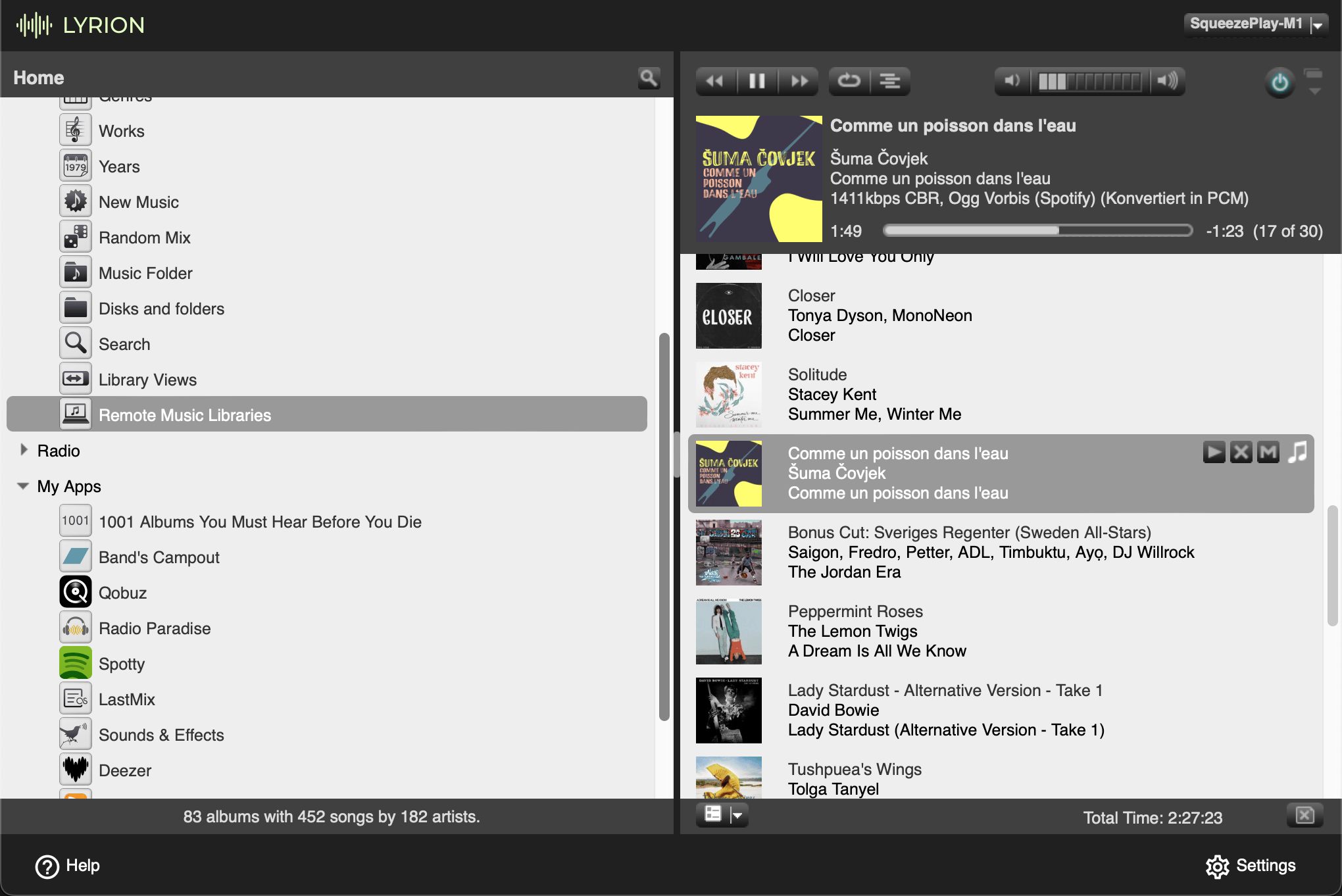
Lyrion Music Server (formerly Logitech Media Server) is open-source server software which controls a wide range of Squeezebox audio players. Lyrion can stream your local music collection, internet radio stations, and content from many streaming services
Fully accessible cross-browser HTML5 media player.
Features:
Supports both audio and video.
Supports either a single audio track or an entire playlist.
Includes a full set of player controls that are keyboard-accessible, properly labeled for screen reader users, and controllable by speech recognition users.
Includes customizable keyboard shortcuts that enable the player to be operated from anywhere on the web page (unless there are multiple instances of the player on a given page; then the player must have focus for keyboard shortcuts to work).
Features high contrast, scalable controls that remain visible in Windows High Contrast mode, plus an easy-to-see focus indicator so keyboard users can easily tell which control currently has focus.
Supports closed captions and subtitles in Web Video Timed Text (WebVTT) format, the standard format recommended by the HTML5 specification.
Supports chapters, also using WebVTT. Chapters are specific landing points in the video, allowing video content to have structure and be more easily navigated.
Supports text-based audio description, also using WebVTT. At designated times, the description text is read aloud by browsers, or by screen readers for browsers that don’t support the Web Speech API. Users can optionally set their player to pause when audio description starts in order to avoid conflicts between the description and program audio.
Supports audio description as a separate video. When two videos are available (one with description and one without), both can be delivered together using the same player and users can toggle between the versions.
Supports adjustable playback rate. Users who need to slow down the video in order to better process and understand its content can do so; and users who need to speed up the video in order to maintain better focus can do so.
Includes an interactive transcript feature, built from the WebVTT chapter, caption and description files as the page is loaded. Users can click anywhere in the transcript to start playing the video (or audio) at that point. Keyboard users can also choose to keyboard-enable the transcript, so they can tab through its content one caption at a time and press enter to play the media at the desired point.
Features automatic text highlighting within the transcript as the media plays. This feature is enabled by default but can be turned off if users find it distracting.
Supports YouTube and Vimeo videos.
Provides users with the ability to customize the display of captions and subtitles. Users can control the font style, size, and color of caption text; plus background color and transparency; all from the Preferences dialog. They can also choose to position captions below the video instead of the default position (an semi-transparent overlay).
Supports fallback content if the media cannot be played (see section on Fallback for details).
Includes extensive customization options. Many of the features described above are controlled by user preferences. This is based on the belief that every user has different needs and there are no one-size-fits-all solutions. This is the heart of universal design.
Live Compositor is an engine for applying effects to videos and for combining multiple videos together. On a very basic level, it is an application which exposes an HTTP API. The API allows you to specify where to get input videos, and how to modify and compose them together. The resulting outputs can then be written to a file or streamed to a separate service.