A lightweight YouTube and YouTube Music client with ad-free playback, synced lyrics, and high-quality downloads for Android phones, tablets, and TV.
github.com/Koustubh12345/YTXTube

A lightweight YouTube and YouTube Music client with ad-free playback, synced lyrics, and high-quality downloads for Android phones, tablets, and TV.
github.com/Koustubh12345/YTXTube

Play streamed music and your own files in the same app, save tracks for offline listening, and follow synced lyrics. Levyra does not need an account and does not track you.
Features:
- Native playback: Media3 and ExoPlayer on Android, libVLC through direct C bindings on Windows (no web wrappers).
- Gapless & audio tuning: uninterrupted album transitions, crossfade, pitch shifting, custom playback speed, 10-band EQ, and AutoEQ headphone profiles.
- SponsorBlock: automatically skips sponsored segments, intros, outros, and non-music chatter.
- Audio & video modes: one-tap switch between audio-only streaming and full video with subtitle tracks.
- Clean offline downloads: saved directly in device storage as standard M4A files with metadata, artwork, and lyrics.
- Unified library: local files and streamed tracks share the same playlists, favorites, and queues.
- Optional YouTube Music sign-in (Android): connect your account to browse your music and import playlists, liked songs and albums. No account needed if you’d rather keep using Levyra as it is.
- Queue Spaces: keep multiple active listening sessions side by side without losing your current queue.
- Synced lyrics: tap-to-seek, manual timing adjustments, dedicated Bluetooth latency offset, and non-Latin romanization.
- Visuals: motion artwork on the Now Playing screen, falling back to animated album covers.
- Global skins (Android): seven complete looks, each with its own layout and not just a new set of colors. Nocturne 78 brings vintage hi-fi warmth, Prism pairs deep black with raspberry accents, Torque goes for bold graphite shapes and Ivory is a soft, bright look with a dark mode of its own. Spotify Style, Apple Music Style and YouTube Music Style follow the layouts people already know from those apps. Every skin restyles Home, Explore, Library, Settings, the mini player and the full player. You’ll find them under Settings → Design → Skin. Levyra Default stays the default, and your customizations are kept when you switch back and forth.
- Theme Studio: sixteen presets, including Midnight, Aurora, Pure Material, Velvet and Editorial. You can also build your own themes: pick background, surface and accent colors from swatches or a HEX code, choose light or dark, set how round the corners are, then save, rename or duplicate them. Levyra Aura stays the default, and one tap brings it back.
- Mini player studio: five alternative mini player designs (Super Expressive, Floating, Liquid Glass, Ultra Compact and Artwork Focus), each with its own size, shape, progress bar and control options, plus a live preview. The original mini player stays the default, so nothing changes until you pick something else.
- Navigation studio: four extra styles for the bottom bar (Super Expressive, Floating Dock, Minimal and Expressive Compact). Drag the buttons into the order you like, hide Explore or Library, choose when labels show, and pick the indicator, icon size, height and background. Home and Search always stay in the bar.
- System integration: Android Auto, lockscreen media controls, persistent notifications, and Quick Settings tile.
- Device integration (Android): Levyra recognizes the phone it runs on and turns on what that system supports. On HyperOS 3 it shows synced lyrics in the Super Island, on OriginOS it shows the current track in the Atomic Island, and OPPO, OnePlus and realme keep their system lyrics panel. Samsung’s Now Bar and other phones use the standard media controls. Settings → Integrations shows what was detected and links to the right battery page for background playback.
- Song recognition: on-device music identification through the microphone or internal audio, saved in local history.
- Explore: live radio stations, international charts, and genre or mood browsing.
- Levyra Vault: backup and restore playlists, favorites, history, and preferences in a single local file.
- Private stats: on-device play counts and listening hours, with optional Last.fm and ListenBrainz scrobbling.
github.com/LUC4N3X/Levyra-deepsound

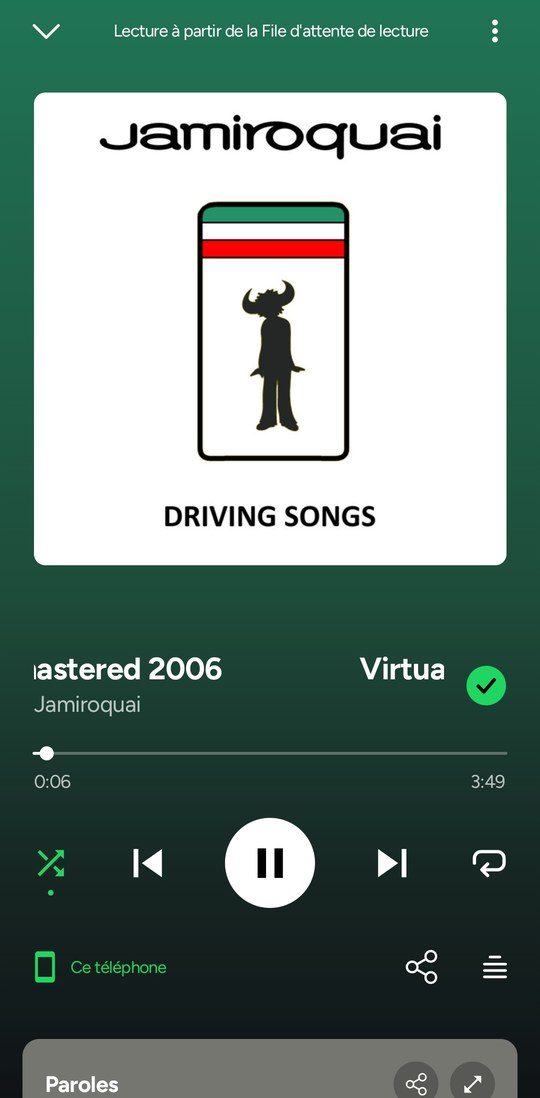
Myspoti is a Spotify app for Android that you install yourself. You sign in with your usual Spotify account, on Spotify’s own login page: Myspoti never sees your password. A free account is enough.
Under the hood, the official Spotify Web Player plays the music, hidden inside the app, with your phone’s DRM. Myspoti draws its own screens on top and drives it. Your plays are reported to Spotify exactly as in a browser: they count for the artists, in your history and in your Wrapped.

Listen to iTunes without having to launch it.
ecoute.juliensagot.fr
ecoute.en.uptodown.com/mac

Riff is an open-source, telemetry-free desktop music app and player for Windows, Linux, and macOS. It unifies playback across YouTube Music, YouTube, SoundCloud, and offline local media into a single high-performance interface without ads, subscriptions, or login constraints. Provides very fancy UI and layout.
Built with Electron, Vanilla JavaScript, and WebGL, Riff provides responsive UI interactions and hardware-accelerated audio visualization without runtime framework overhead. The project is distributed under the MIT license and enforces strict privacy: all configuration, cached streams, and playback history remain strictly on the local machine.
Features:
- High quality streaming with YouTube Music, YouTube, and SoundCloud without third-party advertisements or account requirements
- Offline lossless playback with full local library support for high resolution formats including FLAC, WAV, MP3, OGG, and M4A.
- Easy built-in audio editor, downloading with effects or trimming 10-band & 3-band equalizer, and real-time DSP effects (speed, pitch, reverb, distortion).
- 1-Click multi-platform playlist migration: Direct import and resolution of public playlists from Spotify, Apple Music, YouTube Music, and SoundCloud
- Material Design 3 UI: Dynamic color extraction from album artwork, deep UI theming, responsive layout presets, and an integrated CSS editor
- Hardware-Accelerated Visuals: Canvas and WebGL visualizers including real-time frequency analyzers, an interactive squiggly progress scrubber, and synchronized karaoke lyrics.
- Discord Rich Presence: Real-time playback status reporting track metadata, artist info, and elapsed time to Discord.
- Zero Telemetry: No tracking identifiers, analytics pings, or background data collection.
- Fullscreen mode with fancy lyrics animation.
- Albums – see all of your favorite artist albums.
- Customization – built in theme editor, configure everything, and a CSS editor, with animated backgrounds and interface opacity sliders.
- Plugins – built-in plugin feature where you can add a plugin to edit how Riff works with something or add a new function.
riff.hs.vc
github.com/rootscripts/riff

Local music player and downloader.
Features:
- Play local audio in different ways
- Drag and drop multiple files and folders from your file manager onto the app to add them to the queue
- Build and search your own custom audio library in app, by registering locations from your computer
- Manually select a folder to open
- Reorder and shuffle queue
- Loop current or whole queue
- Create your own playlists
- Import and export your playlists to .M3U format
- Automatically download missing playlist tracks
- Search and download songs and albums directly from the internet, using yt-dlp
- Allow downloading songs and playlists using direct url
- Lyrics auto fetching from song file name + caching
- Change lyrics source if they are incorrect or sync is broken
- Power saving / appearance toggle, if your machine struggles with pretty blurs and overly long queues :p
- Automatically fetches album cover art using filename and parent directory name + caching
- Enable / disable auto cover art fetching
- Link your Youtube account (by using your browser’s cookies) to download content that fails otherwise
- Looks cute and pretty :3
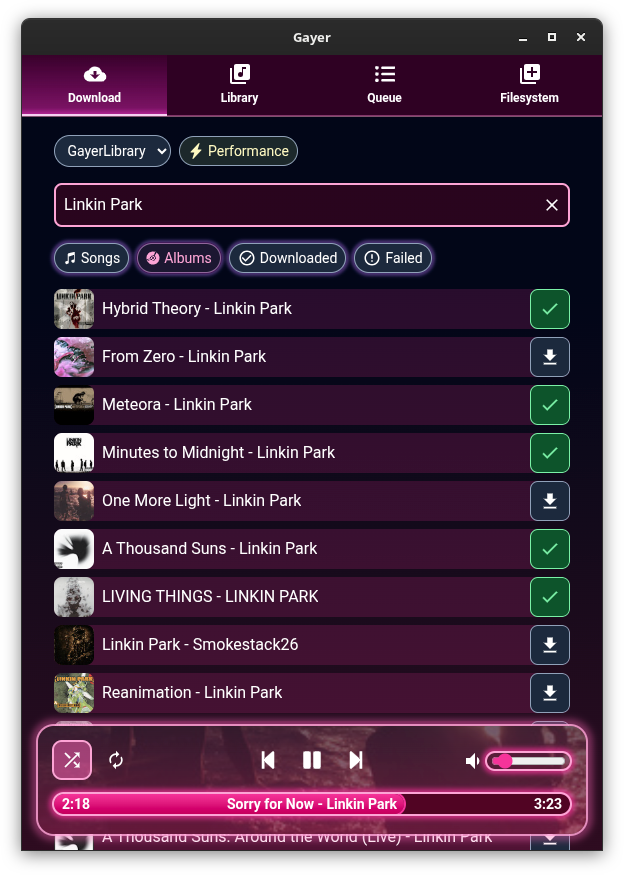
github.com/esteakacrownie/gayer

Luminous is a fast, local-first player for your own audio library. Built for anyone who wants the convenience of a modern streaming app without giving up ownership of their music. Turn a folder of files into a library you’ll enjoy browsing and listening to.
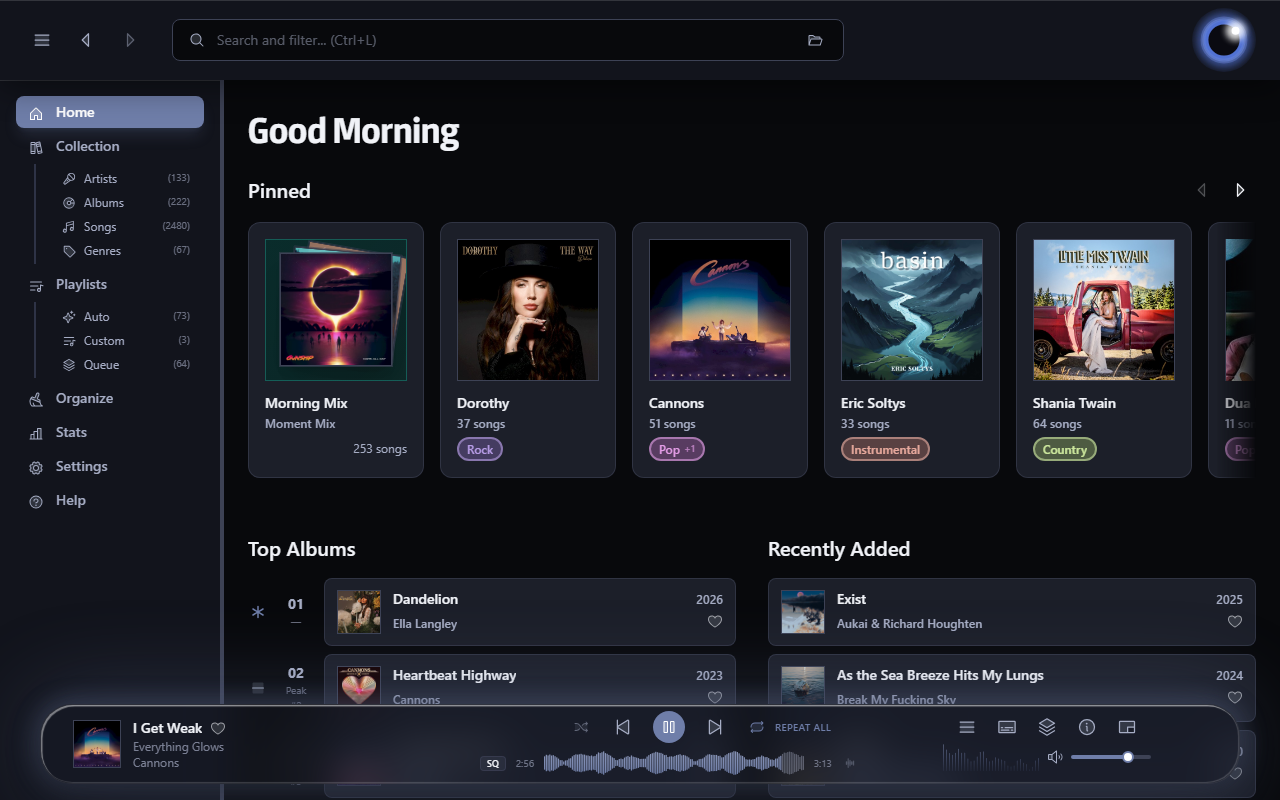
esoltys.dev/luminous
github.com/esoltys/luminous

Play a music collection that lives on a computer at home, from anywhere. It can be your computer or a friend’s. No port forwarding, no VPN, no account and no cloud copy of your files.
peerloomllc.com/peartune
github.com/peerloomllc/peartune

A free and open source Music Player for all your local music files.
overtone.js.org
github.com/biologyscience/overtone

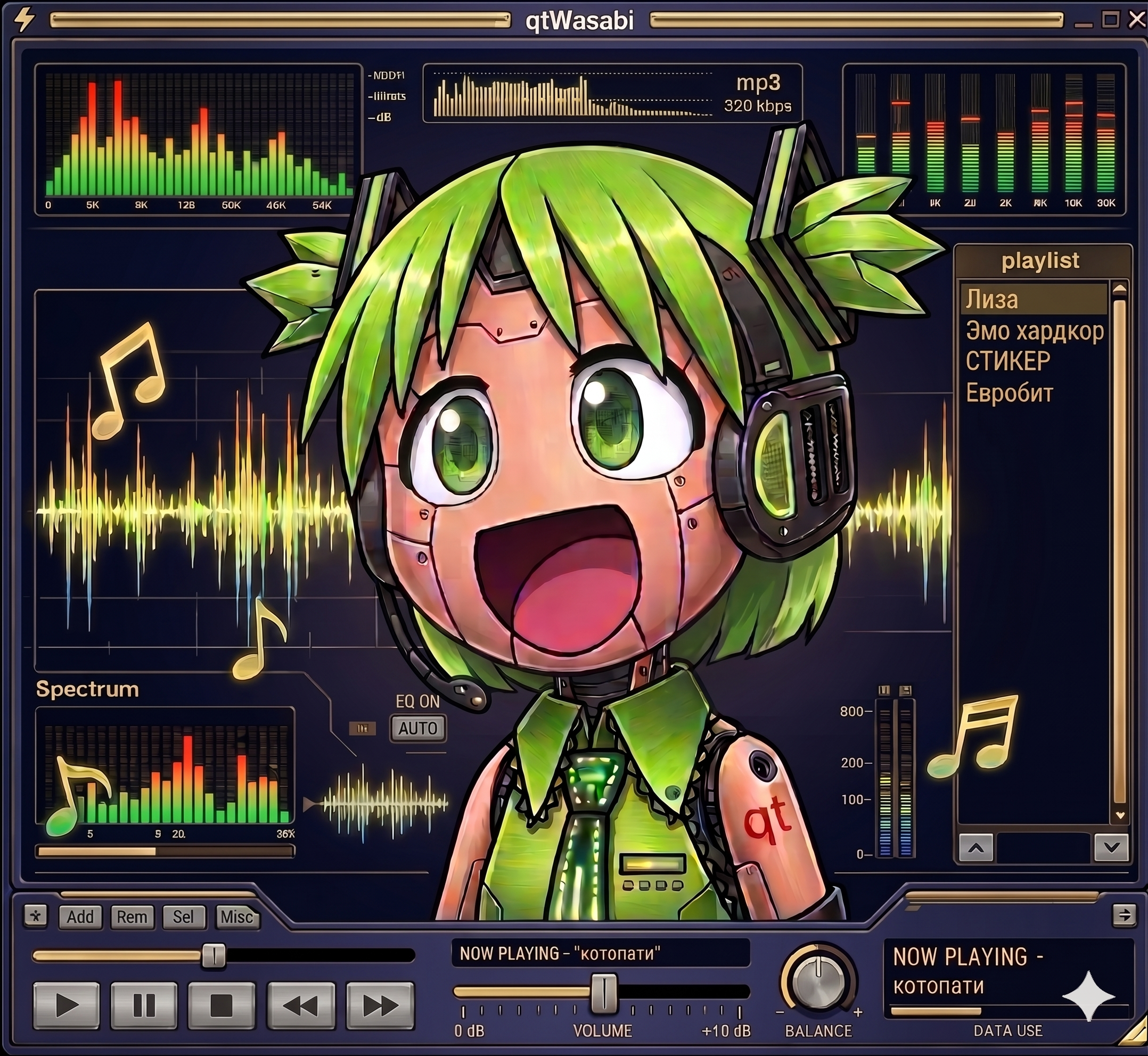
I never wanted a player that looks like Winamp. I wanted one that actually runs Winamp skins. The difference is bigger than it sounds. A Modern Skin is not a bitmap theme, it is a program. XML declares the widget tree, compiled Maki bytecode drives the behavior. Drawers slide, tabs switch, windows change their shape, all of it scripted by the skin itself. Repaint that and you have a pretty poster. I wanted the original.
That is why qtamp runs skins as real programs. qtamp is my Qt6-native music player and the reference player for qtWasabi, my independent reimplementation of a Modern Skin engine. Skins ship their compiled Maki bytecode with them, and qtWasabi executes it in its own Maki VM. The skin’s logic drives the interface exactly the way it did in 2002.
The name is a play on words. “Qt” as in the framework, “qt” as in cute. A Qt-native amp, and hopefully a cute one.

A retro-themed terminal music player featuring an animated ASCII cassette tape. Built with Python and Textual.
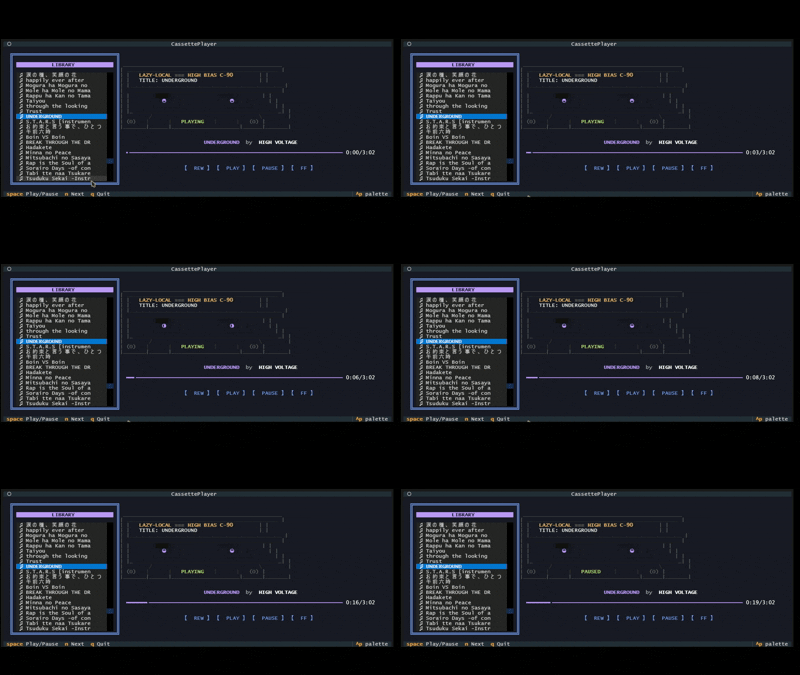
github.com/Kizarov3/CassettePlayer


