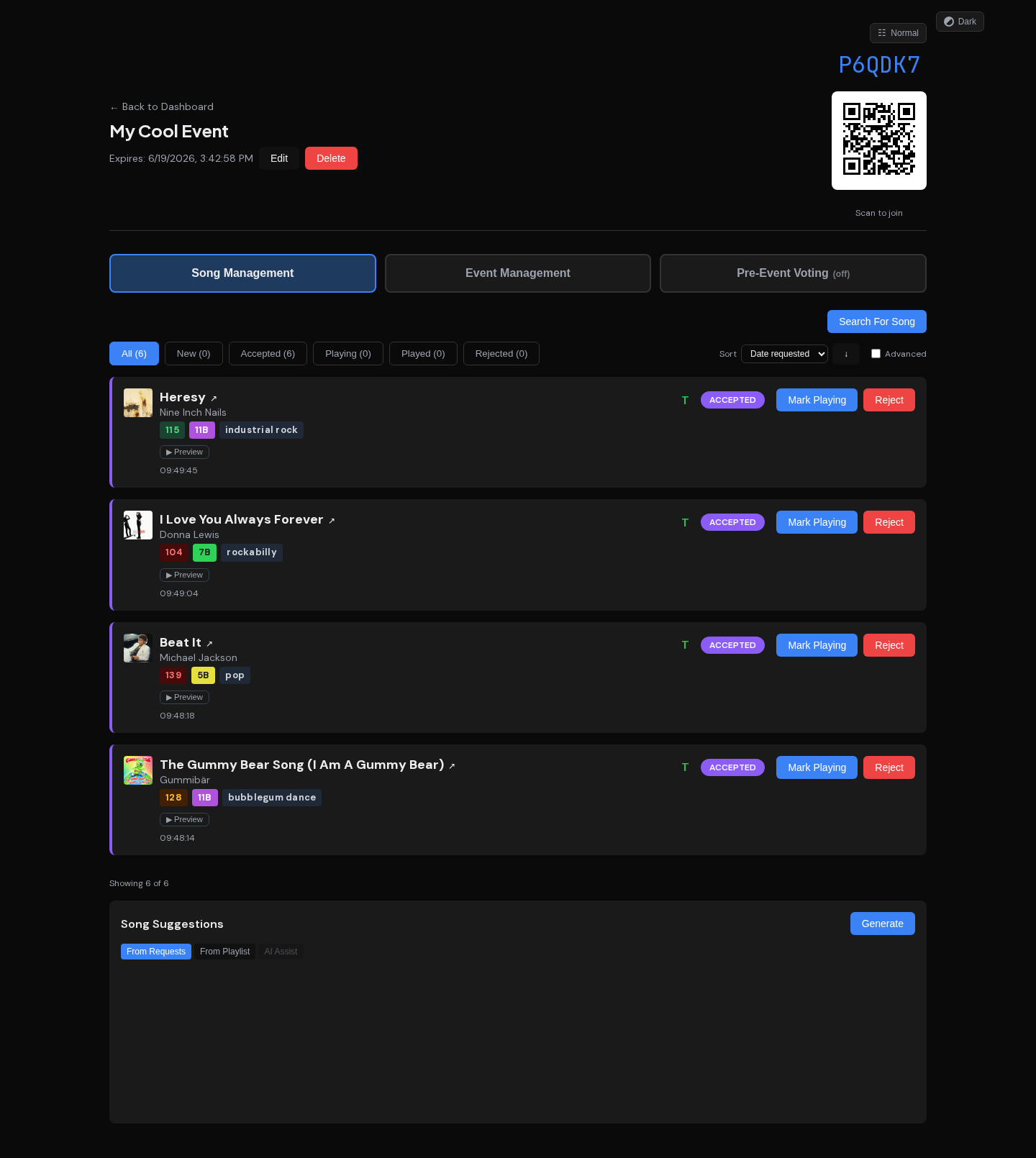
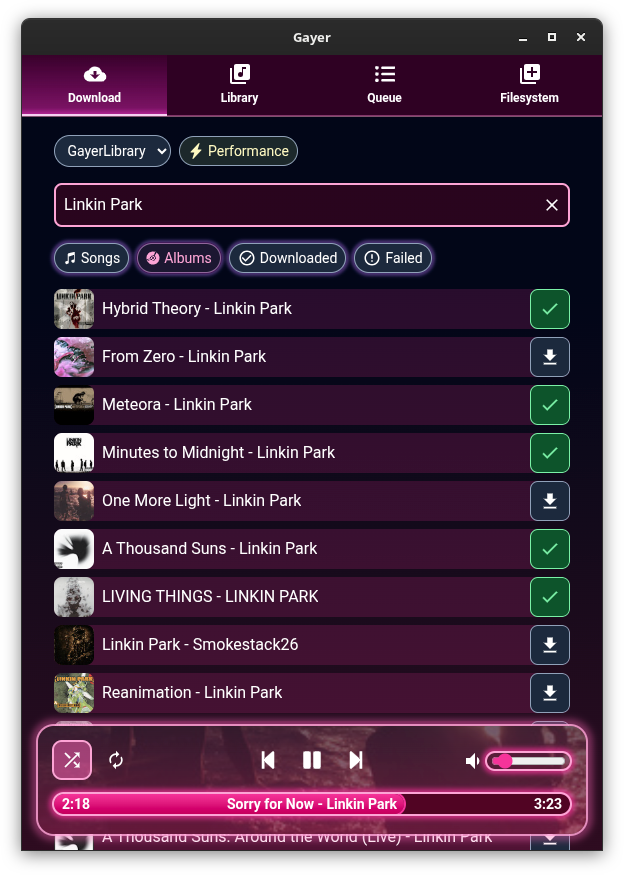
FlutPlayer ~ mp3 Player With Flutter


This is an Android / Windows application that plays audio.

github.com/n3wzd/FlutPlayer

PsalticTools ~ Byzantine Music Utilities


A set of utilities for working with Byzantine sheet music.

PsalticTools includes:

• a set of utilities (plugins) for typing of Byzantine notes in parallel double notation (Byzantine and Western), based on MuseScore free music editor;
• the PsalticHelper program for searching for formulas of Byzantine music in music books.
• the UniPsaltica2 font with the characters of the musical Byzantine notation in Unicode.

Features:

  • MuseScore-based editor for creating scores in parallel double notation
  • Simple input neumes from the keyboard
  • Check typed notes for errors
  • PsalticHelper: Search by accents pattern or by musical phrase
  • A small collection of classic psaltic books

sourceforge.net/projects/psaltichelper

References:

en.wikipedia.org/wiki/Byzantine_music
sourceforge.net/projects/byzorgan/

GrooveKraft ~ Mac Music Collection Viewer


GrooveKraft is a fast, lightweight music collection manager that uses Discogs and MusicBrainz to enrich your collection with detailed metadata and artwork.

Features:

  • Import your Discogs collection into a local database
  • View and filter your Discogs collection locally, with artwork
  • Matches releases with MusicBrainz automatically to get release dates
  • “On this day” function shows anniversaries in your collection
  • Randomizer to help you pick something to listen to
  • Missing or incorrect release dates can be manually entered
  • Match quality shown with traffic-light icons (Red, Amber, Yellow, Green)

github.com/v8oholic/groovekraft

Foobar2000 ~ ctrfoobar2000 script


Control Foobar2000 with python + Command line

usage: control.py [-h] [-p] [-t PLAY_TRACK] [-s] [-P] [-n] [-r] [-R]
[-V VOLUME] [-m] [-i] [-f [ADDFOLDER [ADDFOLDER ...]]]
[-fi [ADDFILES [ADDFILES ...]]]
[-F [ADDFOLDERPLAY [ADDFOLDERPLAY ...]]]
[-Fi [ADDFILESPLAY [ADDFILESPLAY ...]]] [-c]
[-d [DEL_TRACK [DEL_TRACK ...]]] [-l] [-b]
[-S TYPE_CONTROLLER] [-H HOST] [-O PORT] [-?] [-g]
[-x [CHANGE_CONFIG [CHANGE_CONFIG ...]]] [-T SECTION]
[-E OPTION OPTION] [-a DIR_ALIAS] [-v] [-L LEVEL_ALIAS]
[-z REPEAT] [--repeat-off] [--repeat-playlist]
[--repeat-track] [--repeat-random] [--shuffle-track]
[--shuffle-album] [--shuffle-folder] [--seek SEEK]
[--root ROOT]
optional arguments:
-h, --help show this help message and exit
-p, --play Play Playback
-t PLAY_TRACK, --play-track PLAY_TRACK
Play Playback Track No
-s, --stop Stop Playback
-P, --pause Pause Playback
-n, --next Next Play
-r, --previous Previous Play
-R, --random Play Random
-V VOLUME, --volume VOLUME
Set Volume, range is -100 <= value <= 0
-m, --mute Mute Volume
-i, --info Get info current Playing
-f [ADDFOLDER [ADDFOLDER ...]], --addfolder [ADDFOLDER [ADDFOLDER ...]]
Add Remote Folder Queue [HTTP]
-fi [ADDFILES [ADDFILES ...]], --addfiles [ADDFILES [ADDFILES ...]]
Add Remote Files Queue [HTTP]
-F [ADDFOLDERPLAY [ADDFOLDERPLAY ...]], --addfolderplay [ADDFOLDERPLAY [ADDFOLDERPLAY ...]]
Add Remote Folder Queue & Play it [HTTP]
-Fi [ADDFILESPLAY [ADDFILESPLAY ...]], --addfilesplay [ADDFILESPLAY [ADDFILESPLAY ...]]
Add Remote Folder Queue & Play it [HTTP]
-c, --clear-playlist Clear Current Playlist [HTTP]
-d [DEL_TRACK [DEL_TRACK ...]], --del-track [DEL_TRACK [DEL_TRACK ...]]
Delete Playlist [HTTP], example: foobar -d 1 2 3
-l, --list List Playlist
-b, --browser Browser Library
-S TYPE_CONTROLLER, --type-controller TYPE_CONTROLLER
Set Type Of Controller [com,http]
-H HOST, --host HOST Remote Host control Address [HTTP]
-O PORT, --port PORT Remote Port control Address [HTTP]
-?, --usage Print All Help
-g, --read-config Read config file
-x [CHANGE_CONFIG [CHANGE_CONFIG ...]], --change-config [CHANGE_CONFIG [CHANGE_CONFIG ...]]
Set Change config. format: section#option#value
-T SECTION, --section SECTION
Set Section Config
-E OPTION OPTION, --option OPTION OPTION
Set Option Config
-a DIR_ALIAS, --dir-alias DIR_ALIAS
Root of Directory Alias On Server
-v, --version -v = show version | -vv = verbosity process
-L LEVEL_ALIAS, --level-alias LEVEL_ALIAS
Level Root of Directory Alias On Server
-z REPEAT, --repeat REPEAT
Repeat 0 = Default (repeat off) | 1 = Repeat Playlist
| 2 = Repeat Track | 3 = Random Play | 4 = Shuffle
Track | 5 = Shuffle Album | 6 = Shuffle Folders
--repeat-off Repeat Off
--repeat-playlist Repeat Playlist
--repeat-track Repeat Track
--repeat-random Random Play
--shuffle-track Shuffle Track
--shuffle-album Shuffle Album
--shuffle-folder Shuffle by Folder
--seek SEEK Seek for a second
--root ROOT Root path / Directory Containt Music files, this is
for One Folder Files Selected

github.com/cumulus13/ctrfoobar2000

uhj2amb ~ UHJ Stereo To Ambisonic B-Format


We provide a simple Windows UHJ stereo to Ambisonic B-Format conversion tool for Windows. It converts stereo material that is in the UHJ format (typically from Nimbus Records) into Ambisonic B-Format .AMB files (using FuMa encoding and just the WXY channels). It uses the “naive” speaker-agnostic approach to this.

www.blueripplesound.com/free_stuff

Foobar2000 ~ Autometa Playlists


Autometa is a minimalist, customizable JScript Panel script designed to quickly create autoplaylists based on the current track’s tags with a single click (similar to the quick search function).

github.com/Zhiro90/foobar2000-autometa

KeyKit ~ MIDI Scripting GUI


An algorithmic MIDI scripting language and GUI system. Musical Fun with Windows, Tasks, and Objects.

github.com/nosuchtim/keykit
github.com/nosuchtim/keykit/tree/master/dist
github.com/nosuchtim/keykitwasm
en.wikipedia.org/wiki/Keykit
sites.google.com/site/albertozin/Home/keykit

Install Procedure:

  • Navigate to the KeyKit GitHub repository (nosuchtim/keykit).
  • Open the /dist/ directory.
  • Download the appropriate archive for your system: Windows (key_nt.zip), Linux (key_linux_alsa.zip), or Raspberry Pi (key_raspbian.zip).
  • On Windows, right-click the downloaded .zip file, select “Extract All,” and extract it to a simple path such as C:\tools\keykit\.
  • On Windows, open the extracted folder and double-click key.exe to launch KeyKit and in the KeyKit console enter midiout("KeyKitPort").
  • On Linux, open a terminal, navigate to your download directory, run unzip key_linux_alsa.zip, then cd keykit, then run ./key from inside the keykit folder.
  • If Linux reports a permission error, run chmod +x key and then ./key.
  • Install a virtual MIDI driver on Windows (for example, loopMIDI).
  • Launch the MIDI driver and create a virtual port (for example, KeyKitPort).
  • Route the virtual MIDI port to a sound source such as a software synthesizer, DAW, or virtual MIDI instrument.
  • On Linux, verify MIDI devices by running aconnect -l.
  • Start a software synthesizer on Linux, for example fluidsynth -a alsa -m alsa_seq soundfont.sf2.
  • Run aconnect -l again to view available ports.
  • Connect KeyKit to the synthesizer using aconnect <keykit_port> <synth_port>.
  • In the KeyKit console, type 'c d e f g' and press Enter to test audio output.
  • Load a built-in sequencer by entering load "lib/seq.k" in the KeyKit console.
  • Optionally load a demo by entering load "lib/demo.k".
  • Ensure KeyKit is always launched from its root directory.
  • On Windows, if using a shortcut, set the “Start in” field to the KeyKit folder path.
  • On Linux, always run cd ~/keykit followed by ./key before launching.
  • If KeyKit cannot locate its libraries on Linux, set the environment variable with export KEYROOT=~/keykit.
  • Copy any additional .k scripts into the keykit/lib/ directory or your working directory.
  • Load additional scripts in KeyKit using load "myscript.k".
  • Create a startup script by making a file named startup.k.
  • Add commands such as load "lib/seq.k" and midiout("KeyKitPort") to startup.k.
  • Load the startup script in KeyKit using load "startup.k".
  • If KeyKit produces no sound, confirm MIDI devices exist and are properly connected.
  • If KeyKit fails to start, confirm you are running it from the correct directory and that permissions are set correctly on Linux.

foo_opensubsonic ~ Streaming Client


OpenSubsonic / Navidrome client implementation for foobar2000

Features:

  • Connect to OpenSubsonic-compatible servers such as Navidrome
  • Stream tracks directly in foobar2000 through subsonic:// paths
  • Sync remote library metadata into a local foobar2000 playlist
  • Import and sync remote playlists
  • Load and cache album artwork with fallback support for streamed items

github.com/michioxd/foo_opensubsonic

Related:

lx-music-desktop ~ Electron Based Player


LX‑Music‑Desktop is an open‑source, Electron‑based music player built with Vue 3, offering a simple, fast interface for managing and playing local music libraries on desktop systems.

github.com/lyswhut/lx-music-desktop
sourceforge.net/projects/lx-music-desktop.mirror

iscream ~ MacOS Audio Recorder


iScream is a free recording application for macOS. It lets you record sound from your microphone or other sound sources. The app sits in the Dock, so when you want to start recording, just click its icon. To stop recording, click the icon again. With support for hotkeys, it’s even easier to start and stop recording without reaching for your mouse. iScream is great for making voice notes, capturing quick sound bites, recording short interviews, and any other small recordings you might need. Its simple design and easy-to-use features make it a handy tool for anyone, especially those who often need to capture audio on the fly.

  • One click recording
  • Saves in MP3, AAC or WAV format
  • Hotkeys support

www.mediahuman.com/iscream

QMidiArp ~ MIDI Arpeggiator & Phrase Generator


QMidiArp is a MIDI arpeggiator, phrase generator and controller LFO for ALSA and JACK. It can run multiple synchronized arpeggiators, LFOs and step sequencers. The modules are also available as LV2 plugins with Qt user interface. QMidiArp has been growing since June 2009 on top of Matthias Nagorni’s original arp idea.

Features:

  • Programmable arpeggio patterns, LFO waveforms and sequences
  • Modular setup of arpeggiators, MIDI LFOs and step sequencers
  • MIDI-controllable (MIDI-Learn)
  • Synchronization with MIDI Clock or JACK Transport possible
  • Optional triggering by keyboard or continuous play mode for all modules
  • Patterns can be stored and switched by MIDI control while running
  • JACK MIDI or ALSA MIDI backends
  • Modules available as LV2 Plugins

qmidiarp.sourceforge.net
sourceforge.net/projects/qmidiarp
github.com/emuse/qmidiarp
man.archlinux.org/man/qmidiarp.1.en
www.freshports.org/audio/qmidiarp

qmidiarp

Video:

Packages:

packages.debian.org/trixie/qmidiarp
packages.fedoraproject.org/pkgs/qmidiarp

References:

en.wikipedia.org/wiki/Synthesizer#Arpeggiators
www.linuxjournal.com/content/linux-arpeggiators-part-1
en.wikipedia.org/wiki/Advanced_Linux_Sound_Architecture
en.wikipedia.org/wiki/Low-frequency_oscillation
en.wikipedia.org/wiki/JACK_Audio_Connection_Kit

AudioGridder ~ Audio & MIDI Network Bridge


AudioGridder is a network bridge for audio and MIDI that allows for offloading the DSP processing of audio plugins to remote computers. This can come in handy when mixing complex projects or running CPU intensive instruments.

AudioGridder Server runs on a computer hosting your effect and instrument plugins. On your workstation, on which you run your DAW, you use the AudioGridder FX or instrument plugin to access your plugin library over the network. The plugin is looking for available servers on your network and once connected allows you to create insert chains or load instruments. Midi and audio data from your DAW will be streamed over the network, processed on the server and streamed back.

audiogridder.com