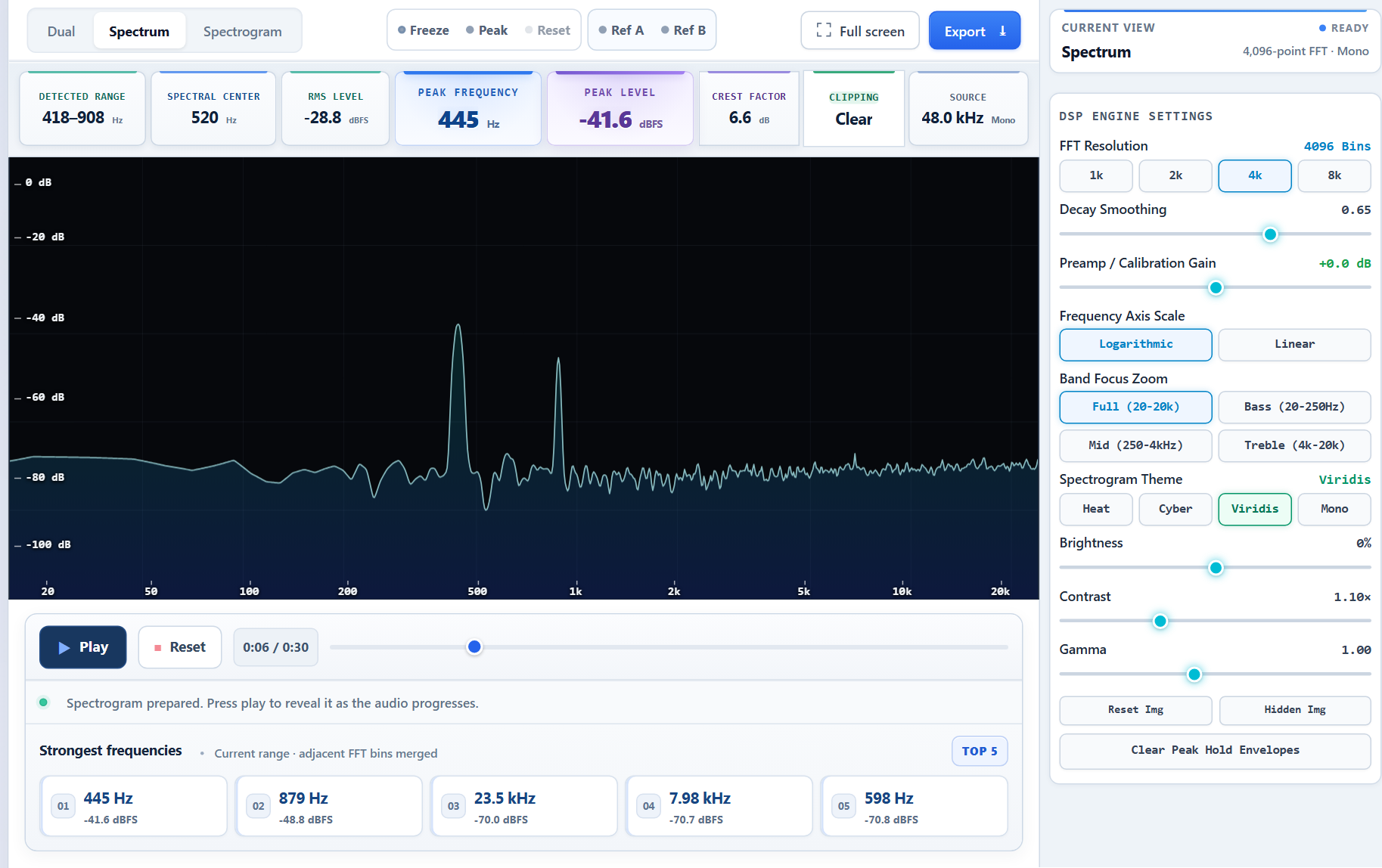
A lightweight, real-time music visualizer built around one shared Rust core that turns a stream of PCM audio samples into GPU-rendered visuals. Two frontends consume that core:
Standalone app (Windows, macOS and Linux) — pure Rust (winit + wgpu), fed by the OS’s system-audio capture.
foobar2000 plugin (Windows-first) — a thin C++ shim over the core’s C ABI, fed by foobar’s own visualisation_stream (no loopback needed on that path).
The core is source-agnostic: it takes interleaved/mono PCM frames and does not care whether they came from loopback capture or foobar. That single abstraction is what lets one visual codebase serve both frontends.
Brainzmash is a community Musicbrainz and Lidarr metadata endpoint backed by a community server pool.
For Lidarr, it’s the MusicBrainz metadata you know and love but it solves some issues experienced with the official Lidarr metadata with shorter lived cache and easy manual cache refresh to capture fresh MusicBrainz data.
The MusicBrainz endpoint is an alternitive to the Musicbrainz rate limited API or setting up a Musicbrainz server to serve various projects.
The data on each server is verified as correct and checked regularly to ensure it matches the other servers in the pool by way of running hashed data quorum checks against various endpoints, checking replication freshness and ensuring images are present where possible.
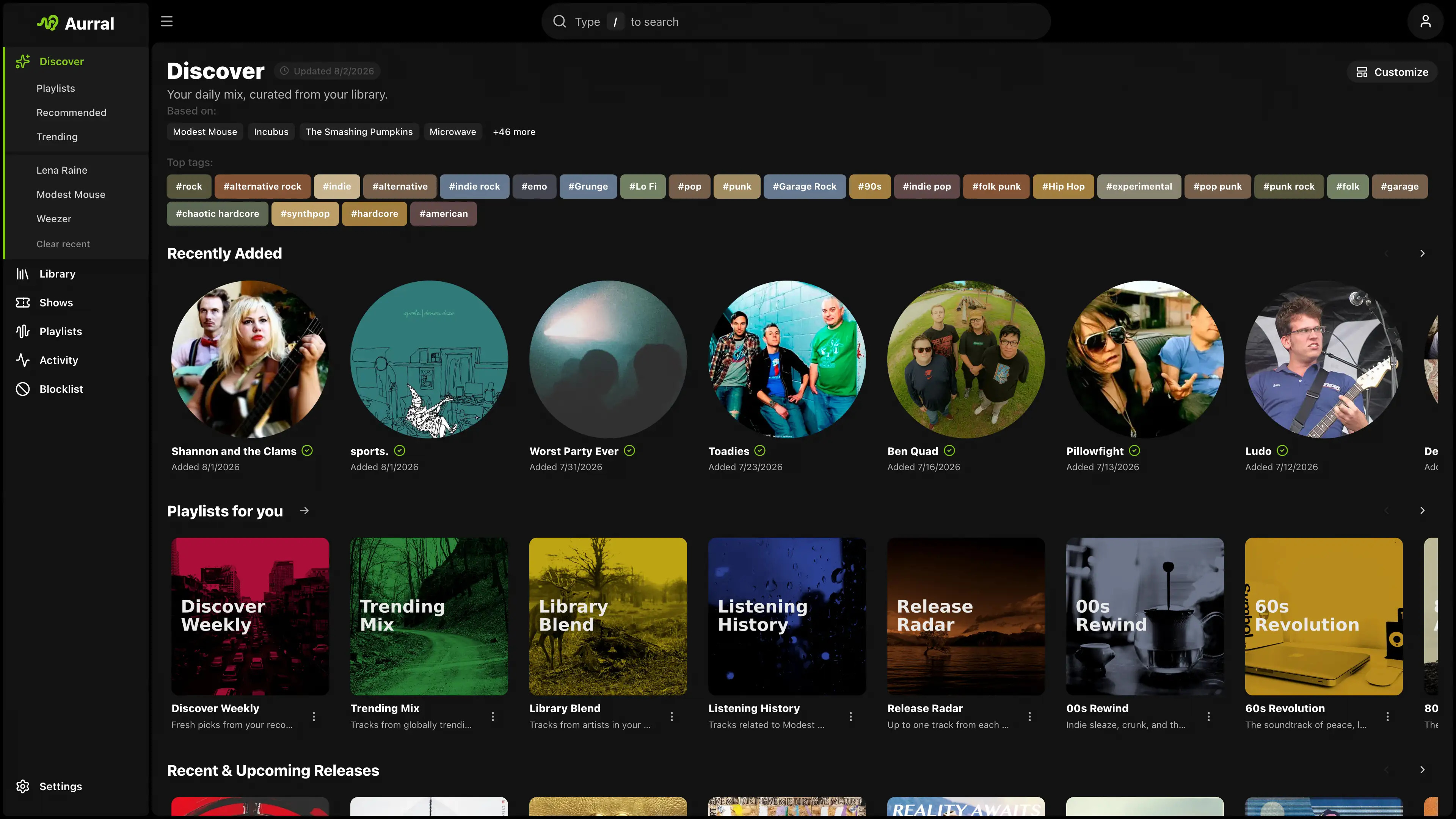
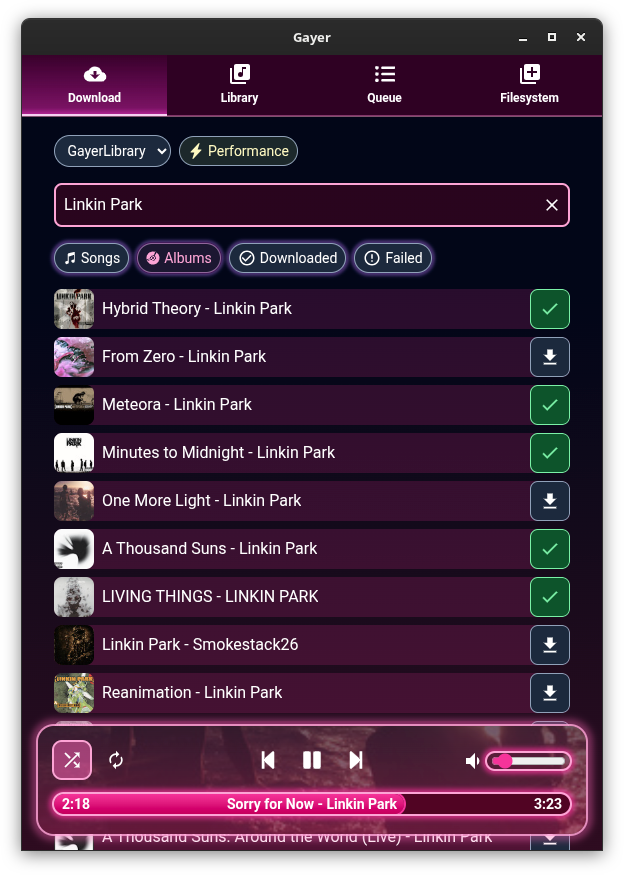
Aurral is self-hosted music discovery with its own music library. Best-in-class recommendations, rotating flows, playlist downloads, and a library that Aurral manages, with Lidarr as an optional add-on.
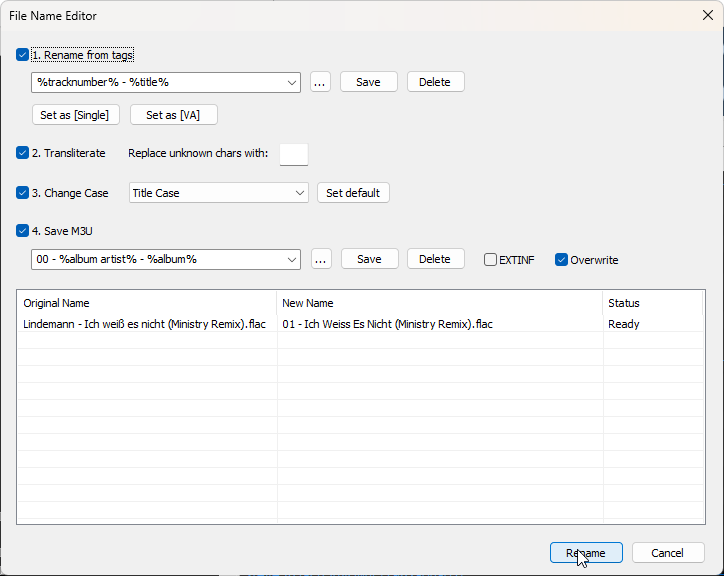
Advanced file renamer component for foobar2000 media player. This plugin helps you rename your physical audio files on your hard drive based on their metadata tags, while ensuring a seamless, smart, and fully automated workflow.
Key Features:
Smart Track Number Padding: Automatically scans all selected tracks. If the album contains 100 or more tracks, it pads numbers to 3 digits (001, 002), otherwise it defaults to 2 digits (01, 02) dynamically.
Intelligent Compilation (Various Artists) Detection: Automatically checks %album artist% and %artist% tags. If it detects a compilation, it seamlessly applies your custom VA formatting template.
Advanced Case Conversion: Supports Title Case, Smart Title Case (keeps short words like a, an, the, and, with lowercase), Sentence case, ALL CAPS, and lowercase.
Roman Numerals Preservation: Intelligently detects standalone Roman numerals (e.g., Part iii) and forces them to uppercase (Part III) across all case conversion modes (except lowercase). Includes protection against false positives (words like MIX, DIV).
Extended Unicode & Ligature Support: Works perfectly with Windows native APIs, preserving and processing complex characters like æ, œ, ß, and language-specific diacritics.
Safe Formatting Menu: Quick insertion menu for popular tags and safely escaped syntax characters like '(', ')', '[', ']', and single/double quotes (', '').
Seamless Playlist Synchronization & Reload: Automatically replaces dead file links in all open playlists with the newly renamed paths. Instantly reloads file tags and durations in the background—no broken links, no manual reloading required!
Robust Error Handling: If a file cannot be renamed (e.g., if it is locked or currently playing), the plugin bypasses it without crashing and provides a detailed summary report of successful and failed files.
Persistent Settings: Remembers your custom single/VA templates, history list, checkboxes status, and even your preferred window column widths between sessions.
M3U/M3U8 Playlist Generation (v1.1)
The plugin now includes built-in support for generating playlist files automatically during the renaming process:
Save M3U Checkbox: Automatically creates a playlist file in the top-level directory of your processed files.
Custom Naming Templates: Use standard foobar2000 title formatting syntax (like %album% or %artist% - %album%) to dynamically name your playlist file.
EXTINF Metadata: Optional toggle to write standard #EXTM3U and #EXTINF headers containing track durations and formatted titles (%artist% - %title%).
Smart Conflict Resolution & Overwrite Toggle: Prevents accidental loss of data. If overwrite is disabled, the plugin safely creates incremented filenames like Playlist (1).m3u.
UTF-8 Compatibility: Playlists are written with a proper UTF-8 BOM, ensuring seamless support for non-ASCII characters, symbols, and ligatures.
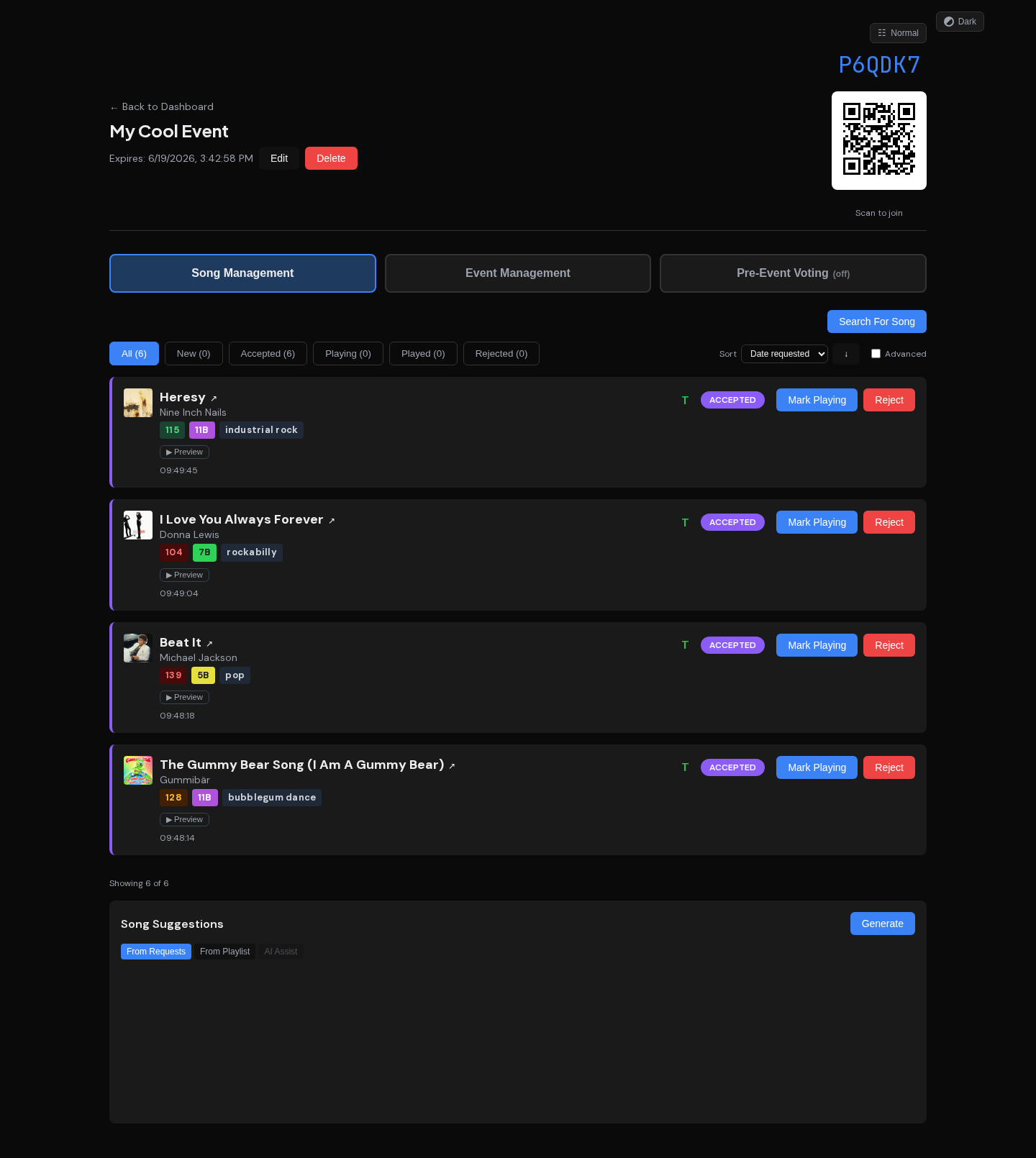
A real-time song request system for DJs. Guests scan a QR code to submit requests. DJs manage everything from a live dashboard with automatic track detection from their equipment via plugins for Denon, Pioneer, Serato, and Traktor.
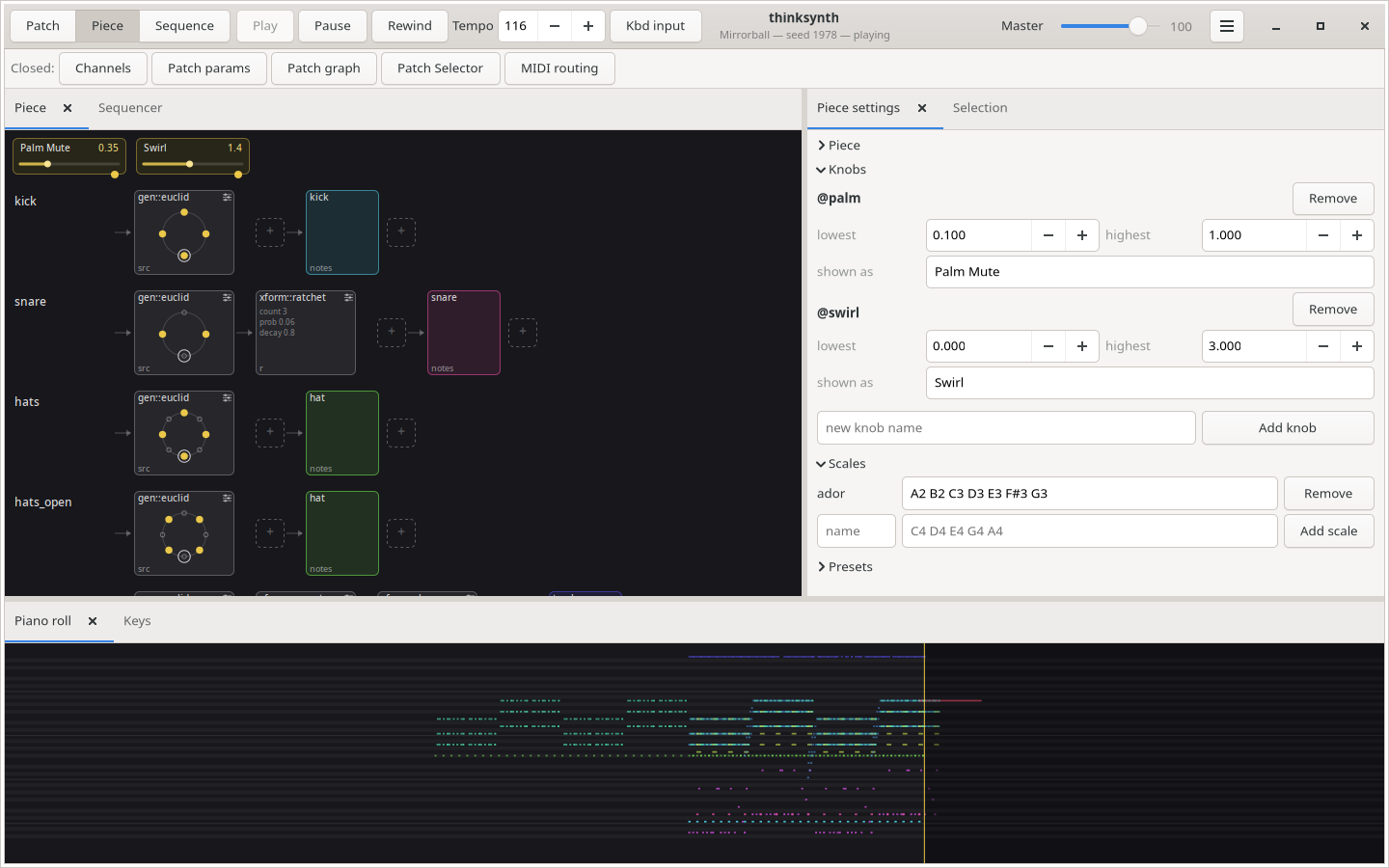
thinksynth builds sounds out of a graph of DSP nodes — oscillators, filters, envelopes, delays and arithmetic — described in a small language and rendered in real time. Patches assign those graphs to MIDI channels, so one instrument can layer several voices.
Every node is a plugin, and the set that ships covers subtractive and FM synthesis, resonators, waveshaping and a range of filters. New ones are ordinary shared libraries dropped into the plugin directory.
foobar2000 v2 x64 component for exposing a configured Google Drive folder as a playlist/feed item, similar to source components such as YouTube Source.
Playback prioritizes stability: the component downloads a selected Drive file to a local cache on first playback, then delegates decoding to foobar2000’s normal input components using the cached local file.
Features:
Google OAuth desktop flow with system browser, localhost redirect, and PKCE.
OAuth token saved under the foobar2000 profile and protected with Windows DPAPI when available.
Preferences page for OAuth client JSON, Drive folder ID/URL, cache directory, cache size limit, and saved token removal.
Recursive file listing from Google Drive files.list, limited to downloadable audio-looking blob files.
Playlist insertion using gdrive://<fileId>/<encoded filename>.
Playlist/feed track support using gdrive://folder/<folderId>/<encoded name>.
File menu integration under File > Google Drive Stream, including folder URL/ID loading into a new playlist.
Front cover artwork support from image files in the same Drive folder, preferring names such as cover, folder, front, album, or artwork.
Artwork inheritance for nested folders, Album/cover.jpg can apply to tracks under Album/Disc 1.
Context menu expansion of a selected folder feed into its current Drive audio files.
Context menu refresh that replaces the already-expanded gdrive:// file tracks immediately after the folder feed.
First-play cache download through Drive files.get?alt=media.
foo_dsp_speaker_range is a foobar2000 DSP component for Windows x64. It adds Speaker Range Crop, a configurable Linkwitz-Riley 4th-order high-pass/low-pass filter intended to limit playback to a loudspeaker’s reproducible range.
The filter sections use Vicanek matched (decramped) coefficients instead of bilinear-transform designs, so the magnitude response stays close to the analog Linkwitz-Riley prototype near Nyquist. In practice this means a 20 kHz low-pass stays active and tracks the intended response at 44.1 kHz, where bilinear/RBJ-style low-pass biquads cramp toward their forced null at Nyquist. The DSP uses causal IIR filters with no lookahead and reports zero processing latency to foobar2000. Reference: M. Vicanek, “Matched Second Order Digital Filters” (2016), vicanek.de/articles/BiquadFits.pdf.
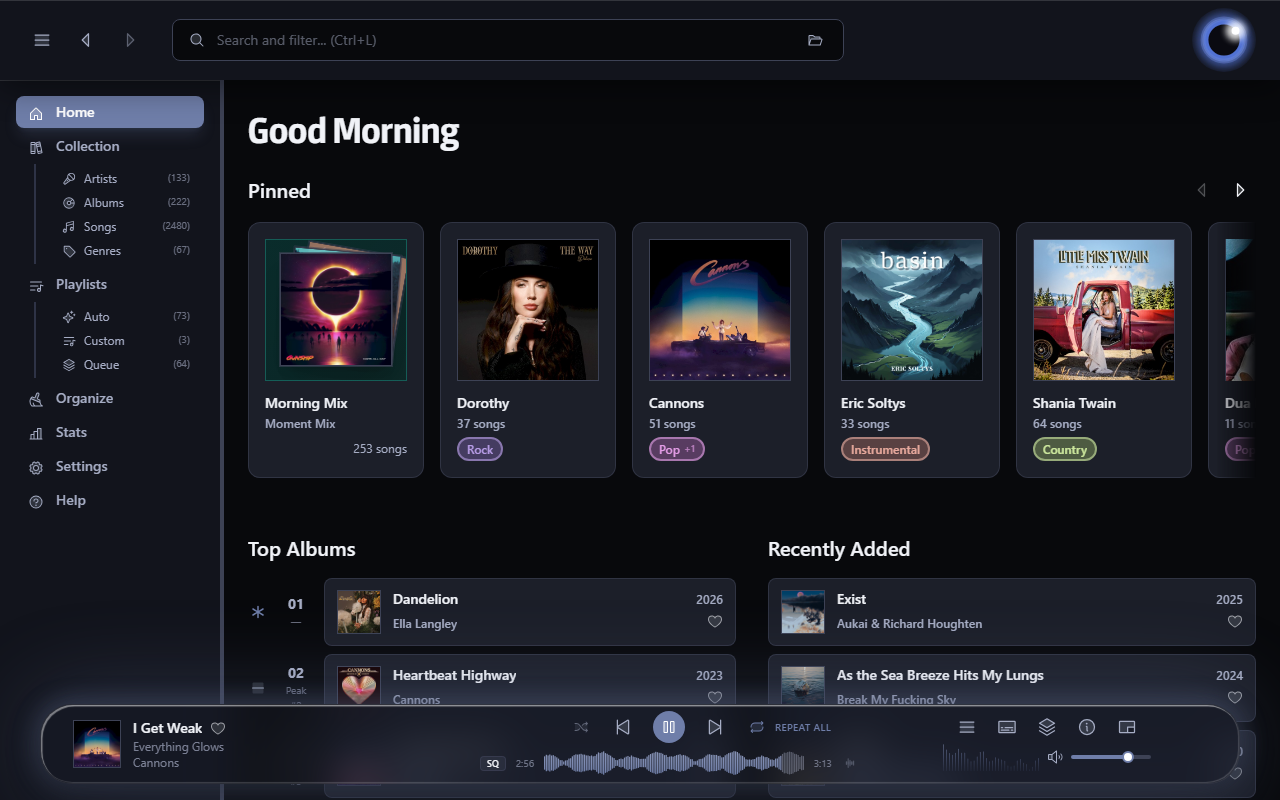
Luminous is a fast, local-first player for your own audio library. Built for anyone who wants the convenience of a modern streaming app without giving up ownership of their music. Turn a folder of files into a library you’ll enjoy browsing and listening to.