soundKonverter ~ KDE Conversion & Ripping


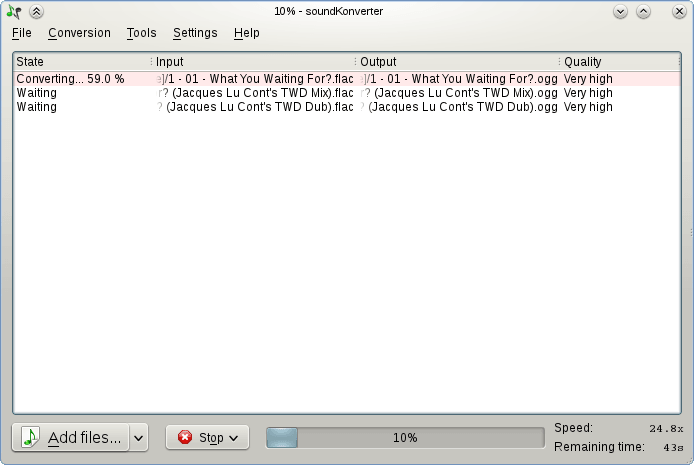
soundKonverter is a frontend to various audio converters.

The key features are:

  • Audio conversion
  • Replay Gain calculation
  • CD ripping

github.com/dfaust/soundkonverter
github.com/nphantasm/soundkonverter
store.kde.org/p/1126634

K3b ~ KDE Disk Burner


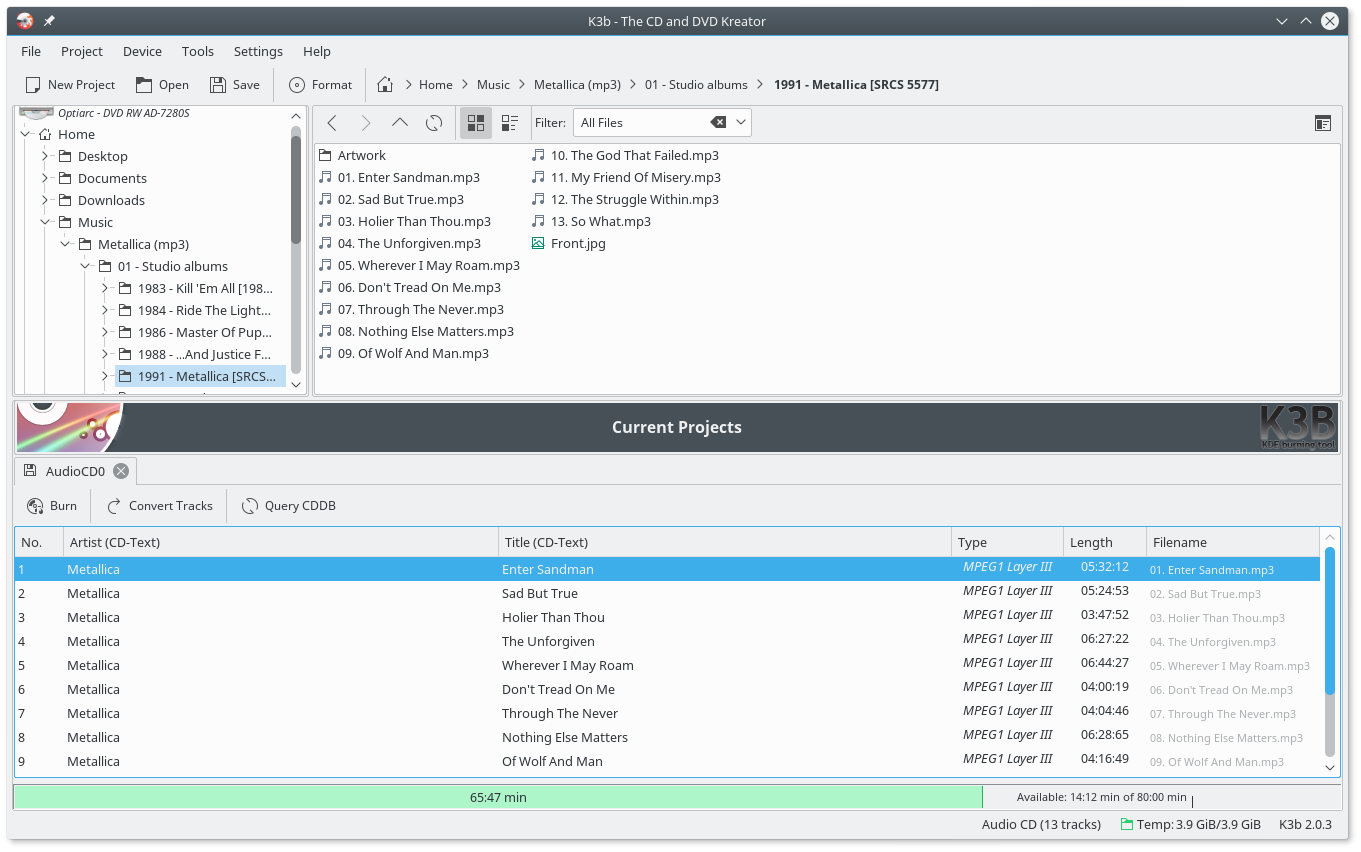
K3b was created to be a feature-rich and easy to handle CD and DVD burning application. It consists of basically three parts:

  • The projects: Projects are created from the file menu and then filled with data to burn
  • The Tools: The tools menu offers different tools like CD copy or DVD formatting
  • Context sensitive media actions: When clicking on the icon representing a CD/DVD drive K3b will present its contents and allow some further action. 

apps.kde.org/k3b
github.com/kde/k3b
sourceforge.net/projects/k3b
snapcraft.io/k3b
en.wikipedia.org/wiki/K3b
K3b Themes

Ear Tag ~ Edit Audio File Tags


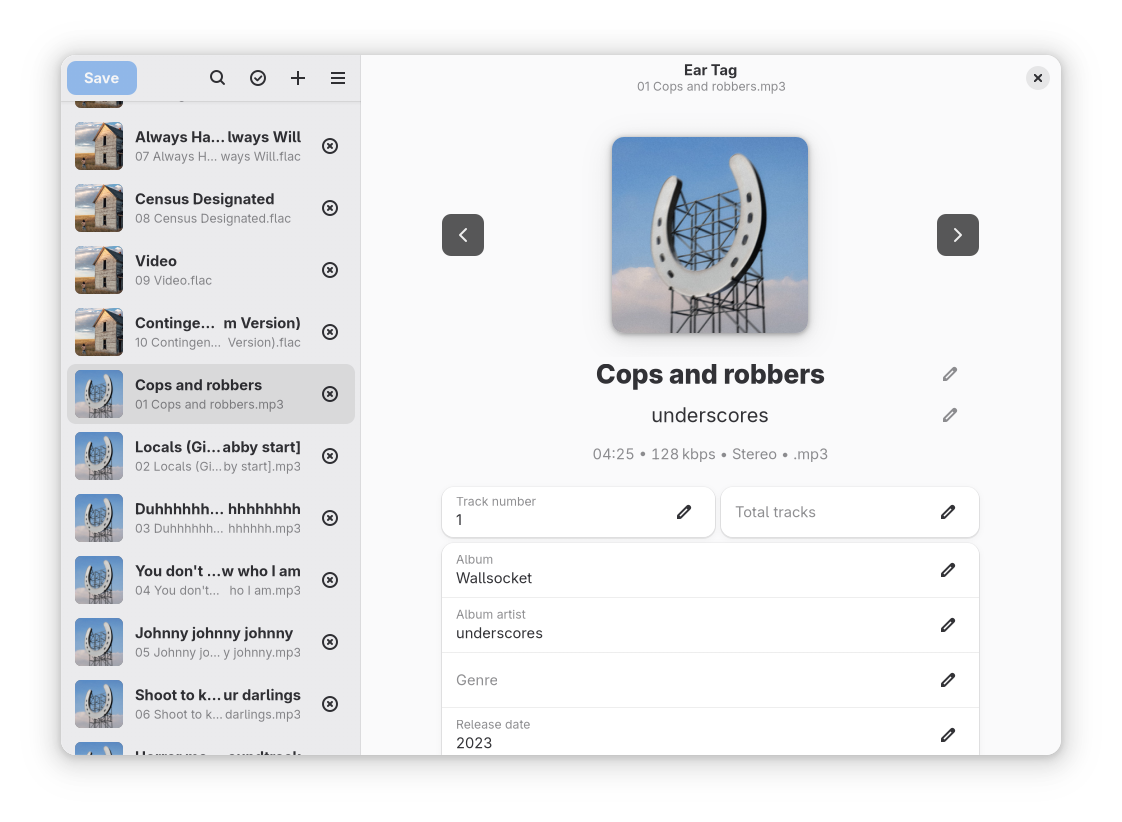
Ear Tag is a simple audio file tag editor. It is primarily geared towards making quick edits or bulk-editing tracks in albums/EPs. Unlike other tagging programs, Ear Tag does not require the user to set up a music library folder. It can:

  • Edit tags of MP3, WAV, M4A, FLAC, OGG and WMA files
  • Modify metadata of multiple files at once
  • Rename files using information from present tags
  • Identify files using AcoustID

Network access is only used for the “Identify selected files” option.

apps.gnome.org/EarTag
gitlab.gnome.org/World/eartag

Tambourine ~ Linux Music Player


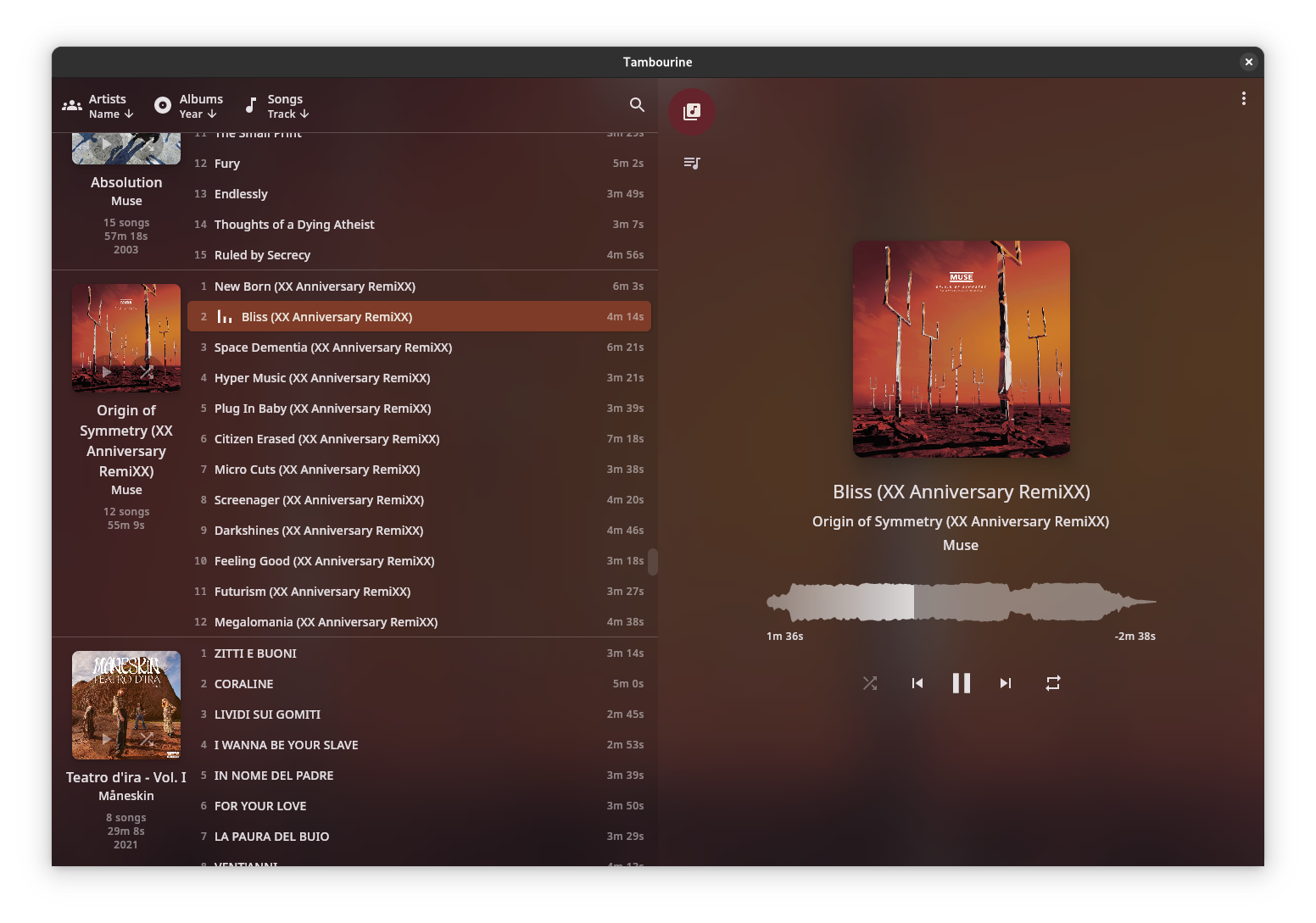
A music player for your local music library.

  • Linux first
  • Local only: no internet connection will ever be established.
  • Read only: your music will be accessed only in read mode.
  • Stateless: no cache/database/whatever will be created. The metadata in your songs are the database.
  • Imperfect: there will be use-cases that are not solved by this software, and that’s fine.

github.com/MMarco94/tambourine-music-player

Amberol ~ Plays music and nothing else


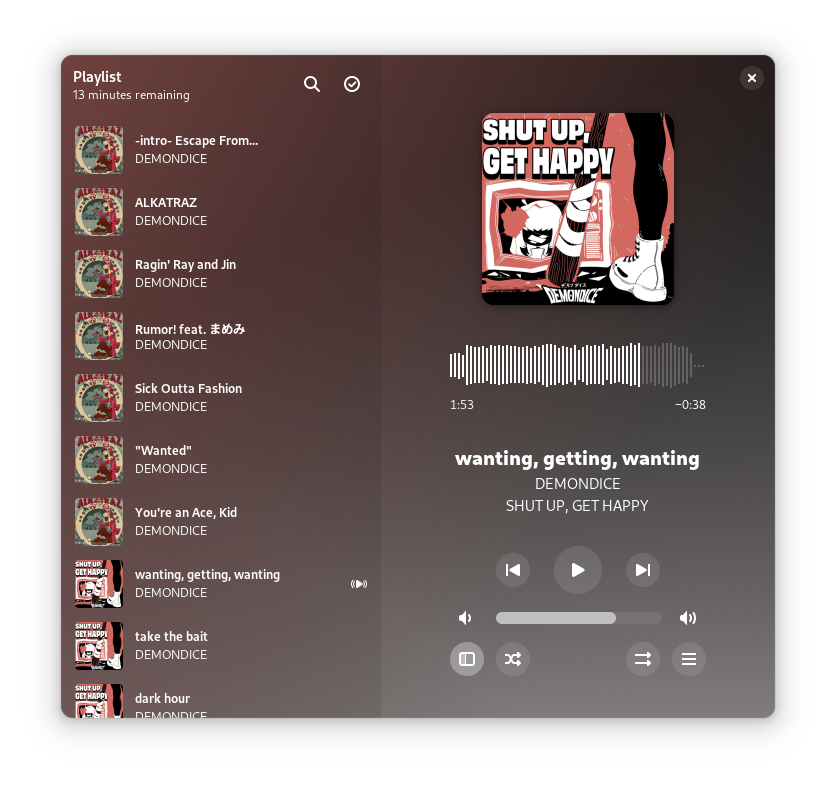
Amberol is a music player with no delusions of grandeur. If you just want to play music available on your local system then Amberol is the music player you are looking for.

Current features:

  • adaptive UI
  • UI recoloring using the album art
  • drag and drop support to queue songs
  • shuffle and repeat
  • MPRIS integration

gitlab.gnome.org/World/amberol
apps.gnome.org/en/Amberol
flathub.org/en/apps/io.bassi.Amberol

Gnome ~ Internet Radio Extension


Listen to an Internet Radio Stream

extensions.gnome.org/extension/836/internet-radio

Gnomoradio ~ Find, Fetch, Share, & Play Music


Gnomoradio is a program that can find, fetch, share, and play music that is freely available for file sharing. Gnomoradio is free software, licensed under the terms of the GNU General Public License, which permits modifications and distribution of the source code to the program. It runs on GNU/Linux and other UNIX-compatible systems, but it is no longer actively developed or maintained.

gnomoradio.nongnu.org

GNU Radio ~ Software Radio Ecosystem


GNU Radio is a free & open-source software development toolkit that provides signal processing blocks to implement software radios. It can be used with readily-available low-cost external RF hardware to create software-defined radios, or without hardware in a simulation-like environment. It is widely used in research, industry, academia, government, and hobbyist environments to support both wireless communications research and real-world radio systems.

wiki.gnuradio.org/index.php?title=What_Is_GNU_Radio

GNU Radio is a free software development toolkit that provides signal processing blocks to implement software-defined radios and signal processing systems. It can be used with external radio frequency (RF) hardware to create software-defined radios, or without hardware in a simulation-like environment. It is widely used in hobbyist, academic, and commercial environments to support both wireless communications research and real-world radio systems.

en.wikipedia.org/wiki/GNU_Radio

GNOME Music ~ Desktop Audio Player


Play and organize your music collection

An easy and pleasant way to play your music.

Find tracks in your local collection, use automatically generated playlists or curate a fresh one.

gnome music player interface

apps.gnome.org/Music

GNOME Podcasts ~ Listen From The Desktop


A Podcast application for GNOME.

Listen to your favorite podcasts, right from your desktop.

gitlab.gnome.org/World/podcasts

GNOME Metronome ~ Keep The Tempo


Keep the tempo

Metronome beats the rhythm for you, you simply need to tell it the required time signature and beats per minutes.

You can also tap to let the application guess the required beats per minute.

A boilerplate template to get started with GTK, Rust, Meson, Flatpak made for GNOME. It can be adapted for other desktop environments like elementary.

gitlab.gnome.org/World/metronome

cdparanoia ~ Linux Digital Audio Extraction


Cdparanoia is a Compact Disc Digital Audio (CDDA) Digital Audio Extraction (DAE) tool, commonly known on the net as a ‘ripper’. The application is built on top of the Paranoia library, which is doing the real work (the Paranoia source is included in the cdparanoia source distribution). Cdparanoia reads audio from the CDROM directly as data, with no analog step between, and writes the data to a file or pipe in WAV, AIFC or raw 16 bit linear PCM.

Cdparanoia is a bit different than most other CDDA extration tools. It contains few-to-no ‘extra’ features, concentrating only on the ripping process and knowing as much as possible about the hardware performing it. Cdparanoia will read correct, rock-solid audio data from inexpensive drives prone to misalignment, frame jitter and loss of streaming during atomic reads. Cdparanoia will also read and repair data from CDs that have been damaged in some way.

Cdparanoia is easy to use and administrate; It has no compile time configuration, happily autodetecting the CDROM, its type, its interface and other aspects of the ripping process at runtime. A single binary can serve the diverse hardware of the do-it-yourself computer laboratory from Hell.

www.xiph.org/paranoia
en.wikipedia.org/wiki/Cdparanoia
wiki.hydrogenaudio.org/index.php?title=Cdparanoia

Resources:

Documentation
man.archlinux.org/man/cd-paranoia.1.en

Command Line Music Metadata Manager
github.com/krateng/mumema