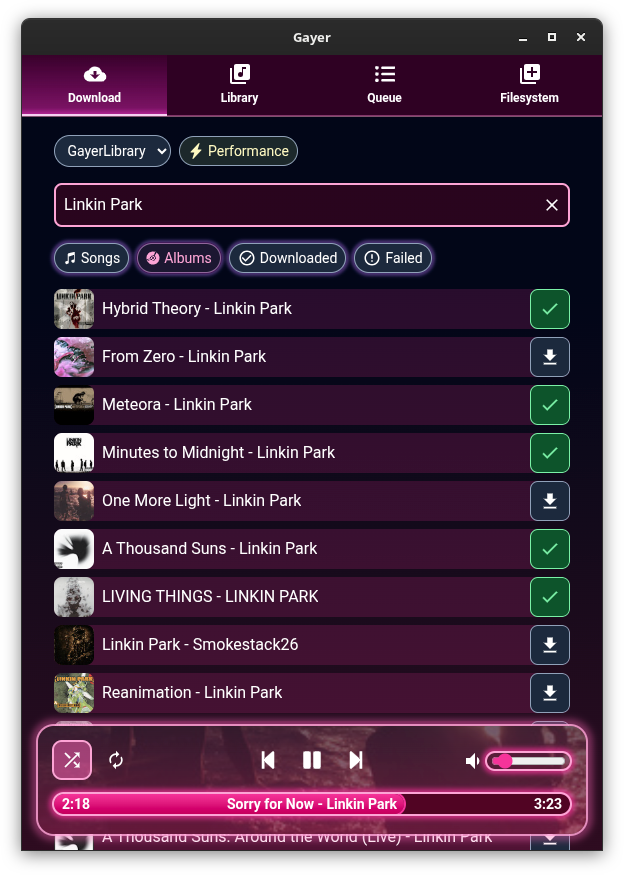
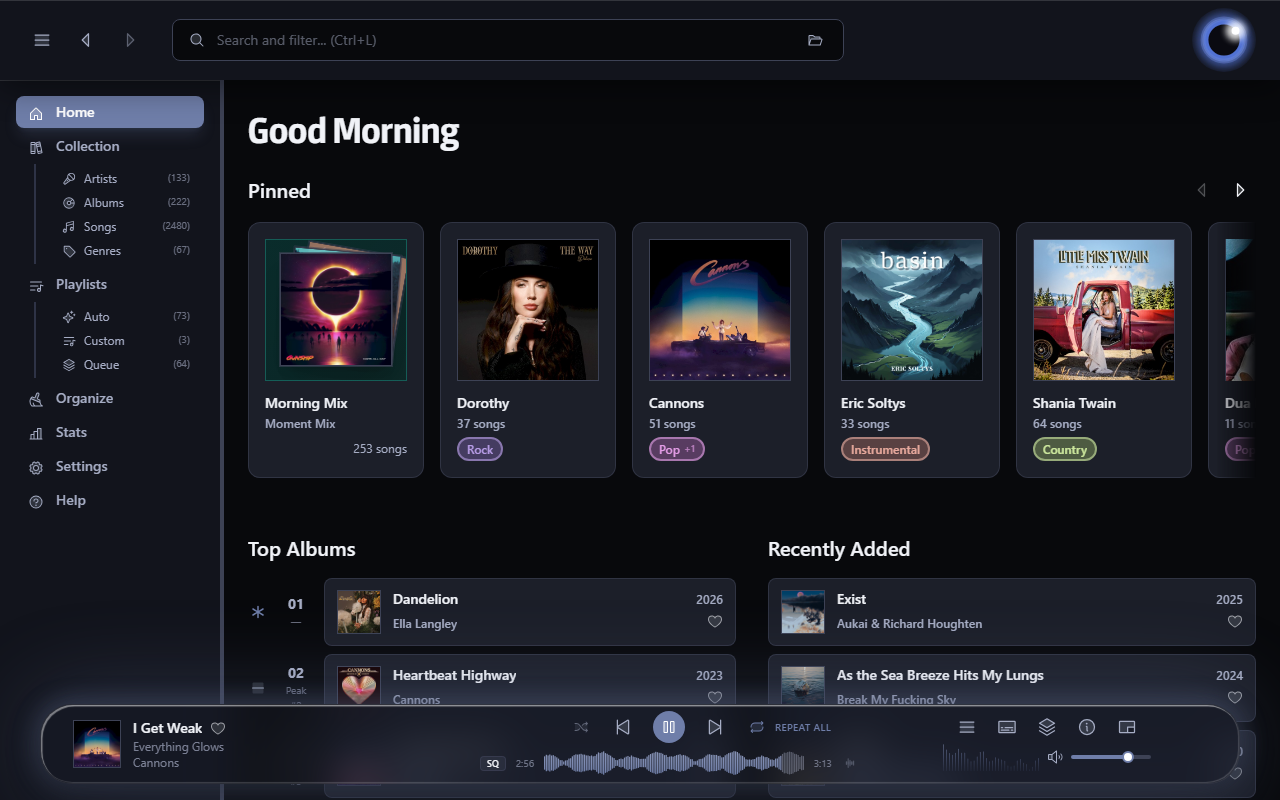
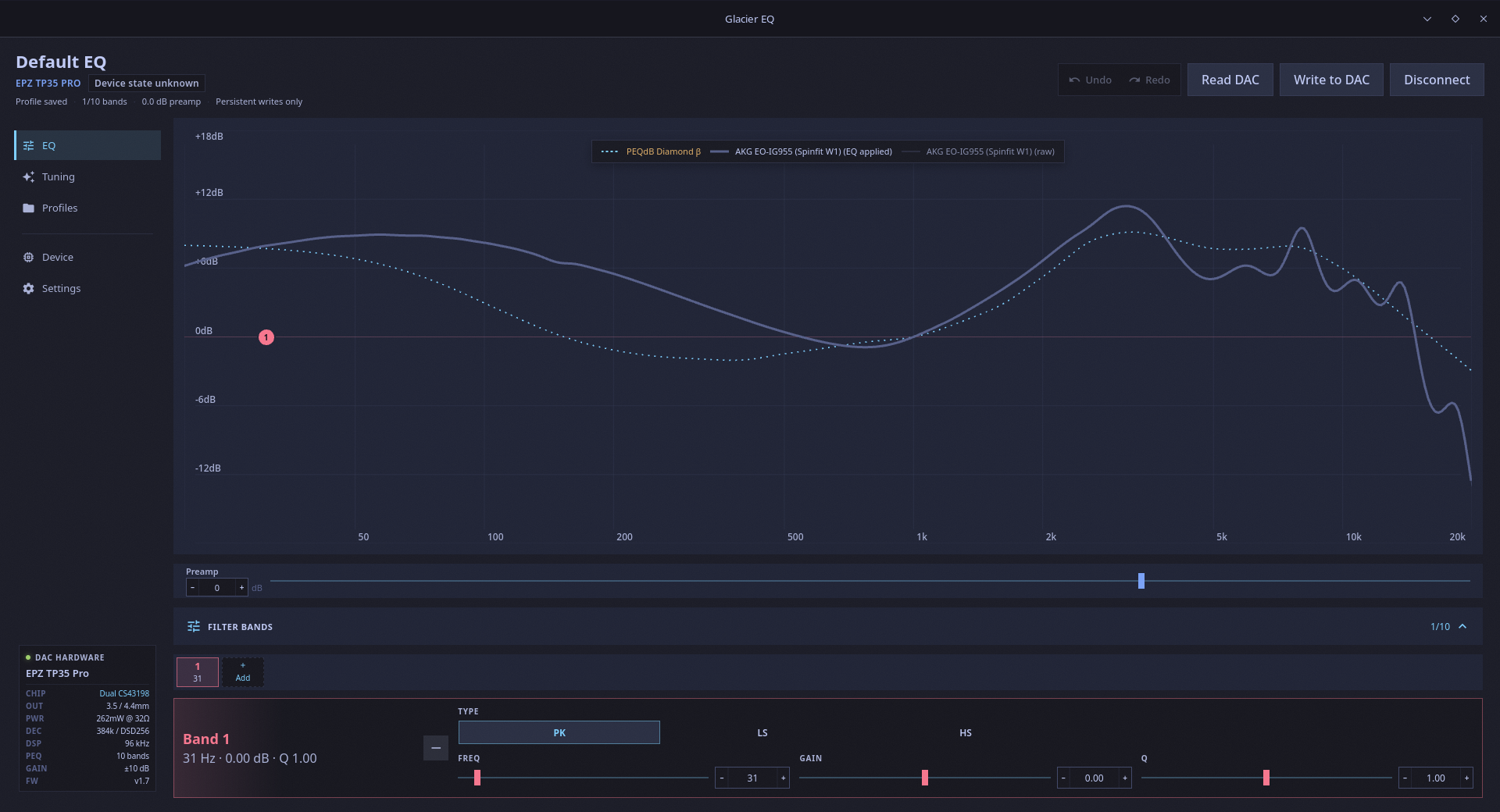
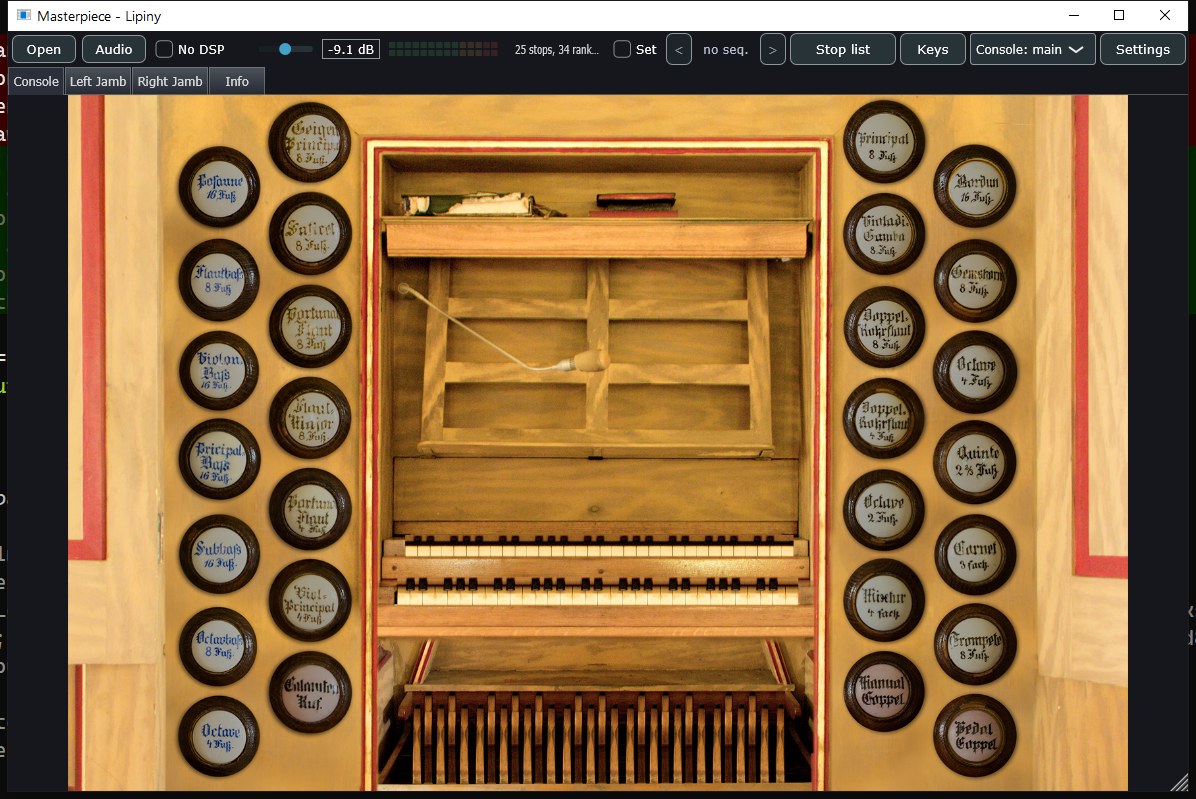
Light Crime ~ MacOS Audio Player


The 90s and early 00s were an era of personal computing, self-expression, rapid technical expansion, the web. We were barreling forward at the speed of innovation and culture, and for a brief period, the utopia of new media and self-expression were fueled by the imagination. And then… it stopped. Hotline, KaZaa, Lime Wire, Napster, Tumblr, ICQ, AOL Messenger, IRC, Usenet, Winamp… remember WinRAR? All became irrelevant really quickly, either due to legal restrictions or gutting of communities and platforms. Many artists have reflected on this, but I feel at this moment in time we’re seeing that passion creep back through the cracks of the corporate chokehold on open web.

Light Crime aims to create modern software with a cozier personal computing approach. Spotify is great. Apple Music is meh but no ICE ads, and yet… they still separate you from your media and personal space. All the tools and technologies still exist, sitting dormant, but maybe people have moved on, or recessed to small corners of the web.

When I started coding it was with BASIC and Visual Basic 3. What a joy! But now, with the advent of paired programming with tools like Claude Caude, I don’t have to worry about the labor intensive time suck of building something that cuts against the grain of modern technology. What I would have said “eh who is going to use that?” is replaced with “Who cares, I can spend an afternoon and be done with it.” So I’m going through my backlog of software and art work I want to see in the world. And am no longer stuck in the mind trap of wondering how it fits into the current culture of social media and people’s relationship to software.

ahem … Anyways, I think curating your music on your computer is fun. Making playlists is fun. And generally, just enjoying your computer rather than a terminal to SaSS platforms is refreshing in 2026. Enjoy. – chris

Features:

  • Plays MP3, FLAC, AAC, M4A, WAV, AIFF, CAF, MP4, MOV (audio extracted automatically)
  • Parses M3U, M3U8, PLS, and XSPF playlist files
  • Winamp-style scrolling marquee for long track/artist names — hover a queue row to marquee its title
  • Bitrate + sample rate readout
  • Custom borderless window with drag-anywhere chrome
  • Lives in the menu bar — Dock icon hides when window is closed
  • Hardware media key support (play/pause/next/prev F-keys)
  • Now Playing integration (lock screen, Control Center)
  • Shuffle with Fisher-Yates, previous-track restart threshold
  • Loop mode — loop all or loop one track
  • Drag-to-reorder tracks in the queue and inside playlists
  • Drag-and-drop folders or files to add music
  • Missing file detection — tracks turn red if moved, tap to re-link
  • Playlist manager — create, load, and edit named playlists
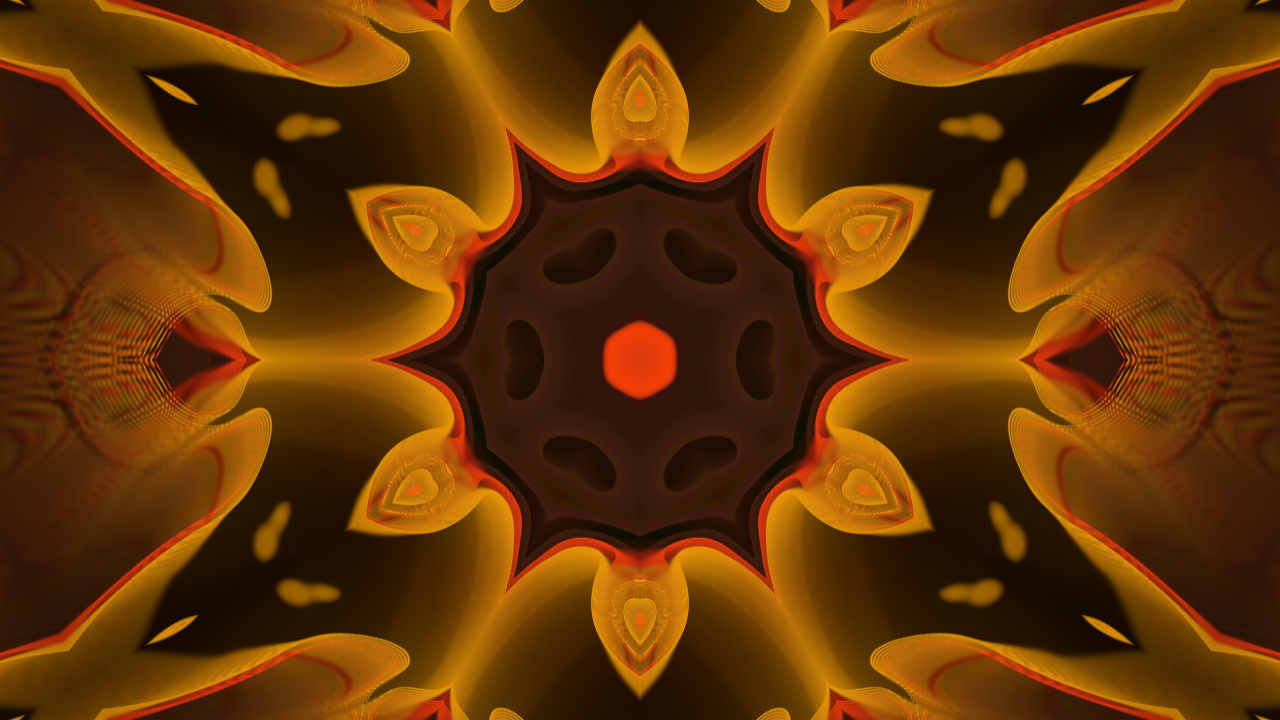
  • Audio visualizer — 7 modes: Spectrum Bars, Waveform Scope, Radial Spectrum, Audio Starfield, Frequency Mountains, Beat Tunnel, Starfield
  • Theme editor — 5 built-in presets (Default, Amber, Phosphor, Rose, Slate) + custom color creator
  • Window title brightens when the app is focused, dims when it’s not
  • Persistent library, playlists, and theme across restarts

github.com/chrisallick/light-crime-audio-player

SonicDive ~ 8D Music Player


✨ Features
🎵 Audio Visual Spectrums
SonicDive supports multiple real-time audio visualizations:

💿 Disk Spectrum
📊 Bars Spectrum
🌊 Wave Spectrum
🖼️ Thumbnail Spectrum
⭕ Circle Spectrum
Each spectrum reacts dynamically to the music’s frequency and intensity.

🎚️ Audio Effects & Modes
Choose from a variety of sound profiles to match your mood:

🔊 Flat
🎧 3D Audio
🎧 8D Audio
🎤 Hip-Hop
🎻 Classic
🎸 Rock
🎥 Dolby Effect

Features:

  • 8d music
  • dolby sound
  • 3d music
  • spectrums
  • opensource
  • pyqt5
  • python

sourceforge.net/projects/sonicdive-8d-music-player

Euphonica ~ Advanced MPD Frontend


An MPD frontend with delusions of grandeur.

It exists to sate my need for something that’s got the bling and the features to back that bling up.

Features:

  • Adaptive GTK4+libadwaita UI for most MPD features, from queue reordering and ReplayGain to crossfade and MixRamp configuration.
  • Practically zero-cost static background blur powered by libblur. Go ham with blur radius!
  • Customisable spectrum visualiser, reading from MPD FIFO or system PipeWire.
  • Automatic accent colours based on album art (optional).
  • Advanced client-side dynamic playlists.
    • Both query-based and sticker-based filtering rules are supported at the same time.
    • Multiple ordering clauses (or random shuffle on refresh).
    • Auto-refresh scheduling (hourly, daily, weekly, etc).
    • Optional fetch limit for things like top-10 playlists.
    • Graphical rules editor with live error checking.
    • Save a dynamic playlist’s current state as an MPD-side static playlist whenver you want.
    • JSON import/export for sharing & backing up dynamic playlist rules.
  • Fetch album arts, artist avatars and synced song lyrics from external sources (currently supports Last.fm, MusicBrainz and LRCLIB).
  • myMPD-compatible stickers handling.
  • Integrated MPRIS client with background run supported. The background instance can be reopened via your shell’s MPRIS applet, the “Background applications” section in GNOME’s quick settings shade (if installed via Flatpak) or simply by launching Euphonica again.
  • Rate albums (requires MPD 0.24+) and individual songs.
  • Audio quality indicators (lossy, lossless, hi-res, DSD) for individual songs as well as albums & detailed format printout.
  • Asynchronous search for large collections. The app as a whole should work with any library size (tested with up to 30K songs).
  • Configurable multi-artist tag syntax, works with anything you throw at it.
    • In other words, your artist tags can be pretty messy and Euphonica will still be able to correctly split them into individual artists.
  • Performant album art fetching & display (LRU-cached to both cut down on disk reads and RAM usage).
  • Volume knob with dBFS readout support (‘cuz why not?).
  • ncmpcpp-inspired keyboard shortcuts.
  • User-friendly configuration UI & GSettings backend.
  • MPD passwords are securely stored in your user’s login keyring.
  • Commands are bundled into lists for efficient MPD-side processing where possible.

github.com/htkhiem/euphonica

Grip ~ GTK Encoder, Player & Ripper


Grip is a GTK-based CD-player and CD-ripper / MP3 encoder. It has the ripping capabilities of cdparanoia built in, but can also use external rippers (such as cdda2wav). Encoder presets are provided for oggenc, bladeenc, lame, l3enc, xingmp3enc, mp3encode, gogo, flac, faac and opusenc.

sourceforge.net/projects/grip

soundKonverter ~ KDE Conversion & Ripping


soundKonverter is a frontend to various audio converters.

The key features are:

  • Audio conversion
  • Replay Gain calculation
  • CD ripping

github.com/dfaust/soundkonverter
github.com/nphantasm/soundkonverter
store.kde.org/p/1126634

GSonic ~ Stereo Redefined


GSonic Reference is a high-quality speaker and room correction tool that generates precision FIR correction filters from in-room measurements. It combines spatial measurement averaging with advanced filter generation to deliver studio-grade correction for any stereo listening environment.

Features:

  • Integrated Measurement & Filter Generation — Measure and generate in a single application
  • Spatial Averaging — Multi-position measurement for robust, position-independent correction
  • Automatic Clock Drift Compensation — No need for loopback cables or synchronized clocks
  • Low Latency Filters — 32,768-tap FIR filters at 48 kHz (pure C++ codebase, 341 ms processing latency)
  • Stereo Balance — Perceptual loudness-based stereo balancing
  • Target Curve Support — Built-in presets or bring your own custom target curves
  • Multiple Output Formats — Mono (L/R) and interleaved stereo WAV filters for maximum compatibility
  • ASIO & WASAPI Support — Choose your preferred audio backend on Windows

github.com/ObsessiveCompulsiveAudiophile/GSonic
hydrogenaudio.org/index.php/topic,129351.0

PodcastEasy ~ Easy Podcast Downloader


An application to download podcasts. Enter RSS feeds manually or import OPML file to download the latest podcasts.

github.com/r57zone/PodcastEasy
sourceforge.net/projects/podcasteasy

KMix ~ Mixer & Volume Control


KMix is a sound channel mixer and volume control.

apps.kde.org/kmix
github.com/kde/kmix
invent.kde.org/multimedia/kmix
docs.kde.org/trunk_kf6/en/kmix
userbase.kde.org/KMix

JuK ~ Audio Jukebox Application


JuK is an audio jukebox application, supporting collections of MP3, Ogg Vorbis, and FLAC audio files. It allows you to edit the “tags” of your audio files, and manage your collection and playlists. Its main focus, in fact, is on music management.

Features:

  • Collection list and multiple user defined playlists
  • Ability to scan directories to automatically import playlists and music files on start up
  • Dynamic Search Playlists that are automatically updated as fields in the collection change
  • A Tree View mode where playlists are automatically generated for sets of albums, artists and genres
  • Playlist history to indicate which files have been played and when
  • Inline search for filtering the list of visible items
  • The ability to guess tag information based on the track’s file name
  • File renamer that can rename files based on the tag content
  • Tag reading and editing support for many formats including ID3v1, ID3v2 and Ogg Vorbis

apps.kde.org/juk
github.com/KDE/juk
invent.kde.org/multimedia/juk
en.wikipedia.org/wiki/JuK

AudioTube ~ KDE YouTube Music Client


AudioTube can search YouTube Music, list albums and artists, play automatically generated playlists, albums and allows to put your own playlist together. It is adapted to mobile phones and desktop computers.

apps.kde.org/audiotube
github.com/KDE/audiotube
invent.kde.org/multimedia/audiotube

Audex ~ KDE CD Ripper


Audex is a CD ripper application. It lets you extract the audio from your CDs to let you listen to them on your computer and your other devices. It includes CDDB and MusicBrainz integrations to fetch the metadata and covers for your CDs if available.

apps.kde.org/audex
github.com/KDE/audex
invent.kde.org/multimedia/audex
userbase.kde.org/Audex
en.wikipedia.org/wiki/KDE_Gear#Playback

K3b ~ KDE Disk Burner


K3b was created to be a feature-rich and easy to handle CD and DVD burning application. It consists of basically three parts:

  • The projects: Projects are created from the file menu and then filled with data to burn
  • The Tools: The tools menu offers different tools like CD copy or DVD formatting
  • Context sensitive media actions: When clicking on the icon representing a CD/DVD drive K3b will present its contents and allow some further action. 

apps.kde.org/k3b
github.com/kde/k3b
sourceforge.net/projects/k3b
snapcraft.io/k3b
en.wikipedia.org/wiki/K3b
K3b Themes