GrooveKraft ~ Mac Music Collection Viewer


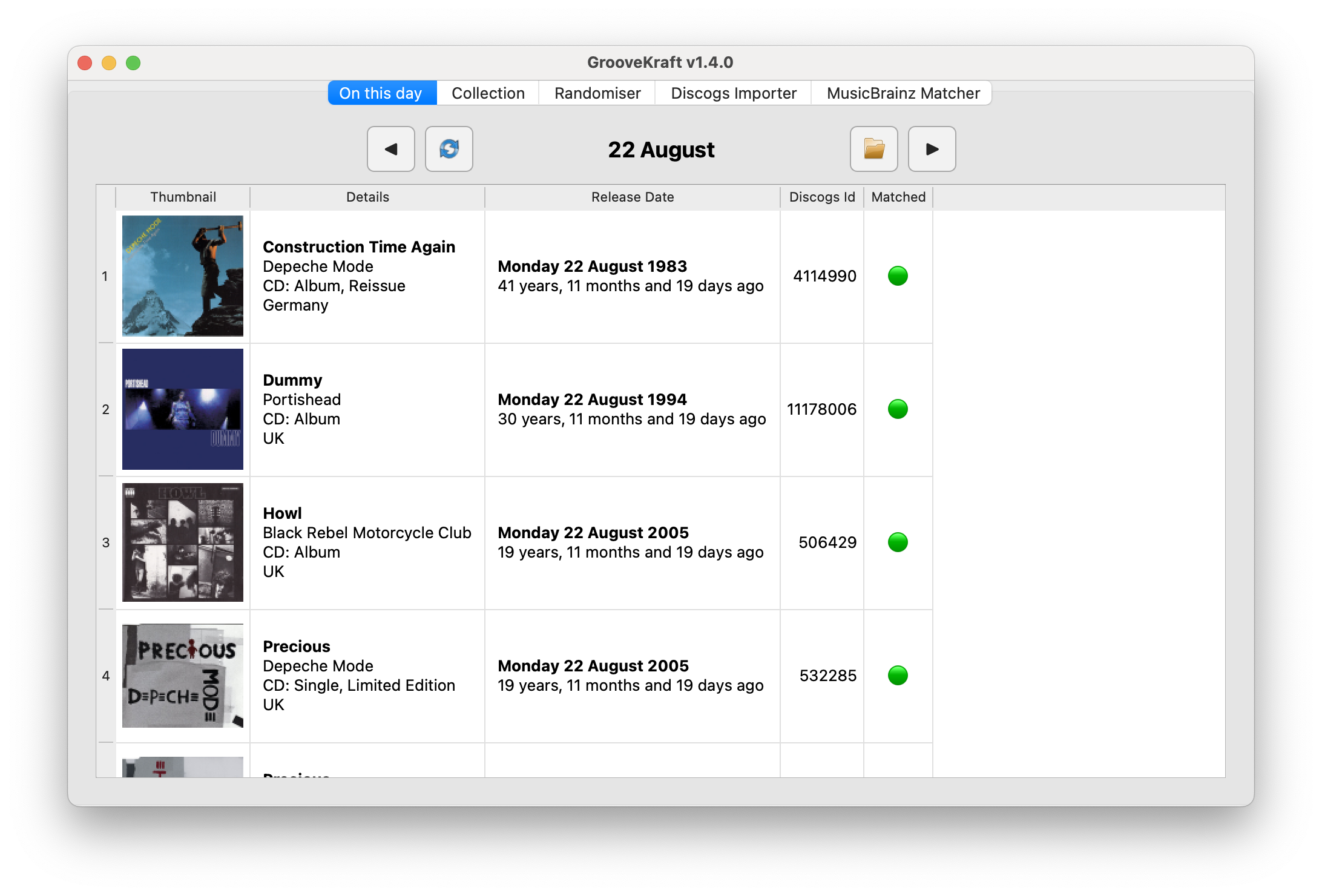
GrooveKraft is a fast, lightweight music collection manager that uses Discogs and MusicBrainz to enrich your collection with detailed metadata and artwork.

Features:

  • Import your Discogs collection into a local database
  • View and filter your Discogs collection locally, with artwork
  • Matches releases with MusicBrainz automatically to get release dates
  • “On this day” function shows anniversaries in your collection
  • Randomizer to help you pick something to listen to
  • Missing or incorrect release dates can be manually entered
  • Match quality shown with traffic-light icons (Red, Amber, Yellow, Green)

github.com/v8oholic/groovekraft

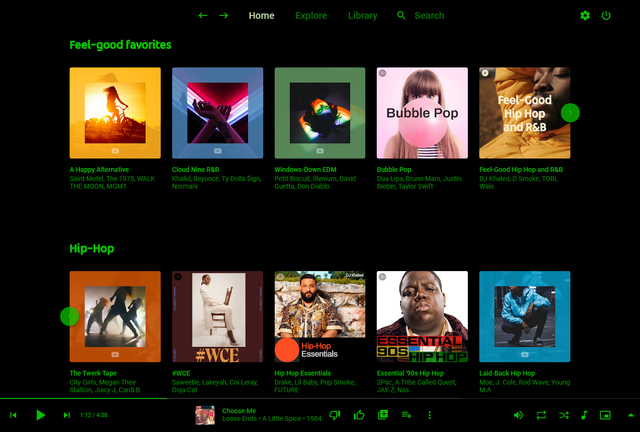
Groove ~ Cross-platform Music Player


A cross-platform music player based on PyQt5, supports Win32, Linux and macOS.

github.com/zhiyiYo/Groove

lx-music-desktop ~ Electron Based Player


LX‑Music‑Desktop is an open‑source, Electron‑based music player built with Vue 3, offering a simple, fast interface for managing and playing local music libraries on desktop systems.

github.com/lyswhut/lx-music-desktop
sourceforge.net/projects/lx-music-desktop.mirror

iscream ~ MacOS Audio Recorder


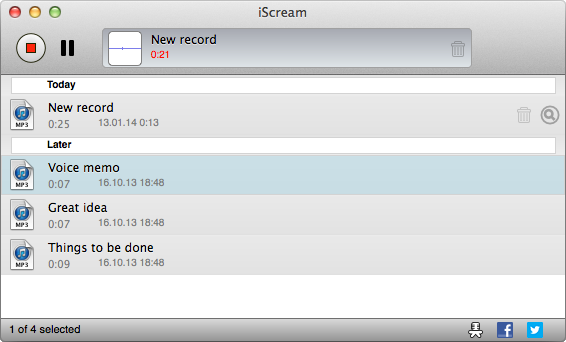
iScream is a free recording application for macOS. It lets you record sound from your microphone or other sound sources. The app sits in the Dock, so when you want to start recording, just click its icon. To stop recording, click the icon again. With support for hotkeys, it’s even easier to start and stop recording without reaching for your mouse. iScream is great for making voice notes, capturing quick sound bites, recording short interviews, and any other small recordings you might need. Its simple design and easy-to-use features make it a handy tool for anyone, especially those who often need to capture audio on the fly.

  • One click recording
  • Saves in MP3, AAC or WAV format
  • Hotkeys support

www.mediahuman.com/iscream

lowhum ~ Deep Brown Noise For Focus


Deep brown noise for focus, for the macOS menu bar. 

Single-purpose menu bar app that generates deep brown noise locally and plays it on loop. Install it, click play, forget about it. Cumulative-sum brown noise through a Butterworth bandpass (1 to 500 Hz, 20 Hz sub-bass highpass), RMS-normalized per chunk, crossfaded at boundaries. Everything is stored in ~/.lowhum/. Playback streams through PortAudio via memory-mapped files, so the full WAV never sits in RAM. The app polls audio devices every 2 seconds and stops instantly if headphones disconnect or a Bluetooth device drops.

Menu bar controls

The menu bar icon is a template image, so macOS handles dark/light mode automatically. Further, use it for:

  • Play / Stop from the menu bar
  • Pick any connected audio device from the Output Device submenu
  • Noise color selection (brown, pink, white)
  • Auto-stops when headphones connect or disconnect

Requires macOS and Python 3.12+.

lmarkmann.github.io/lowhum
github.com/lmarkmann/lowhum

References:

en.wikipedia.org/wiki/Brownian_noise

Aceforge ~ AI Music Workstation


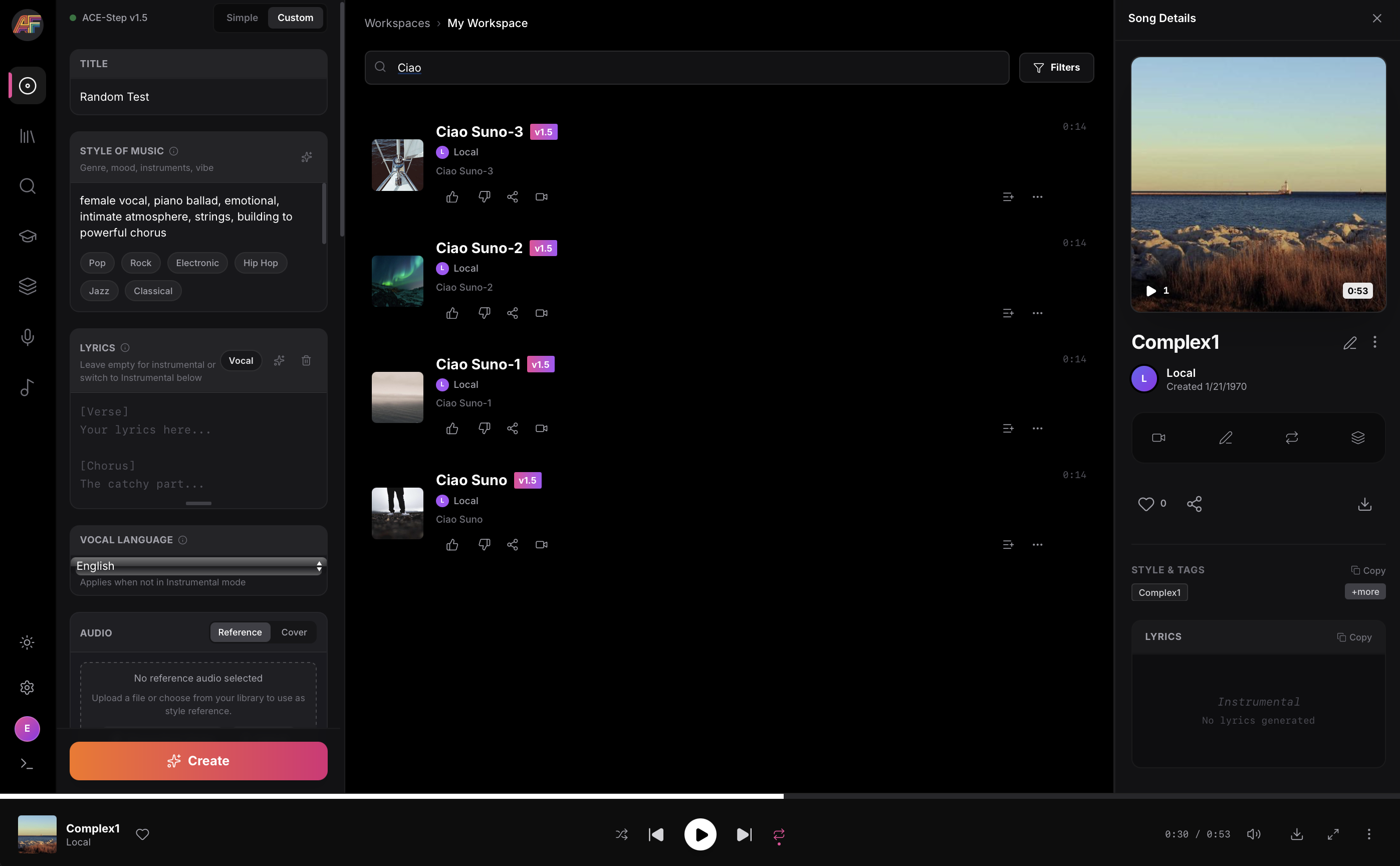
AceForge is a local-first AI music workstation for macOS Silicon powered by ACE-Step

Features:

  • .100% Local (only needs to download models once)
  • Music Generation with ACE-Step prompts
    • Use Stem separation to rebalance vocals vs instrumentals
    • Use existing Audio as reference (optional)
    • Train ACE-Step LoRAs from your own datasets
      • Mass-create _prompt.txt / _lyrics.txt files
      • Auto-tag datasets using MuFun-ACEStep (experimental)
  • Stem Splitting using Demucs for high-quality audio separation
  • Voice Cloning TTS using XTTS v2
  • MIDI Generation using basic-pitch for audio-to-MIDI transcription
  • Embedded Music Player to explore generation catalog
  • Manage and reuse prompt presets

github.com/audiohacking/AceForge

Sampletoy ~ Sampler & Synthesiser


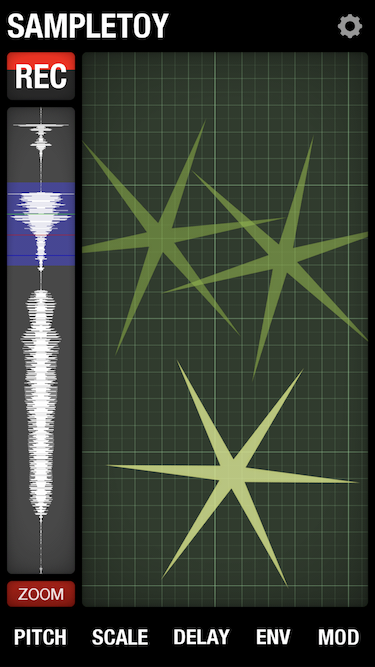
Sampletoy is a radical new musical instrument / plaything;
part sampler, part granular synthesiser.

Use it to capture sounds through the microphone,
then playlooppitch and distort them live on the screen.

www.elf-audio.com/sampletoy
www.facebook.com/elfaudioapps

FeelUOwn ~ Hackable Music Player


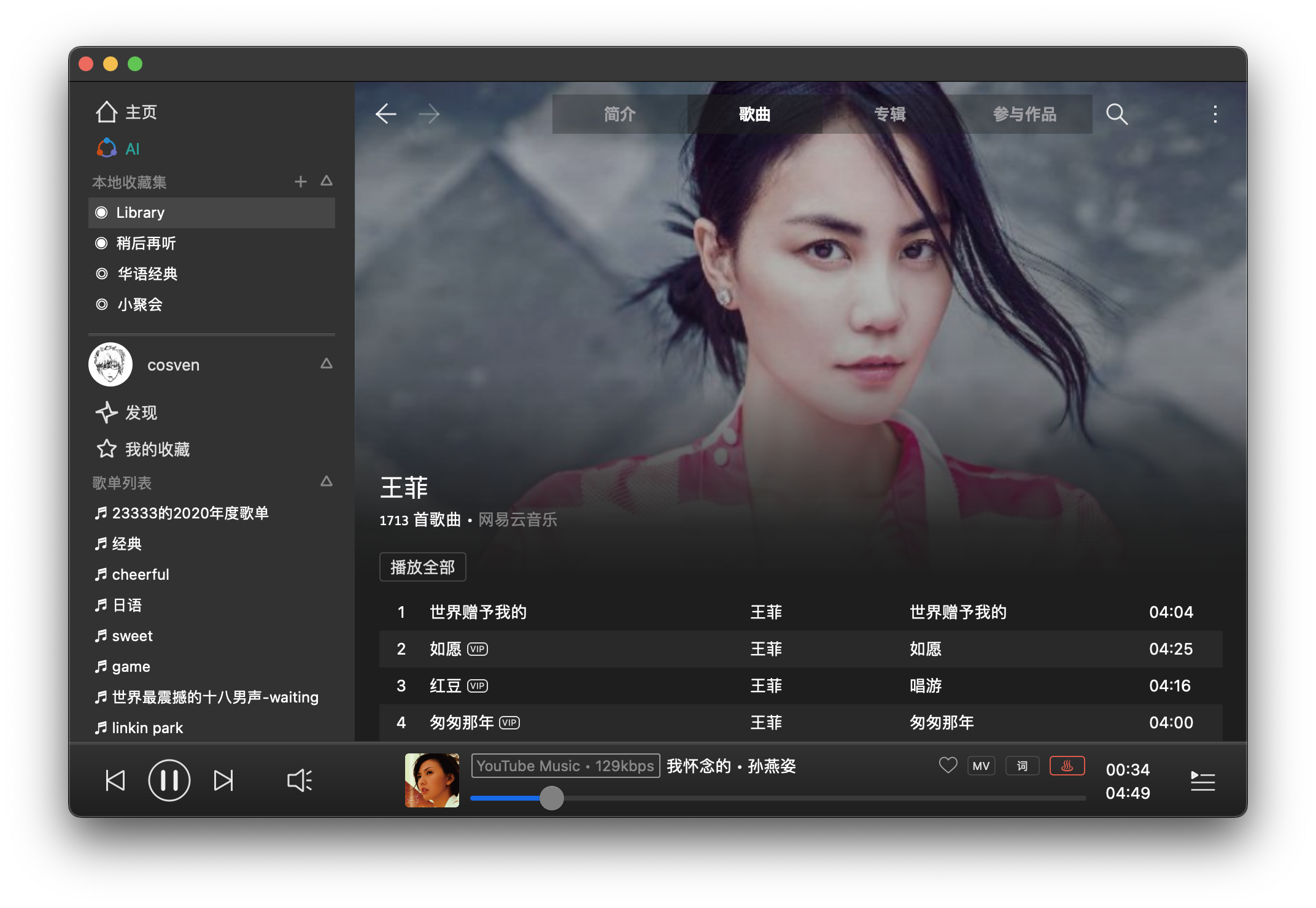
trying to be a robust, user-friendly and hackable music player

Features:

  • Stable and Easy to Use
  • One-click installation, packaged for all popular platforms (e.g., Arch Linux, Windows, macOS, etc.)
  • Plug-ins for various media resource platforms, making full and reasonable use of free online resources (e.g., YouTube Music)
  • Comprehensive basic functions, including desktop lyrics, intelligent resource replacement, multiple audio quality options, and the nowplaying protocol
  • Core modules have good test coverage, and core interfaces maintain good backward compatibility
  • Large-scale support: AI radio, natural language to playlist conversion, etc.
  • High Playability:
    • Provides a TCP-based interactive control protocol
    • Provides an MCP Server (experimental feature) for programmatic control of player/resource capabilities
  • Text-based playlists for easy sharing with friends and synchronization across devices
  • Supports Python-based configuration files (.fuorc), similar to .vimrc and .emacs

github.com/feeluown
github.com/feeluown/FeelUOwn
sourceforge.net/projects/feeluown.mirror
github.com/feeluown/feeluown-bilibili
github.com/feeluown/feeluown-download
github.com/feeluown/homebrew-feeluown
github.com/feeluown/feeluown-kuwo
github.com/feeluown/feeluown-ytmusic

mididash ~ Open Source MIDI Router


Mididash is an open source MIDI routing software with a node-based interface and Lua scripting. A modern take on programs like MIDI-OX.

Features:

  • High performance built with Tauri and Rust
  • Cross-platform available on Windows, Linux and macOS
  • Node-based MIDI routing allows for versatile configurations
  • Hot-plugging reconnect or replace MIDI devices
  • MIDI monitoring for inputs, outputs or individual nodes
  • Pre-configured nodes for MIDI splitting, mapping and more
  • Script nodes using Lua 5.4
  • Lightweight installer under 10MB

tiagolr.github.io/mididash
github.com/tiagolr/mididash
sourceforge.net/projects/mididash

ASH Toolset ~ Headphone Correction & Binaural Synthesis


The Audio Spatialisation for Headphones Toolset is a set of tools for headphone correction and binaural synthesis of spatial audio systems on headphones.

Features:

  • Headphone Correction — Generate headphone correction filters in WAV format for IR convolution or as configurations for graphic equalisers.
  • Binaural Room Simulation — Generate customised binaural simulations of different acoustic environments including control rooms, studios, halls, and more. Resulting filters can be saved in WAV format or SOFA format for IR convolution.
  • Equalizer APO Integration — Auto configures Equalizer APO to apply created filters and perform headphone correction and binaural room simulation.
  • HeSuVi Compatibility — Generates filters in formats compatible with HeSuVi, a headphone surround virtualization tool for Equalizer APO.
  • SOFA Format Compatibility – Load HRTF datasets and export customised binaural responses in SOFA format
ASH Headphone Toolset

github.com/ShanonPearce/ASH-Toolset
sourceforge.net/projects/ash-toolset

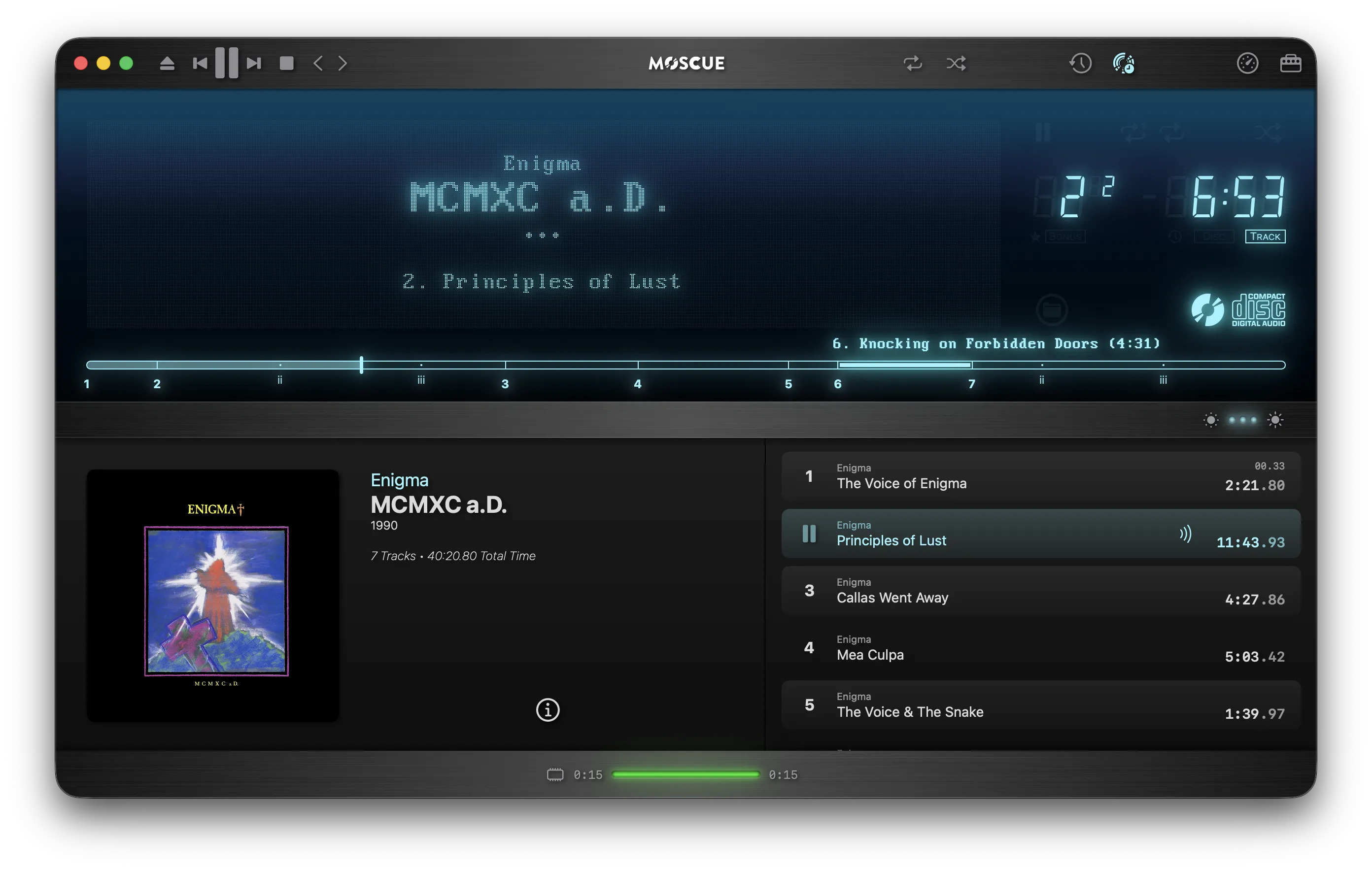
AudioPlayer ~ CD Image Player


This is an audio player for Windows, Linux and MacOS.

It is designed to play audio CDs dumped to raw bin/cue files.

The bin/cue files can be loaded from a folder on disk, or from a zip archive.

This player provides a convenient way of listening to dumps in that format without any additional step(s):

  • No need to mount the cue file as a virtual drive.
  • No need to extract the cue/bin files from zip files.
  • No need to convert the data to wav/flac/ogg/mp3.

This is currently NOT supported:

  • Playing from archives in 7z and rar formats.
  • Playing music from other formats such as wav, mp3, flac, ogg, etc. Just use a regular music player for that.

Album and track metadata is loaded from the CDTEXT information when present in cue file.

Additional metadata is optionally retrieved from CueToolsDB, including album art.

Lyrics are optionally retrieved from LRCLIB. Using a local LRCLIB sqlite3 database is also supported.

AudioPlayer Interface

github.com/huguesv/AudioPlayer

foo_scrobbler_mac ~ Foo Scrobbler For Macs


Foo Scrobbler (foo_scrobbler_mac) is a native Last.fm scrobbling plugin for foobar2000 on macOS. Submits tracks based on precise playback rules, caches scrobbles when offline, and operates silently after one-time authentication. Built using the official foobar2000 plugin API, it focuses on reliability, low overhead, and correct metadata handling. Fully open-source under GPLv3.

Supports macOS ≥ 11.5 on both Intel and ARM.

github.com/zfoxer/foo_scrobbler_mac