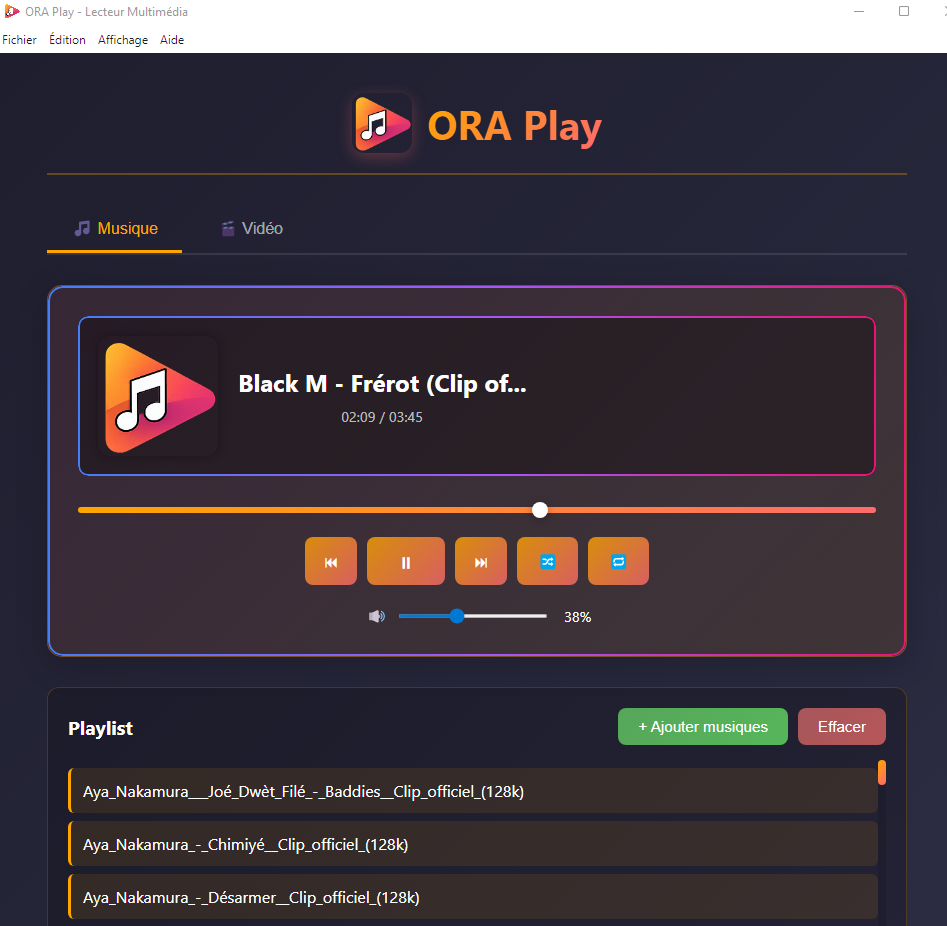
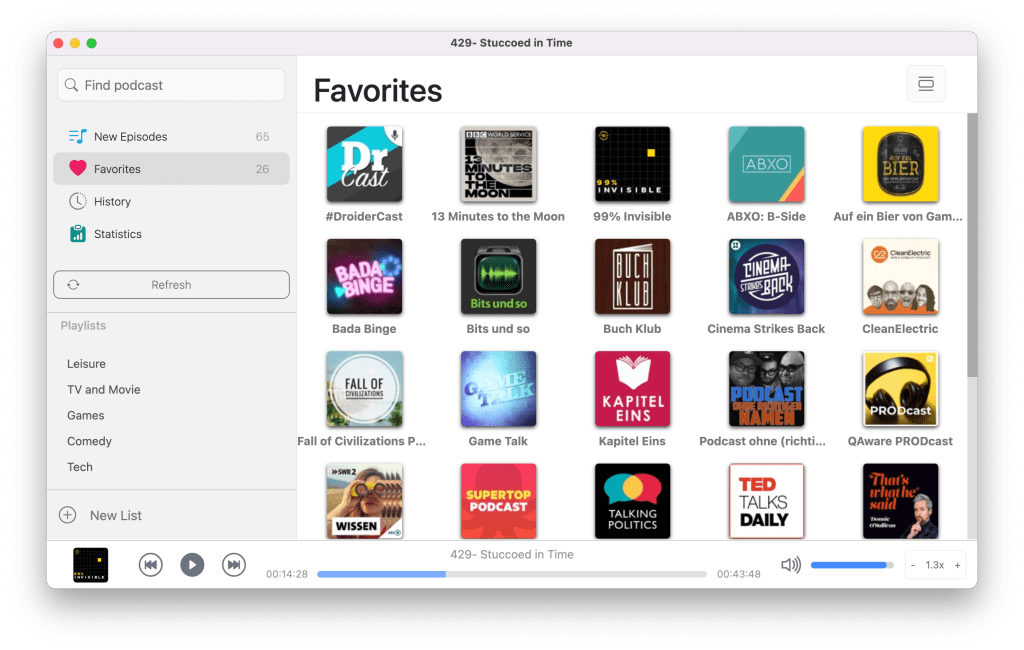
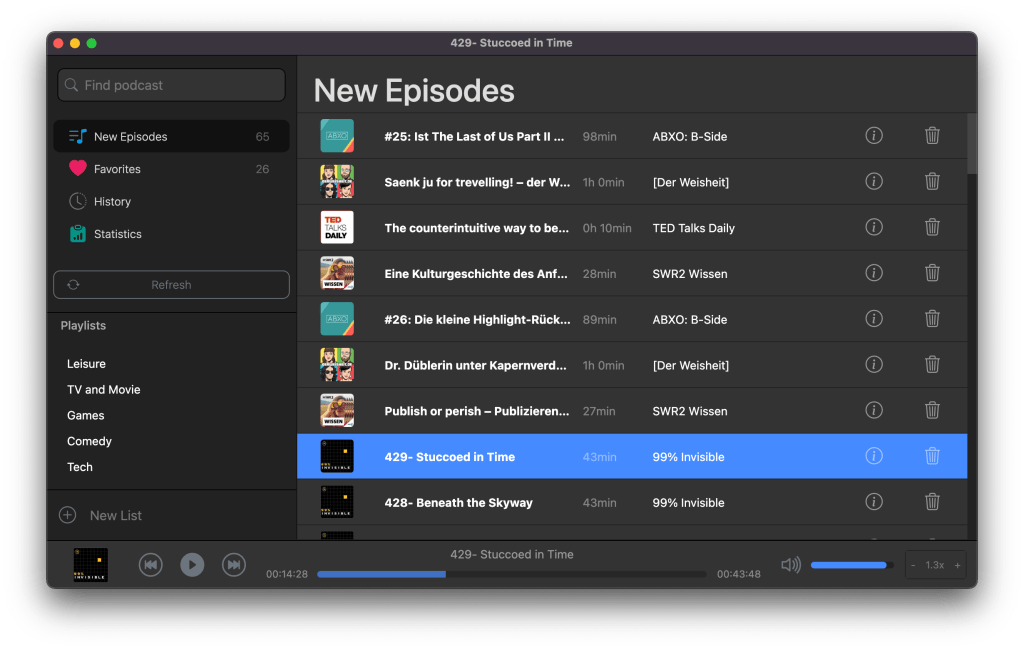
ORA Play is a modern audio player designed to offer a simple, fast, and enjoyable experience.
Features:
– Playback of local audio files – Drag & Drop – Play/Pause controls – Track navigation – Playlist management – Built-in Mini Player – Modern and intuitive interface
. Developed with Electron, JavaScript, HTML, and CSS.
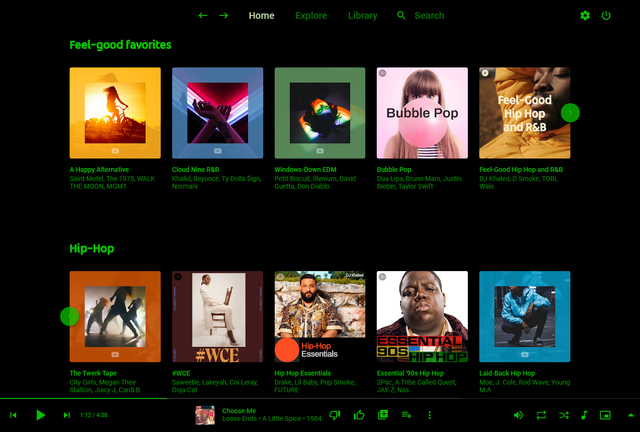
Pear Desktop is an Electron-based desktop client for YouTube Music designed for Windows, Linux and macOS. The project keeps the standard YouTube Music interface while adding desktop integration, plugins, themes and additional playback features.
The application is open source and distributed under the MIT license.
Features:
Native desktop-style window and controls
Plugin framework
Ad blocker
Lyrics support
Last.fm scrobbling
Discord Rich Presence
Media key support
Custom themes and CSS
Audio compressor
Equalizer
Crossfade
Skip silences
SponsorBlock integration
Video/audio mode toggle
Notification support
Downloader plugin
OBS integration
System tray support
Global keyboard shortcuts
How It Works
Pear Desktop loads the standard YouTube Music web interface inside a desktop application window and extends it through plugins and Electron desktop integration. It is not a standalone music service and still requires a YouTube Music or Google account for normal use.
Basic Usage
Download the correct installer for your operating system from the Releases page.
Install and launch the application.
Sign into your Google account.
Use YouTube Music normally.
Optional plugins can be enabled or disabled from the Plugins menu.
Platforms
Windows
Linux
macOS
Notes
Because Pear Desktop uses Electron, memory and CPU usage are generally higher than lightweight native audio players such as foobar2000 or AIMP. The project is intended primarily as a feature-enhanced desktop frontend for streaming music from YouTube Music rather than as a traditional local-library music player.
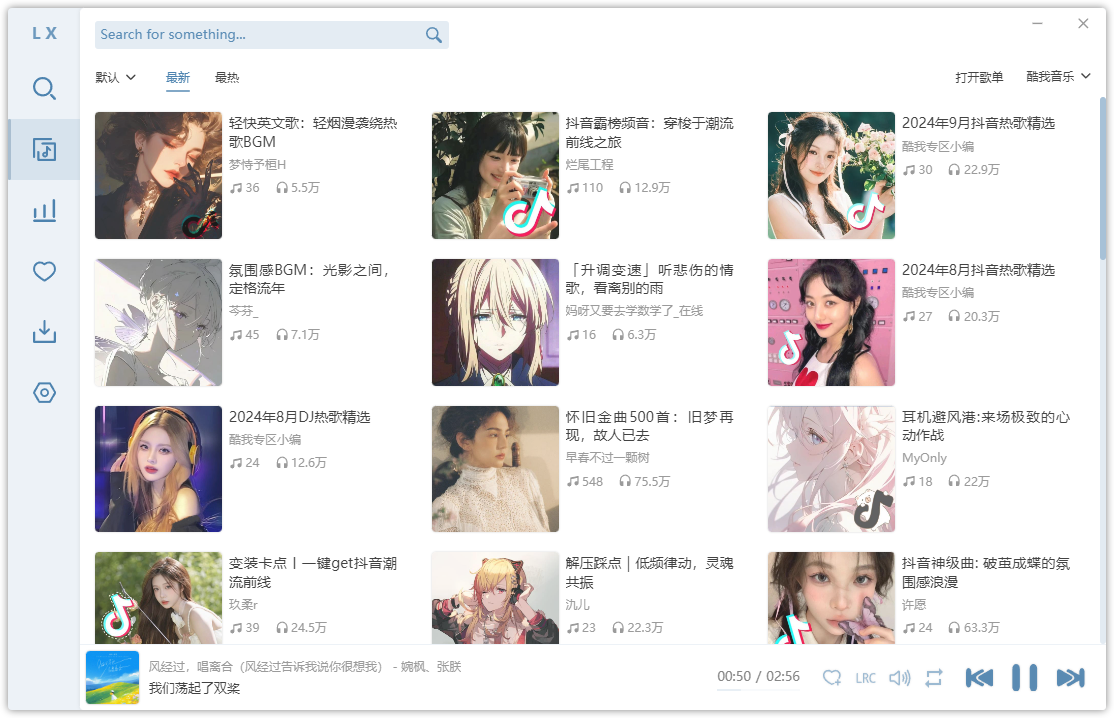
LX‑Music‑Desktop is an open‑source, Electron‑based music player built with Vue 3, offering a simple, fast interface for managing and playing local music libraries on desktop systems.
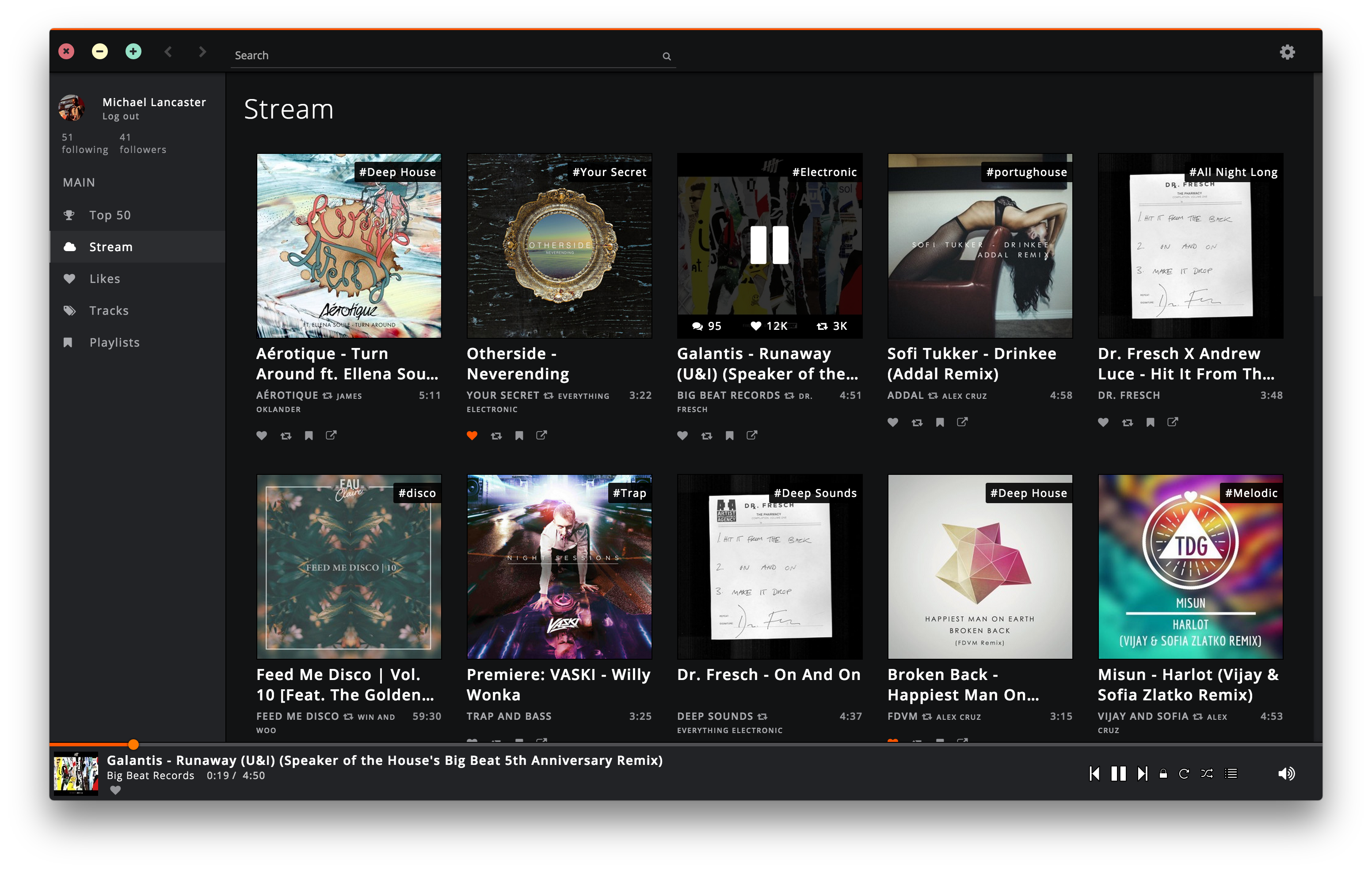
Soundnode App is an Open-Source project to support Soundcloud for desktop Mac, Windows, and Linux. It’s built with Electron, Node.js, Angular.js, and uses the Soundcloud API.