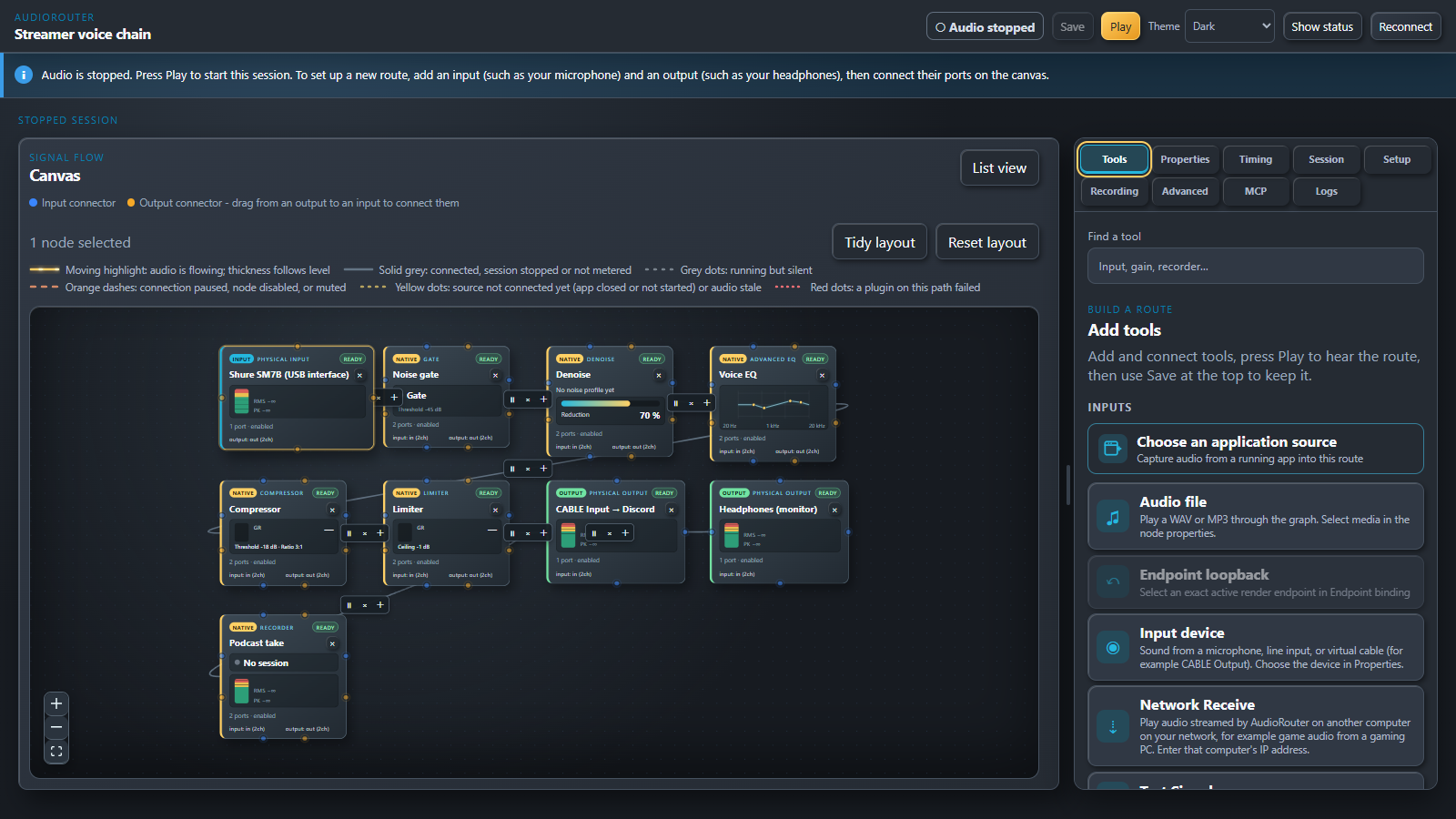
AudioRouter is a visual audio router for Windows 11. Draw your audio on a canvas: plug a microphone into a noise gate, an EQ and a compressor, send the result to Discord, monitor it in your headphones and record it, all at once. Stream game audio from your gaming PC to your streaming PC over your home network. Every route is a picture you can read, and every setting is live.
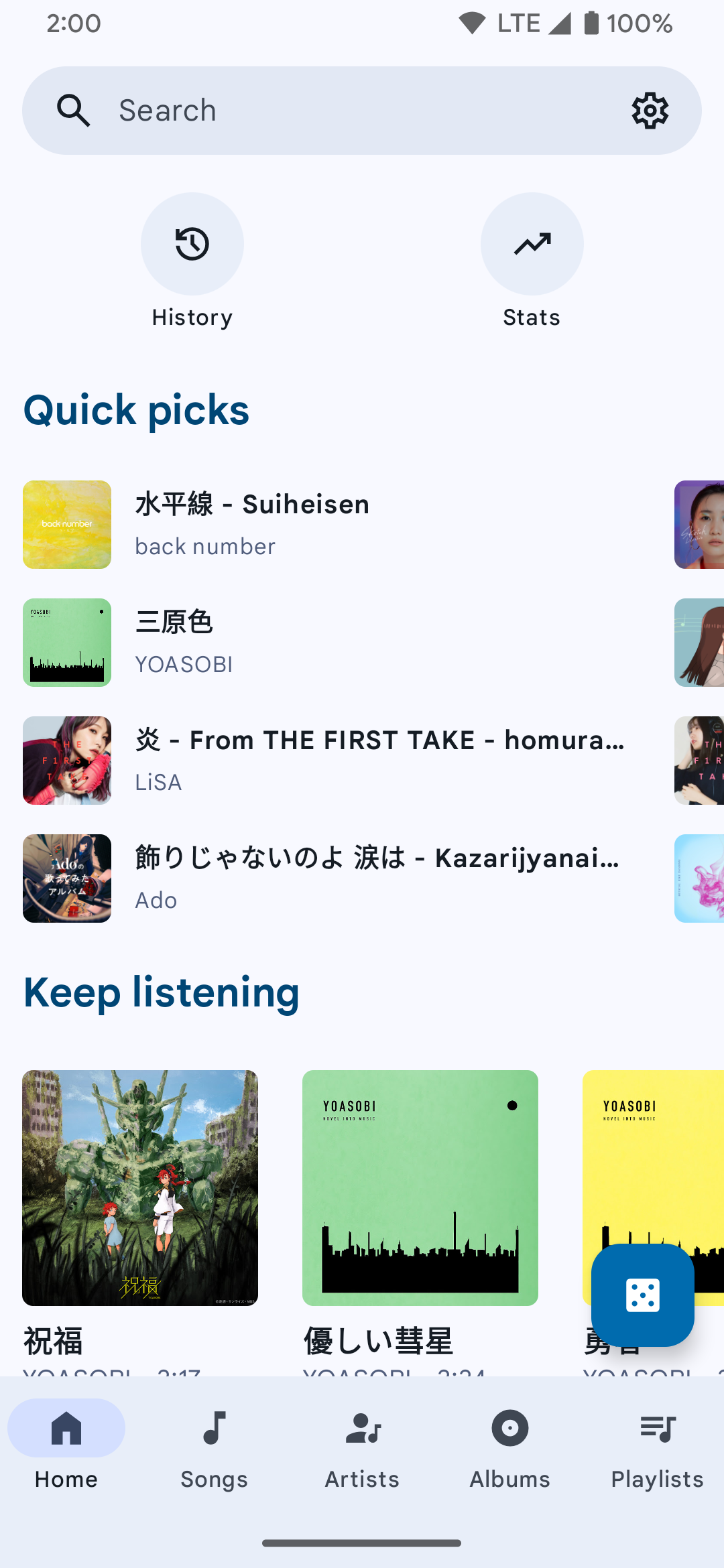
A FOSS YouTube Music client for Android and Desktop with many features from Spotify, SponsorBlock, ReturnYouTubeDislike using Compose Multiplatform to develop.
Features:
Play music from YouTube Music or YouTube for free, without ads and in the background
Three Now Playing styles: Classic, Material 3 Expressive and Apple Music (NEW)
Ten-band equalizer with presets and AutoEq headphone profiles (NEW)
SimpMusic Wrapped: your year in music, plus monthly recap playlists (NEW)
On-device listening analytics: charts, period history, listening clock (NEW)
Word-by-word Apple Music-style lyrics, romanization for 12 languages, share lyrics as an image (NEW)
Home screen widgets: turntable, playlists and listening insights (NEW)
High quality up-to 256kbps stream (Opus or AAC) for YouTube Music Premium users
Browsing Home, Charts, Podcast, Moods & Genre with YouTube Music data at high speed
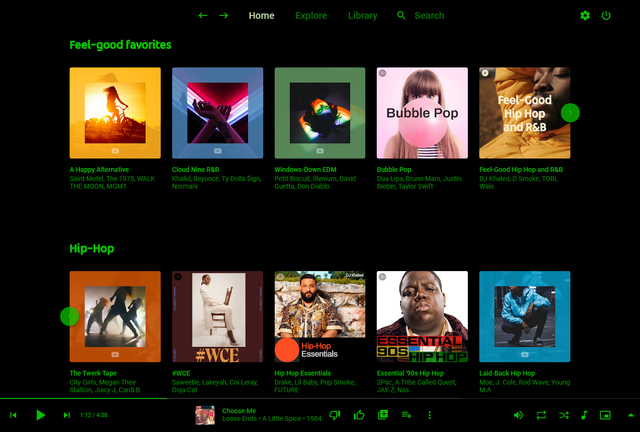
Pear Desktop is an Electron-based desktop client for YouTube Music designed for Windows, Linux and macOS. The project keeps the standard YouTube Music interface while adding desktop integration, plugins, themes and additional playback features.
The application is open source and distributed under the MIT license.
Features:
Native desktop-style window and controls
Plugin framework
Ad blocker
Lyrics support
Last.fm scrobbling
Discord Rich Presence
Media key support
Custom themes and CSS
Audio compressor
Equalizer
Crossfade
Skip silences
SponsorBlock integration
Video/audio mode toggle
Notification support
Downloader plugin
OBS integration
System tray support
Global keyboard shortcuts
How It Works
Pear Desktop loads the standard YouTube Music web interface inside a desktop application window and extends it through plugins and Electron desktop integration. It is not a standalone music service and still requires a YouTube Music or Google account for normal use.
Basic Usage
Download the correct installer for your operating system from the Releases page.
Install and launch the application.
Sign into your Google account.
Use YouTube Music normally.
Optional plugins can be enabled or disabled from the Plugins menu.
Platforms
Windows
Linux
macOS
Notes
Because Pear Desktop uses Electron, memory and CPU usage are generally higher than lightweight native audio players such as foobar2000 or AIMP. The project is intended primarily as a feature-enhanced desktop frontend for streaming music from YouTube Music rather than as a traditional local-library music player.
This is a helper application that uploads images to Catbox, and is meant to be invoked by the foo_discord_rich plugin. With a fork of the Discord Rich Presence Integration component, uploads cover art to catbox.moe and prints the URL.
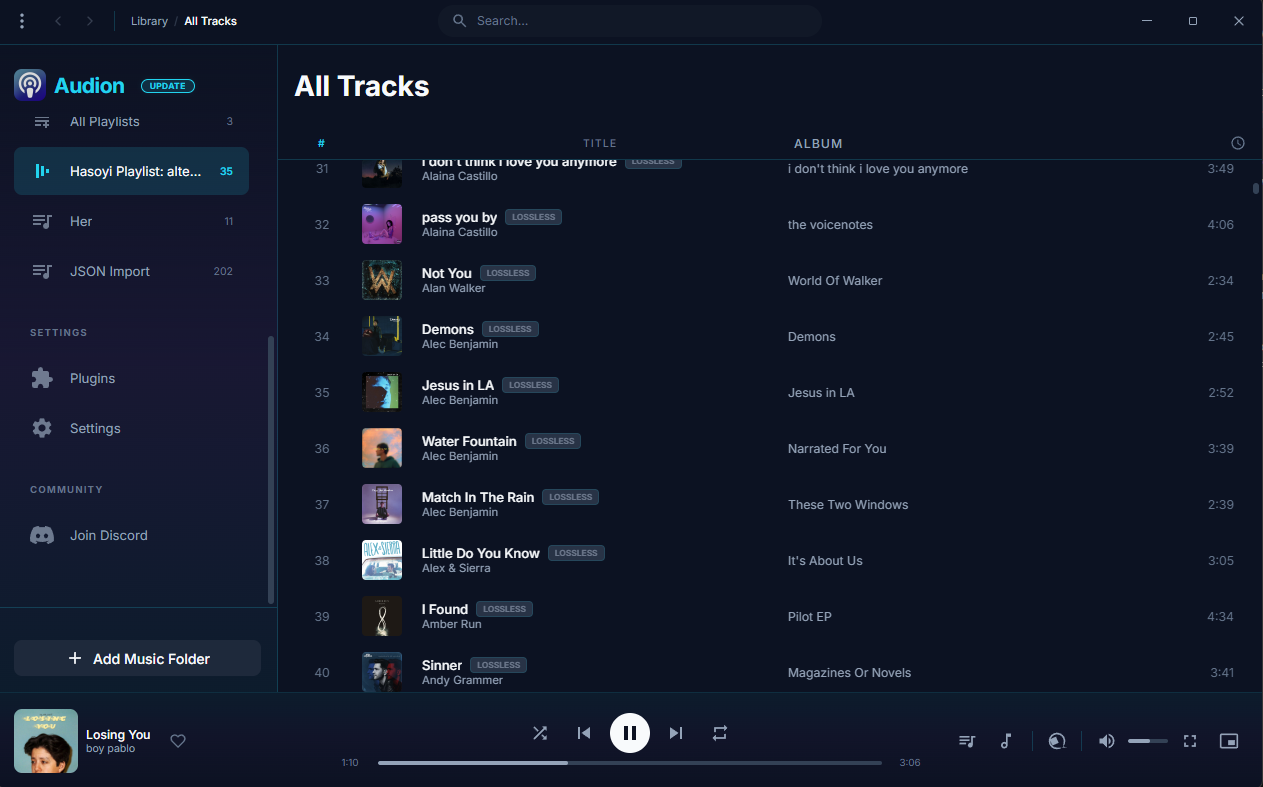
Audion is a privacy-focused music player that brings the Spotify experience to your local music library. No internet required, no tracking, just your music, beautifully organized.
Key highlights:
Synced lyrics with karaoke-style word highlighting
Discord has many unwanted rate limits, especially in the audio area. This package does all the work and ensures that your music never stops playing due to ffmpeg or Discord, with as little effort as possible.
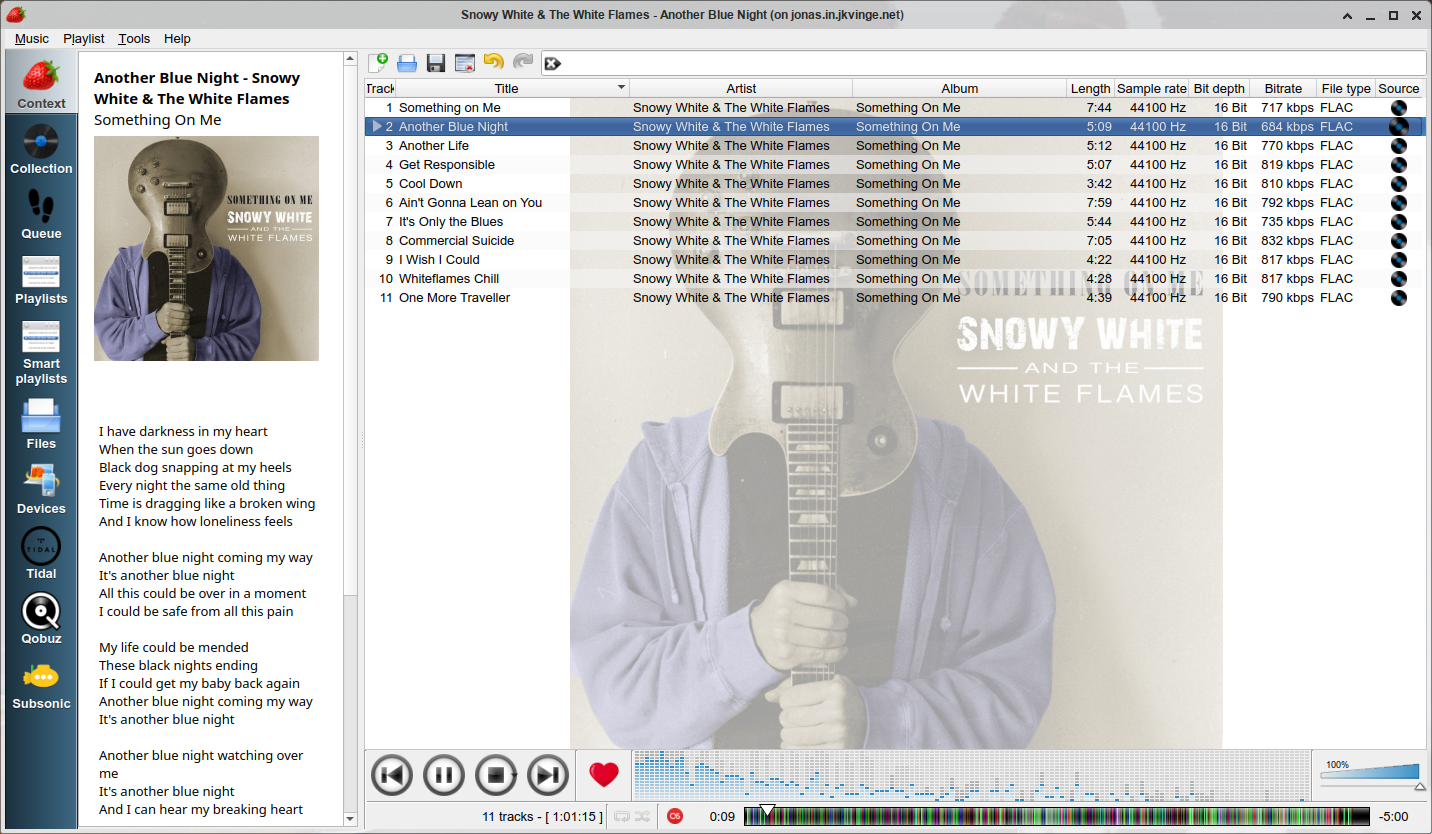
Strawberry is a music player and music collection organizer. It is a fork of Clementine released in 2018 aimed at music collectors, enthusiasts and audiophiles. The name is inspired by the band Strawbs. It’s based on a heavily modified version of Clementine created in 2012 and 2013. Strawberry is written in C++ and Qt 5.
DeaDBeeF (as in 0xDEADBEEF) is a modular audio player for GNU/Linux, *BSD, OpenSolaris, macOS, and other UNIX-like systems.
DeaDBeeF lets you play variety of audio formats, convert between them, customize the UI almost any way you want, and use many additional plugins which can extend it even more.