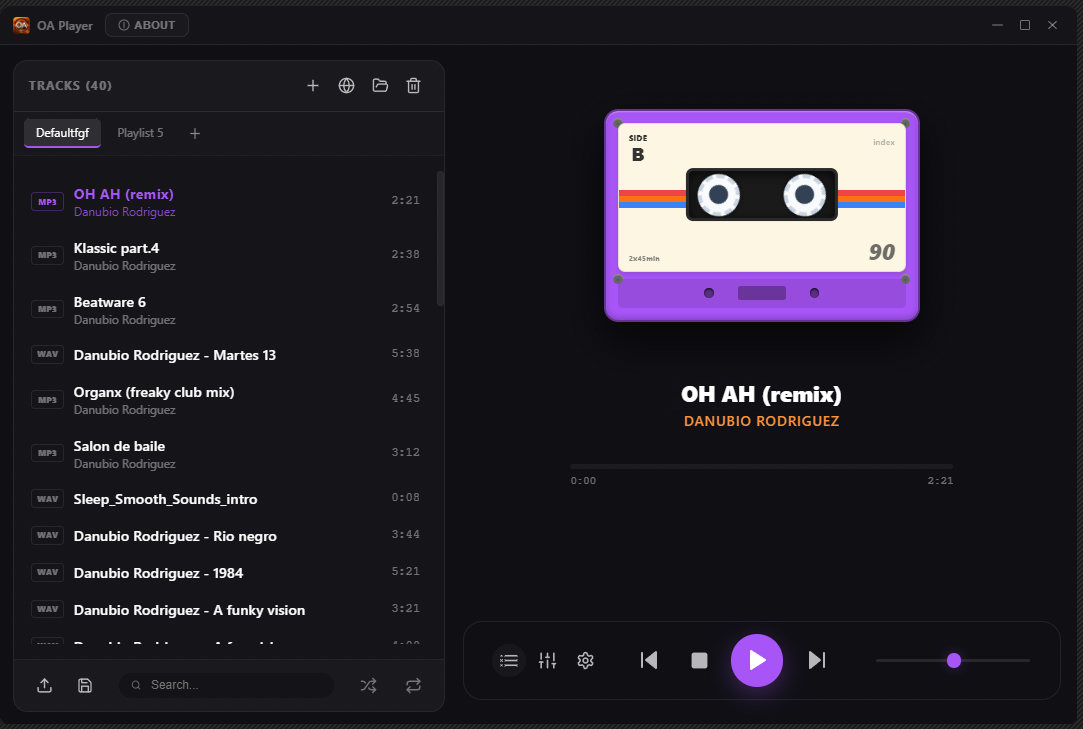
Transform your PC into a premium analog audio experience with the latest version of OA Player. This audiophile-grade, hi-fi integrated media player combines cutting-edge digital technology with the warm, rich character of classic analog sound.
foo_truepeak is a ITU-R BS.1770-5 compliant True Peak scanner. It can also scan ReplayGain, Loudness Range (LRA), Dynamic Range (DR), show the amount of clipping samples and report the position of highest peak.
For users primarily concerned with playback quality and simplicity, foo_truepeak can replace foobar2000βs ReplayGain and DR scanners. It uses modern loudness standards, detects true peaks and can write all relevant tags in a single pass. While its ReplayGain and DR values may not exactly match legacy scanners, they are more appropriate for real-world playback on modern systems.
In foobar2000, open File β Preferences β Components.
Click Installβ¦, select the foo_truepeak.fb2k-component file.
Restart foobar2000 when prompted.
2. Disabling legacy scanners (optional but recommended)
To avoid confusion or duplicate workflows:
Don’t try removing the ReplayGain scanner as itβs built in.
You can uninstall foo_dr_meter and or foo_dynamic_meter.
This keeps foo_truepeak as your single analysis tool.
3. Open foo_truepeak preferences
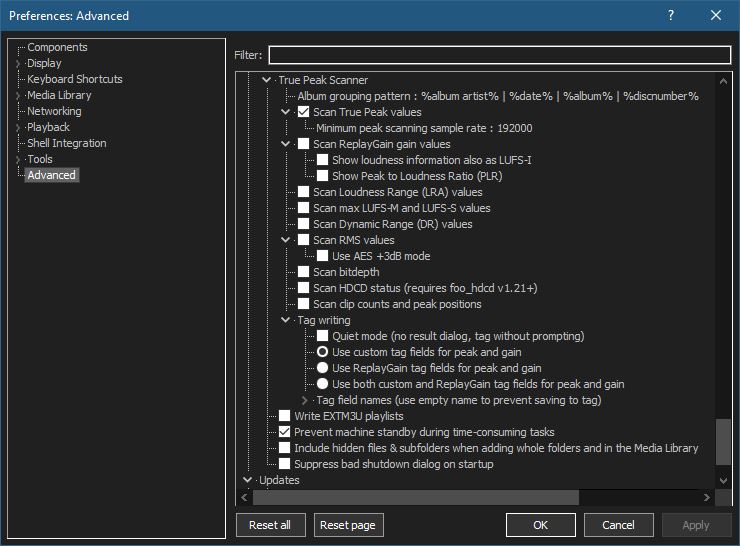
Go to File β Preferences β Advanced βTools β True Peak Scanner
4. Ensure the following is enabled
β Scan True Peak Values
True peak scanning accounts for inter-sample peaks created during digital-to-analog conversion, ensuring that peak levels reflect what a real DAC actually outputs, not just what is stored in the file.
5. Enable ReplayGain scanning
β Scan ReplayGain values
Notes:
Gains are derived from EBU R128 loudness, but written as ReplayGain tags.
Peaks are true peaks, not simple sample peaks.
Playback normalization works normally in foobar2000.
6. Enable Dynamic Range scanning
β Scan Dynamic Range (DR) values
Notes:
These values are analytical, not official TT DR Meter values.
They are suitable for comparison within your library, not for DR Database submissions.
7. Choose tag writing behavior
β Use ReplayGain tag fields for peak and gain
8. Run a True Peak scan
Select a track, tracks or albums in a playlist.
Right-click β True Peak Scan.
You can also create custom buttons on the toolbar for Album or Track scans.
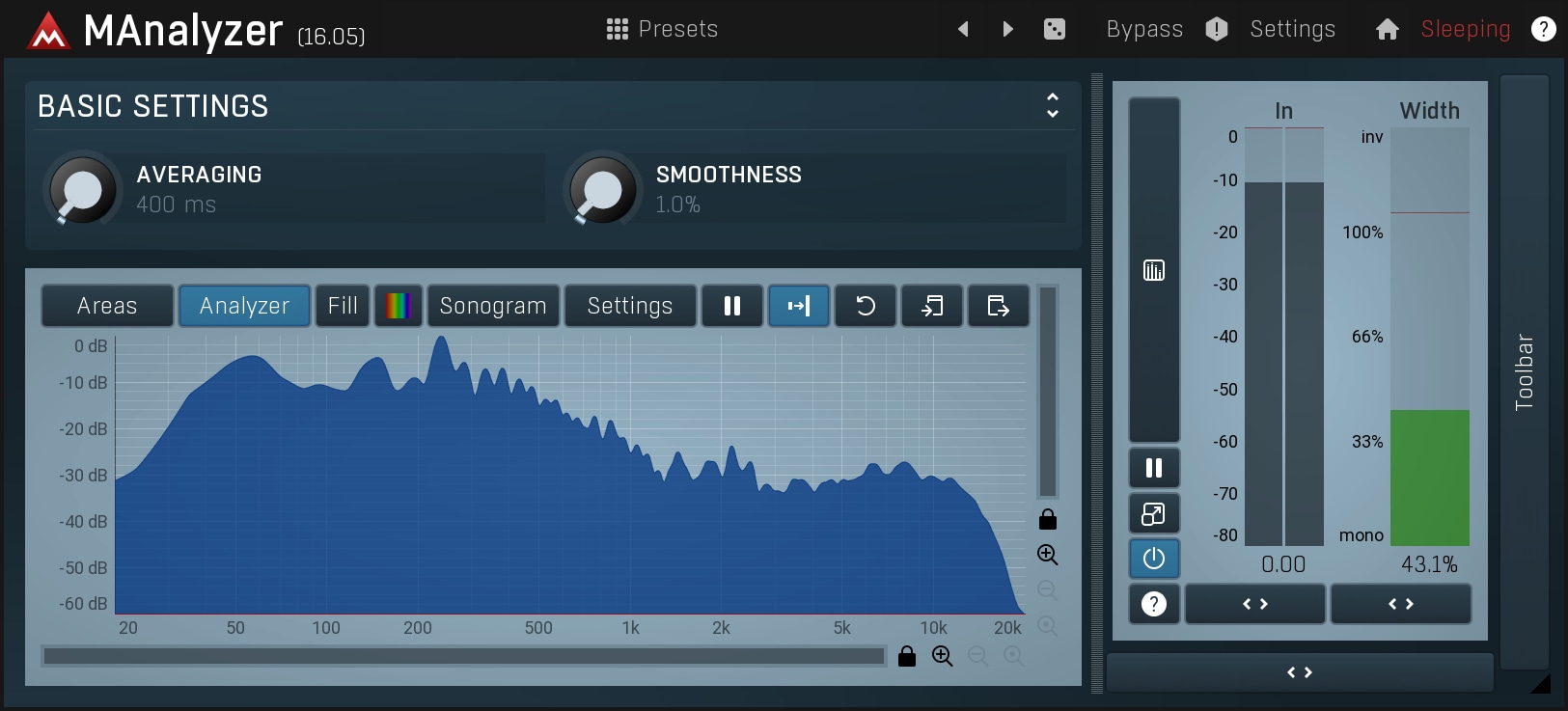
MAnalyzerΒ is an advanced spectralΒ analyzer and sonogramΒ plugin containing unique features such as smoothing, normalization, super-resolution, prefiltering and deharmonization. The included meters provide a peak meter and EBU R128 and ITU-R BS 1770-3 compliant loudness meter.
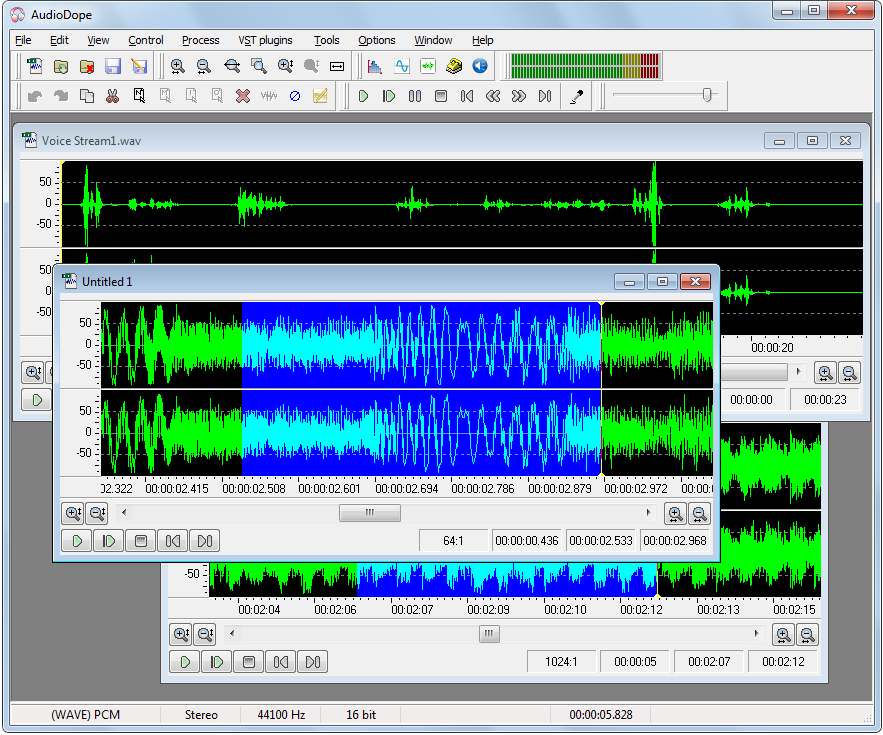
Audiodope is an audio editor. You can load and listen to music files of various formats such as wave, MP3, WMA, etc. You can also edit part or the whole stream with functions like copy, cut, paste, insert and delete. You may modify any part of the stream by applying audio effects and synthesize sound files.
Features:
Sound editing functions such as copy, cut, paste, delete, insert, trim.
WaveGain is an application of the ReplayGain algorithms to standard PCM wave files. Calculated gain adjustments are applied directly to the audio data, instead of just writing metadata as traditionally done for other formats like MP3, FLAC and Ogg Vorbis. The replaygain values can also be added as metadata in a custom RIFF chunk named ‘gain’. This could theoretically allow WAV files to have same lossless functionality as other formats where audio data is not altered. But since no current players are aware of this “standard”, the metadata is used only by WaveGain for the “–undo-gain” feature, which is lossy.
R128GAIN is a FFmpeg and SoX based EBU R128 compliant loudness scanner. It helps you normalizing the loudness of your audio and video files to the same level.
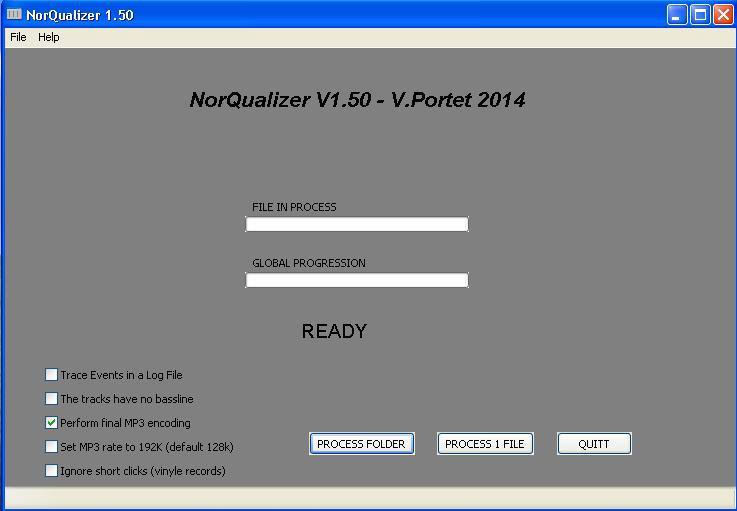
NorQualizer is a smart audio equalizer / normalizer which corrects audio files to get them all similar in terms of bandwidth and volume level. Especially useful for preparing audio CDs with files from different sources.
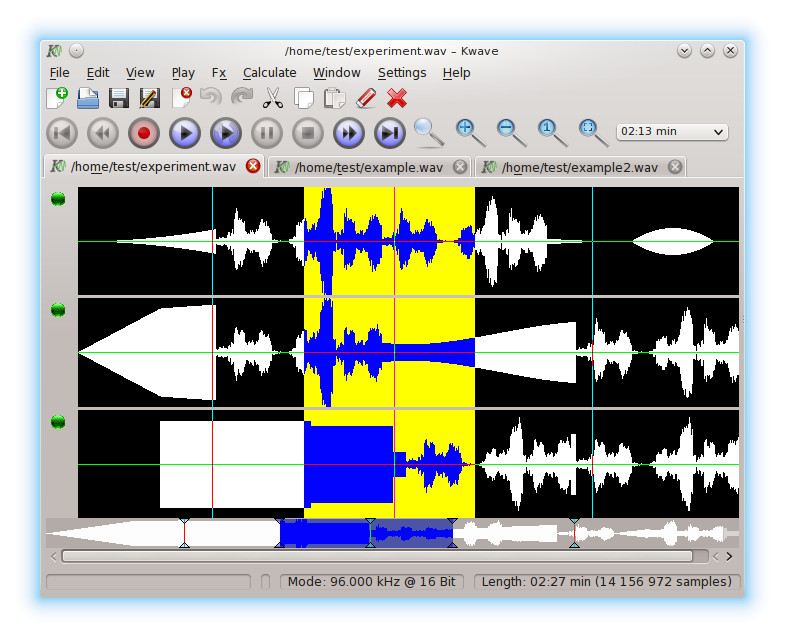
Kwave is a sound editor for the KDE environment. It is written with KDE/QT and is extendable through a powerful plugin interface. For the moment it supports .wav files and many other formats, recording/playback via PulseAudio, Qt Multimedia, OSS and ALSA and some simple effects.
All the mp3 files of the music albums that you can download have different name formats or the information tags are empty. AudiQ is a very easy to use application that allows you to format the mp3 file names the way you decide. This application also fills the ID3 tags with the information of each song from the filename. Normalize your audio library.
MAnalyzer is an advanced spectralΒ analyzer and sonogramΒ containing unique features such as smoothing, normalization, super-resolution, prefiltering and deharmonization. The included meters provide a peak meter and EBU R128 and ITU-R BS 1770-3 compliant loudness meter.
Dynamic Audio Normalizer is a library for advancedaudio normalization purposes. It applies a certain amount of gain to the input audio in order to bring its peak magnitude to a target level (e.g. 0 dBFS). However, in contrast to more “simple” normalization algorithms, the Dynamic Audio Normalizer dynamically re-adjusts the gain factor to the input audio. This allows for applying extra gain to the “quiet” sections of the audio while avoiding distortions or clipping the “loud” sections. In other words: The Dynamic Audio Normalizer will “even out” the volume of quiet and loud sections, in the sense that the volume of each section is brought to the same target level. Note, however, that the Dynamic Audio Normalizer achieves this goal without applying “dynamic range compression”. It will retain 100% of the dynamic range within each “local” region of the audio file.
The Dynamic Audio Normalizer is available as a small standalone command-line utility and also as an effect in the SoX audio processor as well as in the FFmpeg audio/video converter. Furthermore, it can be integrated into your favourite DAW (digital audio workstation), as a VST plug-in, or into your favourite media player, as a Winamp plug-in. Last but not least, the “core” library can be integrated into custom applications easily, thanks to a straightforward API (application programming interface). The “native” API is written in C++, but language bindings for C99Microsoft.NET, Java, Python and Pascal are provided.