Groove ~ Cross-platform Music Player


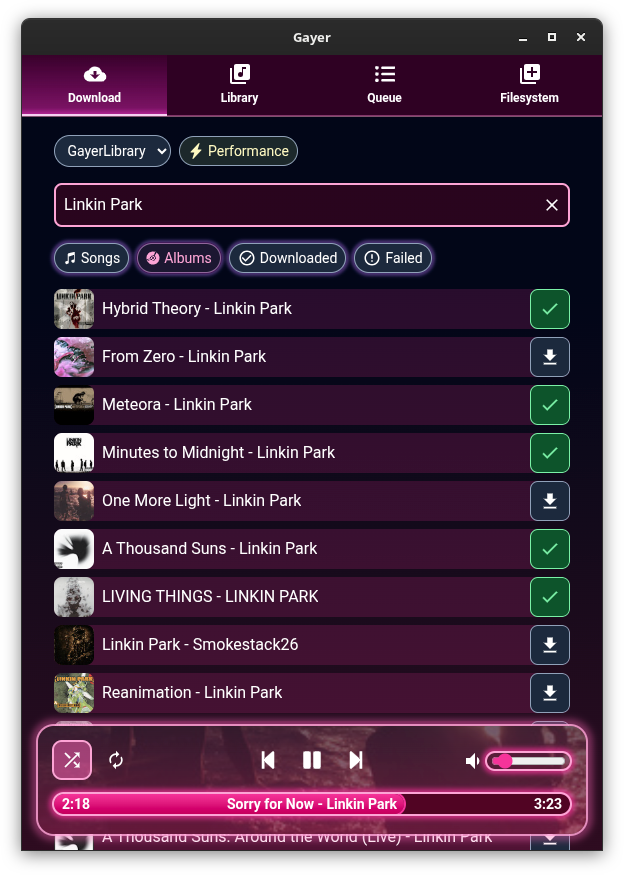
A cross-platform music player based on PyQt5, supports Win32, Linux and macOS.

github.com/zhiyiYo/Groove

KeyKit ~ MIDI Scripting GUI


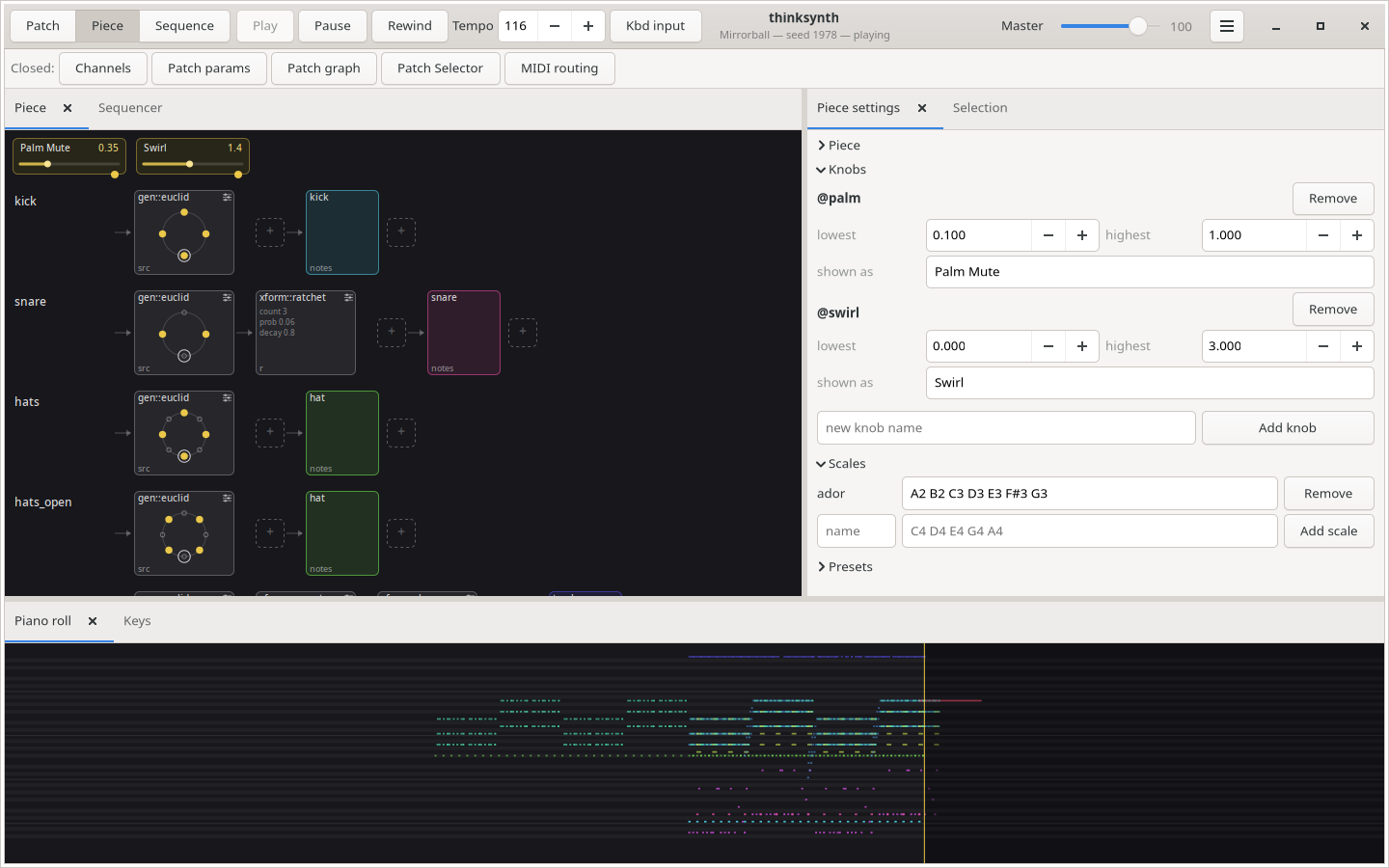
An algorithmic MIDI scripting language and GUI system. Musical Fun with Windows, Tasks, and Objects.

github.com/nosuchtim/keykit
github.com/nosuchtim/keykit/tree/master/dist
github.com/nosuchtim/keykitwasm
en.wikipedia.org/wiki/Keykit
sites.google.com/site/albertozin/Home/keykit

Install Procedure:

  • Navigate to the KeyKit GitHub repository (nosuchtim/keykit).
  • Open the /dist/ directory.
  • Download the appropriate archive for your system: Windows (key_nt.zip), Linux (key_linux_alsa.zip), or Raspberry Pi (key_raspbian.zip).
  • On Windows, right-click the downloaded .zip file, select “Extract All,” and extract it to a simple path such as C:\tools\keykit\.
  • On Windows, open the extracted folder and double-click key.exe to launch KeyKit and in the KeyKit console enter midiout("KeyKitPort").
  • On Linux, open a terminal, navigate to your download directory, run unzip key_linux_alsa.zip, then cd keykit, then run ./key from inside the keykit folder.
  • If Linux reports a permission error, run chmod +x key and then ./key.
  • Install a virtual MIDI driver on Windows (for example, loopMIDI).
  • Launch the MIDI driver and create a virtual port (for example, KeyKitPort).
  • Route the virtual MIDI port to a sound source such as a software synthesizer, DAW, or virtual MIDI instrument.
  • On Linux, verify MIDI devices by running aconnect -l.
  • Start a software synthesizer on Linux, for example fluidsynth -a alsa -m alsa_seq soundfont.sf2.
  • Run aconnect -l again to view available ports.
  • Connect KeyKit to the synthesizer using aconnect <keykit_port> <synth_port>.
  • In the KeyKit console, type 'c d e f g' and press Enter to test audio output.
  • Load a built-in sequencer by entering load "lib/seq.k" in the KeyKit console.
  • Optionally load a demo by entering load "lib/demo.k".
  • Ensure KeyKit is always launched from its root directory.
  • On Windows, if using a shortcut, set the “Start in” field to the KeyKit folder path.
  • On Linux, always run cd ~/keykit followed by ./key before launching.
  • If KeyKit cannot locate its libraries on Linux, set the environment variable with export KEYROOT=~/keykit.
  • Copy any additional .k scripts into the keykit/lib/ directory or your working directory.
  • Load additional scripts in KeyKit using load "myscript.k".
  • Create a startup script by making a file named startup.k.
  • Add commands such as load "lib/seq.k" and midiout("KeyKitPort") to startup.k.
  • Load the startup script in KeyKit using load "startup.k".
  • If KeyKit produces no sound, confirm MIDI devices exist and are properly connected.
  • If KeyKit fails to start, confirm you are running it from the correct directory and that permissions are set correctly on Linux.

lx-music-desktop ~ Electron Based Player


LX‑Music‑Desktop is an open‑source, Electron‑based music player built with Vue 3, offering a simple, fast interface for managing and playing local music libraries on desktop systems.

github.com/lyswhut/lx-music-desktop
sourceforge.net/projects/lx-music-desktop.mirror

AudioGridder ~ Audio & MIDI Network Bridge


AudioGridder is a network bridge for audio and MIDI that allows for offloading the DSP processing of audio plugins to remote computers. This can come in handy when mixing complex projects or running CPU intensive instruments.

AudioGridder Server runs on a computer hosting your effect and instrument plugins. On your workstation, on which you run your DAW, you use the AudioGridder FX or instrument plugin to access your plugin library over the network. The plugin is looking for available servers on your network and once connected allows you to create insert chains or load instruments. Midi and audio data from your DAW will be streamed over the network, processed on the server and streamed back.

audiogridder.com

SDIF ~ Sound Description Interchange Format


The Sound Description Interchange Format (SDIF) is an established standard for the interchange of sound descriptions and analysis data. This project provides libraries, SDIF (in C) and Easdif (in C++), tools, and wrappers to read and write SDIF files.

sourceforge.net/projects/sdif
cnmat.berkeley.edu/library/sdif
en.wikipedia.org/wiki/SDIF
groups.google.com/g/sdif-forum

Producer Player ~ Mastering Workspaces


A desktop app for producers who bounce a lot. Drag in a folder of exports and Producer Player auto-groups versions, organizes your album, and gives you a full mastering workspace — all in one place.

ethansk.github.io/producer-player
github.com/EthanSK/producer-player

OpenVoiceOS ~ Voice AI Platform


OpenVoiceOS is a community-driven, open-source voice AI platform for creating custom voice-controlled ​interfaces across devices with NLP, a customizable UI, and a focus on privacy and security.

www.openvoiceos.org
github.com/OpenVoiceOS
github.com/OpenVoiceOS/ovos-installer

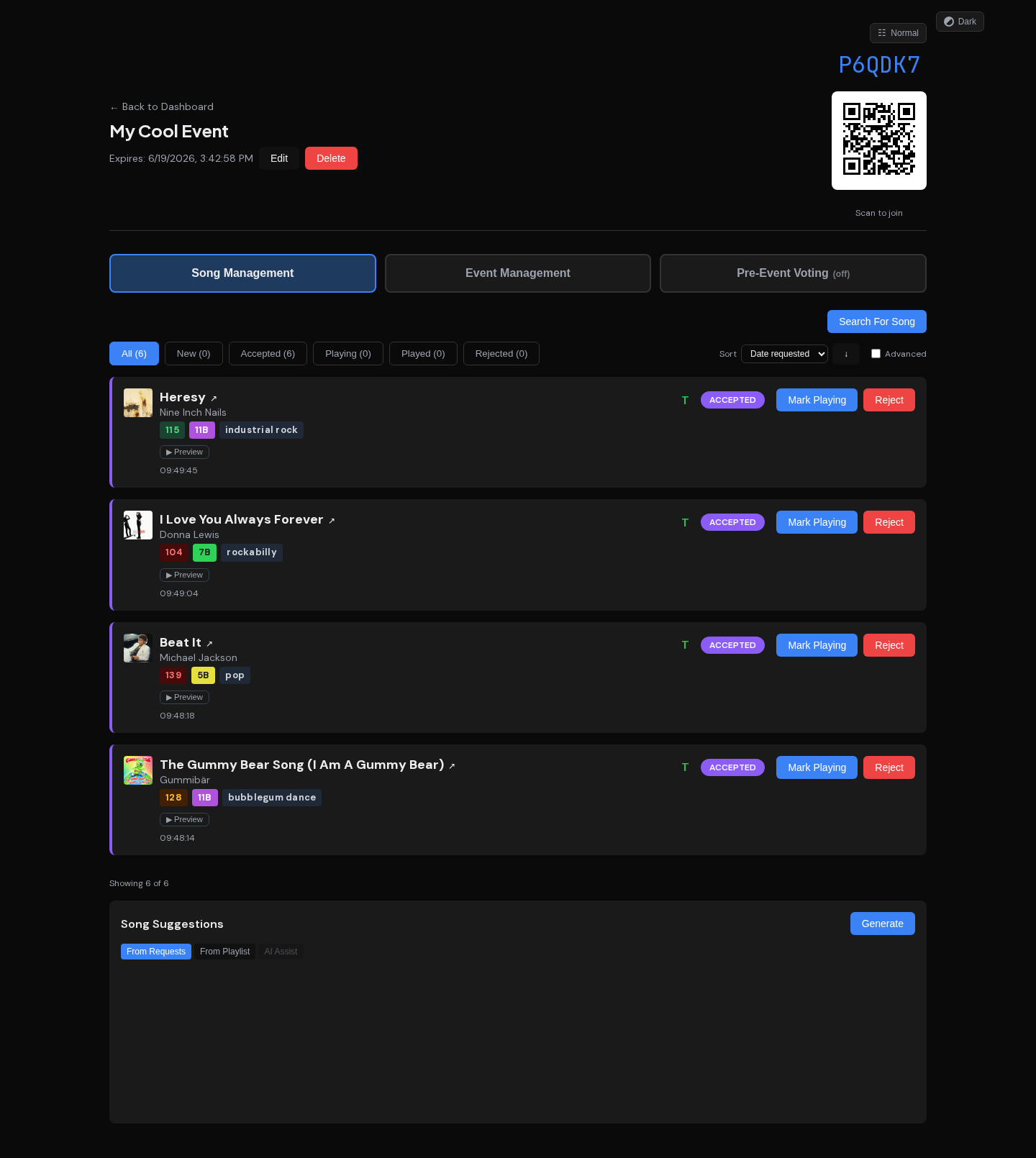
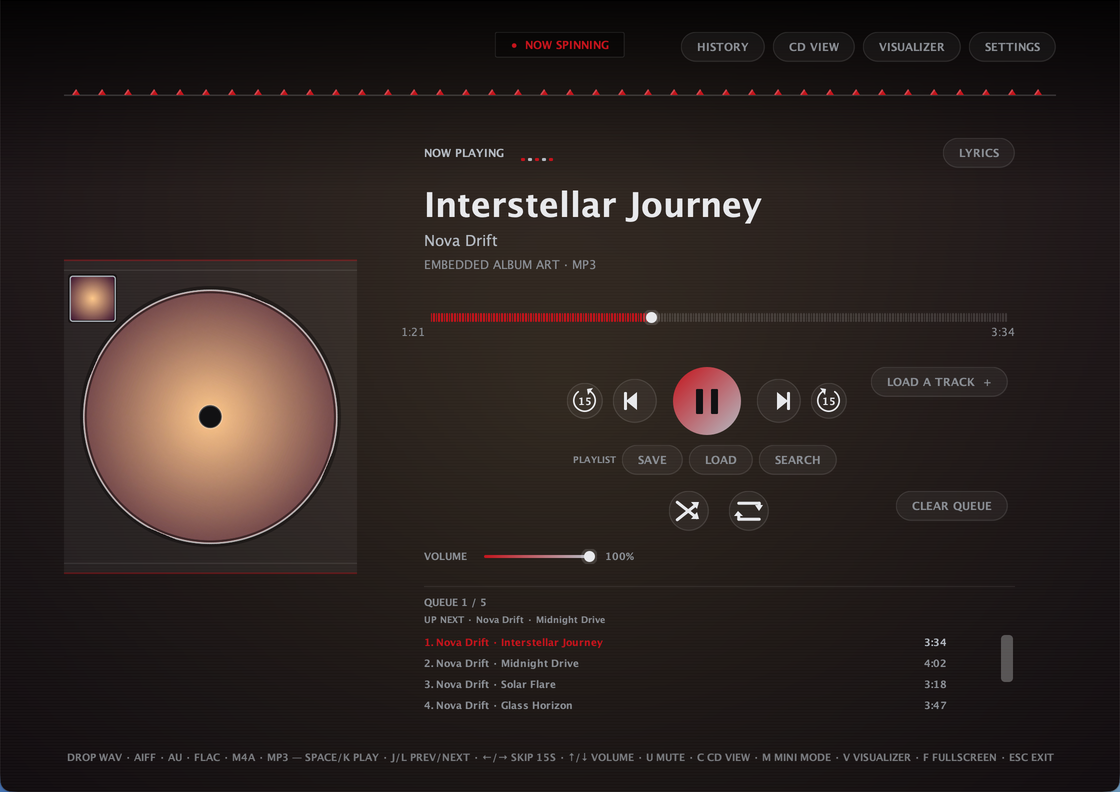
Audion ~ Community Driven Music Player


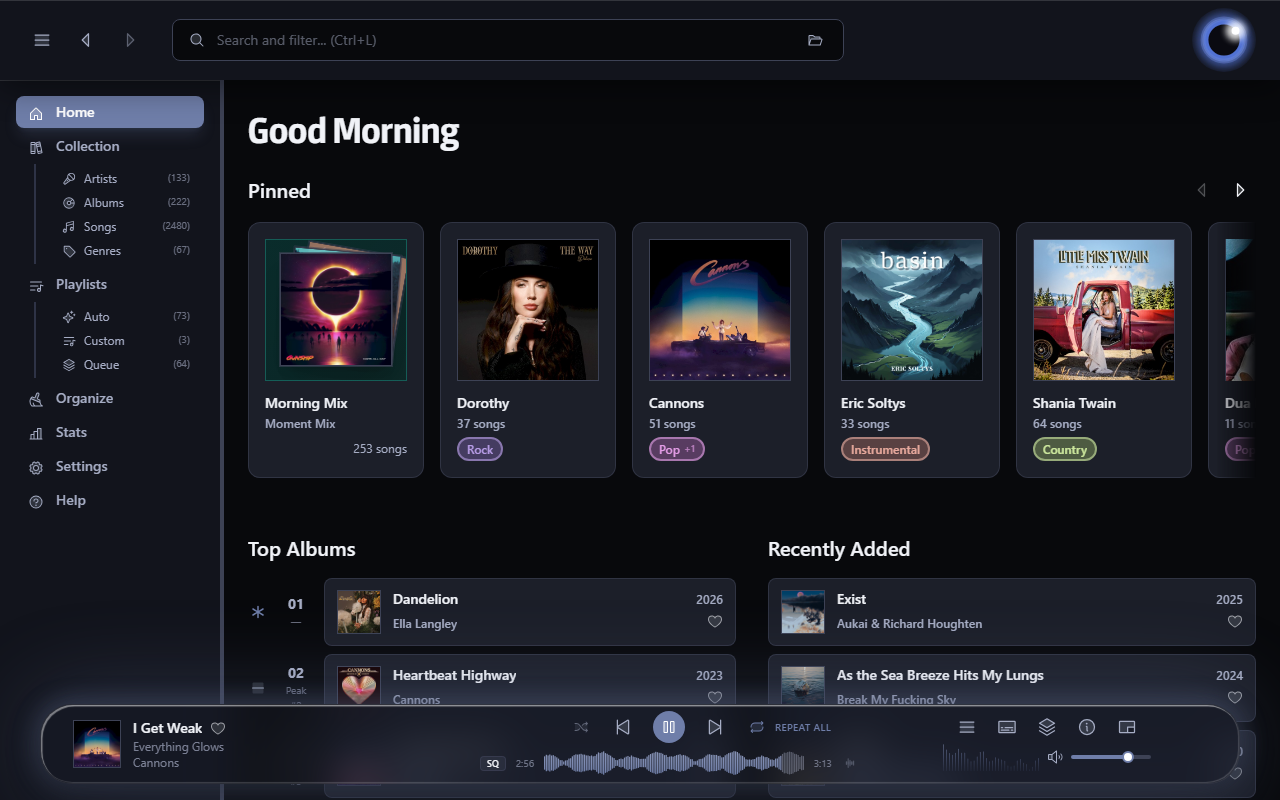
Audion is a privacy-focused music player that brings the Spotify experience to your local music library. No internet required, no tracking, just your music, beautifully organized.

Key highlights:

  • Synced lyrics with karaoke-style word highlighting
  • Extensible plugin system
  • Gorgeous, customizable interface
  • Fully offline

www.audionplayer.com
github.com/dupitydumb/Audion

autoeq ~ Automatic Headphone Equalization


Four easy steps to make your headphones sound better.

autoeq.app
github.com/jaakkopasanen/AutoEq

HTML5-FLAC ~ HTML5 FLAC Player


A lightweight HTML5 web music player with FLAC support that runs in a Docker container. This project provides a clean, minimalist interface for playing FLAC audio files with metadata extraction.

github.com/jame25/HTML5-FLAC

GNU Radio ~ Software Radio Ecosystem


GNU Radio is a free & open-source software development toolkit that provides signal processing blocks to implement software radios. It can be used with readily-available low-cost external RF hardware to create software-defined radios, or without hardware in a simulation-like environment. It is widely used in research, industry, academia, government, and hobbyist environments to support both wireless communications research and real-world radio systems.

wiki.gnuradio.org/index.php?title=What_Is_GNU_Radio

GNU Radio is a free software development toolkit that provides signal processing blocks to implement software-defined radios and signal processing systems. It can be used with external radio frequency (RF) hardware to create software-defined radios, or without hardware in a simulation-like environment. It is widely used in hobbyist, academic, and commercial environments to support both wireless communications research and real-world radio systems.

en.wikipedia.org/wiki/GNU_Radio

itunesfm ~ iTunes & last.fm Integration


A small script to sync your play counts from last.fm back to iTunes. Supports both Windows and Mac OS X without any native dependencies. (Requires Music.app on OS X.)

Useful if you scrobble to last.fm from iTunes on multiple computers / devices and want to keep your local play counts consistent.

github.com/hansonw/itunesfm