
An algorithmic MIDI scripting language and GUI system. Musical Fun with Windows, Tasks, and Objects.
github.com/nosuchtim/keykit
github.com/nosuchtim/keykit/tree/master/dist
github.com/nosuchtim/keykitwasm
en.wikipedia.org/wiki/Keykit
sites.google.com/site/albertozin/Home/keykit
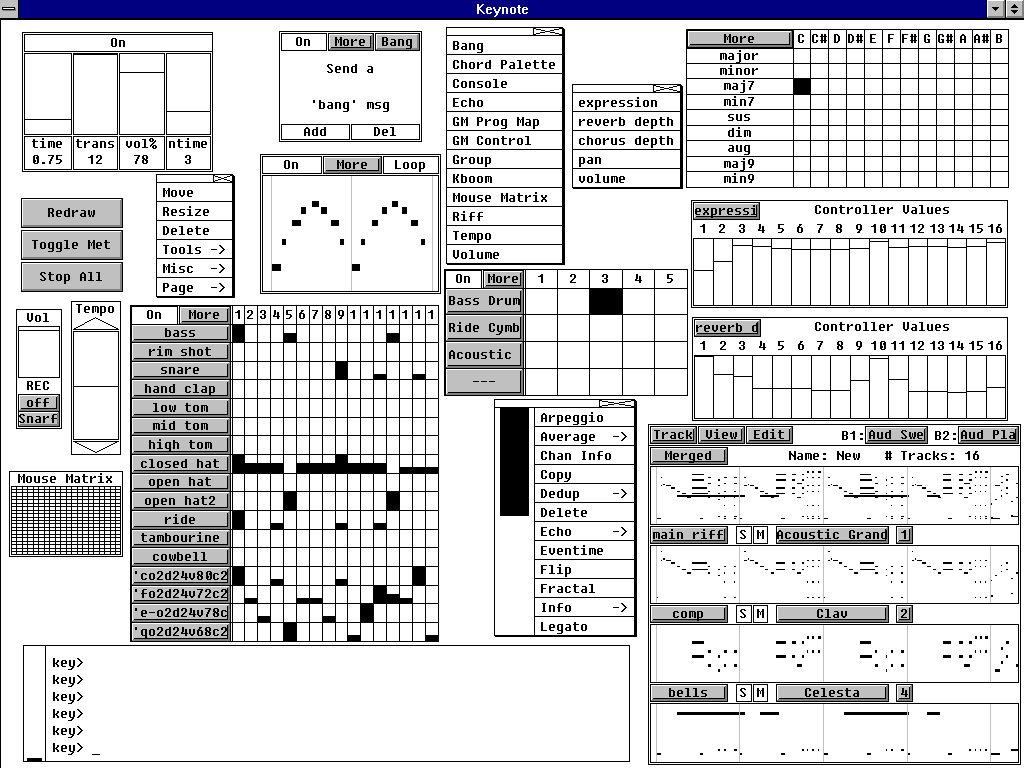
Install Procedure:
- Navigate to the KeyKit GitHub repository (nosuchtim/keykit).
- Open the
/dist/directory. - Download the appropriate archive for your system: Windows (
key_nt.zip), Linux (key_linux_alsa.zip), or Raspberry Pi (key_raspbian.zip). - On Windows, right-click the downloaded
.zipfile, select “Extract All,” and extract it to a simple path such asC:\tools\keykit\. - On Windows, open the extracted folder and double-click
key.exeto launch KeyKit and in the KeyKit console entermidiout("KeyKitPort"). - On Linux, open a terminal, navigate to your download directory, run
unzip key_linux_alsa.zip, thencd keykit, then run./keyfrom inside the keykit folder. - If Linux reports a permission error, run
chmod +x keyand then./key. - Install a virtual MIDI driver on Windows (for example, loopMIDI).
- Launch the MIDI driver and create a virtual port (for example,
KeyKitPort). - Route the virtual MIDI port to a sound source such as a software synthesizer, DAW, or virtual MIDI instrument.
- On Linux, verify MIDI devices by running
aconnect -l. - Start a software synthesizer on Linux, for example
fluidsynth -a alsa -m alsa_seq soundfont.sf2. - Run
aconnect -lagain to view available ports. - Connect KeyKit to the synthesizer using
aconnect <keykit_port> <synth_port>. - In the KeyKit console, type
'c d e f g'and press Enter to test audio output. - Load a built-in sequencer by entering
load "lib/seq.k"in the KeyKit console. - Optionally load a demo by entering
load "lib/demo.k". - Ensure KeyKit is always launched from its root directory.
- On Windows, if using a shortcut, set the “Start in” field to the KeyKit folder path.
- On Linux, always run
cd ~/keykitfollowed by./keybefore launching. - If KeyKit cannot locate its libraries on Linux, set the environment variable with
export KEYROOT=~/keykit. - Copy any additional
.kscripts into thekeykit/lib/directory or your working directory. - Load additional scripts in KeyKit using
load "myscript.k". - Create a startup script by making a file named
startup.k. - Add commands such as
load "lib/seq.k"andmidiout("KeyKitPort")tostartup.k. - Load the startup script in KeyKit using
load "startup.k". - If KeyKit produces no sound, confirm MIDI devices exist and are properly connected.
- If KeyKit fails to start, confirm you are running it from the correct directory and that permissions are set correctly on Linux.


