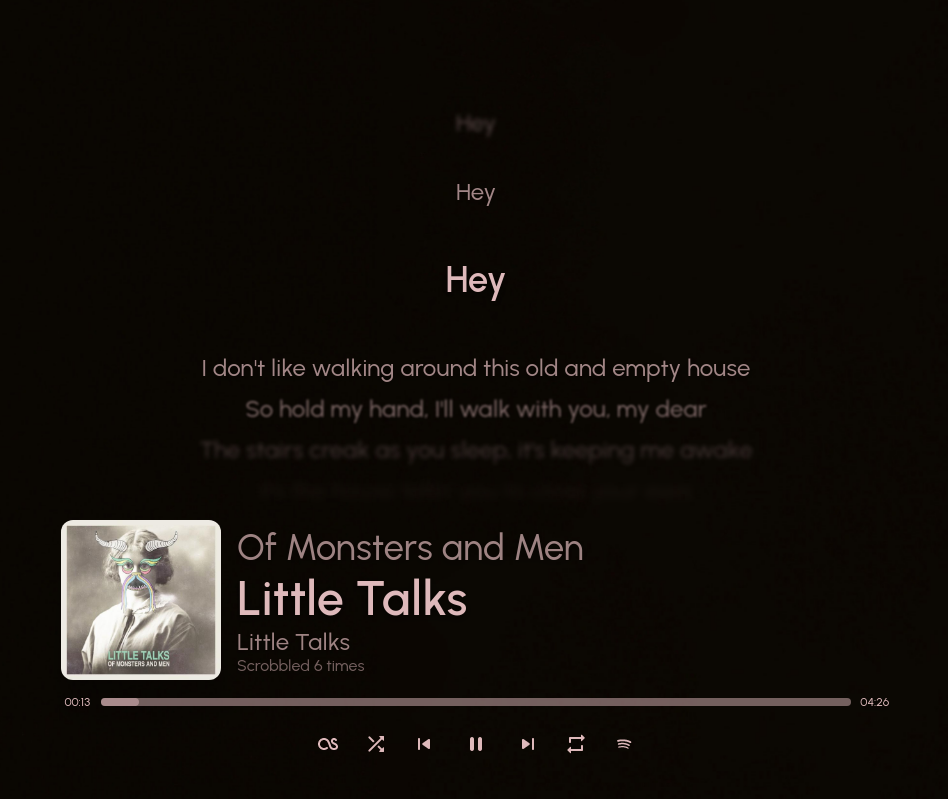
Show your currently playing song in a stylish way!
References:
itsfoss.com/sunamu-music-widget

Show your currently playing song in a stylish way!
itsfoss.com/sunamu-music-widget

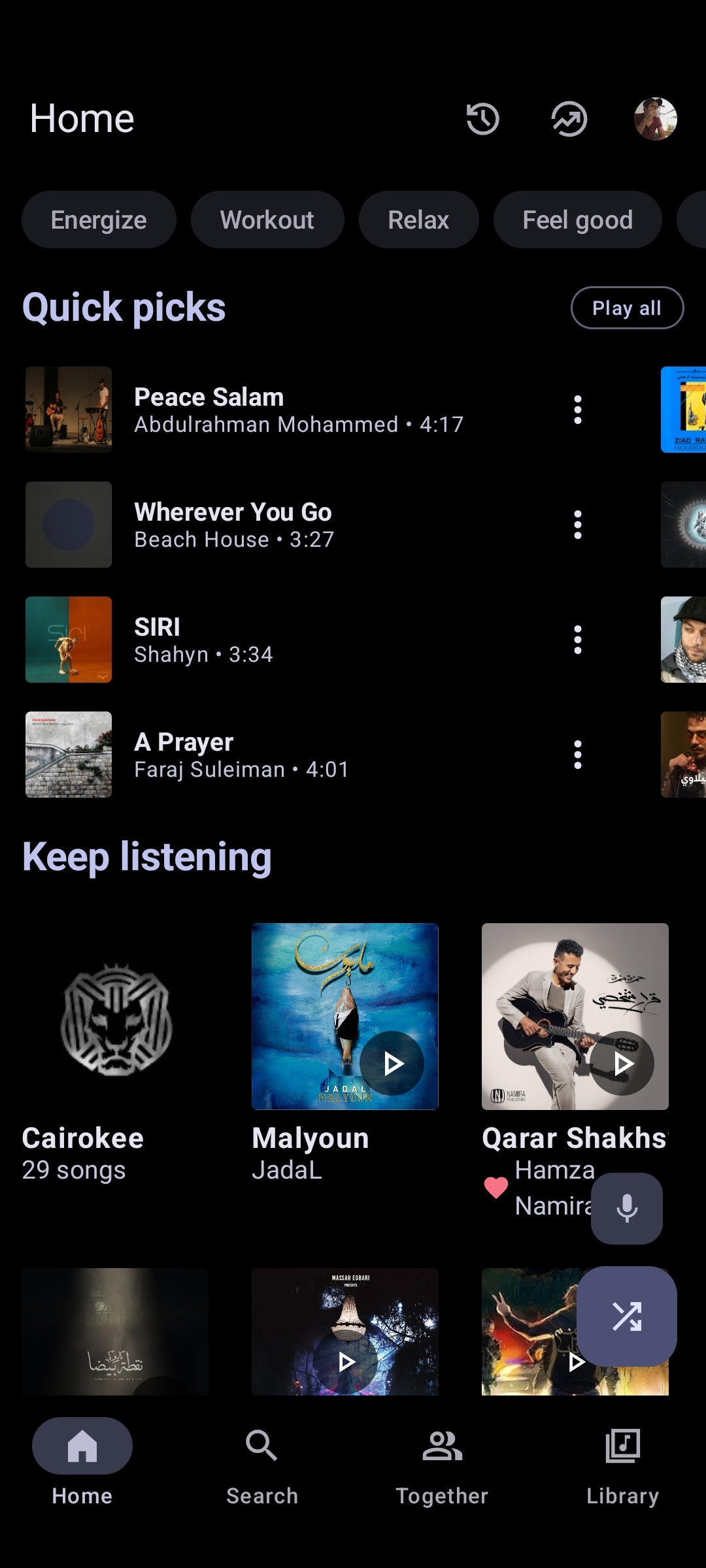
Advanced YouTube Music client for Android.
metrolist.meowery.eu
github.com/MetrolistGroup/Metrolist
github.com/MetrolistGroup/metrobot
github.com/MetrolistGroup/metroserver

Pear Desktop is an Electron-based desktop client for YouTube Music designed for Windows, Linux and macOS. The project keeps the standard YouTube Music interface while adding desktop integration, plugins, themes and additional playback features.
The application is open source and distributed under the MIT license.
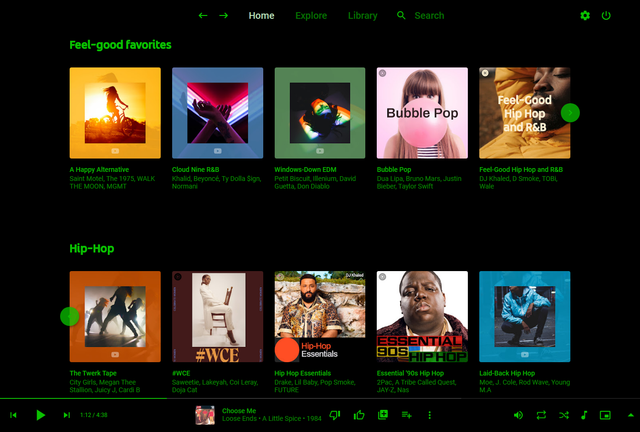
Pear Desktop loads the standard YouTube Music web interface inside a desktop application window and extends it through plugins and Electron desktop integration. It is not a standalone music service and still requires a YouTube Music or Google account for normal use.
Because Pear Desktop uses Electron, memory and CPU usage are generally higher than lightweight native audio players such as foobar2000 or AIMP. The project is intended primarily as a feature-enhanced desktop frontend for streaming music from YouTube Music rather than as a traditional local-library music player.
github.com/pear-devs/pear-desktop

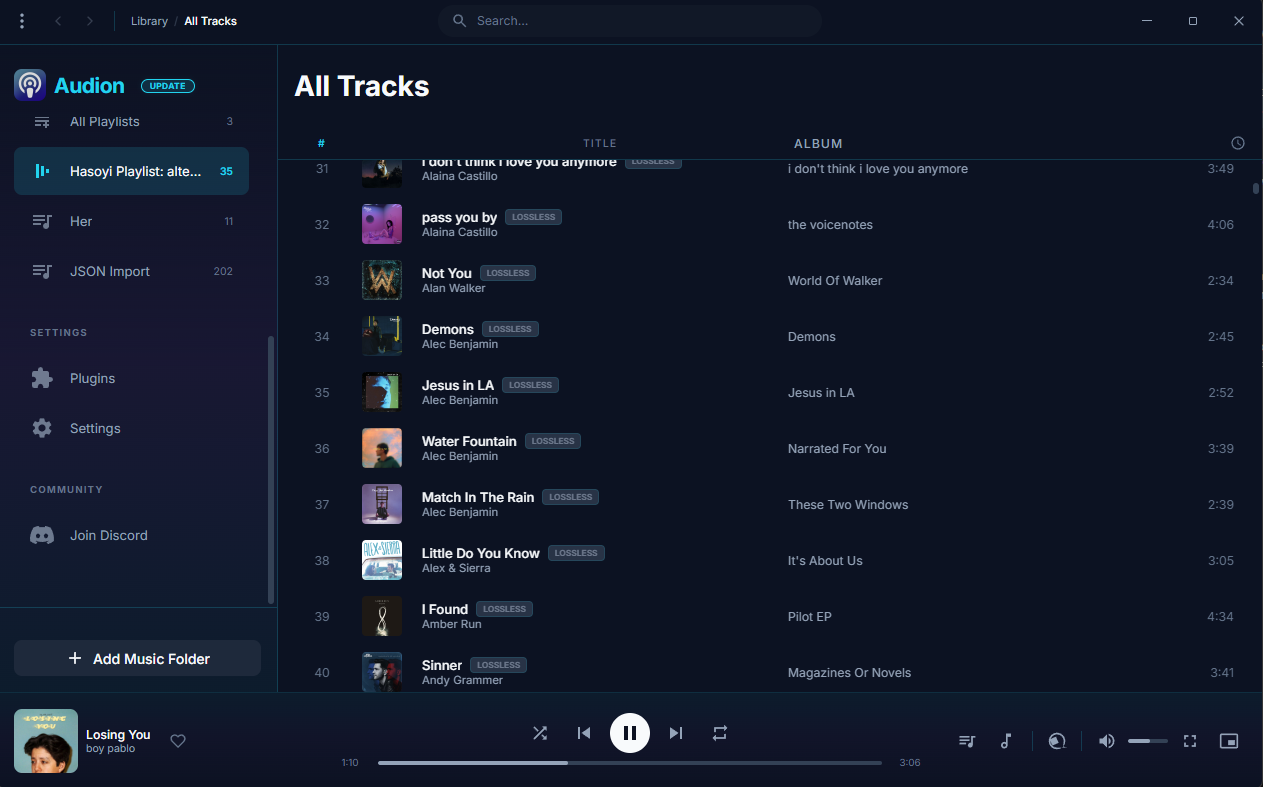
Audion is a privacy-focused music player that brings the Spotify experience to your local music library. No internet required, no tracking, just your music, beautifully organized.
Key highlights:
- Synced lyrics with karaoke-style word highlighting
- Extensible plugin system
- Gorgeous, customizable interface
- Fully offline
www.audionplayer.com
github.com/dupitydumb/Audion

trying to be a robust, user-friendly and hackable music player
Features:
- Stable and Easy to Use
- One-click installation, packaged for all popular platforms (e.g., Arch Linux, Windows, macOS, etc.)
- Plug-ins for various media resource platforms, making full and reasonable use of free online resources (e.g., YouTube Music)
- Comprehensive basic functions, including desktop lyrics, intelligent resource replacement, multiple audio quality options, and the nowplaying protocol
- Core modules have good test coverage, and core interfaces maintain good backward compatibility
- Large-scale support: AI radio, natural language to playlist conversion, etc.
- High Playability:
- Provides a TCP-based interactive control protocol
- Provides an MCP Server (experimental feature) for programmatic control of player/resource capabilities
- Text-based playlists for easy sharing with friends and synchronization across devices
- Supports Python-based configuration files (.fuorc), similar to .vimrc and .emacs
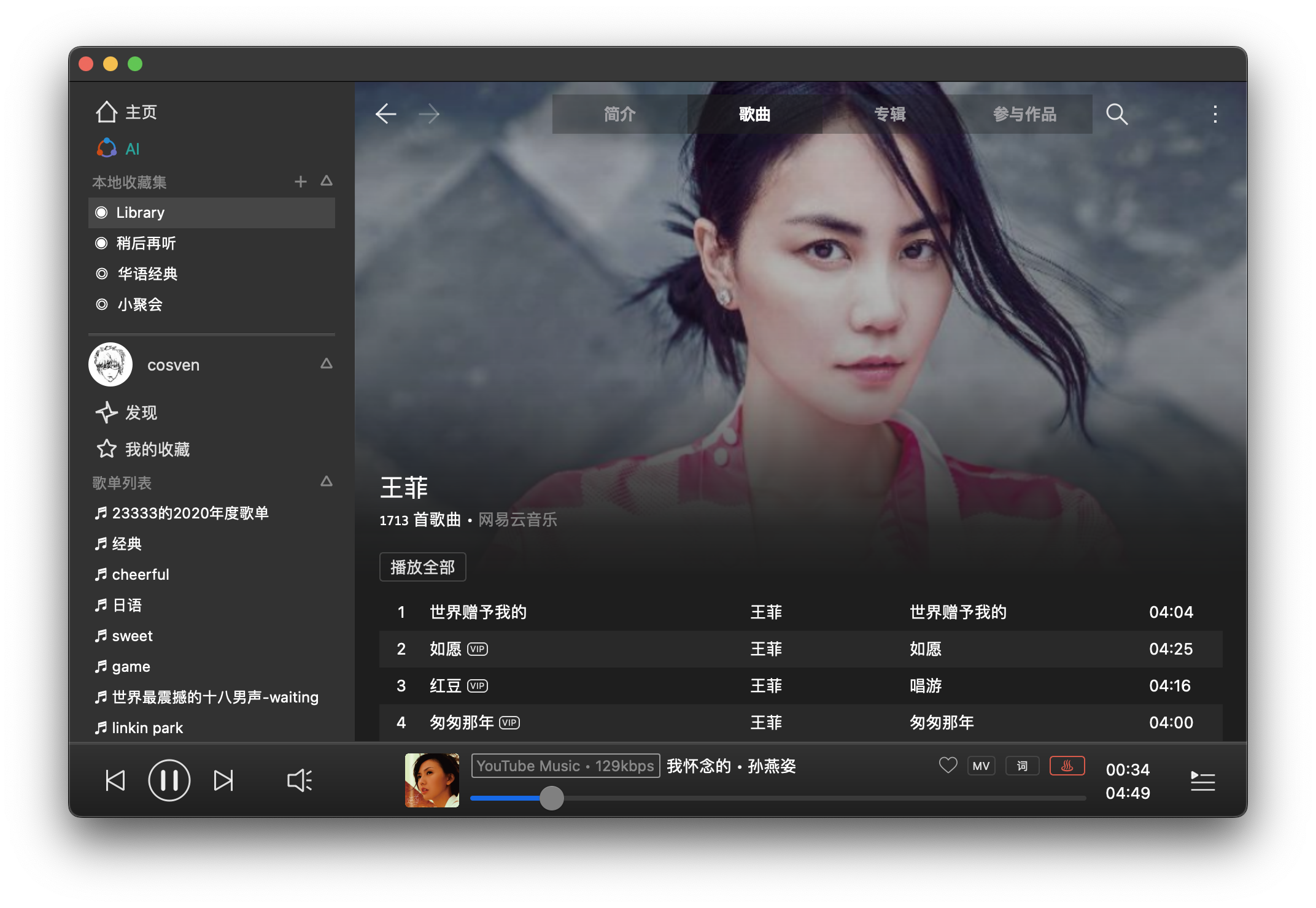
github.com/feeluown
github.com/feeluown/FeelUOwn
sourceforge.net/projects/feeluown.mirror
github.com/feeluown/feeluown-bilibili
github.com/feeluown/feeluown-download
github.com/feeluown/homebrew-feeluown
github.com/feeluown/feeluown-kuwo
github.com/feeluown/feeluown-ytmusic

Pot-O MusiQT is a lightweight yet feature-rich desktop music player built with Python and PyQt5, designed for users who want a clean interface, strong playlist control, and practical everyday playback features without unnecessary complexity.
It focuses on local media playback, fast interaction, and keyboard-friendly operation, while still offering modern conveniences such as metadata handling, lyrics viewing, and smooth playback transitions.
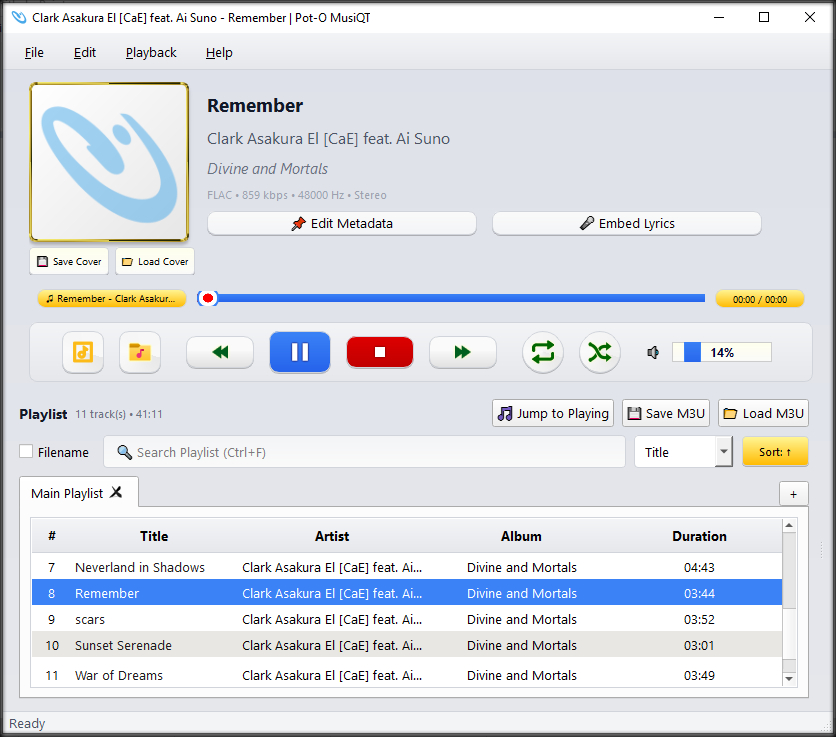
sourceforge.net/projects/pot-o-musiqt

Reliably play midi music files from a folder or “.m3u” playlist. Adjust playback speed, volume and output device on the fly during playback. A large playback progress bar makes jumping forward and backward in time a breeze with just a single click or tap. Supports “.mid”, “.midi” and “.rmi” files in format 0 (single track) and format 1 (multi-track). Comes complete with 24 sample midis ready to play.
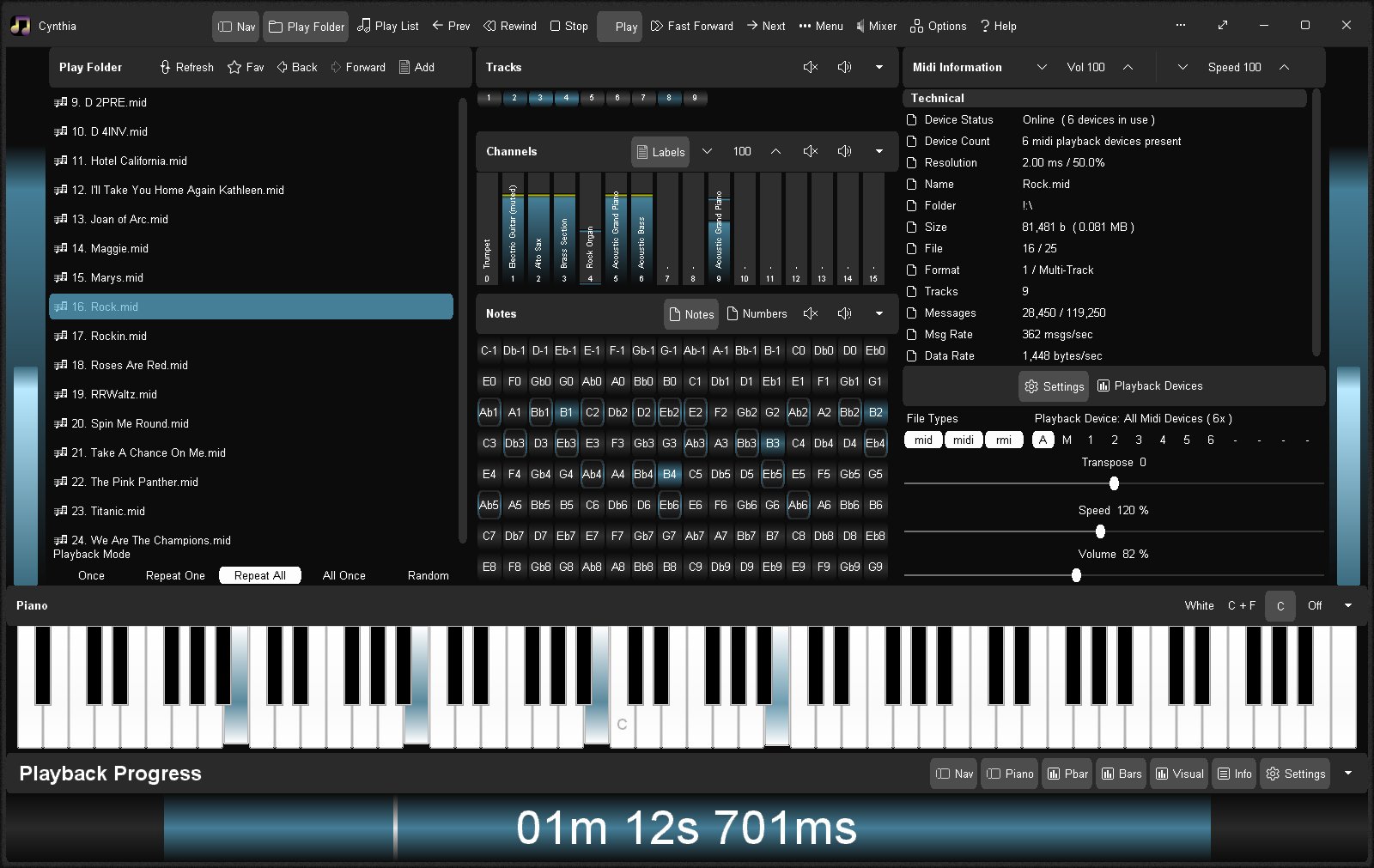
sourceforge.net/projects/cynthia1
www.blaizenterprises.com/cynthia

This is an audio player for Windows, Linux and MacOS.
It is designed to play audio CDs dumped to raw bin/cue files.
The bin/cue files can be loaded from a folder on disk, or from a zip archive.
This player provides a convenient way of listening to dumps in that format without any additional step(s):
- No need to mount the cue file as a virtual drive.
- No need to extract the cue/bin files from zip files.
- No need to convert the data to wav/flac/ogg/mp3.
This is currently NOT supported:
- Playing from archives in 7z and rar formats.
- Playing music from other formats such as wav, mp3, flac, ogg, etc. Just use a regular music player for that.
Album and track metadata is loaded from the CDTEXT information when present in cue file.
Additional metadata is optionally retrieved from CueToolsDB, including album art.
Lyrics are optionally retrieved from LRCLIB. Using a local LRCLIB sqlite3 database is also supported.
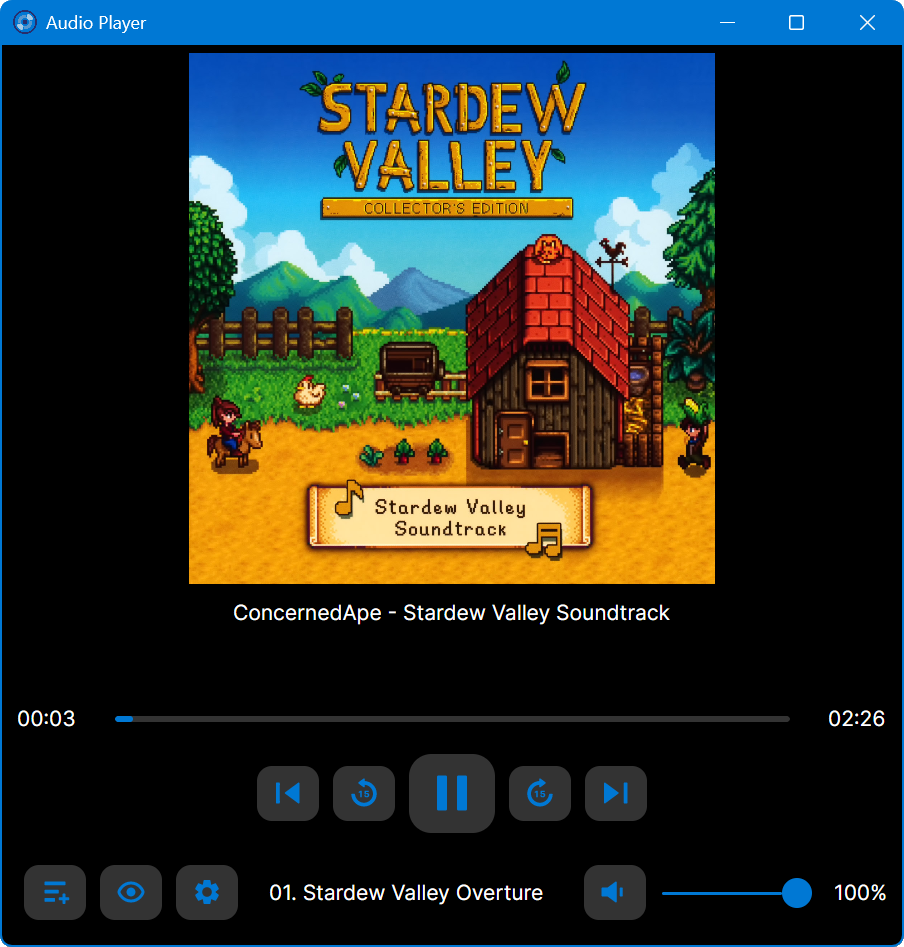
github.com/huguesv/AudioPlayer

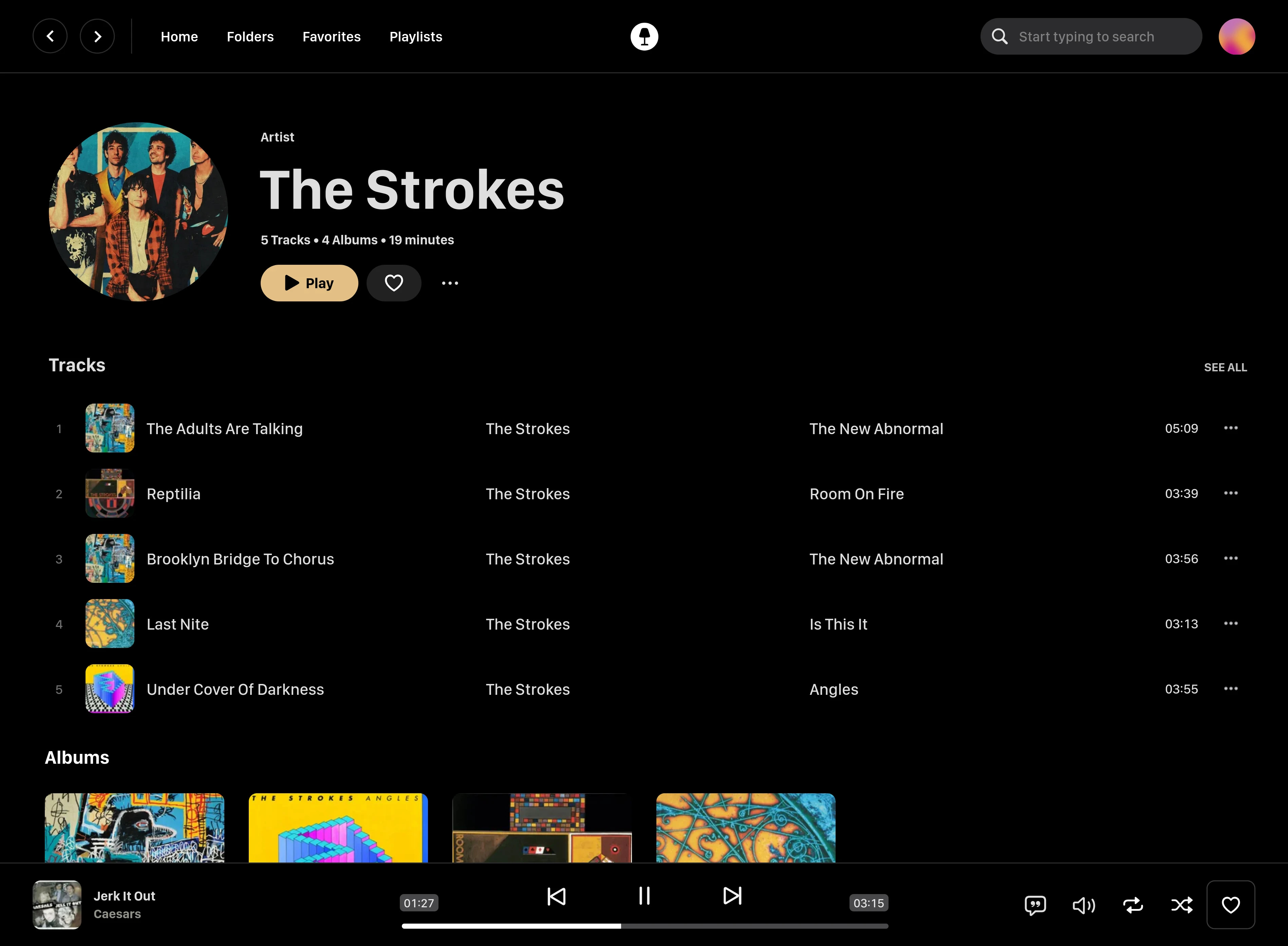
Swing Music is a fast and beautiful, self-hosted music player for your local audio files. Like a cooler Spotify … but bring your own music. Just run the app and enjoy your music library in a web browser.
Features:
- Daily Mixes – curated everyday based on your listening activity
- Metadata normalization – a clean and consistent library
- Album versioning – normalized albums and association with version labels (eg. Deluxe, Remaster, etc)
- Related artist and albums
- Folder view – Browse your music library by folders
- Playlist management
- Beautiful browser based UI
- Silence detection – Combine cross-fade with silence detection to create a seamless listening experience
- Collections – Group albums and artists based on your preferences
- Statistics – Get insights into your listening activity
- Lyrics view
- Android client
- Last.fm scrobbling
- Multi-user support
- Cross-platform – Windows, Linux, MacOS (coming soon), arm64, x86
- Blazingly fast
- Pure awesomeness
github.com/swingmx/swingmusic
github.com/swingmx/android
github.com/swingmx/webclient
sourceforge.net/projects/swing-music.mirror

Rewrite of Sonixd.
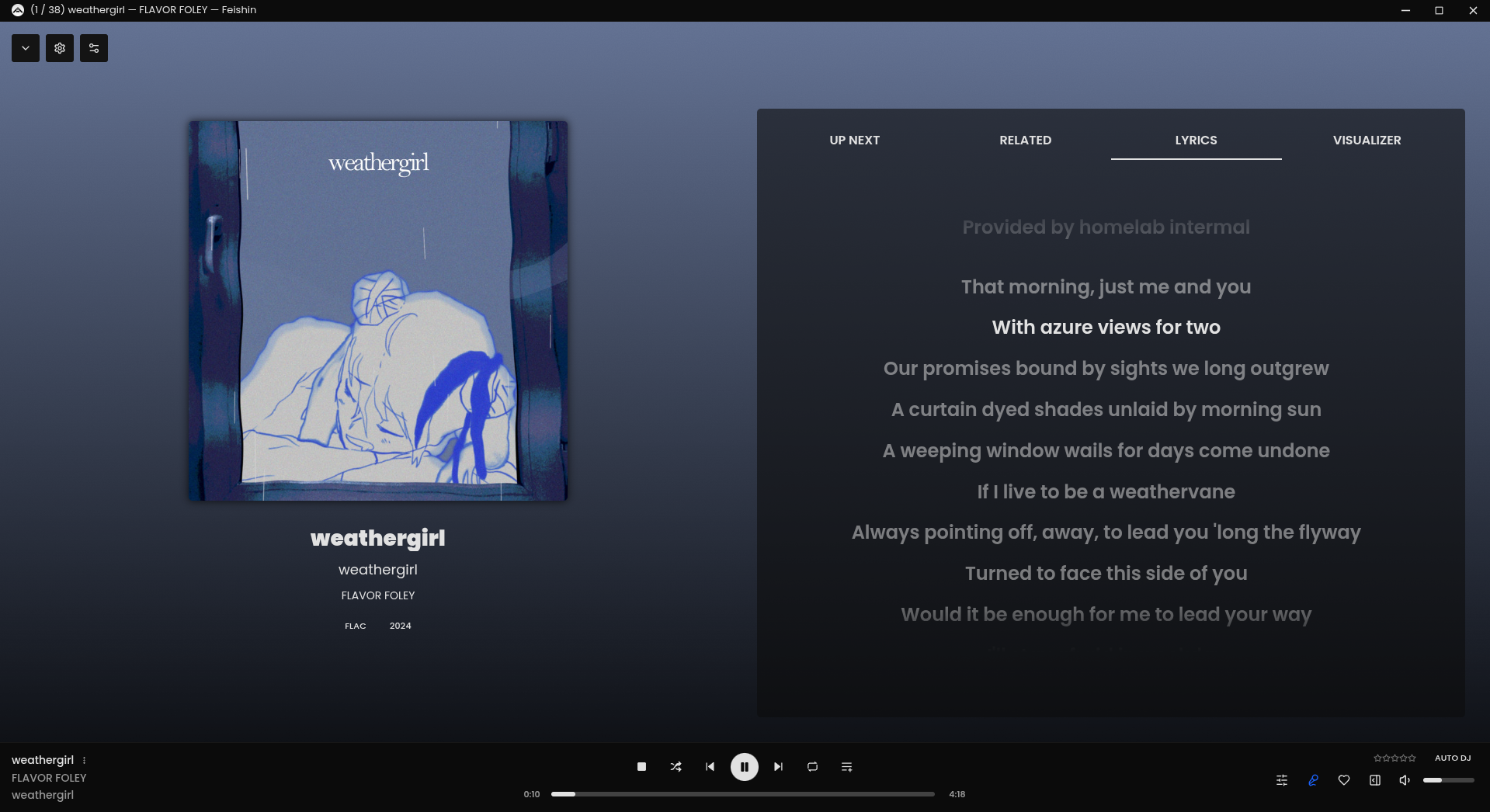

Plays & manages your music library. Looks beautiful & juicy.
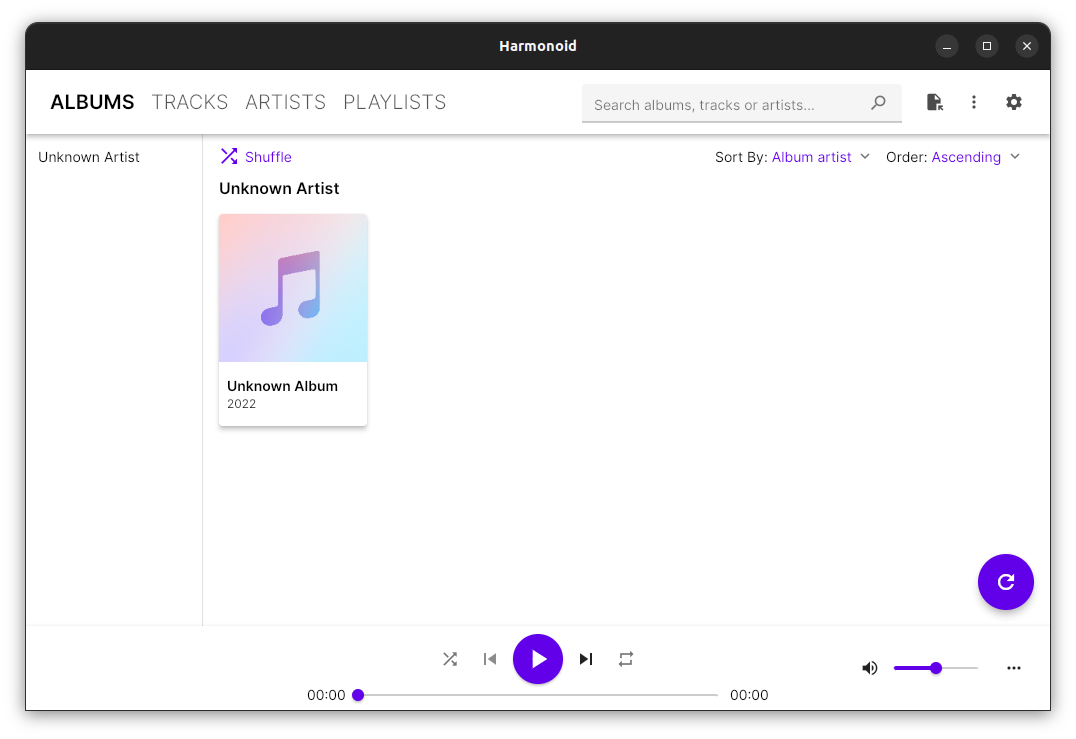
harmonoid.com
github.com/harmonoid
sourceforge.net/projects/harmonoid.mirror
itsfoss.com/harmonoid

OpenLyrics (foo_openlyrics) is the most actively maintained lyrics display component for foobar2000. It provides an integrated lyrics panel, automatic lyrics downloading, local storage, and optional editing support. This guide walks through installation, panel setup, and recommended configuration options.
.fb2k-component file.foo_openlyrics.fb2k-component file.After restarting, OpenLyrics will be available as both a lyrics provider and a UI panel.
Notes:
.lrc or .txt filesRecommended:
Within Preferences → Tools → OpenLyrics, review the display options:
These settings affect how lyrics are rendered in the panel but do not affect stored data.
If lyrics are not found automatically:
OpenLyrics includes a built-in editor, allowing corrections or manual entry without external tools.
For best results with OpenLyrics:
%artist% and %title% tags are accurate.Clean metadata significantly improves lyrics retrieval success.
If lyrics do not appear:
OpenLyrics is currently the most complete and actively maintained lyrics solution for foobar2000. Once installed and configured, it provides automatic lyrics retrieval, reliable local storage, and flexible display options suitable for both minimal and advanced layouts.
For new foobar2000 installations or users modernizing older setups, OpenLyrics is the recommended lyrics display component.


