Features:
- Most audio formats supported: MP3, FLAC, OGG, WMA, AIFF, etc.
- Gapless playback
- Tags & Cover Art support
- Keyboard shortcuts


Features:
- Most audio formats supported: MP3, FLAC, OGG, WMA, AIFF, etc.
- Gapless playback
- Tags & Cover Art support
- Keyboard shortcuts

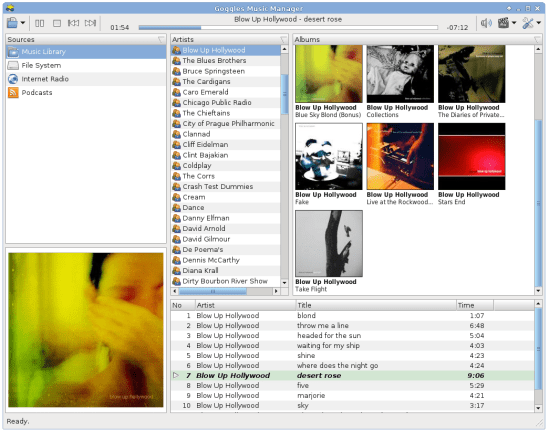

DeaDBeeF (as in 0xDEADBEEF) is a modular audio player for GNU/Linux, *BSD, OpenSolaris, macOS, and other UNIX-like systems.
DeaDBeeF lets you play variety of audio formats, convert between them, customize the UI almost any way you want, and use many additional plugins which can extend it even more.

deadbeef.sourceforge.net
deadbeef.sourceforge.net/download
deadbeef.sourceforge.io/plugins.html
play.google.com/store/apps/details?id=org.deadbeef.android
CUI ~ A faceted library browser plugin for Deadbeef. Columns-UI-like
github.com/VirInvictus/deadbeef-cui
github.com/topics/deadbeef
github.com/topics/deadbeef-plugin
en.wikipedia.org/wiki/DeaDBeeF
github.com/letsconfuse/deadbeef-classic-columns

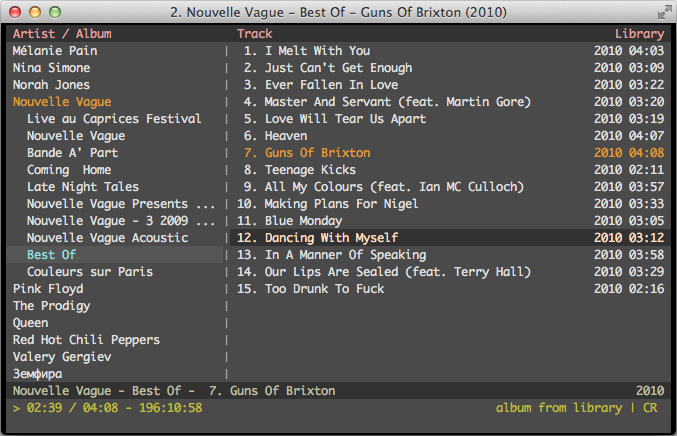
cmus is a small, fast and powerful console music player for Unix-like operating systems.

A music player for the desktop. Designed to be powerful, simple and streamlined, putting the user in control of their music collection. Uses the proprietary BASS audio library for playback.
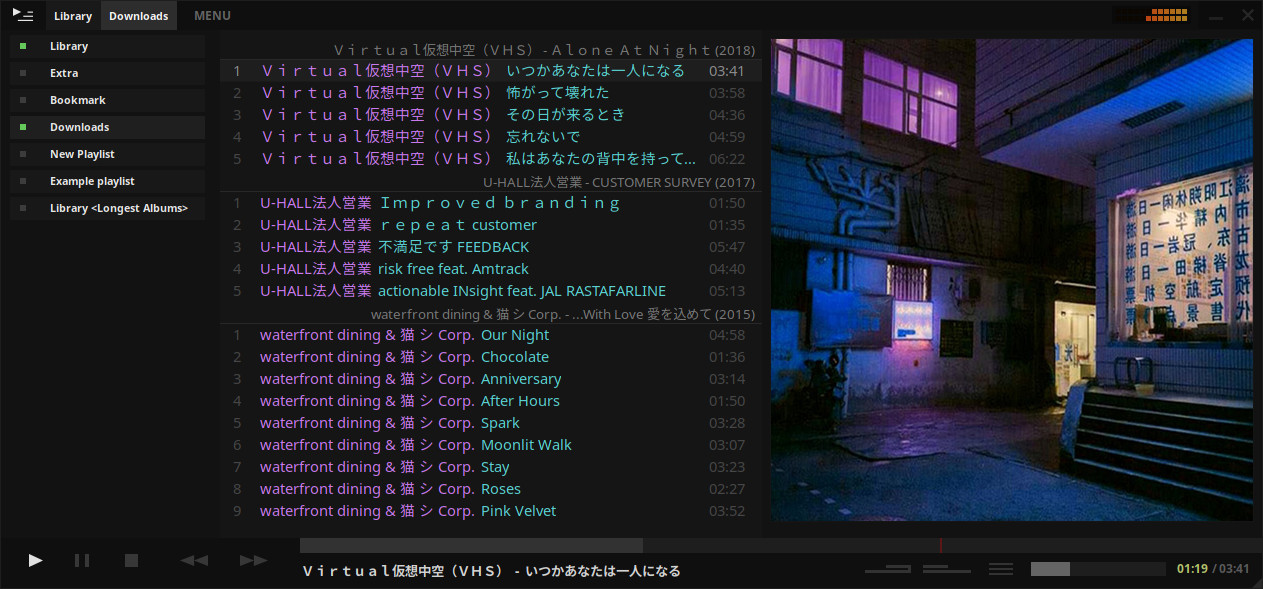
tauonmusicbox.rocks
github.com/Taiko2k/tauonmb

MOC (music on console) is a console audio player for LINUX / UNIX designed to be powerful and easy to use.
You just need to select a file from some directory using the menu similar to Midnight Commander, and MOC will start playing all files in this directory beginning from the chosen file. There is no need to create playlists as in other players.
However if you want to combine some files from one or more directories on one playlist, you can still do it. The playlist will be remembered between runs or you can save it as an m3u file and load it whenever you want.
Need the console where MOC is running for more important things? Need to close the X terminal emulator? You don’t have to stop listening to the music – just press q and the interface will be detached leaving the server running. You can reattach it later, or you can attach one interface in the console, and another in the X terminal emulator, no need to switch just to play another file.
MOC plays smoothly, regardless of system or I/O load because it uses the output buffer in a separate thread. It provides gapless playback because the next file to be played is precached while the current file is playing.
Internet streams (Icecast, Shoutcast) are supported.

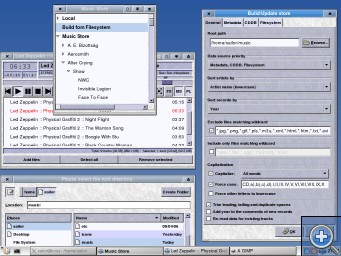
Aqualung is an advanced music player originally targeted at the GNU/Linux operating system, today also running on FreeBSD and OpenBSD, with native ports to Mac OSX and even Microsoft Windows. It plays audio CDs, internet radio streams and podcasts as well as sound files in just about any audio format and has the feature of inserting no gaps between adjacent tracks.
Website
Download
GitHub
SourceForge
Wikipedia

Meson Player is a very convenient music player if you don’t need a GUI to control playback or manage playlists. You just run it and then forget about it. The player runs in the background. Switching tracks, volume control, loading and saving playlists, all of this is performed by using hotkeys, therefore you can control the player while working in any application.
Meson Player supports gapless playback, Last.FM, a lot of music file formats (stream and tracker), Internet radio and playlist management.
Linux / MacOS / Windows
sourceforge.net/projects/mesonplayer

Frome the same developer who brought you Foobar2000 comes Boom.
Boom is an easy to use audio player intended for casual computer users who do not wish to spend their time on figuring more sophisticated software out. All of its most important features are easily accessible out-of-the-box.
Features:
- No installation or administrator rights required! Just download and run.
- Gapless playback of properly encoded files. Enjoy smooth transitions between tracks.
- ReplayGain support. External software is currently required to write ReplayGain information to file tags to utilize this functionality.
- Contents of your music folders are shown, in a convenient structured genre/artist/album/song view.
- By default, contents of “my music” folder or Windows Music library folders are shown. You can configure Boom to index music from any other folders though.
- You can install Boom to removable media and have it index contents of the folder it is installed in.
- Are your files badly tagged or missing tags all together? No problem, Boom can browse your music library by its folder structure.
- Supports variety of popular audio formats, including: MP3, Ogg Vorbis, FLAC, Musepack (MPC), WavPack, WAV, AIFF, MP4/M4A, WMA.
- For emergency tagging needs, Boom includes a simplified version of the foobar2000 Properties dialog.
- Easily configured to run from removable media.
- Multi-language support.
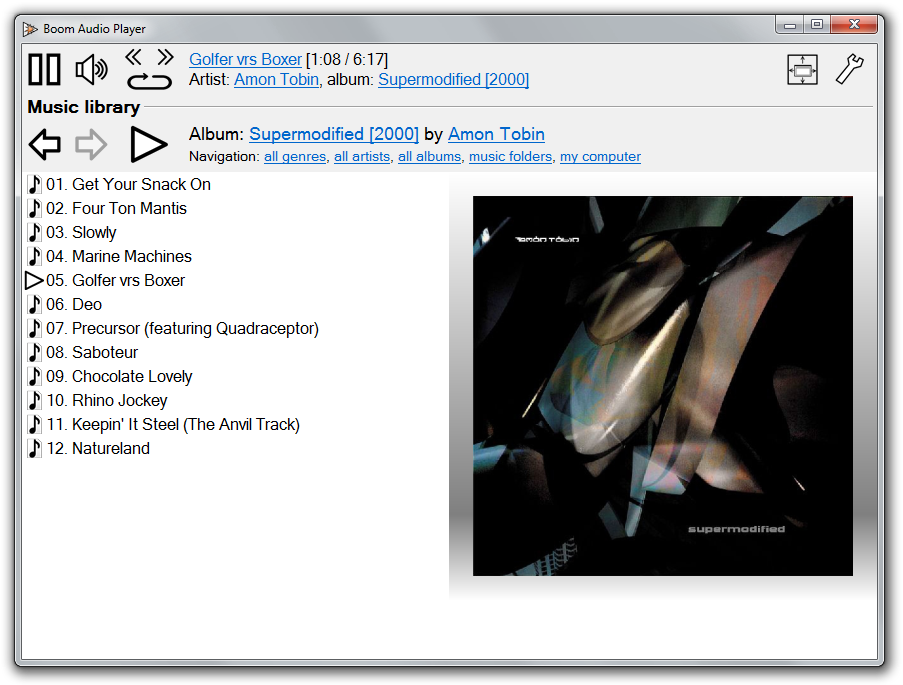
perkele.cc/software/boom
apps.microsoft.com/detail/9NQNS46R8T75

CDBurnerXP is a free application to burn CDs and DVDs, including Blu-Ray and HD-DVDs. It also includes the feature to burn and create ISOs, as well as a multi language interface. Everyone, even companies, can use it for free.
cdburnerxp.se
cdburnerxp.se/en/download
forum.cdburnerxp.se
en.wikipedia.org/wiki/CDBurnerXP

dBpoweramp Music Converter – mp3 converter, FLAC, WAV, AAC and Apple Lossless. Free Download (21 day full trial), start converting today!

An advanced and evolved freeware audio player for Android, Mac, Windows and Wine. Foobar2000 can be extensively extended, modified and themed.
This is the basic Default User Interface or DUI. You will need to configure and extend the DUI Foobar2000 interface according to your preferences and requirements.
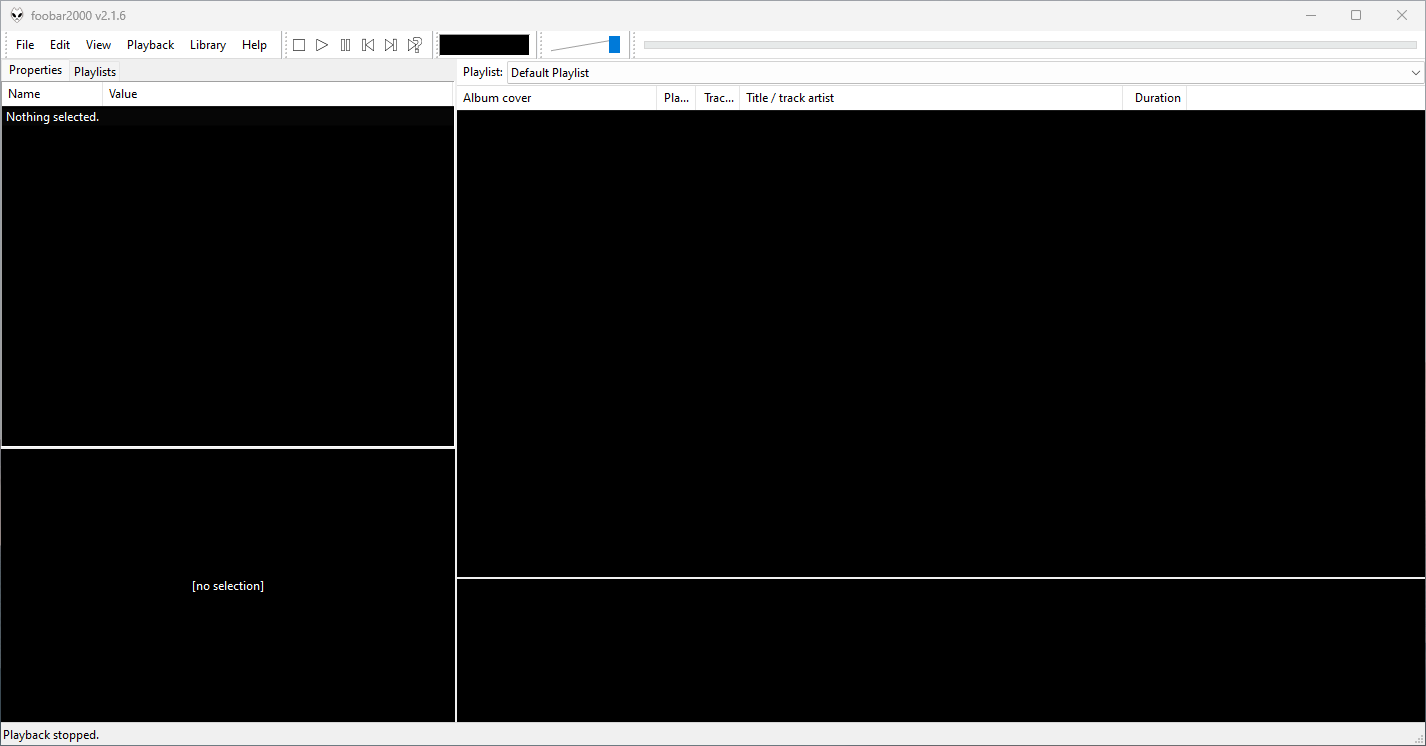
foobar2000 is not limited to the Default User Interface (DUI). Over its history, foobar2000 has had several complete user-interface modules, as well as newer technologies that extend the modern interfaces with highly customizable panels.
foobar2000 also supports web-based interface components. These should not be confused with complete UI modules: they operate as panels or UI Elements within the DUI or CUI.
WebView and WebView2 represent a web-based UI technology rather than separate core foobar2000 interfaces. A WebView/WebView2-based design is still a DUI or CUI layout with a web-based component incorporated into it. The official component repository explicitly identifies WebView2 as a Columns UI panel / Default UI element, rather than as a user-interface module.
In practical terms, foobar2000’s interface history can be divided into:
Complete user-interface modules
UI extension and panel technologies
This distinction is important when describing foobar2000 themes. A theme designed for CUI is a theme for a different complete UI module than a DUI theme. A theme that incorporates WebView2, however, is still a DUI or CUI theme that uses WebView2 as one of its UI components.
For this reason, foobar2000 themes and interface collections identify the Intended User Interface separately from individual panel technologies and components.


