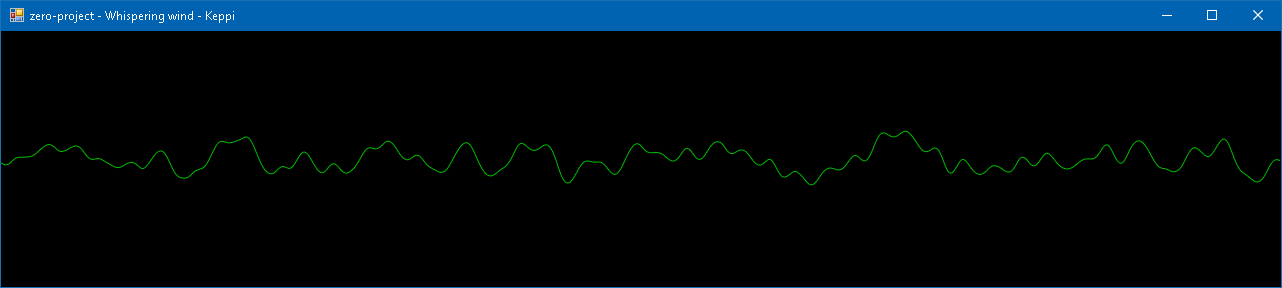
A simple music visualizer I wrote to refresh my C♯ knowledge. Windows-only and requires .NET Framework 4.5.
sourceforge.net/projects/keppi

A simple music visualizer I wrote to refresh my C♯ knowledge. Windows-only and requires .NET Framework 4.5.
sourceforge.net/projects/keppi

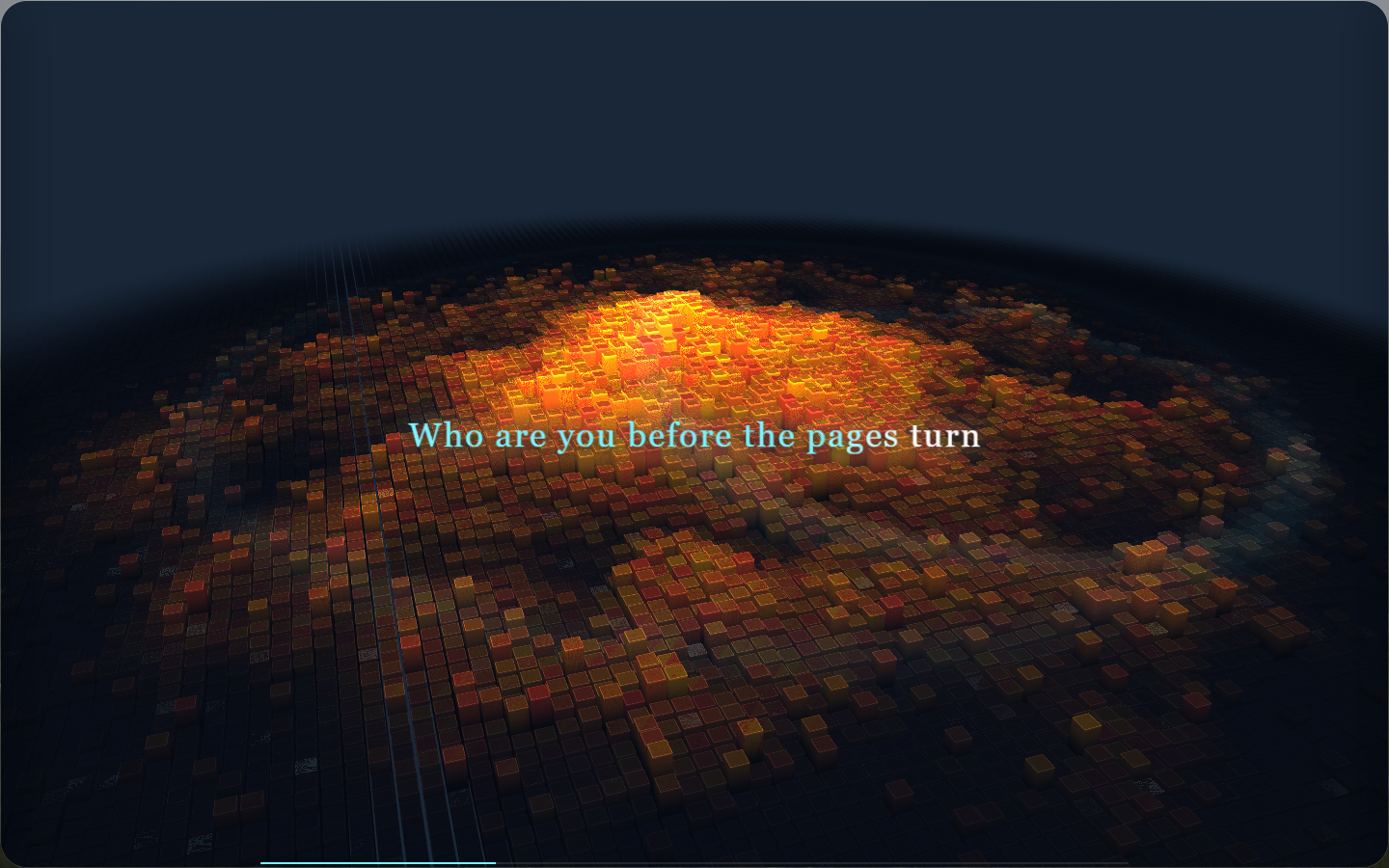
Sonic Topography is a desktop music player and 3D music visualization application. It transforms the low, mid, and high frequencies in music into three-dimensional terrain that undulates, glows, and flashes, turning listening to music into a breathing sound map.
github.com/yin-yizhen/sonic-topography

spotatui plays Spotify natively and streams YouTube, your local files, Subsonic or Navidrome and 30,000+ internet radio stations from a single keyboard-driven player. Spotify is optional. So is the AI DJ.
Features:
- Multiple sources — Spotify optional. Play from Spotify, Local Files, a Subsonic/Navidrome server, Internet Radio, YouTube, or Qobuz. The free sources need no Spotify account; press
dto switch between them at any time.- Native streaming. Play Spotify audio directly, no official app or spotifyd required — spotatui appears as its own Spotify Connect device (Premium required).
- Synced lyrics. Line-by-line lyrics that follow playback.
- Real-time audio visualizer. A system-wide FFT visualizer (press
v) that reacts to whatever is playing.- Cross-source play queue. Press
zon any track to queue it — the queue plays across every source before your current context resumes.- Lua plugins. Extend spotatui with event hooks, commands, keybindings, popups, and theming.
- Listening history & recap. spotatui keeps a local play history and can generate a shareable HTML recap (
spotatui history recap).- Full CLI. Most of what the UI does is scriptable — playback, search, playlists, shell completions. Run
spotatui --help.- Lightweight. ~78 MB RAM while streaming, versus a full Electron client. See Performance.
spotatui.com
github.com/LargeModGames/spotatui

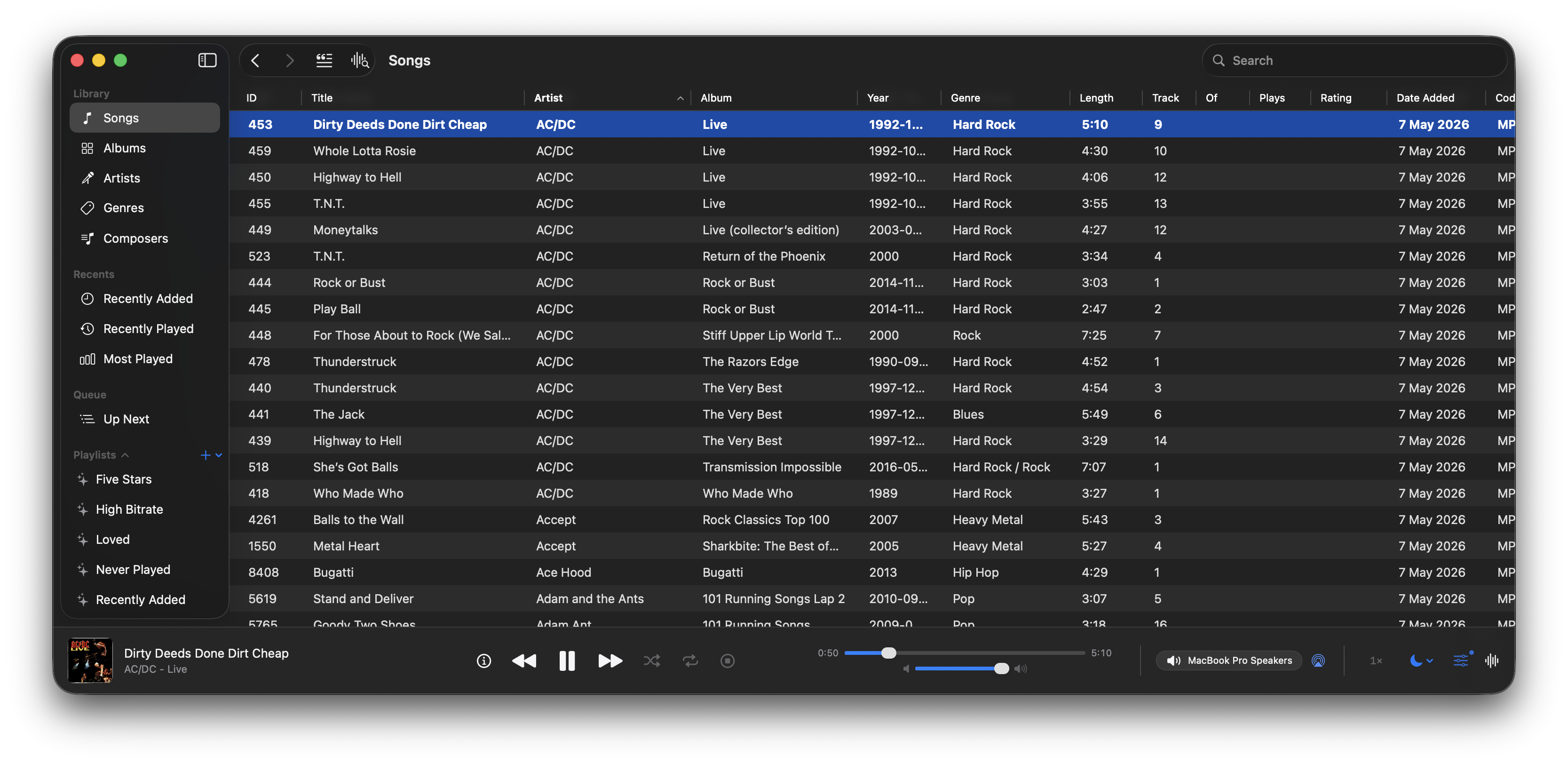
A native macOS music and podcast player and library built with Swift 6 and SwiftUI. Features gapless playback, AcoustID fingerprinting, smart playlists, lyrics, visualizers, scrobbling, and a DSP/EQ engine powered by FFmpeg.
github.com/bocan/bocan-music
bocan.app

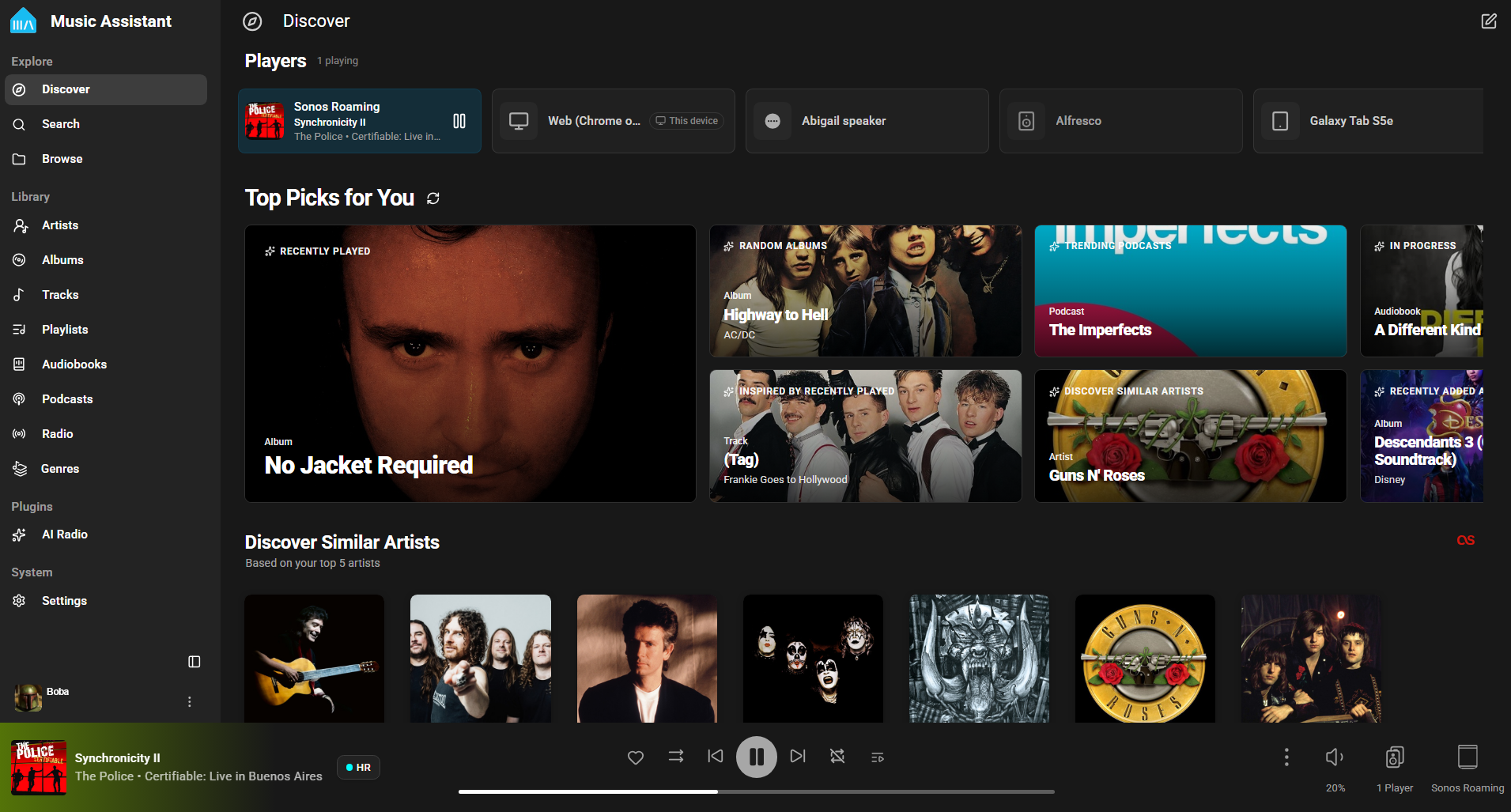
Music Assistant is a free, opensource media library manager that connects to your streaming services and a wide range of connected speakers. The server is the beating heart, the core of Music Assistant and must run on an always-on device like a Raspberry Pi, a NAS or an Intel NUC or alike.
www.music-assistant.io
github.com/music-assistant
github.com/music-assistant/server

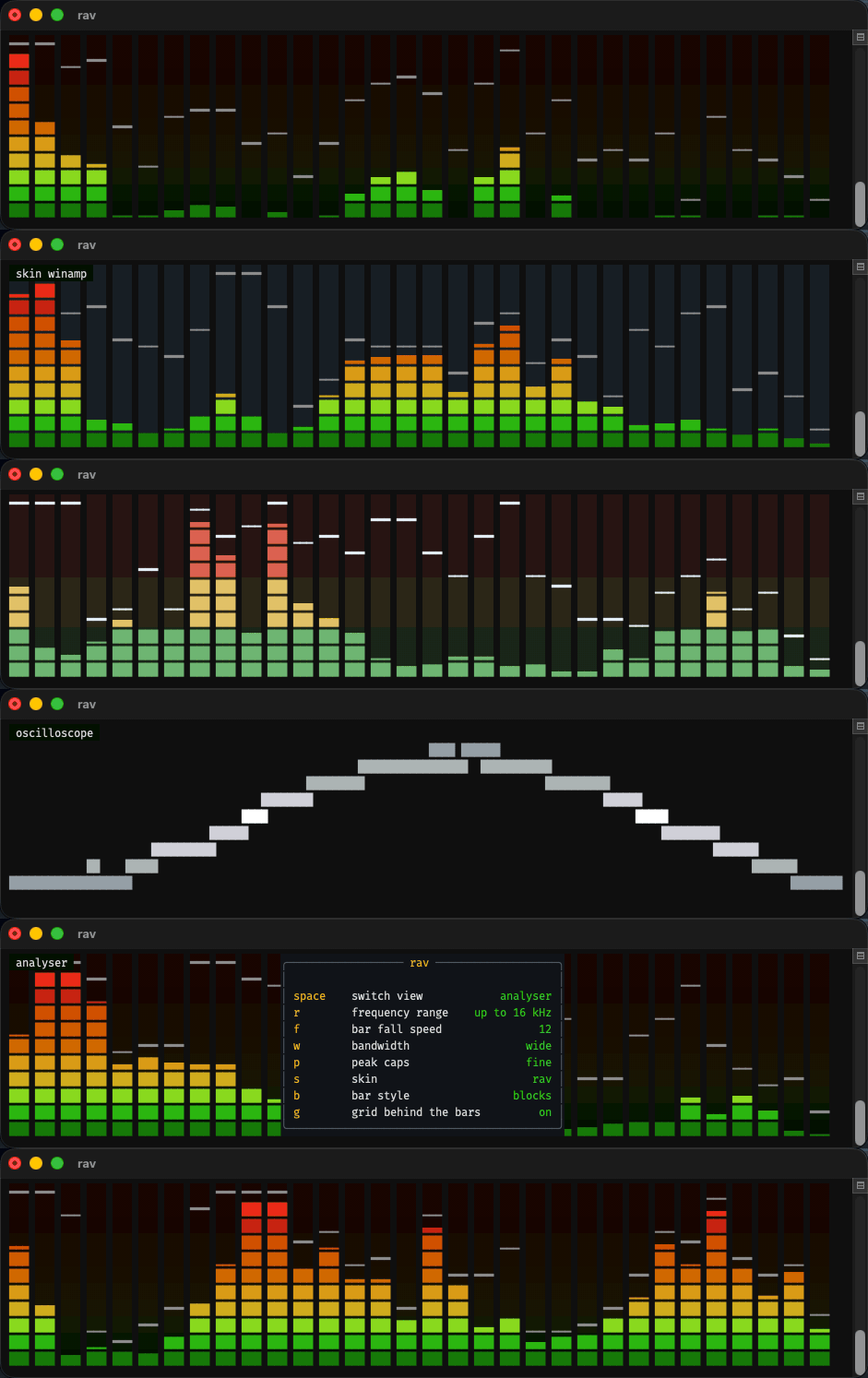
A real-time spectrum analyser with bars, peak caps and an oscilloscope, in truecolour.

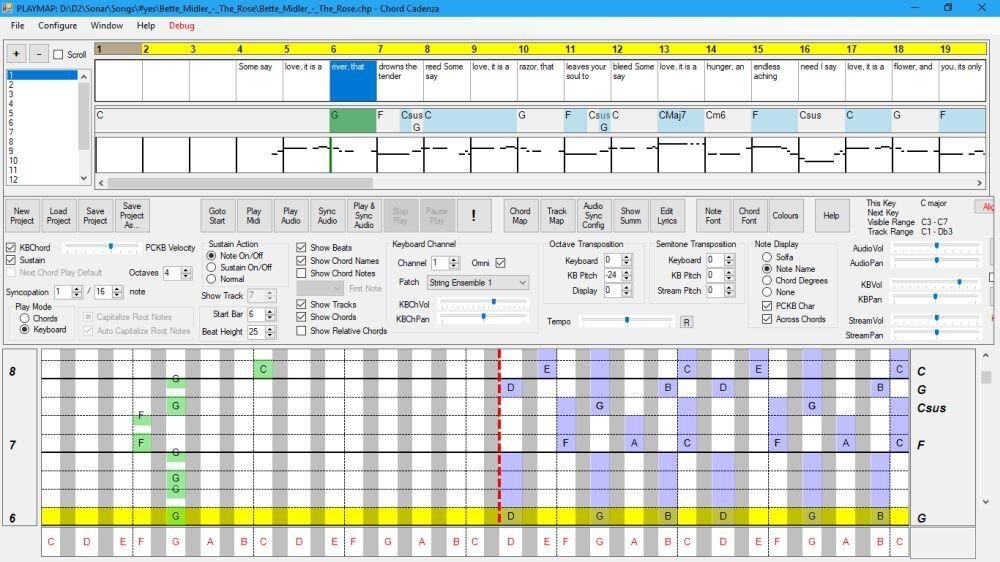
This app helps you to play and improvise chords whilst a MIDI file or audio source is being played. It does this by updating a rolling display to map the chord notes to a piano keyboard. It can also dynamically assign notes or chords to keys on a MIDI or PC keyboard.
Synchronisation is achieved automatically from a MIDI file. An audio file (e.g. MP3) can be synchronised and saved using the program.
Chords and major/minor keys can be extracted from the MIDI file using a configurable tool that analyses the MIDI file. Chords, keys, and time signatures can also be created or updated manually – this allows you to play along with an audio source without requiring a MIDI file.
The program contains a sequencer-style display that can be used to control the volume, panning, muting, solo’ing and patching of the tracks of the MIDI file.
Audio can be rendered with the program’s builtin synthesizer (using SoundFonts), or an external synthesizer.
chordcadenza.org
sourceforge.net/projects/chord-cadenza

Mineradio is a Windows desktop immersive music player that combines search and play, lyrics stage, particle vision, 3D playlist rack, and full desktop mode into a private music space that is closer to a live experience.
github.com/XxHuberrr/Mineradio
sourceforge.net/projects/mineradio.mirror

A modern UI component for foobar2000 built on WebView2 (C++ DLL). It turns the entire foobar2000 window into a WebView2 canvas, letting you build the interface with modern web technologies while keeping native Windows 11 visual effects (Mica/Acrylic).
Features:
- Full WebView2 UI — the entire client area is rendered by WebView2
- Native Windows 11 effects — Mica / Acrylic / Tabbed backgrounds
- Extended title bar into the client area — custom title bar content, Snap Layout support
- Bidirectional C++ / JS bridge (BridgeCore)
- 200+ APIs across 20+ namespaces
- Plugin extension system (PluginRegistry)
- Web Components library (fb-* elements)
- SMP compatibility layer
- MCP Server — AI agent integration via CDP
- DUI / CUI panel support
nereafantasia.github.io/foo_ui_webview2
github.com/NereaFantasia/foo_ui_webview2
en.wikipedia.org/wiki/WebView
learn.microsoft.com/en-us/microsoft-edge/webview2
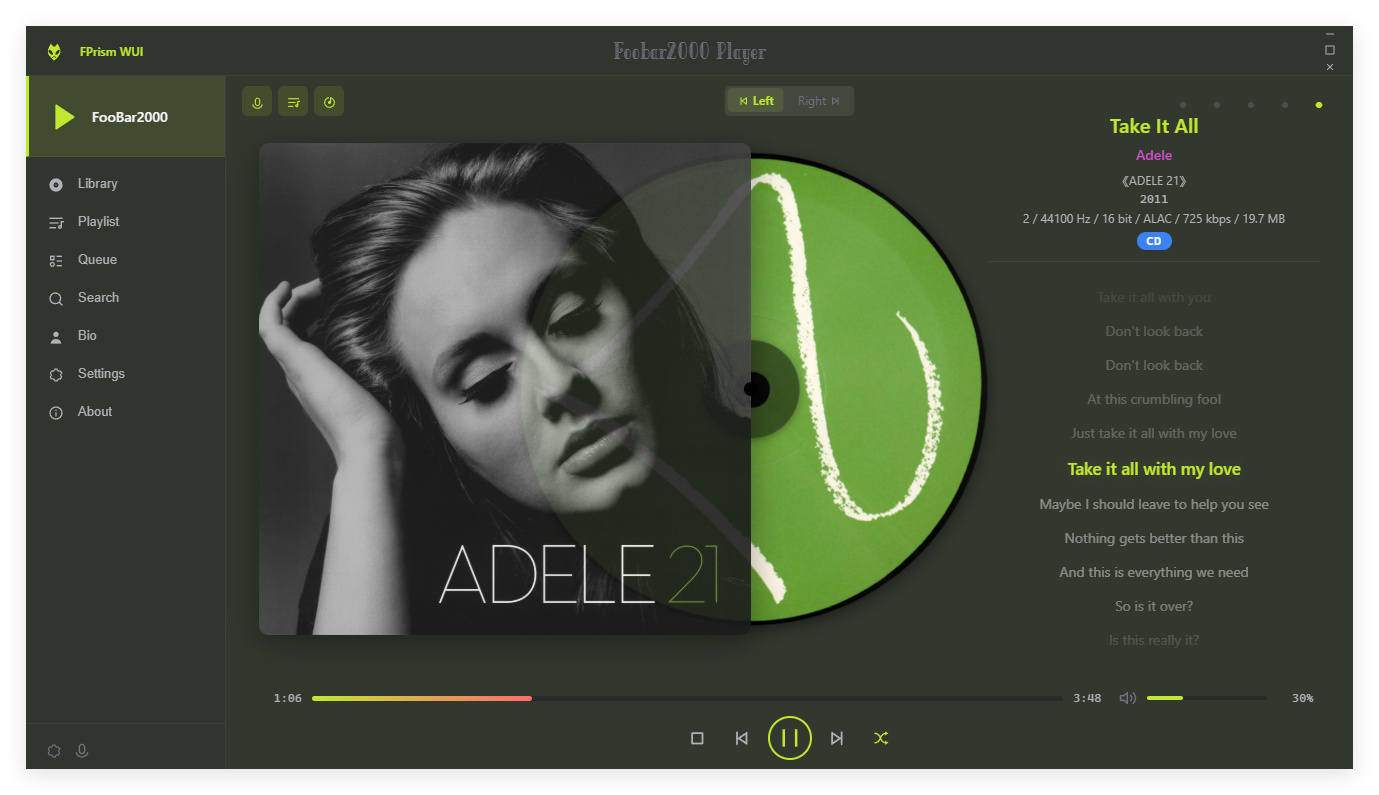
FPrism WUI ~ hydrogenaudio.org/index.php/topic,129771.0

A professional, high-performance radio player and recorder for Windows. Access the world of music with a single click.
Features:
- Global Access: Over 30,000 radio stations via Radio-Browser API.
- High-Quality Recording: Capture streams in MP3 (320kbps) or WAV format.
- Smart Timer: Schedule your recordings to never miss a show.
- Visual Experience: Integrated real-time audio visualizer.
- Portable: No installation required. Everything (VLC/FFmpeg) is included in one EXE.
github.com/BugHunter2026/Audiomora-Radio-Player

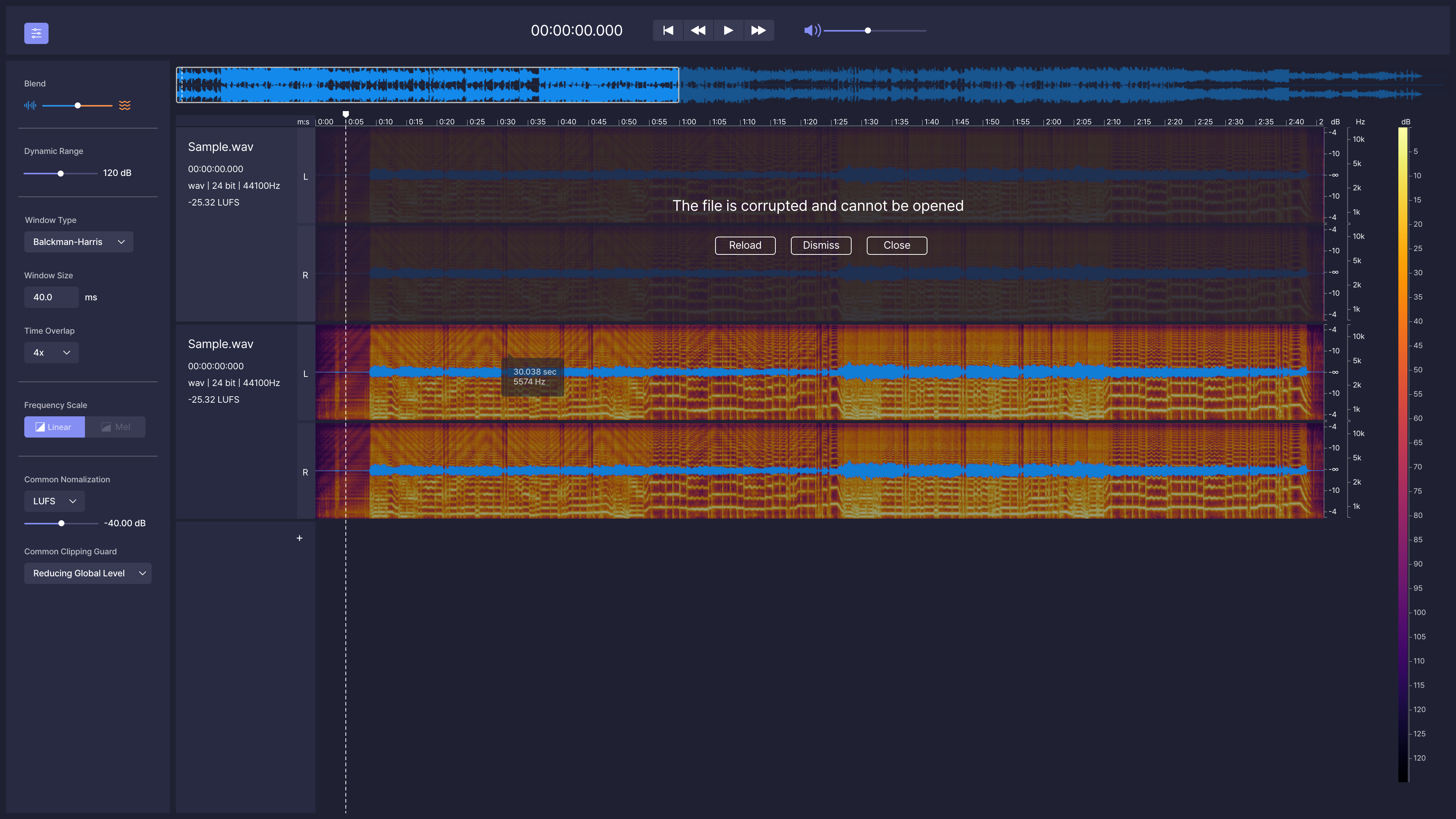
Thesia is a Multi-track Spectrogram / Waveform viewer This project is in beta.

Music visualizer skin for Rainmeter.
Highly responsive, low resource usage. Scaled for 1080p monitors.
Dual channel RMS gauges.
(Digital audio on PC doesn’t use VU scale, it uses dBFS) I set it to show output % which feels more apt for a PC visualizer.
Dual channel FFT RTA audio spectrum – 20Hz to 16KHz
www.deviantart.com/nikharg/art/Athena-4


