spotatui ~ Standalone Terminal Player


spotatui plays Spotify natively and streams YouTube, your local files, Subsonic or Navidrome and 30,000+ internet radio stations from a single keyboard-driven player. Spotify is optional. So is the AI DJ.

Features:

  • Multiple sources — Spotify optional. Play from Spotify, Local Files, a Subsonic/Navidrome server, Internet Radio, YouTube, or Qobuz. The free sources need no Spotify account; press d to switch between them at any time.
  • Native streaming. Play Spotify audio directly, no official app or spotifyd required — spotatui appears as its own Spotify Connect device (Premium required).
  • Synced lyrics. Line-by-line lyrics that follow playback.
  • Real-time audio visualizer. A system-wide FFT visualizer (press v) that reacts to whatever is playing.
  • Cross-source play queue. Press z on any track to queue it — the queue plays across every source before your current context resumes.
  • Lua plugins. Extend spotatui with event hooks, commands, keybindings, popups, and theming.
  • Listening history & recap. spotatui keeps a local play history and can generate a shareable HTML recap (spotatui history recap).
  • Full CLI. Most of what the UI does is scriptable — playback, search, playlists, shell completions. Run spotatui --help.
  • Lightweight. ~78 MB RAM while streaming, versus a full Electron client. See Performance.

spotatui.com
github.com/LargeModGames/spotatui

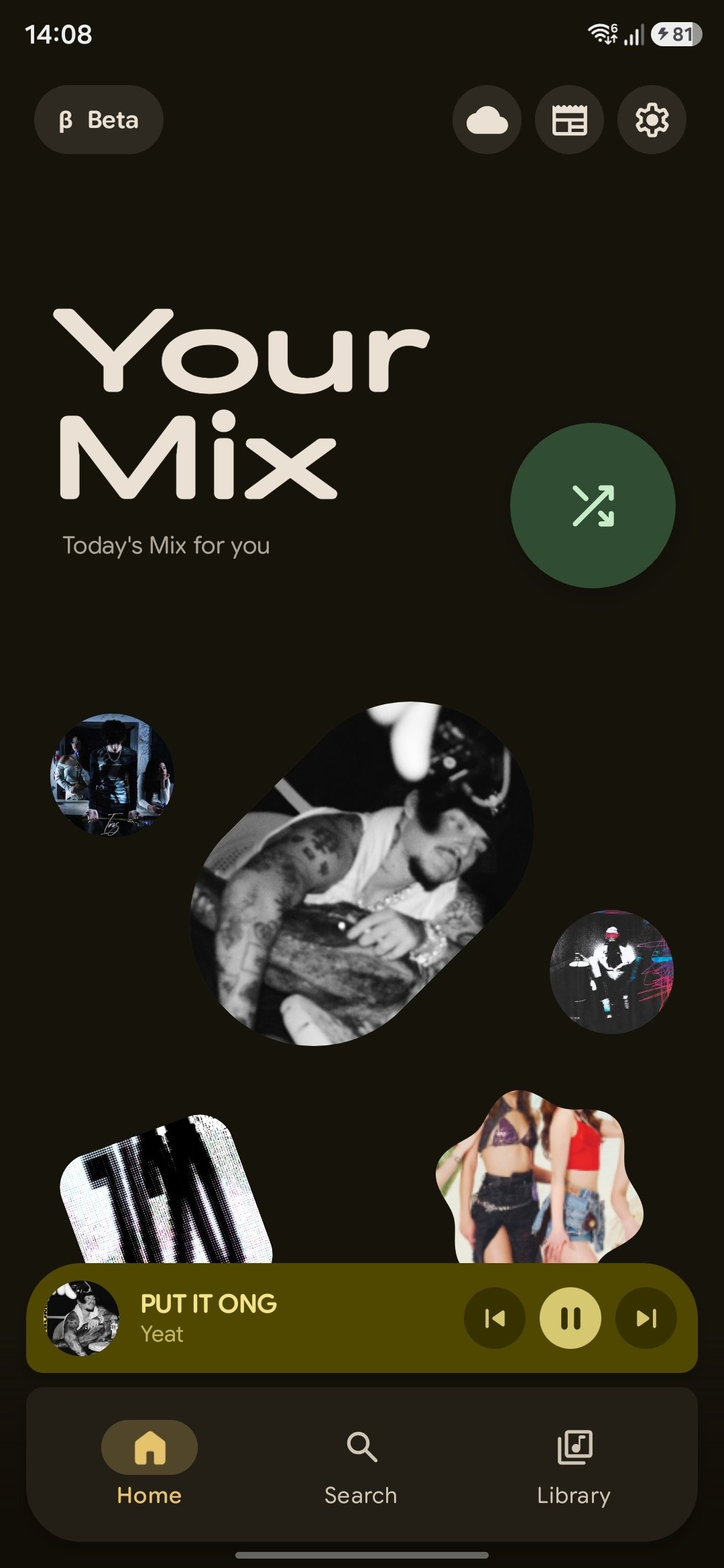
PixelPlayerOSS ~ Android Music Player


Free and open-source edition of PixelPlayer – a modern offline music player for Android built with Jetpack Compose, Media3 & Material 3. Available on F-Droid.

github.com/PixelPlayerHQ/PixelPlayerOSS

Subsonic player ~ Modern Subsonic Player


Subsonic player is a responsive, modern web-based client designed for Subsonic music servers.

Built with Nuxt 4, a modern Vue 3 framework, this open-source application provides a seamless and enjoyable music listening experience across all devices.

Compatible Servers:

Features:

  1. Fully Responsive UI (Further design improvements are ongoing.)
    • Optimized for desktop and mobile devices.
    • Adaptive design.
  2. Comprehensive Library Browsing
    • Browse by album, artist, genre, and folder/files.
    • Explore podcasts and favourites.
    • Access internet radio stations.
  3. Advanced Functionality
    • Bookmarking podcast episode to keep track of the listening position across multiple sessions.
    • MediaSession Integration.
    • Advanced Search capabilities.
    • Dark/Light Mode support.
    • Keyboard shortcut (Press h to see menu).
    • Context menu access via right-click (desktop) or long press (mobile) for quick actions on tracks, albums, playlists, and more.
    • Easily drag and drop your favorite tracks, albums, and podcast episodes right into the queue or your playlist in the sidebar (available only on desktop).
  4. Progressive Web App (PWA) Feature
    • Seamlessly download the app icon to the home screen, providing the convenience of launching the app just like a traditional native application.
    • Benefit from a web-based app that reduces storage space on devices compared to traditional downloadable applications, while still providing robust functionality.
  5. Settings
    • The app includes settings for theme, layout, crossfade, replaygain, scrobbling, and more. See the environment variables section for which can be pre-configured across all devices.

github.com/VD39/subsonic-player