Smart Mix Player ~ DJ & Radio Automation


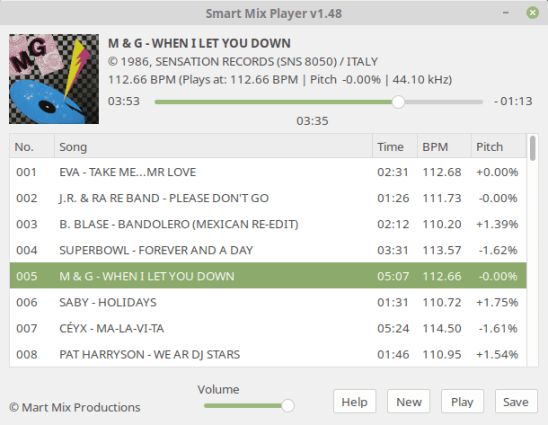
Smart Mix Player is a free auto disc jockey player for Linux and Windows. It plays audio files as a non stop mix, but not in the way that traditional auto DJ software does!

Most of these players mix songs together at the end of a song with a simple fade out and fade in. Smart Mix Player goes a big step further and mixes like a real DJ!
smartmixplayer

www.smartmixplayer.com

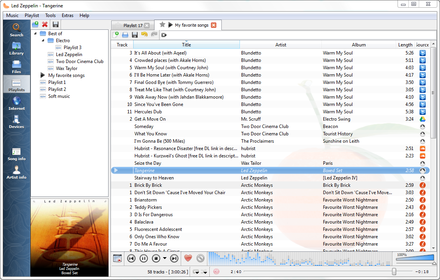
DeaDBeeF ~ Extensible Unix Audio Player


DeaDBeeF (as in 0xDEADBEEF) is a modular audio player for GNU/Linux, *BSD, OpenSolaris, macOS, and other UNIX-like systems.

DeaDBeeF lets you play variety of audio formats, convert between them, customize the UI almost any way you want, and use many additional plugins which can extend it even more.

deadbeef

deadbeef.sourceforge.net
deadbeef.sourceforge.net/download
deadbeef.sourceforge.io/plugins.html
play.google.com/store/apps/details?id=org.deadbeef.android

Plugins:

CUI ~ A faceted library browser plugin for Deadbeef. Columns-UI-like

github.com/VirInvictus/deadbeef-cui

References:

github.com/topics/deadbeef
github.com/topics/deadbeef-plugin
en.wikipedia.org/wiki/DeaDBeeF

Resources:

github.com/letsconfuse/deadbeef-classic-columns

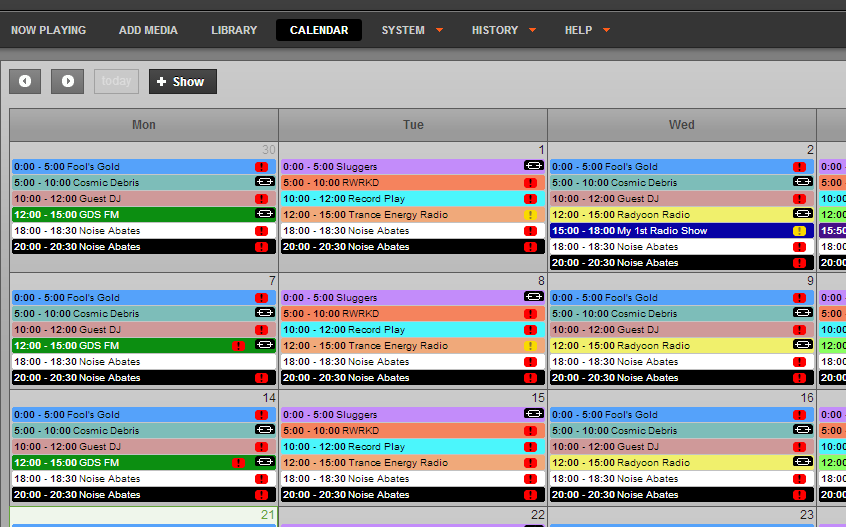
airtime ~ Broadcast Streaming Radio


Airtime is an open source application that provides remote and
collaborative automation of a broadcast radio station.

Major features:

  • Web-based remote station management. Authorized personnel can add
    programme material, create playlists or smart blocks, and stream in live,
    all via a web interface.
  • Automation. Airtime has a scheduler function that enables users to
    create shows with content for playback at the exact date and time specified.
  • Playlists, smart blocks and remote stream URLs can be used multiple times.
  • Solid playout. Airtime uses the open source Liquidsoap streaming language for reliable and precise playback to multiple outputs.
  • Open, extensible architecture. Stations are free to extend and alter
    all parts of the program code, under the GNU AGPLv3 license.

Airtime

www.sourcefabric.org/en/airtime
en.wikipedia.org/wiki/Airtime_(software)

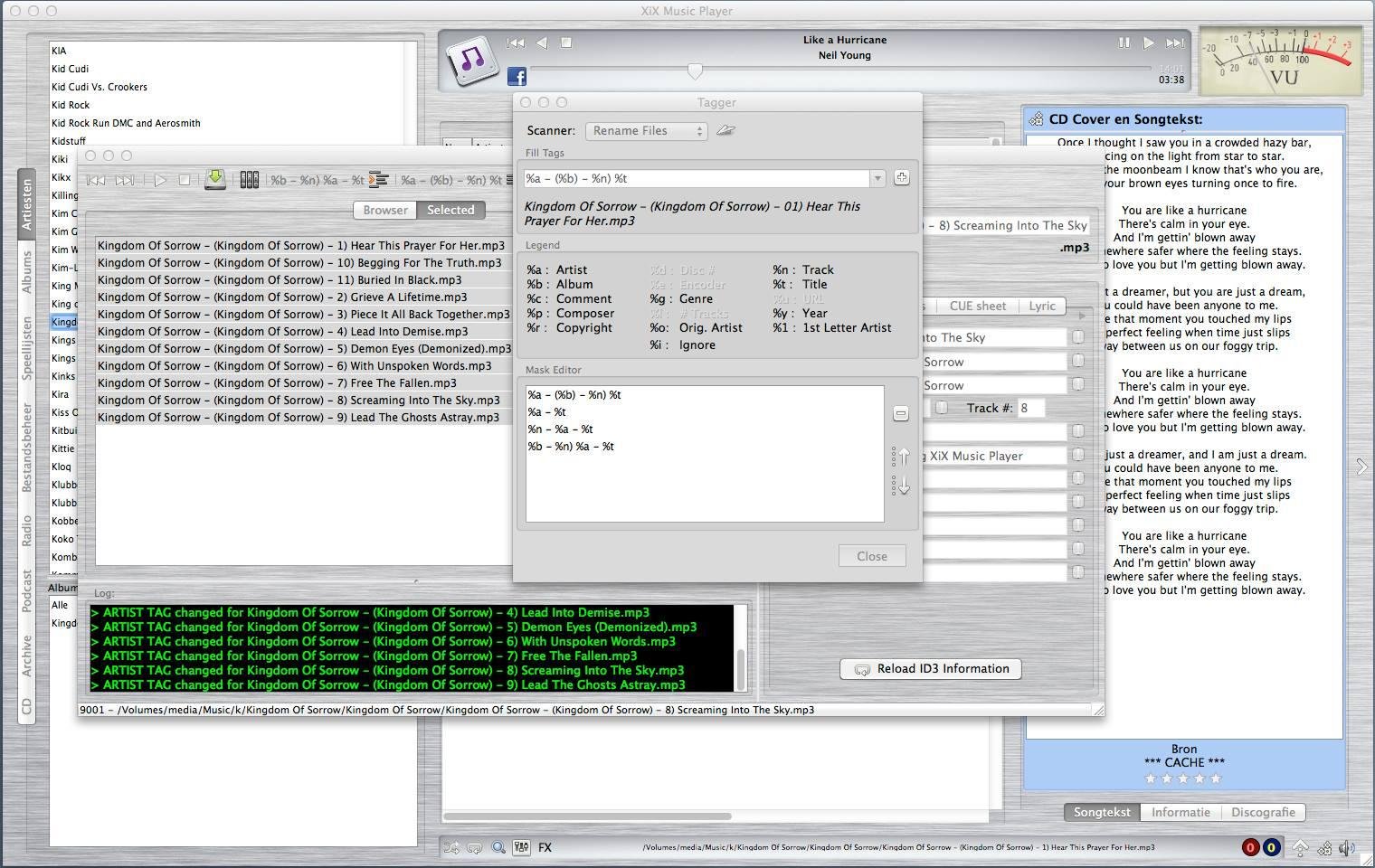
XiX ~ Open Source Music Player


XiX Player is a free, easy to use, multi-platform music player that currently runs in Linux, Linux ARM (Raspberry Pi), Windows & MacOS Intel

Features:

  • Supports the following file formats: MP3, OGG, M4A (non-DRM), AAC, FLAC, OPUS, APE, DFF, WAV
  • Play & rip your CDs to MP3 or FLAC with CD-Text and CDDB support.
  • Rip CD/DVD tracks to MP3 or FLAC. Needs mplayer.
  • See albums the chosen artist is on and vice versa.
  • Create and use playlists.
  • Online radio stations + presets.
  • Record online radio stations.
  • Schedule Radio station recordings.
  • Listen to & download podcasts.
  • Play license free audio from the Internet Archive.
  • Show the lyrics and CD covers of the song being played.
  • Shuffle and repeat.
  • Reverse play.
  • Crossfading & trimming.
  • Search.
  • Rate your songs.
  • EQ + FXs (Flanger, Echo & Reverb).
  • Set EQ & trim for individual songs.
  • Copy, delete or rename files.
  • Change ID3 tag (only for MP3/OGG/FLAC/APE).
  • Multiple tagging / renaming.
  • Theme support (Basic).
XIX

sourceforge.net/projects/xixmusicplayer

PoQStacker ~ Multi-Function Music Player


PoQStacker is a PC based MP3 and wav file music player with a playlist manager / organizer. If you have a CD or MP3 collection, PoQStacker will assist you in connecting you to your music.

Features:

  • Floating Library
  • CD Ripper
  • WiFi / Network Ready
  • Levelling / Normalisation
  • Unlimited Playlists
  • Resident DJ

www.poqstacker.org

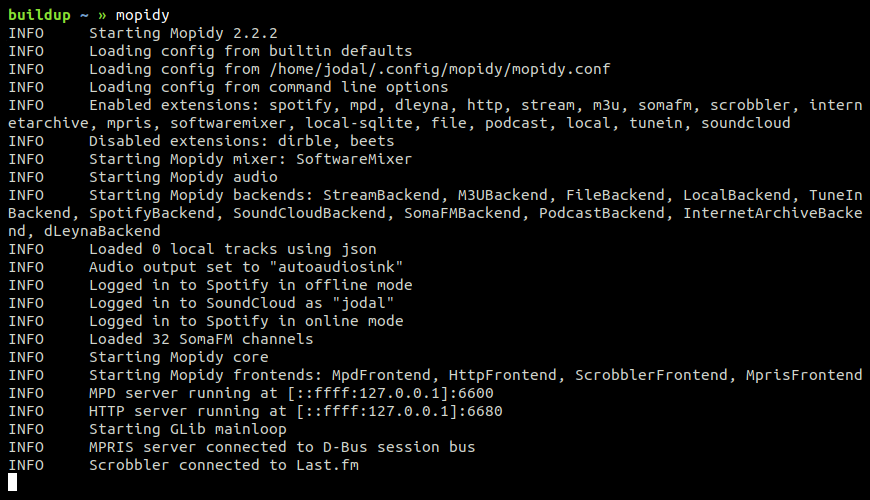
mopidy ~ Extensible Music Server


Written in Python, Mopidy plays music from a local disk, Spotify, SoundCloud, Google Play Music, and more. You edit the playlist from any phone, tablet, or computer using a range of MPD and web clients.

mopidy-screenshot

www.mopidy.com

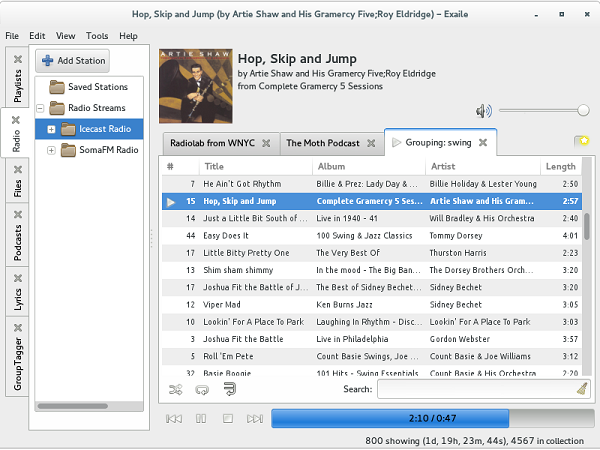
Exaile ~ GTK+ Music Player


Simple interface. Powerful music management. Smart Playlists. Advanced track tagging. Automatic album art. Lyrics. Streaming Radio. Podcasts. Secondary output device support. Cross-platform. Easily extensible with 50+ plugins available.

exaile-3.4

www.exaile.org

Clementine ~ Modern Player & Library Organizer


Clementine is a multi-platform music player. It’s inspired by Amarok 1.4, focusing on a fast and easy-to-use interface for searching and playing your music.

  • Search and play your local music library.
  • Listen to internet radio from Spotify, Groovesharks, SomaFM, Magnatune, Jamendo, SKY.fm (radiotunes), Digitally Imported, JAZZRADIO.com, Soundcloud, Icecast and Subsonic servers.
  • Search and play songs you’ve uploaded to Box, Dropbox, Google Drive, and OneDrive.
  • Create smart playlists and dynamic playlists.
  • Tabbed playlists, import and export M3U, XSPF, PLS and ASX.
  • CUE sheet support.
  • Play audio CDs.
  • Visualizations from projectM.
  • Lyrics and artist biographies and photos.
  • Transcode music into MP3, Ogg Vorbis, Ogg Speex, FLAC or AAC.
  • Edit tags on MP3 and OGG files, organize your music.
  • Fetch missing tags from MusicBrainz.
  • Discover and download podcasts.
  • Download missing album cover art from Last.fm and Amazon.
  • Cross-platform – works on Windows, Mac OSX and Linux.
  • Native desktop notifications on Linux (libnotify) and Mac OSX (Growl).
  • Remote control using an Android device, a Wii Remote, MPRIS or the command-line.
  • Copy music to your iPod, iPhone, MTP or mass-storage USB player.
  • Queue manager.
Clementine Version 1.2-1
Playlist tab, while listening to songs from multiples Internet services

www.clementine-player.org
www.clementine-player.org/downloads
github.com/clementine-player/Clementine
flathub.org/apps/org.clementine_player.Clementine
en.wikipedia.org/wiki/Clementine_(software)
Clementine Music Player Tutorial

F-Droid

An Android remote control for Clementine

f-droid.org/packages/de.qspool.clementineremote

Meson ~ A Player With No GUI


Meson Player is a very convenient music player if you don’t need a GUI to control playback or manage playlists. You just run it and then forget about it. The player runs in the background. Switching tracks, volume control, loading and saving playlists, all of this is performed by using hotkeys, therefore you can control the player while working in any application.

Meson Player supports gapless playback, Last.FM, a lot of music file formats (stream and tracker), Internet radio and playlist management.

Linux  /  MacOS  /  Windows

sourceforge.net/projects/mesonplayer

CreateM3U ~ m3u Playlist Creator


Drag & drop files or folders to create .m3u playlists. For each folder, a single .m3u file is created named after that folder. It will not replace already existing playlists of that name. The generated playlists do not contain EXTM3U information because a simple .m3u is nothing more than a text file with a list of file names per line. The initial tool for this task for me was a batch file. 😉

As the generated playlists only include filenames without any path, and they are located with the media files, they can be moved together with the files, as an example, for portable mp3 player usage.

createm3u

lostfound.raum108.de/create_m3u

Continue reading →

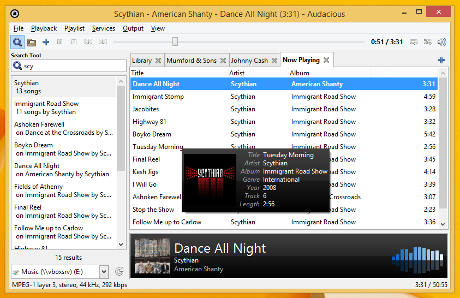
Audacious ~ Open Source Audio Player


Audacious is an open source audio player. A descendant of XMMS, Audacious plays your music how you want it, without stealing away your computer’s resources from other tasks. Drag and drop folders and individual song files, search for artists and albums in your entire music library, or create and edit your own custom playlists. Listen to CD’s or stream music from the Internet. Tweak the sound with the graphical equalizer or experiment with LADSPA effects. Enjoy the modern GTK-themed interface or change things up with Winamp Classic skins. Use the plugins included with Audacious to fetch lyrics for your music, to set an alarm in the morning, and more.

Audacious

audacious-media-player.org
audacious-media-player.org/download
VU Meters

Playlist Creator ~ Freeware Windows Applet


Following the Unix philosophy “one tool for one job” Playlist Creator enables you to create playlists of your precious music within seconds.

The composition and creation of a playlist is quite intuitive: Add all desired files, enter a name for the playlist and select its save location. Hit the create button and one moment later your brand-new playlist is ready.

You don’t have to recreate your playlist every time you want to make changes to it. Just open the existing playlist file, make the changes you want and save the playlist. It’s as simple as that!

Combining several playlists into a single big playlist is quite simple as well: Insert as many existing playlist files to your current playlist as you like and save the playlist. Done!

playlist creator

Windows 7 and earlier

www.oddgravity.de/app-opc