Manifold ~ Audio Batch Processing Tool


Manifold is a desktop audio batch-processing tool built for inspecting, transforming, and exporting large collections of audio files with a visual workflow editor. Useful for checking and pre-processing audio for game-audio production, podcasts and broadcast, it is designed to make repetitive tasks more efficient and reproducible.

It combines a polished ImGui-based interface with a custom node-based audio pipeline, allowing you to build repeatable processing chains for tasks such as loudness normalization, peak limiting, DC offset cleanup, resampling, and format conversion.Why Manifold?

Manifold was designed to make audio batch work feel more structured and reproducible. Instead of manually running ad-hoc commands or scripting every step, you can:

  • import whole folders of audio files,
  • inspect their metadata and analysis results,
  • create reusable processing chains,
  • export processed files with consistent naming and format settings.

This makes it useful for workflows such as podcast preparation, mastering prep, broadcast delivery, and game-audio asset processing.

Key Features:

  • Batch import of files and folders
  • Drag-and-drop support from the file explorer
  • Built-in audio playback for quick previews
  • File table with metadata and analysis metrics
  • Configurable processing workflows using nodes
  • Output settings for folder, naming, format, and subtype
  • Background processing with task history and logs
  • Parallel analysis for loudness and DC offset metrics

Supported Processing Nodes:

Manifold includes a growing set of audio processing and analysis nodes, including:

  • Loudness analysis
  • Loudness normalization
  • True peak limiting
  • DC offset removal
  • Peak normalization
  • Channel mixing
  • Silence trimming
  • Fade in/out
  • Loudness compliance checks
  • Clipping detection
  • Dynamic range analysis

These nodes can be chained together to create custom pipelines for different production scenarios.

github.com/AnClark/Manifold

Sonic Topography ~ Music Player & Visualisation


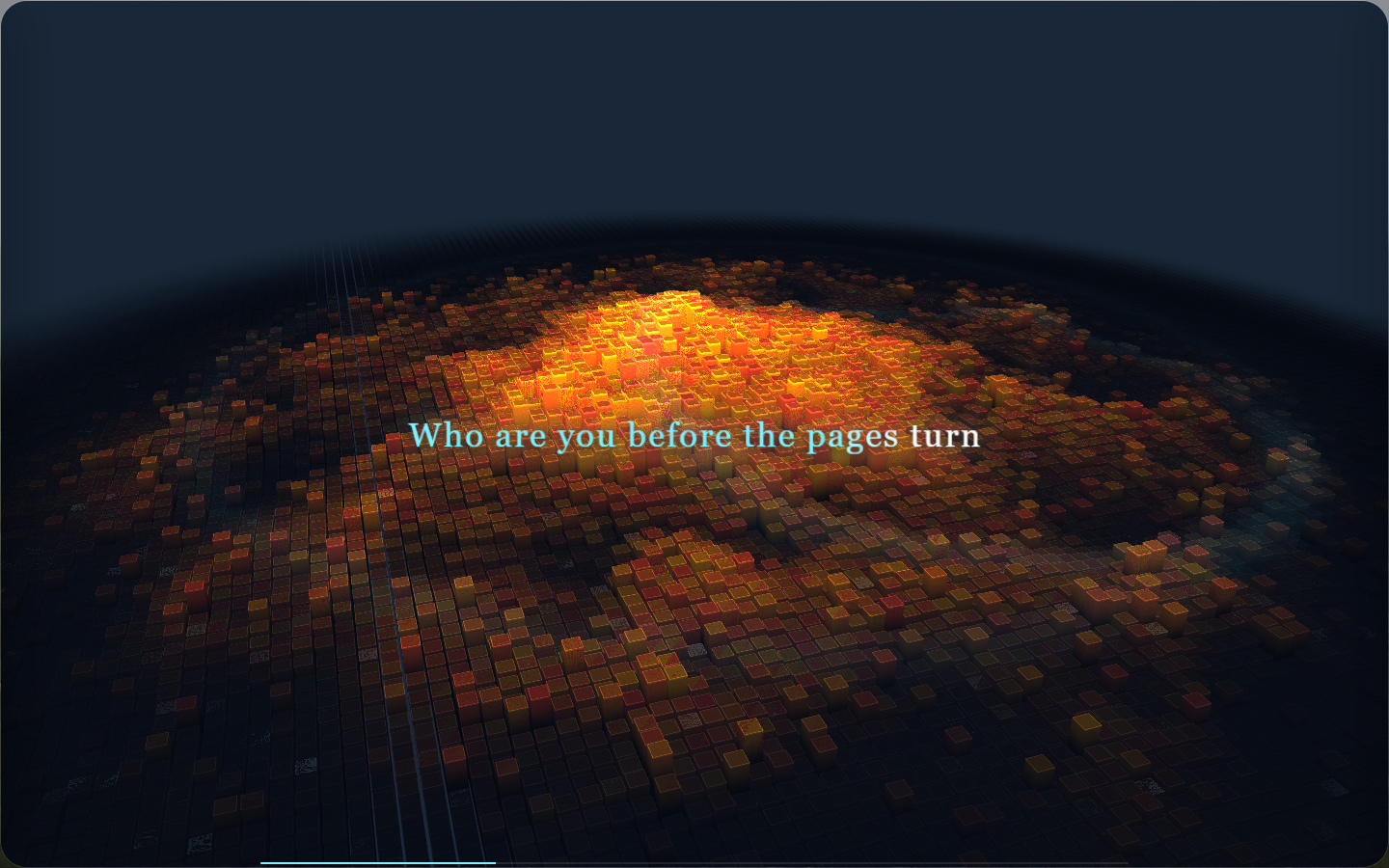
Sonic Topography is a desktop music player and 3D music visualization application. It transforms the low, mid, and high frequencies in music into three-dimensional terrain that undulates, glows, and flashes, turning listening to music into a breathing sound map.

sonic topography display

github.com/yin-yizhen/sonic-topography

Sound Ninja ~ Crossplatform Customisable Soundboard


Sound Ninja is an Open Source Soundboard App with maximal customizability option to create your best Soundboard. Perfect for live streaming, chatting with friends or podcast recording.

github.com/marcus-universe/SoundNinja

spotatui ~ Standalone Terminal Player


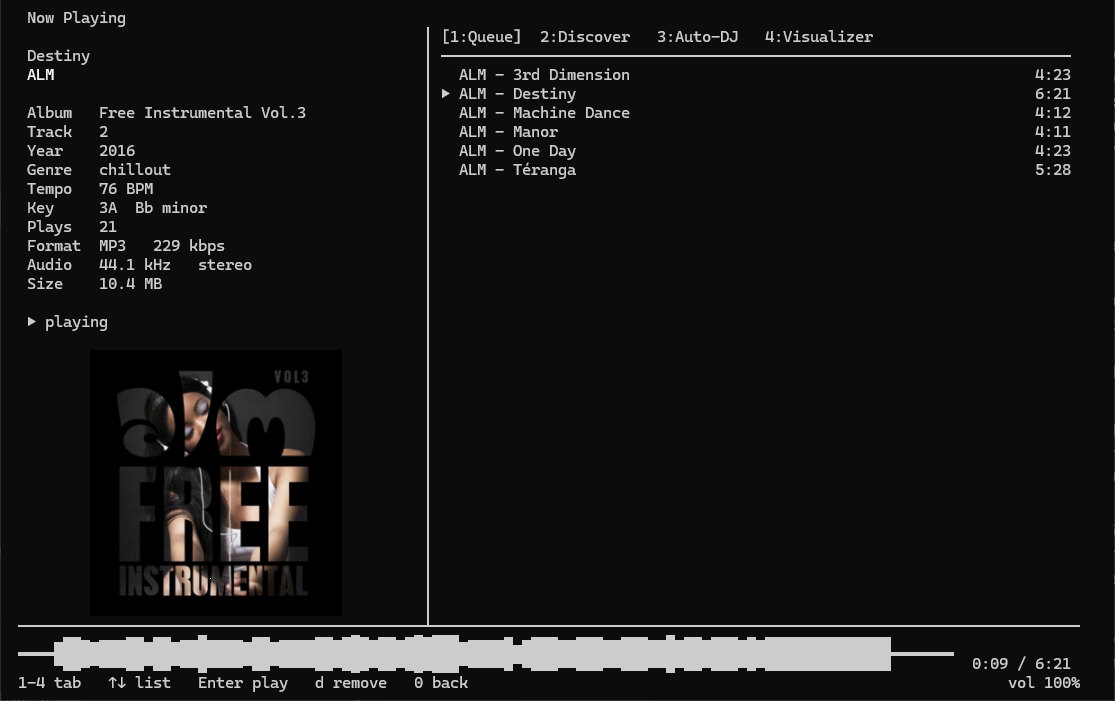
spotatui plays Spotify natively and streams YouTube, your local files, Subsonic or Navidrome and 30,000+ internet radio stations from a single keyboard-driven player. Spotify is optional. So is the AI DJ.

Features:

  • Multiple sources — Spotify optional. Play from Spotify, Local Files, a Subsonic/Navidrome server, Internet Radio, YouTube, or Qobuz. The free sources need no Spotify account; press d to switch between them at any time.
  • Native streaming. Play Spotify audio directly, no official app or spotifyd required — spotatui appears as its own Spotify Connect device (Premium required).
  • Synced lyrics. Line-by-line lyrics that follow playback.
  • Real-time audio visualizer. A system-wide FFT visualizer (press v) that reacts to whatever is playing.
  • Cross-source play queue. Press z on any track to queue it — the queue plays across every source before your current context resumes.
  • Lua plugins. Extend spotatui with event hooks, commands, keybindings, popups, and theming.
  • Listening history & recap. spotatui keeps a local play history and can generate a shareable HTML recap (spotatui history recap).
  • Full CLI. Most of what the UI does is scriptable — playback, search, playlists, shell completions. Run spotatui --help.
  • Lightweight. ~78 MB RAM while streaming, versus a full Electron client. See Performance.

spotatui.com
github.com/LargeModGames/spotatui

Bòcan Music ~ macOS Music & Podcast Player


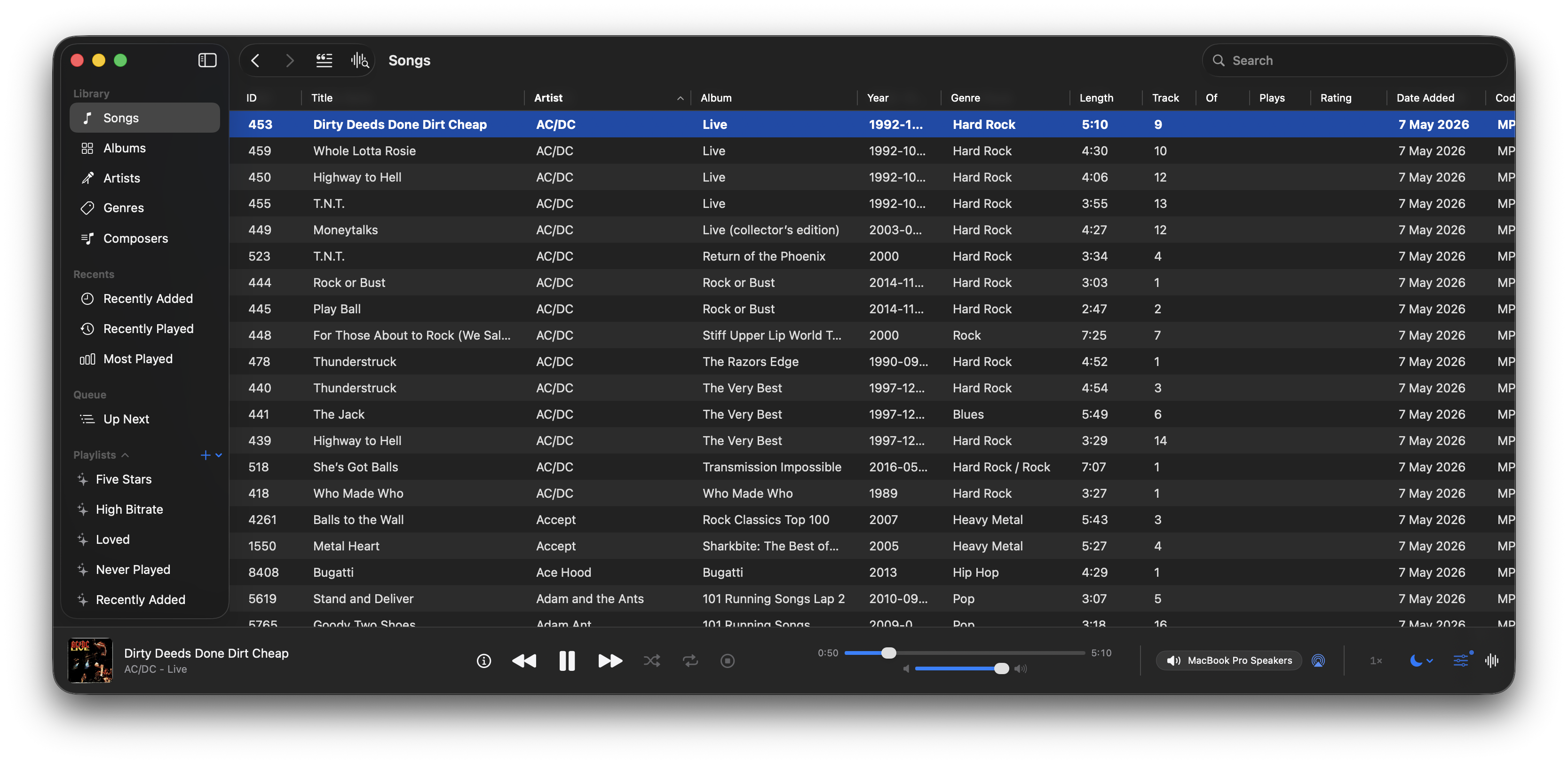
A native macOS music and podcast player and library built with Swift 6 and SwiftUI. Features gapless playback, AcoustID fingerprinting, smart playlists, lyrics, visualizers, scrobbling, and a DSP/EQ engine powered by FFmpeg.

bocan-music interface

github.com/bocan/bocan-music
bocan.app

foo_klyrics ~ Advanced foobar2000 Lyrics Display


foobar2000 visual lyrics components: inset panel, transparent desktop lyrics, Windows taskbar lyrics. The lyrics are sourced from local .lrc /.ttml and the preference “in use”. The factory first uses the NetEase Cloud / Kugou/QQ verbatim community script, and then LRCLIB, Kugou, QQ, and NetEase Cloud verbatim sources; embedded lyrics, amlldb TTML, and YouTube subtitles are available sources by default. Sources that are not added will not be searched. Supports standard LRC, Enhanced LRC (word<>-for-line time), and Apple / AMLL lyrics TTML (right-click to select Zhuyin, translation, and romanization); karaoke with word stamps can be cut to the current word according to the character shape.

github.com/hehelp/klyrics
hydrogenaudio.org/index.php/topic,129863.0

foo_localize ~ foobar2000 Multilingual Support


foo_localize adds multilingual support to foobar2000 using external JSON language packs. It allows the foobar2000 interface to be translated without modifying the player itself.

github.com/hehelp/foo_localize

Why Use It?

foobar2000 has traditionally been an English-language application. foo_localize removes that limitation by translating much of the user interface, including:

  • Main and context menus
  • Preferences and dialogs
  • Window titles
  • Playlist and library columns
  • Windows static resources

It also provides support for JScript and Spider Monkey Panel scripts and an API for component developers. The component currently includes language packs for:

  • Chinese (Traditional & Simplified)
  • French
  • German
  • Japanese
  • Russian
  • Spanish

An English template is included for creating additional languages.

Requirements:

  • foobar2000 2.0 or later
  • Windows 10/11 or macOS 11+
  • Windows 32 or 64-bit
  • foobar2000 1.x is not supported.

Installation:

Download the appropriate version from the project’s Releases page and install it as a normal foobar2000 component.

Download foo_localize

Using foo_localize

  • View → Dynamic Multilingual Engine
  • Enable the engine and select a language.

Additional options are available under:

File → Preferences → Display → Dynamic Multilingual Engine

Menus, dialogs and playlist/library localization can be enabled separately. Windows users can also enable Static Resource Translation. Language changes take effect without restarting foobar2000.

foo_localize only translates the interface. Track titles, artist names, album names, filenames, paths and other user data are not changed.

A More Accessible foobar2000

Localization has been a long-standing gap in foobar2000. foo_localize provides a practical solution without requiring separate localized versions of the player.

For users who prefer to work in another language, it makes foobar2000 considerably more accessible, and for the foobar2000 ecosystem, it provides a common foundation for multilingual components and scripts.

WhatChord ~ Realtime Chord Identification


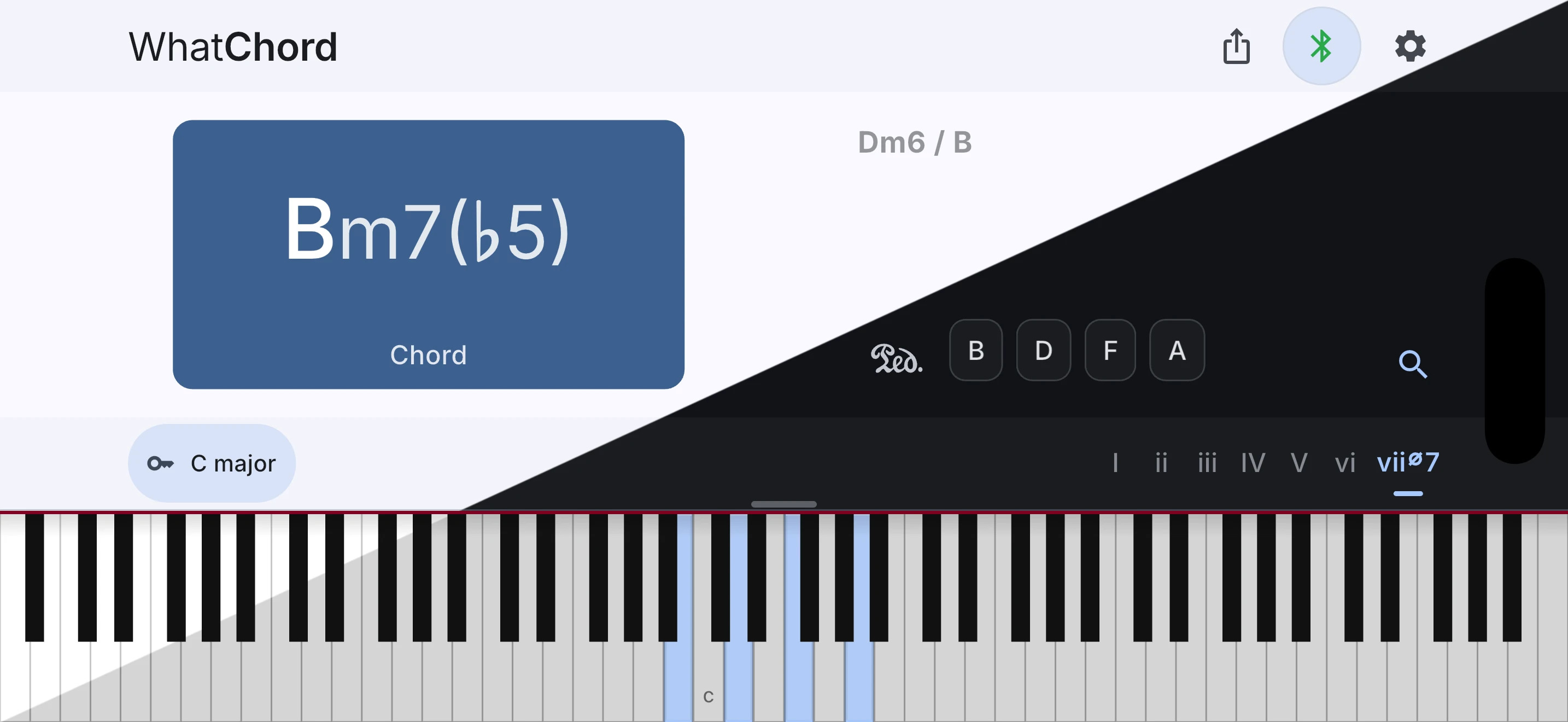
WhatChord is an interactive chord identification, key detection, and harmony exploration app. Identify voicings from live Bluetooth or USB MIDI input or manual note entry, follow the key as you play, then explore chords, scales, keyboard patterns, and harmonic context. It is optimized for speed, accuracy, and musician-expected naming, favoring stable, conventional interpretations over simple note-matching.

WhatChord User Interface

whatchord.earthmanmuons.com
github.com/EarthmanMuons/whatchord

SimpMusic ~ Cross-platform Music App


A FOSS YouTube Music client for Android and Desktop with many features from
Spotify, SponsorBlock, ReturnYouTubeDislike using Compose Multiplatform to develop.

Features:

  • Play music from YouTube Music or YouTube for free, without ads and in the background
  • Three Now Playing styles: Classic, Material 3 Expressive and Apple Music (NEW)
  • Ten-band equalizer with presets and AutoEq headphone profiles (NEW)
  • SimpMusic Wrapped: your year in music, plus monthly recap playlists (NEW)
  • On-device listening analytics: charts, period history, listening clock (NEW)
  • Word-by-word Apple Music-style lyrics, romanization for 12 languages, share lyrics as an image (NEW)
  • Home screen widgets: turntable, playlists and listening insights (NEW)
  • High quality up-to 256kbps stream (Opus or AAC) for YouTube Music Premium users
  • Browsing Home, Charts, Podcast, Moods & Genre with YouTube Music data at high speed
  • Search everything on YouTube
  • Spotify Canvas supported
  • Power your experience with SimpMusic Chart (chart.simpmusic.org)
  • Play 1080p video option with subtitle
  • AI song suggestions
  • Import playlists converted from Spotify and other apps
  • Customize your playlist, synced with YouTube Music
  • Notifications from followed artists
  • Caching and offline playback support
  • Crossfade with DJ-style like Apple Music
  • Customizing THEME (Light, Dark, Color, etc)
  • Synced lyrics from SimpMusic Lyrics, LRCLIB, Spotify (require login) and YouTube Transcript – AI lyrics translation (BETA) (*)
  • Personalize data (**) and multi-YouTube-account support
  • Last.fm scrobbling (Full version)
  • Supports SponsorBlock and Return YouTube Dislike
  • Sleep Timer
  • Android Auto with online content, feature rich UI/UX
  • Discord Rich Presence support
  • Listen Together: shared rooms that play in sync with friends, compatible with Metrolist (NEW)
  • And many more!

(*) Use your OpenAI or Gemini API key
(**) For users who chose “Send back to Google” feature

www.simpmusic.org
github.com/maxrave-dev/SimpMusic

Tonbandfetzen ~ Audio From Plain Text


Tonbandfetzen is a collection of command-line tools that allow you to compose music based on audio fragments generated from plain text input. It contains:

  • tz mel – generate sound fragments from plain text
  • tz guitar – read guitar tablature
  • tz stick – concatenate audio data
  • tz stack – superimpose audio data
  • tz stretch – rescale audio data
  • tz repeat – loop audio data
  • tz trim – strip leading and trailing silence
  • tz mono – unzip audio channels
  • tz harmonics – show spectra of wave samples
  • tz inspect – show information on audio file
  • tz riff2aiff – convert .wav(e) into .aif(f) files
  • tz aiff2riff – convert .aif(f) into .wav(e) files
  • tz tag – add ID3v2 metadata to .wav(e) files
  • tz play – generate and play sound fragments

github.com/janberges/Tonbandfetzen

Lidarr ~ Usenet & BitTorrent Music Manager


Lidarr is a music collection manager for Usenet and BitTorrent users. It can monitor multiple RSS feeds for new tracks from your favorite artists and will grab, sort and rename them. It can also be configured to automatically upgrade the quality of files already downloaded when a better quality format becomes available.

Major Features Include:

  • Support for major platforms: Windows, Linux, macOS, Raspberry Pi, etc.
  • Automatically detects new tracks.
  • Can scan your existing library and download any missing tracks.
  • Can watch for better quality of the tracks you already have and do an automatic upgrade.
  • Automatic failed download handling will try another release if one fails
  • Manual search so you can pick any release or to see why a release was not downloaded automatically
  • Fully configurable track renaming
  • Full integration with SABnzbd and NZBGet
  • Full integration with Kodi, Plex (notification, library update, metadata)
  • Full support for specials and multi-album releases
  • And a beautiful UI
lidarr user interface

lidarr.audio
github.com/Lidarr/Lidarr

mstream ~ Self-hosted Music Server


mStream is a self-hosted music server. Self-hosting means you run the server software on a computer you own. mStream is lightweight and can be run on old hardware and boards like the Raspberry Pi.

Why host your own?

  • Own your music. No ads, and nothing gets removed from your library.
  • Quality. Stream FLAC and lossless files uncompressed.
  • Privacy. Streaming services log your listening habits. Your server never snitches on you.
  • Good for artists. Buy music directly and the money goes to them.
mstream interface

mstream.io
github.com/IrosTheBeggar/mStream