Features:
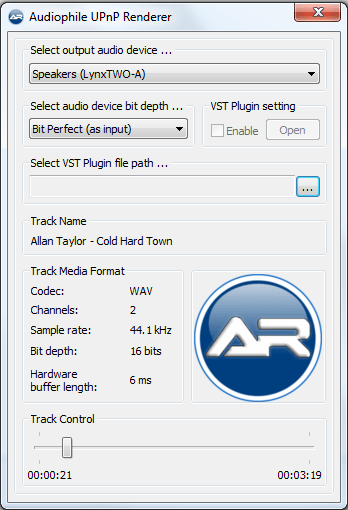
- Supported audio formats: FLAC, WAV, AIFF.
- BitPerfect, zero CPU load streaming.
- Support for high-quality bit-depth upconversion.
- Support for VST 2.x plugins.
- Gapless playback.
- WASAPI (Exclusive mode) output.

Features:
- Supported audio formats: FLAC, WAV, AIFF.
- BitPerfect, zero CPU load streaming.
- Support for high-quality bit-depth upconversion.
- Support for VST 2.x plugins.
- Gapless playback.
- WASAPI (Exclusive mode) output.

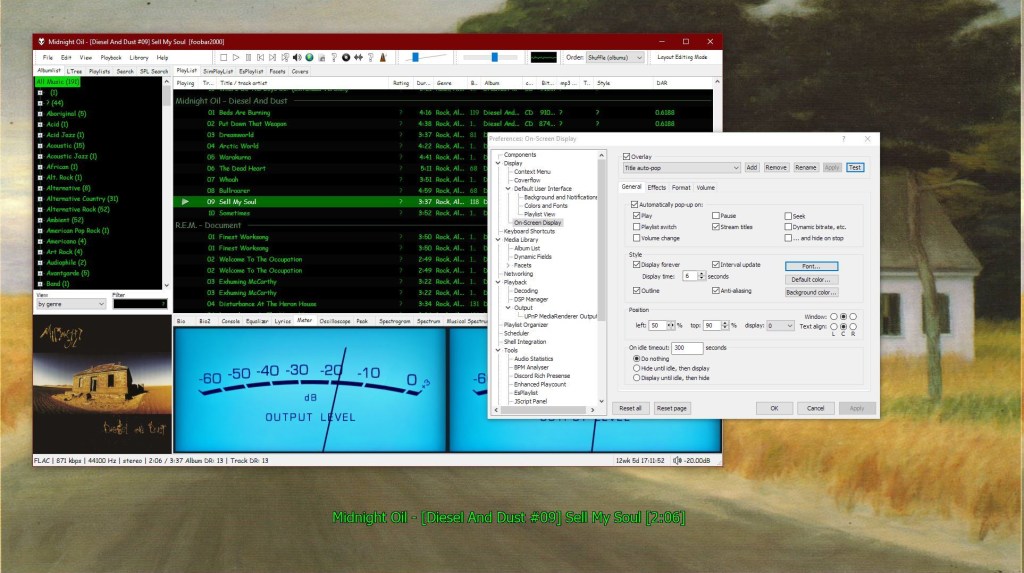
This component provides configurable screen overlays which may be opened with hotkeys, or appear on specific events. Each overlay is configured separately, and has its own set of events.


www.foobar2000.org/components/view/foo_osd
hydrogenaud.io/index.php/topic,43044.0
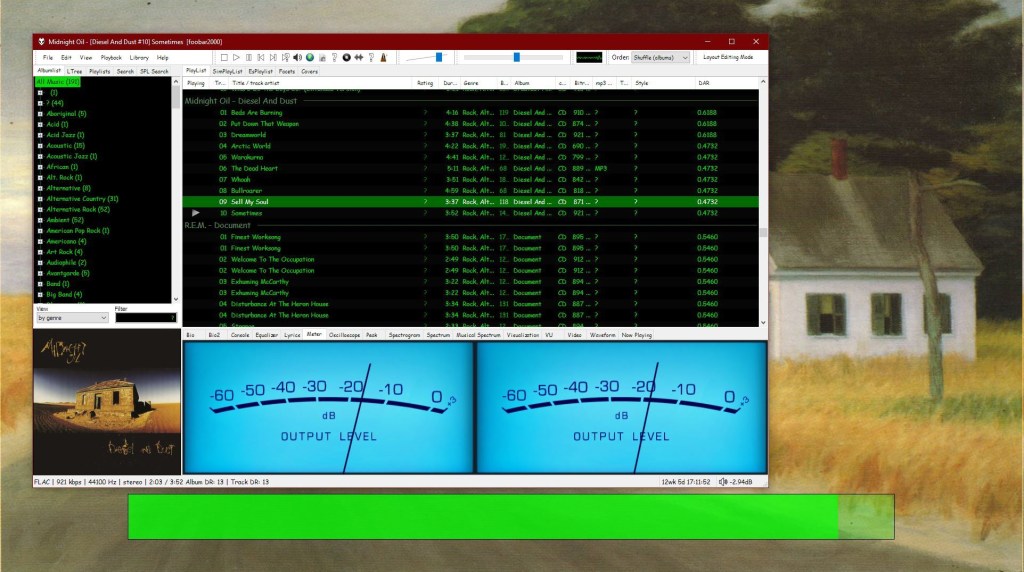
foobar_osd (On-Screen Display) is a foobar2000 component that shows track information as a floating overlay on your desktop during playback events.
Instead of opening the player window to see whatβs playing, foobar_osd displays relevant information directly on your screen.
Typical uses include:
Unlike standard operating system notifications, foobar_osd is fully customizable using foobar2000βs powerful title formatting system.
The display appears briefly and then fades away automatically.
You control when the OSD appears. Common trigger events include:
Careful selection of events is important to avoid excessive on-screen interruptions.
One of the strongest features of foobar_osd is that it supports full foobar2000 title formatting.
This means you can display virtually any tag or metadata field stored in your files.
Example format:
[%artist% - ]%title%%album%$if(%album_avg_bpm%,Album BPM: %album_avg_bpm%)
Conditional formatting allows the display to remain clean by only showing information when available.
After installing the component:
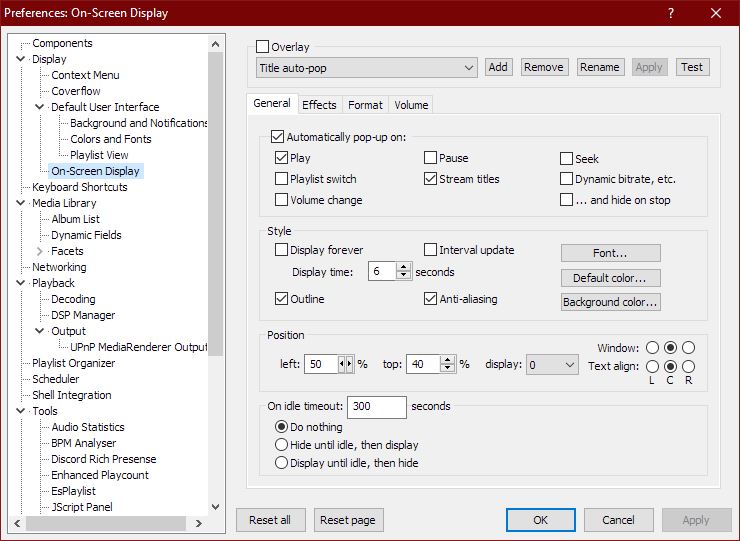
Preferences β Tools β On-Screen Display
All configuration options are available in this section.
foobar_osd allows extensive visual customization:
Many users install foobar_osd but never use its full potential. The following strategies significantly improve usability.
If your library uses structured tagging, include useful fields.
Example:
[%artist% - ]%title%%album%$if(%album_avg_bpm%,Album Tempo: %album_avg_bpm% BPM)$if(%genre%,Genre: %genre%)
This transforms the overlay into a quick contextual information panel.
Depending on your workflow, consider:
Setting a hotkey to manually trigger the OSD is extremely useful.
Advantages include:
Conditional statements prevent empty lines or clutter:
$if(%album_avg_bpm%,Album BPM: %album_avg_bpm%)
Only displays when the tag exists.
Elapsed / Percent / Duration / Remaining
$puts(Elapsed,$if(%isplaying%,$pad_right(%_time_elapsed%,5,0),00:00))
$puts(Duration,$pad_right(%length%,5,0))
$puts(P,$muldiv(%_time_elapsed_seconds%,100,%_time_total_seconds%))
$puts(Percent,$if(%isplaying%,$if($greater($get(P),99),99,$pad_right($get(P),2,0)),00)'%')
$puts(Remaining,$if(%isplaying%,$pad_right(%playback_time_remaining%,5,0),$get(Duration)))
$get(Elapsed) | $get(Percent) | $get(Duration) | $get(Remaining)
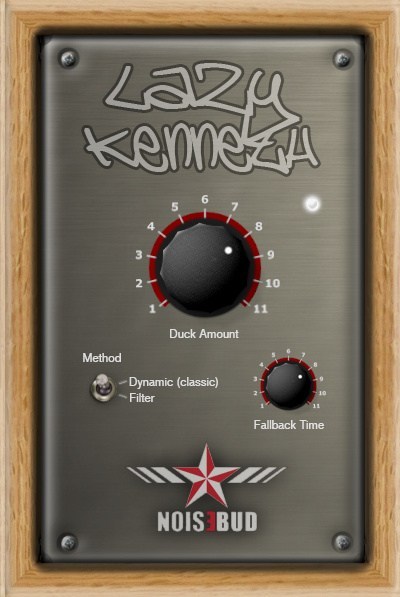
Lazy Kenneth will help those who donβt know how to use, or are too lazy to use sidechain to handle heavy basslines that collide with the bass drum in 4/4 music. That is music where you put a bass drum on all fours, techno, house, trance, minimal, tribal and so on. Put Lazy Kenneth on the bassline track and it will automatically duck the signal when the bass drum hits. You could place a LK on all tracks except the bass drum for some real heavy pumping effect.

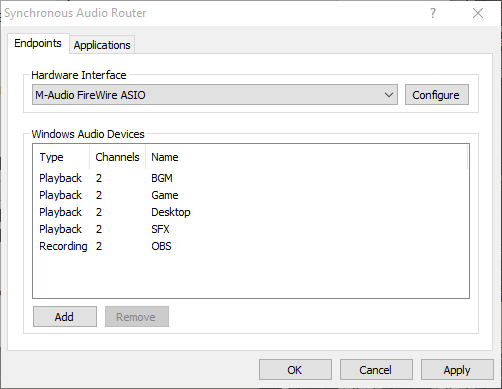
Synchronous Audio Router lets you route audio from any Windows application through a DAW (digital audio workstation) application, giving you an immense amount of control over your system’s audio. You can apply sophisticated effects, routing and switching, and combine the audio streams from each individual application any way you want, producing any number of output mixes.
If your applications of choice doesn’t let you select an audio device, SAR has you covered: you can define per-application routing rules which will override the Windows default audio device settings. You can even use pattern matching to define rules for groups of applications.
It’s also fast. SAR operates inline with your existing ASIO driver, adding no additional buffer latency to your DAW, and uses WaveRT for direct low latency transport of audio between applications. This is in contrast to many other “virtual audio cable” type drivers which often require buffer sizes as large as 50-100ms to work reliably.
str.rs/sar
github.com/eiz/SynchronousAudioRouter
Avoid sar.audio (site was hijacked)

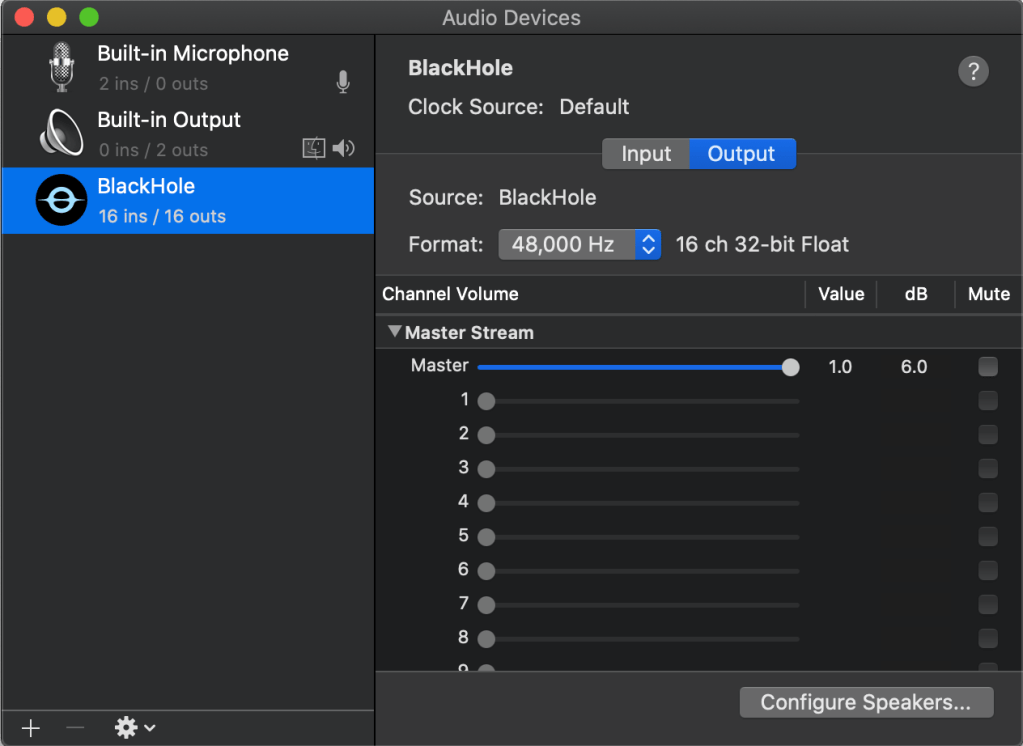
BlackHole is a modern macOS virtual audio driver that allows applications to pass audio to other applications with zero additional latency.

existential.audio/blackhole
github.com/ExistentialAudio/BlackHole
DVD-Audio Decoder input plugin and Watermark Detector / Neutralizer DSP plugins for Foobar2000. Decoder is capable of playing back DVD-Audio discs, ISO images, AOB, MLP and Dolby TrueHD files in full resolution. Dedicated plugin for DTS-HD playback. APT-x100 plugin for *.AUD and *.AUE files from DTS movie / trailer discs.
sourceforge.net/projects/dvdadecoder
References:
wiki.hydrogenaudio.org/Foobar2000 Components DVD_Audio_Decoder_foo_input_dvda
Asunder is a graphical Audio CD ripper and encoder for Linux. You can use it to save tracks from an Audio CD as any of WAV, MP3, OGG, FLAC, Opus, WavPack, Musepack, AAC, and Monkey’s Audio files.

Simple component for foobar2000 to fix CUE/FLAC problems
.cueΒ file that links to timestamps in a baseΒ .flac/.wav/.apeΒ file..cueΒ files that point to missing files (.flac/.wav/.apeΒ etc).* Remove “*.CUE” from preferences>shell integration>exclude file types
github.com/RevenantX/foo_cuefixer
hydrogenaud.io/index.php/topic,117167.0
hydrogenaud.io/index.php?topic=118978.msg981682#msg981682
WMP Tag Support Extender expand support of artist, title, etc. (“metatags”) information in Windows Media Player.
It adds support of APE tag format (read & write), FLAC MetaData (read & write), OGG Vorbis Comments (read-only), and MPEG4 ‘meta’ atom (read-only).
You can then extract the information save in your files and modify it directly in Media Library.
No need to use an external program, you manage your library with just ONE tool !
It supports:

foobar2000 displays lyrics through third-party components. Over the years, many different lyrics panels have been developed, but only some are still relevant. This post outlines the main lyrics display components, explains their current status, and identifies which ones are actively maintained and most commonly used.
KLyrics (foo_klyrics)
Status: Just rereleased as version 2.x
Current relevance: Made with modern codebase for current versions of foobar
Visual lyrics component for foobar2000. One installer covers Windows 32/64-bit and macOS.
Status: Actively maintained
Current relevance: Most recommended and most actively developed lyrics component
OpenLyrics is the most modern and fully featured lyrics display component available for foobar2000. It provides an embeddable lyrics panel that works with both Default UI and Columns UI and supports downloading, displaying, editing, and saving lyrics locally.
Key features include support for both timed and untimed lyrics, multiple online lyrics sources, automatic saving of lyrics to files, and a built-in lyrics editor. Lyrics can be scrolled, synchronized, and reused across future playback sessions once saved.
OpenLyrics is currently the most actively developed lyrics component for foobar2000, with regular updates and ongoing maintenance. As of early 2025, it remains the most reliable option in terms of source availability, stability, and long-term usability.
www.foobar2000.org/components/view/foo_openlyrics
Status: Maintained, but less actively
Current relevance: Widely used, especially in older layouts and themes
Lyric Show Panel 3 is one of the longest-standing lyrics display components for foobar2000. It provides a configurable lyrics panel that supports both timed and untimed lyrics and can download lyrics from multiple sources.
It works with both Default UI and Columns UI and is still included in many legacy layouts and skins. However, development activity has slowed compared to OpenLyrics, and some built-in lyrics sources have historically required additional configuration or external source scripts to remain functional.
While still usable and supported, Lyric Show Panel 3 has largely been superseded by OpenLyrics in modern setups, particularly for users who want reliable automatic lyrics retrieval and active development.
www.foobar2000.org/components/view/foo_uie_lyrics3
Status: Partially maintained by the community
Current relevance: Niche and script-dependent
ESLyric is another lyrics display panel component that relies heavily on user-configured search scripts to retrieve lyrics from online sources. It is more flexible than older components but requires significantly more manual setup.
Its functionality depends on third-party scripts, and long-term reliability varies depending on script maintenance. As a result, ESLyric is not commonly recommended for general users and is primarily used by advanced users who are comfortable maintaining their own lyrics source scripts.
http://www.foobar2000.org/components/view/foo_uie_eslyric
A desktop lyrics plugin for foobar2000 that acts as a client for the LDDC main program (requires LDDC to be used together).
github.com/chenmozhijin/foo_lddc
Several older lyrics-related components exist but are no longer recommended due to lack of maintenance or compatibility issues with modern foobar2000 versions. These include:
These components are either unmaintained, unreliable, or incompatible with current versions of foobar2000 and should generally be avoided.
In current foobar2000 installations:
For new installations or users rebuilding their layouts, OpenLyrics is the usual choice for long-term reliability and functionality with KLyrics offering an option for Mac users.
www.foobar2000.org/components/view/foo_uie_lyrics3
old.reddit.com/r/foobar2000/comments/l0t88d/how_i_scrape_lyrics_with_foobar2000/gjvseft/
Resources:
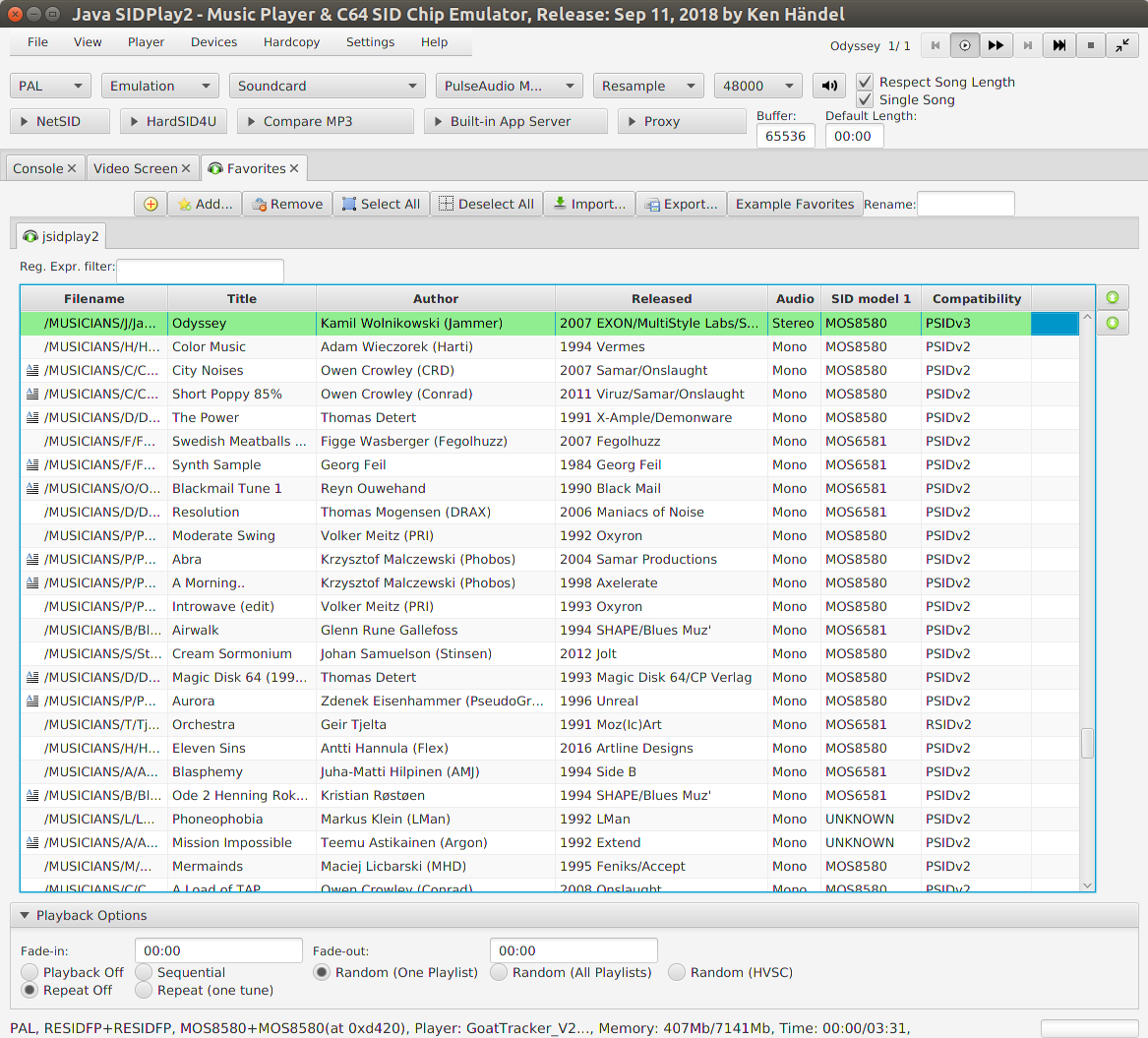
This is a multi-platform Commodore 64 emulator specialized for sound reproduction. It is also a SID player for music collections like HVSC and CGSC. It is a full C64 emulator and can play games of the GameBase64 project as well.

haendel.ddns.net/~ken
sourceforge.net/projects/jsidplay2
Java SIDPlay2 Online
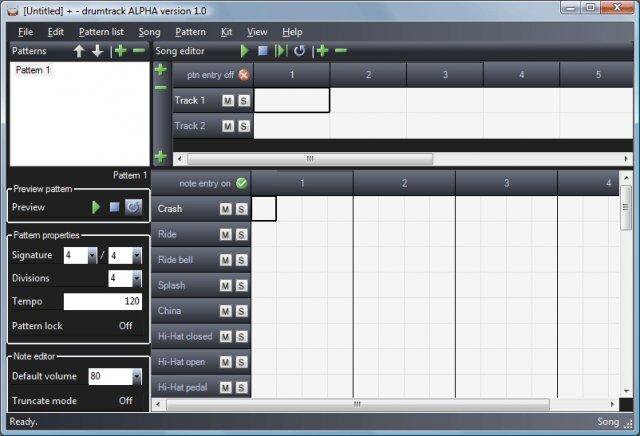
An open source software drum machine for Windows that allows the editing, playback, and mixdown of complete drum scores using audio samples in a variety of formats (WAV, OGG, MP3, AIFF, FLAC, MP2, WMA). Mixdown to WAV audio supported.