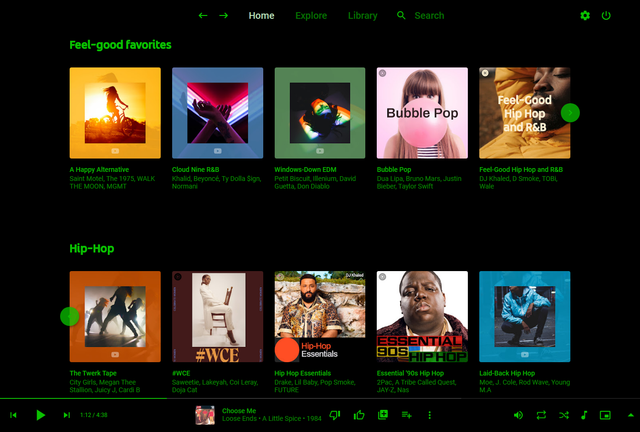
Pear Desktop is an Electron-based desktop client for YouTube Music designed for Windows, Linux and macOS. The project keeps the standard YouTube Music interface while adding desktop integration, plugins, themes and additional playback features.
The application is open source and distributed under the MIT license.
Features:
Native desktop-style window and controls
Plugin framework
Ad blocker
Lyrics support
Last.fm scrobbling
Discord Rich Presence
Media key support
Custom themes and CSS
Audio compressor
Equalizer
Crossfade
Skip silences
SponsorBlock integration
Video/audio mode toggle
Notification support
Downloader plugin
OBS integration
System tray support
Global keyboard shortcuts
How It Works
Pear Desktop loads the standard YouTube Music web interface inside a desktop application window and extends it through plugins and Electron desktop integration. It is not a standalone music service and still requires a YouTube Music or Google account for normal use.
Basic Usage
Download the correct installer for your operating system from the Releases page.
Install and launch the application.
Sign into your Google account.
Use YouTube Music normally.
Optional plugins can be enabled or disabled from the Plugins menu.
Platforms
Windows
Linux
macOS
Notes
Because Pear Desktop uses Electron, memory and CPU usage are generally higher than lightweight native audio players such as foobar2000 or AIMP. The project is intended primarily as a feature-enhanced desktop frontend for streaming music from YouTube Music rather than as a traditional local-library music player.
A monorepo for Casio CZ-101 phase distortion synthesis — including a preset manager web/desktop app, an in-browser phase distortion synthesizer, and a VST3/CLAP/AUv2 plugin.
A set of utilities for working with Byzantine sheet music.
PsalticTools includes:
• a set of utilities (plugins) for typing of Byzantine notes in parallel double notation (Byzantine and Western), based on MuseScore free music editor; • the PsalticHelper program for searching for formulas of Byzantine music in music books. • the UniPsaltica2 font with the characters of the musical Byzantine notation in Unicode.
Features:
MuseScore-based editor for creating scores in parallel double notation
Simple input neumes from the keyboard
Check typed notes for errors
PsalticHelper: Search by accents pattern or by musical phrase
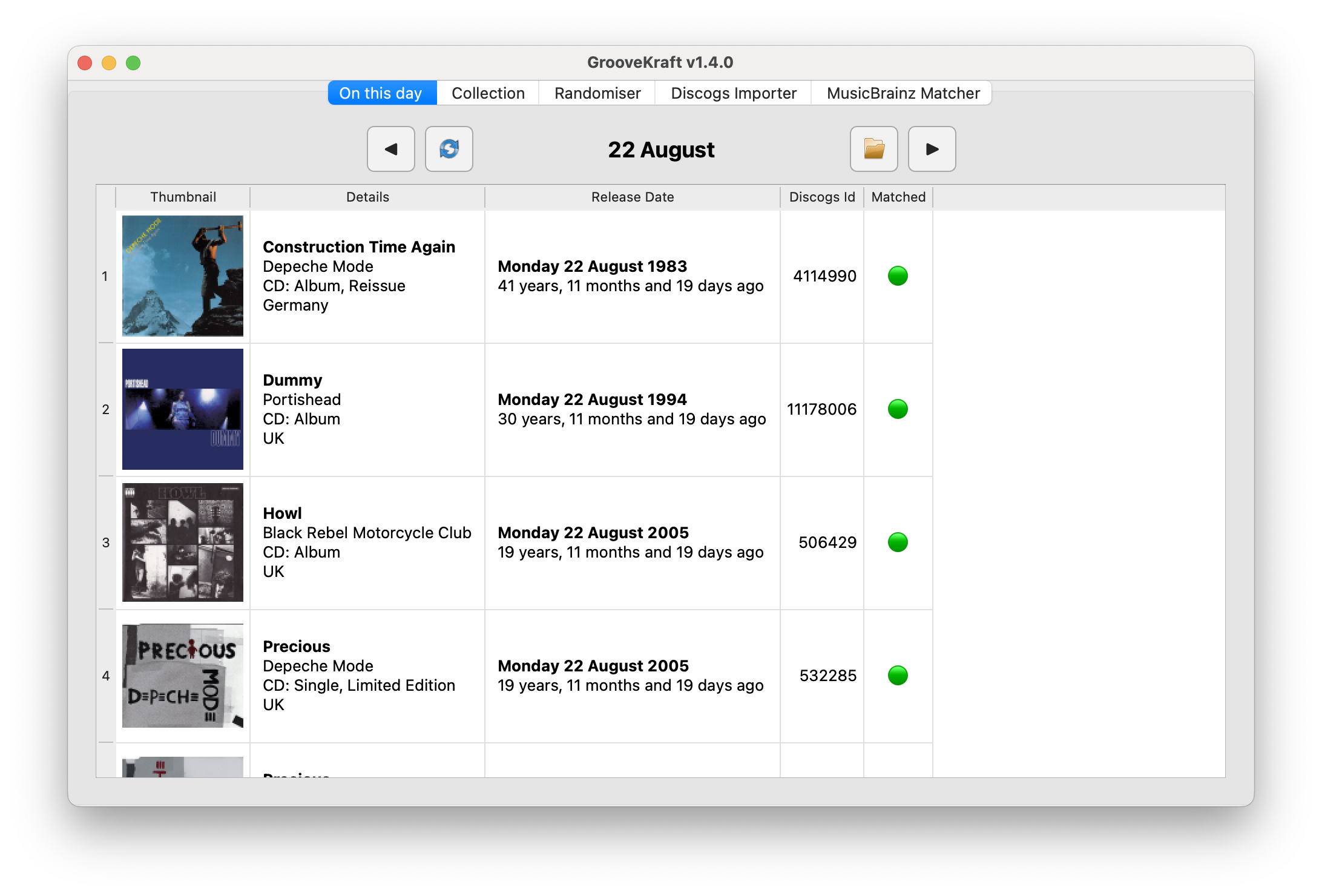
GrooveKraft is a fast, lightweight music collection manager that uses Discogs and MusicBrainz to enrich your collection with detailed metadata and artwork.
Features:
Import your Discogs collection into a local database
View and filter your Discogs collection locally, with artwork
Matches releases with MusicBrainz automatically to get release dates
“On this day” function shows anniversaries in your collection
Randomizer to help you pick something to listen to
Missing or incorrect release dates can be manually entered
Match quality shown with traffic-light icons (Red, Amber, Yellow, Green)
Autometa is a minimalist, customizable JScript Panel script designed to quickly create autoplaylists based on the current track’s tags with a single click (similar to the quick search function).
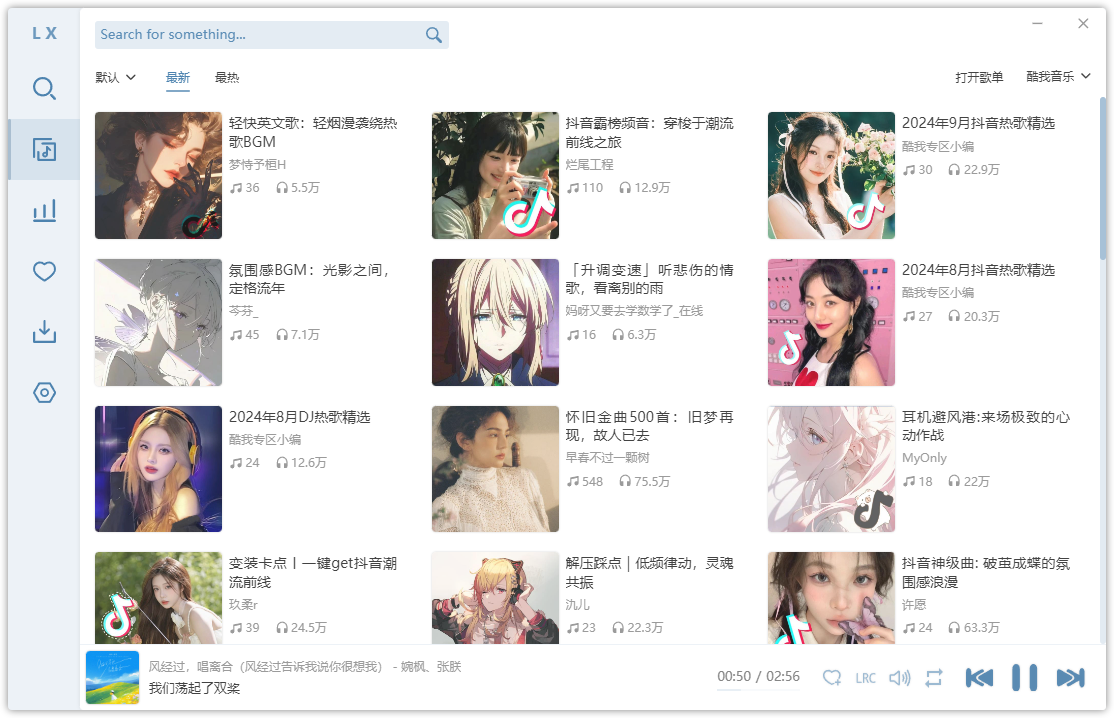
LX‑Music‑Desktop is an open‑source, Electron‑based music player built with Vue 3, offering a simple, fast interface for managing and playing local music libraries on desktop systems.