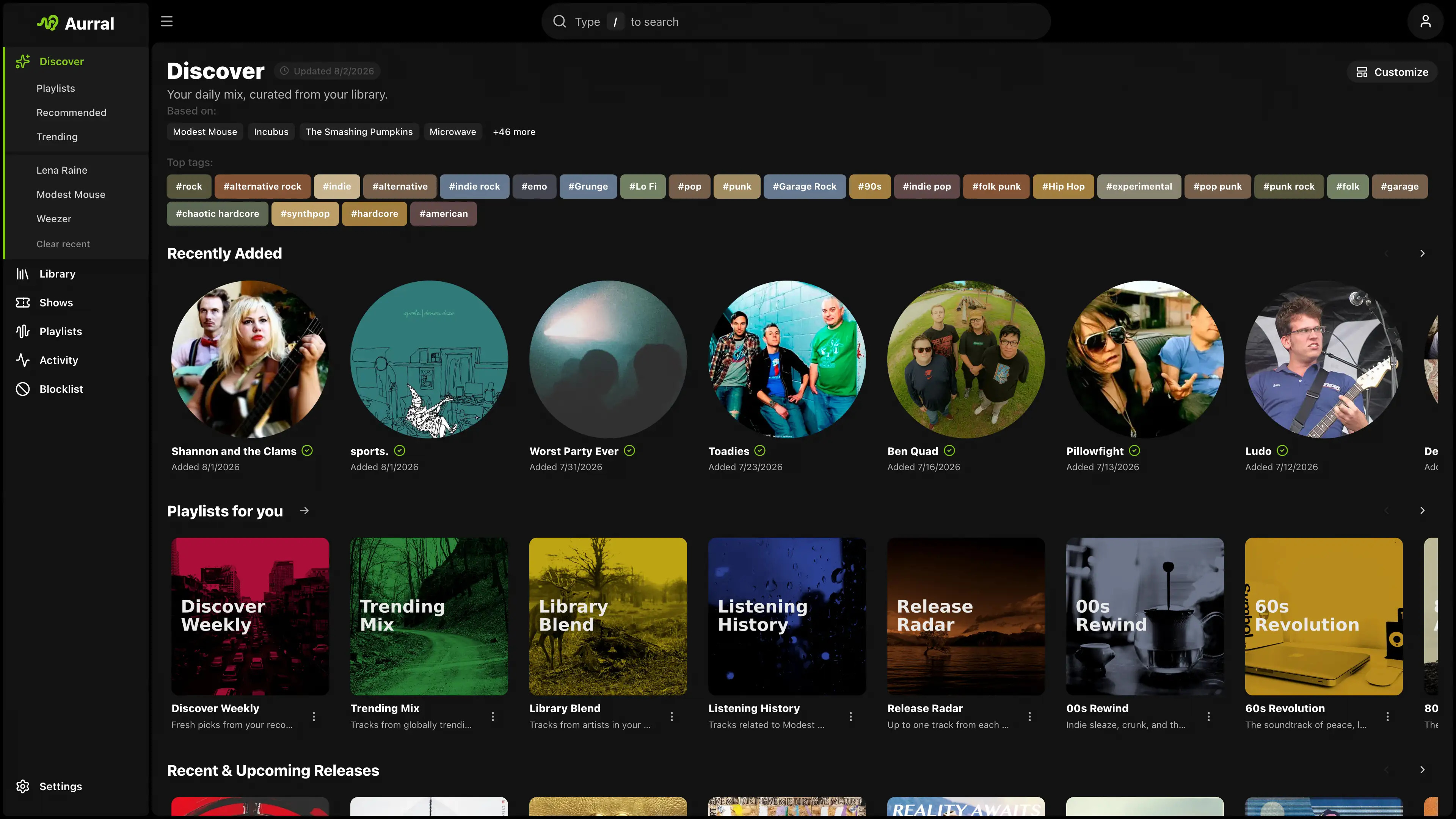
Aurral is self-hosted music discovery with its own music library. Best-in-class recommendations, rotating flows, playlist downloads, and a library that Aurral manages, with Lidarr as an optional add-on.
aurral.org
github.com/lklynet/aurral

Aurral is self-hosted music discovery with its own music library. Best-in-class recommendations, rotating flows, playlist downloads, and a library that Aurral manages, with Lidarr as an optional add-on.
aurral.org
github.com/lklynet/aurral

music streaming server / free-software subsonic server API implementation
Features:
- browsing by folder (keeping your full tree intact) see here
- browsing by tags (using taglib – supports mp3, opus, flac, ape, m4a, wav, etc.)
- on-the-fly audio transcoding and caching (requires ffmpeg) (thank you spijet)
- subsonic jukebox mode, for gapless server-side audio playback instead of streaming (thank you lxea)
- support for podcasts (thank you lxea)
- pretty fast scanning (with my library of ~50k tracks, initial scan takes about 10m, and about 6s after incrementally)
- multiple users, each with their own transcoding preferences, playlists, top tracks, top artists, etc.
- last.fm scrobbling
- listenbrainz scrobbling (thank you spezifisch, lxea)
- artist similarities and biographies from the last.fm api
- support for multi valued tags like albumartists and genres (see more)
- a web interface for configuration (set up last.fm, manage users, start scans, etc.)
- support for the album-artist tag, to not clutter your artist list with compilation album appearances
- written in go, so lightweight and suitable for a raspberry pi, etc. (see ARM images below)
- newer salt and token auth
- tested on airsonic-refix, amperfy, symfonium, dsub, jamstash, music-assistant, subsonic.el, sublime music, soundwaves, stmp, termsonic, tempus, strawberry, and ultrasonic

Subsonic player is a responsive, modern web-based client designed for Subsonic music servers.
Built with Nuxt 4, a modern Vue 3 framework, this open-source application provides a seamless and enjoyable music listening experience across all devices.
Compatible Servers:
- Gonic (This application is primarily optimized for use with Gonic).
- Airsonic Advanced.
- Navidrome.
- Subsonic servers.
Features:
- Fully Responsive UI (Further design improvements are ongoing.)
- Optimized for desktop and mobile devices.
- Adaptive design.
- Comprehensive Library Browsing
- Browse by album, artist, genre, and folder/files.
- Explore podcasts and favourites.
- Access internet radio stations.
- Advanced Functionality
- Bookmarking podcast episode to keep track of the listening position across multiple sessions.
- MediaSession Integration.
- Advanced Search capabilities.
- Dark/Light Mode support.
- Keyboard shortcut (Press
hto see menu).- Context menu access via right-click (desktop) or long press (mobile) for quick actions on tracks, albums, playlists, and more.
- Easily drag and drop your favorite tracks, albums, and podcast episodes right into the queue or your playlist in the sidebar (available only on desktop).
- Progressive Web App (PWA) Feature
- Seamlessly download the app icon to the home screen, providing the convenience of launching the app just like a traditional native application.
- Benefit from a web-based app that reduces storage space on devices compared to traditional downloadable applications, while still providing robust functionality.
- Settings
- The app includes settings for theme, layout, crossfade, replaygain, scrobbling, and more. See the environment variables section for which can be pre-configured across all devices.
github.com/VD39/subsonic-player

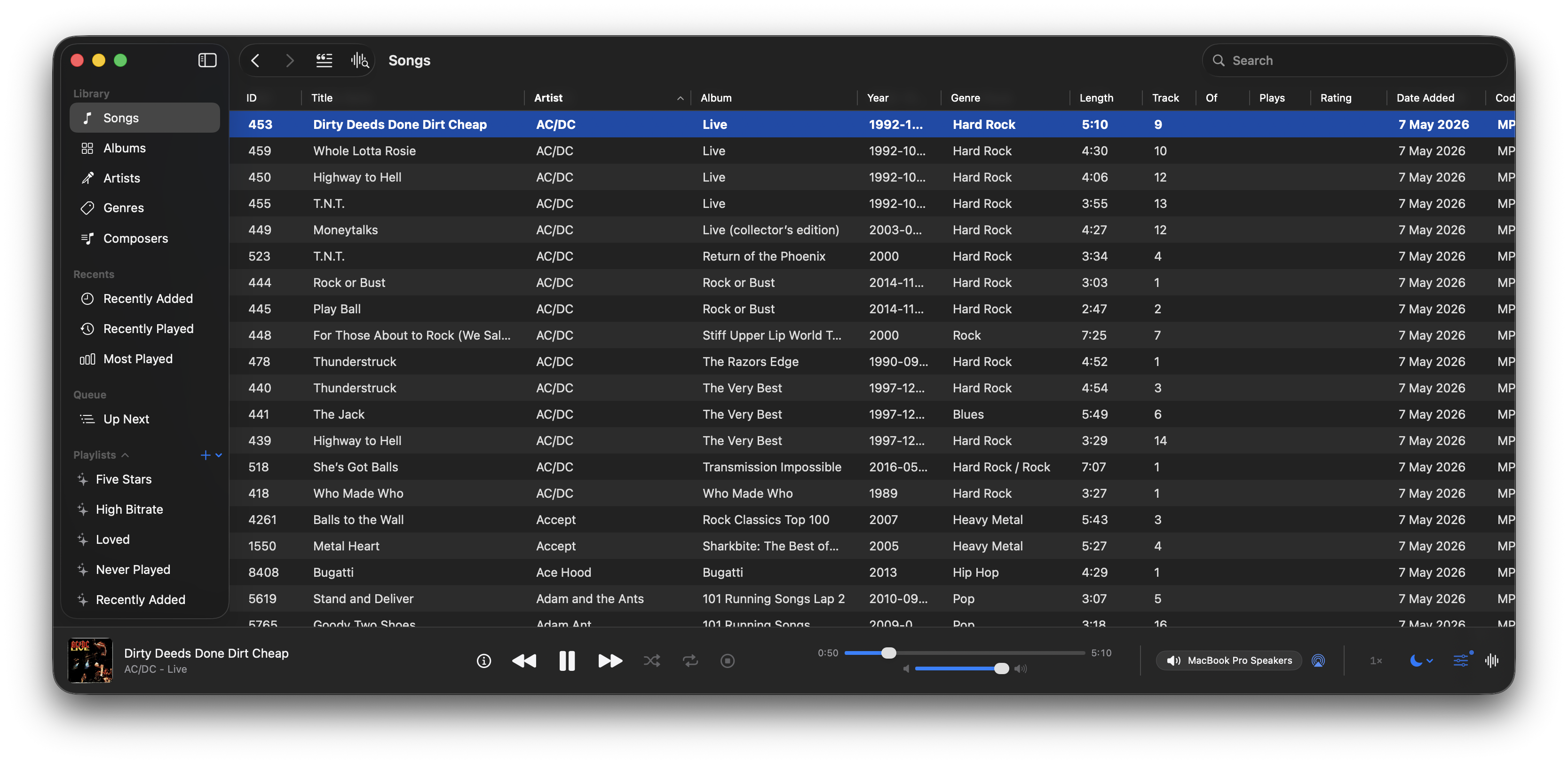
A native macOS music and podcast player and library built with Swift 6 and SwiftUI. Features gapless playback, AcoustID fingerprinting, smart playlists, lyrics, visualizers, scrobbling, and a DSP/EQ engine powered by FFmpeg.
github.com/bocan/bocan-music
bocan.app

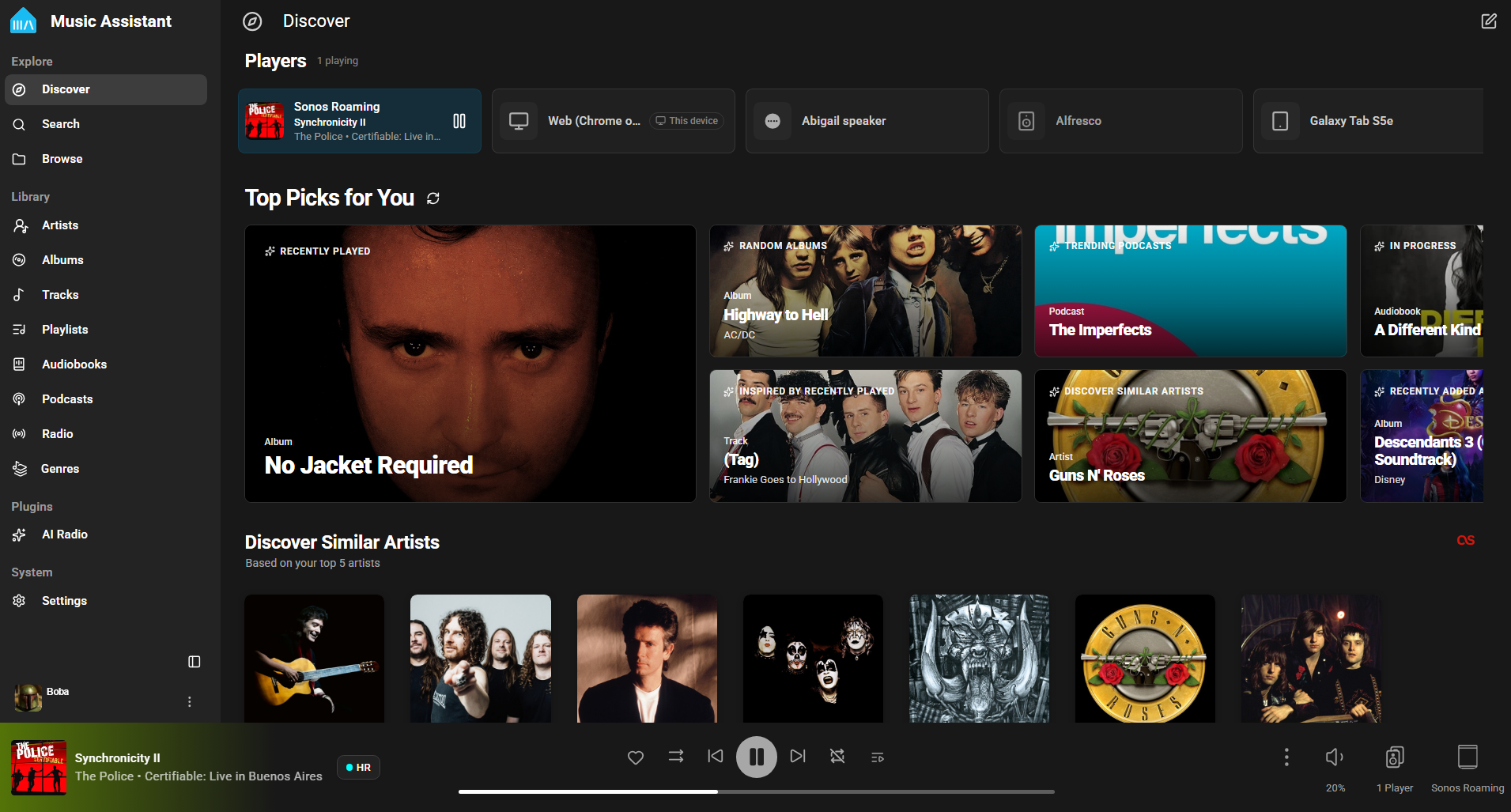
Music Assistant is a free, opensource media library manager that connects to your streaming services and a wide range of connected speakers. The server is the beating heart, the core of Music Assistant and must run on an always-on device like a Raspberry Pi, a NAS or an Intel NUC or alike.
www.music-assistant.io
github.com/music-assistant
github.com/music-assistant/server

A FOSS YouTube Music client for Android and Desktop with many features from
Spotify, SponsorBlock, ReturnYouTubeDislike using Compose Multiplatform to develop.Features:
- Play music from YouTube Music or YouTube for free, without ads and in the background
- Three Now Playing styles: Classic, Material 3 Expressive and Apple Music (NEW)
- Ten-band equalizer with presets and AutoEq headphone profiles (NEW)
- SimpMusic Wrapped: your year in music, plus monthly recap playlists (NEW)
- On-device listening analytics: charts, period history, listening clock (NEW)
- Word-by-word Apple Music-style lyrics, romanization for 12 languages, share lyrics as an image (NEW)
- Home screen widgets: turntable, playlists and listening insights (NEW)
- High quality up-to 256kbps stream (Opus or AAC) for YouTube Music Premium users
- Browsing Home, Charts, Podcast, Moods & Genre with YouTube Music data at high speed
- Search everything on YouTube
- Spotify Canvas supported
- Power your experience with SimpMusic Chart (chart.simpmusic.org)
- Play 1080p video option with subtitle
- AI song suggestions
- Import playlists converted from Spotify and other apps
- Customize your playlist, synced with YouTube Music
- Notifications from followed artists
- Caching and offline playback support
- Crossfade with DJ-style like Apple Music
- Customizing THEME (Light, Dark, Color, etc)
- Synced lyrics from SimpMusic Lyrics, LRCLIB, Spotify (require login) and YouTube Transcript – AI lyrics translation (BETA) (*)
- Personalize data (**) and multi-YouTube-account support
- Last.fm scrobbling (Full version)
- Supports SponsorBlock and Return YouTube Dislike
- Sleep Timer
- Android Auto with online content, feature rich UI/UX
- Discord Rich Presence support
- Listen Together: shared rooms that play in sync with friends, compatible with Metrolist (NEW)
- And many more!
(*) Use your OpenAI or Gemini API key
(**) For users who chose “Send back to Google” feature
www.simpmusic.org
github.com/maxrave-dev/SimpMusic

This Foobar2000 component collects and maintains enhanced statistics for played songs; primarily it records the timestamp of every play of a song, and not just the first and last. It will also query last.fm and record play times of every scrobble for a song.
foo_enhanced_playcount provides some additional functionality that foo_playcount does not, but is missing some functionality that foo_playcount has. They work well together, and foo_playcount should NOT be uninstalled when foo_enhanced_playcount is installed.
This component should be installed with foo_playcount and the same time foobar2000 is installed so playback statistics are maintained from the beginning.
"2012-08-04 15:58:37", "2012-12-10 14:40:46", "2018-01-02 23:38:13"]1344117517000, 1355172047000, 1514957893431][129885911170000000, 129996456470000000, 131594314930000000] – There’s probably no reason to ever use this."2012-08-04 15:58:37", "2012-12-10 14:40:46", "2018-01-02 23:38:13"]1344117517000, 1355172047000, 1514957893000]%play_count%: 52012-08-04 15:58:37“%lastfm_added%. Use whichever one makes most sense logically2018-04-04 15:58:37“%added% (from foo_playcount) or %lastfm_added%. Single date: “2023-02-04 15:16:17“%first_played% (from foo_playcount) or %lastfm_added%. Single date: “2023-02-04 15:16:17“%last_played% (from foo_playcount) or %lastfm_last_played%. Single date: “2023-02-04 15:16:17“These fields can be exposed via Title Formatting or used in scripts. This component does generate extra data per song played and may not be suitable for installations with limited storage.
www.foobar2000.org/components/view/foo_enhanced_playcount
github.com/kbuffington/foo_enhanced_playcount
wiki.hydrogenaud.io/…/foo_enhanced_playcount

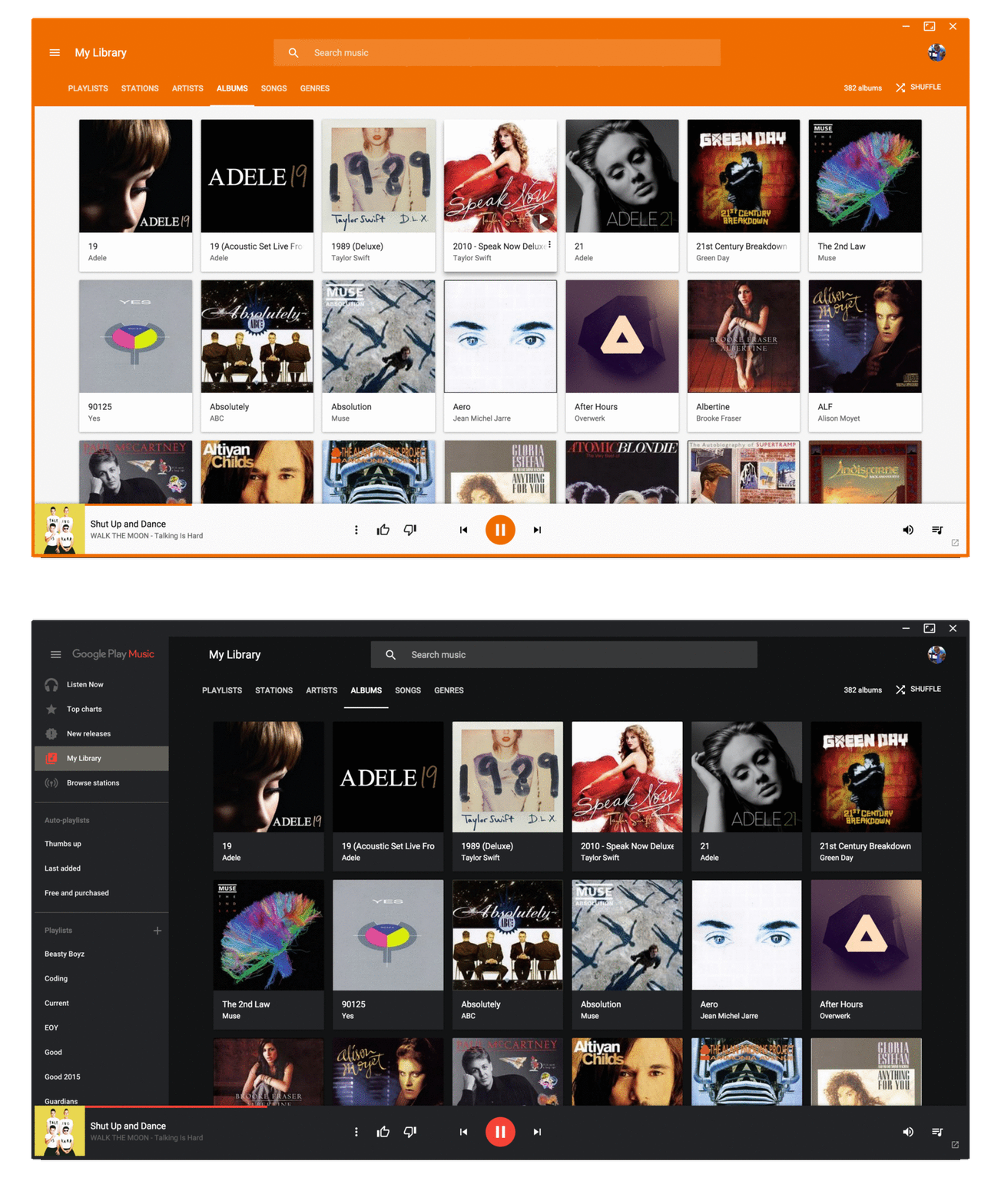
The same beautiful Material Design experience you love on the browser, just as a dedicated desktop player.
www.googleplaymusicdesktopplayer.com

BMPx is a media player which is excruciatingly (painfully?) simple to use, while being very powerful under the hood. BMPx is based on the current experimental codebase of the BMP project.
www.beep-media-player.org
sourceforge.net/projects/beepmp
Wikipedia

Last.fm is a web service that maintains a history of what you’ve listened to. You’ll need a Last.fm account and a player that can scrobble. Scrobbling is uploading the artist’s name and song title of your currently playing track to Last.fm’s server. foo_audioscobbler allows Foobar to keep your Last.fm profile current.
- It replaces the Last.fm client application.
- It supports the current submission protocol.
- It sends “now playing” notifications to your Last.fm profile.
Optionally, it can import played tracks from your iPod via the foo_dop component.
After you install foo_audioscrobbler, you’ll need to log into your Last.fm account in Foobar’s Preferences menu.

www.mp3tag.de/en/fb2k
www.foobar2000.org/components/view/foo_audioscrobbler
Last.fm
My Last.fm profile
Alternative Scrobbler ~ github.com/gix/foo_scrobble/releases


