SMPlayer is a free media player for Windows and Linux with built-in codecs that can play virtually all video and audio formats. It doesn’t need any external codecs. Just install SMPlayer and you’ll be able to play all formats without the hassle to find and install codec packs.
One of the most interesting features of SMPlayer: it remembers the settings of all files you play. So you start to watch a movie but you have to leave… don’t worry, when you open that movie again it will be resumed at the same point you left it, and with the same settings: audio track, subtitles, volume…
SMPlayer is a graphical user interface (GUI) for the award-winning MPlayer, which is capable of playing almost all known video and audio formats. But apart from providing access for the most common and useful options of MPlayer, SMPlayer adds other interesting features like the possibility to play Youtube videos or download subtitles.
Navidrome is a piece of software that allows you to listen to your own digital music in the same way you would with services like Spotify, Apple Music and others. It also allows you to easily share your music and playlists with your friends and family
How it works?
After a simple installation, Navidrome indexes all digital music stored in your hard drive and makes it available through a nice web player and also by using any Subsonic-API compatible mobile client. Your music becomes searchable and you can create playlists, rate and “favourite” your loved tracks, albums and artists
AlsaPlayer for Linux is a new kind of player that effectively runs pulse-code modulation or .PCM files. The player uses multithreading pretty heavily and was written specifically for giving some good exercise to the new Advanced Linux Sound Architecture (ALSA) driver and the library system. If you look closely, you’ll observe that AlsaPlayer has some highly interesting features that can be found only in the UNIX-based or Linux-based players. The main goal of the people who created AlsaPlayer for Linux was to develop a completely pluggable framework that could playback every type of media file, with majority of focus on the PCM audio data.
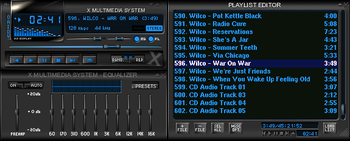
XMMS is a multimedia player for unix systems. XMMS stands for X MultiMedia System and can play media files such as MP3, MOD’s, WAV and others with the use of Input plugins.
XMMS is mainly targeted at music playback, but through third party plugins some rudimentary video capabilities exists, but there are much better systems other than XMMS for video support.
It was modeled after Winamp from the Windows operating system. XMMS is not a port of Winamp but was written from scratch by Mikael and Peter Alm.
IMMS is an intelligent playlist plug-in for XMMS that tracks your listening patterns and dynamically adapts to your taste. It is incredibly unobtrusive and easy to use as it requires no direct user interaction.
VirtualDJ delivers more features than any other software. The latest groundbreaking technology is always available in VirtualDJ first! With VirtualDJ you’re guaranteed to be ahead of the curve with the latest high-tech and innovative features
Although VirtualDJ is packed with features, it is still easy to learn. You can start with the basics and advance as you learn more. VirtualDJ is well suited for both the amateur starter, or the seasoned professional DJ and comes with all the features you’ll ever need. With VirtualDJ you can turn any event into a total success! Whether it’s scratch performance and video mixing, or from bedroom broadcast to upscale wedding events.
VirtualDJ lets you do more! Unleash your creative potential…
Control all the playback functions of Foobar2000 from icons on the Taskbar Notification Area. Using an area only two tray icons wide, you have the playback functions, and the volume or the seek bar, as well as a context menu.
A popup balloon (which can be disabled) appears each time a new song begins, to provide fully customizable information about the song that is playing.
The Delete Current File function deletes the file that is currently playing. It always asks for confirmation and puts the file into the recycle bin if possible, so you won’t delete files without intending to.
The extra functions introduced by this component can also be mapped to a shortcut key.
This program is an audio player, written with the help of the Qt library. The user interface is similar to winamp or xmms. An alternative user interface is also available.
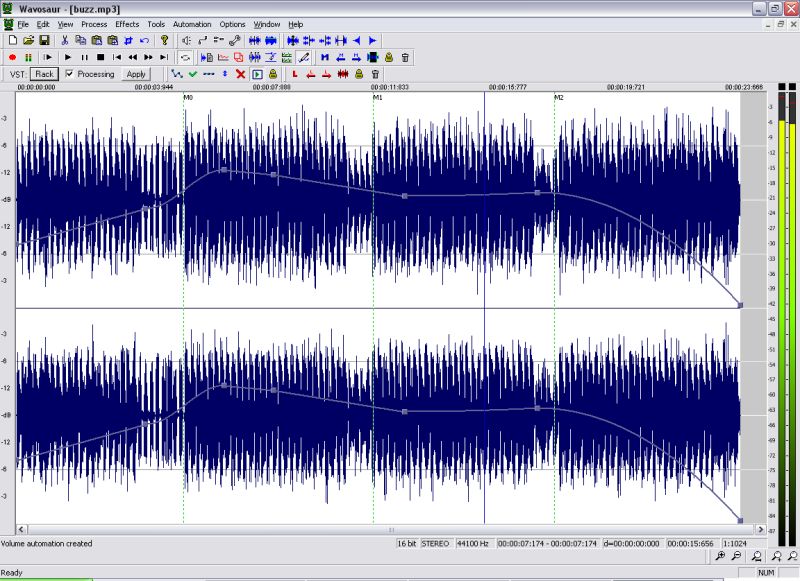
Wavosaur is a cool free sound editor, audio editor, wav editor software for editing, processing and recording sounds, wav and mp3 files. Wavosaur has all the features necessary in order to edit audio (cut, copy, paste, etc.) produce music loops, analyze, record, and batch convert.
Wavosaur supports VST plugins, ASIO driver, multichannel wav files, real time effect processing.
The program has no installer and doesn’t write in the registry. Use it as a free mp3 editor, for mastering, sound design. The Wavosaur freeware audio editor works on Windows 98, Windows XP and Windows Vista.
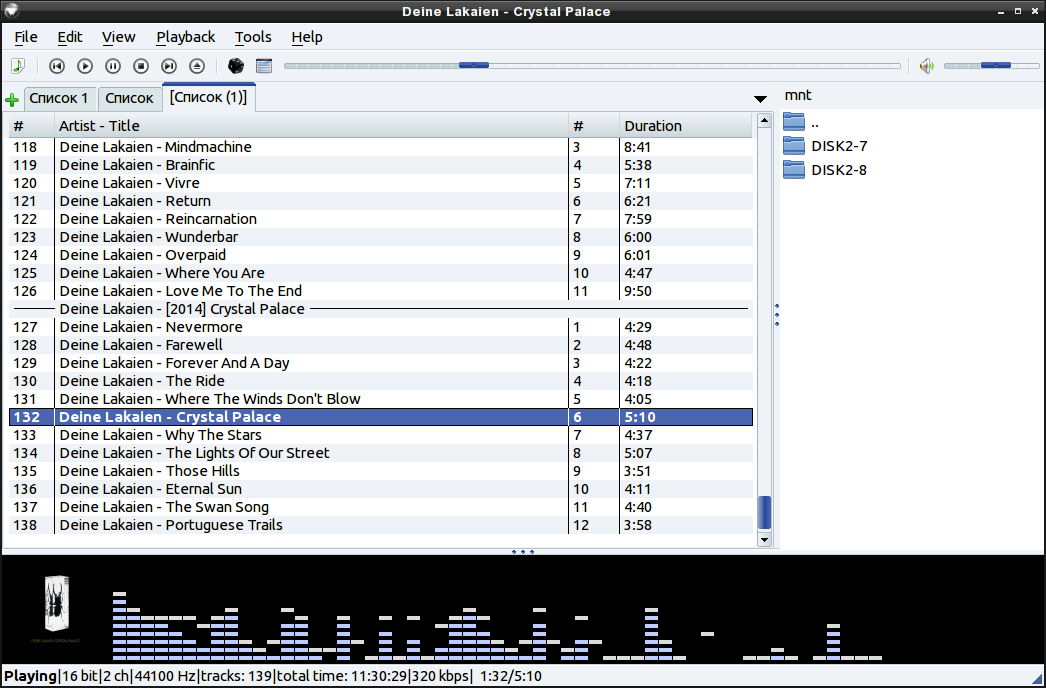
Aqualung is an advanced music player originally targeted at the GNU/Linux operating system, today also running on FreeBSD and OpenBSD, with native ports to Mac OSX and even Microsoft Windows. It plays audio CDs, internet radio streams and podcasts as well as sound files in just about any audio format and has the feature of inserting no gaps between adjacent tracks.