
Sequencer64 is a live MIDI looper with a song-creation layout window. Sequencer64 is a reboot of seq24, extending it greatly over the last six years. The heart of seq24 remains intact. It is an old friend with a whole lot of added equipment. It has an extensive manual and Windows installers. Sequencer64 has build options for ALSA, PortMidi, JACK, Gtkmm 2.4, Qt 5, Windows, and a command-line/daemon.
Category Archives: Sequencer

line ~ Command Line MIDI Sequencer
A tiny command-line midi sequencer for live coding.
github.com/pd3v/line
- Sends MIDI messages to a chosen MIDI channel. Default is 1.
- 1 instrument or 1 CC

Share this:

JJazzLab ~ Generate Backing Tracks
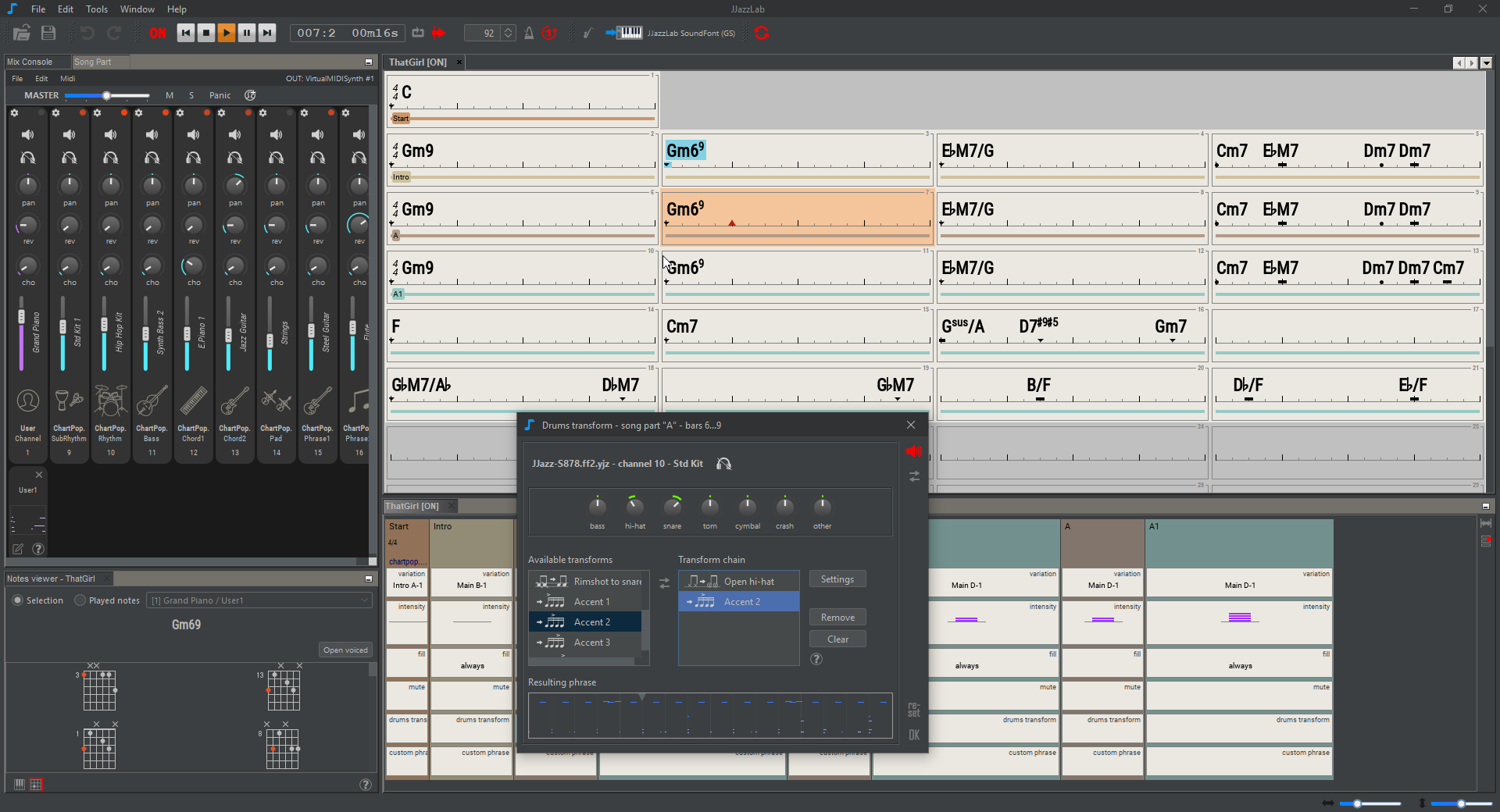
JJazzLab is a Midi-based application dedicated to backing tracks generation. You type in chord symbols, select a rhythm (style), then the application generates a complete backing track with drums, bass, guitar, piano, strings, etc.
The objective is to generate intelligent and interesting backing tracks, i.e tracks which are:
github.com/jjazzboss/JJazzLab
- realistic
- non-boring (with variations)
- easily customizable, even for complex songs
jjazzlab.gitbook.io/user-guide
www.facebook.com/jjazzlab/
www.youtube.com/channel/UC0L3SwjY6bhTj6jsbOYzzAw
Share this:

Buzztrax ~ All In One Music Composer
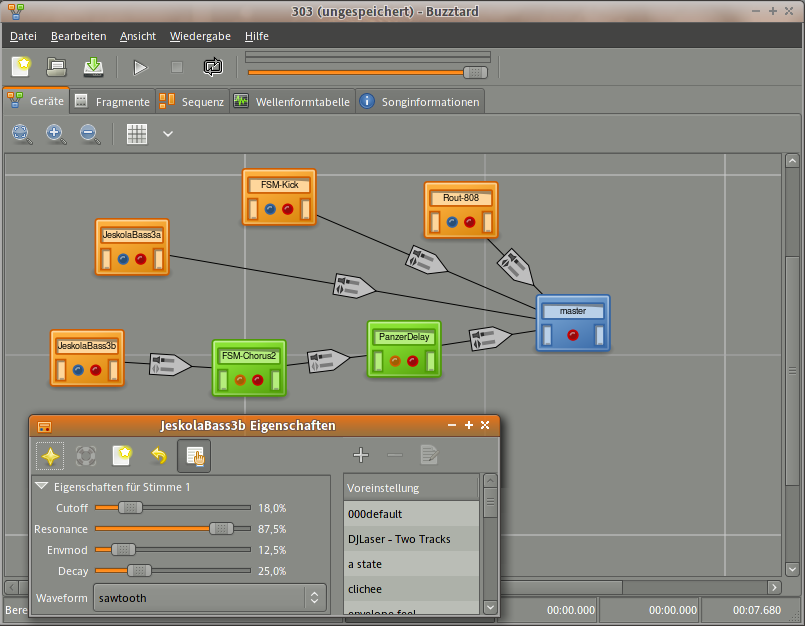
Buzztrax aims to be a music studio that allows one to compose songs using only a computer with a soundcard. If you’ve used tracker programs like FastTracker, Impulse Tracker, or the original AMIGA SoundTracker, that will give you an idea of how one can sequence music in Buzztrax.
www.buzztrax.org
The Buzztrax editor uses a similar concept, where a song consists of a sequence with tracks and in each track one uses patterns with events (musical notes and control changes). In contrast to other Tracker programs, tracks are not simply sample players: a user can make a song using an arrangement of virtual audio plugins that are linked together to create different effects. Each of these machines can be controlled real-time or via patterns in the sequencer.
Share this:

Anvil Studio ~ Freeware Digital Audio Workstation
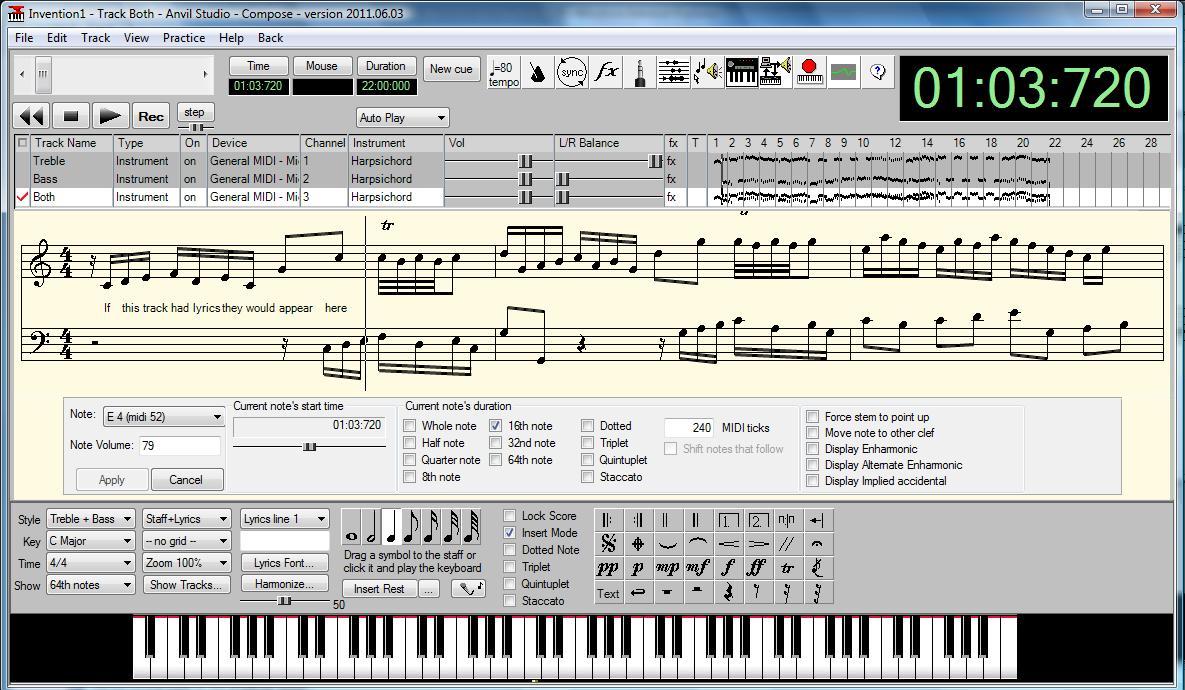
Anvil Studio™ is a free Windows 11, 10 / 8.x / 7 program designed for people who want to:
- record music with MIDI and Audio equipment
- compose music for MIDI and Audio equipment
- sequence music with MIDI equipment
- play with music using a computer, and
- print sheet music from standard MIDI files with the optional Print-Sheet accessory.
Share this:

terminatorX ~ Realtime Audio Synthesizer
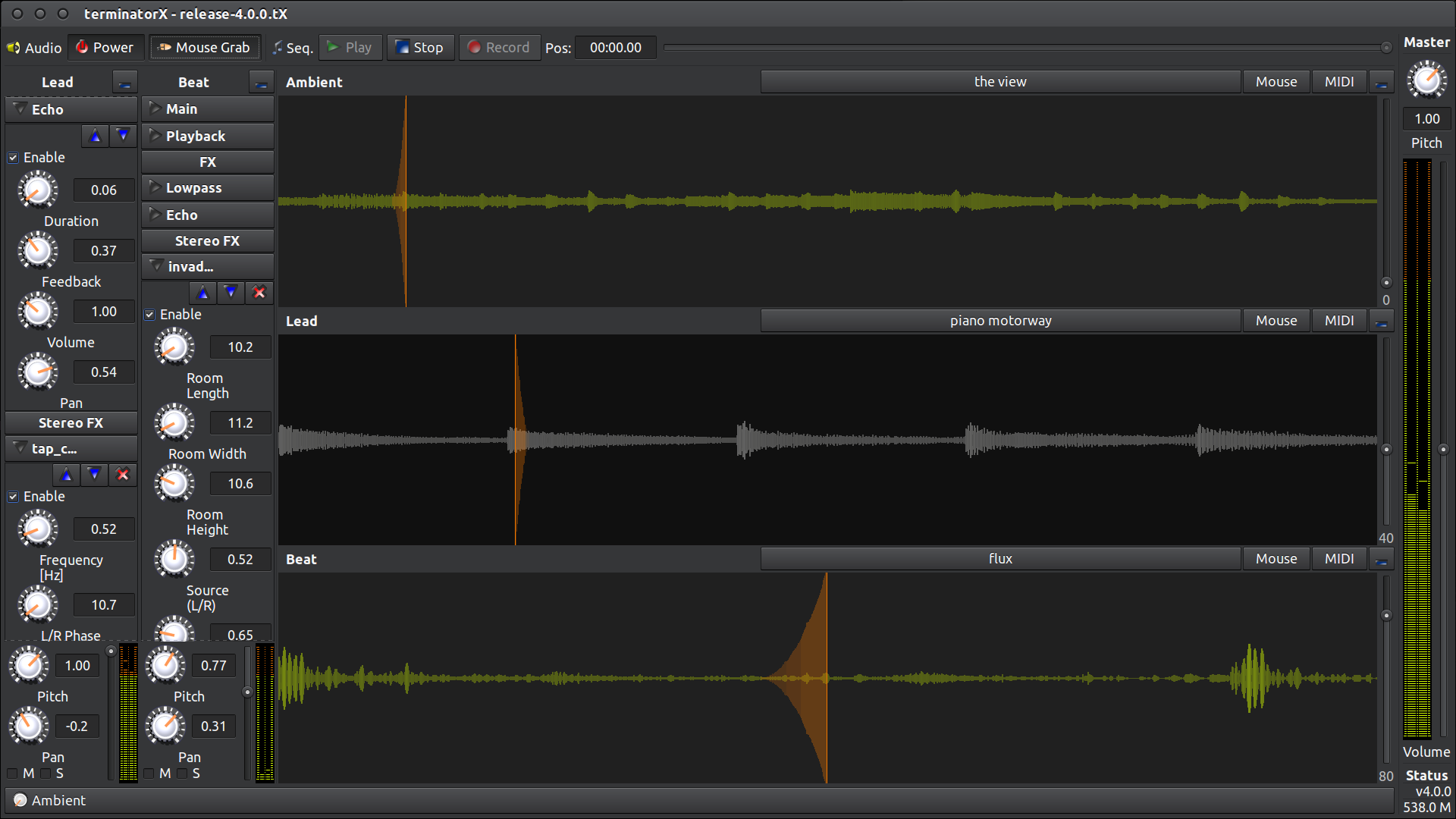
This software allows “scratching” on digitally sampled audio data (*.wav, *.au, *.ogg, *.mp3, etc.) the way hip hop DJs scratch on vinyl records. It features multiple turntables, realtime effects (built-in as well as LADSPA plugin effects), a sequencer and MIDI interface – all accessible through an easy-to-use gtk+ GUI. This software is designed to run under Linux, FreeBSD and the like.
Share this:

Sunvox ~ Create Music & Add Synth Tracks
SunVox is a small, fast and powerful music sequencer with modular synthesizers. This application is addressed at all those who want to compose music everywhere they go.
Built-in synthesizers: FM; Generator; Sampler (supported formats: WAV, XI); SpectraVoice (FFT-based synth for analog-like pads); Kicker; Stereo Delay; Distortion; Echo; Filter; Vocal Filter; Flanger; LFO; Loop; Reverb.
Features and highlights:
- Modular interface
- Highly optimized synth algorithms
- Flexible architecture: SunVox can working on various devices
- Built-in synthesizers & effects
- Analog Generator
- DrumSynth with 120 unique synthetic drum sounds
- FM synthesizer
- MetaModule (use it to build your own synths/effects)
Windows download available sunvox.en.lo4d.com/windows
www.apksum.com/app/sunvox/nightradio.sunvox
play.google.com/store/apps/details?id=nightradio.sunvox
apps.apple.com/ca/app/sunvox/id324462544
Share this:

CheeseTracker ~ Sampler & Sequencer
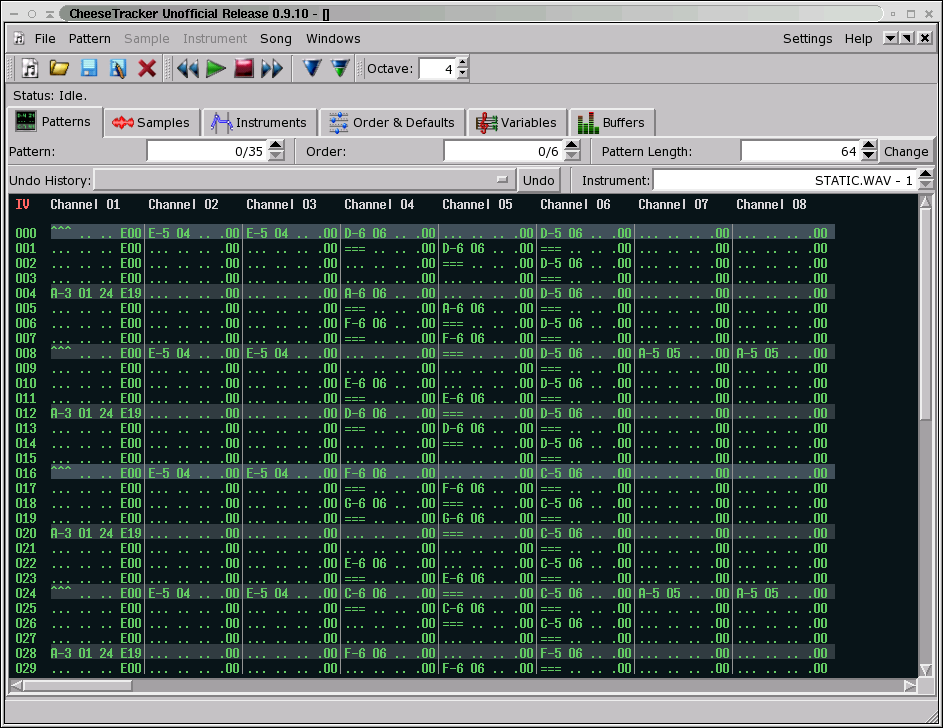
CheeseTracker is a software sampler and step-based sequencer. It allows a musician to turn single-note samples into instruments capable of covering three or four octaves (by playing the samples at different speeds, resulting in different pitches). In addition, it is possible to take a collection of samples that are recorded at different octaves, and combine them into a single “instrument,” allowing for even more octaves without sampling artifacts.
Using the Pattern Editor, it is possible to compose songs with these instruments that the computer plays automatically. The Pattern Editor allows the user to arrange samples in several independant channels, so that many samples can play simultaneously. These songs, and the samples which comprise their instruments, can be saved together in one-file archives called modules.
CheeseTracker imposes no limits on the length of the samples used. As a result, it can be used as a mixer as well as a sampler/sequencer. Effects such as reverb can be applied to each sample individually, eliminating the need for expensive pedals.
Share this:

AUBE ~ Sound Generation & Processing
AUBE is a system for sound generation and processing. You can process audio on the fly by setting up arbitrary configurations of sound generators, sequencers and effects modules, through which sound is played, filtered, and recorded.
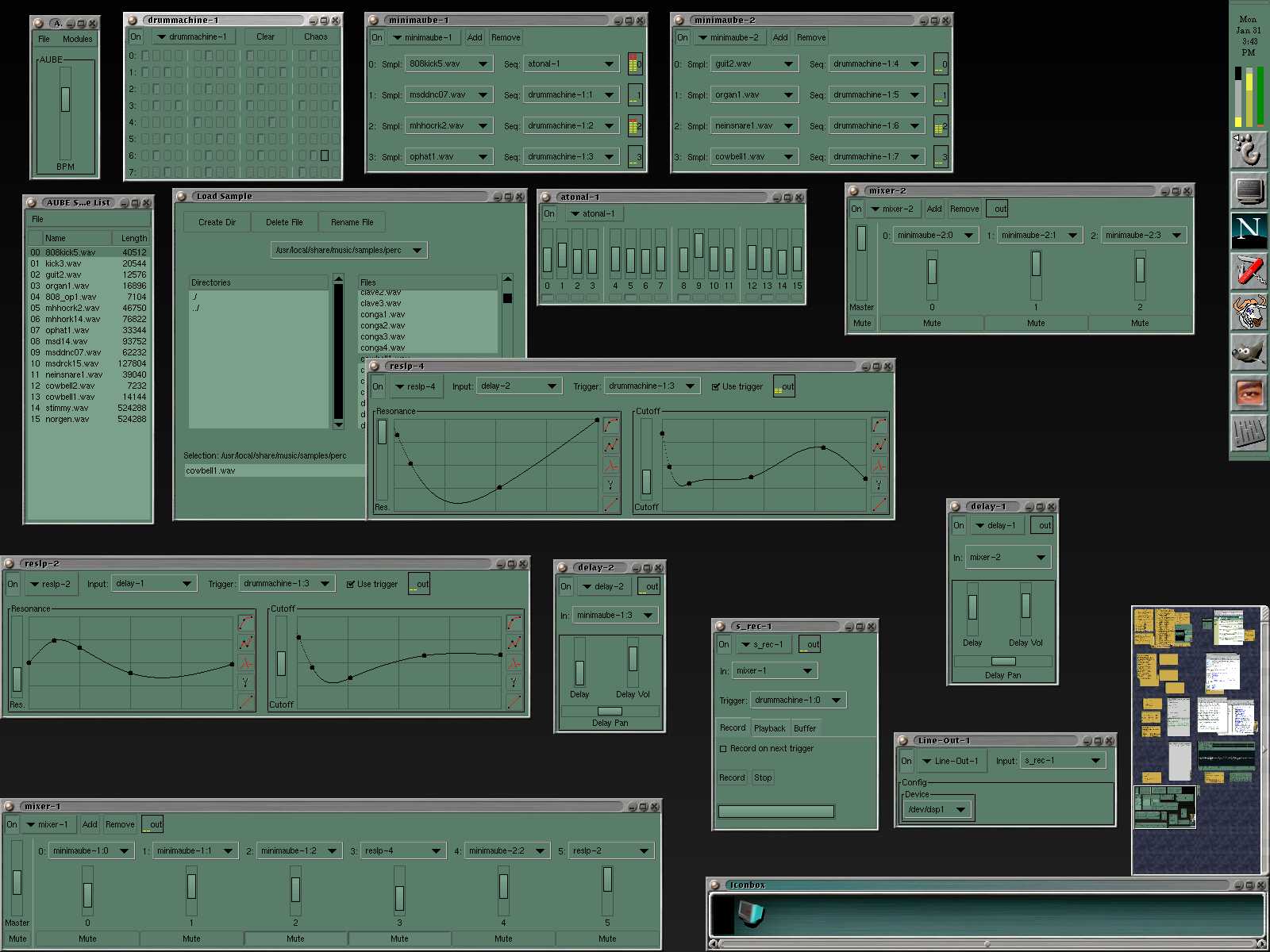
www.metadecks.org/software/aube
Share this:

Sekaiju ~ Windows MIDI Sequencer & Editor
“Sekaiju” is free, open source MIDI sequencer / editor software for creating and editing MIDI data. You can record MIDI keyboard or synthesizer playing to the computer, and you can compose music to play with your MIDI modules or synthesizers. Since it allows editing of all kinds of events, and has an unlimited undo and redo feature, Sekaiju can also be used as a powerful MIDI editor. A real-time input which can input each MIDI channel messages into separate tracks at the same time is a popular feature .

openmidiproject.osdn.jp/Sekaiju
Share this:

Drumstick ~ MIDI Monitor
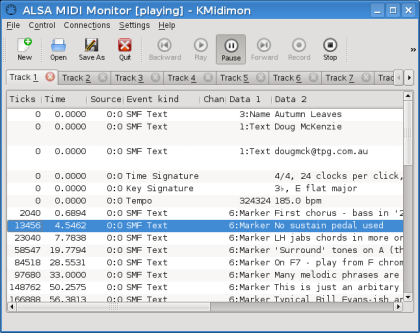
Drumstick MIDI Monitor is a MIDI monitor for Linux using ALSA sequencer and Qt5 user interface.
Features:
- Easy to use Qt5 graphic user interface
- Based on ALSA sequencer. Provides one input port to be connected to other programs and devices using the usual external tools (aconnect, QJackCtl…)
- Customizable event filters and sequencer parameters
- Supports all MIDI messages, including System Exclusive, and some ALSA messages
- MIDI Playback of the recorded session or loaded MIDI file
- Saves to a text file or standard MIDI file the recorded event list
sourceforge.net/projects/kmidimon
Share this:

AGS ~ Advanced Gtk+ Sequencer
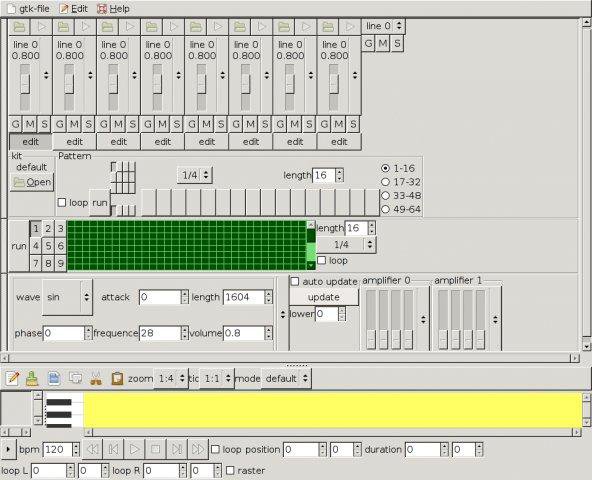
Advanced GTK+ Sequencer is intended to use for music composition. It features a piano roll, as well a synth, matrix editor, drum machine, soundfont2 player, mixer and an output panel.
It’s designed to be highly configurable, you may add effects to its effect chain, add or remove audio channels/pads.
You may set up a fully functional network of engines, therefore exists a link editor for linking audio lines.
In conjunction with AGS you need a realtime kernel and alsa support. `ags` uses conditional locks to keep several threads in sync that’s why you need at least a preemptible kernel.
Features:
- save or open Advanced Gtk+ Sequencer XML files with XPath support
- add or remove audio engines with adjustable audio channels and pads
- link channels with property dialog
- output panel, mixer, drum and matrix sequencer, soft synth and audio file player
- piano roll with basic notation editing supporting copy & paste
- adjustable BPM
- LADSPA, DSSI and Lv2 support
- export to WAV, FLAC, OGG and others
- multiple sinks like Pulseaudio, JACK, ALSA and OSS
- automation editor
- waveform editor with copy & paste
- capture sound with AgsAudiorec machine
- MIDI instrument input
- import/export to Standard MIDI Files
- OSC content format support
- OSC server for remote control and monitoring

 The Audio File