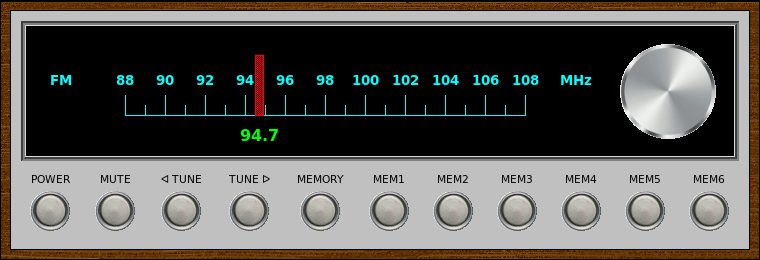
VintageRadio is a GUI front-end for the fm command-line application included with fmtools <http://benpfaff.org/fmtools>. It is written in [incr Tcl/Tk], an object-oriented extension package for Tcl/Tk. VintageRadio is not part of fmtools.
Features:
A vintage 70s-era look, inspired by a number of stereo tuners and receivers with the classic silver face.
A rotary tuning dial that actually works.
Ability to store up to 6 stations as presets.
Keyboard shortcuts for all application functionality.
qaac is a command line AAC / ALAC encoder frontend based on Apple encoder, strongly influenced by tmkk.pv.land.to/qtaacenc/.
qaac requires Apple Application Support that is included in iTunes or QuickTime. If you are using 64 bit Windows, recent 64 bit iTunes (ver 12.1 or later) is recommended. 64 bit installer for iTunes (iTunes6464Setup.exe) includes both of 32 bit and 64 bit Apple Application Support, therefore you can run both of qaac.exe and qaac64.exe with its installation.
Features:
AAC-LC, AAC-HE, ALAC encoding are supported. m4a container (just a MP4 container with ‘M4A ‘ brand, created by Apple) is used by default, but you can also mux into ADTS.
Filenames and tags are treated with Unicode. Very long file names are supported.
Support for multichannel / surround.
Fine quality control over AAC encoding.
Support for hi-resolution / multichannel ALAC.
WAV, raw PCM, ALAC, and all LPCM formats supported by CoreAudio AudioFile interface (such as AIFF, CAF, and Sun/AU) are directly available as input. MP3 is also decodable through CoreAudio.
Cue sheet input is also available.
FLAC, Wavpack, TAK, and other LPCM formats are optionally supported when libFLAC.dll, wavpackdll.dll, tak_deco_lib.dll, and libsndfile-1.dll are installed.
Piped input is available for WAV and raw PCM.
Piped output (streaming) is supported for ADTS.
Automatically fetch tags from AIFF, FLAC, Wavpack, Tak, and ALAC. Major tags are copied to the result. Also, you can manually set tags via command line options.
A web application that allows the user to send basic foobar2000 playback commands and adjust application volume level. Information about the track that is currently playing is also displayed and automatically updated when the track or playback status changes.
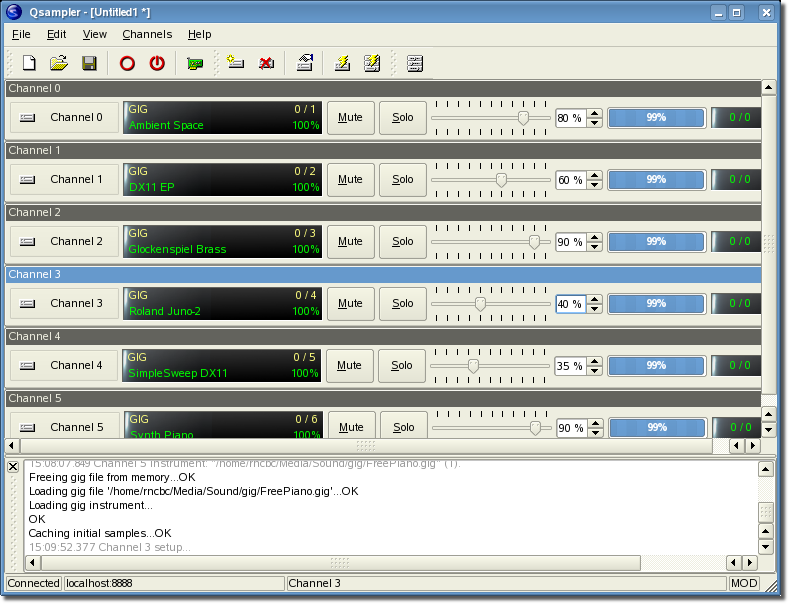
Qsampler is a linuxsampler GUI front-end application written in C++ around the Qt4 toolkit using Qt Designer. For the moment it just wraps the client interface of LinuxSampler Control Protocol (LSCP)
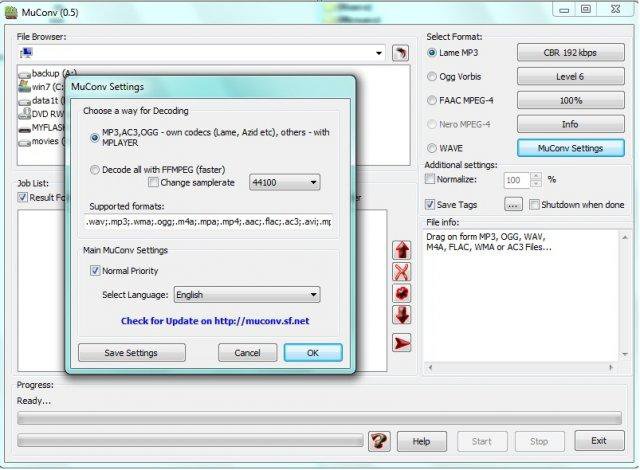
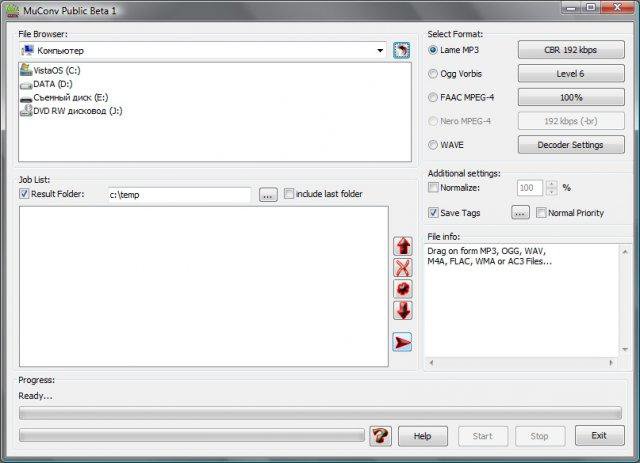
Music CONVerter (MuConv) – GUI for the LAME, OGG, FAAC, MPlayer for converting between most popular audio formats, volume normalizing and saving or automatically filling in id3tags
Features:
Converting between MP3, OGG, AAC and WAV formats
Saving, Editing or automatically filling metadata (id3tags)
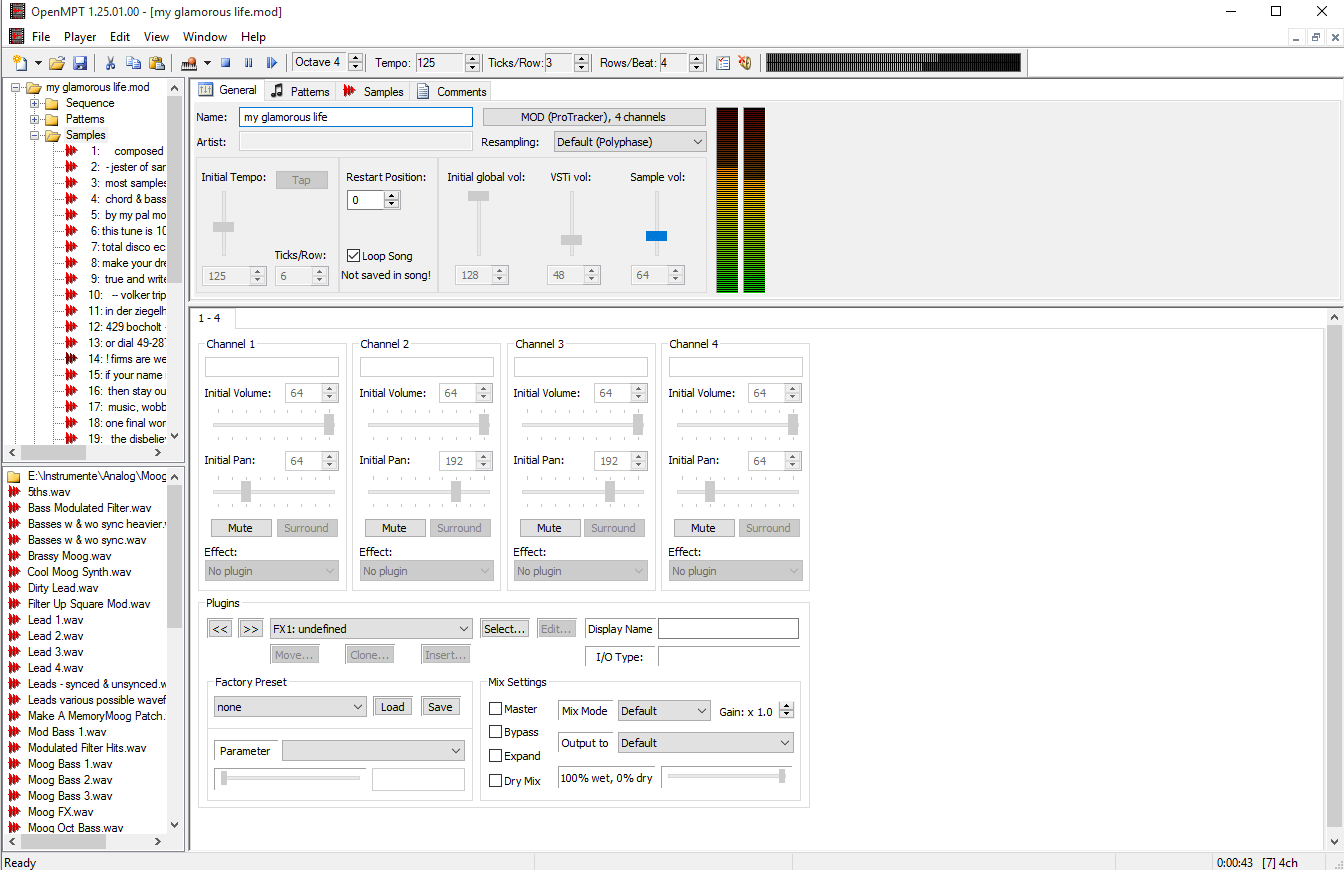
OpenMPT is well known tracker software for Windows.
OpenMPT (shorthand for Open ModPlug Tracker) is completely free and allows you to create and play back some great music on your computer. Based on the original ModPlug Tracker written by Olivier Lapicque, OpenMPT is free software, can import a wide variety of module formats and offers an intuitive, native GUI as well as advanced features such as VST plugins and ASIO output.
In addition to its own song format, OpenMPT can natively edit Impulse Tracker, FastTracker, Scream Tracker and ProTracker module files.
OpenMPT based module player library and libopenmpt based command-line player:
libopenmpt is a cross-platform C++ and C library to decode tracked music files (modules) [wikipedia] into a raw PCM audio stream.
openmpt123 is a cross-platform command-line or terminal based module file player.
libopenmpt is based on the player code of the OpenMPT project (Open ModPlug Tracker). In order to avoid code base fragmentation, libopenmpt is developed in the same source code repository as OpenMPT.
libopenmpt ships with plugins for 3 popular Windows audio players already included:
xmp-openmpt is a plugin based on libopenmpt for XMPlay.
in_openmpt is an input plugin based on libopenmpt for WinAMP 2.x or later compatible players.
foo_openmpt is a component based on libopenmpt for foobar2000.
FLAC Frontend is a convenient way for Windows users not used to working with command lines to use the official FLAC tools. It accepts WAVE, W64, AIFF and RAW files for encoding and outputs FLAC or OGG-FLAC files. It is able to decode FLAC files, test them, fingerprint them and re-encode them. It has drag-and-drop support too. It is tested on Windows XP SP3 and Windows 7, but should work with Windows XP SP2 or newer. It requires .NET 2.0 or later.