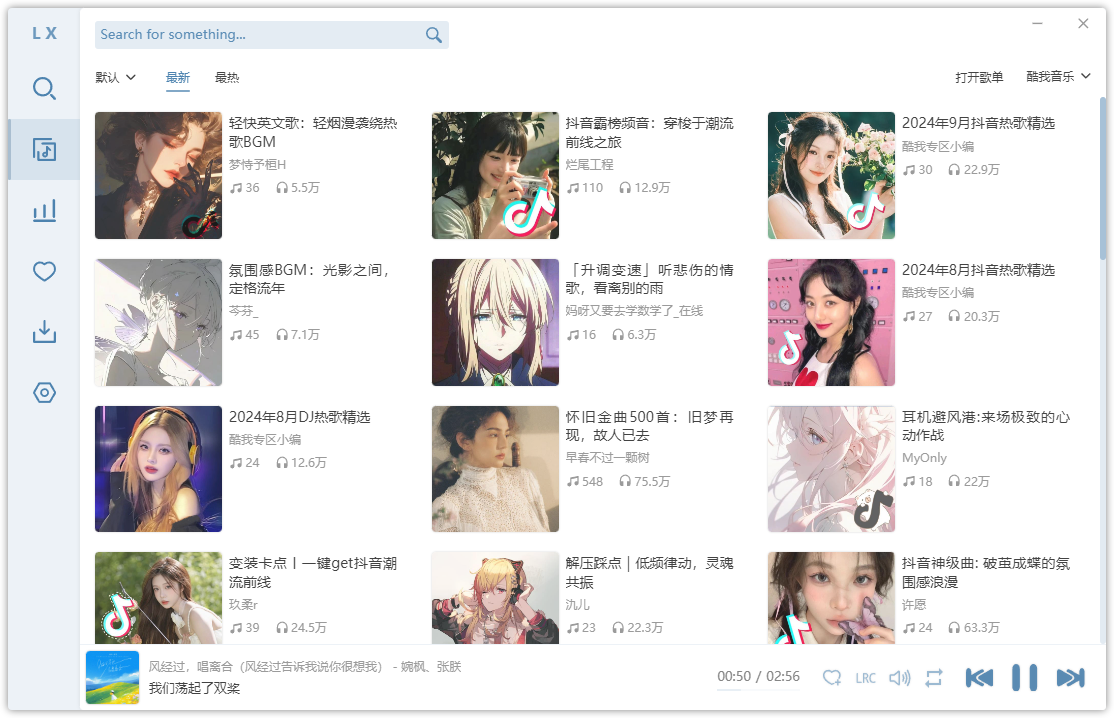
LX‑Music‑Desktop is an open‑source, Electron‑based music player built with Vue 3, offering a simple, fast interface for managing and playing local music libraries on desktop systems.
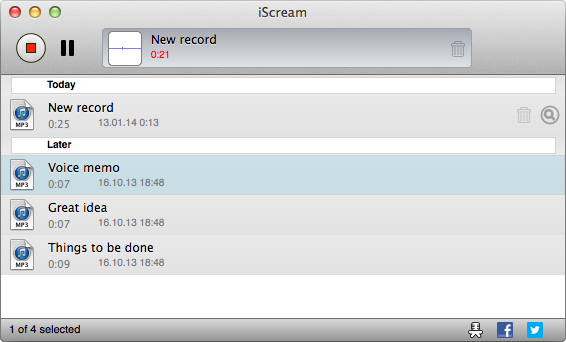
iScream is a free recording application for macOS. It lets you record sound from your microphone or other sound sources. The app sits in the Dock, so when you want to start recording, just click its icon. To stop recording, click the icon again. With support for hotkeys, it’s even easier to start and stop recording without reaching for your mouse. iScream is great for making voice notes, capturing quick sound bites, recording short interviews, and any other small recordings you might need. Its simple design and easy-to-use features make it a handy tool for anyone, especially those who often need to capture audio on the fly.
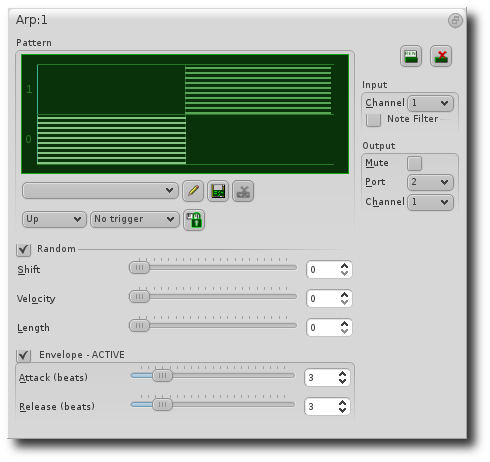
QMidiArp is a MIDI arpeggiator, phrase generator and controller LFO for ALSA and JACK. It can run multiple synchronized arpeggiators, LFOs and step sequencers. The modules are also available as LV2 plugins with Qt user interface. QMidiArp has been growing since June 2009 on top of Matthias Nagorni’s original arp idea.
Features:
Programmable arpeggio patterns, LFO waveforms and sequences
Modular setup of arpeggiators, MIDI LFOs and step sequencers
MIDI-controllable (MIDI-Learn)
Synchronization with MIDI Clock or JACK Transport possible
Optional triggering by keyboard or continuous play mode for all modules
Patterns can be stored and switched by MIDI control while running
AudioGridder is a network bridge for audio and MIDI that allows for offloading the DSP processing of audio plugins to remote computers. This can come in handy when mixing complex projects or running CPU intensive instruments.
AudioGridder Server runs on a computer hosting your effect and instrument plugins. On your workstation, on which you run your DAW, you use the AudioGridder FX or instrument plugin to access your plugin library over the network. The plugin is looking for available servers on your network and once connected allows you to create insert chains or load instruments. Midi and audio data from your DAW will be streamed over the network, processed on the server and streamed back.
The Sound Description Interchange Format (SDIF) is an established standard for the interchange of sound descriptions and analysis data. This project provides libraries, SDIF (in C) and Easdif (in C++), tools, and wrappers to read and write SDIF files.
A high-performance CLI toolkit for music collectors who manage their own libraries. Lattice provides a suite of tools for library visualization, integrity verification, cover art extraction, and metadata auditing — all from a single, zero-dependency script.
Why this exists
Modern music players often hide your library behind proprietary databases. Lattice is built for collectors who treat the filesystem as the source of truth. It reads tags directly via mutagen, ensuring your library is portable and player-agnostic.
Features:
Mode
Flag
Description
Library Tree
--library
Generate a formatted ASCII/Unicode tree of your entire collection.
AI Library
--ai-library
Token-efficient export designed for LLM recommendation prompts.
Genre Wings
--all-wings
Generate separate library catalogs segmented by genre.
Integrity Checks
--testFLAC
Parallel verification of FLAC/MP3/Opus/WAV integrity via FFmpeg.
Art Extraction
--extractArt
Extract embedded covers with format-priority ranking (FLAC > Opus).
Tag Audit
--auditTags
Identify and report files with missing or inconsistent metadata.
Bitfake was originally created to detect fake .FLAC files through spectral analysis. It has since grown into a multipurpose CLI tool for handling music more easily and efficiently.
One common problem was that getting a track’s metadata required long ffprobe commands with messy output. Converting music with ffmpeg was also repetitive. The command itself is easy to remember, but writing scripts to convert entire directories felt inefficient and slow. This project now performs metadata and conversion tasks directly through linked libraries (TagLib/libsndfile/libav*).
Features:
Get metadata
Get ReplayGain info (useful for music players)
Spectral analysis on 44.1 kHz .FLAC files (higher sample rates may be misrepresented, so be careful)
Lossy diagnosis (banding score)
File Conversion + VBR Support (Works for outputs like .wav, .flac, .ogg, .mp3, .aac, .opus)
Tagging metadata (Works for single files, but not directories yet)
Calculating ReplayGain and applying it to files (Works for track replay gain iterating through directories, album replay gain is a bit funky?)
Directory Conversion (works for all previously mentioned formats!)
CoverArt+ (Brings along cover art among all conversions!)
Organizing Files by album! (Give a dir of random music, and bitfake will organize it – ty to uncognic)
Directory Tagging (YAY!)
Album folder renaming from tags (Artist – Album (Year))
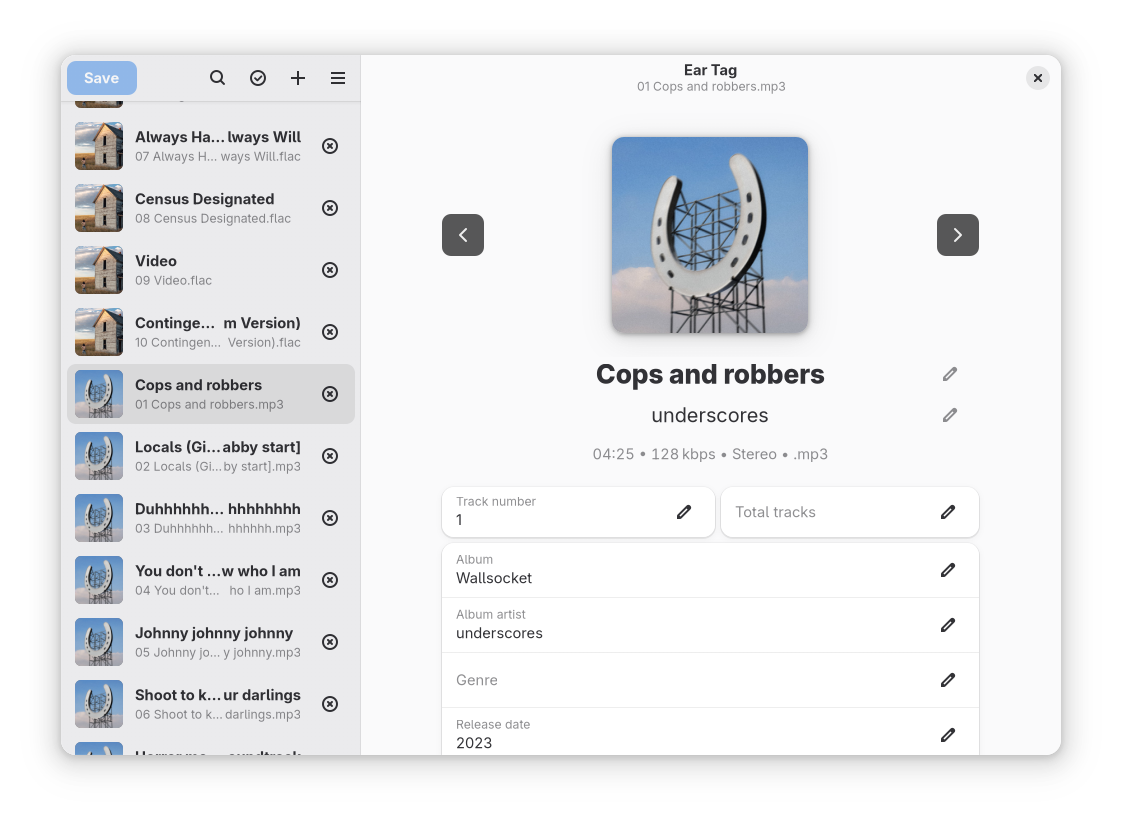
Ear Tag is a simple audio file tag editor. It is primarily geared towards making quick edits or bulk-editing tracks in albums/EPs. Unlike other tagging programs, Ear Tag does not require the user to set up a music library folder. It can:
Edit tags of MP3, WAV, M4A, FLAC, OGG and WMA files
Modify metadata of multiple files at once
Rename files using information from present tags
Identify files using AcoustID
Network access is only used for the “Identify selected files” option.
OpenVoiceOS is a community-driven, open-source voice AI platform for creating custom voice-controlled interfaces across devices with NLP, a customizable UI, and a focus on privacy and security.
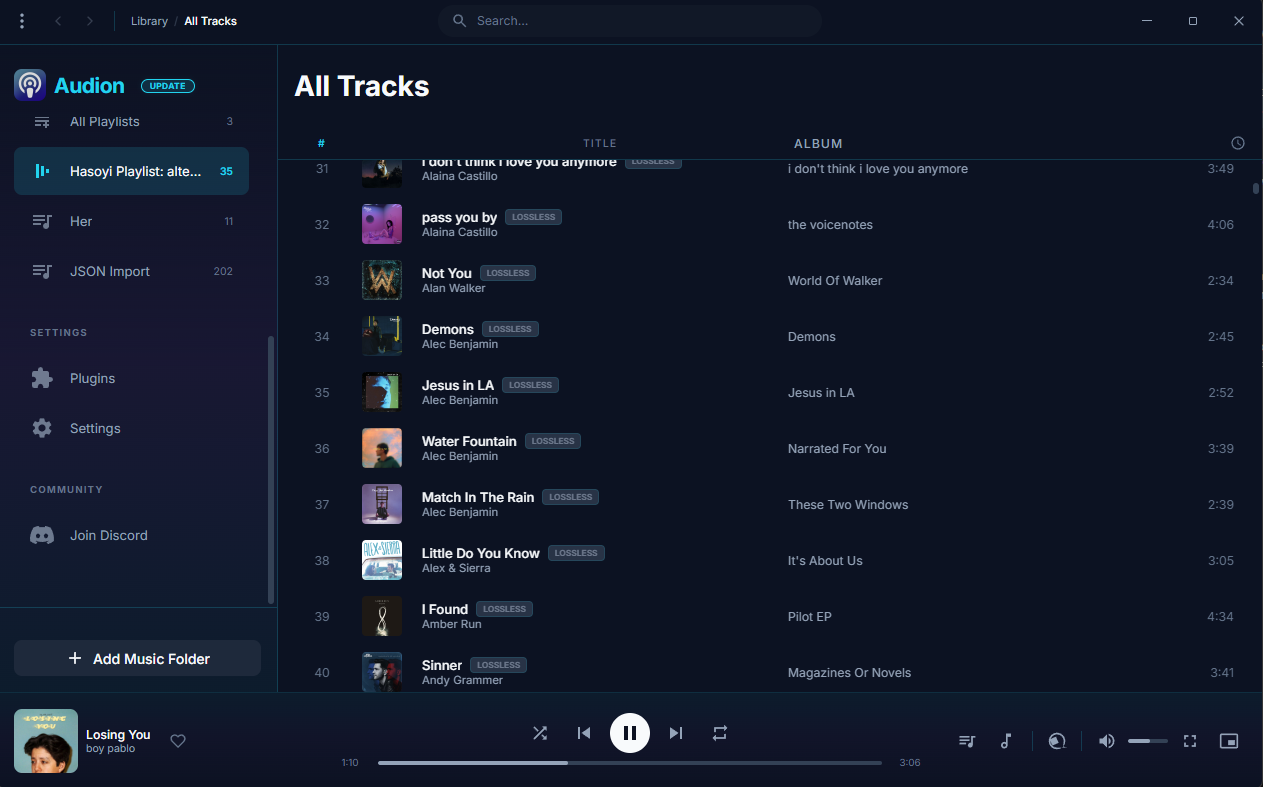
Audion is a privacy-focused music player that brings the Spotify experience to your local music library. No internet required, no tracking, just your music, beautifully organized.
Key highlights:
Synced lyrics with karaoke-style word highlighting