
A monorepo for Casio CZ-101 phase distortion synthesis — including a preset manager web/desktop app, an in-browser phase distortion synthesizer, and a VST3/CLAP/AUv2 plugin.
Category Archives: Mac

SnapVinyl ~ Discogs For iOS
iPad and iPhone Discogs Collections And Wantlists App
apps.apple.com/us/app/snapvinyl-for-discogs/id6741057688
Share this:

GrooveKraft ~ Mac Music Collection Viewer
GrooveKraft is a fast, lightweight music collection manager that uses Discogs and MusicBrainz to enrich your collection with detailed metadata and artwork.
Features:
- Import your Discogs collection into a local database
- View and filter your Discogs collection locally, with artwork
- Matches releases with MusicBrainz automatically to get release dates
- “On this day” function shows anniversaries in your collection
- Randomizer to help you pick something to listen to
- Missing or incorrect release dates can be manually entered
- Match quality shown with traffic-light icons (Red, Amber, Yellow, Green)
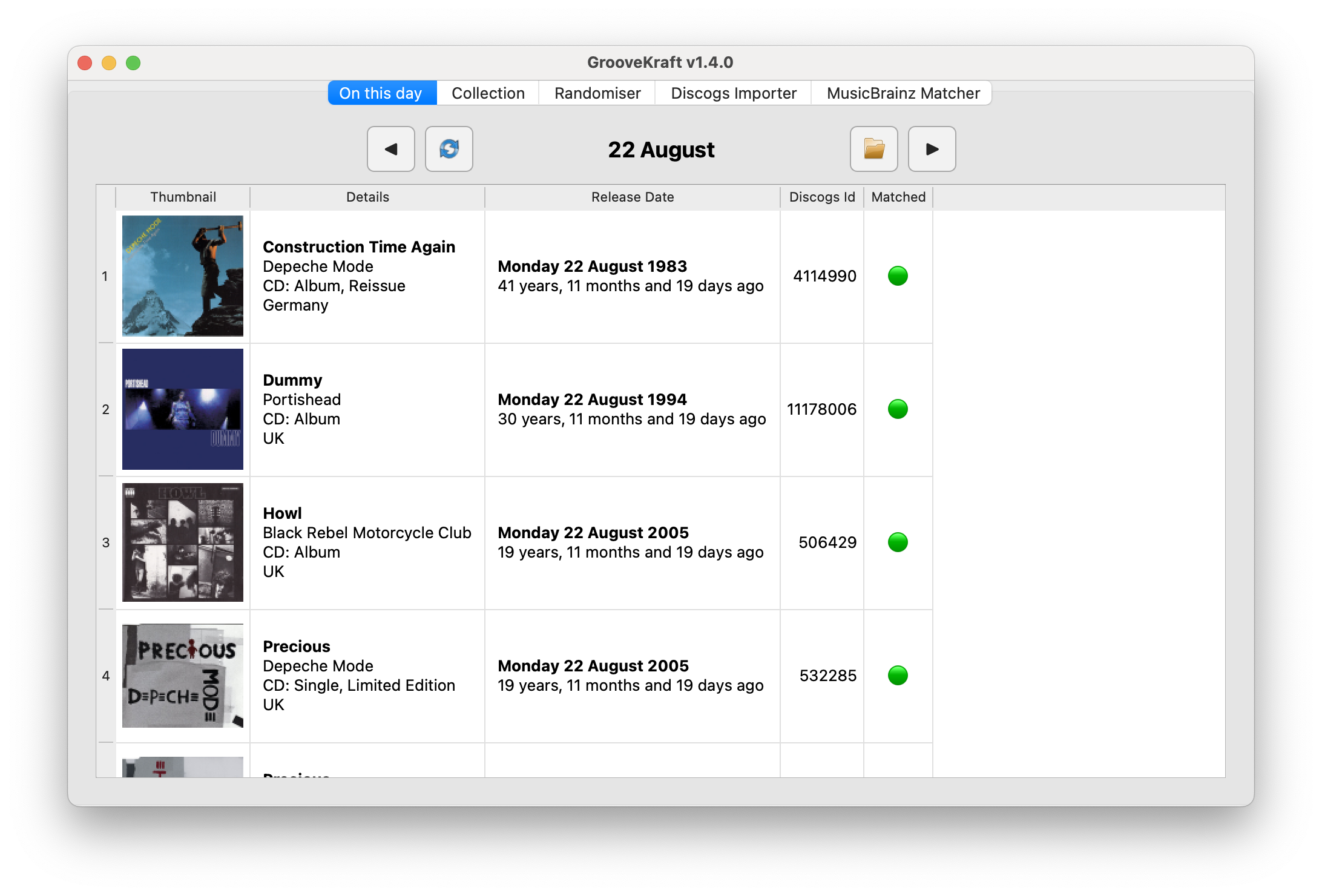
github.com/v8oholic/groovekraft
Share this:

Groove ~ Cross-platform Music Player
A cross-platform music player based on PyQt5, supports Win32, Linux and macOS.
Share this:

VinylFlip ~ iOS Discogs Market Tool
VinylFlip is a tool for vinyl record sellers — scan barcodes,
check Discogs market prices by condition, and list directly
to Discogs Marketplace, all from your iPhone.Features:
- Barcode scan — instantly search any record on Discogs
- Manual search — by artist name or catalog number
- Market price — condition-based pricing from Discogs
- List for sale — post directly to Discogs Marketplace
- Listings tab — manage your active listings
- Bookmarks — save records for later
- History — recently viewed records
- Profit calculator — estimate your margin before listing
Requires a free Discogs account.
apps.apple.com/us/app/vinylflip
Share this:

lx-music-desktop ~ Electron Based Player
LX‑Music‑Desktop is an open‑source, Electron‑based music player built with Vue 3, offering a simple, fast interface for managing and playing local music libraries on desktop systems.
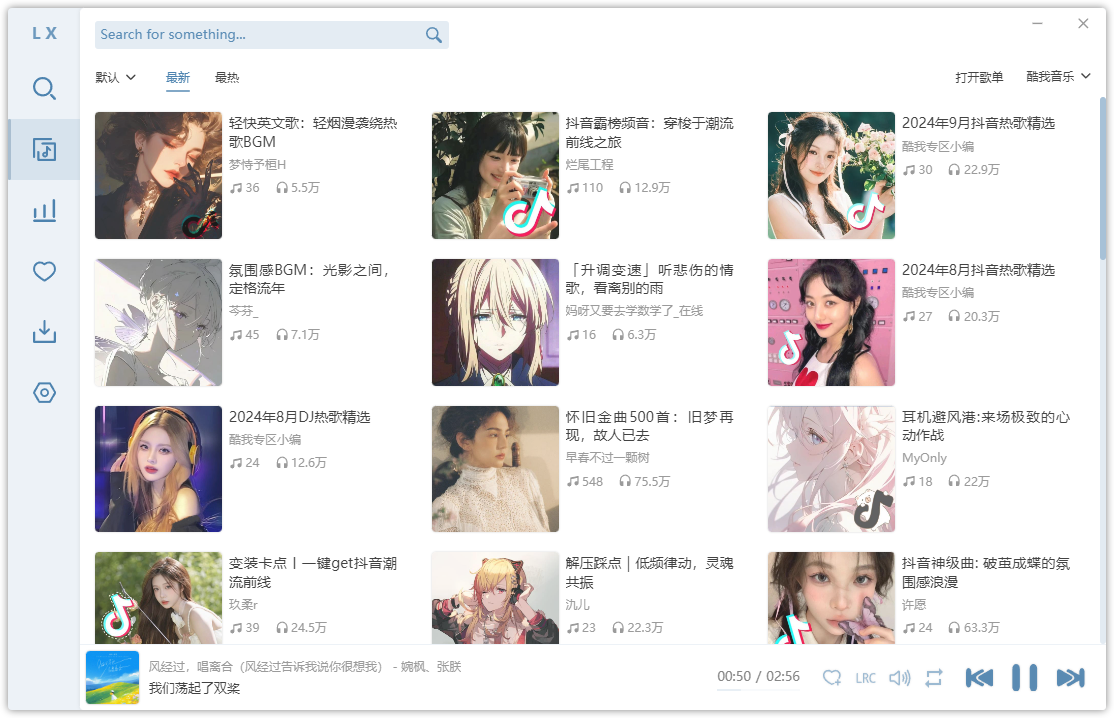
github.com/lyswhut/lx-music-desktop
sourceforge.net/projects/lx-music-desktop.mirror
Share this:

iscream ~ MacOS Audio Recorder
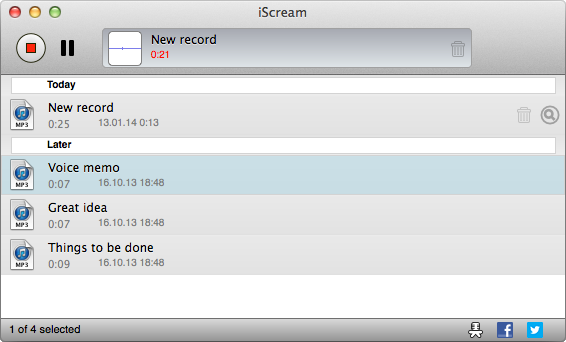
iScream is a free recording application for macOS. It lets you record sound from your microphone or other sound sources. The app sits in the Dock, so when you want to start recording, just click its icon. To stop recording, click the icon again. With support for hotkeys, it’s even easier to start and stop recording without reaching for your mouse. iScream is great for making voice notes, capturing quick sound bites, recording short interviews, and any other small recordings you might need. Its simple design and easy-to-use features make it a handy tool for anyone, especially those who often need to capture audio on the fly.
- One click recording
- Saves in MP3, AAC or WAV format
- Hotkeys support
Share this:

SDIF ~ Sound Description Interchange Format
The Sound Description Interchange Format (SDIF) is an established standard for the interchange of sound descriptions and analysis data. This project provides libraries, SDIF (in C) and Easdif (in C++), tools, and wrappers to read and write SDIF files.
sourceforge.net/projects/sdif
cnmat.berkeley.edu/library/sdif
en.wikipedia.org/wiki/SDIF
groups.google.com/g/sdif-forum
Share this:

Producer Player ~ Mastering Workspaces
A desktop app for producers who bounce a lot. Drag in a folder of exports and Producer Player auto-groups versions, organizes your album, and gives you a full mastering workspace — all in one place.
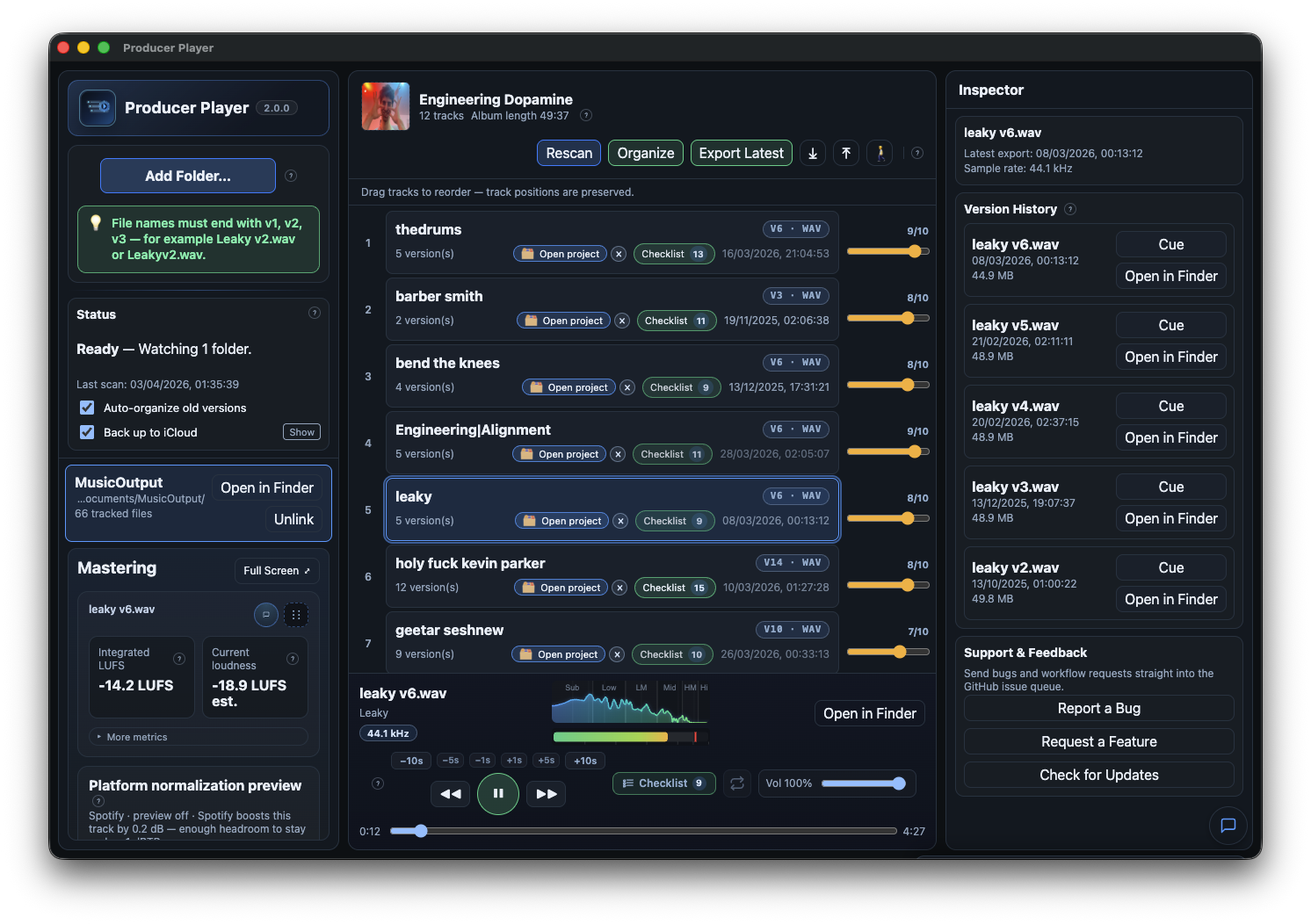
ethansk.github.io/producer-player
github.com/EthanSK/producer-player
Share this:

OpenVoiceOS ~ Voice AI Platform
OpenVoiceOS is a community-driven, open-source voice AI platform for creating custom voice-controlled interfaces across devices with NLP, a customizable UI, and a focus on privacy and security.
www.openvoiceos.org
github.com/OpenVoiceOS
github.com/OpenVoiceOS/ovos-installer
Share this:

Audion ~ Community Driven Music Player
Audion is a privacy-focused music player that brings the Spotify experience to your local music library. No internet required, no tracking, just your music, beautifully organized.
Key highlights:
- Synced lyrics with karaoke-style word highlighting
- Extensible plugin system
- Gorgeous, customizable interface
- Fully offline
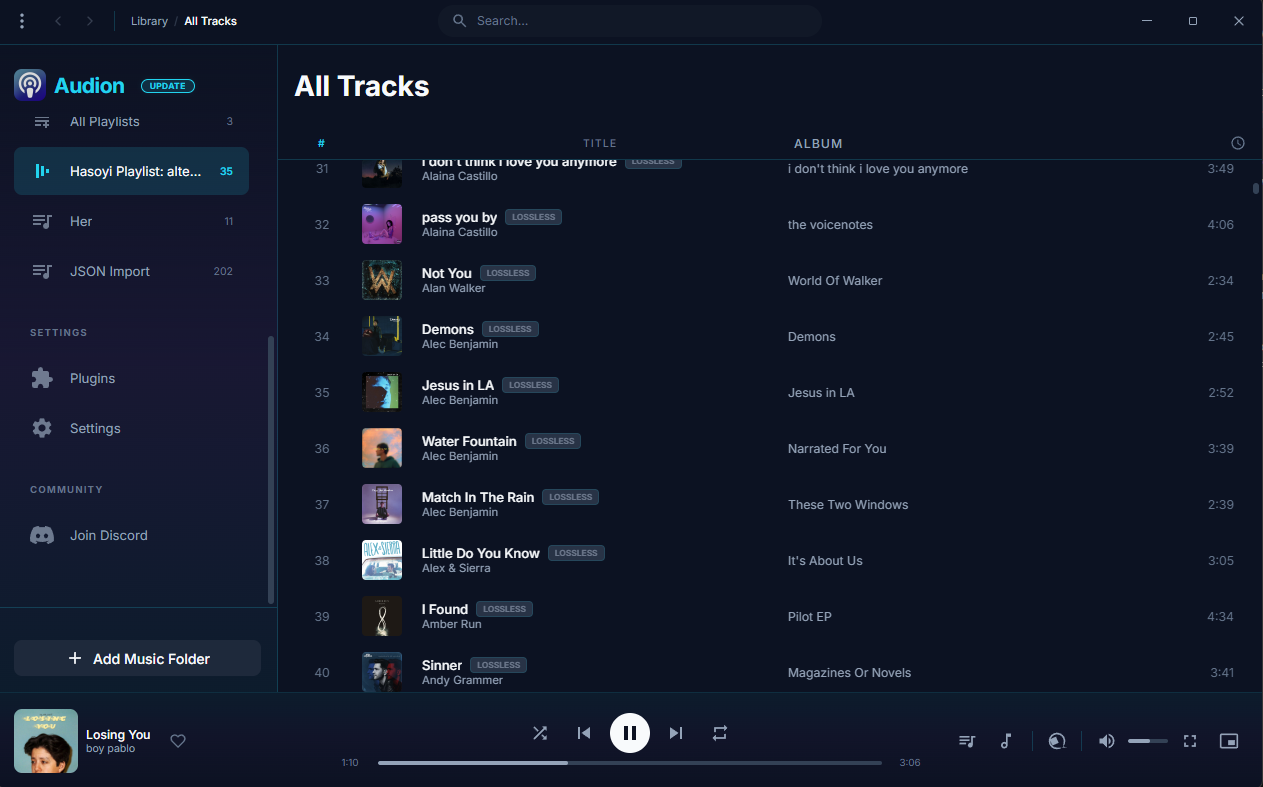
www.audionplayer.com
github.com/dupitydumb/Audion
Share this:

lowhum ~ Deep Brown Noise For Focus
Deep brown noise for focus, for the macOS menu bar.
Single-purpose menu bar app that generates deep brown noise locally and plays it on loop. Install it, click play, forget about it. Cumulative-sum brown noise through a Butterworth bandpass (1 to 500 Hz, 20 Hz sub-bass highpass), RMS-normalized per chunk, crossfaded at boundaries. Everything is stored in
~/.lowhum/. Playback streams through PortAudio via memory-mapped files, so the full WAV never sits in RAM. The app polls audio devices every 2 seconds and stops instantly if headphones disconnect or a Bluetooth device drops.Menu bar controls
The menu bar icon is a template image, so macOS handles dark/light mode automatically. Further, use it for:
- Play / Stop from the menu bar
- Pick any connected audio device from the Output Device submenu
- Noise color selection (brown, pink, white)
- Auto-stops when headphones connect or disconnect
Requires macOS and Python 3.12+.
lmarkmann.github.io/lowhum
github.com/lmarkmann/lowhum
References:
en.wikipedia.org/wiki/Brownian_noise


