MP3Gain Express ~ MP3Gain For Macs


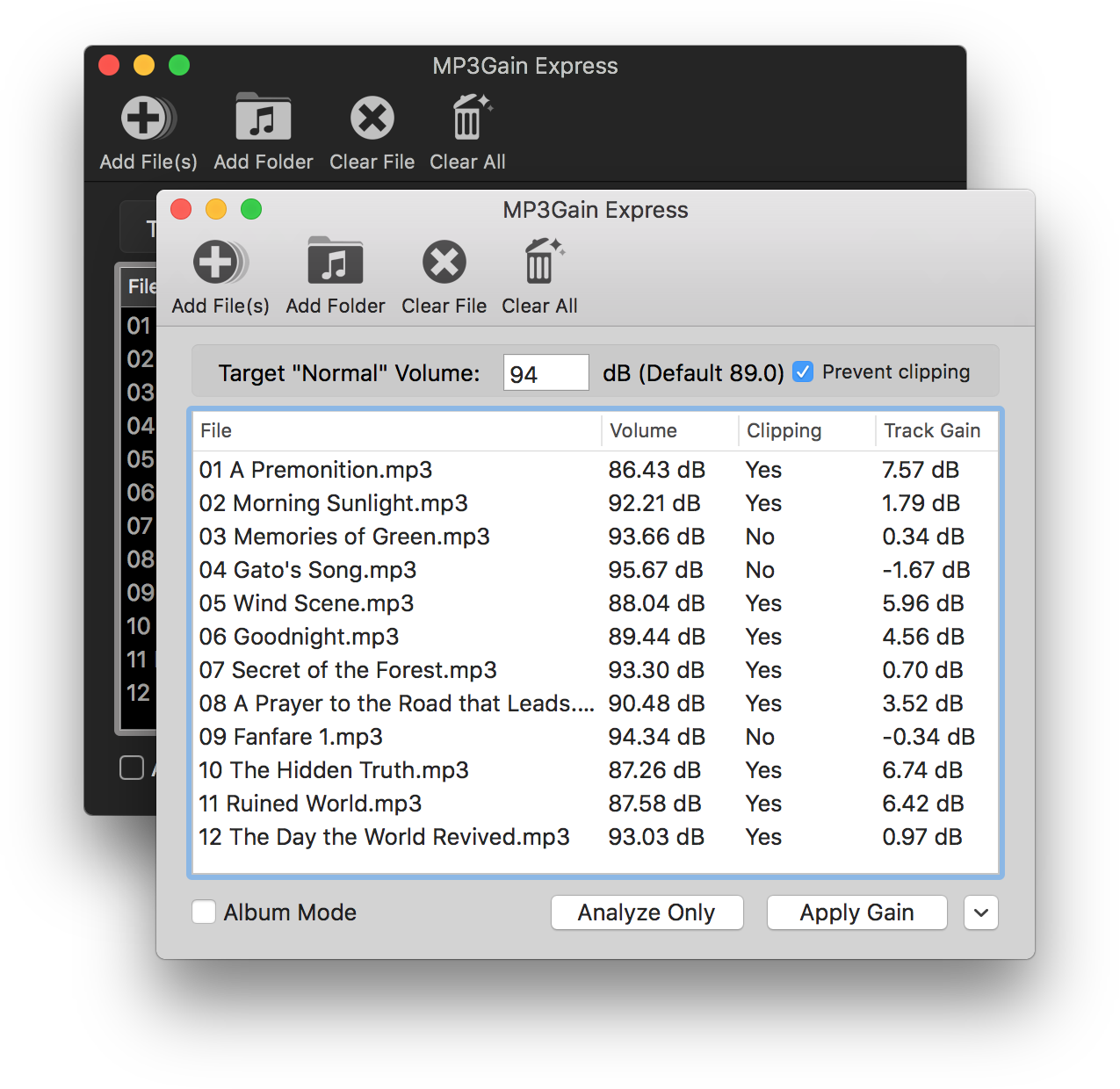
MP3Gain Express is a port of MP3Gain and AACGain to macOS and OSX. It allows you to analyze or apply volume gain to a list of MP3 or AAC files. Anyone who has used the Windows UI for MP3Gain should find this one familiar, as it was designed to look similar to that version.

projects.sappharad.com/mp3gain

OSX Version

github.com/Sappharad/mp3gainOSX

mp3rgain ~ Lossless MP3/AAC Volume Adjustment


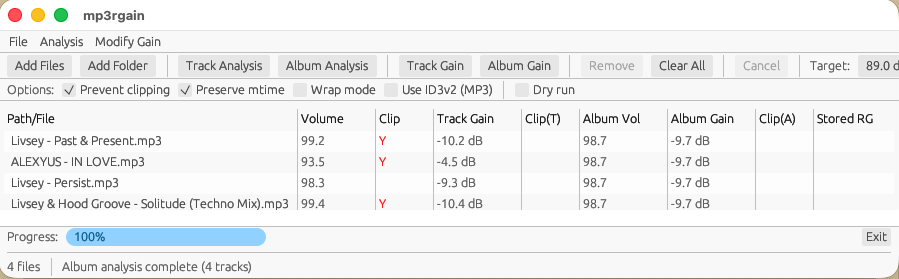
A modern mp3gain / aacgain replacement written in Rust. A native GUI application (mp3rgui) is available for users who prefer a graphical interface.

mp3rgain adjusts MP3 and AAC volume without re-encoding by modifying the global_gain field in each frame. This preserves audio quality while achieving permanent volume changes.

github.com/M-Igashi/mp3rgain
crates.io/crates/mp3rgain
hydrogenaudio.org/index.php/topic,129648.0

References:

github.com/dgilman/aacgain
mp3gain.sourceforge.net

FineTune ~ MacOS Volume Control


Control the volume of every app independently, boost quiet ones up to 4x, route audio to different speakers, and shape your sound with EQ and headphone correction. Lives in your menu bar. Free and open-source.

github.com/ronitsingh10/FineTune

thesia ~ Multi-track Spectrogram / Waveform Viewer


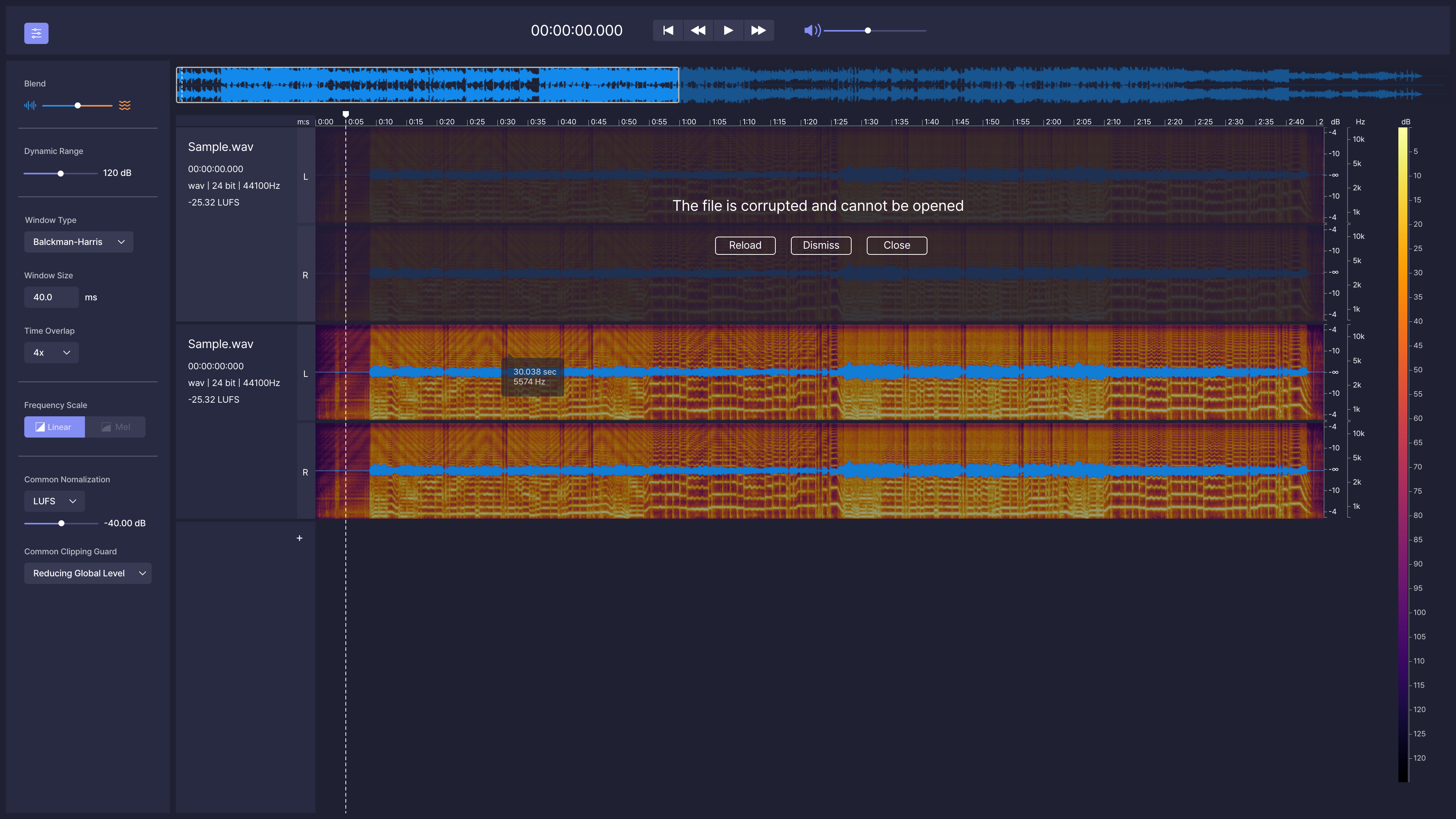
Thesia is a Multi-track Spectrogram / Waveform viewer This project is in beta.

github.com/Sytronik/thesia

Recorder ~ KDE Recording App


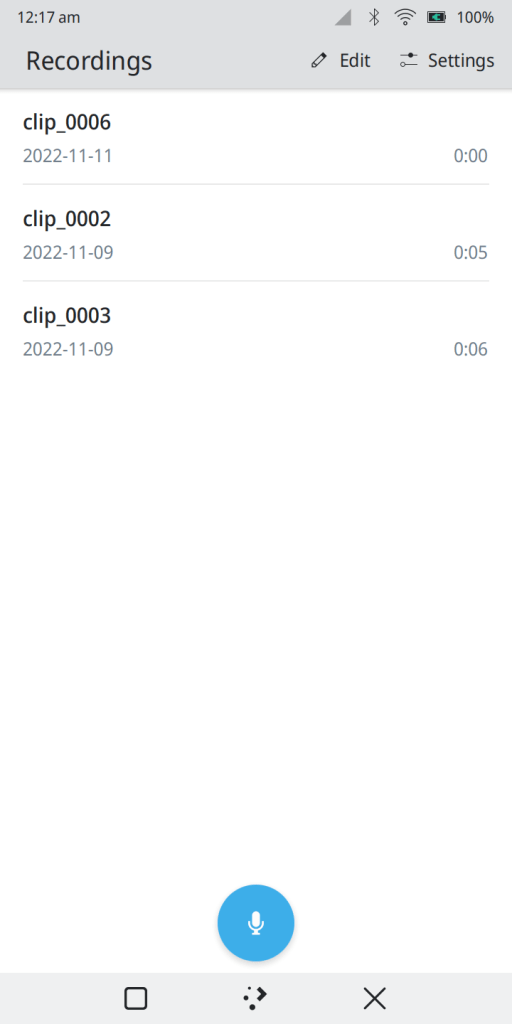
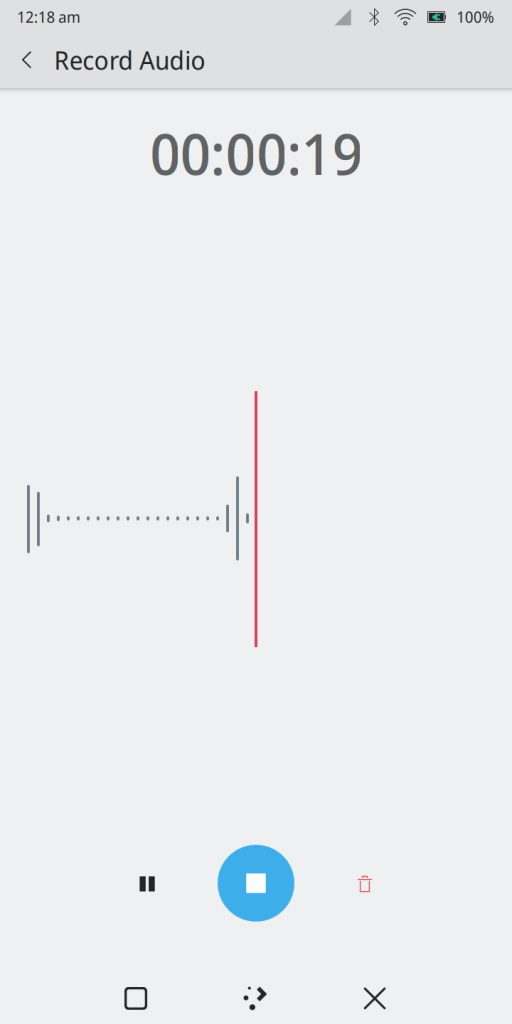
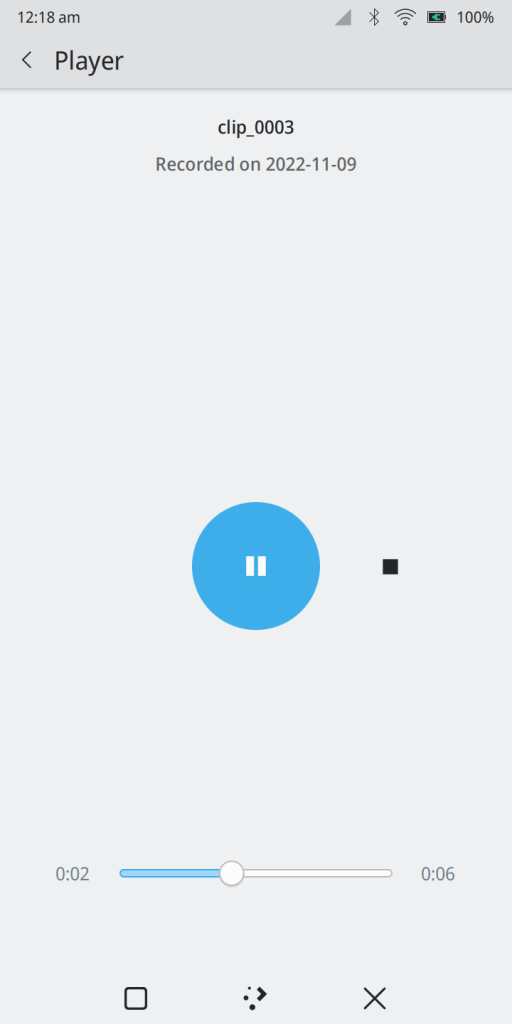
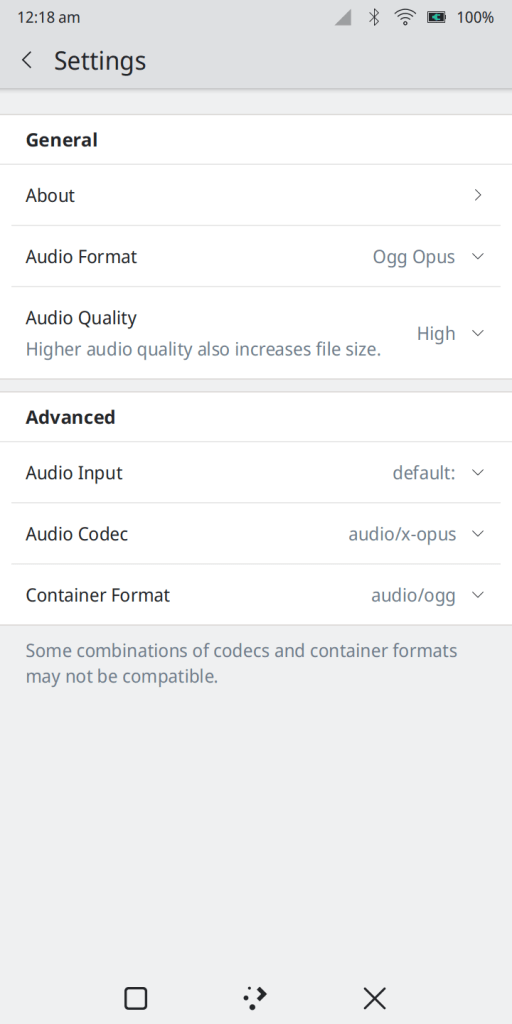
Recorder is a simple, cross-platform audio recording application.

apps.kde.org/krecorder
invent.kde.org/utilities/krecorder

gpodder ~ Media aggregator & Podcast Client


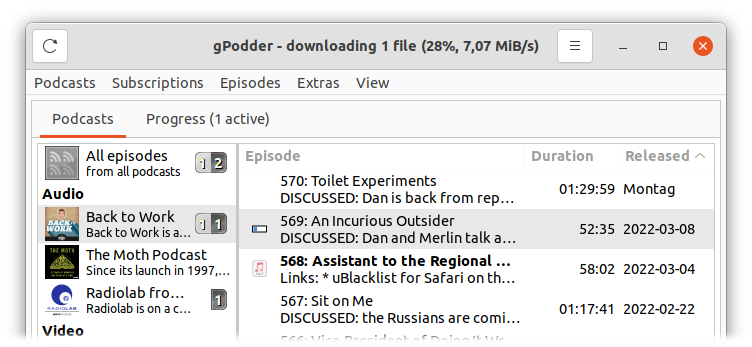
gPodder is a simple, open source podcast client.

In development since 2005 with a proven, mature codebase.

gpodder.github.io
github.com/gpodder/gpodder
www.wikidata.org/wiki/Q3093354

gpodder.net ~ Libre Podcast Web Service


gpodder.net is a libre web service that allows you to manage your podcast subscriptions and discover new content. If you use multiple devices, you can synchronize subscriptions and your listening progress.

It works best with the gPodder application, but you can also use it with Amarok, other supported clients or as standalone web application without any client app.

Features:

  • Share your favorite content with others
  • Keep track of your playback progress
  • Back up your subscriptions
  • Discover new content, based on your listening habits
  • Create and share lists of related podcasts
  • For publishers: Find out which parts of your content are popular

gpodder.net
gpodder.github.io

Vvave ~ Multi-platform Media Player


Tiny Qt Music Player to keep your favorite songs at hand.

apps.kde.org/vvave
github.com/KDE/vvave
flathub.org/en/apps/org.kde.vvave

Light Crime ~ MacOS Audio Player


The 90s and early 00s were an era of personal computing, self-expression, rapid technical expansion, the web. We were barreling forward at the speed of innovation and culture, and for a brief period, the utopia of new media and self-expression were fueled by the imagination. And then… it stopped. Hotline, KaZaa, Lime Wire, Napster, Tumblr, ICQ, AOL Messenger, IRC, Usenet, Winamp… remember WinRAR? All became irrelevant really quickly, either due to legal restrictions or gutting of communities and platforms. Many artists have reflected on this, but I feel at this moment in time we’re seeing that passion creep back through the cracks of the corporate chokehold on open web.

Light Crime aims to create modern software with a cozier personal computing approach. Spotify is great. Apple Music is meh but no ICE ads, and yet… they still separate you from your media and personal space. All the tools and technologies still exist, sitting dormant, but maybe people have moved on, or recessed to small corners of the web.

When I started coding it was with BASIC and Visual Basic 3. What a joy! But now, with the advent of paired programming with tools like Claude Caude, I don’t have to worry about the labor intensive time suck of building something that cuts against the grain of modern technology. What I would have said “eh who is going to use that?” is replaced with “Who cares, I can spend an afternoon and be done with it.” So I’m going through my backlog of software and art work I want to see in the world. And am no longer stuck in the mind trap of wondering how it fits into the current culture of social media and people’s relationship to software.

ahem … Anyways, I think curating your music on your computer is fun. Making playlists is fun. And generally, just enjoying your computer rather than a terminal to SaSS platforms is refreshing in 2026. Enjoy. – chris

Features:

  • Plays MP3, FLAC, AAC, M4A, WAV, AIFF, CAF, MP4, MOV (audio extracted automatically)
  • Parses M3U, M3U8, PLS, and XSPF playlist files
  • Winamp-style scrolling marquee for long track/artist names — hover a queue row to marquee its title
  • Bitrate + sample rate readout
  • Custom borderless window with drag-anywhere chrome
  • Lives in the menu bar — Dock icon hides when window is closed
  • Hardware media key support (play/pause/next/prev F-keys)
  • Now Playing integration (lock screen, Control Center)
  • Shuffle with Fisher-Yates, previous-track restart threshold
  • Loop mode — loop all or loop one track
  • Drag-to-reorder tracks in the queue and inside playlists
  • Drag-and-drop folders or files to add music
  • Missing file detection — tracks turn red if moved, tap to re-link
  • Playlist manager — create, load, and edit named playlists
  • Audio visualizer — 7 modes: Spectrum Bars, Waveform Scope, Radial Spectrum, Audio Starfield, Frequency Mountains, Beat Tunnel, Starfield
  • Theme editor — 5 built-in presets (Default, Amber, Phosphor, Rose, Slate) + custom color creator
  • Window title brightens when the app is focused, dims when it’s not
  • Persistent library, playlists, and theme across restarts

github.com/chrisallick/light-crime-audio-player

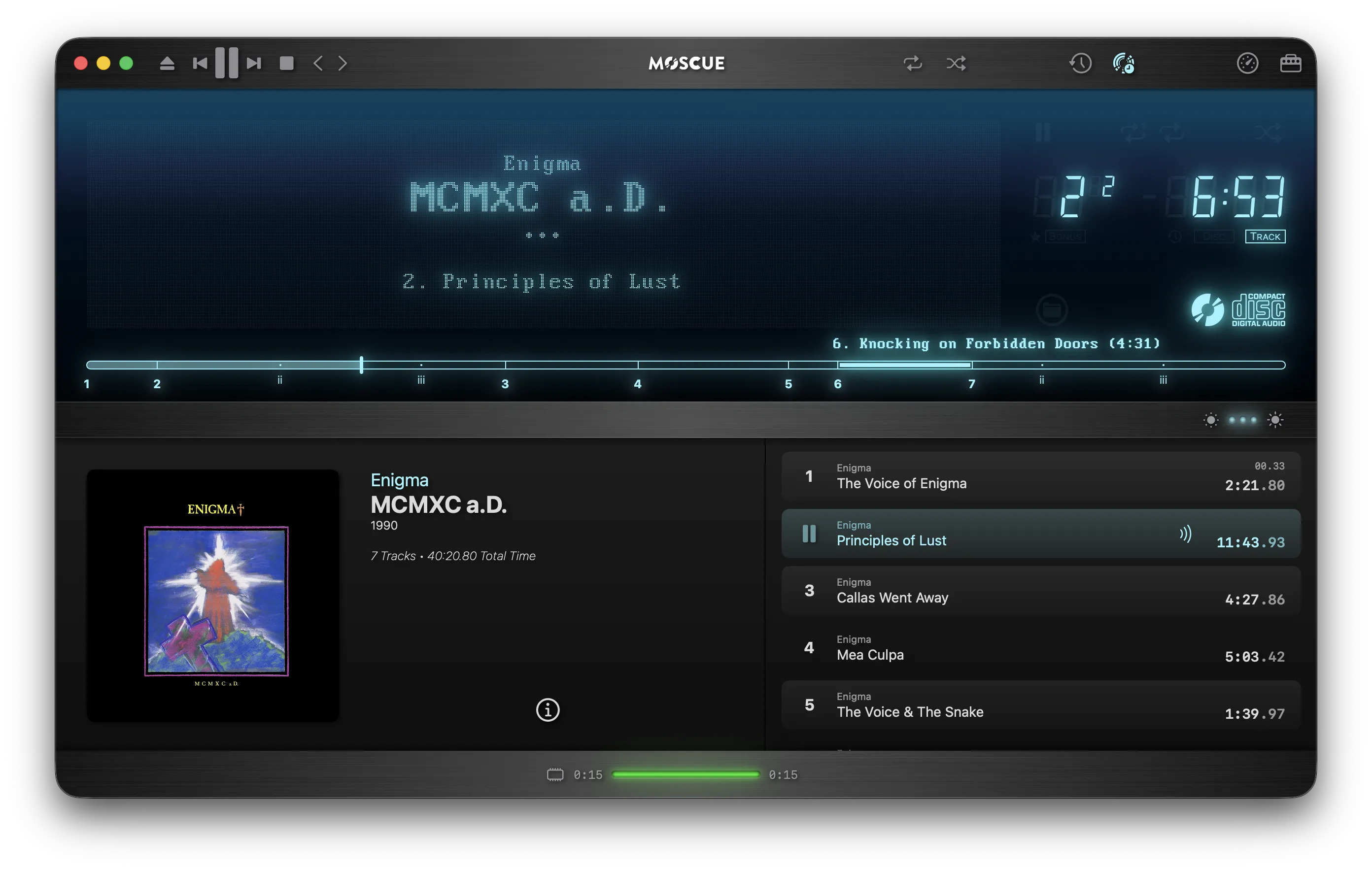
moscue ~ Mac Cue Sheet Player


A Compact Disc Digital Audio player simulator for macOS

Delivering an authentic playback of CD rips from Cue Sheet (.cue) files and their paired audio files.

www.moscue.app

GSonic ~ Stereo Redefined


GSonic Reference is a high-quality speaker and room correction tool that generates precision FIR correction filters from in-room measurements. It combines spatial measurement averaging with advanced filter generation to deliver studio-grade correction for any stereo listening environment.

Features:

  • Integrated Measurement & Filter Generation — Measure and generate in a single application
  • Spatial Averaging — Multi-position measurement for robust, position-independent correction
  • Automatic Clock Drift Compensation — No need for loopback cables or synchronized clocks
  • Low Latency Filters — 32,768-tap FIR filters at 48 kHz (pure C++ codebase, 341 ms processing latency)
  • Stereo Balance — Perceptual loudness-based stereo balancing
  • Target Curve Support — Built-in presets or bring your own custom target curves
  • Multiple Output Formats — Mono (L/R) and interleaved stereo WAV filters for maximum compatibility
  • ASIO & WASAPI Support — Choose your preferred audio backend on Windows

github.com/ObsessiveCompulsiveAudiophile/GSonic
hydrogenaudio.org/index.php/topic,129351.0

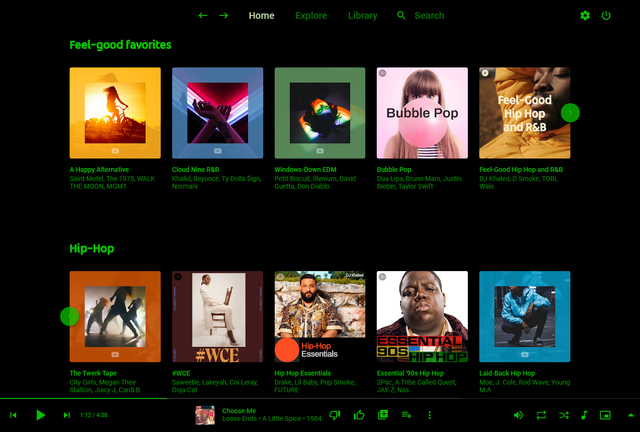
Pear Desktop ~ Desktop Client For YouTube Music


Pear Desktop is an Electron-based desktop client for YouTube Music designed for Windows, Linux and macOS. The project keeps the standard YouTube Music interface while adding desktop integration, plugins, themes and additional playback features.

The application is open source and distributed under the MIT license.

Features:

  • Native desktop-style window and controls
  • Plugin framework
  • Ad blocker
  • Lyrics support
  • Last.fm scrobbling
  • Discord Rich Presence
  • Media key support
  • Custom themes and CSS
  • Audio compressor
  • Equalizer
  • Crossfade
  • Skip silences
  • SponsorBlock integration
  • Video/audio mode toggle
  • Notification support
  • Downloader plugin
  • OBS integration
  • System tray support
  • Global keyboard shortcuts

How It Works

Pear Desktop loads the standard YouTube Music web interface inside a desktop application window and extends it through plugins and Electron desktop integration. It is not a standalone music service and still requires a YouTube Music or Google account for normal use.

Basic Usage

  1. Download the correct installer for your operating system from the Releases page.
  2. Install and launch the application.
  3. Sign into your Google account.
  4. Use YouTube Music normally.
  5. Optional plugins can be enabled or disabled from the Plugins menu.

Platforms

  • Windows
  • Linux
  • macOS

Notes

Because Pear Desktop uses Electron, memory and CPU usage are generally higher than lightweight native audio players such as foobar2000 or AIMP. The project is intended primarily as a feature-enhanced desktop frontend for streaming music from YouTube Music rather than as a traditional local-library music player.

github.com/pear-devs/pear-desktop