
This is a x32 bit component for the foobar2000 audio player. It allows using JavaScript to create full-fledged CUI/DUI panels!
Base functionality includes:
- Graphics functions: drawing (text, images, lines, rectangles and etc), image modification (resize, blur, inversion of colours and etc).
- Access to font and colour settings from CUI/DUI preferences.
- Capture of foobar2000 events with callbacks.
- Capture of keystrokes and mouse movement/clicks.
- Execution of main menu and context menu commands.
- Creation of custom buttons and menus.
- Playlist management: create, destroy, sort, change, rename and do anything that fb2k can do.
- Media Library access with ability to sort and filter it’s content.
- File tag management.
- Per panel settings storage.
- Built-in web and filesystem functionality.
- foo_acfu integration.
- And more!
theqwertiest.github.io/foo_spider_monkey_panel
github.com/TheQwertiest/foo_spider_monkey_panel
github.com/TheQwertiest/foo_spider_monkey_panel/releases/latestfoo_spider_monkey_panel – x64 bit
github.com/dima-lur/spider-monkey-panel-x64
References:
Discussion ~ hydrogenaud.io/index.php?topic=116669.0
Category Archives: Freeware

GNU Solfege ~ Train Your Ears
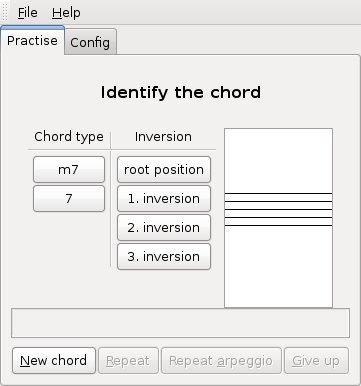
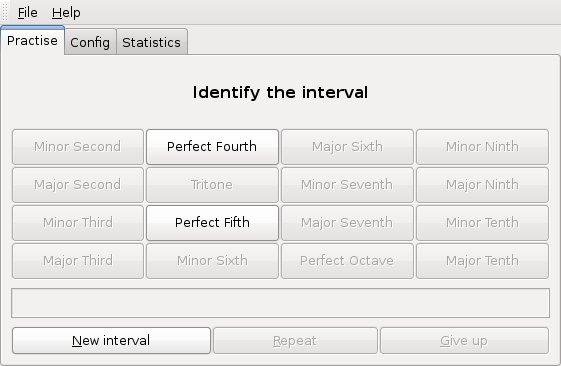
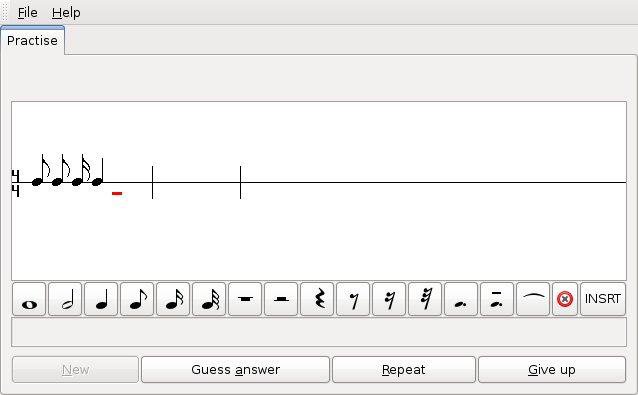
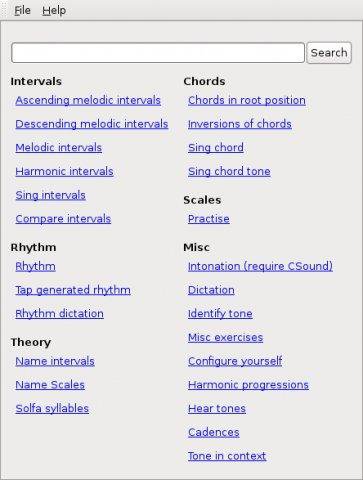
GNU Solfege is *free* ear training software written in Python 3.4 using the Gtk+ 3 toolkit. The program is designed to be easily extended with lesson files (data files), so the user can create new exercises.
www.gnu.org/software/solfege
sourceforge.net/projects/solfege
Share this:

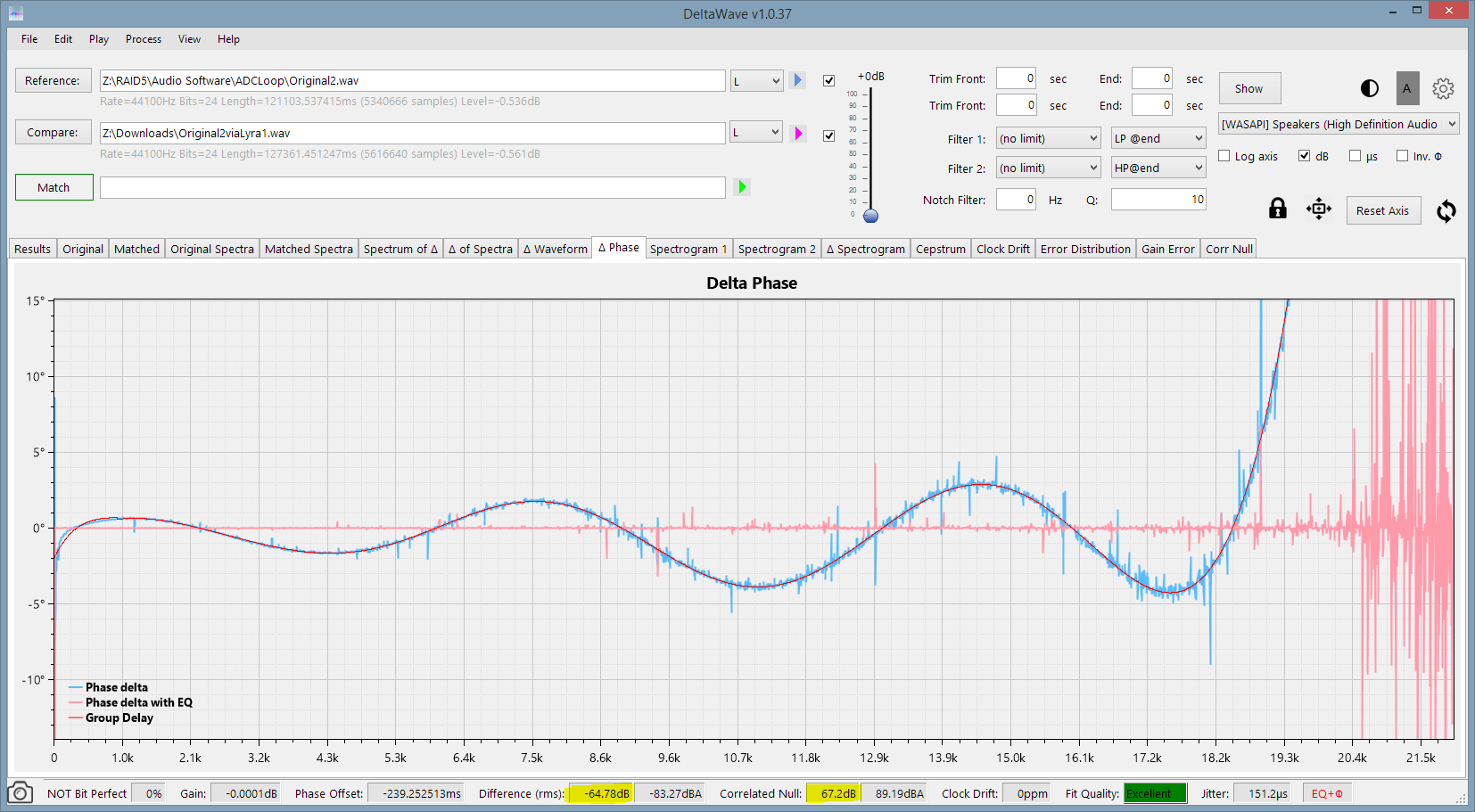
DeltaWave ~ Audio Null Comparator

QjackCtl ~ JACK Audio Qt GUI
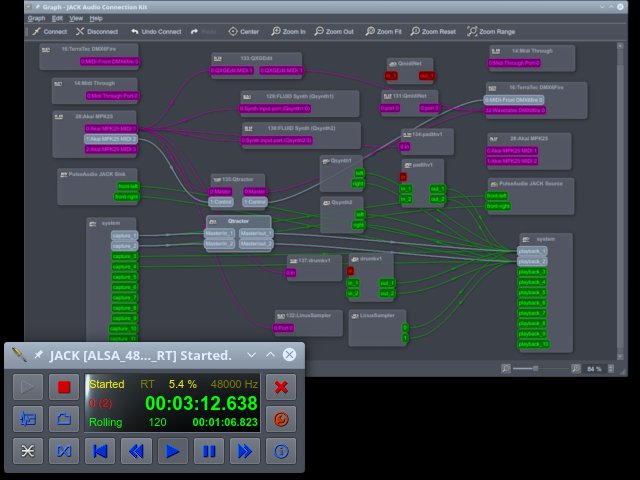
JACK Audio Connection Kit – Qt GUI Interface: A simple Qt application to control the JACK server daemon. Written in C++ around the Qt framework for X11, most exclusively using Qt Designer. Provides a simple GUI dialog for setting several JACK server parameters.
qjackctl.sourceforge.io
sourceforge.net/projects/qjackctl
Share this:

Munt ~ Multi-platform Synthesizer
A multi-platform software synthesiser emulating (somewhat inaccurately) pre-GM MIDI devices such as the Roland MT-32, CM-32L, CM-64 and LAPC-I.
munt.sourceforge.net/
sourceforge.net/projects/munt/
Share this:

ANMP ~ Another Nameless Music Player
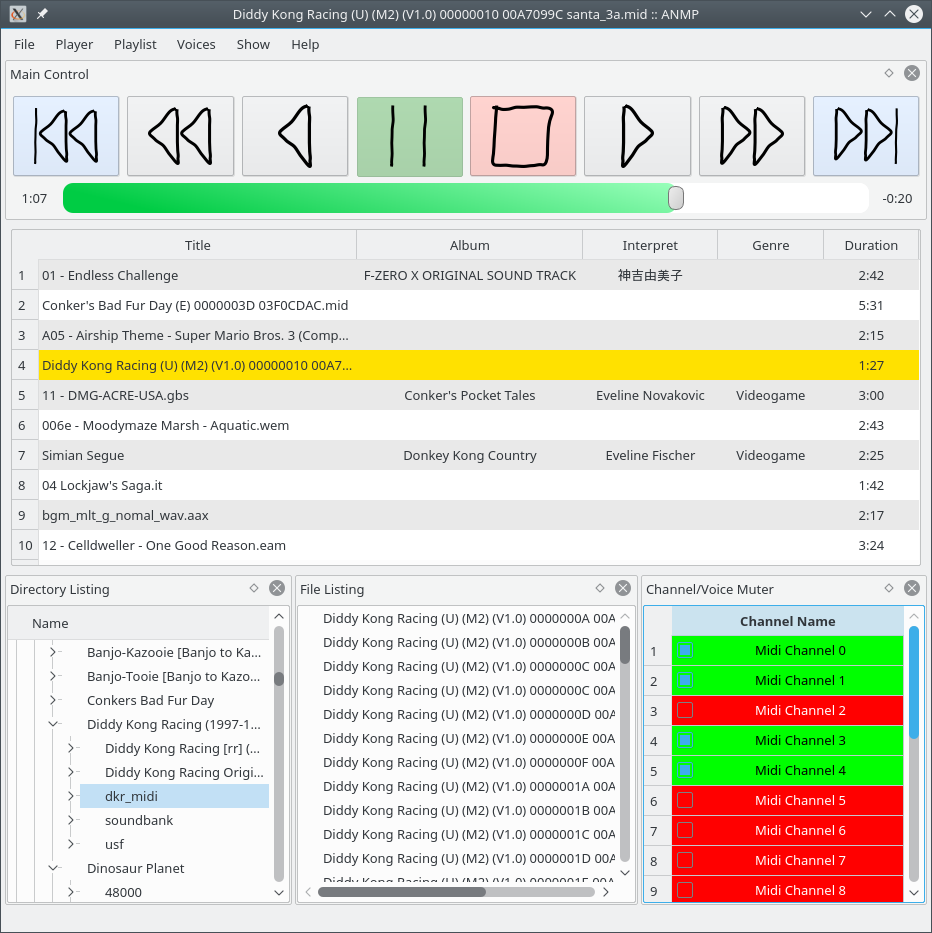
ANMP aims to be a versatile but lightweight audio player, just as the other hundred thousands out there. It is written in C++11. As being only a frontend, ANMP itself doesn’t know anything about audio formats and how to decode them. That’s why it uses 3rd party libraries to decode them. By using VgmStream, GameMusicEmu, LazyUSF and supporting looped songs natively, ANMP is esp. suited to play various audio formats from video games. Moreover it supports Looped Midi Tracks.
Main Features:
- muting multichannel audio files
- gapless playback (for most streamed audio formats)
- arbitrary (forward) looping of songs (i.e. even nested loops)
- synthesizing MIDI files using fluidsynth
- multi-channel audio rendering
- overlapping notes do not kill each other
- unrolling looped MIDI tracks
- volume response compatible to N64’s software synth
- supports an IIR lowpass filter compatible to Rareware‘s N64 games (Conkers Bad Fur Day, Jet Force Gemini)
- support for cue sheets
- support for audio normalization based on EBU R 128
- exposes basic commands via D-Bus
Share this:

VoodooHDA ~ Mac Open IHDA Driver
VoodooHDA is an open source audio driver for devices compliant with the Intel High Definition Audio specification. It is intended as a replacement for AppleHDA on Mac OS X with support for a wide range of audio controllers and codecs.
Features:
- automatic recognition of all HDA codecs
- test jacks for autoswitch
- control panel for fine tuning
- sound treatment includes stereo enhancements
- since v2.8 it works with two sound cards
- v2.9 creates 5.1 channel as one device
sourceforge.net/projects/voodoohda/
Share this:

GrandOrgue ~ Virtual Pipe Organ
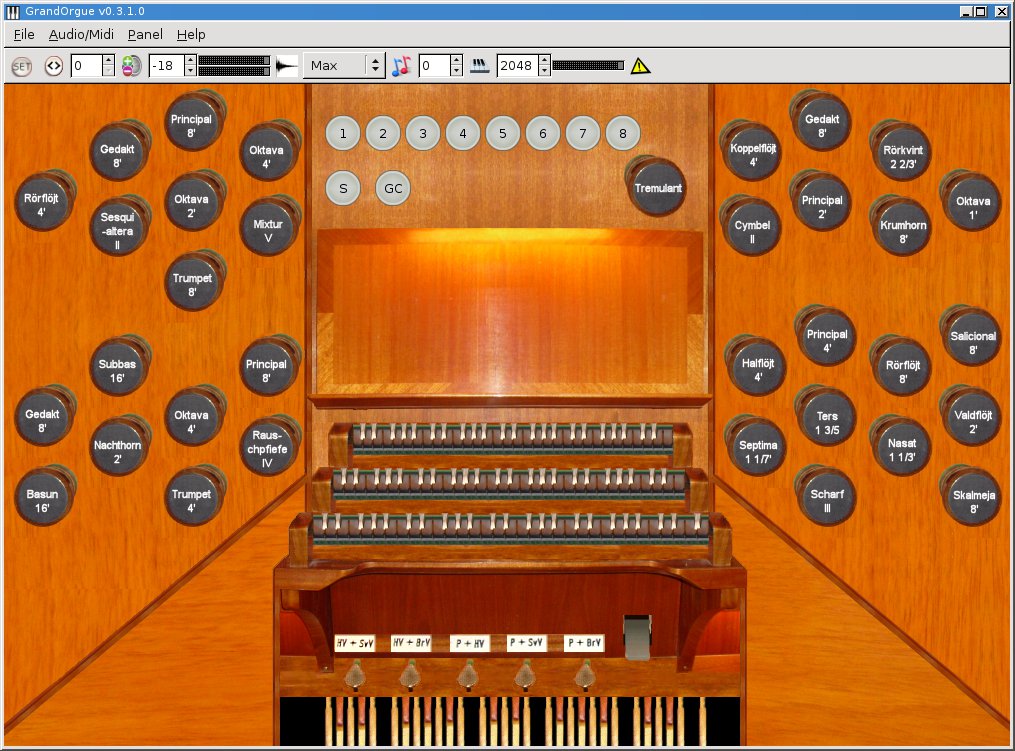
GrandOrgue is a sample based pipe organ simulator. When connected to MIDI keyboards and an audio system, it can accurately simulate the sound of a real pipe organ. This application has builds for Linux, Windows and OSX.
Features:
- Play sample sets
- GUI console
sourceforge.net/projects/ourorgan/
sourceforge.net/p/ourorgan/wiki/Home
Share this:

MAD ~ MPEG Audio Decoder
MAD is a high-quality MPEG audio decoder. It currently supports MPEG-1 and the MPEG-2 extension to lower sampling frequencies, as well as the de facto MPEG 2.5 format. All three audio layers — Layer I, Layer II, and Layer III (i.e. MP3) — are fully implemented.
MAD does not yet support MPEG-2 multichannel audio (although it should be backward compatible with such streams) nor does it currently support AAC.
MAD has the following special features:
- 24-bit PCM output
- 100% fixed-point (integer) computation
- completely new implementation based on the ISO/IEC standards
- available under the terms of the GNU General Public License (GPL)
www.underbit.com/products/mad
sourceforge.net/projects/mad/files
Share this:

mvMeter2 ~ Freeware Multivariable Meter
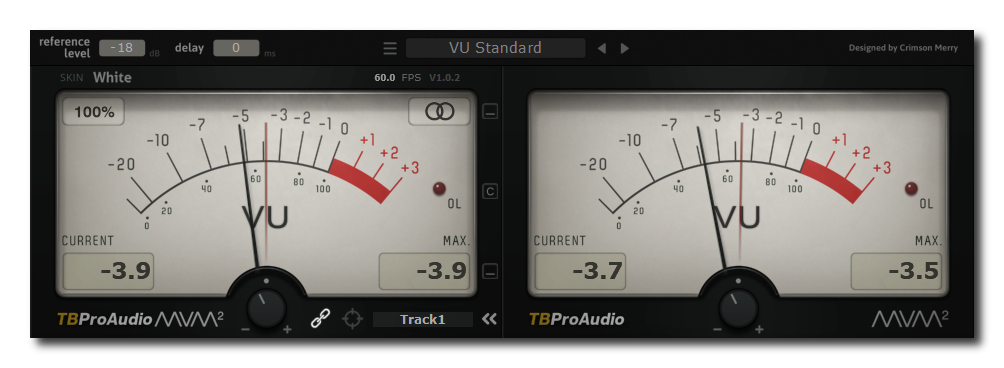
mvMeter2 is a multivariable meter including RMS, EBUR128, VU and PPM measurement. mvMeter2 is the successor of mvMeter and adds single/dual meter display, adjustable reference level for all meter modes, adjustable meter delay and preset management.
Features:
- behavior of classic analog VU and PPM meters
- multiple measurement modes: PEAK, RMS, EBU R128, VU and PPM
- multi channel metering: stereo, left, right, mid, side
- single and dual meter display
- adjustable reference level for all meter modes
- adjustable meter delay
- preset management
- adjustable pre-gain including gain matching
- instance label
- large and accurate live meters
- 64-bit internal processing
- 5 different meter themes
- GUI resizing up 400%, ready for 4k displays
- free of charge
www.tb-software.com/TBProAudio/mvmeter2
Share this:

TooLAME ~ MP2 Audio Encoder
TooLAME is a free software MPEG-1 Layer II (MP2) audio encoder written primarily by Mike Cheng. While there are many MP2 encoders, TooLAME is well-known and widely used for its particularly high audio quality. It has been unmaintained since 2003, but is directly succeeded by the TwoLAME code fork (the latest version, TwoLAME 0.3.13, was released January 21, 2011). The name TooLAME is a play on LAME and Layer II.
www.twolame.org
sourceforge.net/projects/toolame
github.com/njh/twolame
en.wikipedia.org/wiki/TooLAME
www.rarewares.org/mp3-others.php#twolame
Share this:

FAAC ~ Freeware AAC Encoder
FAAC is an Advanced Audio Coder (MPEG2-AAC, MPEG4-AAC). The goal of FAAC is to explore the possibilities of AAC and exceed the quality of the currently best MP3 encoders.
Features:
- High quality audio
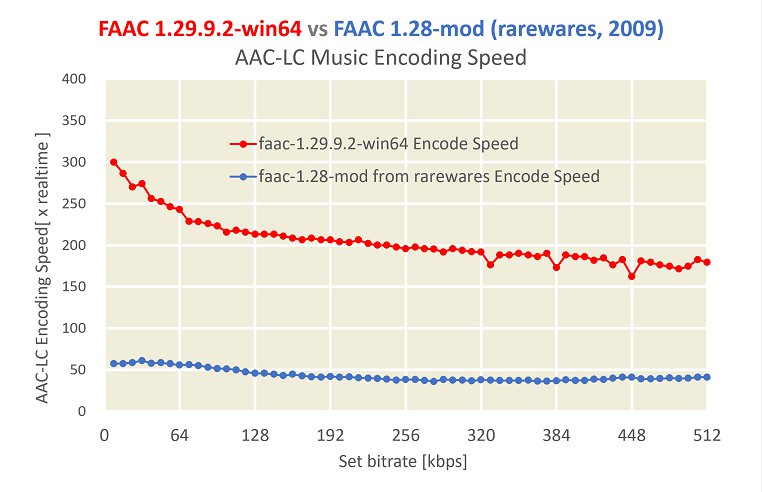
- High-speed encoding
- Portable
- LC, Main, LTP support
- DRM support through DreaM
faac.sourceforge.net
sourceforge.net/projects/faac
en.wikipedia.org/wiki/FAAC


