Every Noise at Once is an ongoing attempt at an algorithmically-generated, readability-adjusted scatter-plot of the musical genre-space, based on data tracked and analyzed for 5,169 genre-shaped distinctions by Spotify as of 2021-01-15. The calibration is fuzzy, but in general down is more organic, up is more mechanical and electric; left is denser and more atmospheric, right is spikier and bouncier.
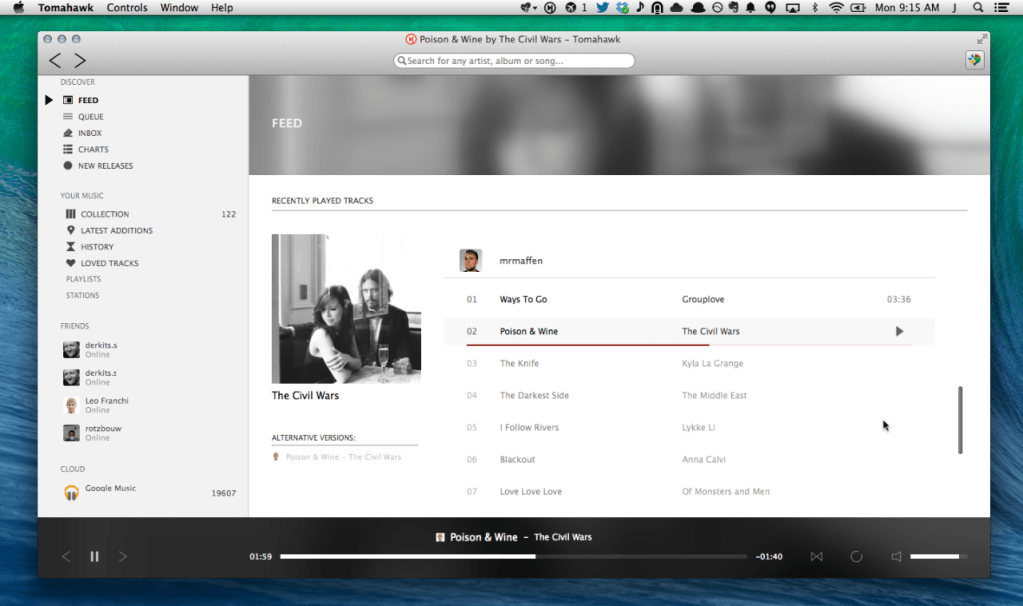
Tomahawk is a free multi-source and cross-platform music player. An application that can play not only your local files, but also stream from services like Spotify, Beats, SoundCloud, Google Music, YouTube and many others. You can even connect with your friends’ Tomahawks, share your musical gems or listen along with them. Let the music play!
Tomahawk is basically a player for music metadata. At its core it decouples the metadata about a song from the source and reassembles it for each user based on their individual music accessibility and rights. In short, given the name of a song and artist, Tomahawk will find the right source, for the right user at the right time. This fundamentally different approach to music enables a range of new music consumption and sharing experiences previously not possible.
Music Sources:
Local music library (MP3, Ogg, FLAC and many other formats)
Networked music libraries (other connected computers)
Third party-developed resolvers have also been written for services like YouTube, Qobuz and others. We’ve also heard of digital music distributors writing their own for their internal CMSes to help them navigate and preview their content. That’s cool.
Soundsync is a web and desktop app to manage every audio source and every audio output in your home from a single interface. Link any audio source to multiple speakers connected to any devices on your home network. Soundsync will keep the music synchronized between all of them.
Features:
🆓 Free to use
🕸️ Work with any number of connected devices, audio sources, audio outputs and every link of your choosing
🎶 Compatible with a lot of different audio sources (Spotify Connect with a premium account, Airplay, Hardware Audio input (line in / microphone), Linux system audio ; coming soon: Windows system audio, UPnP and more)
🔊 Broadcast sound to any speaker connected to a computer (Windows, MacOS, Linux, RapsberryPi), a web browser (Chrome, Firefox) or a Chromecast and soon more
🔗 Group speakers together to synchronize them to the same audio source
🎛️ Control everything from a web browser
🔓 Not linked to any external service, works offline, no account creation
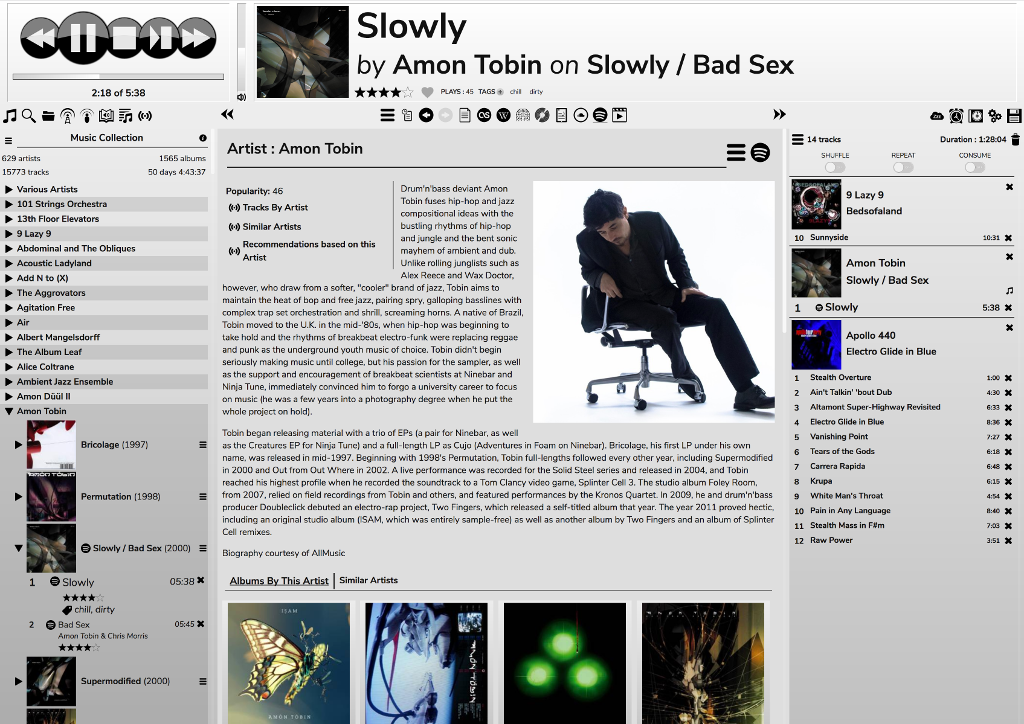
RompЯ is a music player with the emphasis on discovery – discovering more about the music you know, and discovering new music you don’t know yet. RompЯ is an interface that runs in a web browser on any device and controls a music player which can be on any other device. I recommend using Mopidy as the music player. When used with Mopidy and a Spotify Premium subscription RompЯ is a powerful Spotify client with many music discovery features.
Features:
Collectioniser sorts your music by artist and album
Directory browser
Search
Tagging and Rating of tracks
Spotify, Soundcloud, GMusic, etc support (with Mopidy),
Add tracks from Spotify, Soundcloud, etc to the collection on the fly
Web Radio support, automatic Spotify search for radio tracks you like
Podcast search and subscribe
Alarm Clock
Sleep Timer
Album Cover Art
Last.FM Scrobbling
Automatic on-the-fly playlist generation based on tags, ratings, popularity, your listening habits, etc
Get biographies of artists from various sources
Album and artist suggestions based on your listening habits
Both Discogs and Spotify offer a Web API for Third Party Applications like this one. After logging in with your Spotify account, you will be asked to provide a Discogs username. Using the Web APIs, we will query the public collection of the given user and try our best to match each release from the collection to an album on Spotify. The result will be stored for you inside a newly created playlist in your Spotify account.
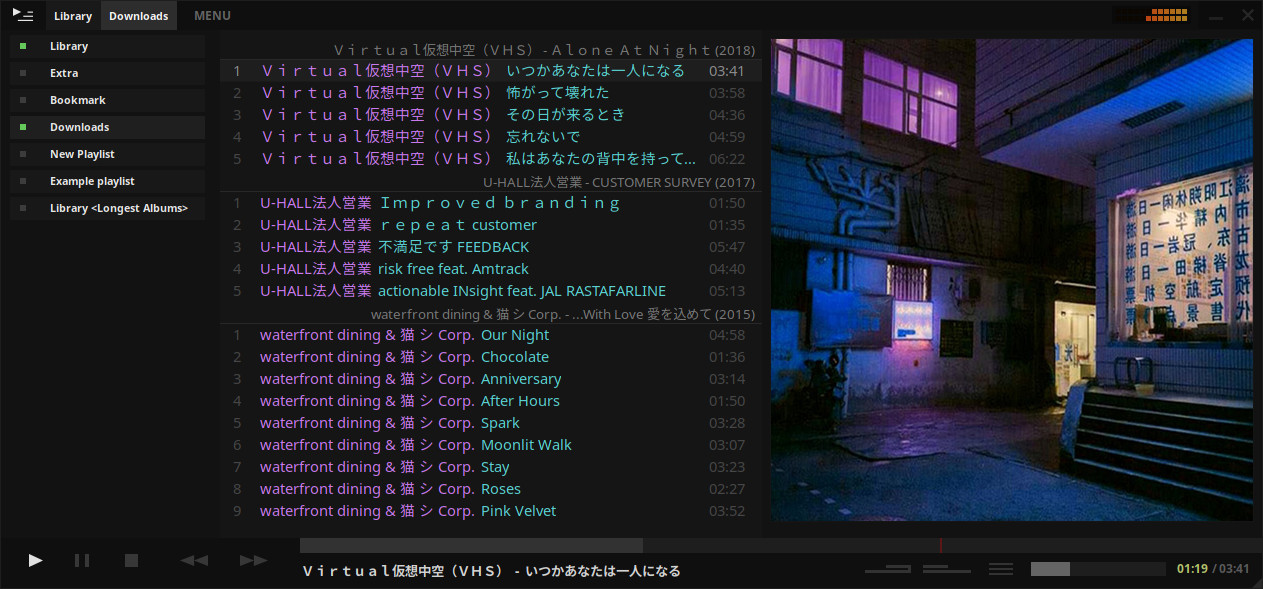
A music player for the desktop. Designed to be powerful, simple and streamlined, putting the user in control of their music collection. Uses the proprietary BASS audio library for playback.
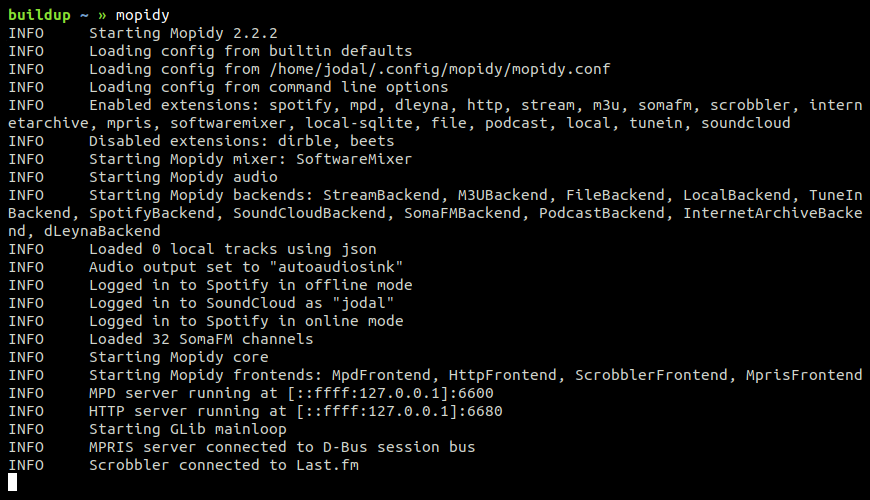
Written in Python, Mopidy plays music from a local disk, Spotify, SoundCloud, Google Play Music, and more. You edit the playlist from any phone, tablet, or computer using a range of MPD and web clients.
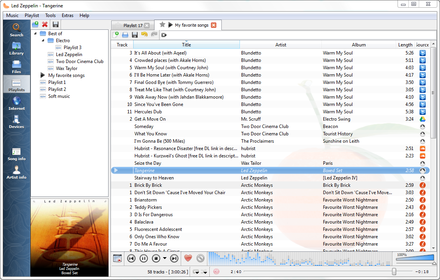
Clementine is a multi-platform music player. It’s inspired by Amarok 1.4, focusing on a fast and easy-to-use interface for searching and playing your music.










 The Audio File