Tired of reaching for your volume knob every time your mp3 player changes to a new song? MP3Gain analyzes and adjusts mp3 files so that they have the same volume.
mp3gain.sourceforge.net
Download
FAQ
Frontends:

Tired of reaching for your volume knob every time your mp3 player changes to a new song? MP3Gain analyzes and adjusts mp3 files so that they have the same volume.
mp3gain.sourceforge.net
Download
FAQ
Frontends:

AudioShell adds an ID3 tag editor and files rename tools into Windows system music files pop-up menu. AudioShell property shell handler adds detailed music tags information into Windows Explorer columns and Preview pane, thumbnail handler adds thumbnails with album art into Explorer. Full Unicode and 64 bit support.
www.softpointer.com/AudioShell

One of the first Foobar components to consider installing is foo_jesus. This component automatically saves your current configuration and creates backup copies on a regular basis. If you have a problem, or a regret, you can easily restore Foobar to an earlier state.
Adds submenu: File>Preferences>Advanced>Autosave & Autobackup
Backs up to: \Users\username\AppData\Roaming\foobar2000\autobackup
www.foobar2000.org/components/view/foo_jesus
Discussion ~ Hydrogen Audio
Next: Adding Panels To The Default User Interface

Audacity is a popular freeware multi-track audio editor and recorder. (Recommended)

audacityteam.org
Download
FAQ
Documentation
Tutorials
Tips
Beginner’s Resource Guide
en.wikipedia.org/wiki/Audacity
www.darkaudacity.com/ (Themed)
Index of effects, generators and analyzers
github.com/Sneeds-Feed-and-Seed/sneedacity
ReplayGain Plugin
github.com/theDanielJLewis/dynamic-compressor-for-audacity

CDBurnerXP is a free application to burn CDs and DVDs, including Blu-Ray and HD-DVDs. It also includes the feature to burn and create ISOs, as well as a multi language interface. Everyone, even companies, can use it for free.
cdburnerxp.se
cdburnerxp.se/en/download
forum.cdburnerxp.se
en.wikipedia.org/wiki/CDBurnerXP

An extensible, multi-format audio conversion and tagging module for Windows PowerShell™
github.com/jherby2k/PowerShellAudio/releases
Primer
List of Cmdlets
Script Examples
Hydrogen Audio Forum
Hydrogen Audio Wiki

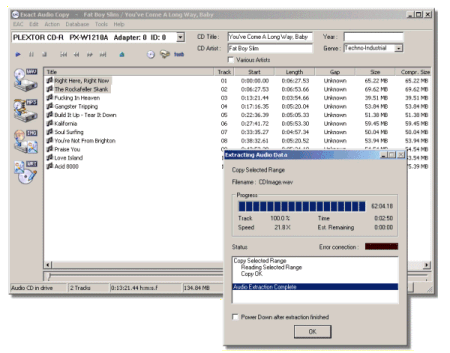
A highly recommended, configurable audio ripper & CD writer with AccurateRip support and C2 error reporting. Built in support for FLAC, mp3 and almost any audio format.
www.exactaudiocopy.de
Downloads
FAQ
Forum
en.wikipedia.org/wiki/Exact_Audio_Copy
EAC & Opus ~ moisescardona.me/eac-opus-2018-09-17
wiki.hydrogenaud.io/index.php?title=EAC_Drive_Options

dBpoweramp Music Converter – mp3 converter, FLAC, WAV, AAC and Apple Lossless. Free Download (21 day full trial), start converting today!

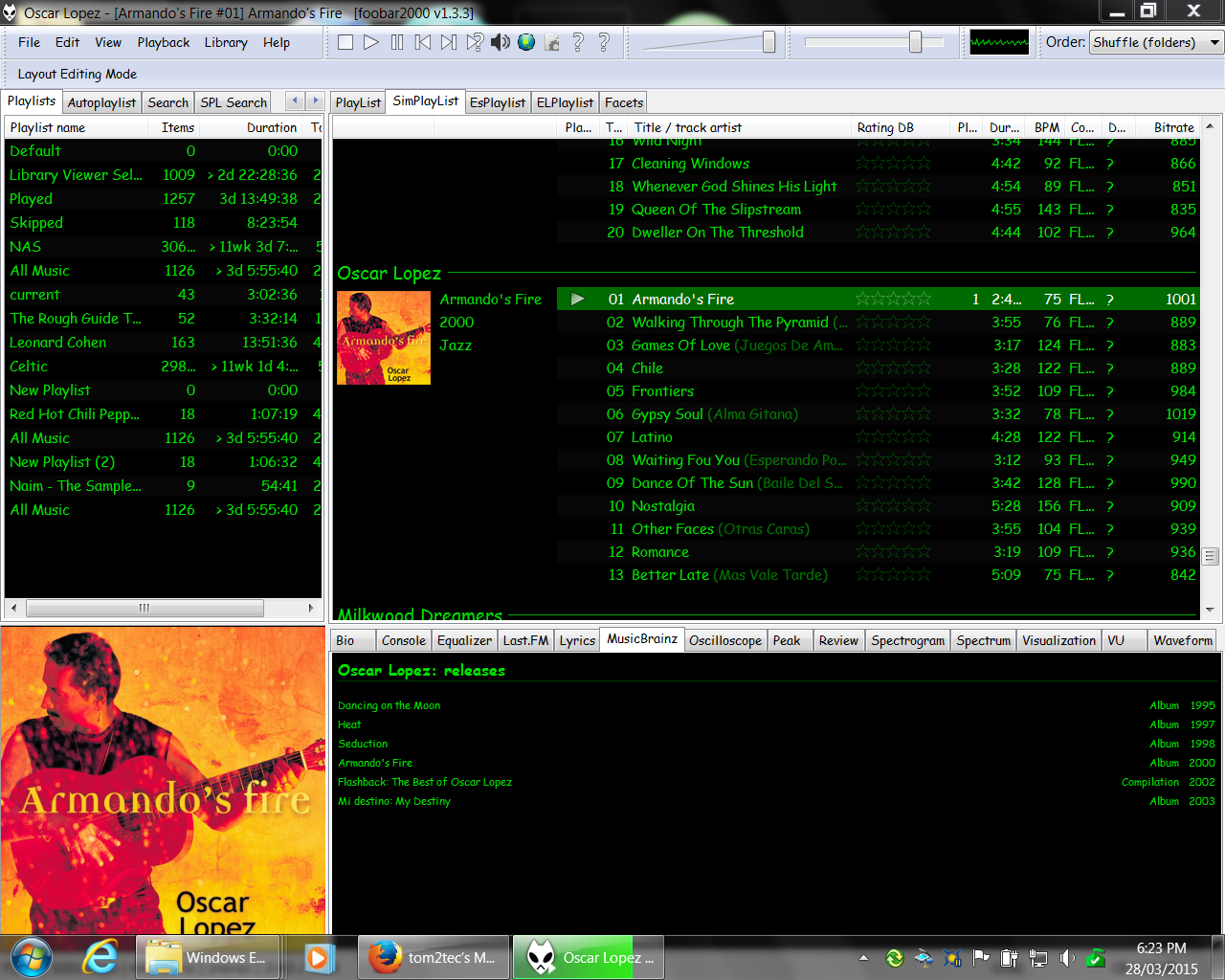
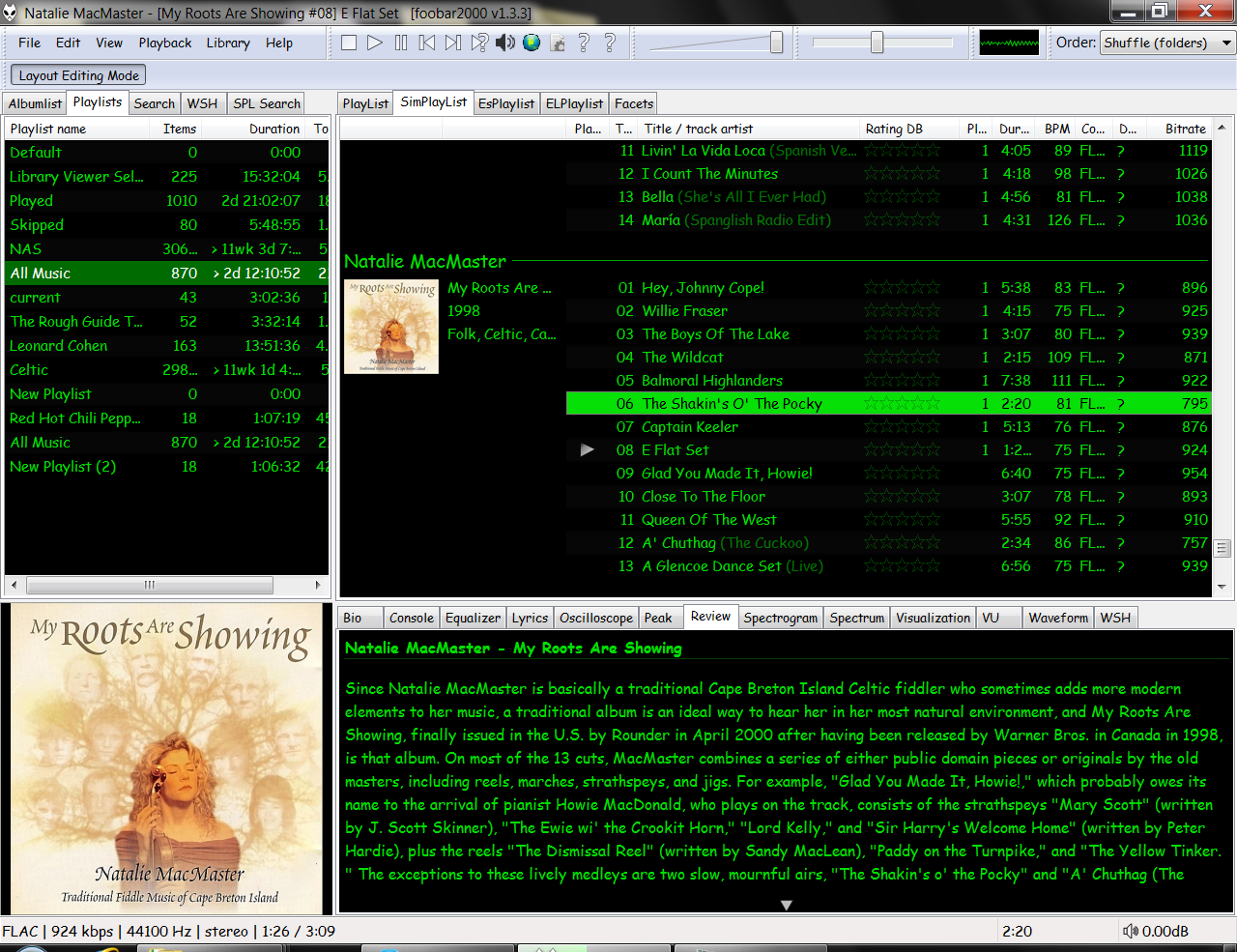
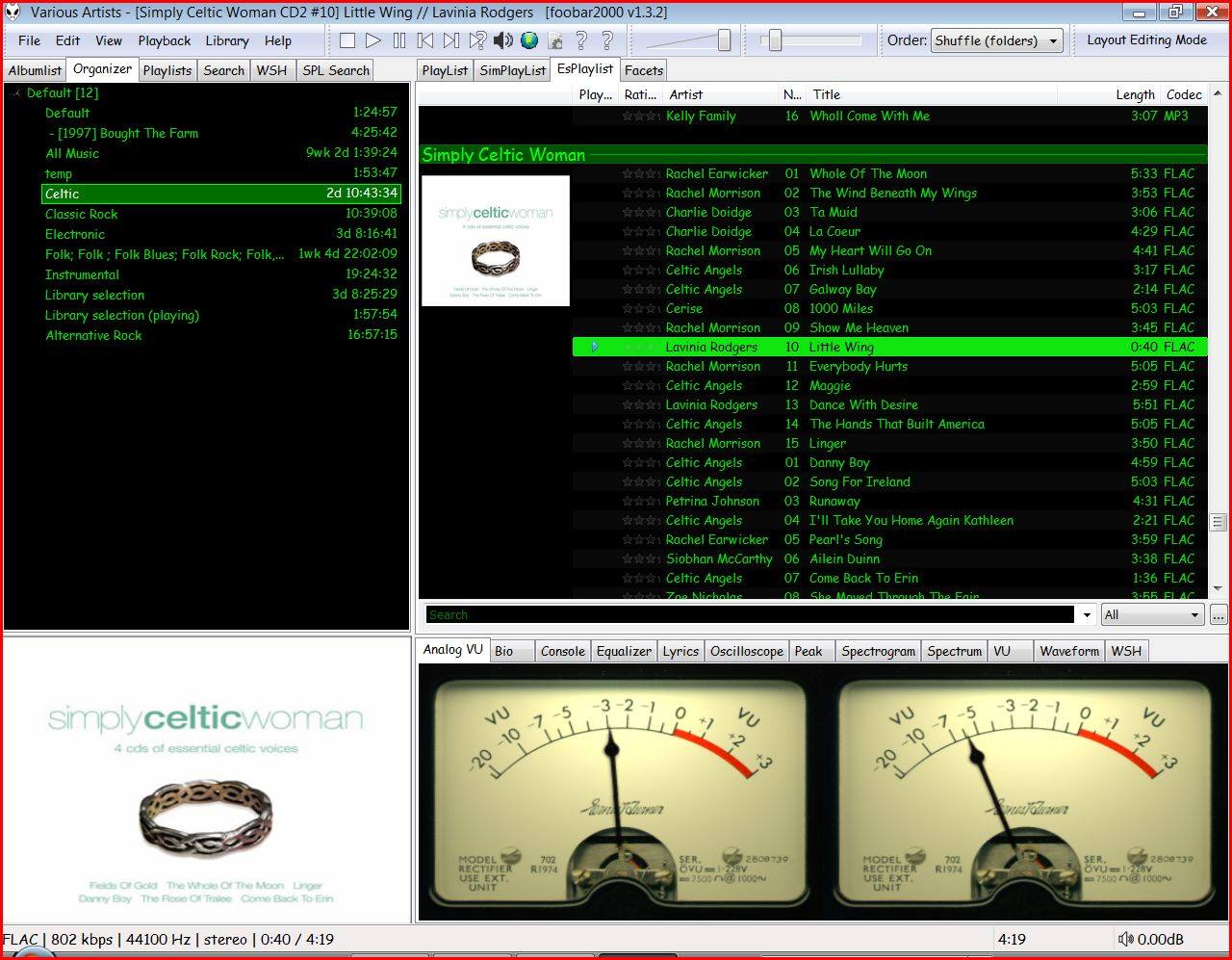
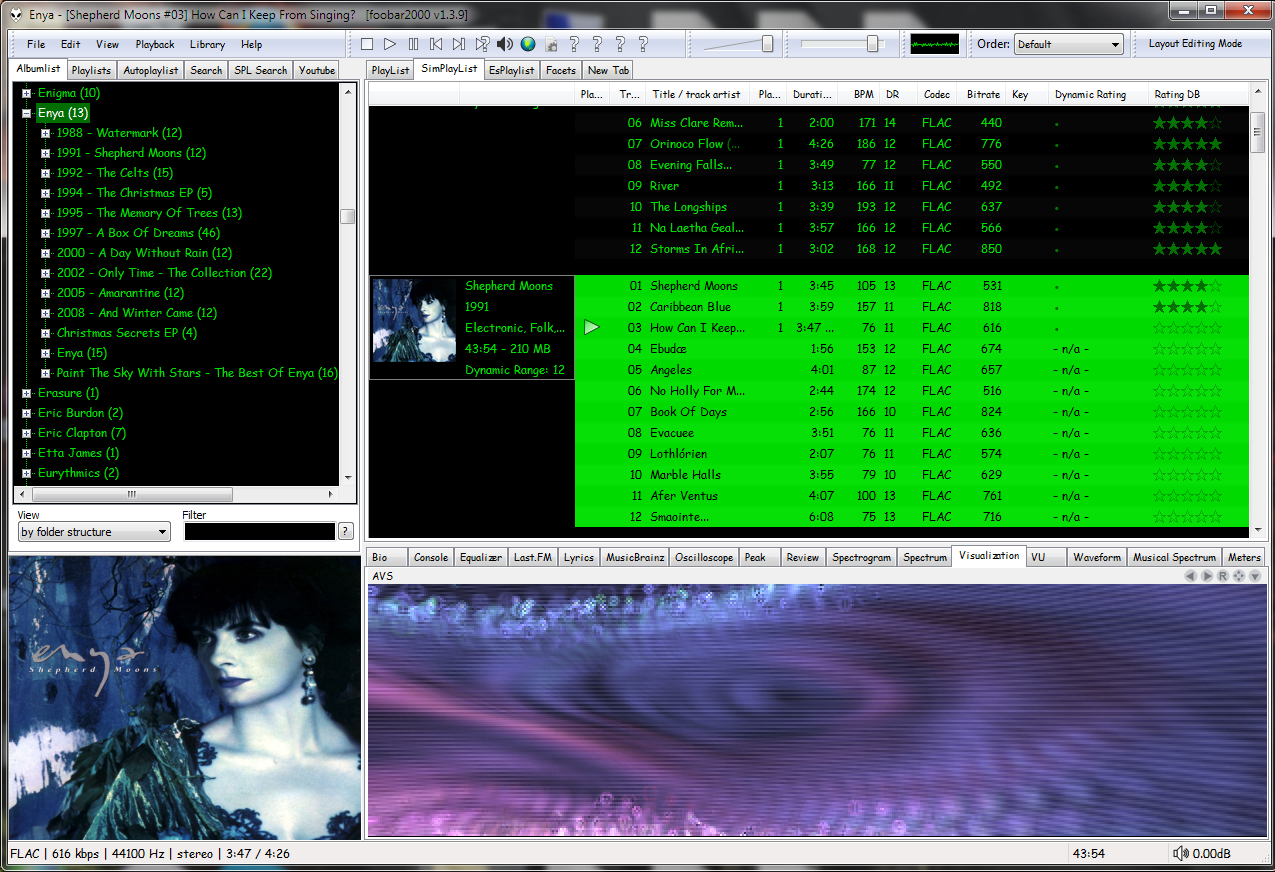
An advanced and evolved freeware audio player for Android, Mac, Windows and Wine. Foobar2000 can be extensively extended, modified and themed.
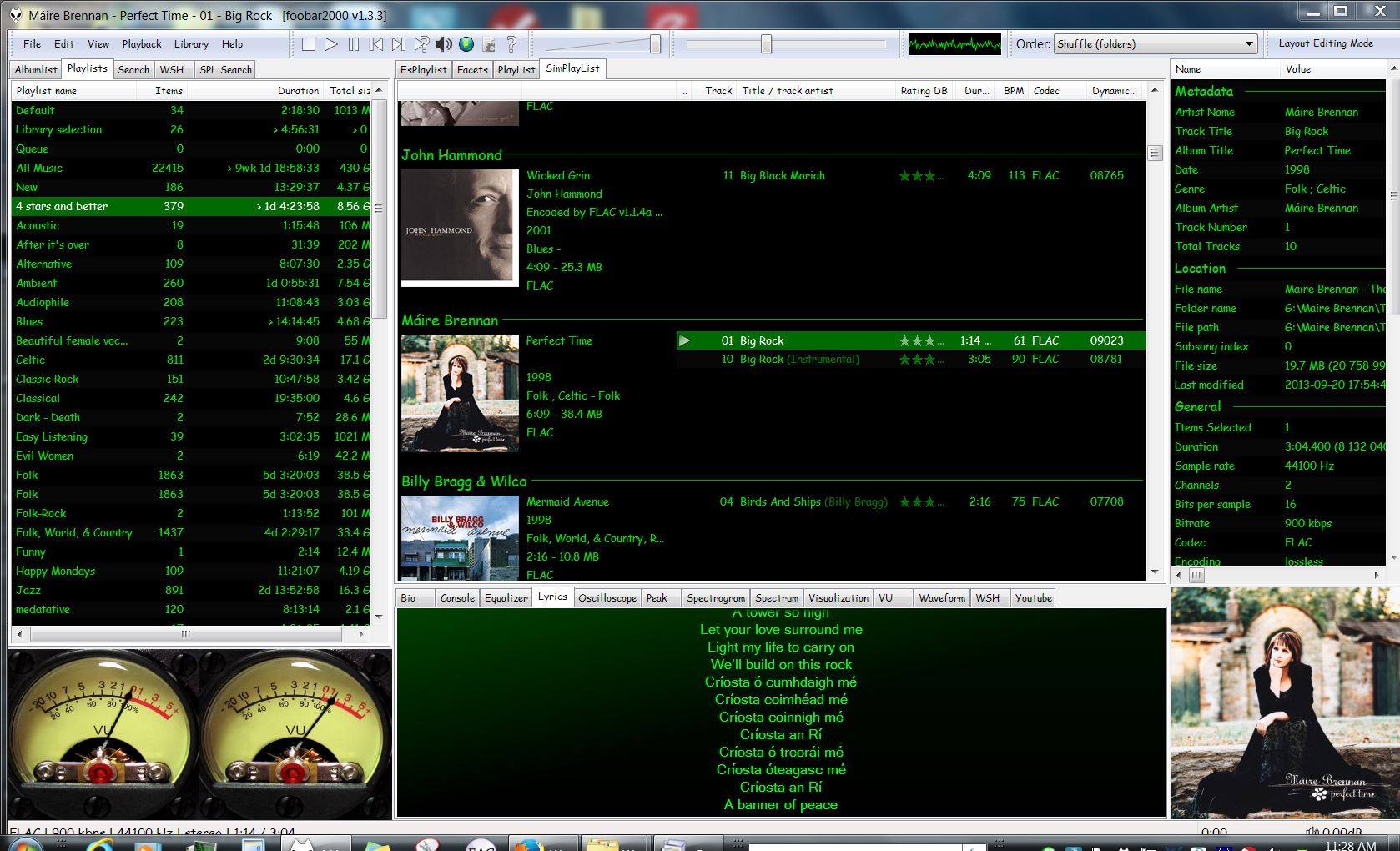
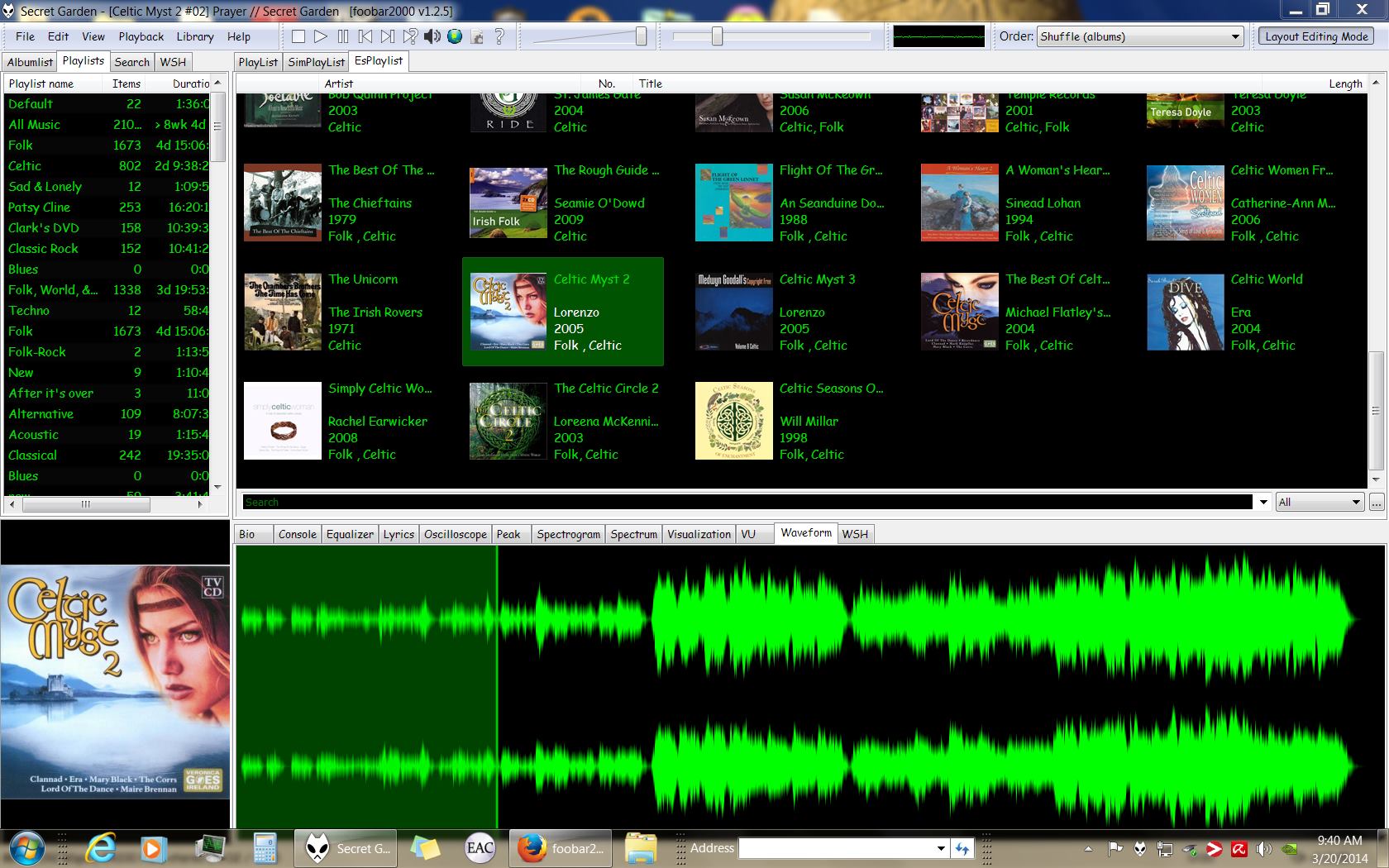
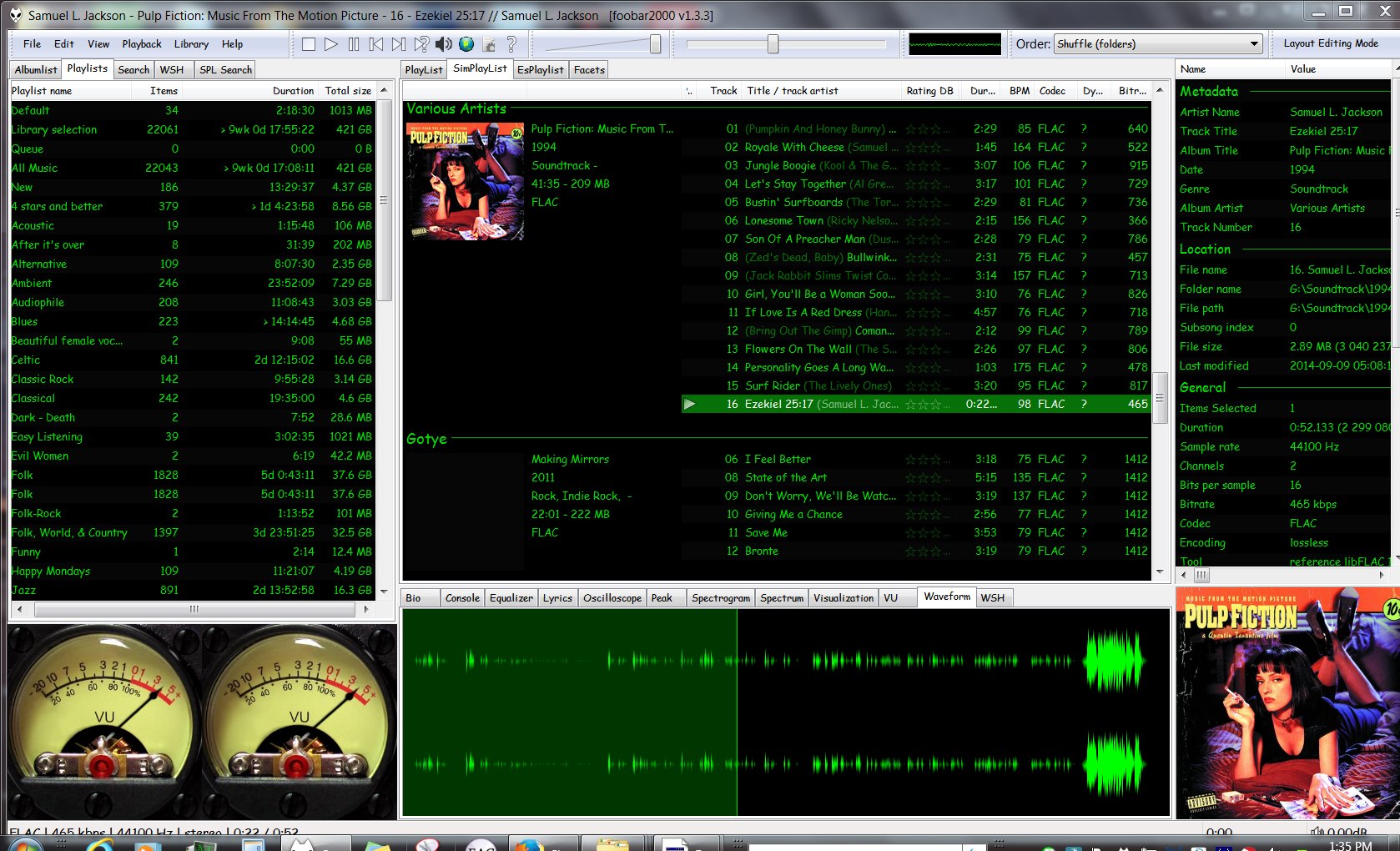
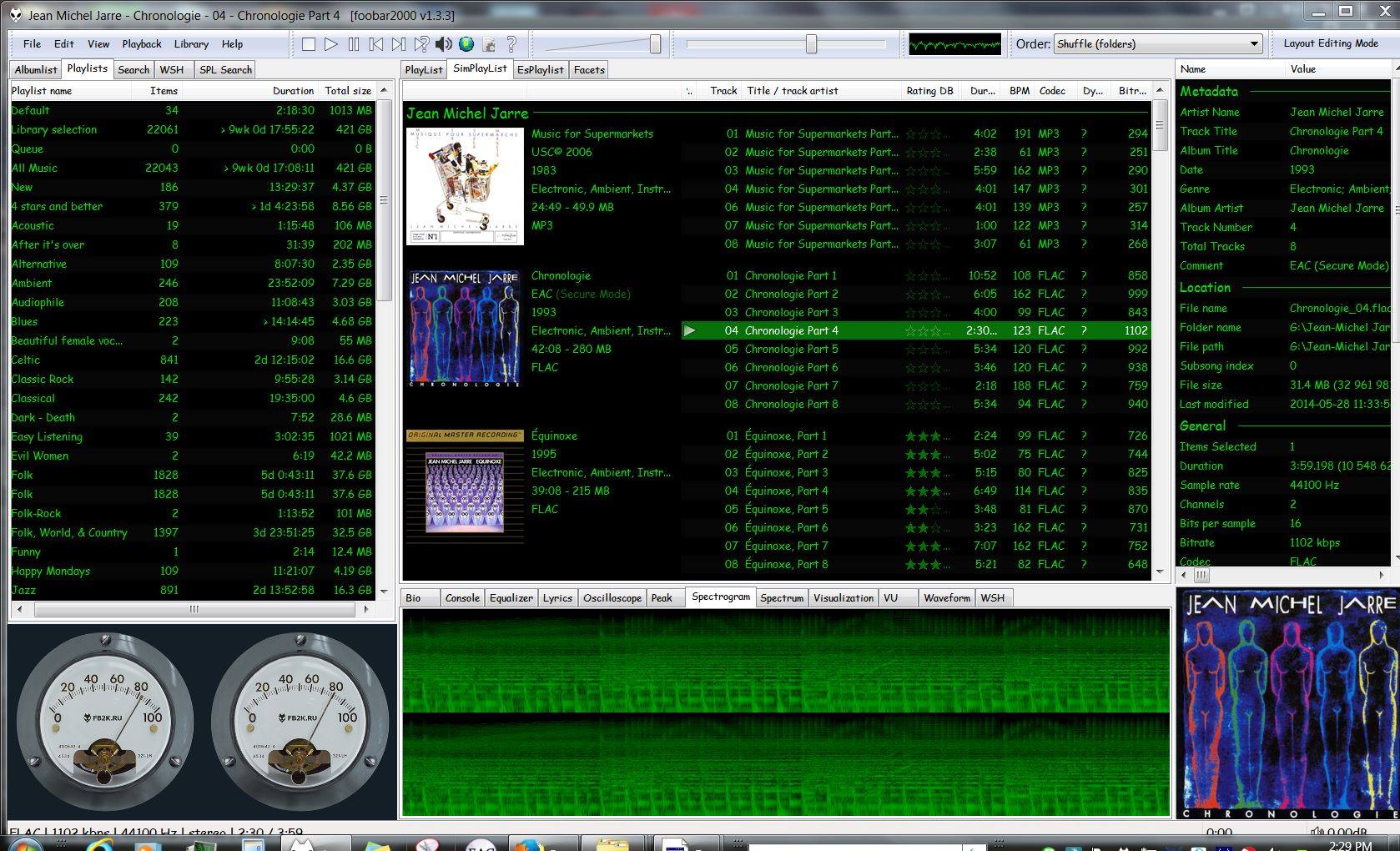
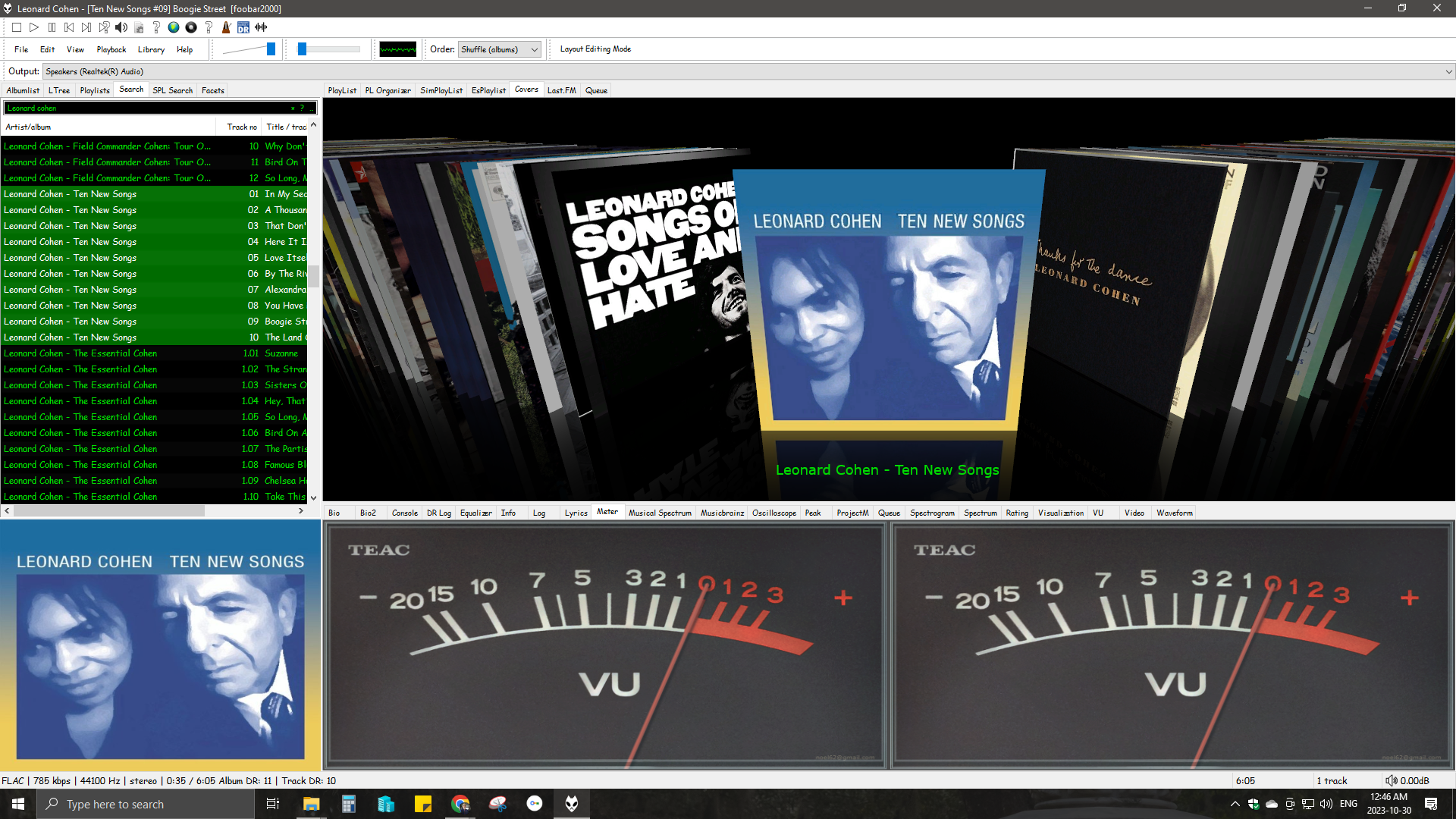
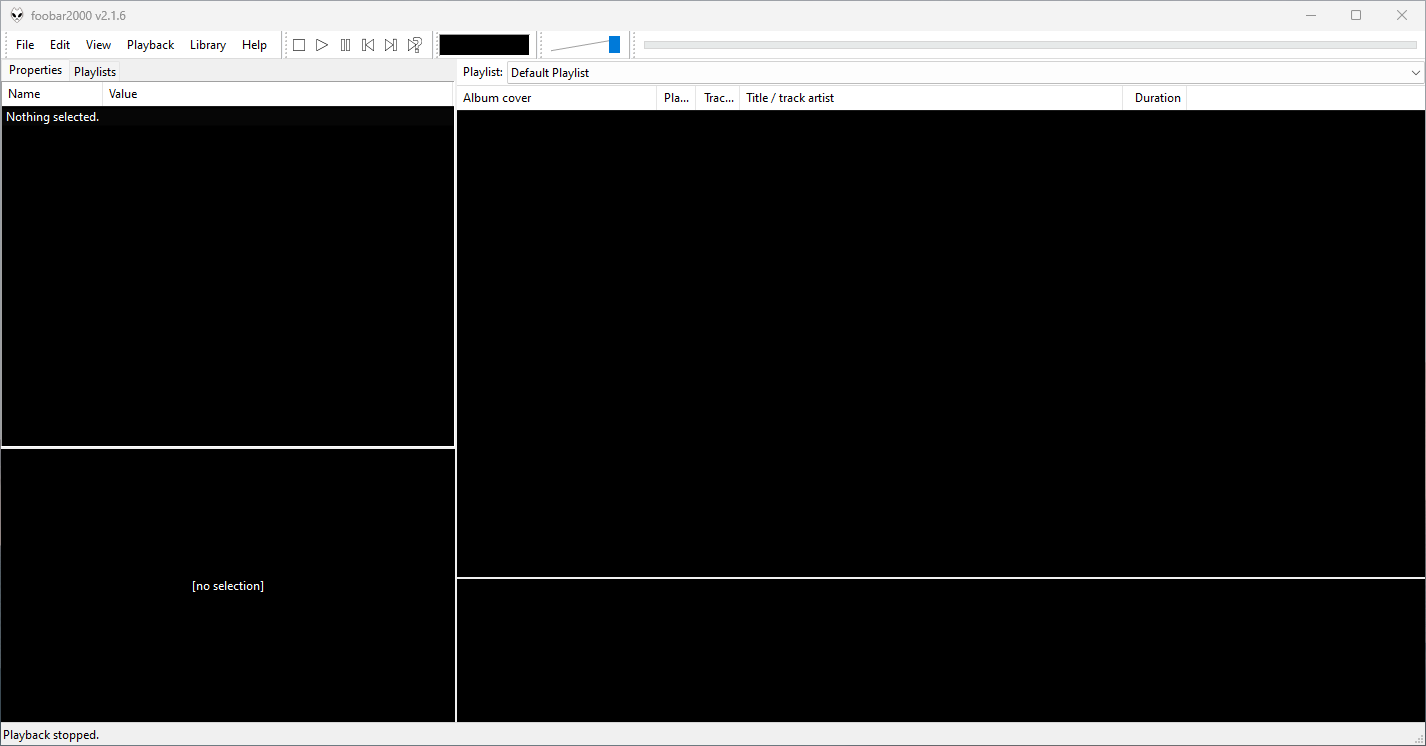
This is the basic Default User Interface or DUI. You will need to configure and extend the DUI Foobar2000 interface according to your preferences and requirements.
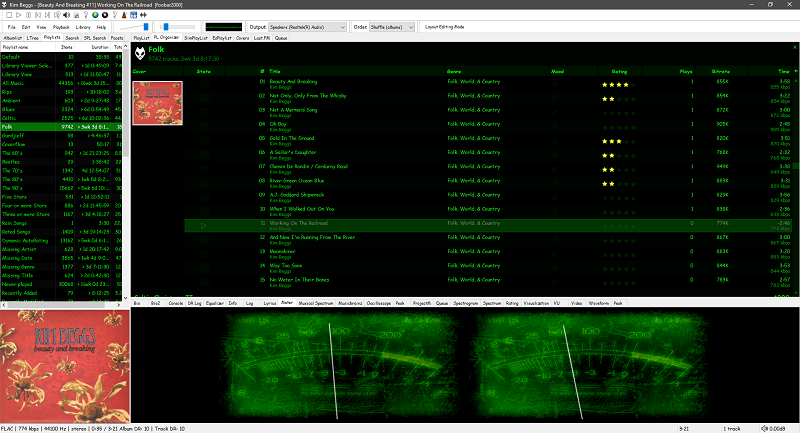
foobar2000 is not limited to the Default User Interface (DUI). Over its history, foobar2000 has had several complete user-interface modules, as well as newer technologies that extend the modern interfaces with highly customizable panels.
foobar2000 also supports web-based interface components. These should not be confused with complete UI modules: they operate as panels or UI Elements within the DUI or CUI.
WebView and WebView2 represent a web-based UI technology rather than separate core foobar2000 interfaces. A WebView/WebView2-based design is still a DUI or CUI layout with a web-based component incorporated into it. The official component repository explicitly identifies WebView2 as a Columns UI panel / Default UI element, rather than as a user-interface module.
In practical terms, foobar2000’s interface history can be divided into:
Complete user-interface modules
UI extension and panel technologies
This distinction is important when describing foobar2000 themes. A theme designed for CUI is a theme for a different complete UI module than a DUI theme. A theme that incorporates WebView2, however, is still a DUI or CUI theme that uses WebView2 as one of its UI components.
For this reason, foobar2000 themes and interface collections identify the Intended User Interface separately from individual panel technologies and components.

WMP Tag Plus is a plug-in that integrates seamlessly into Windows Media Player to provide library and tagging support for additional music formats. These formats include FLAC, Ogg Vorbis, WavPack, Monkey’s Audio (.ape), Musepack and MPEG-4. Windows Media Player 11 or higher.
bmproductions.fixnum.org
hydrogenaud.io/index.php?topic=80263.0

MP3 Diags is a GUI-based application that allows end-users to identify issues with their MP3 files, fix some of the issues and make other changes, like adding track information. It also lets you “look inside” an MP3 file.