FxSound ~ Digital Soundcard


FxSound is a digital audio program built for Windows PC’s. The background processing, built on a high-fidelity audio engine, acts as a sort of digital soundcard for your system. This means that your signals will have the clean passthrough when FxSound is active. There are active effects for shaping and boosting your sound’s volume, timbre, and equalization included on top of this clean processing, allowing you to customize and enhance your sound.

github.com/fxsound2/fxsound-app
github.com/fxsound2/fxsound-driver

gonic ~ Self-hosted Music Server


music streaming server / free-software subsonic server API implementation

Features:

  • browsing by folder (keeping your full tree intact) see here
  • browsing by tags (using taglib – supports mp3, opus, flac, ape, m4a, wav, etc.)
  • on-the-fly audio transcoding and caching (requires ffmpeg) (thank you spijet)
  • subsonic jukebox mode, for gapless server-side audio playback instead of streaming (thank you lxea)
  • support for podcasts (thank you lxea)
  • pretty fast scanning (with my library of ~50k tracks, initial scan takes about 10m, and about 6s after incrementally)
  • multiple users, each with their own transcoding preferences, playlists, top tracks, top artists, etc.
  • last.fm scrobbling
  • listenbrainz scrobbling (thank you spezifisch, lxea)
  • artist similarities and biographies from the last.fm api
  • support for multi valued tags like albumartists and genres (see more)
  • a web interface for configuration (set up last.fm, manage users, start scans, etc.)
  • support for the album-artist tag, to not clutter your artist list with compilation album appearances
  • written in go, so lightweight and suitable for a raspberry pi, etc. (see ARM images below)
  • newer salt and token auth
  • tested on airsonic-refix, amperfy, symfonium, dsub, jamstash, music-assistant, subsonic.el, sublime music, soundwaves, stmp, termsonic, tempus, strawberry, and ultrasonic

github.com/sentriz/gonic

foo_artwork ~ Foobar2000 Advanced Album Art Display


A high-performance, feature-rich artwork display component for foobar2000 v2 (x64 and 32-bit). It provides intelligent, multi-tiered artwork discovery and acoustic audio recognition for local tracks, internet radio streams, and YouTube playback. It seamlessly supports both Default User Interface (DUI) and Columns UI (CUI).

Artwork Discovery & Retrieval:

  • Local Artwork Search: Automatically searches for artwork files and embedded tags configured in foobar2000 (Preferences > Display > Album Art).
  • Online Commercial Search APIs: Automatically queries Deezer, iTunes, Last.fm, MusicBrainz (Cover Art Archive), and Discogs when local artwork is missing.
  • Customizable API Priority: Reorder and enable/disable individual API services via an intuitive 5-position priority chain.
  • In-Stream Broadcast Artwork Extraction: Parses dynamic in-stream cover links from $info(cover_url), COVER_URL, ARTWORK_URL, icy-cover-url, song.art, and XML/JSON broadcast streams (e.g. Radio Paradise, Cidade FM).
  • YouTube Video Thumbnail Retrieval: Automatically extracts 11-character video IDs from YouTube links and plugin protocols (youtube.com, youtu.be, 3dyd://, fy://, fy+https://), querying commercial music APIs first and falling back to high-resolution video thumbnails (maxresdefault.jpg / hqdefault.jpg).
  • Interactive Provider Rejection: Reject mismatched artwork on-the-fly via shortcut or menu command (View > Artwork Display > Reject Artwork & Search Next Provider). Evicts the bad cache file, blacklists the provider for the active track, and queries the next provider in the fallback chain.
  • Universal Format Support: High-performance decoding for .png, .jpg / .jpeg, .webp (via Windows Imaging Component), .gif, and .bmp.

Internet Radio & Streaming Intelligence:

  • ACRCloud Acoustic Audio Recognition: Local 16 kHz PCM stream sampling and RIFF WAV payload generation to identify untagged radio streams and music tracks via acoustic fingerprinting.
  • Multi-Account ACRCloud Failover: Configure Primary and Secondary credentials with automatic, seamless failover when the Primary account exhausts its monthly quota (Error 3001).
  • Windows DPAPI Credential Security: ACRCloud Access Keys and Secrets are securely encrypted on disk using the Windows Data Protection API (CryptProtectData), eliminating plaintext exposure in .cfg files.
  • CoverSync Stream Latency Compensation: Asynchronous cue delay compensation (?coversync=±N) synchronizes artwork and metadata transitions on radio streams where the audio buffer lags behind metadata changes.
  • External Now-Playing Stream APIs: Automated polling and auto-probing for AzuraCast (/api/nowplaying) and RadioReg (api.radioreg.net) JSON endpoints, supporting live listener counts, cue timings, and HLS streams.
  • m-TAGS & URL Modifiers: Full support for .tags files (reading target stream URLs from the @ metadata tag) and URL query flags (?forceacr, ?coversync, ?inverted, ?rejectstationcovers, ?ext_api_autoprobe, ?bypass).

Dynamic Title Formatting Variables:

  • Canonical API Metadata Publication: Commercial search APIs (Deezer, iTunes, Last.fm, Discogs) and ACRCloud extract authoritative metadata directly into foobar2000 title formatting variables (%foo_artwork_artist%, %foo_artwork_title%, %foo_artwork_album%), replacing messy stream tags.
  • Dynamic Track Timing: Real-time duration (%foo_artwork_length%), elapsed time (%foo_artwork_playback_time%), and countdown remaining (%foo_artwork_playback_remaining%) calculated for both local audio files and live radio streams.
  • Live Stream Diagnostics: Real-time status string (%foo_artwork_status%) reporting query stages, stream connection progress, CoverSync countdowns, and image dimensions with payload size (e.g. Art 1200x1200 342 KB from Deezer).
  • Live Listener Counts: Real-time listener statistics (%foo_artwork_listeners%) from AzuraCast and RadioReg broadcasts.

Advanced Metadata Sanitization:

  • 4-Stage Stream Metadata Sanitizer: Cleans noisy stream metadata by stripping broadcast slogans, stream headers, URLs, timestamps, track numbers, and media noise while protecting band names containing &, and, or slashes (Mumford & Sons, Earth, Wind & Fire, AC/DC).
  • Accented UTF-8 Title Casing: Normalizes all-caps and all-lowercase stream metadata into Title Case with full support for accented characters across Portuguese, Spanish, French, and Italian without CP1252 character corruption.
  • Non-Latin Script Preservation: Conservative sanitization rules protect Cyrillic, Greek, and other non-Latin alphabets from accidental bracket stripping or character truncation.
  • Dedicated Noise Words Blacklist: User-configurable blacklist page backed by an auto-reloaded text file (foo_artwork_data\blacklist.txt).

Caching & Storage Architecture:

  • Persistent Disk Metadata Caching (.meta Sidecars): Remote API metadata is cached on disk alongside image binaries (<hash>.meta alongside <hash>.cache), ensuring instant warm track replays in under 1ms with zero network overhead.
  • Automatic 1 GB Disk Cache Limit: Intelligent background LRU (Least Recently Used) cache eviction automatically keeps the cache under 1 GB, pruning old entries down to 900 MB when needed.
  • Single-File Cache Mode (current.cache): Overwrites a single cache file (current.cache) for external skin scripts and panels (e.g. JScript Panel 3 Thumbs) that monitor a folder for the currently playing track’s artwork.
  • Cache Freshness Verification: Automatically verifies whether local artwork or file tags were updated after the cache was generated, refreshing stale cache entries automatically.

User Interface & Interactivity:

  • Dark Mode Support: Full native theme integration with foobar2000 dark mode across all UI elements and dialogs.
  • Dual UI Support: Native panel integration for both Default UI (DUI) and Columns UI (CUI).
  • Popup Artwork Viewer: Double-click any artwork panel to launch an interactive viewer with window memory, a toggle between “Fit to window” and “Show original size”, mouse-drag panning for oversized images, and a “Save Image…” button.
  • foo_artgrab Integration: Automatic hover overlay displaying a download arrow icon in the bottom-left corner when foo_artgrab.dll is installed, launching the art grabber gallery in one click.
  • On-Screen Display (OSD) & Infobar: Optional Infobar in DUI displaying artist, album, and track title; configurable OSD overlay showing the artwork provider source.

github.com/jame25/foo_artwork
hydrogenaudio.org/index.php/topic,128111.0

FluidEQ ~ System-wide Parametric Equalizer


FluidEQ is a free, open-source system-wide parametric equalizer for Windows 10 and 11, processed by its own audio engine or by Equalizer APO — your choice. Tune once per output, and the right sound follows the right device without you touching anything again.

fluideq user interface

github.com/StartSWest/FluidEQ

Windows-Audio-Output-Switcher ~ Audio Device Switch


A small, self-contained tray utility for Windows that lets you cycle through your audio playback devices with a single hotkey, and shows an on-screen overlay telling you which one is now active.

It’s a single ~4 MB .exe with no installation dependencies, no admin rights required, and nothing running except while you’re logged in.

What it does:

  • Cycles the default playback device. Press Win+A (the default hotkey, changeable), left-click the tray icon, or pick a device from the right-click menu, and Windows’ default audio output moves to the next active playback device in the list, wrapping back to the first one after the last. It takes effect for every application immediately — the same as changing it by hand in the Windows sound settings.
  • Win+A actually works for this, even though Windows normally reserves it for Quick Settings (same goes for any other reserved combo you configure it to instead). See how.
  • Shows an on-screen overlay on every switch — styled after Windows’ own volume/brightness OSD, not a toast notification — naming the device that is now active, so you get instant confirmation of what you just switched to. A burst of rapid switches only ever shows the latest one.
  • Lives in the system tray:
    • Left-click the tray icon to switch to the next output device.
    • Hovering it shows the app version and the currently active device.
    • Right-click opens a menu listing every currently active output device — click one to switch to it directly (the active one is checked) — followed by Configure and Exit.

github.com/SpikePy/Windows-Audio-Output-Switcher

Security note: The Win+A hotkey requires a Windows low-level keyboard hook, which can receive system-wide keyboard events. The author says the program only checks for the configured hotkey and does not record or transmit keystrokes. Because this technique can also be used by keyloggers, security software may flag the executable heuristically.

CassettePlayer ~ Terminal Music Player


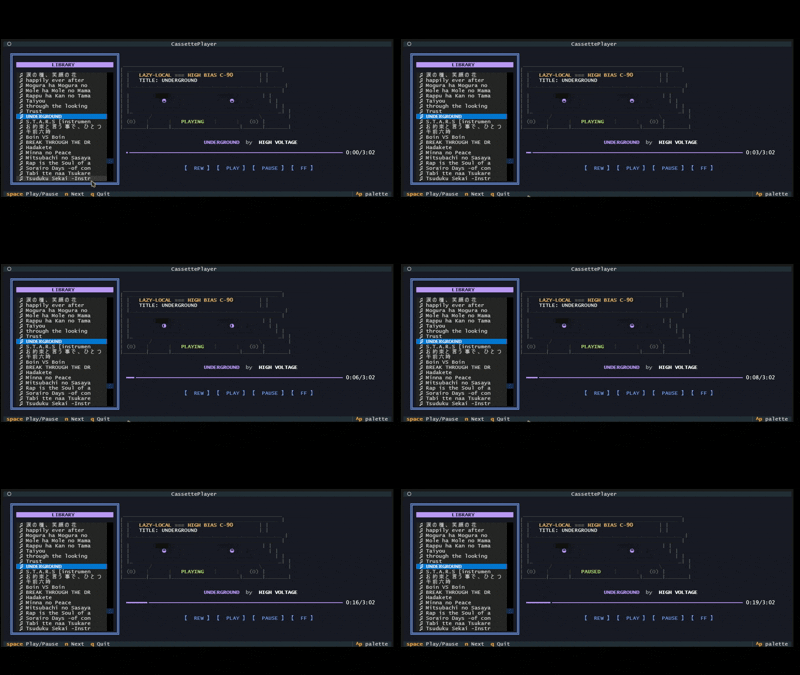
A retro-themed terminal music player featuring an animated ASCII cassette tape. Built with Python and Textual.

cassette player interface

github.com/Kizarov3/CassettePlayer

CDPlayer ~ CD Player App


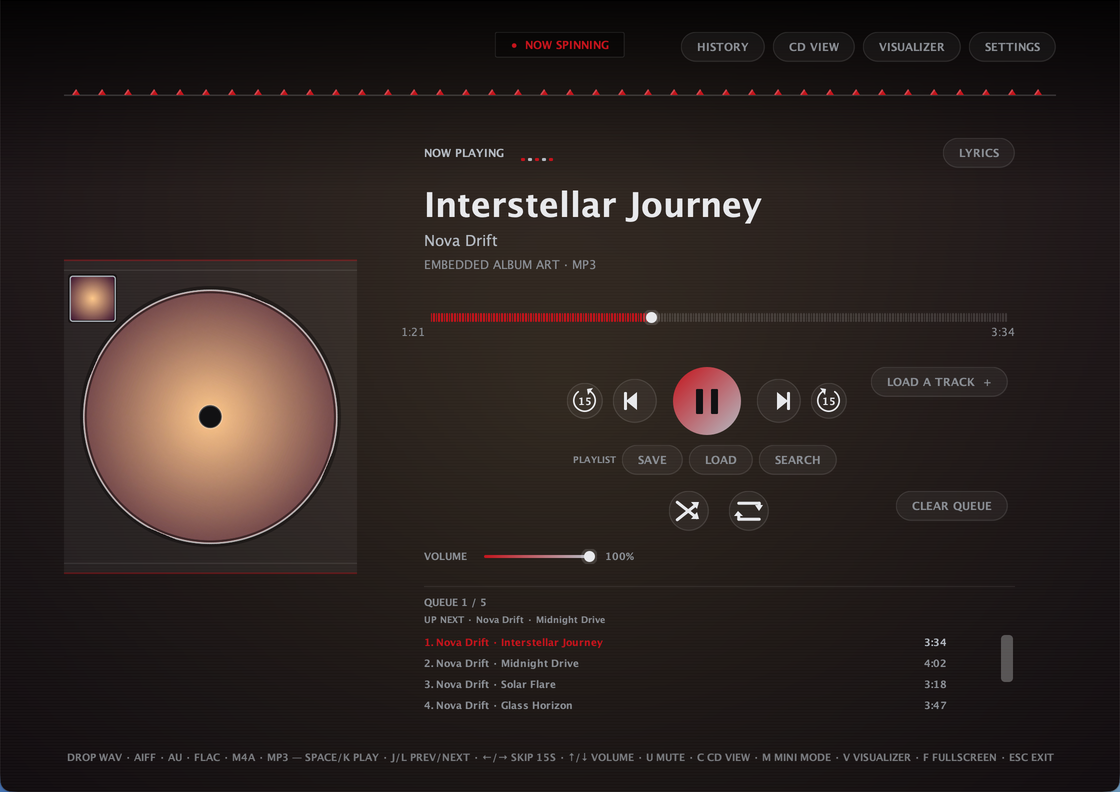
CDPlayer is a Java desktop app that recreates the tactile feel of a physical CD player for local audio playback. Load a track, press play, and enjoy a simple, distraction-free music experience without relying on a browser or web app — no accounts, no streaming, no internet required to play a song. Built with plain Java and native Swing/AWT — no external UI framework, single self-contained app

Plays local audio files through a custom low-latency streaming engine, with FFmpeg handling the formats Java can’t decode natively

Full queue management: drag-and-drop, drag-to-reorder, shuffle, repeat, crossfade, volume, mono downmix, and per-track removal — queue is saved automatically and restored next launch

Ten built-in themes — nine animated ones plus AUTO, which derives its whole palette from the current track’s own album art

A sleep timer that pauses playback after a set time, with a live countdown in the header

A 10-band graphic equalizer with built-in and savable custom presets, and a beat-synced visualizer

True fullscreen, a distraction-free fullscreen Visualizer Mode, and a Mini Mode that shrinks the whole app down to a small always-on-top widget

A dedicated Settings dialog for theme, crossfade, mono, and an ambient blurred-cover-art background wash

Automatic metadata and album art, with an online lookup fallback when a file has none

Works on Windows, macOS, and Linux. ffmpeg required.

CDPlayer User Interface

github.com/Kizarov3/CDPlayer

Manifold ~ Audio Batch Processing Tool


Manifold is a desktop audio batch-processing tool built for inspecting, transforming, and exporting large collections of audio files with a visual workflow editor. Useful for checking and pre-processing audio for game-audio production, podcasts and broadcast, it is designed to make repetitive tasks more efficient and reproducible.

It combines a polished ImGui-based interface with a custom node-based audio pipeline, allowing you to build repeatable processing chains for tasks such as loudness normalization, peak limiting, DC offset cleanup, resampling, and format conversion.Why Manifold?

Manifold was designed to make audio batch work feel more structured and reproducible. Instead of manually running ad-hoc commands or scripting every step, you can:

  • import whole folders of audio files,
  • inspect their metadata and analysis results,
  • create reusable processing chains,
  • export processed files with consistent naming and format settings.

This makes it useful for workflows such as podcast preparation, mastering prep, broadcast delivery, and game-audio asset processing.

Key Features:

  • Batch import of files and folders
  • Drag-and-drop support from the file explorer
  • Built-in audio playback for quick previews
  • File table with metadata and analysis metrics
  • Configurable processing workflows using nodes
  • Output settings for folder, naming, format, and subtype
  • Background processing with task history and logs
  • Parallel analysis for loudness and DC offset metrics

Supported Processing Nodes:

Manifold includes a growing set of audio processing and analysis nodes, including:

  • Loudness analysis
  • Loudness normalization
  • True peak limiting
  • DC offset removal
  • Peak normalization
  • Channel mixing
  • Silence trimming
  • Fade in/out
  • Loudness compliance checks
  • Clipping detection
  • Dynamic range analysis

These nodes can be chained together to create custom pipelines for different production scenarios.

github.com/AnClark/Manifold

keppi ~ Simple Windows Visualization


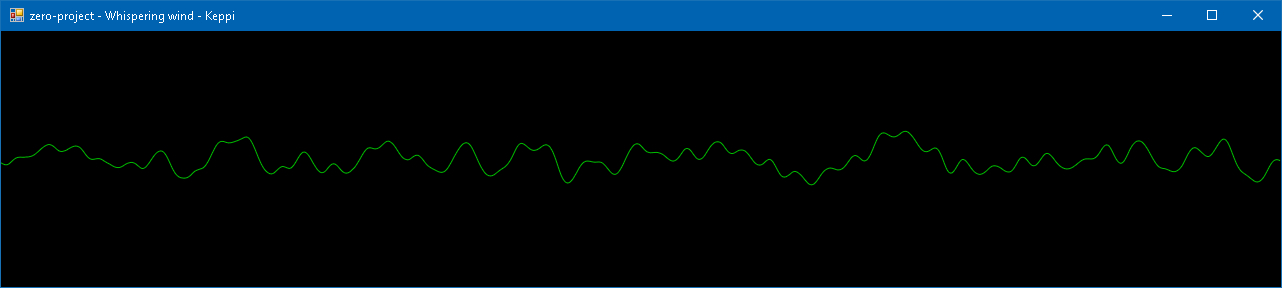
A simple music visualizer I wrote to refresh my C♯ knowledge. Windows-only and requires .NET Framework 4.5.

keppi visualization

sourceforge.net/projects/keppi

Sonic Topography ~ Music Player & Visualisation


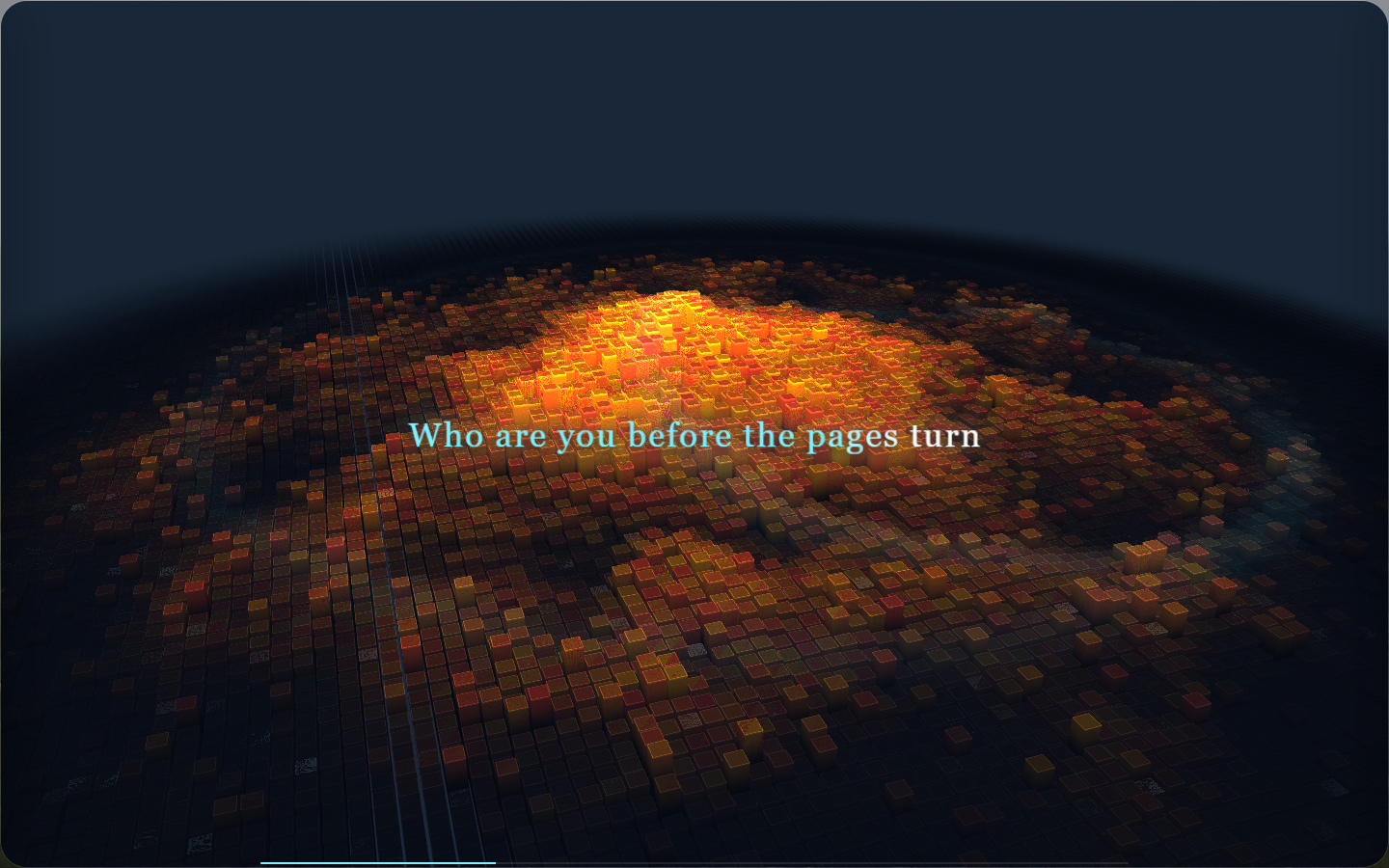
Sonic Topography is a desktop music player and 3D music visualization application. It transforms the low, mid, and high frequencies in music into three-dimensional terrain that undulates, glows, and flashes, turning listening to music into a breathing sound map.

sonic topography display

github.com/yin-yizhen/sonic-topography

Sound Ninja ~ Crossplatform Customisable Soundboard


Sound Ninja is an Open Source Soundboard App with maximal customizability option to create your best Soundboard. Perfect for live streaming, chatting with friends or podcast recording.

github.com/marcus-universe/SoundNinja

OBS-vst3 ~ OBS Safe VST3 Host


Native VST3 audio effects for OBS Studio on Windows — isolated plug-in hosting, vendor GUIs, automatic discovery, state restore and dry fail-open recovery.

Why this project exists

OBS Studio’s built-in VST filter does not provide VST3 hosting. Many current studio EQs, compressors, restoration tools, reverbs, saturators, limiters and mastering processors are distributed primarily, or only, as VST3s.

OBS Safe VST3 Host adds two OBS-native workflows on Windows:

  • VST 3.x Plug-in — a simple one-effect filter for the common case.
  • VST3 Rack — a separate isolated serial multi-effect chain with a dedicated graphical Rack Editor and broadcast-oriented master console.

Third-party VST3 runtime code, vendor editors and plug-in scanning are deliberately kept outside the OBS process.

github.com/masarray/obs-vst3