Euphonica ~ Advanced MPD Frontend


An MPD frontend with delusions of grandeur.

It exists to sate my need for something that’s got the bling and the features to back that bling up.

Features:

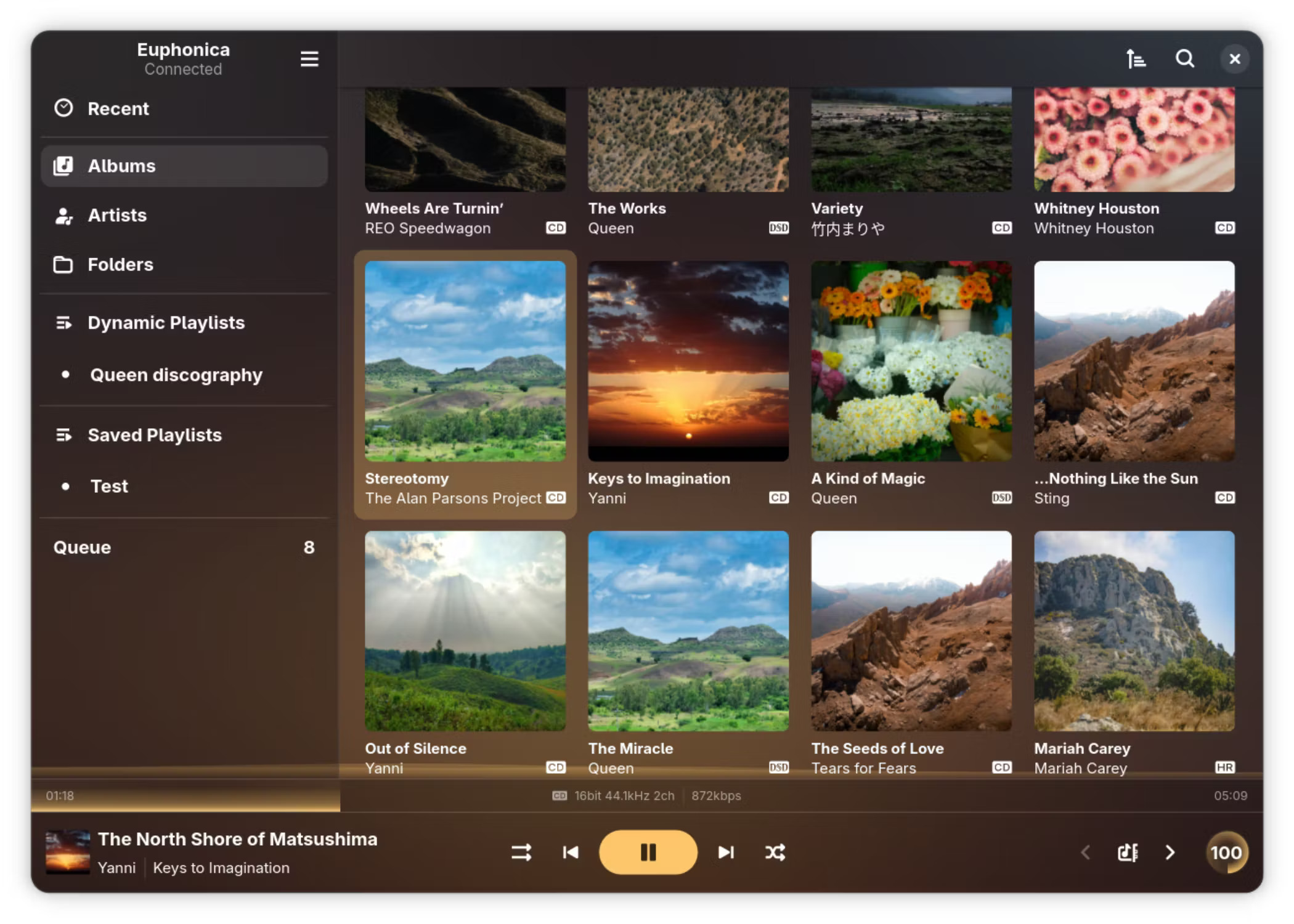
  • Adaptive GTK4+libadwaita UI for most MPD features, from queue reordering and ReplayGain to crossfade and MixRamp configuration.
  • Practically zero-cost static background blur powered by libblur. Go ham with blur radius!
  • Customisable spectrum visualiser, reading from MPD FIFO or system PipeWire.
  • Automatic accent colours based on album art (optional).
  • Advanced client-side dynamic playlists.
    • Both query-based and sticker-based filtering rules are supported at the same time.
    • Multiple ordering clauses (or random shuffle on refresh).
    • Auto-refresh scheduling (hourly, daily, weekly, etc).
    • Optional fetch limit for things like top-10 playlists.
    • Graphical rules editor with live error checking.
    • Save a dynamic playlist’s current state as an MPD-side static playlist whenver you want.
    • JSON import/export for sharing & backing up dynamic playlist rules.
  • Fetch album arts, artist avatars and synced song lyrics from external sources (currently supports Last.fm, MusicBrainz and LRCLIB).
  • myMPD-compatible stickers handling.
  • Integrated MPRIS client with background run supported. The background instance can be reopened via your shell’s MPRIS applet, the “Background applications” section in GNOME’s quick settings shade (if installed via Flatpak) or simply by launching Euphonica again.
  • Rate albums (requires MPD 0.24+) and individual songs.
  • Audio quality indicators (lossy, lossless, hi-res, DSD) for individual songs as well as albums & detailed format printout.
  • Asynchronous search for large collections. The app as a whole should work with any library size (tested with up to 30K songs).
  • Configurable multi-artist tag syntax, works with anything you throw at it.
    • In other words, your artist tags can be pretty messy and Euphonica will still be able to correctly split them into individual artists.
  • Performant album art fetching & display (LRU-cached to both cut down on disk reads and RAM usage).
  • Volume knob with dBFS readout support (‘cuz why not?).
  • ncmpcpp-inspired keyboard shortcuts.
  • User-friendly configuration UI & GSettings backend.
  • MPD passwords are securely stored in your user’s login keyring.
  • Commands are bundled into lists for efficient MPD-side processing where possible.
github.com/htkhiem/euphonica

Grip ~ GTK Encoder, Player & Ripper


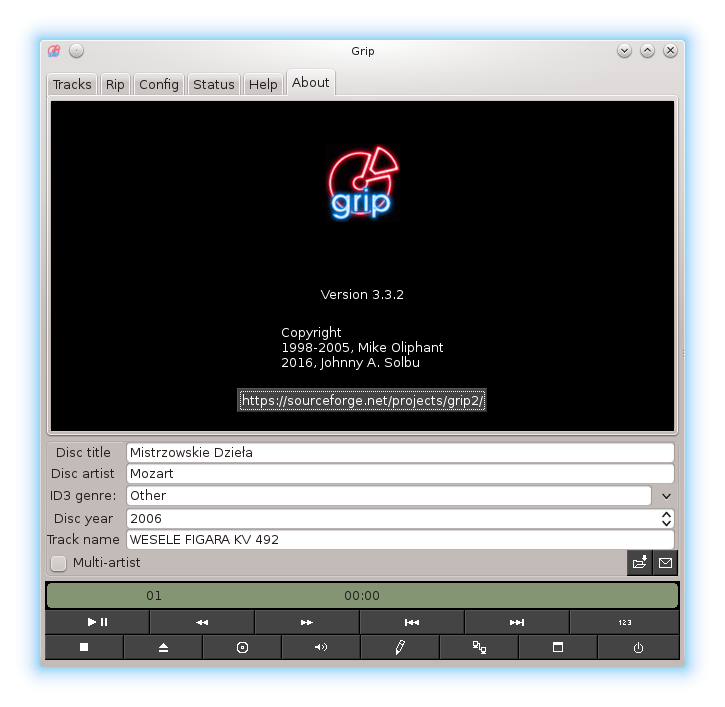
Grip is a GTK-based CD-player and CD-ripper / MP3 encoder. It has the ripping capabilities of cdparanoia built in, but can also use external rippers (such as cdda2wav). Encoder presets are provided for oggenc, bladeenc, lame, l3enc, xingmp3enc, mp3encode, gogo, flac, faac and opusenc.

sourceforge.net/projects/grip

moscue ~ Mac Cue Sheet Player


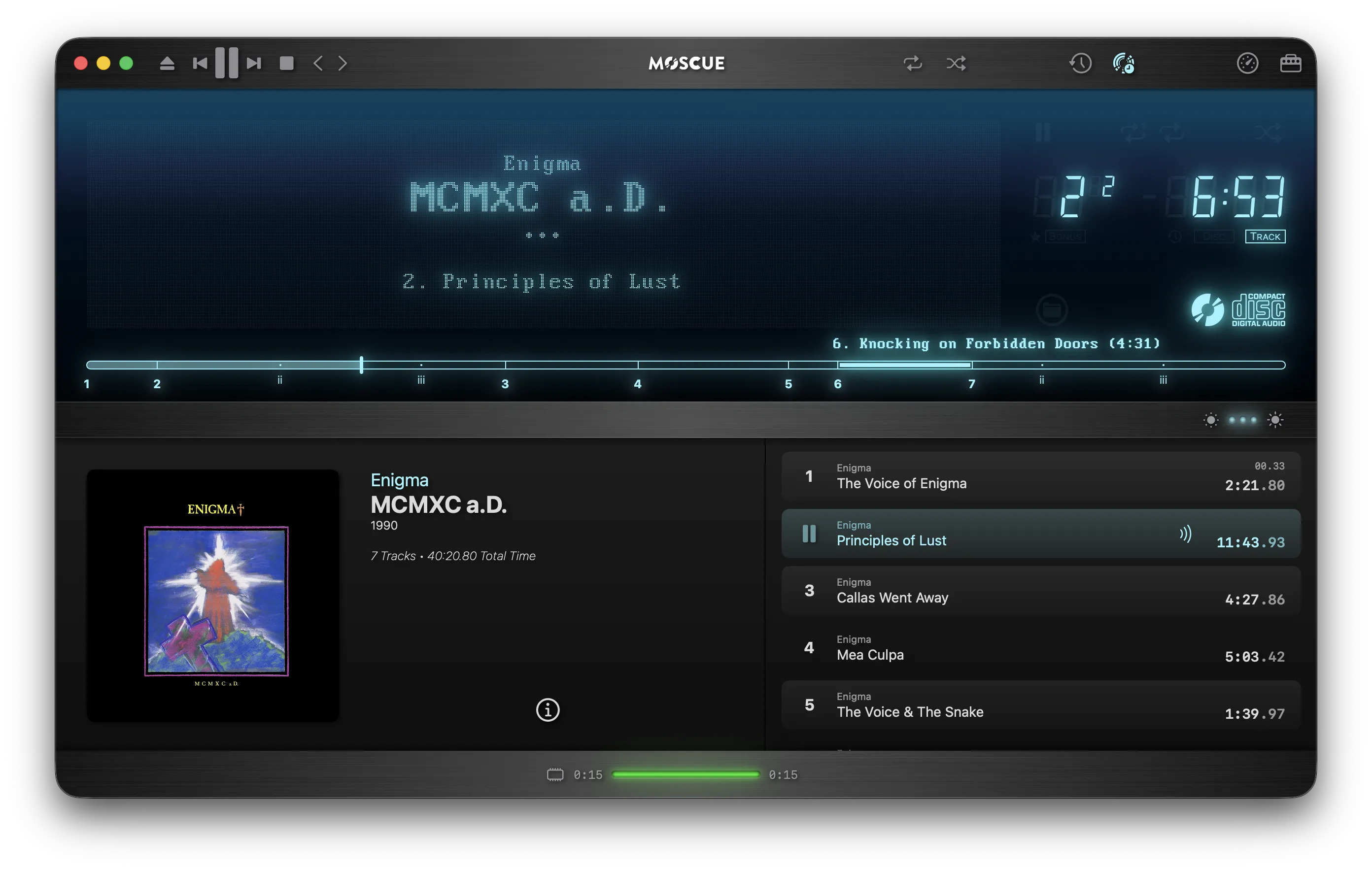
A Compact Disc Digital Audio player simulator for macOS

Delivering an authentic playback of CD rips from Cue Sheet (.cue) files and their paired audio files.

www.moscue.app

JuK ~ Audio Jukebox Application


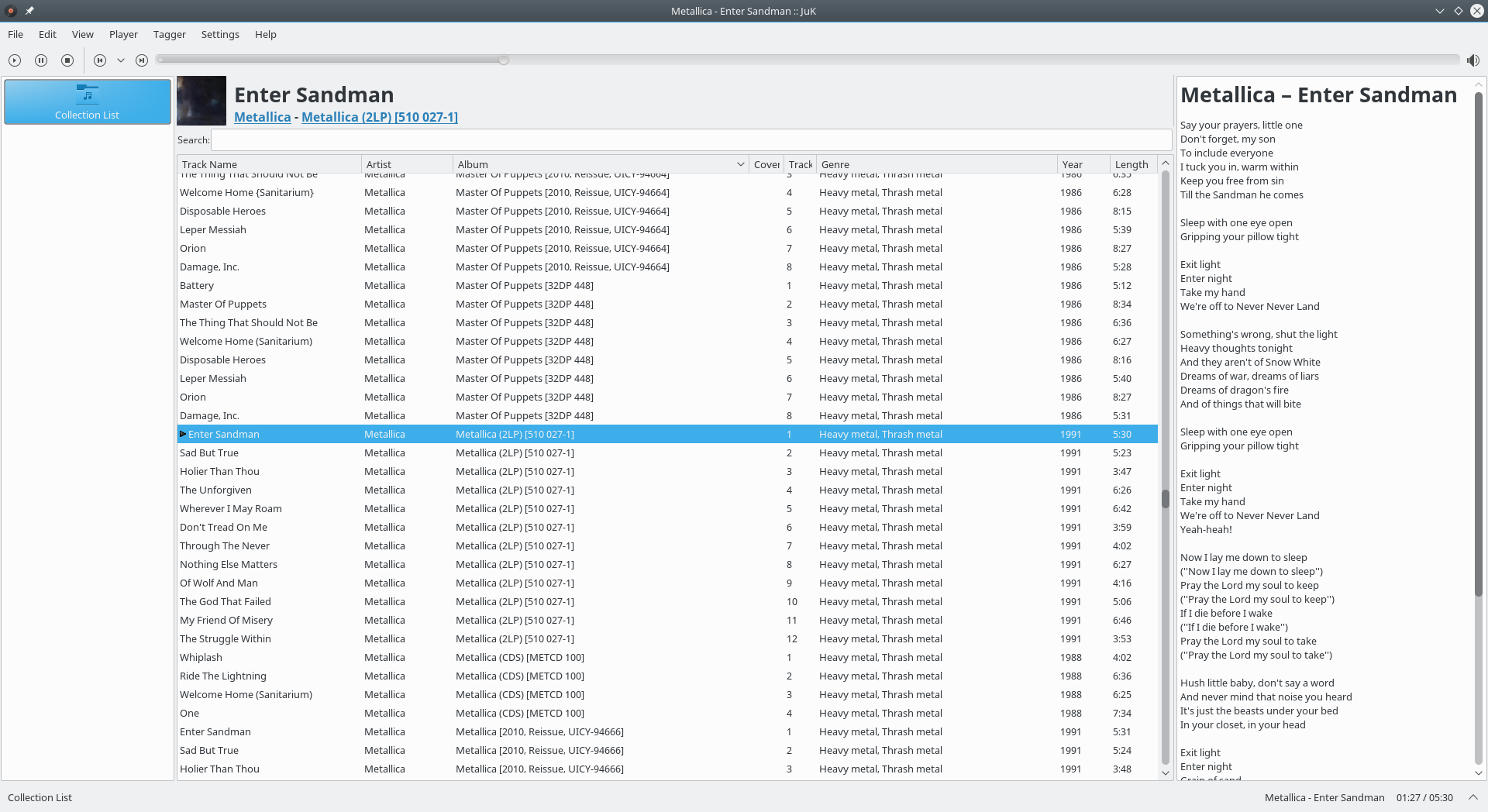
JuK is an audio jukebox application, supporting collections of MP3, Ogg Vorbis, and FLAC audio files. It allows you to edit the “tags” of your audio files, and manage your collection and playlists. Its main focus, in fact, is on music management.

Features:

  • Collection list and multiple user defined playlists
  • Ability to scan directories to automatically import playlists and music files on start up
  • Dynamic Search Playlists that are automatically updated as fields in the collection change
  • A Tree View mode where playlists are automatically generated for sets of albums, artists and genres
  • Playlist history to indicate which files have been played and when
  • Inline search for filtering the list of visible items
  • The ability to guess tag information based on the track’s file name
  • File renamer that can rename files based on the tag content
  • Tag reading and editing support for many formats including ID3v1, ID3v2 and Ogg Vorbis

apps.kde.org/juk
github.com/KDE/juk
invent.kde.org/multimedia/juk
en.wikipedia.org/wiki/JuK

AudioTube ~ KDE YouTube Music Client


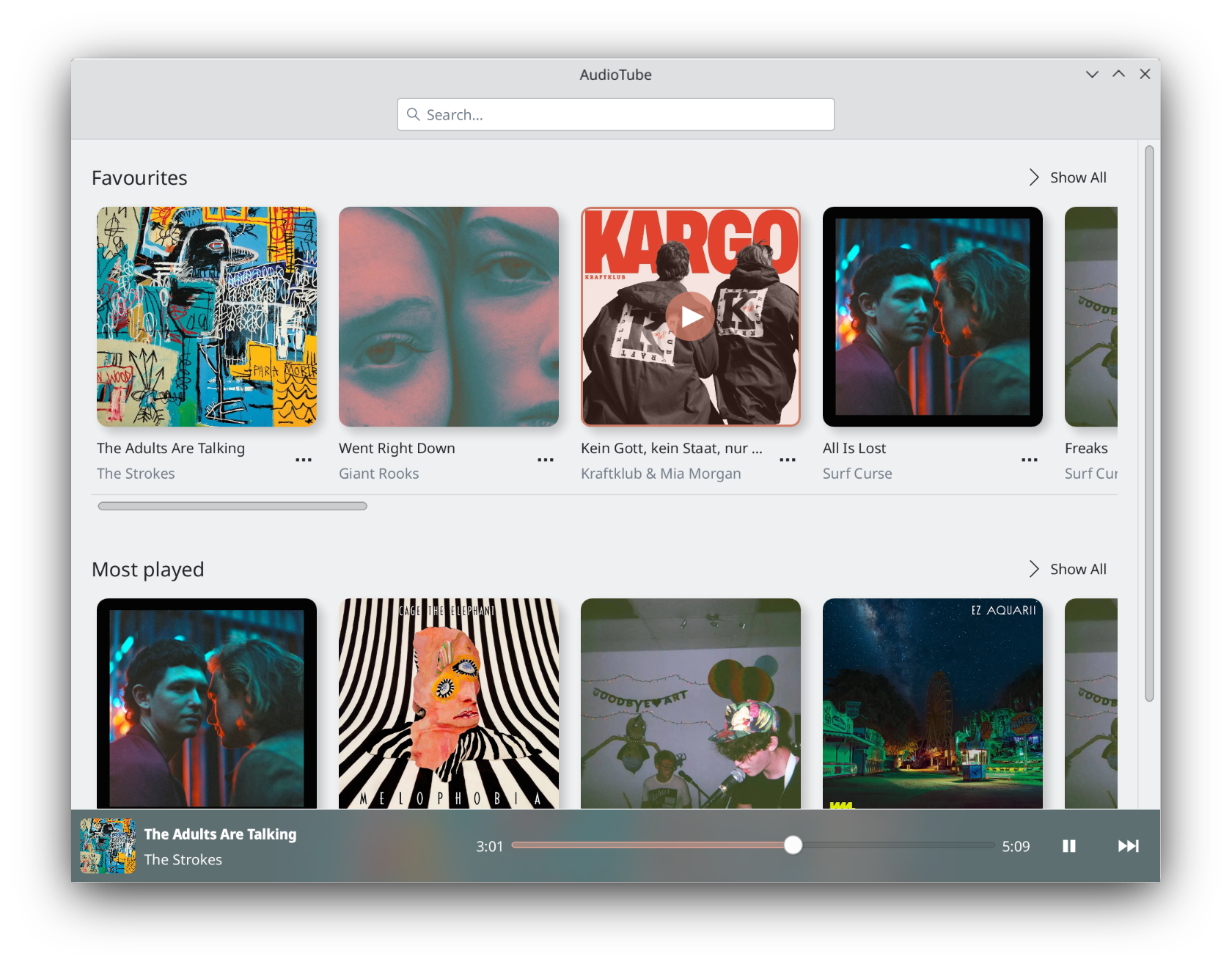
AudioTube can search YouTube Music, list albums and artists, play automatically generated playlists, albums and allows to put your own playlist together. It is adapted to mobile phones and desktop computers.

apps.kde.org/audiotube
github.com/KDE/audiotube
invent.kde.org/multimedia/audiotube

Pear Desktop ~ Desktop Client For YouTube Music


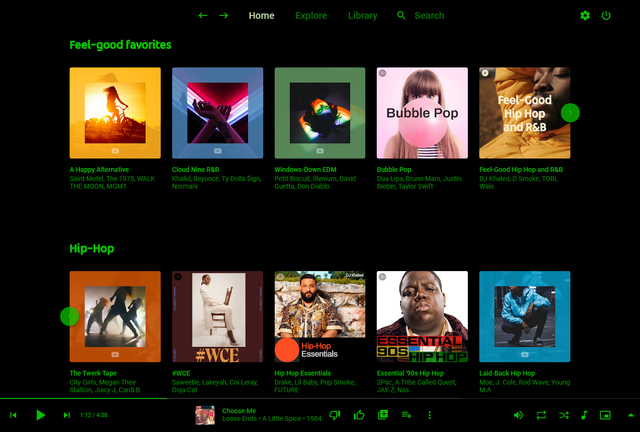
Pear Desktop is an Electron-based desktop client for YouTube Music designed for Windows, Linux and macOS. The project keeps the standard YouTube Music interface while adding desktop integration, plugins, themes and additional playback features.

The application is open source and distributed under the MIT license.

Features:

  • Native desktop-style window and controls
  • Plugin framework
  • Ad blocker
  • Lyrics support
  • Last.fm scrobbling
  • Discord Rich Presence
  • Media key support
  • Custom themes and CSS
  • Audio compressor
  • Equalizer
  • Crossfade
  • Skip silences
  • SponsorBlock integration
  • Video/audio mode toggle
  • Notification support
  • Downloader plugin
  • OBS integration
  • System tray support
  • Global keyboard shortcuts

How It Works

Pear Desktop loads the standard YouTube Music web interface inside a desktop application window and extends it through plugins and Electron desktop integration. It is not a standalone music service and still requires a YouTube Music or Google account for normal use.

Basic Usage

  1. Download the correct installer for your operating system from the Releases page.
  2. Install and launch the application.
  3. Sign into your Google account.
  4. Use YouTube Music normally.
  5. Optional plugins can be enabled or disabled from the Plugins menu.

Platforms

  • Windows
  • Linux
  • macOS

Notes

Because Pear Desktop uses Electron, memory and CPU usage are generally higher than lightweight native audio players such as foobar2000 or AIMP. The project is intended primarily as a feature-enhanced desktop frontend for streaming music from YouTube Music rather than as a traditional local-library music player.

github.com/pear-devs/pear-desktop

VUPlayer ~ Freeware Windows Player


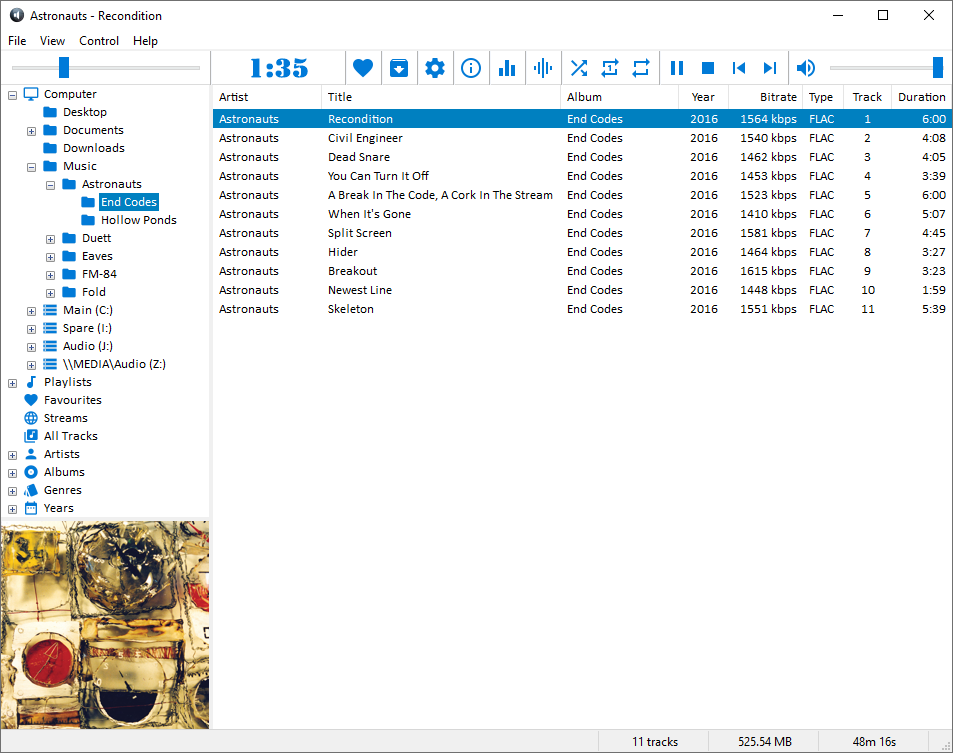
VUPlayer is an open-source multi-format audio player for Windows 7 SP1 or later.

www.vuplayer.com/vuplayer
github.com/jfchapman/VUPlayer

FlutPlayer ~ mp3 Player With Flutter


This is an Android / Windows application that plays audio.

github.com/n3wzd/FlutPlayer

SnapVinyl ~ Discogs For iOS


iPad and iPhone Discogs Collections And Wantlists App

apps.apple.com/us/app/snapvinyl-for-discogs/id6741057688

Groove ~ Cross-platform Music Player


A cross-platform music player based on PyQt5, supports Win32, Linux and macOS.

github.com/zhiyiYo/Groove

lx-music-desktop ~ Electron Based Player


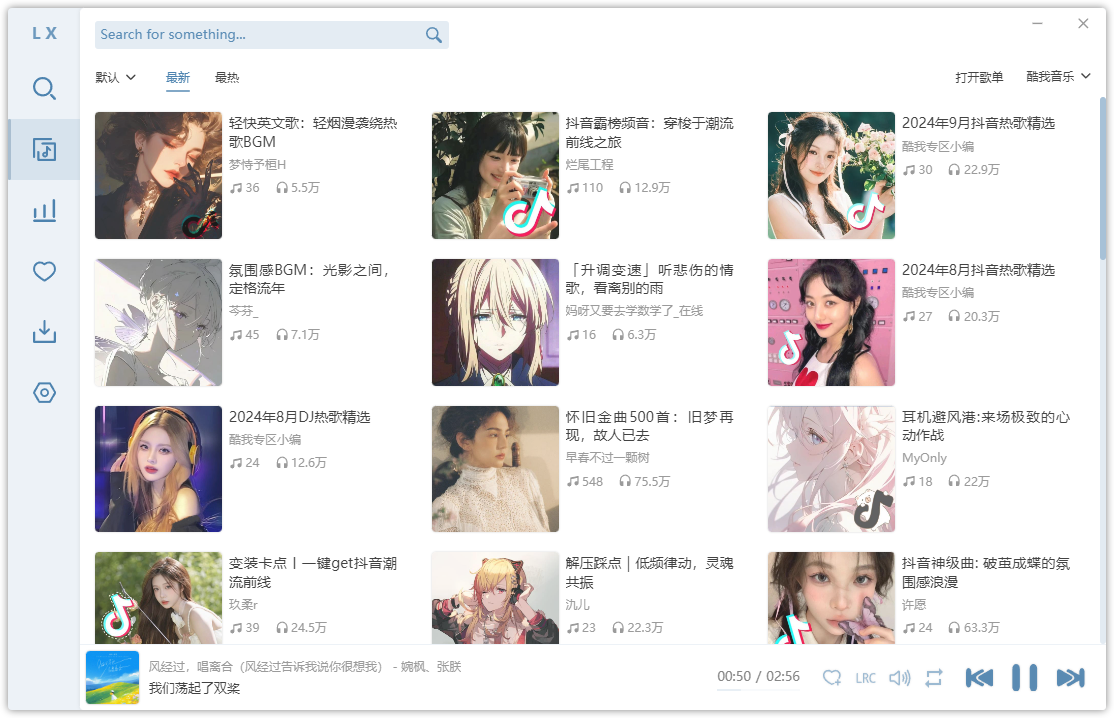
LX‑Music‑Desktop is an open‑source, Electron‑based music player built with Vue 3, offering a simple, fast interface for managing and playing local music libraries on desktop systems.

github.com/lyswhut/lx-music-desktop
sourceforge.net/projects/lx-music-desktop.mirror

BlackPlayer ~ Comprehensive Dark Themed Player


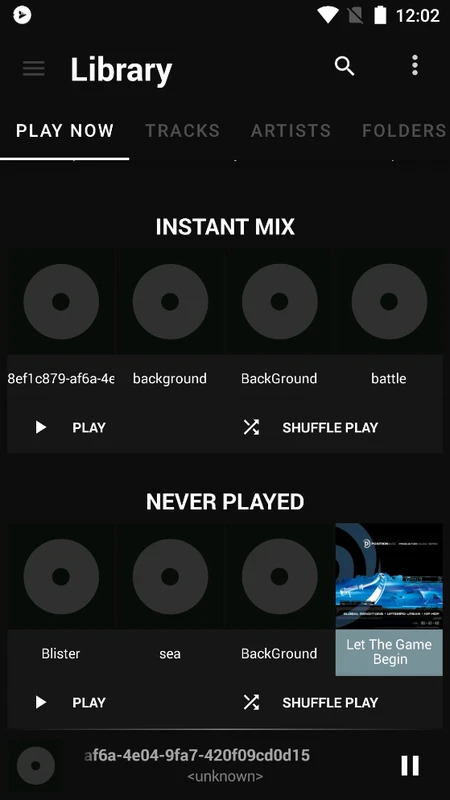
BlackPlayer is a comprehensive Android music player that helps you keep all your music files organized on your smartphone and ready to listen to. You can also equalize them for the best experience with each song. And all these features are packaged in a dark and minimalist interface, which is the stylistic hallmark of this player.

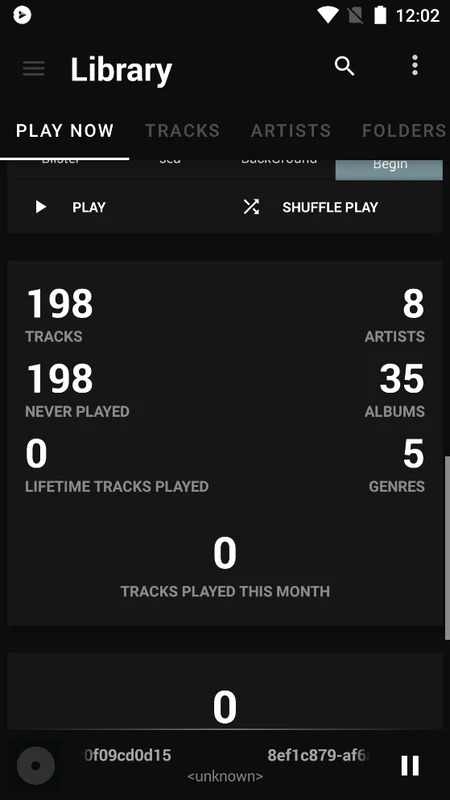
Like many other music players, BlackPlayer has several tabs to keep your music organized. At the top of the screen, there’s a list of several categories: song, artist, album, folder, and playlist. You can create your own playlists or opt for smart playlists, which add your most-listened-to songs automatically. The app also tells you how many artists are in your library, as well as the total hours of music at your fingertips. Similarly, BlackPlayer lets you create instant mixes.

Another feature offered by BlackPlayer is the ability to equalize a song’s sound depending on where and how you’re listening to it. You can also choose cover images, complete information, and even add lyrics. This music player’s style is also worth highlighting, as it features a dark theme with colors ranging from black to gray.

blackplayer.en.uptodown.com/android
www.reddit.com/r/blackplayer
play.google.com/store/apps/details?id=com.musicplayer.blackplayerfree
www.appbrain.com/dev/FifthSource