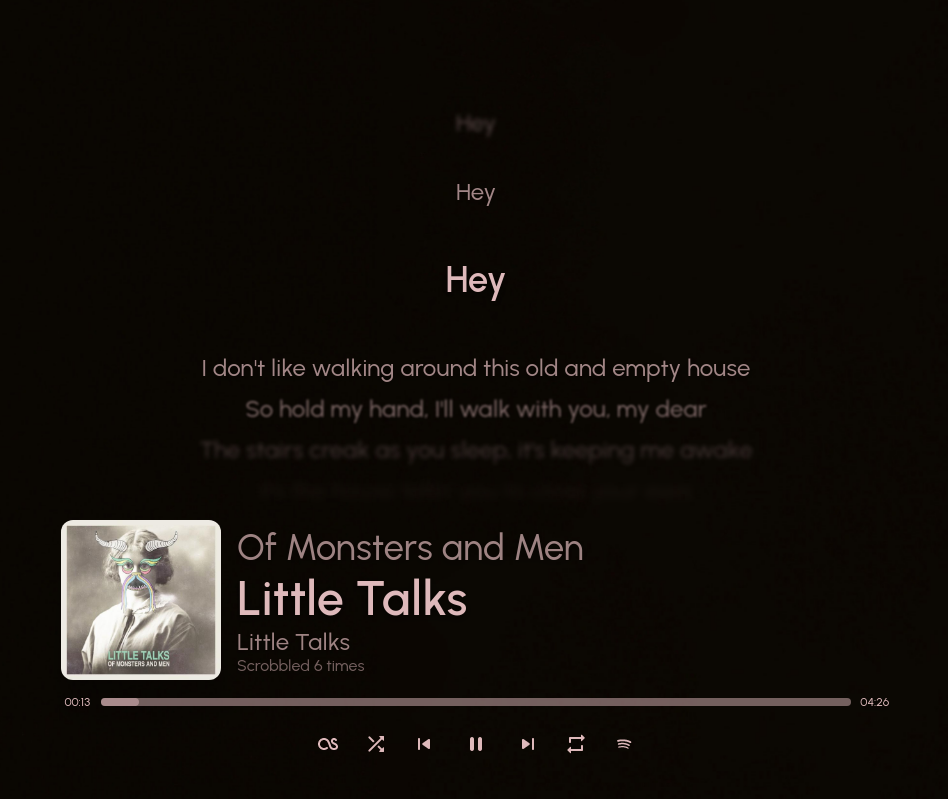
Show your currently playing song in a stylish way!
References:
itsfoss.com/sunamu-music-widget

Show your currently playing song in a stylish way!
itsfoss.com/sunamu-music-widget

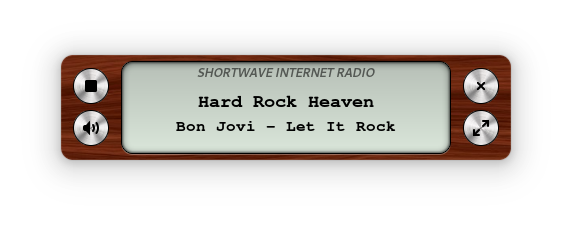
Listen to internet radio. Gnome style.
apps.gnome.org/Shortwave
gitlab.gnome.org/World/Shortwave

Cover-art for the 24seven.fm family of internet radio stations — Streaming Soundtracks, 1980s.FM, Adagio.FM, Death.FM, and Entranced.FM. A shared, host-agnostic C++ engine drives three Windows front-ends plus a cross-platform core library:
| Component | Directory | Output | Build system |
|---|---|---|---|
| Desktop viewer | desktop/ | 24sevenfm_covers.exe(x64, self-contained) | MSBuild (.vcxproj / .sln) |
| Winamp plugin | winamp/ | gen_24sevenfm_covers.dll(x86 / 32-bit) | CMake |
| foobar2000 component | foobar2000/foo_24sevenfm_covers/ | foo_24sevenfm_covers.dll(x64) | MSBuild ( .vcxproj) |
| Core library | lib/ | coverfetch static lib (cross-platform) | CMake |
All three front-ends share the same Direct2D renderer (shared/d2d_*.cpp), the cover engine (shared/cover_engine.* — cover preload, crossfade/flip transitions, remaining-time countdown), the options page (shared/options_*), and the networking/parse library (lib/). The library alone (lib/) is portable C++11 and already cross-compiles for Android/iOS.
github.com/pke/24sevenfm_covers

Dynamic Audio Normalizer is a library for advanced audio normalization purposes. It applies a certain amount of gain to the input audio in order to bring its peak magnitude to a target level (e.g. 0 dBFS). However, in contrast to more “simple” normalization algorithms, the Dynamic Audio Normalizer dynamically re-adjusts the gain factor to the input audio. This allows for applying extra gain to the “quiet” sections of the audio while avoiding distortions or clipping the “loud” sections. In other words: The Dynamic Audio Normalizer will “even out” the volume of quiet and loud sections, in the sense that the volume of each section is brought to the same target level. Note, however, that the Dynamic Audio Normalizer achieves this goal without applying “dynamic range compressing”. It will retain 100% of the dynamic range within each “local” region of the audio file.
The Dynamic Audio Normalizer is available as a small standalone command-line utility and also as an effect in the SoX audio processor as well as in the FFmpeg audio/video converter. Furthermore, it can be integrated into your favorite DAW (digital audio workstation), as a VST plug-in, or into your favorite media player, as a Winamp plug-in. Last but not least, the “core” library can be integrated into custom applications easily, thanks to a straightforward API (application programming interface).
github.com/lordmulder/DynamicAudioNormalizer

sonoscliis a modern Go CLI to control Sonos speakers over your local network (UPnP/SOAP).Features:
- Reliable discovery: SSDP + topology (
ZoneGroupTopology.GetZoneGroupState) with subnet scan fallback.- Coordinator-aware control: target any room; commands go to the group coordinator automatically.
- Playback controls: play/pause/stop/next/prev, plus
play-uri,linein, andtv.- Grouping: inspect groups, join/unjoin, party mode, dissolve groups, and solo a room.
- Queue: list/play/remove/clear queue entries.
- Favorites: list and play Sonos Favorites by index or title.
- Scenes: save/apply presets (grouping + per-room volume/mute).
- Spotify:
- Enqueue/play Spotify share links or canonical URIs (no Spotify credentials required).
- Search Spotify via SMAPI (Sonos Music API; uses your linked service in Sonos).
- Optional Spotify Web API search (client credentials) if you want it.
- YouTube handoff: resolve a YouTube URL with
yt-dlpand hand the direct audio stream to Sonos.- Smart URL streaming:
play-urlruns a short-lived local MP3 proxy for YouTube, YouTube Music playlists, podcasts, radio streams, SoundCloud-style pages, and other URLs.- Live events:
watchsubscribes to AVTransport + RenderingControl and prints changes.- Scriptable output:
--format plain|json|tsvplus--debugtracing.
This is not an official Sonos project.
github.com/steipete/sonoscli
sourceforge.net/projects/sonoscli.mirror

Real-time spatial / object-based audio rendering engine (VBAP + binaural) for multichannel and 3D audio — speakers or headphones.
Omniphony decodes object-based audio, works out where every sound should come from, and drives your real speakers with VBAP — live, with a 3D scene showing each object move and everything streamed over OSC. Nothing’s a black box: formats load as runtime bridges, and the part that decides which speaker gets what is a backend you can rewrite in a single file.
- Write your own panner in one file — it shows up in the UI on its own.
- No formats baked in — decoders load at runtime as bridges.
- PipeWire on Linux, ASIO on Windows, or raw float straight to a file or pipe.
omniphony.mgth.fr
github.com/mgth/Omniphony
mpv with the ad_orender Spatial decoder — Spatial object rendering via liborender (Omniphony)
References:
Resources:
aur.archlinux.org/packages/orender
github.com/harletty/harletty-bridge/tree/main

Record, jam, and capture your creativity whenever and wherever it strikes. Packed with authentic Fender tones, Fender Studio is fast, fun, and free for guitar players and music creators of all types.
fender.com/pages/fender-studio-app

tracksplit is a simple command line utility that splits a WAV audio file into respective audio tracks based on periods of silence in the audio.

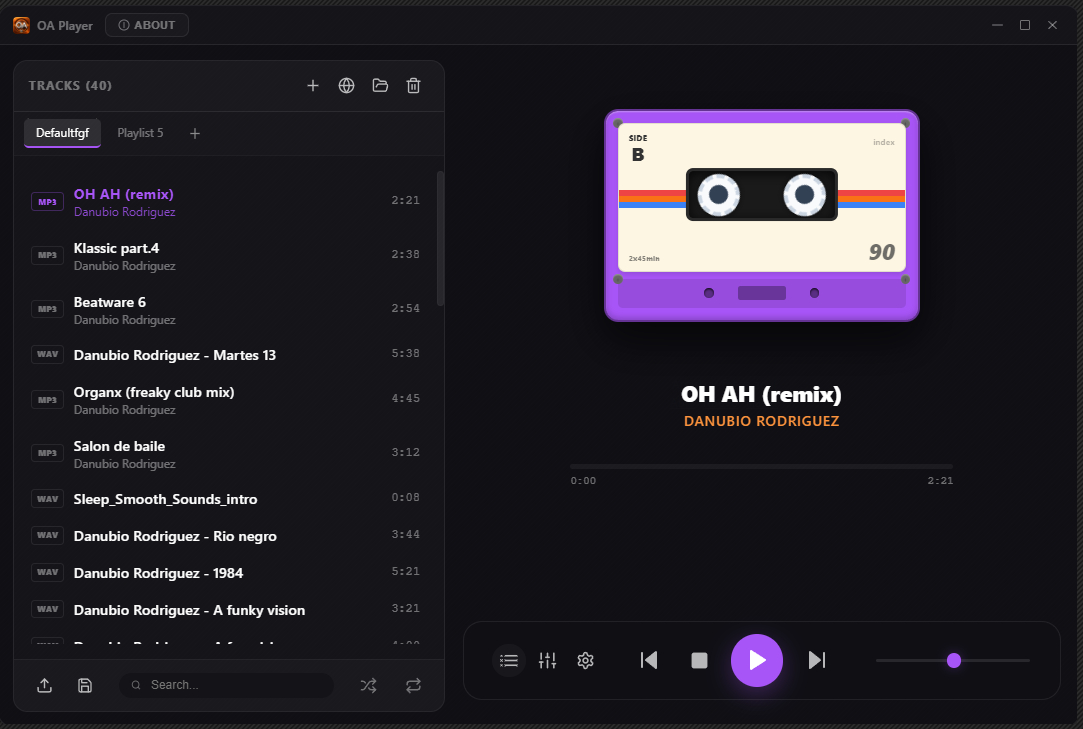
Transform your PC into a premium analog audio experience with the latest version of OA Player. This audiophile-grade, hi-fi integrated media player combines cutting-edge digital technology with the warm, rich character of classic analog sound.
Features:
- Real-Time Analog Sound Emulation
- Custom Sound Profiles
- 10/16/32-Band Equalizer + Integrated Bass Boost
- Stereo Widener
- Tube Preamp Emulation
- Natural Dynamics
- High Exciter
- Discrete Reverb
- Automatic Gain Control
- Digital to Reel
- Limiter
- Pitch Convert
- All-in-One Audio Hub
sourceforge.net/projects/oa-player

SACD ripping software using a PS3.
sacd-ripper.github.io
github.com/sacd-ripper/sacd-ripper
Enhanced client sacd_extract for Windows(64bit) & Linux(64bit)
github.com/sacd-ripper/sacd-ripper/tree/master/tools/sacd_extract
www.videohelp.com/download/SACDExtractGUI.zip
Resources:
www.videohelp.com/software/sacd-extract
github.com/Sound-Linux-More/sacd-extract

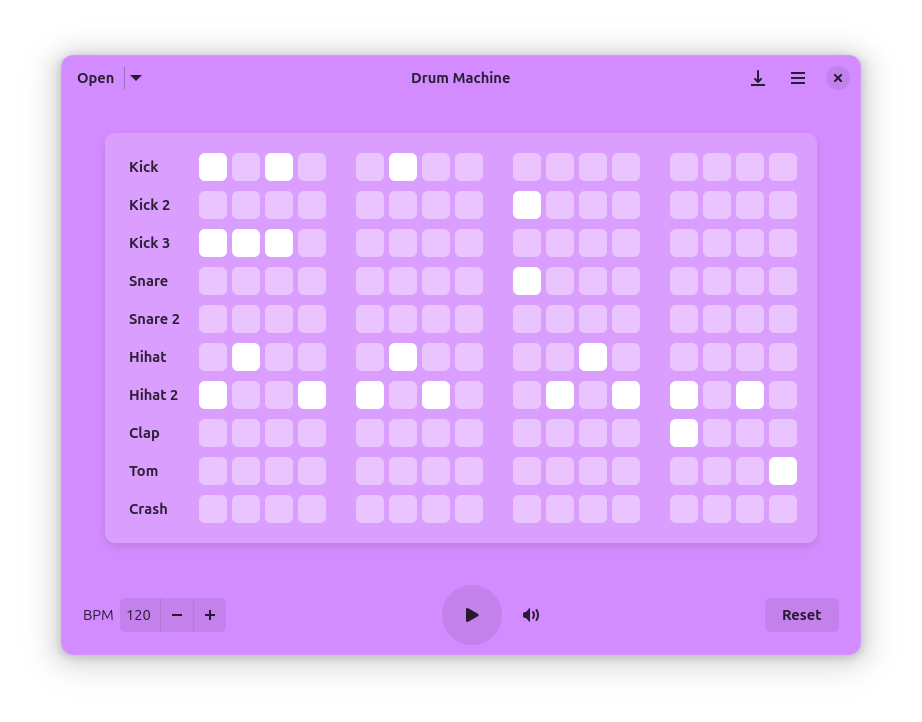
Drum Machine is a modern and intuitive application for creating, playing, and managing drum patterns. Perfect for musicians, producers, and anyone interested in rhythm creation, this application provides a simple interface for drum pattern programming. Have fun!
Features:
- Intuitive grid-based pattern editor with infinite pages
- Custom samples: Add your own drum sounds with MIDI note mapping
- Adjustable BPM control
- Volume control for overall mix
- Save and load patterns
- Multiple drum sounds including kick, snare, hi-hat, and more
- Audio and MIDI export with support for WAV, FLAC, Ogg, MP3, and MIDI formats
- Metadata support for embedding artist name, song title, and cover art
- Keyboard shortcuts for quick access to all functions
apps.gnome.org/DrumMachine
github.com/revisto/drum-machine

With Audio Sharing you can share your current computer audio playback in the form of an RTSP stream. This stream can then be played back by other devices, for example using VLC.
By sharing the audio as a network stream, you can also use common devices that are not intended to be used as audio sinks (eg. smartphones) to receive it. For example, there are audio accessories that are not compatible with desktop computers (e.g. because the computer does not have a Bluetooth module installed). With the help of this app, the computer audio can be played back on a smartphone, which is then connected to the Bluetooth accessory.
References:
en.wikipedia.org/wiki/Real-Time_Streaming_Protocol


