Sequencer64 is a live MIDI looper with a song-creation layout window. Sequencer64 is a reboot of seq24, extending it greatly over the last six years. The heart of seq24 remains intact. It is an old friend with a whole lot of added equipment. It has an extensive manual and Windows installers. Sequencer64 has build options for ALSA, PortMidi, JACK, Gtkmm 2.4, Qt 5, Windows, and a command-line/daemon.
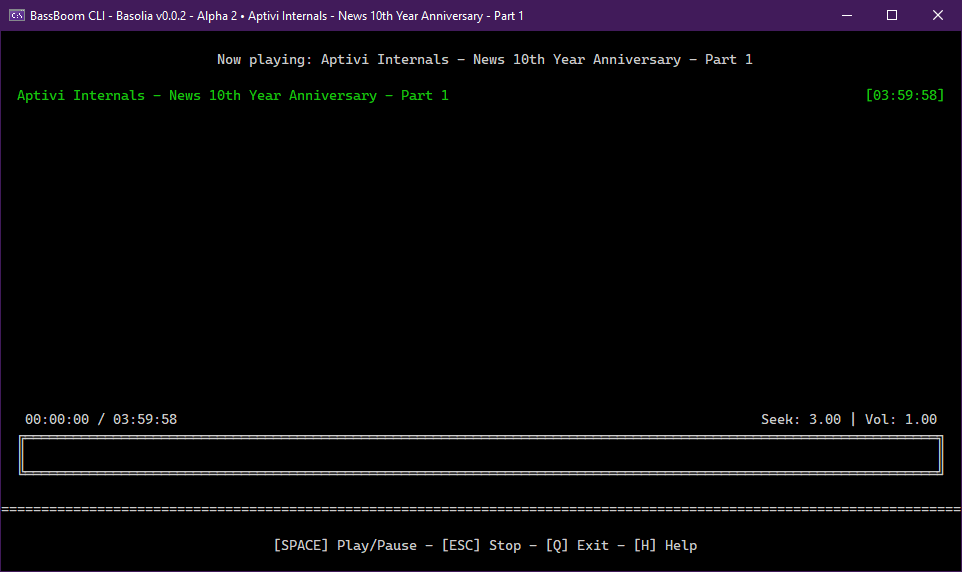
BassBoom is a music player made with C# using the fast mpg123 library as the native backend that handles the music playback and song information, including the playback device information.
This library is a viable library aimed for cross-platform music playing because we’ve selected mpg123 as the MP3 backend library for its ease of use and for its fast music playback. This library is frictionless as it aims for stability and cross-platform compatibility.
In addition to your regular music files, BassBoom also supports online MPEG radio stations that you can use to play your own favorite radio stations, as long as they don’t use AAC or any other codec that BassBoom doesn’t support.
ARver is a command-line program for verifying audio tracks ripped from a CD against checksums stored in AccurateRip database.
The idea behind AccurateRip verification is that it’s virtually impossible to get exact same errors when ripping different copies of the same CD on various CD drives. If the copies are scratched or otherwise degraded, read errors will occur in different disc sectors. CD drive defects are unlikely to manifest in the same way on different machines. Essentially, all read errors are expected to be unique, but in absence of errors only a single correct result exists.
AccurateRip database stores track checksums submitted by multiple users. When many users rip the same disc without errors, same checksums are submitted to the database repeatably, boosting their “confidence” statistic. If a checksum of a ripped track is not found in the database, it indicates that the track has not been ripped correctly. Since the result is unique, disc read errors likely occurred while ripping.
ARver calculates the AccurateRip checksums of local files, fetches checksums for a given CD from the database, and displays a report which compares them.
daktilo (“typewriter” in Turkish, pronounced “duck-til-oh”, derived from the Ancient Greek word δάκτυλος for “finger”) is a small command-line program that plays typewriter sounds every time you press a key. It also offers the flexibility to customize keypress sounds to your liking. You can use the built-in sound presets to create an enjoyable typing experience, whether you’re crafting emails or up to some prank on your boss.
eyeD3 is a Python tool for working with audio files, specifically MP3 files containing ID3 metadata (i.e. song info).
It provides a command-line tool (eyeD3) and a Python library (import eyed3) that can be used to write your own applications or plugins that are callable from the command-line tool.
I wrote this because I wanted a command line tool that could add album art to (and save from) mp3 files, compute replaygain and save them as ID3 tags (readable by Winamp, etc).
Features:
Write (all) Text, URL and Picture frame tags, with description.
Compute replay-gain values and set them as ID3v2.3 tags.
Apply and Undo volume gain (as mp3gain).
Extract pictures from mp3 files.
Inspect ID3 v1.1, v2.3, and v2.4 tags.
Inspect detailed info on mp3 files, including lametag data.