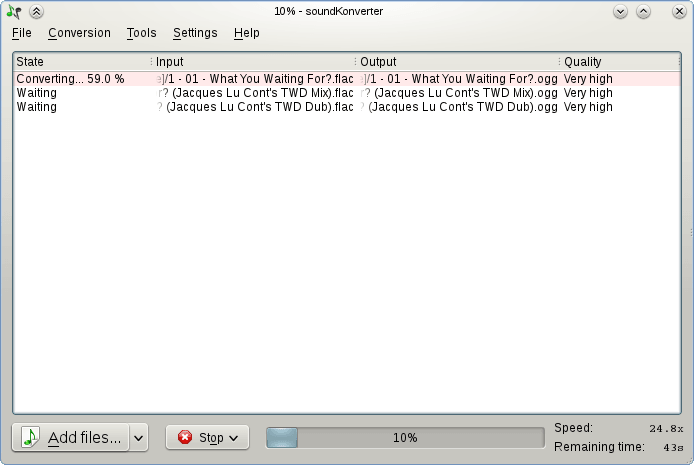
soundKonverter is a frontend to various audio converters.
The key features are:
- Audio conversion
- Replay Gain calculation
- CD ripping
github.com/dfaust/soundkonverter
github.com/nphantasm/soundkonverter
store.kde.org/p/1126634

soundKonverter is a frontend to various audio converters.
The key features are:
github.com/dfaust/soundkonverter
github.com/nphantasm/soundkonverter
store.kde.org/p/1126634

GSonic Reference is a high-quality speaker and room correction tool that generates precision FIR correction filters from in-room measurements. It combines spatial measurement averaging with advanced filter generation to deliver studio-grade correction for any stereo listening environment.
github.com/ObsessiveCompulsiveAudiophile/GSonic
hydrogenaudio.org/index.php/topic,129351.0

This application is very useful for all music collectors who are looking for the “perfect” record. In fact, this application allows you to find, through the well-stocked music catalog “discogs.com“, the prices of the respective vinyl, calculating in real time minimum, average and maximum price of those who at this moment are selling just the vinyl you’re looking for.
In addition to the price you can obtain vinyl’s code, year of publication, country of origin and music label. This application also works with cds, tapes and also digital files.
Requires a Discogs account.
play.google.com/store/apps/details?id=it.finproductions.vinylprice

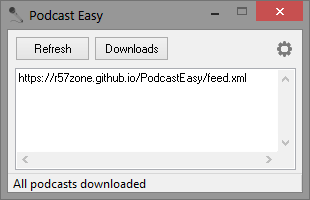
An application to download podcasts. Enter RSS feeds manually or import OPML file to download the latest podcasts.
github.com/r57zone/PodcastEasy
sourceforge.net/projects/podcasteasy

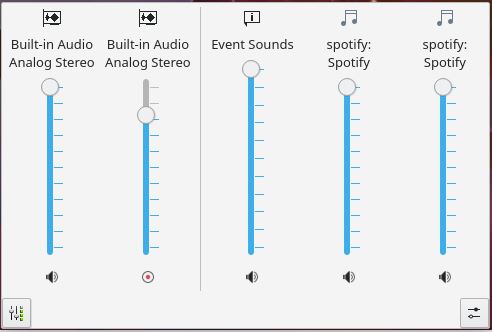
KMix is a sound channel mixer and volume control.
apps.kde.org/kmix
github.com/kde/kmix
invent.kde.org/multimedia/kmix
docs.kde.org/trunk_kf6/en/kmix
userbase.kde.org/KMix

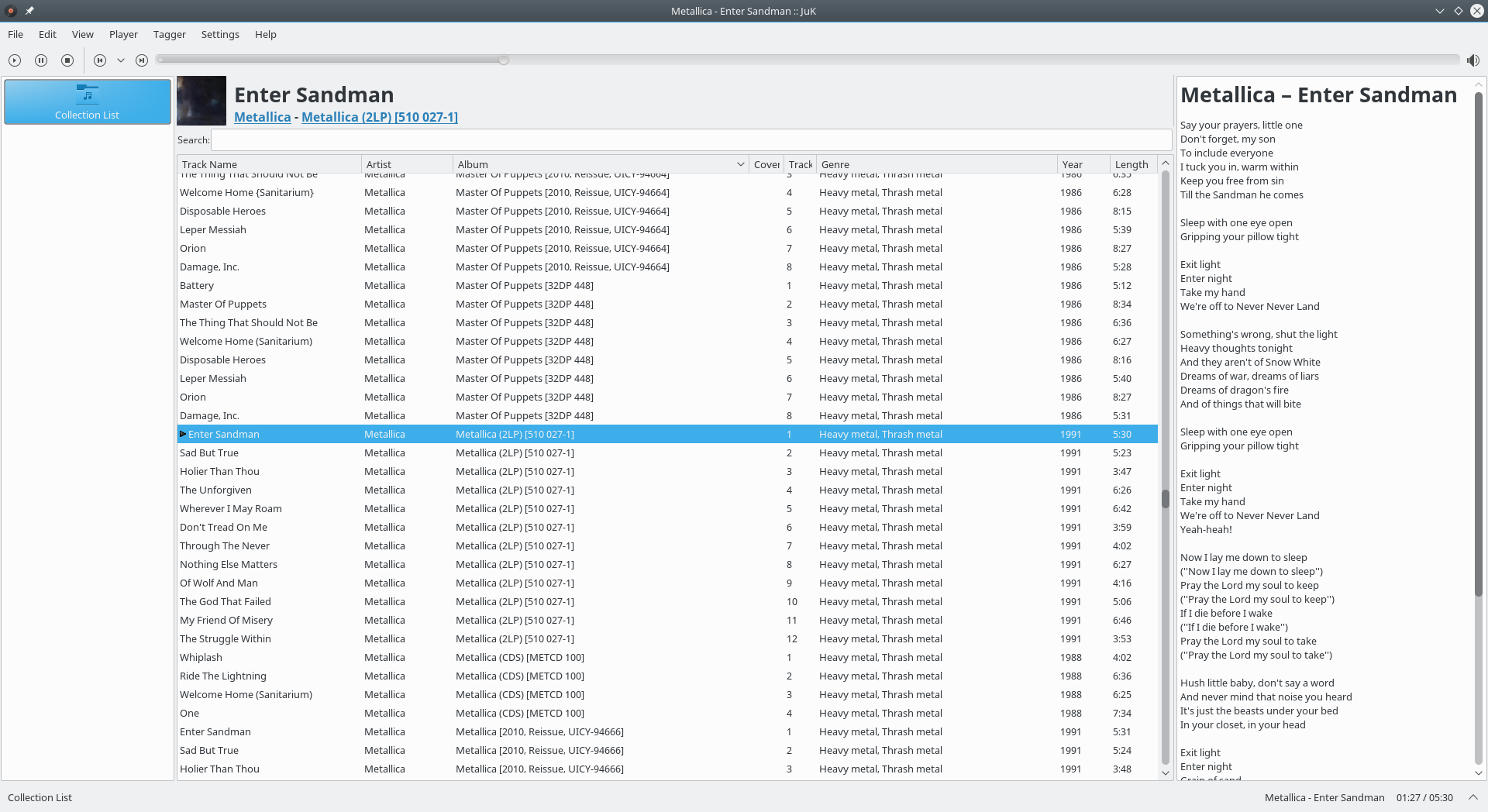
JuK is an audio jukebox application, supporting collections of MP3, Ogg Vorbis, and FLAC audio files. It allows you to edit the “tags” of your audio files, and manage your collection and playlists. Its main focus, in fact, is on music management.
Features:
apps.kde.org/juk
github.com/KDE/juk
invent.kde.org/multimedia/juk
en.wikipedia.org/wiki/JuK

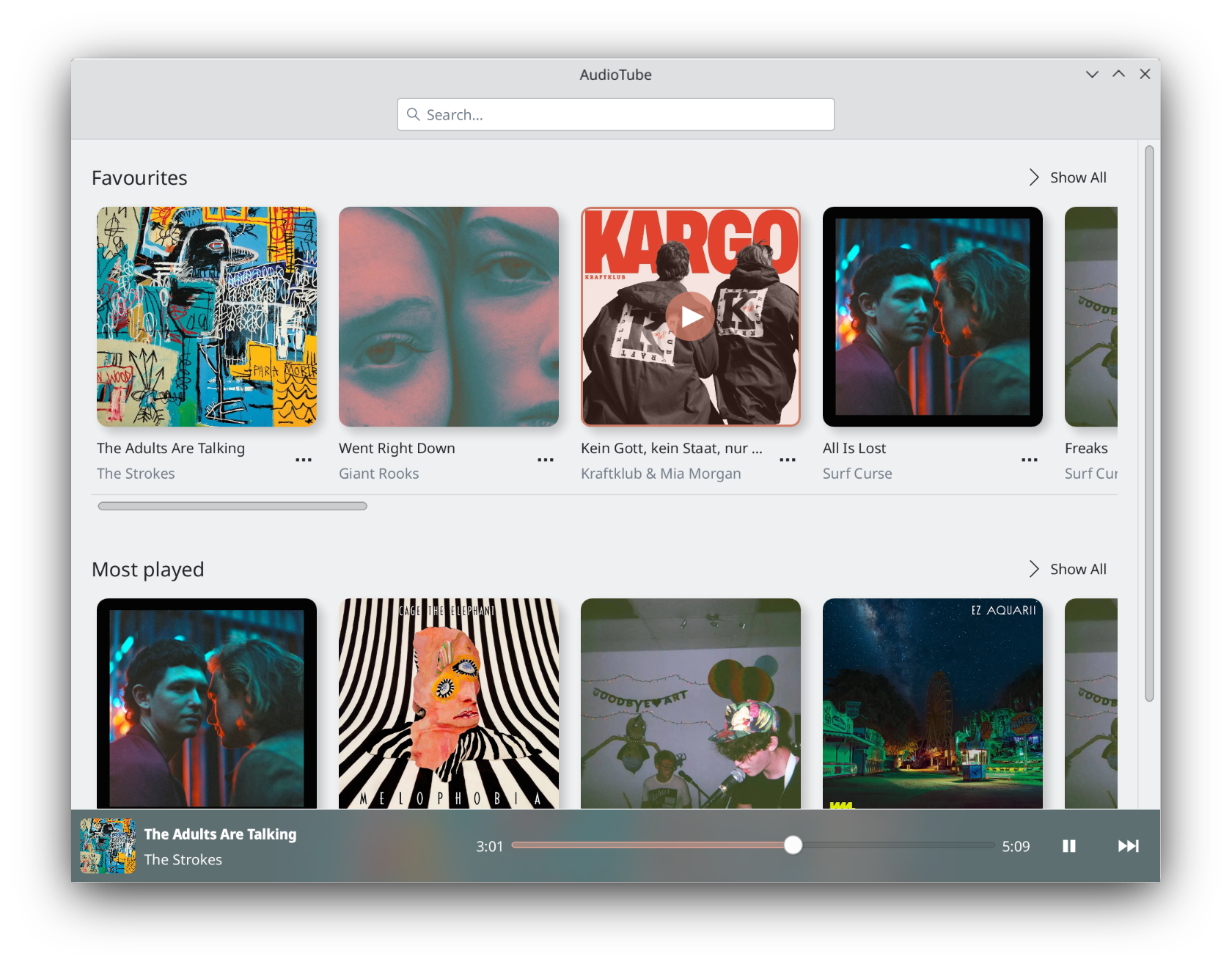
AudioTube can search YouTube Music, list albums and artists, play automatically generated playlists, albums and allows to put your own playlist together. It is adapted to mobile phones and desktop computers.
apps.kde.org/audiotube
github.com/KDE/audiotube
invent.kde.org/multimedia/audiotube

I’m tired of seeing audiophiles slandered at HydrogenAudio and I just had my fair comments removed so I thought I would continue the discussion here where I can’t be censored. I’ve now noticed that spoon closed the thread after misrepresenting the reasons for removing my post. I categorically state I did not break any forum rules including TOS2. Spoon knows very well that he’s the one that was trolling.
Original thread hydrogenaudio.org/index.php/topic,129168.0
My response to this is to point out that the term audiophile means an interest in audio technology, sadly, these abusive people use the word as an insult and deliberately confuse and conflate fraud and deceit with a deep involvement with audio technology. I believe they do this out of a false sense of superiority, a lack of understanding and a NEED TO BE ABUSIVE. Sadly, HydrogenAudio allows this abuse to openly continue which is why I no longer post to the site. I cannot afford to associate with bigots and abusers. I also sadly can’t recommend the site anymore due to the open contempt displayed by a few users and moderators.
Audiophile: a person who is enthusiastic about high-fidelity sound reproduction ~ www.merriam-webster.com/dictionary/audiophile
An audiophile (from Latin: audīre, lit. ’to hear’ + Greek: φίλος, romanized: philos, lit. ’loving’) is a person who is enthusiastic about high-fidelity sound reproduction. An audiophile seeks to achieve high sound quality in the audio reproduction of recorded music, typically in a quiet listening space in a room with good acoustics. ~ en.wikipedia.org/wiki/Audiophile

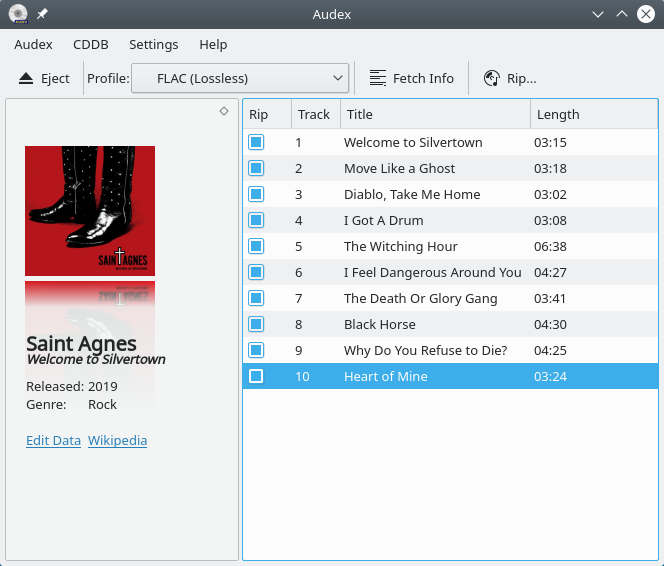
Audex is a CD ripper application. It lets you extract the audio from your CDs to let you listen to them on your computer and your other devices. It includes CDDB and MusicBrainz integrations to fetch the metadata and covers for your CDs if available.
apps.kde.org/audex
github.com/KDE/audex
invent.kde.org/multimedia/audex
userbase.kde.org/Audex
en.wikipedia.org/wiki/KDE_Gear#Playback

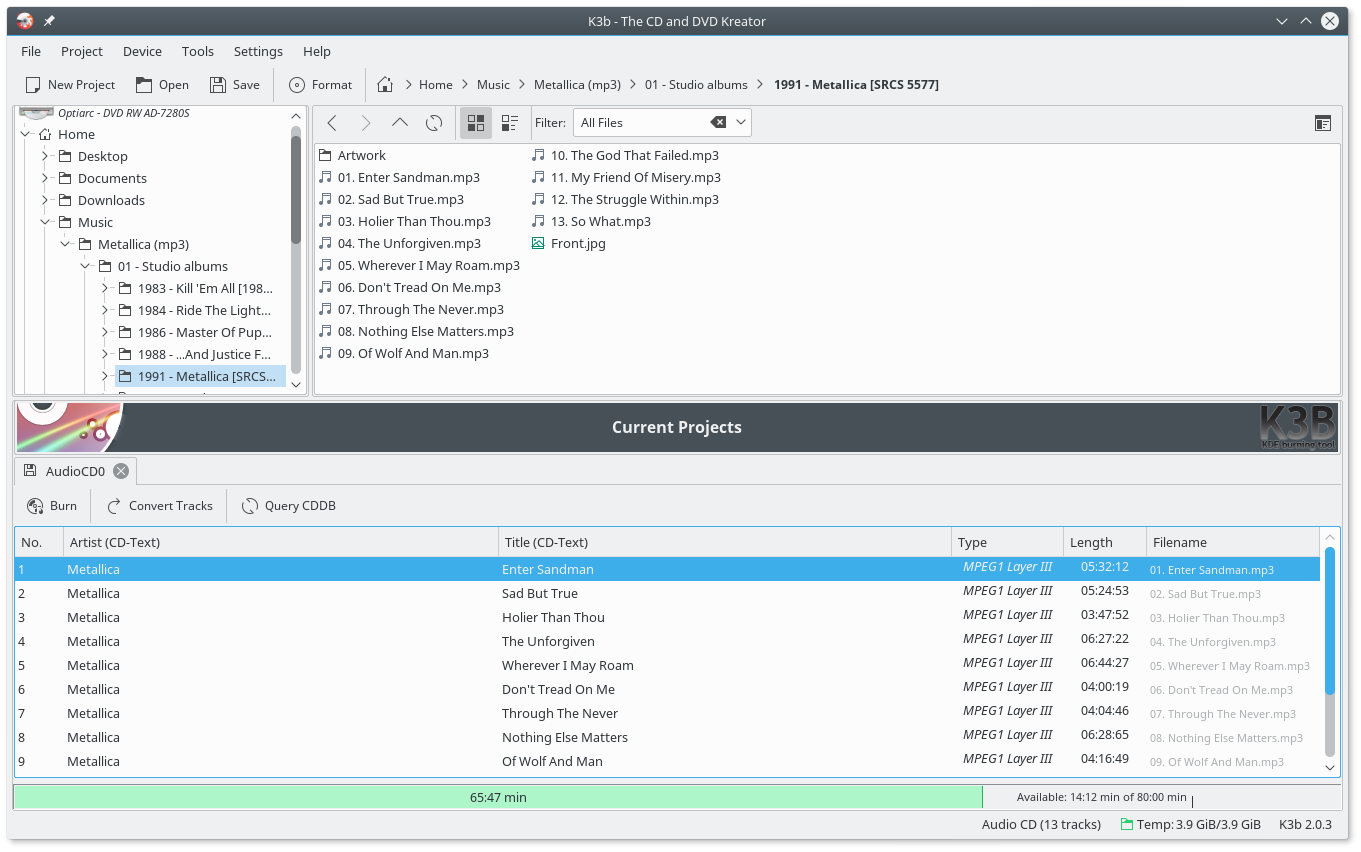
K3b was created to be a feature-rich and easy to handle CD and DVD burning application. It consists of basically three parts:
- The projects: Projects are created from the file menu and then filled with data to burn
- The Tools: The tools menu offers different tools like CD copy or DVD formatting
- Context sensitive media actions: When clicking on the icon representing a CD/DVD drive K3b will present its contents and allow some further action.
apps.kde.org/k3b
github.com/kde/k3b
sourceforge.net/projects/k3b
snapcraft.io/k3b
en.wikipedia.org/wiki/K3b
K3b Themes

Linux code to decode Ogg Vorbis files with multi-thread support
sourceforge.net/projects/jamailmar

WMP Goodies is the place where you can find archived and custom skins, visualizations, plug-ins, and older versions of WMP since July 12, 2015. We also have really important guides for repairing and creating features for Windows Media Player.
We have available for download:
sites.google.com/view/wmpgoodies/home


