Audio Overload emulates the sound hardware of vintage consoles and computers, allowing you to listen to completely authentic renditions of classic video game tunes. Audio Overload does not play music from arcade games; for that you should use M1.
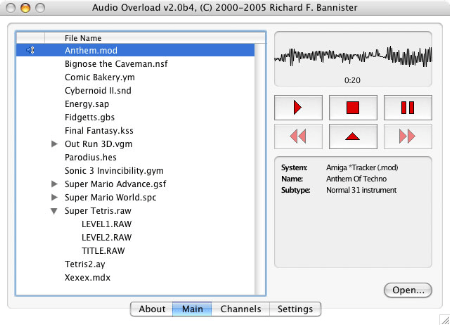

Audio Overload emulates the sound hardware of vintage consoles and computers, allowing you to listen to completely authentic renditions of classic video game tunes. Audio Overload does not play music from arcade games; for that you should use M1.

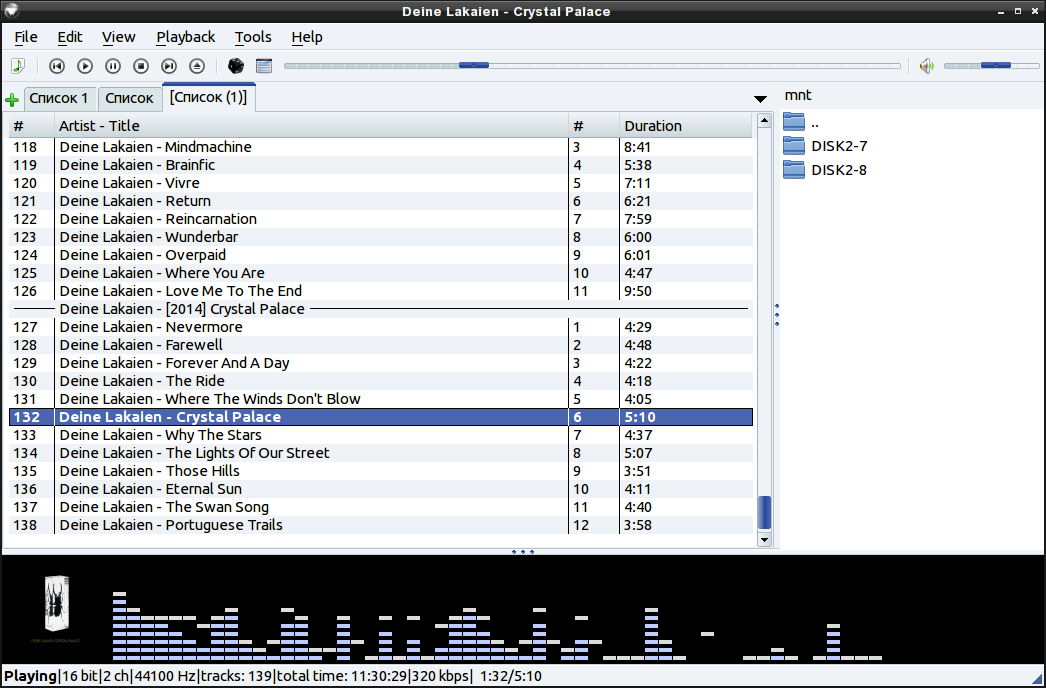
This program is an audio player, written with the help of the Qt library. The user interface is similar to winamp or xmms. An alternative user interface is also available.
qmmp.ylsoftware.com
sourceforge.net/projects/qmmp-dev
qmmp-modern
An attempt to support “modern” Winamp skins in a Qmmp plugin.

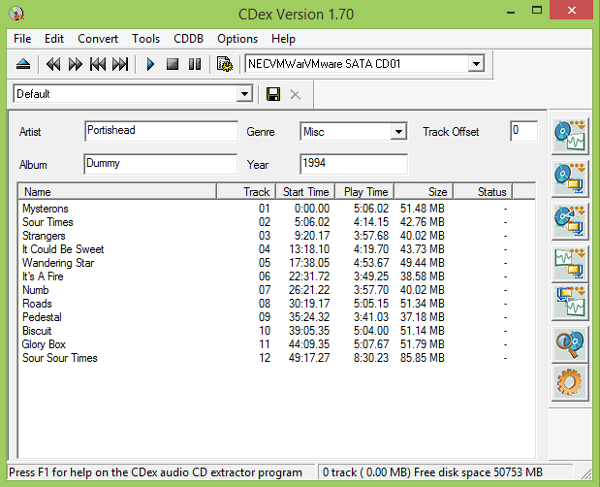
CDex can extract the data directly (digital) from an Audio CD, which is generally called a CD Ripper or a CDDA utility. The resulting audio file can be a plain WAV file (useful for making compilation audio CDs) or the ripped audio data can be compressed using an audio encoder such as MP3, FLAC, AAC, WMA or OGG. Many other encoders are supported.

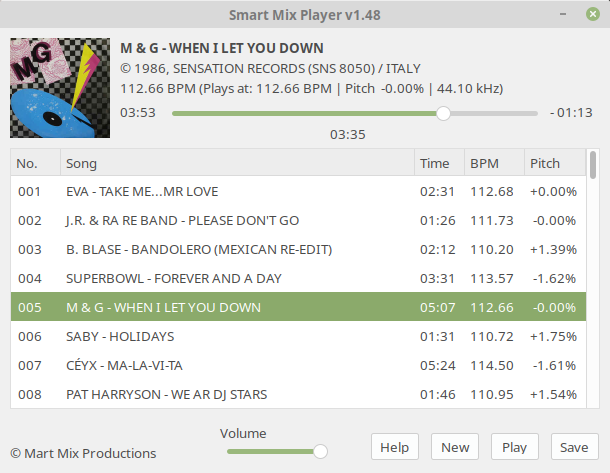
Smart Mix Player is a free auto disc jockey player for Linux and Windows. It plays audio files as a non stop mix, but not in the way that traditional auto DJ software does!
Most of these players mix songs together at the end of a song with a simple fade out and fade in. Smart Mix Player goes a big step further and mixes like a real DJ!

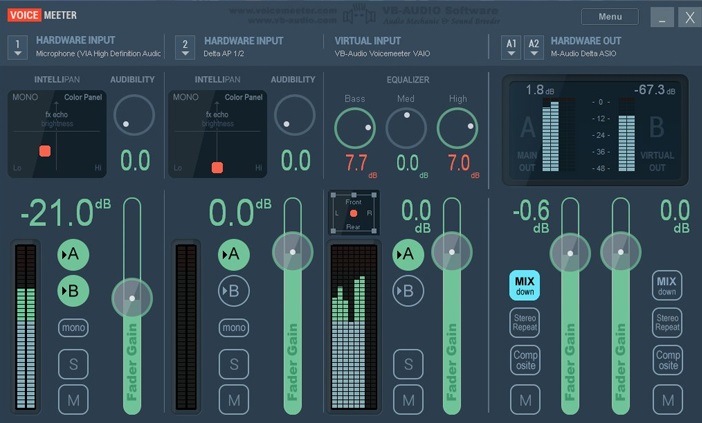
Voicemeeter is a Windows audio mixer application endowed with a virtual audio device used for virtual inputs or outputs in order to mix and manage any audio sources from or to any other audio devices or applications.

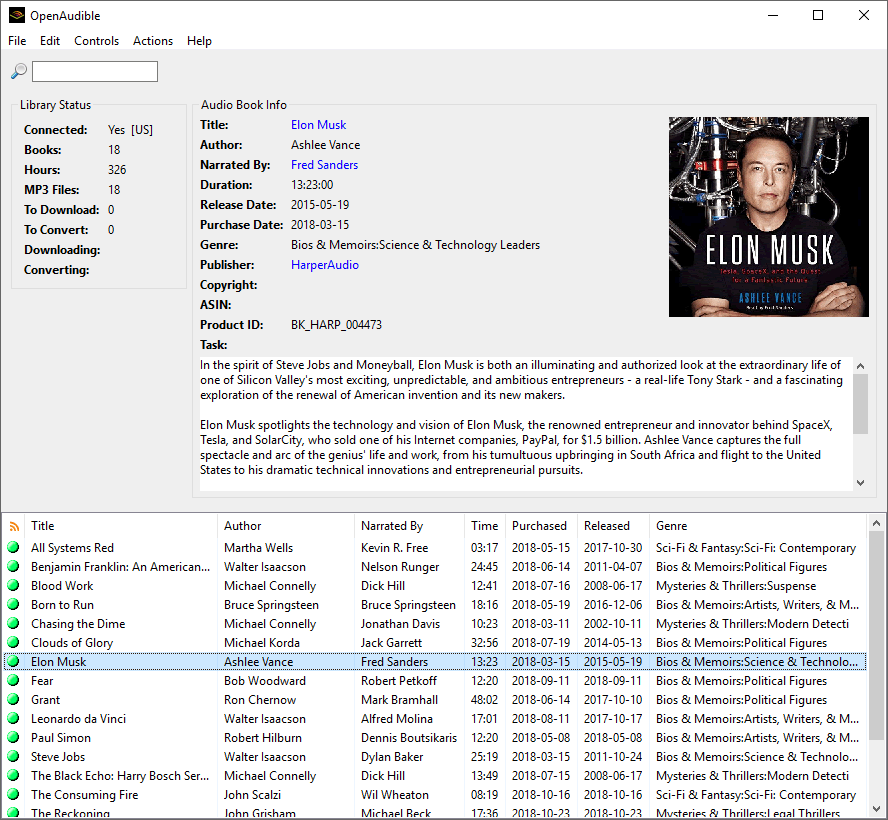
An open-source cross-platform audible audiobook manager. With over 250 stars by github developers, OpenAudible is the trusted audio book content manager.

Lplex is a console application meant to provide a free, quick, and hopefully painless way to:
You’re already fully equipped for hi-res audio (up to 24-bit/96khz) if you have a typical dvd-player and digital amp, and lplex is a way to take advantage of this.

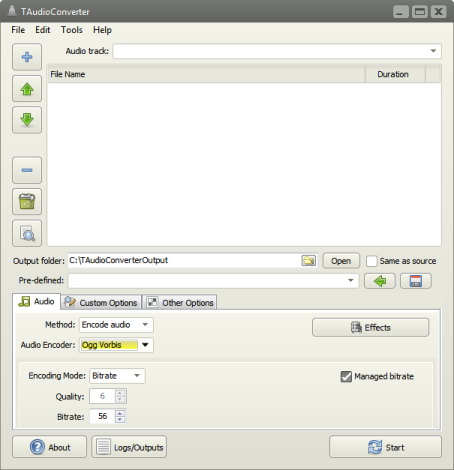
TAudioConverter is a audio converter and extractor. It can convert almost any audio format to aac, ac3, mp3, flac, wav, ogg, opus or mpc. SoX is used to apply effects such as normalization, volume change etc. It can also extract audio streams from video files and encode them. Video files with more than one audio stream is supported. It is possible to run up to 8 simultaneous processes to shorten encoding time.
ozok.users.sourceforge.net
Download
Source
Wiki
Hydrogen Audio Topic
Doom9 Topic

Foobar component which displays information about currently played track via Discord Rich Presence.
github.com/TheQwertiest/foo_discord_rich
hydrogenaud.io/index.php/topic,116860.0.html
Alternative:
github.com/ultrasn0w/foo_drpc
if($stricmp($right(%filename_ext%,3),iso),Super Audio CD - 2.8MHz,%codec% - $ifgreater(%samplerate%,1000000,$insert($div(%samplerate%,100000),'.',$sub($len($div(%samplerate%,100000)),1)) MHz,$ifgreater($mod(%samplerate%,1000),0,$insert($div(%samplerate%,100),'.',$sub($len($div(%samplerate%,100)),1)) kHz,$div(%samplerate%,1000) kHz)) - %bitrate% kbps)

It’s time to ditch Skype and TeamSpeak. All-in-one voice and text chat for gamers that’s free, secure, and works on both your desktop and phone. Stop paying for TeamSpeak servers and hassling with Skype. Simplify your life.

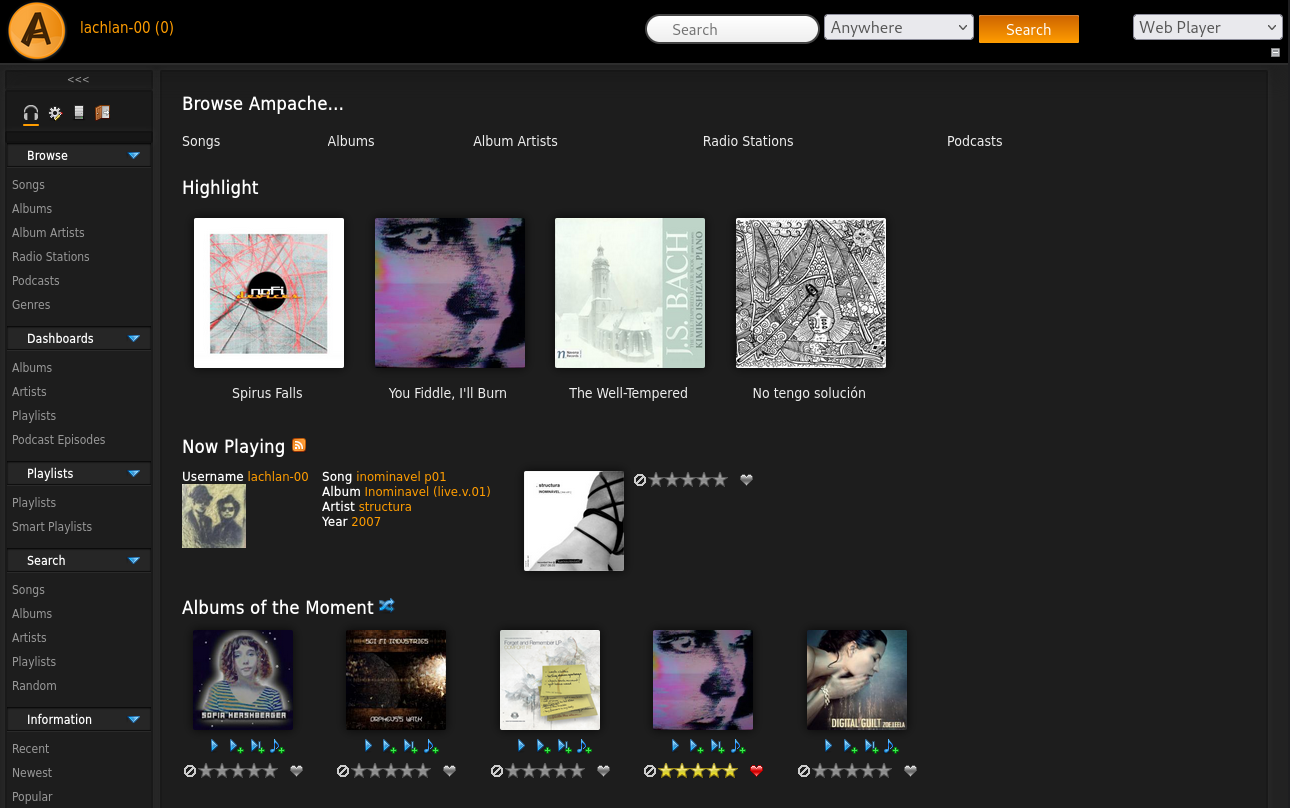
A web based audio/video streaming (PHP) application and file manager allowing you to access your music & videos from anywhere, using almost any internet enabled device.
ampache.org
github.com/ampache
www.reddit.com/r/ampache
en.wikipedia.org/wiki/Ampache