MidiQuickFix allows you to directly edit the events in a Midi file. It is intended to make it easy to find and fix problems, such as setting volume and pan values for a track, without the need for a complex Midi sequencing program.
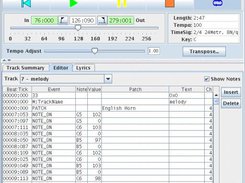

MidiQuickFix allows you to directly edit the events in a Midi file. It is intended to make it easy to find and fix problems, such as setting volume and pan values for a track, without the need for a complex Midi sequencing program.

Features:
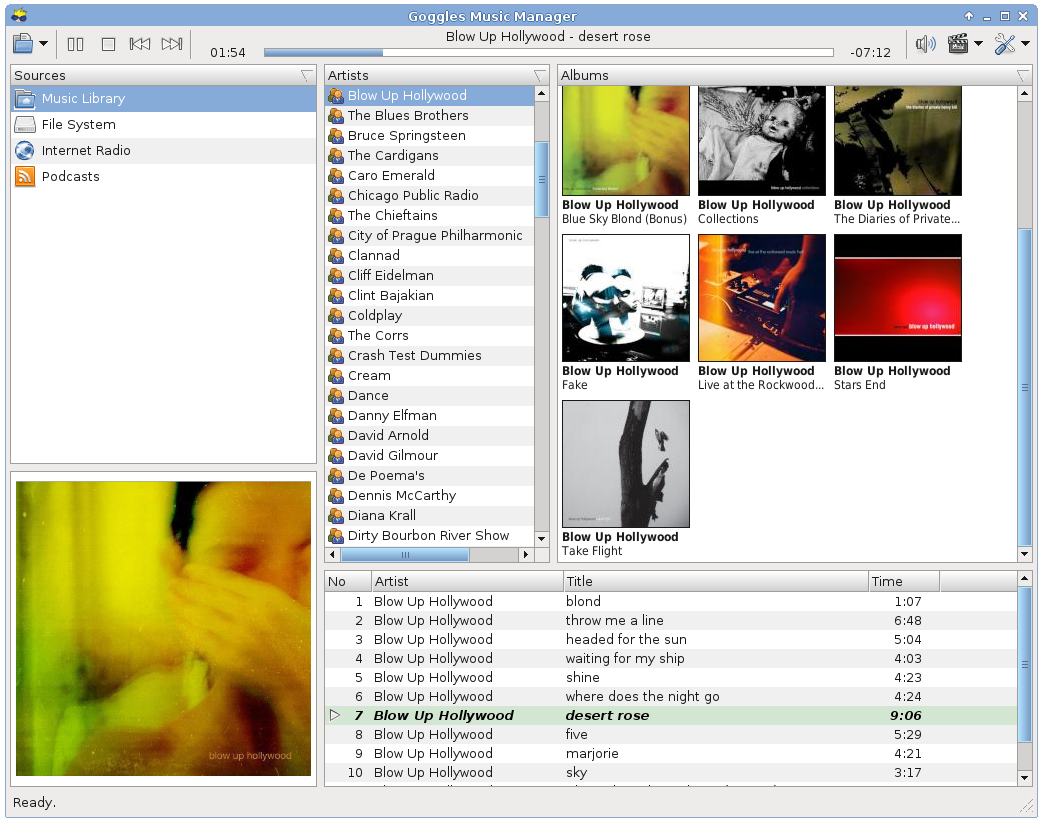
- Most audio formats supported: MP3, FLAC, OGG, WMA, AIFF, etc.
- Gapless playback
- Tags & Cover Art support
- Keyboard shortcuts


TiMidity++ is a software synthesizer. It can play MIDI files by converting them into PCM waveform data; give it a MIDI data along with digital instrument data files, then it synthesizes them in real-time, and plays. It can not only play sounds, but also can save the generated waveforms into hard disks as various audio file formats.
TiMidity++ is a free software, distributed under the terms of GNU general public license.
Features:
timidity.sourceforge.net
- Plays MIDI files without any external MIDI instruments at all
- Understands SMF, MOD, RCP/R36/G18/G36, MFI
- Converts MIDI files into various audio file formats: .wav, .au, .aiff, .ogg and so on
- Uses Gravis Ultrasound compatible patch files and/or SoundFonts as the voice data
- Displays information about the music that is now playing
- Various user interfaces: ncurses, gtk, Win32-GUI, and others
- Plays remote MIDI files over the network
- Plays MIDI files in archive files
- Displays sound spectrogram for the playing music
- Trace playing
sourceforge.net/projects/timidity

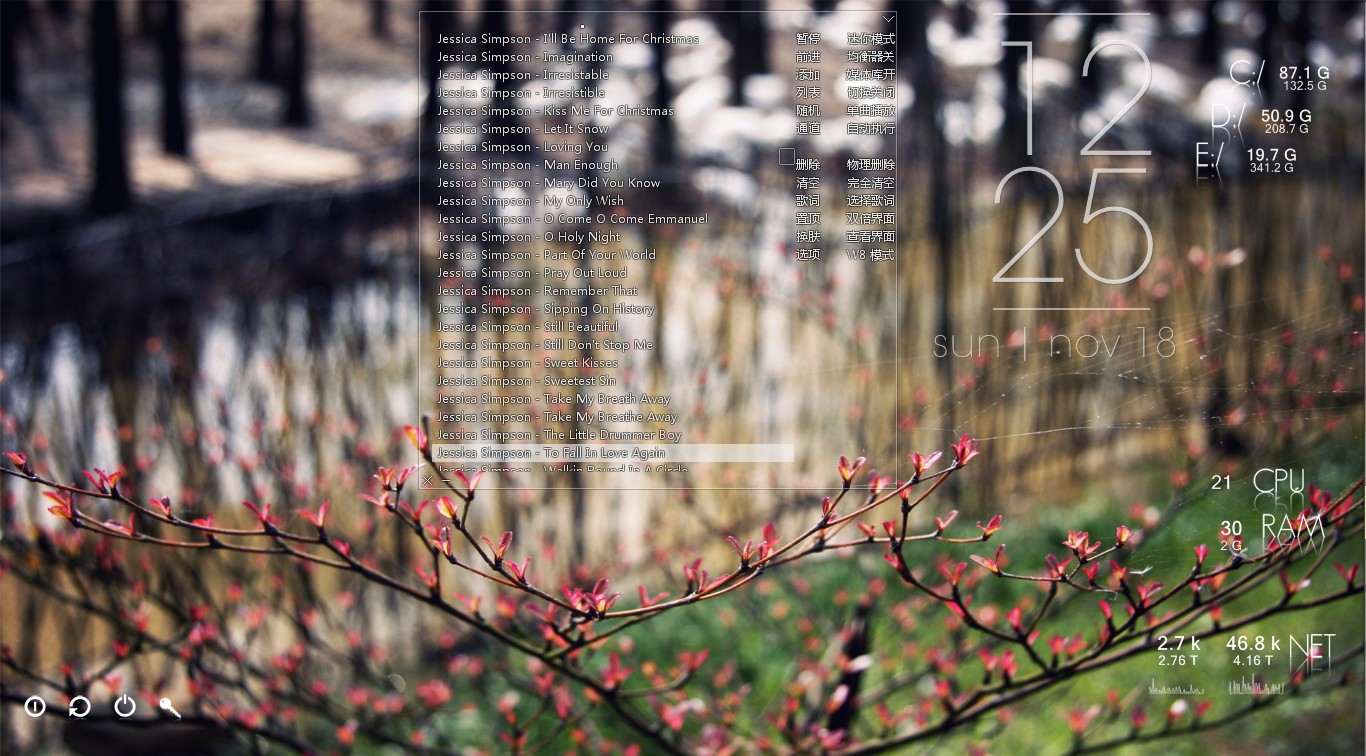
Minimalist local music player for windows, transparent, borderless and buttonless.
Features:
- Portable, free, open-source software. (Delphi, MIT open-source license)
- Operating System: Windows XP/7/8/10, 简体 / 繁體 / English / Unicode
- Minimalist, transparent, “no interface, only music”.
- Optimized for local lossless music playback. Powered by Bass library, with excellent performance and high quality sound effects. Modular design, can be highly customized.
- Supports lightweight media library, lyrics and visual effects. Can be minimized to the system tray, takes very few system resources, suitable to listening to music when working.
- These features come from user suggestions: tag editing, automatic switching list, play queue, mouse gestures, equalizer, audio device selection, the global volume wheel (over systray), font settings, minimalist mode, mouse transparent, pin to desktop and a simple layout.
- Supports APE / FLAC / WavPack / MP3 / OGG / TTA / TAK / Musepack / AAC / AC3 / WMA / Wav / CD / ALAC / Aiff / MOD / CUE (almost all local music formats from lossy to lossless, and supports video formats by plug-in)


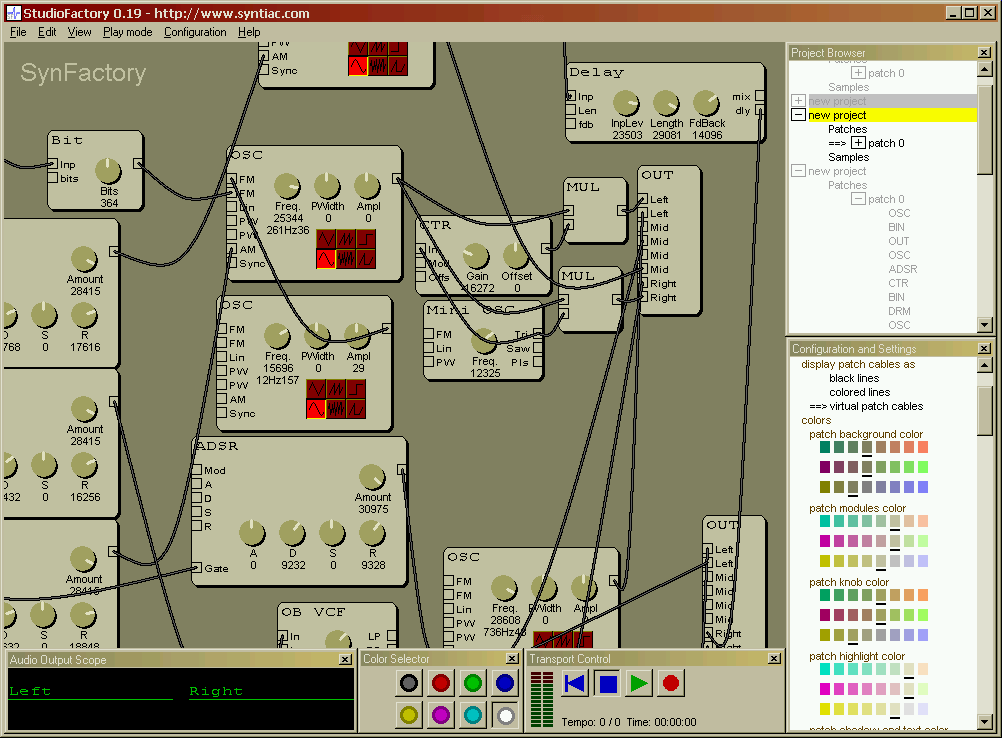
StudioFactory provides a complete virtual audio studio on your computer. It has a very powerful virtual analog modular synthesizer based on an improved version of the SynFactory synthesis engine. StudioFactory is fully compatible with SynFactory and can load all existing patch files. The synthesis engine is extended with additional modules that give access to MIDI and audio input. This makes it possible to play sounds generated by StudioFactory with an external MIDI-keyboard. With the audio input StudioFactory can be used as an standalone effect processor and provides reverb, echo and vocoder effects.

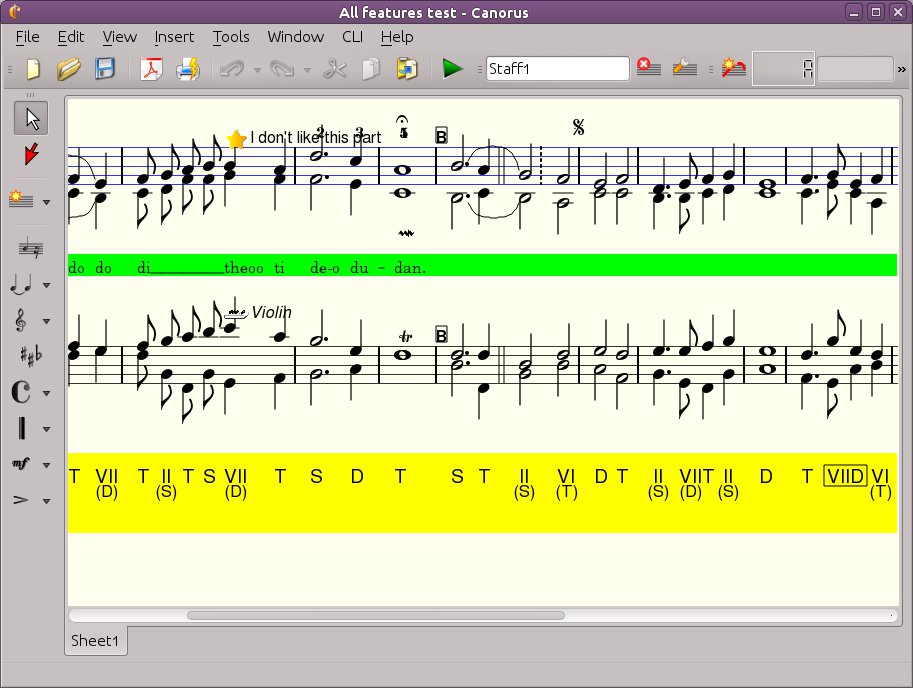
Canorus is a free cross-platform music score editor. It supports an unlimited number and length of staffs, polyphony, a MIDI playback of notes, chord markings, lyrics and import/export filters to formats like MIDI, MusicXML, ABC Music, MusiXTeX and LilyPond.
sourceforge.net/projects/canorus
github.com/canorusmusic/canorus

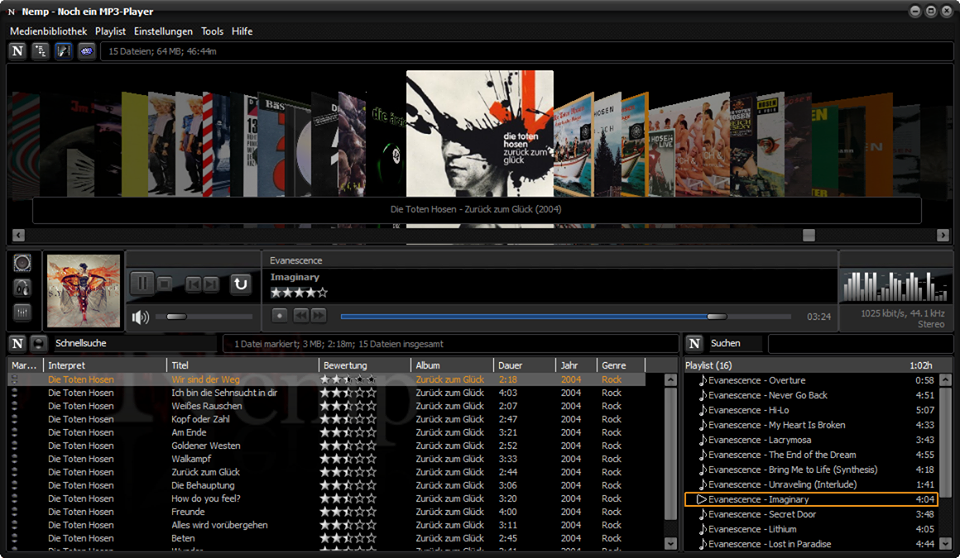
An intuitive mp3-player with many functions. It is portable and runs without installation – just download, unzip, run. Without permission, Nemp doesn’t fiddle with your mp3 files either, but leaves them as they are.
(“Noch ein mp3-Player” translates to “Yet another mp3-player”.)
gausi.de/nemp-en
github.com/DanielGausi/Nemp

Columns UI is an alternative skinnable user interface for the Foobar2000 audio player.
Website
Documentation
Hydrogen Audio Forum
Advanced CUI Themes:
EOLE ~ github.com/Ottodix/Eole-foobar-theme
Georgia ~ hydrogenaud.io/index.php?topic=116190.0
CUI Components:
foobar2000.org/components/view/foo_uie_tagger_mod
foobar2000.org/components/view/foo_youtube
github.com/reupen/console_panel
EOF

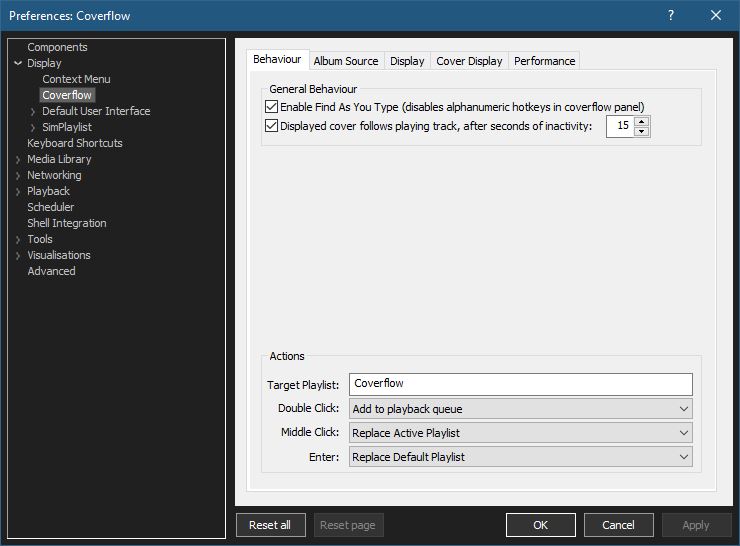
Adding a configurable Cover Flow display to Foobar2000. (Media Library Viewer)

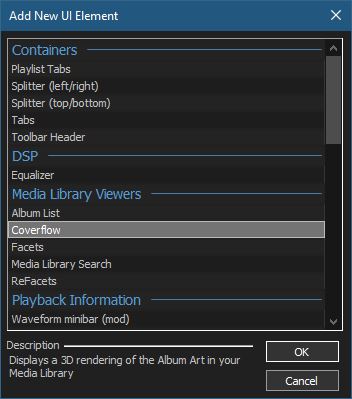
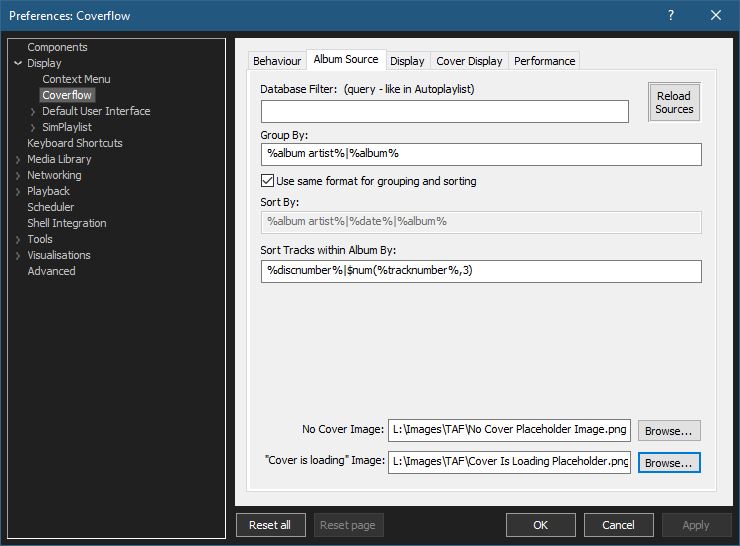
You can use your own images or click the ones below and save them to your computer.


Select from various built in display configurations, modify or create a new one. Click Compile / Apply after selecting a list item.
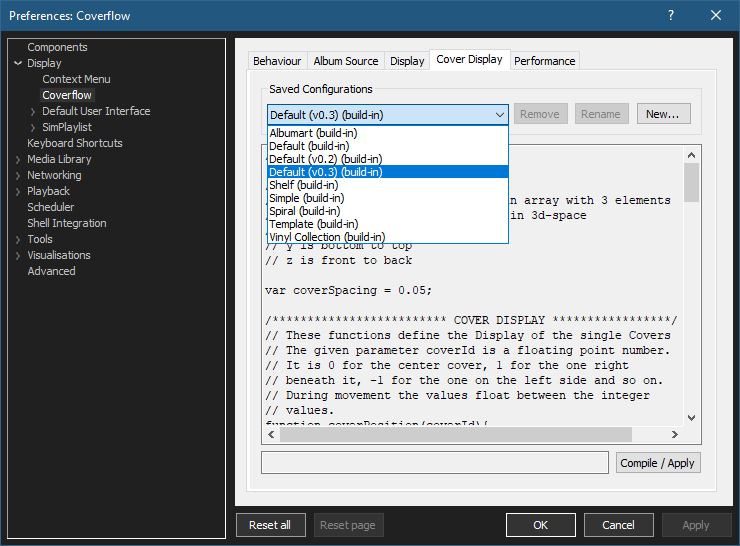
github.com/Chronial/foo_chronflow
www.foobar2000.org/components/view/foo_chronflow
hydrogenaud.io/index.php/topic,108450.0
hydrogenaudio Wiki

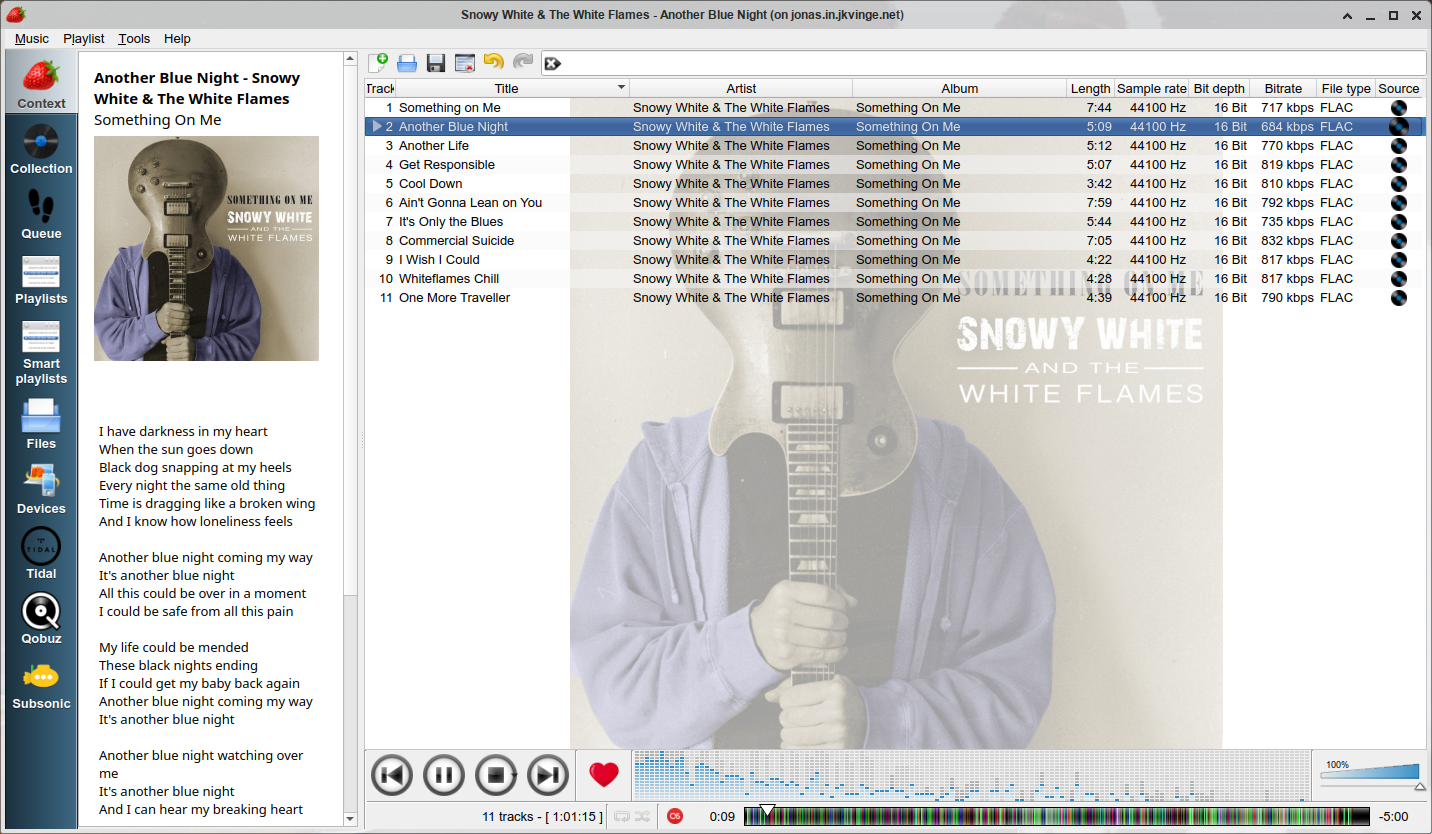
Strawberry is a music player and music collection organizer. It is a fork of Clementine released in 2018 aimed at music collectors, enthusiasts and audiophiles. The name is inspired by the band Strawbs. It’s based on a heavily modified version of Clementine created in 2012 and 2013. Strawberry is written in C++ and Qt 5.
- Play and organize music
- Supports WAV, FLAC, WavPack, DSF, DSDIFF, Ogg Vorbis, Speex, MPC, TrueAudio, AIFF, MP4, MP3, ASF and Monkey’s Audio
- Audio CD playback
- Native desktop notifications
- Playlists in multiple formats
- Advanced audio output and device configuration for bit-perfect playback on Linux
- Edit tags on music files
- Fetch tags from MusicBrainz
- Album cover art from Last.fm, MusicBrainz, Discogs, Tidal and Deezer
- Song lyrics from AudD
- Support for multiple backends
- Audio analyzer
- Audio equalizer
- Transfer music to iPod, iPhone, MTP or other mass-storage USB player
- Streaming support for Tidal, Qobuz and Subsonic
- Scrobbler with support for Last.fm, Libre.fm and ListenBrainz
www.strawbs.org
github.com/jonaski/strawberry
github.com/strawberrymusicplayer
sourceforge.net/projects/strawberry-music-player.mirror
flathub.org/apps/org.strawberrymusicplayer.strawberry

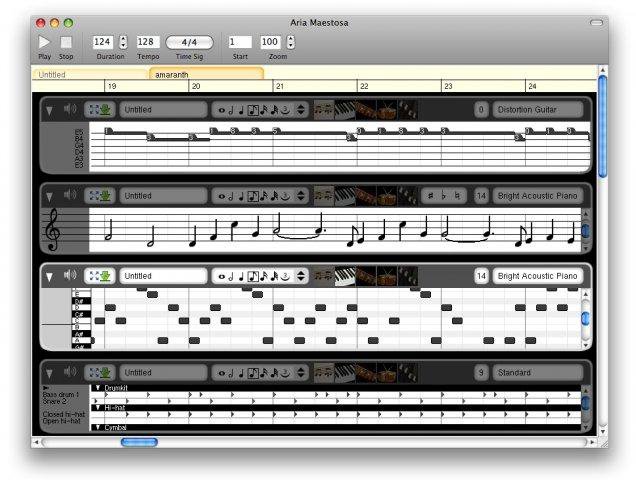
Aria Maestosa is a midi sequencer / editor. It lets you compose, edit and play midi files with a few clicks in a user-friendly interface offering score, keyboard, guitar, drum and controller views.
sourceforge.net/projects/ariamaestosa
github.com/ariamaestosa/ariamaestosa

 The Audio File