This program now comes in two flavours, as a Direct Show filter and a VST plugin. The Direct Show Filter allows any Direct Show capable audio player software (such as Windows Media Player) the ability to read and decode B-format wave files (the format of which is specified here on Richard Dobson’s web page – details on the Waveformat extensible file format used can be found on Microsofts web site here – details on Ambisonics can be found here).
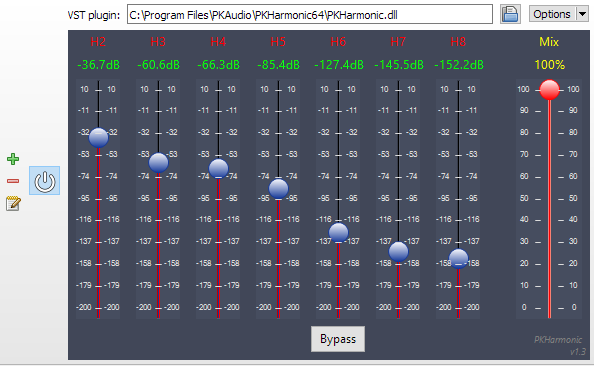
The VST version comes in 1st and 2nd order versions (3rd and 4th order versions to follow) and allows you to alter the polar patterns of the speaker feeds either across the whole frequency range or using ‘Shelf Filters’ with a variable cut-off. Both of the VST plugins will derive outputs for a standard ITU 5 speaker array, with higher orders giving better frontal resolution.
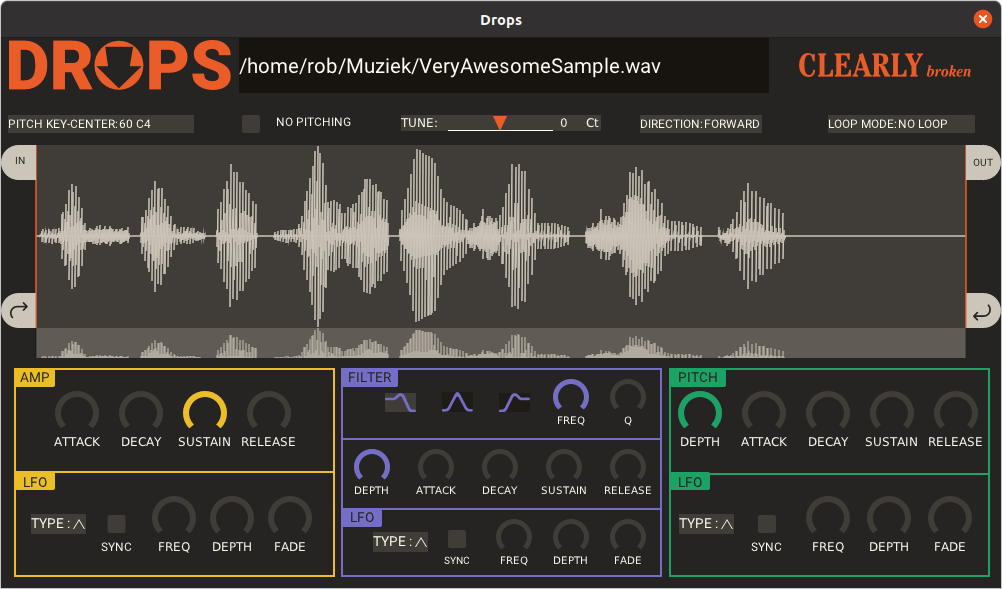
pedalboard is a Python library for working with audio: reading, writing, rendering, adding effects, and more. It supports most popular audio file formats and a number of common audio effects out of the box, and also allows the use of VST3® and Audio Unit formats for loading third-party software instruments and effects.
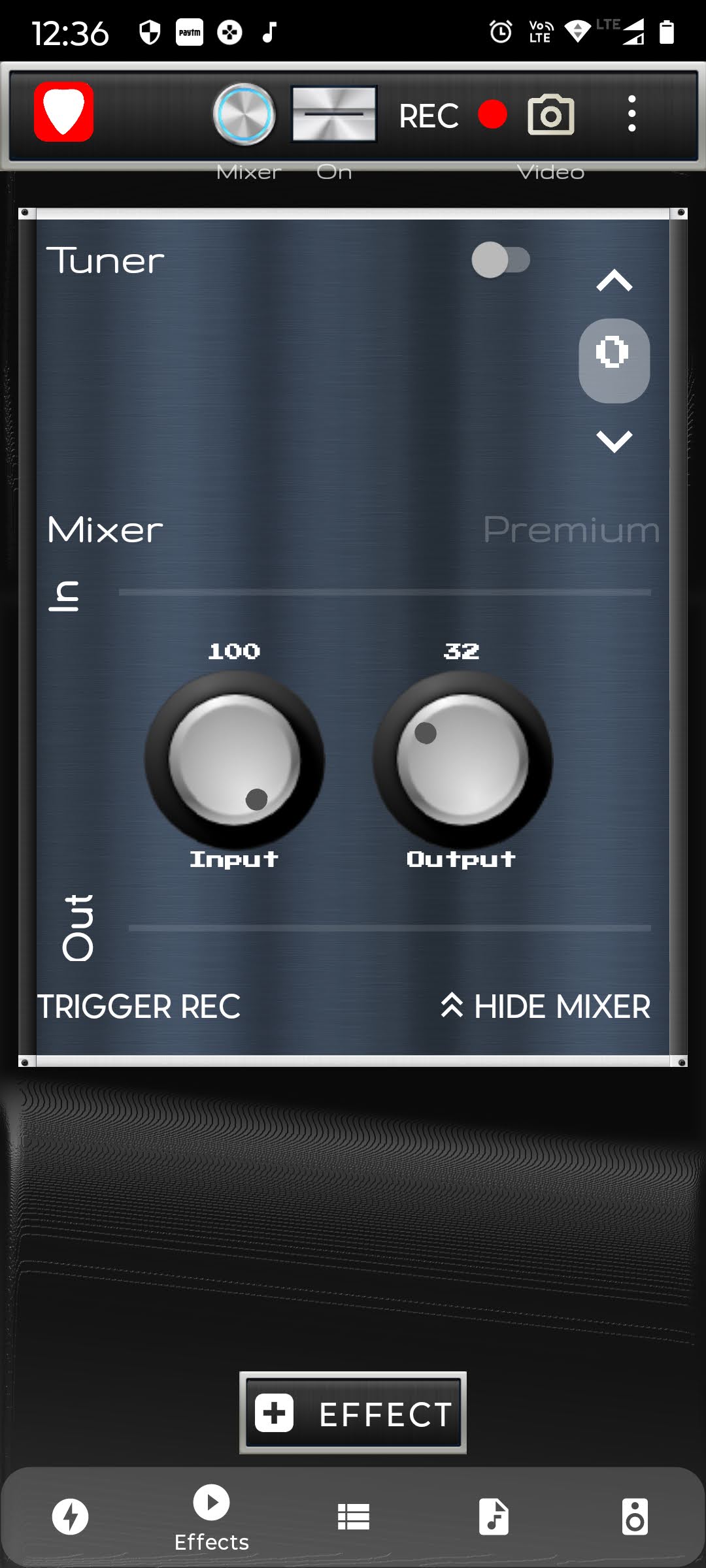
Amp Rack is a Guitar / Voice Audio Effects Processor for Android. Amp Rack is an Open Source LADSPA Plugins Host for Android. More than 150 high quality audio plugins are available which can be added in any order to the audio effect chain to create distinct high quality tones for your guitar!
Cue makes it easy to create and manage beautiful, fully responsive audio playlists. Primarily built with music in mind, Cue can also be used for podcasts, sermons or to showcase voice over samples.
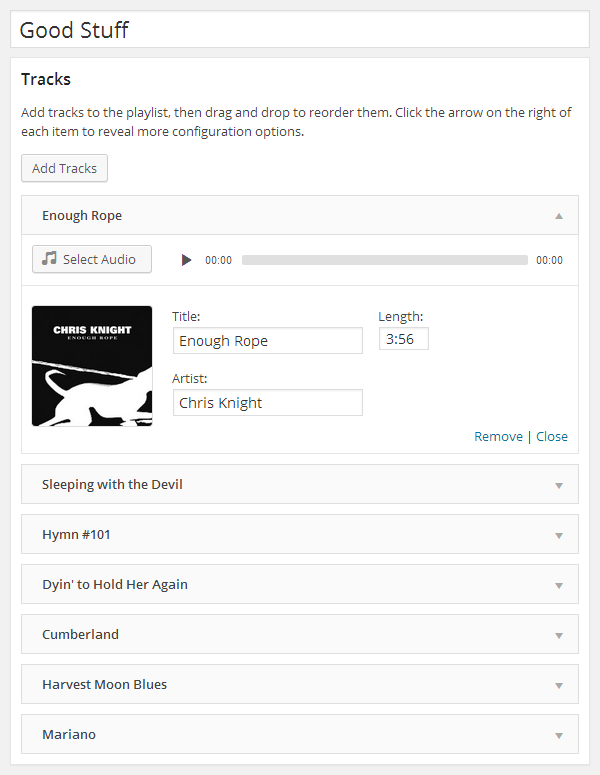
There’s no need to fiddle with XML, JSON, or FTP. Just upload audio files with the familiar WordPress Media Manager, then insert them into a playlist with the click of a button. Cue fetches metadata from uploaded files to automatically complete the title, artist, and length for each track.
It works on desktop, tablets, and other mobile devices.
Features:
Create unlimited playlists.
Embed a player in any post, page, or sidebar using a shortcode or widget.
Reorder tracks with a simple drag and drop interface.
Seamlessly integrates with WordPress media manager to select audio and images.
Automatically fetches title, artist, and length from the metadata if it’s available.
Completely responsive to work on any device that supports your audio format.
Link to external sources like Amazon S3 or other CDNs.
Foo Scrobbler (foo_scrobbler_mac) is a native Last.fm scrobbling plugin for foobar2000 on macOS. Submits tracks based on precise playback rules, caches scrobbles when offline, and operates silently after one-time authentication. Built using the official foobar2000 plugin API, it focuses on reliability, low overhead, and correct metadata handling. Fully open-source under GPLv3.
foo_truepeak is a ITU-R BS.1770-5 compliant True Peak scanner. It can also scan ReplayGain, Loudness Range (LRA), Dynamic Range (DR), show the amount of clipping samples and report the position of highest peak.
For users primarily concerned with playback quality and simplicity, foo_truepeak can replace foobar2000’s ReplayGain and DR scanners. It uses modern loudness standards, detects true peaks and can write all relevant tags in a single pass. While its ReplayGain and DR values may not exactly match legacy scanners, they are more appropriate for real-world playback on modern systems.
In foobar2000, open File → Preferences → Components.
Click Install…, select the foo_truepeak.fb2k-component file.
Restart foobar2000 when prompted.
2. Disabling legacy scanners (optional but recommended)
To avoid confusion or duplicate workflows:
Don’t try removing the ReplayGain scanner as it’s built in.
You can uninstall foo_dr_meter and or foo_dynamic_meter.
This keeps foo_truepeak as your single analysis tool.
3. Open foo_truepeak preferences
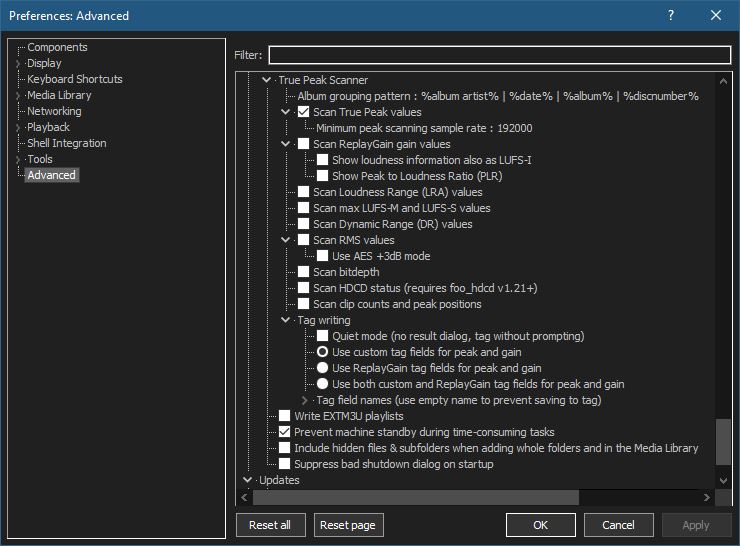
Go to File → Preferences → Advanced →Tools → True Peak Scanner
4. Ensure the following is enabled
✔ Scan True Peak Values
True peak scanning accounts for inter-sample peaks created during digital-to-analog conversion, ensuring that peak levels reflect what a real DAC actually outputs, not just what is stored in the file.
5. Enable ReplayGain scanning
✔ Scan ReplayGain values
Notes:
Gains are derived from EBU R128 loudness, but written as ReplayGain tags.
Peaks are true peaks, not simple sample peaks.
Playback normalization works normally in foobar2000.
6. Enable Dynamic Range scanning
✔ Scan Dynamic Range (DR) values
Notes:
These values are analytical, not official TT DR Meter values.
They are suitable for comparison within your library, not for DR Database submissions.
7. Choose tag writing behavior
✔ Use ReplayGain tag fields for peak and gain
8. Run a True Peak scan
Select a track, tracks or albums in a playlist.
Right-click → True Peak Scan.
You can also create custom buttons on the toolbar for Album or Track scans.
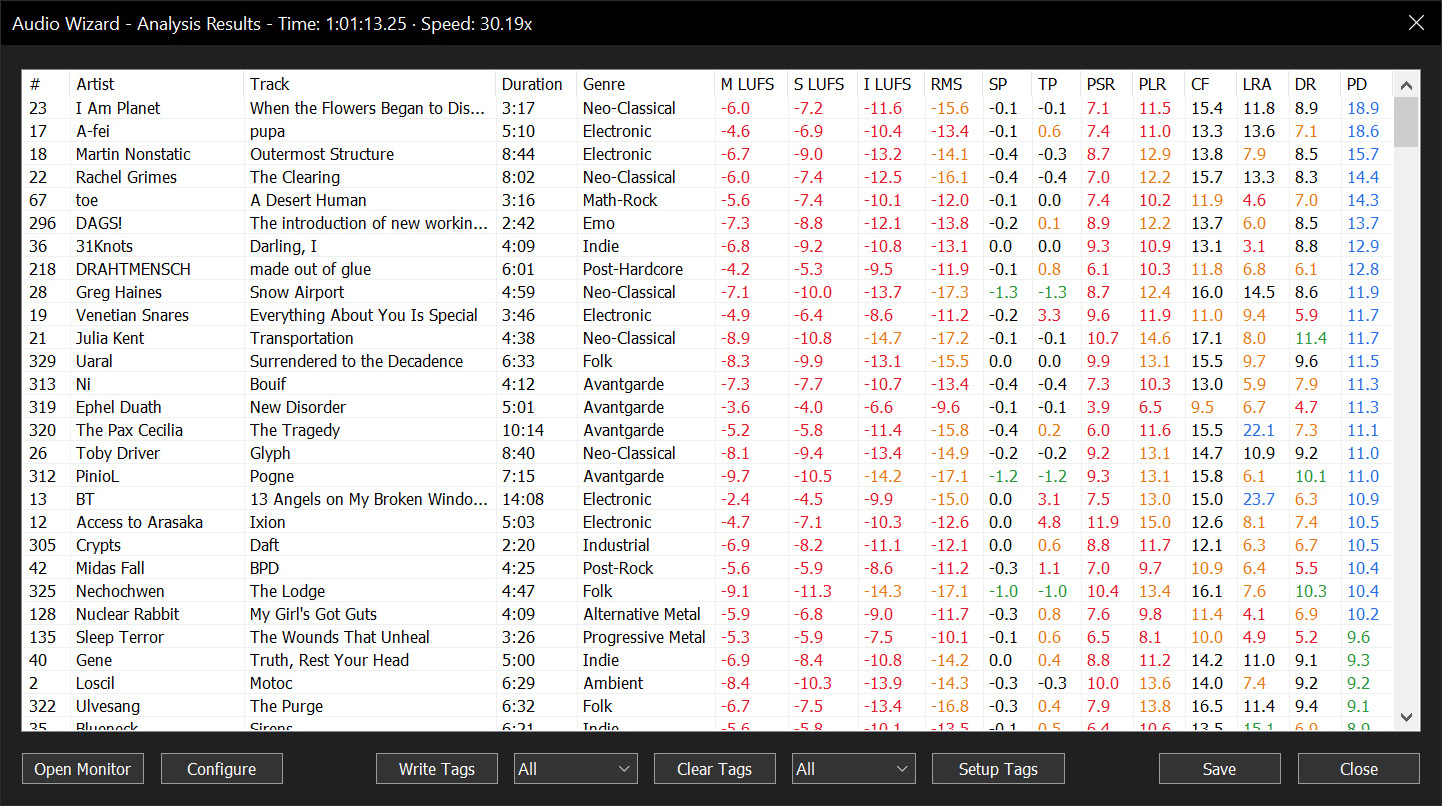
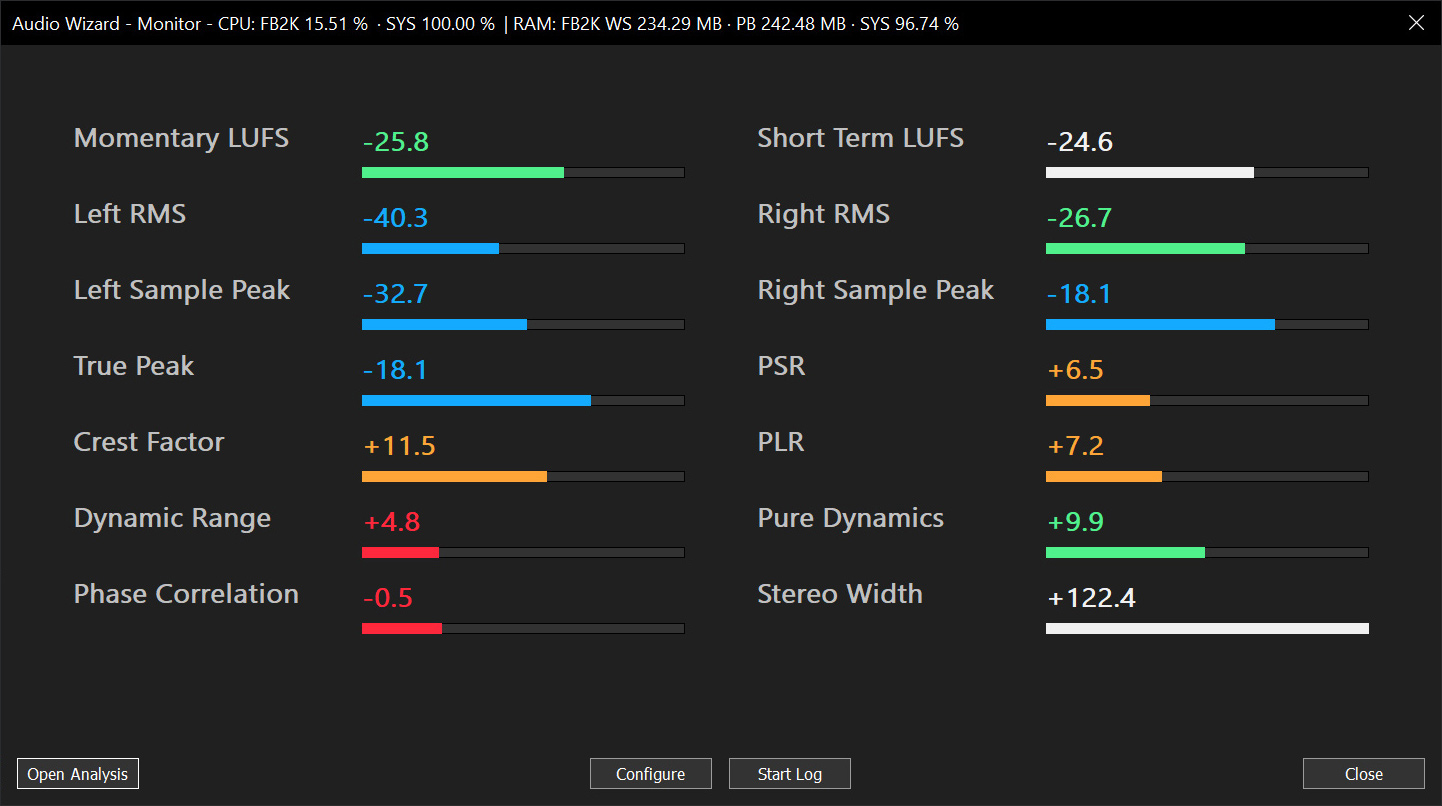
Audio Wizard (foo_audio_wizard) is a fiery chapter of The Wizardium, granting foobar2000 audiophiles and engineers tools for full-track analysis and real-time monitoring. Harness Pure Dynamics for psychoacoustic clarity.
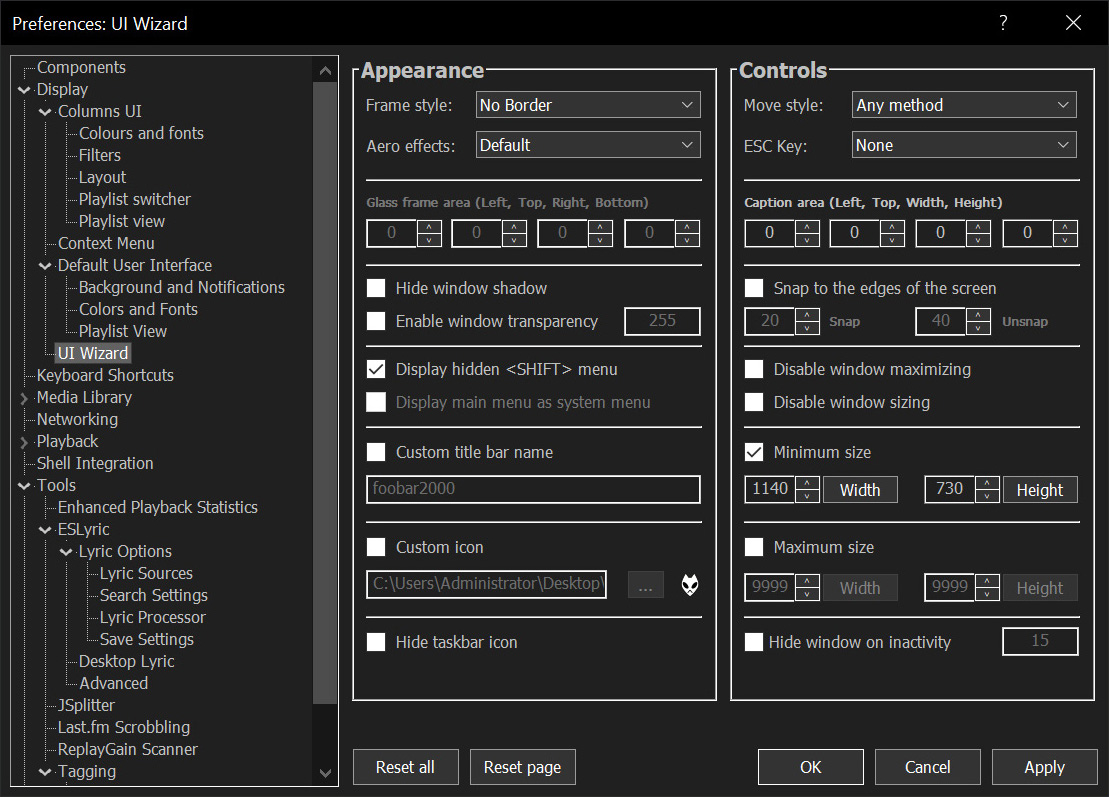
Sealed within the luminous Sapphiraz Sanctum, where ethereal interfaces shimmer in eternal twilight, the UI Wizard is a spellbinding chapter of The Wizardium’s grimoire. Its runic seal, the radiant ᛋ Sowilo, yields only to masters of window enchantment, reshaping foobar2000’s form with mischievous elegance — from glass-like Aero effects to borderless designs that defy mortal UI constraints.
Window Appearance Customization:
Supports multiple frame styles: Default, Small Caption, No Caption, No Border.
Configurable Aero effects: Default, Disabled, Glass Frame, Sheet of Glass.
Customizable window background color and transparency.
Optional custom window title and icon.
Configurable window shadow for borderless styles.
Window Behavior Control:
Adjustable window positioning and sizing with constraints (min/max width and height).
Customizable caption area for dragging with various move styles (e.g., mouse buttons, key combinations).
Snap-to-edge functionality with configurable snap and unsnap distances.
ESC key actions: None, Hide, or Exit.
Inactivity-based window hiding with customizable timeout.
Window State Management:
Toggle between Normal, Maximized, and Fullscreen states.
Option to disable window maximizing or resizing.
Automatic saving and loading of window position and size.
API: COM/ActiveX interface for scripting in foobar2000 via Spider Monkey Panel or JSplitter.