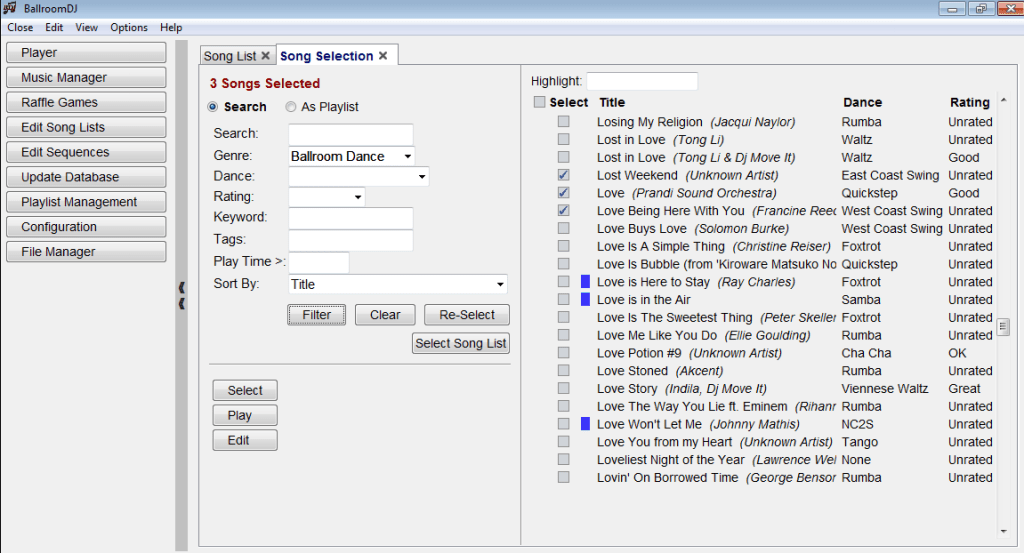
BallroomDJ is a ballroom music player. It is designed to be able to play music the entire evening without intervention. Use for your personal training, dance studio, and ballroom, dancesport, Argentine tango, country western, or west coast swing events.
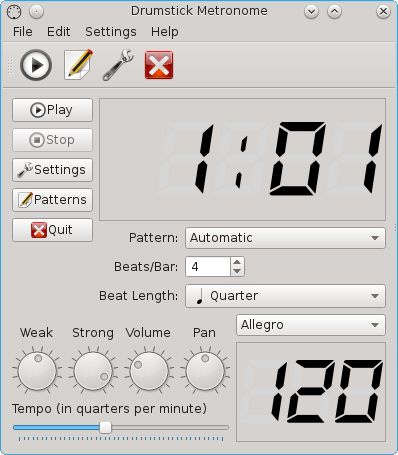
Drumstick Metronome is a MIDI based metronome using the ALSA sequencer. It’s intended for musicians and music students, as a tool to keep the rhythm while playing musical instruments. It uses MIDI for sound generation instead of digital audio, allowing low CPU usage and very accurate timing, thanks to the ALSA sequencer.
Features:
Easy to use graphic user interface.
MIDI only. Can be used with software or external MIDI synthesizers.
Based on ALSA sequencer. Provides input and output ports
Looking for a social platform to enjoy and share music? Funkwhale is a community-driven project that lets you listen and share music and audio within a decentralised, open network.
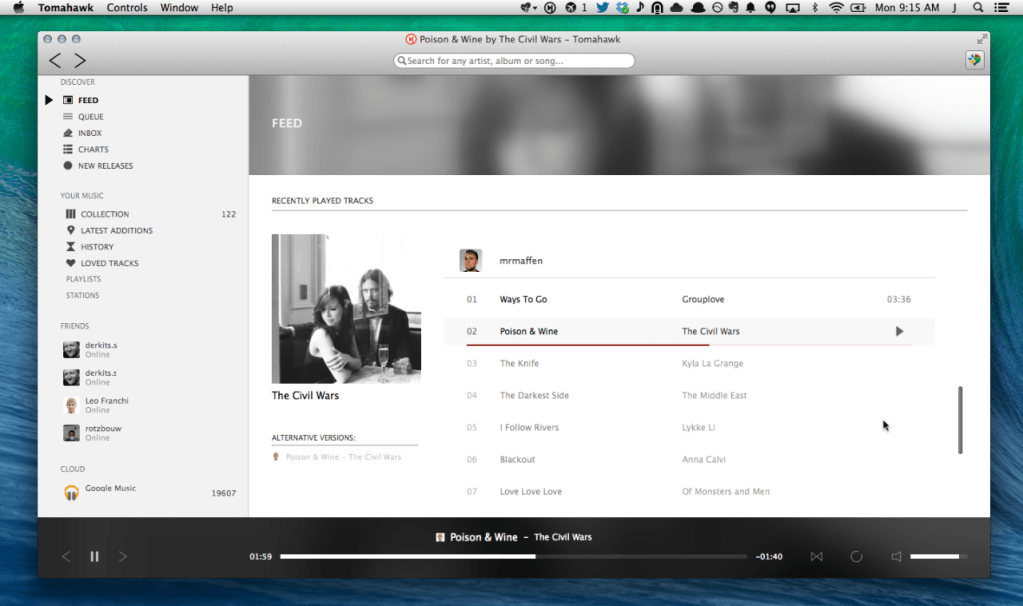
Tomahawk is a free multi-source and cross-platform music player. An application that can play not only your local files, but also stream from services like Spotify, Beats, SoundCloud, Google Music, YouTube and many others. You can even connect with your friends’ Tomahawks, share your musical gems or listen along with them. Let the music play!
Tomahawk is basically a player for music metadata. At its core it decouples the metadata about a song from the source and reassembles it for each user based on their individual music accessibility and rights. In short, given the name of a song and artist, Tomahawk will find the right source, for the right user at the right time. This fundamentally different approach to music enables a range of new music consumption and sharing experiences previously not possible.
Music Sources:
Local music library (MP3, Ogg, FLAC and many other formats)
Networked music libraries (other connected computers)
Third party-developed resolvers have also been written for services like YouTube, Qobuz and others. We’ve also heard of digital music distributors writing their own for their internal CMSes to help them navigate and preview their content. That’s cool.
Tapedeck is an audio editor for Linux with an alternative control interface. Instead of a mouse, keyboard, and screen, it uses the DJ board Hercules DJ Control Instinct, and a set of LED graph displays (not currently implemented, simulated with terminal graphics).
GXLame is an MP3 encoder based off of LAME v3.98.4 and v3.99b0 which has been heavily optimized for high-quality, low-bitrate VBR encoding. It is similar in concept to other popular encoders at these bitrates such as some AAC codecs, Vorbis mods, and so forth at bitrates down to 56kbps. This codec does not rely on aggressive lowpassing or resampling to achieve these low bitrates, and the quality aims to be acceptable at much lower bitrates than have come to be expected of the standard.
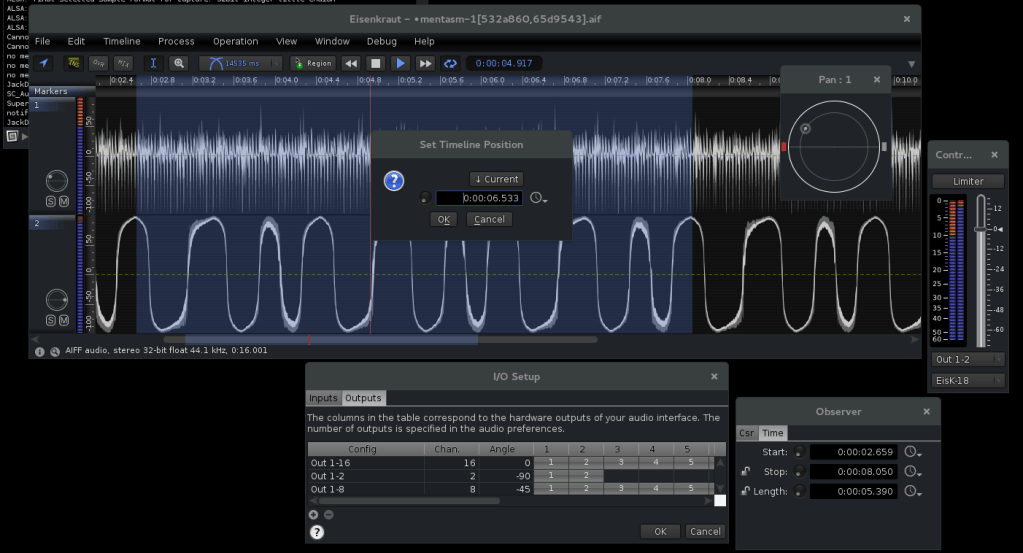
The audio file editor, baptised ‘Eisenkraut’, came into existence (as a scaffold) during a project class on audio programming in Java at the SeaM in Weimar. It is distinguished by a number of traits which makes it particularly interesting in the field of computer music: There are no restrictions with regard to the number of channels in a file, and there is an OSC interface via which the functionality can be extended, for example using the SuperCollider language. Possible applications of such extensions are the transfer of marker information or the maintenance of meta data for segmented files, the algorithmic editing (cut/copy/paste) of files, or the addition of your own sound transformations or special decoders (e.g. an MS matrix).
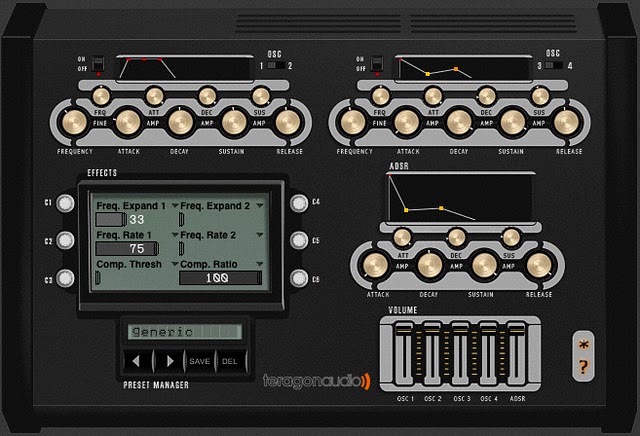
KickMaker is a synthesizer designed specifically to create good kick drum sounds. It uses four independent oscillators and a wide range of effects, allowing one to create perfectly customized beats.
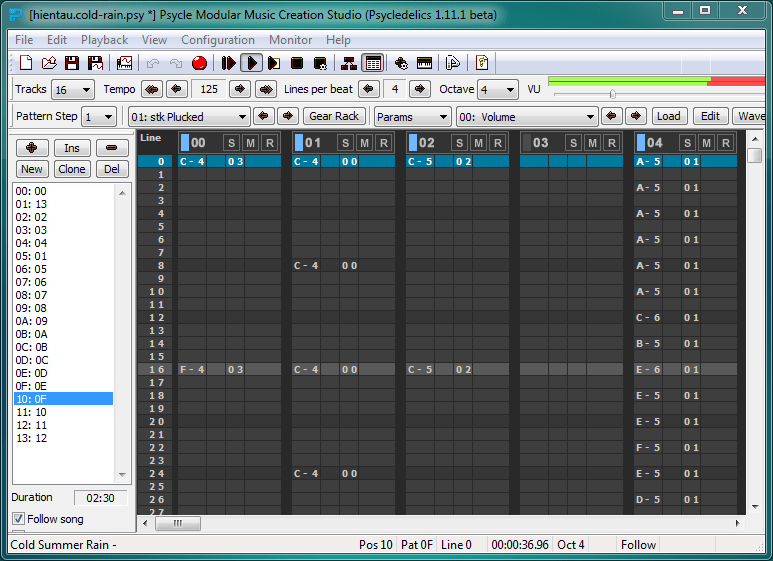
Psycle is a Music tracker (like FastTracker 2 or Impulse Tracker) combined with plugin modularity. It supports its own plugin API, the VST2 plugin standard, and a tracker style sampler playback.
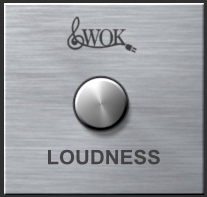
Wok Loudness simulates the loudness button on old HiFi amps, which alters the frequency response curve to correspond roughly with the equal loudness characteristic of the ear at lower volumes.
The level of high and low frequencies is increased at low listening levels, to compensate for the fact that as the volume of audio decreases, the ears lower sensitivity to extreme high and low frequencies may cause these signals to fall below threshold. As a result audio material may seem to become ‘thin’ sounding at low volumes, losing bass and treble, the ‘Loudness compensation’ button (often just labelled ‘Loudness’ or ‘Loud’) is intended to rectify this situation.