Wtfplay project is an initiative to create a quality music player for Linux. Ultimately the project has just one objective – deliver the best sound quality possible – with no compromises.
Initially the player has been created: wtfplay. Soon the project evolved and wtfplay-live Linux distribution was born.
wtfplay-live is a minimalist Linux distribution purely dedicated to audio playback. It does not have many features, but offers exceptional sound quality as a reward. Simply put: it is created to play music and it plays music well.
The main features of wtfplay-live are:
Memory based, bit perfect playback of WAV and FLAC files with PCM data (16 and 24 bit, up to 384kHz), and DSF files with DSD data.
Fully command line driven. No graphical mode. No network either. The whole system is optimised for sound playback from local disks.
A small text mode user interface: wtfcui – for more convenient usage.
Precisely tailored Linux kernel for best sound performance.
Distributed as Live CD: does not require installation on a hard disk, does not make any changes to your computer configuration.
Very small system size: the distribution ISO image is less than 50MB.
Good documentation – to give you all information that you need to comfortably listen to music.
The philosophy of wtfplay project is simple: provide the minimum set of features for easy use and focus 100% efforts on sound quality.
Playtime is a FREE premium VST created by Daniel of Reflekt Audio. Playtime consist of ten different toy instruments that range from a desktop drum kit with a few toms and a hi hat, to a toy keyboard, a toy banjo, and more! The Playtime VST plugin has multiple blend-able microphones that the user can blend together to create one overall tone. Each instrument was sampled from real toys so you can bet on a unique and interesting toy like sound.
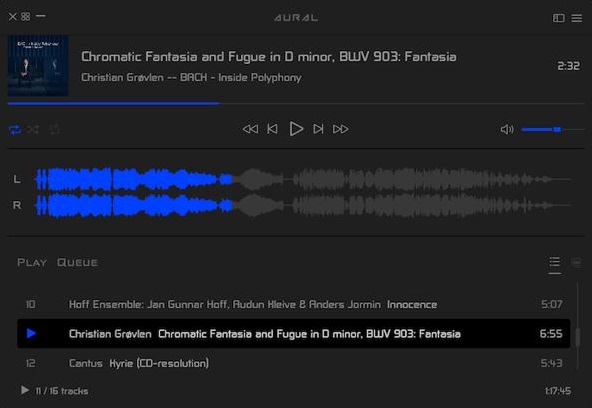
Aural Player is an audio player for macOS. Inspired by the classic Winamp player for Windows, it is designed to be to-the-point, easy to use, and customizable, with support for a wide variety of popular audio formats and some sound tuning capabilities for audio enthusiasts.
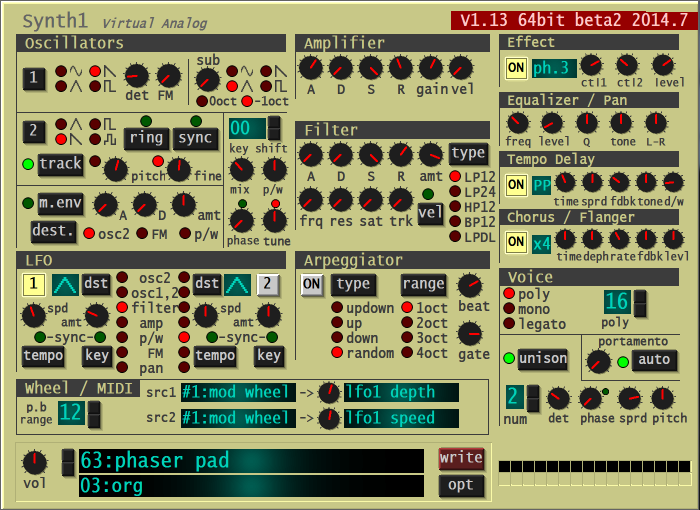
A software synthesizer intended for use with DTM software. Supports VSTi plug-in / AU plug-in format. This software is freeware. Functionally, it is modeled after the red synth Clavia NORD LEAD2 and has the following features:
2 Oscillator + 1 Sub Oscillator, FM Modulation, Ring Modulation, Synchro, Modulation Envelope
4 types of filters and distortion
2LFO (host sync possible)
Equipped with arpeggiator (host synchronization)
Equipped with tempo delay (host synchronization) and stereo chorus / flanger
Legato mode, portamento
32-tone polyphonic
With 128 preset tones.
Thorough reduction in operation weight. Use of SSE, etc.
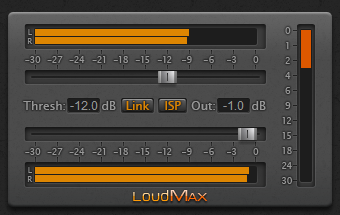
LoudMax is a Look-Ahead Brickwall Loudness Maximizer Plugin with a clean transparent sound. It is designed to retain the original character of the music as much as possible even at high compression levels.
Features:
True Peak Limiting (Further information for ISP below)
Supported Samplerates: 2kHz – 384kHz
Latency: 1.25ms (+ 6 samples with ISP)
Look-Ahead and Attack Time: 1.25ms
Release Time: Automatic – depending on the input signal
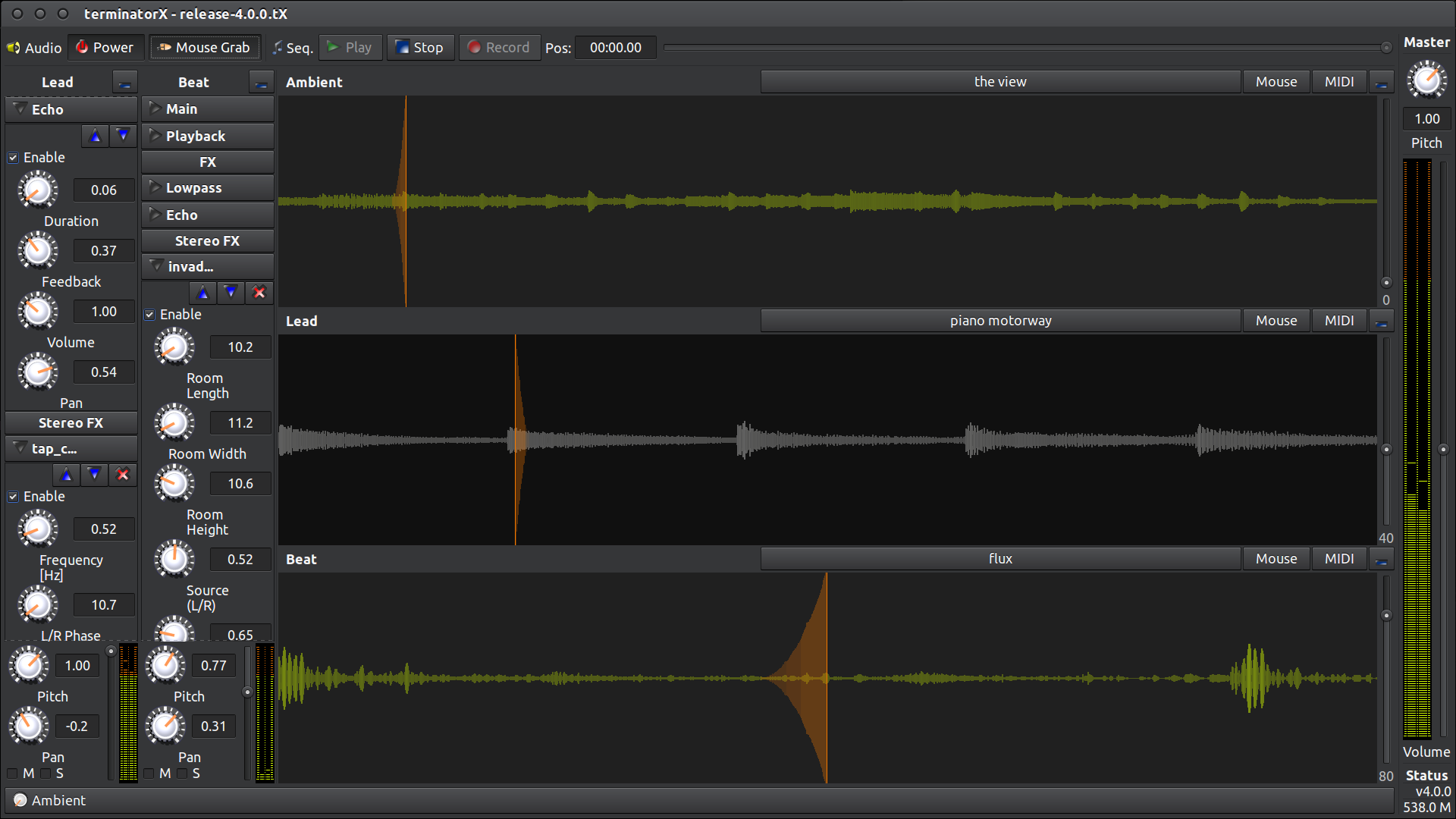
This software allows “scratching” on digitally sampled audio data (*.wav, *.au, *.ogg, *.mp3, etc.) the way hip hop DJs scratch on vinyl records. It features multiple turntables, realtime effects (built-in as well as LADSPA plugin effects), a sequencer and MIDI interface – all accessible through an easy-to-use gtk+ GUI. This software is designed to run under Linux, FreeBSD and the like.
SunVox is a small, fast and powerful music sequencer with modular synthesizers. This application is addressed at all those who want to compose music everywhere they go.
You have the need for professional and state-of-the-art audio plug-ins – but don’t have thousands of bucks to spend on it? Then we believe you will love Calf Studio Gear! Focused on high-quality sound processing and a highly usable interface Calf Studio Gear is designed to give you a professional production environment for your open source operating system. Play your SF2 sample banks, create filthy organs, fatten your sounds with phasers, delays, reverbs and other FX, process your recordings with gates, compressors, deesser and finally master your stuff with multiband dynamics – for free! Calf Studio Gear is available exclusively for LINUX-based operating systems and runs as a stand-alone effect rack connectable through Jack sound server or as plug-ins in every audio host that is able to fire up LV2 compliant devices, e.g. the highly recommended Ardour Audio Workstation
A foobar user interface element providing a seekbar that displays the waveform of the playing song, compatible with both the Default and the Columns interface components.
Play a track and allow the waveform to generate; it may take a few seconds on first playback
Options:
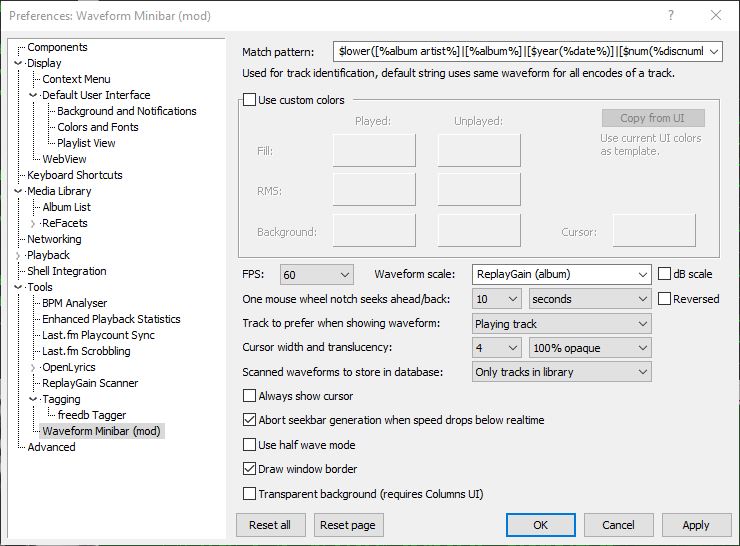
Match pattern Title-formatting pattern used to identify tracks when storing and reusing generated waveforms.
Use custom colors Enables manual color selection for the waveform instead of using the active UI theme colors.
FPS Sets the frame rate for waveform rendering. Higher values produce smoother movement but increase CPU usage.
Waveform scale Controls vertical scaling of the waveform. Original preserves natural peak levels, while Normalize scales all tracks to fill the available height.
dB scale Switches between linear amplitude scaling and logarithmic decibel scaling.
One mouse wheel notch seeks ahead/back Defines how far playback jumps when using the mouse wheel over the waveform. A value of 0 disables wheel seeking.
Reversed Reverses the mouse wheel seek direction.
Track to prefer when showing waveform Determines which track’s waveform is displayed: the playing track, the selected track, or the playing track with fallback to selected when stopped.
Cursor width Adjusts the thickness of the playback position indicator.
Do not revert to rendering the active track on player start Prevents the waveform from automatically rendering on startup until playback begins.
Always show cursor Keeps the playback position marker visible even when playback is stopped.
Abort seekbar generation when speed drops below real time Stops waveform generation if decoding becomes too slow, preventing playback or UI performance issues.
Half wave mode Displays only one polarity of the waveform (typically the positive half) instead of mirroring the signal above and below the center line. This creates a flatter, denser display that works well in very short or narrow panels and improves readability when vertical space is limited.
Draw window border Enables or disables a border around the waveform panel.
Transparent background Removes the panel’s background fill so the waveform blends with the surrounding UI or theme. This is useful when embedding the minibar into tab stacks, splitters, or custom layouts where a solid background would look out of place.
This component is highly configurable, making it suitable both as a simple compact seekbar replacement and as a detailed visual waveform display in more complex foobar2000 layouts.











 The Audio File