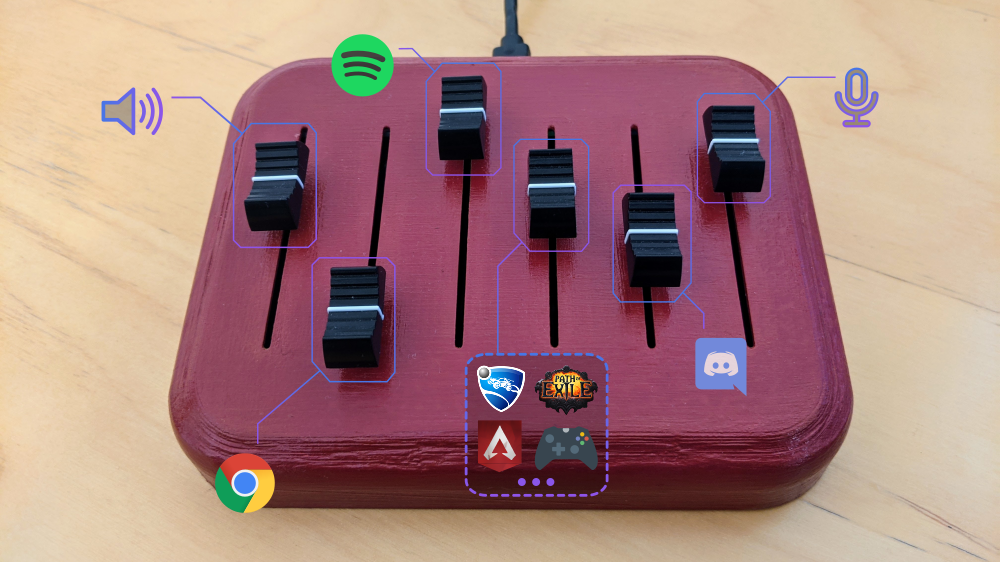
deej is an open-source hardware volume mixer for Windows and Linux PCs. It lets you use real-life sliders (like a DJ!) to seamlessly control the volumes of different apps (such as your music player, the game you’re playing and your voice chat session) without having to stop what you’re doing.
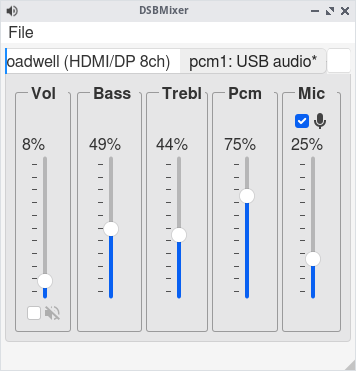
DSBMixer is a tabbed Qt mixer for FreeBSD. For each installed mixer device, DSBMixer opens a tab. It allows you to configure various sound settings, such as amplification, recording sources, or the default audio device. If built with devd support, tabs are created or removed automatically when a (USB) sound card was added to or removed from the system.
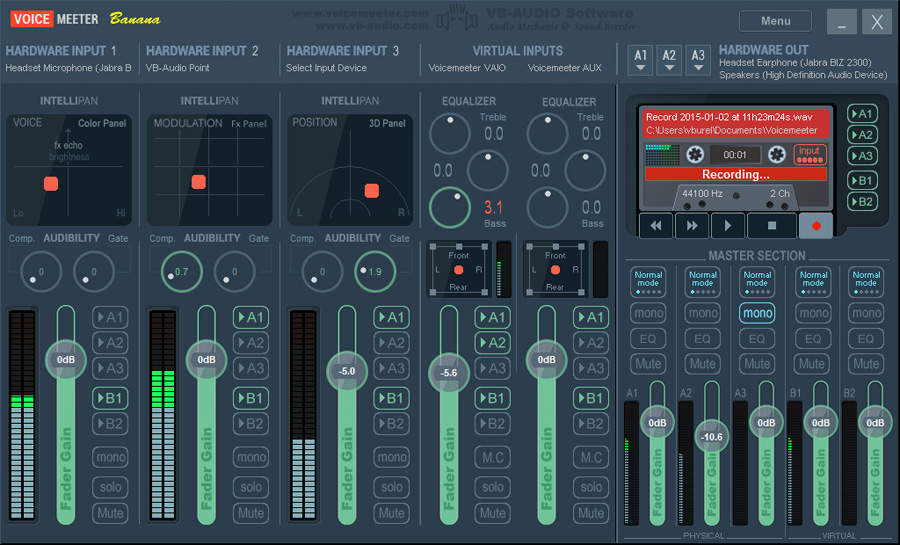
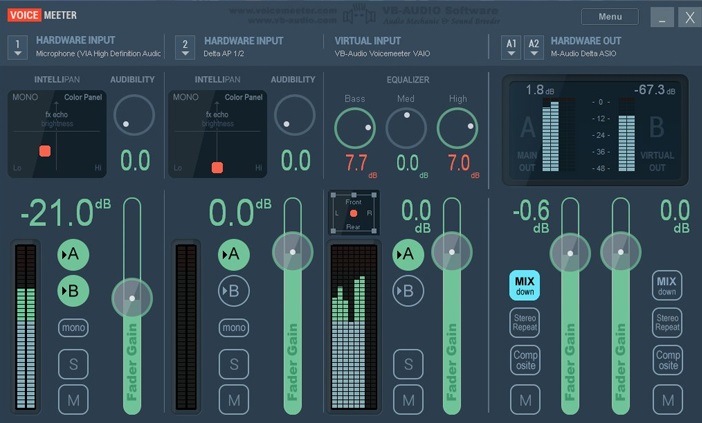
Voicemeeter Banana is an Advanced Audio Mixer Application endowed with Virtual Audio Device used as Virtual I/O to mix and manage any audio sources from or to any audio devices or applications.
Ecasound is a software package designed for multitrack audio processing. It can be used for simple tasks like audio playback, recording and format conversions, as well as for multitrack effect processing, mixing, recording and signal recycling. Ecasound supports a wide range of audio inputs, outputs and effect algorithms. Effects and audio objects can be combined in various ways, and their parameters can be controlled by operator objects like oscillators and MIDI-CCs. A versatile console mode user-interface is included in the package.
The primary platform for running Ecasound is GNU/Linux. Ecasound can also be run on many UNIX-derived systems such as FreeBSD, Mac OS X and Solaris. Limited support for Windows is available through Cygwin.
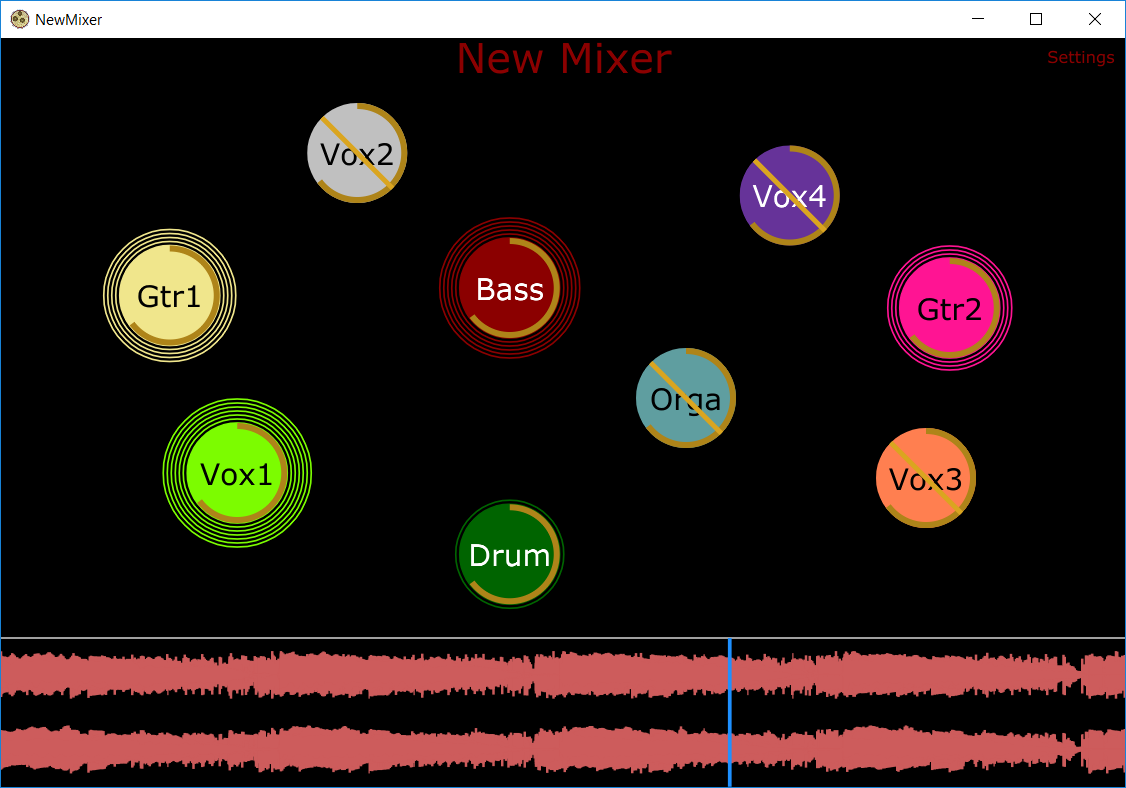
A unique and revolutionary audio mixing tool that allows the user to visualize audio sources by their location in space rather than as channels on a mixing board.
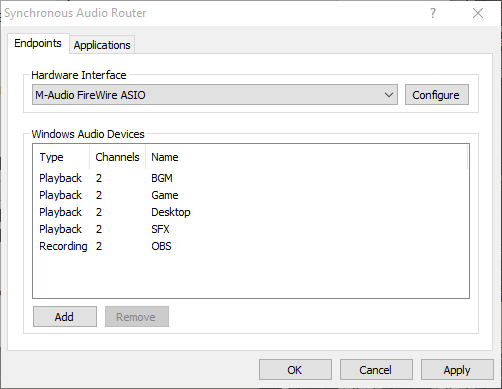
Synchronous Audio Router lets you route audio from any Windows application through a DAW (digital audio workstation) application, giving you an immense amount of control over your system’s audio. You can apply sophisticated effects, routing and switching, and combine the audio streams from each individual application any way you want, producing any number of output mixes.
If your applications of choice doesn’t let you select an audio device, SAR has you covered: you can define per-application routing rules which will override the Windows default audio device settings. You can even use pattern matching to define rules for groups of applications.
It’s also fast. SAR operates inline with your existing ASIO driver, adding no additional buffer latency to your DAW, and uses WaveRT for direct low latency transport of audio between applications. This is in contrast to many other “virtual audio cable” type drivers which often require buffer sizes as large as 50-100ms to work reliably.
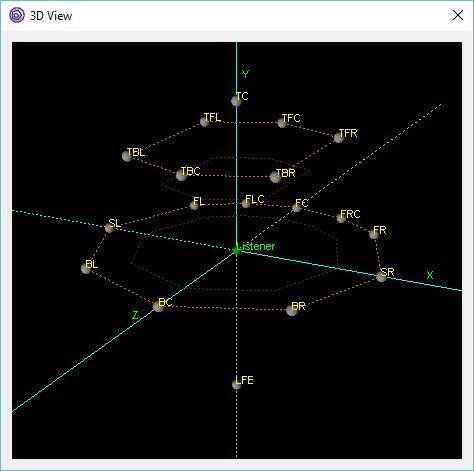
Crystal Mixer is based on the OpenAL engine surround sound mixer. It supports up to 8 direct output and input channels and up to 18 output channels through a 3D mixer. It works through the ASIO Driver API for versatility. It’s possible to use up to 15 customizable auxiliary effects. It is also possible to enable hardware acceleration with some sound cards.
Features:
Multichannel surround sound support
Up to 8 native input and output channels
Up to 18 output channels mixing in 3D space
Auxiliary EFX and EAX20 effects
Reverb, Echo, Chorus, Flanger and others effects
Sound rotation and position changing
Source positions visual control with 3D view (OpenGL required)
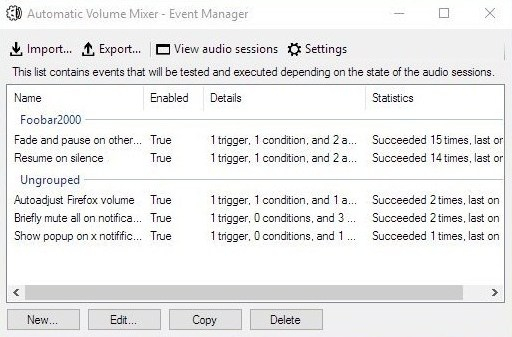
Automatic Volume Mixer is a tool that allows automatization of Windows Volume Mixer based on user rules. You can open the Volume Mixer by right-clicking on the speaker icon in the system tray and selecting Open Volume Mixer. This application is an automatic version of that applet.
Common usage examples:
Pausing your audio player (e.g. foobar2000) whenever any other application makes a noise, and resuming playback once the noise is gone. This enables you to keep your audio player running in the background at all times.
Briefly muting all applications while a notification is playing.
Forcing application’s volume to a set level.
Automatically lowering volume during night.
Launching processes / popups when some application makes noise.
Features:
Detect volume levels of applications and act on that information.
Fully configurable rules for detection, filtering, and executing actions.
Ability to automatically adjust audio levels of applications.
Voicemeeter is a Windows audio mixer application endowed with a virtual audio device used for virtual inputs or outputs in order to mix and manage any audio sources from or to any other audio devices or applications.