Muine is an innovative music player, featuring a simple, intuitive interface. It is designed to allow users to easily construct a playlist from albums and/or single songs. Its goal is to be simply a music player, not to become a robust music management application. This doesn’t mean Muine has no features! Some feature highlights:
Ogg/Vorbis, FLAC, AAC and MP3 music playback support
Automatic album cover fetching via MusicBrainz and Amazon
Support for embedded album images in ID3v2 tags
ReplayGain support
Support for multiple artist and performer tags per song
Plugin support
Translations into many languages
Muine is targeted at the GNOME desktop and uses GTK+ for the interface. Most of the code is written in C#, with some additions/bindings/glue in plain C. Muine was originally written by Jorn Baayen, but now maintained mostly by others.
A GTK2/GTK3 interface to MPlayer. The power of MPlayer combined with a friendly interface for your desktop; You can play all your multimedia (audio, video, CD, DVDs, and VCDs, streams etc.), organize, sort and create playlists, take screenshots while playing videos, be notified about media changes. Full DVD and MKV chapter support, when supported by Mplayer. Subtitle support with the ability to specify preferred audio and subtitle languages if the media supports it. Support for cover art retrieval from Amazon.com for audio media files with artist and/or album information contained in the file.
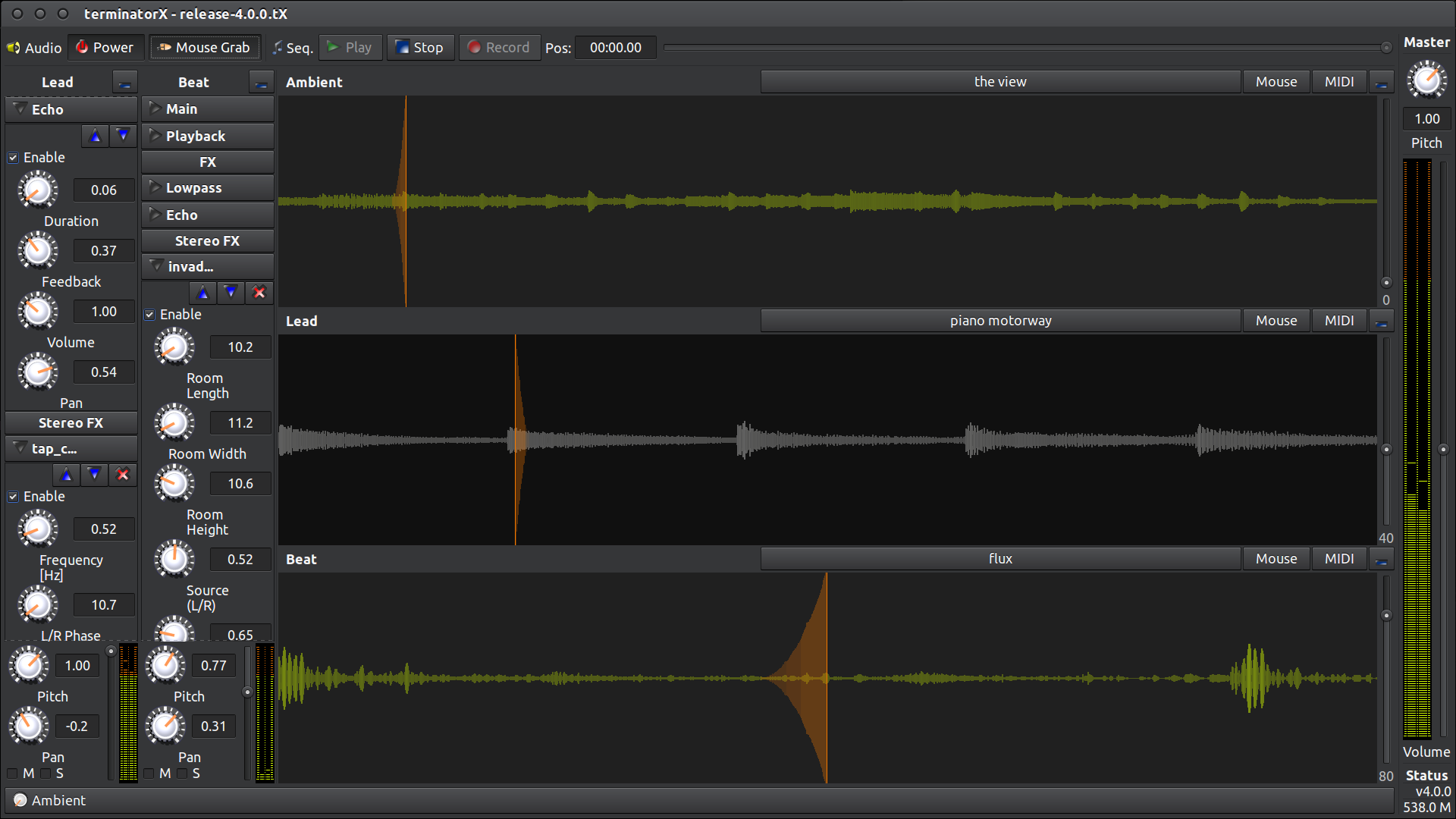
This software allows “scratching” on digitally sampled audio data (*.wav, *.au, *.ogg, *.mp3, etc.) the way hip hop DJs scratch on vinyl records. It features multiple turntables, realtime effects (built-in as well as LADSPA plugin effects), a sequencer and MIDI interface – all accessible through an easy-to-use gtk+ GUI. This software is designed to run under Linux, FreeBSD and the like.
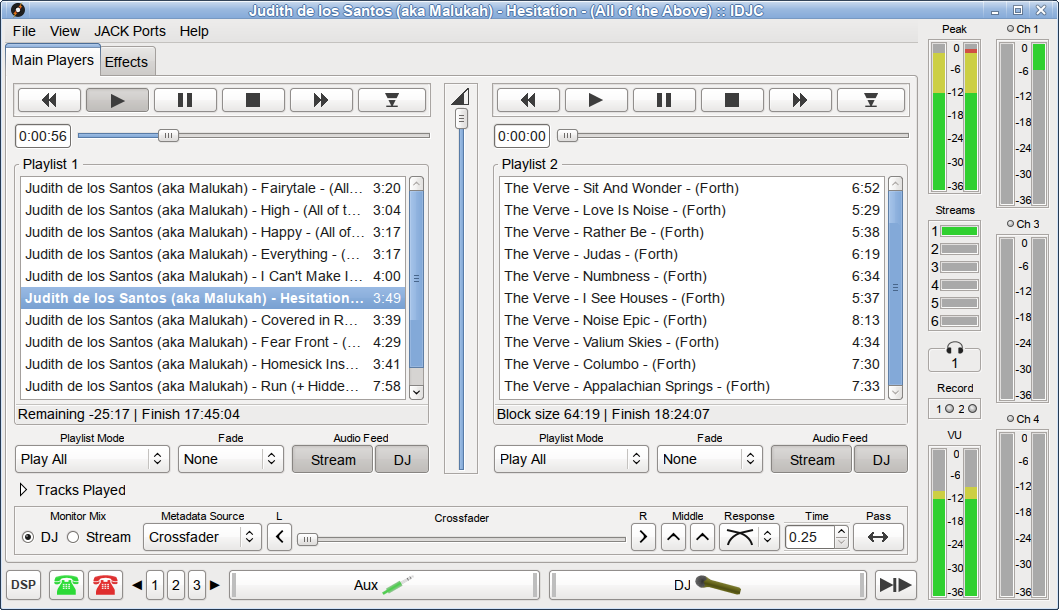
A GTK+ Shoutcast / Icecast client with two main media players, a jingles player, crossfader, ogg and mp3 streaming, stream automation timers, aux input, Voice and VoIP integration. File formats: mp3, ogg, flac, wma, wav, m4a, m3u, pls, and others.
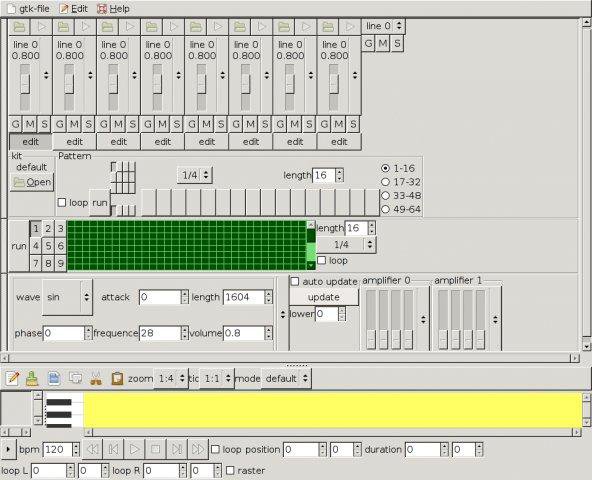
Advanced GTK+ Sequencer is intended to use for music composition. It features a piano roll, as well a synth, matrix editor, drum machine, soundfont2 player, mixer and an output panel.
It’s designed to be highly configurable, you may add effects to its effect chain, add or remove audio channels/pads.
You may set up a fully functional network of engines, therefore exists a link editor for linking audio lines.
In conjunction with AGS you need a realtime kernel and alsa support. `ags` uses conditional locks to keep several threads in sync that’s why you need at least a preemptible kernel.
Features:
save or open Advanced Gtk+ Sequencer XML files with XPath support
add or remove audio engines with adjustable audio channels and pads
link channels with property dialog
output panel, mixer, drum and matrix sequencer, soft synth and audio file player
piano roll with basic notation editing supporting copy & paste
adjustable BPM
LADSPA, DSSI and Lv2 support
export to WAV, FLAC, OGG and others
multiple sinks like Pulseaudio, JACK, ALSA and OSS
jack-keyboard is a virtual MIDI keyboard – a program that allows you to send JACK MIDI events ( 😉 play using your PC keyboard). It’s BSD-licensed. User interface is GTK-based.
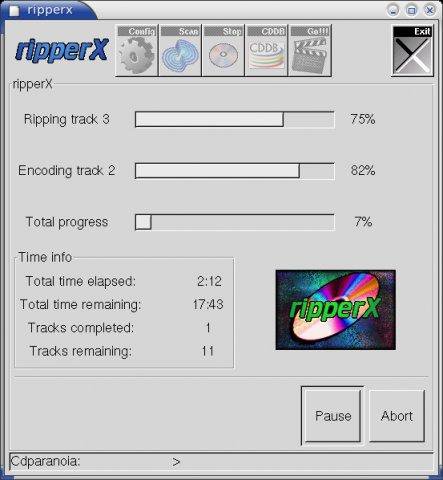
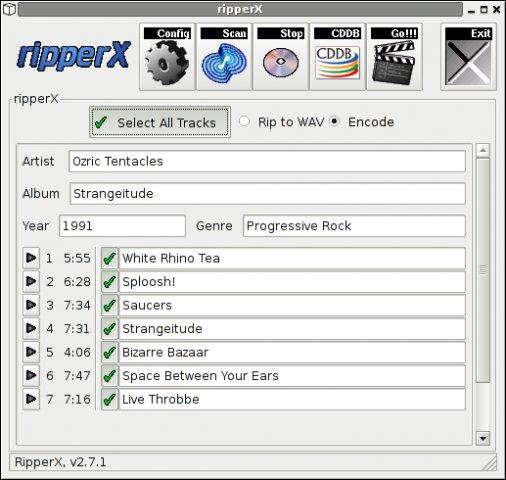
RipperX is a GTK program to rip CD audio tracks and encode them to the Ogg, MP3, or FLAC formats. It’s goal is to be easy to use, requiring only a few mouse clicks to convert an entire album. It supports CDDB lookups for album and track information.
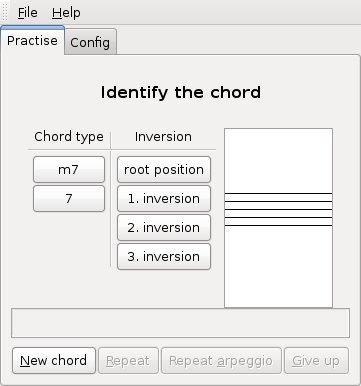
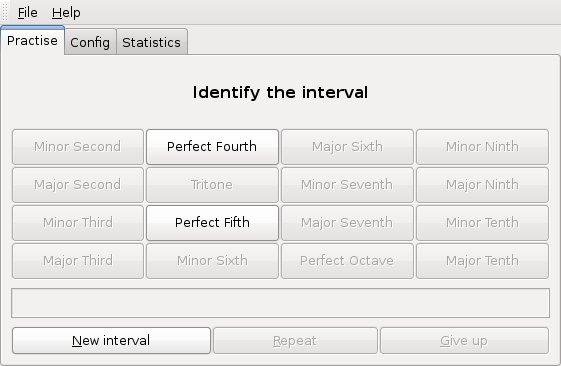
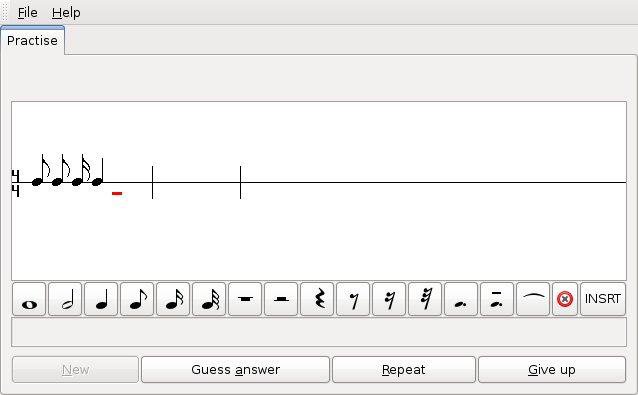
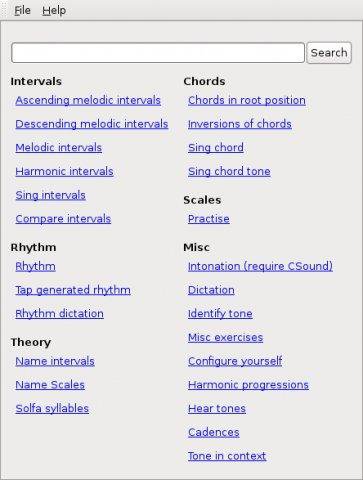
GNU Solfege is *free* ear training software written in Python 3.4 using the Gtk+ 3 toolkit. The program is designed to be easily extended with lesson files (data files), so the user can create new exercises.
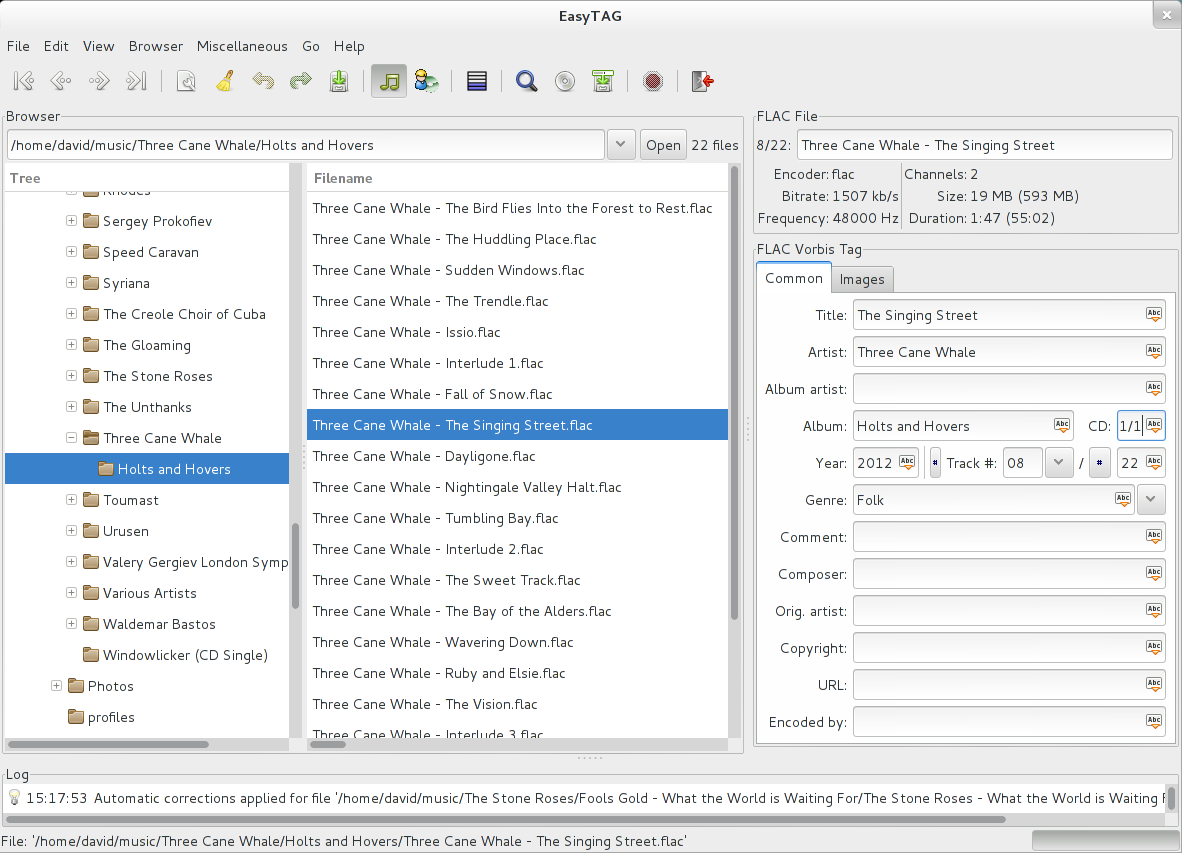
EasyTAG is a simple application for viewing and editing tags in audio files.It supports MP3, MP2, MP4/AAC, FLAC, Ogg Opus, Ogg Speex, Ogg Vorbis, MusePack, Monkey’s Audio, and WavPack files, and it works under Linux or Windows.
Features:
View, edit, write tags of MP3, MP2 files (ID3 tag with pictures), FLAC files (FLAC Vorbis tag), Ogg Opus files (Ogg Vorbis tag), Ogg Speex (Ogg Vorbis tag), Ogg Vorbis files (Ogg Vorbis tag), MP4/AAC (MP4/AAC tag), MusePack, Monkey’s Audio files and WavPack files (APE tag)
Can edit more tag fields: title, artist, album, disc number, year, track number, comment, composer, original artist/performer, copyright, URL, encoder name and attached picture
Auto tagging: filename and directory to automatically complete the fields (masks)
Ability to rename files and directories from the tag (using masks) or by loading a text file
Process selected files of the selected directory
Ability to browse subdirectories
Recursion for tagging, removing, renaming, saving…
Can set a field (artist, title,…) to all other files
Read and display file header information (bitrate, time,…)
Auto completion of the date if a partial one is entered
Undo and redo last changes
Ability to process fields of tag and file name (convert letters into uppercase, lowercase,…
Ability to open a directory or a file with an external program
CDDB support using Freedb.org and Gnudb.org servers (manual and automatic search)












 The Audio File