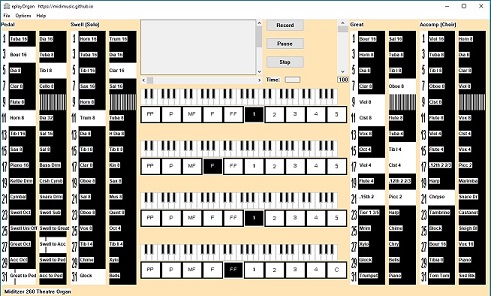
EplayOrgan is a multi purpose organ intended to be playable by organists and versatile enough to be useful to everybody with an interest in organs. It will load and be playable almost instantly and does not need an expensive computer with huge amounts of memory.
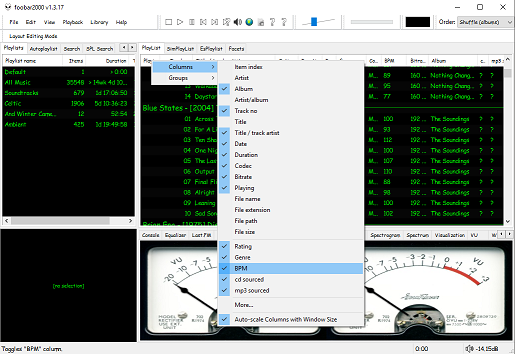
The second step is adding a new BPM playlist column to the DUI playlist viewer:
Right click the playlist header and select columns. Toggle the BPM column on.
The third step, add an Analyze BPM toolbar button:
Right click on the metronome icon ico file shown below and download / save it locally
Right click the Foobar toolbar
Select the Customize button
Select from Available Commands [context] > BPM Analyzer > Automatically analyze BPMs
Click Add
Click Change Icon and select the downloaded metronome.ico file
Click OK
metronome.ico (right click and save the link ico file locally)
The fourth step is to select and scan files:
Once the toolbar button is installed, songs can be selected then scanned. The songs will now be tagged with the %bpm% tag and can be selected or sorted by beats per minute as displayed in the playlist column.
The fifth step is to update your entire library:
Open Library > Search and insert the query %bpm% MISSING then click … and then click Create Autoplaylist. Rename the new autoplaylist located at the bottom of the playlist switcher Missing BPM. Activate the playlist, select the entire contents, automatically analyze them and then apply the changes.
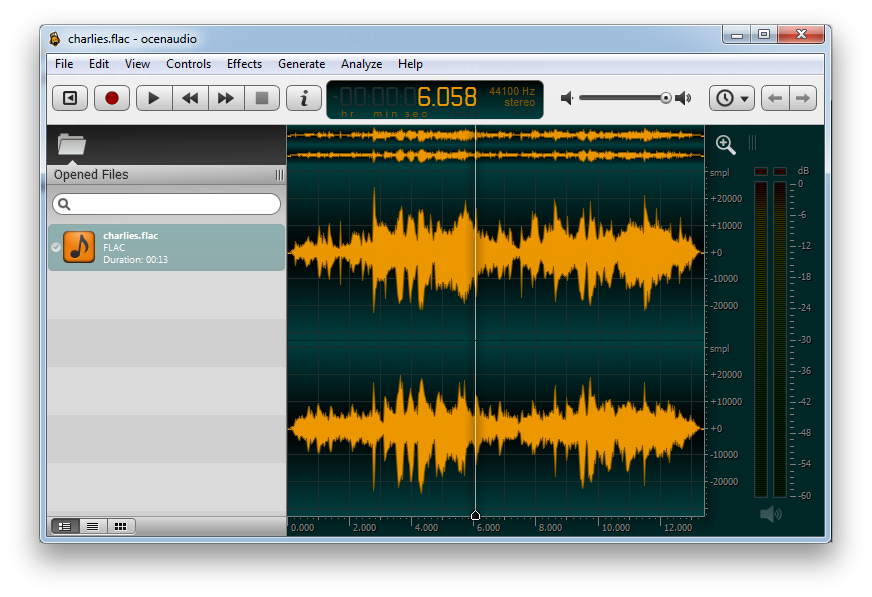
ocenaudio is a cross-platform, easy to use, fast and functional audio editor. It is ideal for people who need to edit and analyze audio files without complication. ocenaudio also has powerful features that will satisfy more advanced users including VST plugin support.
VB-CABLE is a virtual audio device which works as a virtual audio cable in MS Windows. All signals coming to the CABLE input are sent to the CABLE output.
It’a simple to make computer audio recordings by connecting a player app to a recording app.
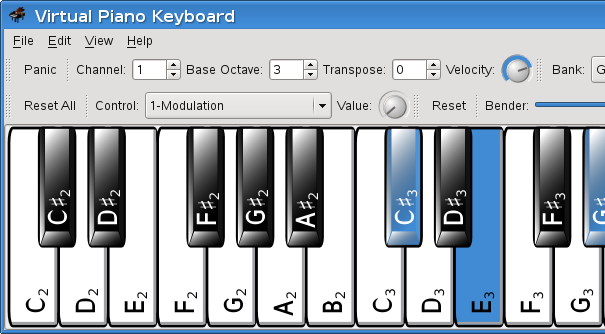
VMPK is a virtual MIDI piano keyboard for Linux, Windows and OSX. Based on Qt and Drumstick the program is a MIDI event generator using the computer’s alphanumeric keyboard and the mouse. It may also be used to display received MIDI notes.
Icecast is a streaming media (audio/video) server which currently supports Ogg (Vorbis and Theora), Opus, WebM and MP3 streams. It can be used to create an Internet radio station or a privately running jukebox and many things in between. It is very versatile in that new formats can be added relatively easily and supports open standards for communication and interaction.
Vorbis is a free and open-source software project headed by the Xiph.Org Foundation. The project produces an audio coding format and software reference encoder/decoder (codec) for lossy audio compression. Vorbis is most commonly used in conjunction with the Ogg container format and it is therefore often referred to as Ogg Vorbis. ~ en.wikipedia.org/wiki/Vorbis
Ogg Vorbis is a completely open, patent-free, professional audio encoding and streaming technology with all the benefits of Open Source.
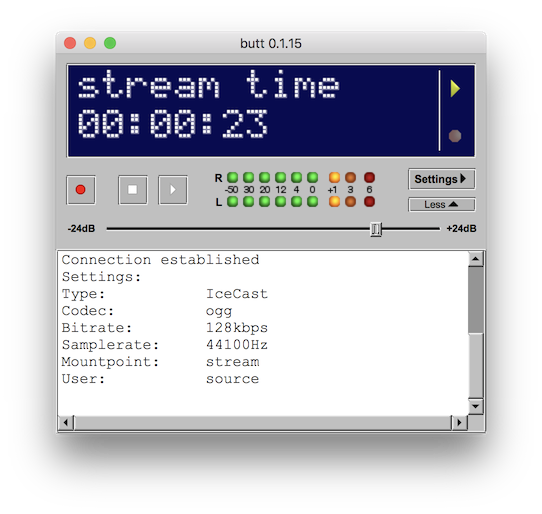
butt (broadcast using this tool) is an easy to use, multi OS streaming tool. It supports SHOUTcast and Icecast and runs on Linux, MacOSX and Windows. The main purpose of butt is to stream live audio data from your computer’s Mic or Line input to an Shoutcast or Icecast server; recording is also possible.
It is NOT intended to be a server by itself or automatically stream a set of audio files.
Dopamine is a Windows audio player which tries to make organizing and listening to music as simple and pretty as possible. It can play wav, mp3, ogg vorbis, flac, wma and m4a/aac files.
This plugin verifies your rips against CTDB database, and submits new CDs to it.
It can also serve as a metadata plugin, providing access to MusicBrainz, Discogs and FreeDB metadata via CTDB. CTDB replicates Musicbrainz database hourly, Discogs and FreeDB – monthly. In addition to direct discid search, it supports the same fuzzy search algorithm as Musicbrainz, and also uses it for Discogs and FreeDB data, increasing the chance that correct metadata will be found.












 The Audio File