BeatRoot is an interactive beat tracking and visualisation system.
code.soundsoftware.ac.uk/projects/beatroot
www.eecs.qmul.ac.uk/~simond/beatroot
en.wikipedia.org/wiki/BeatRoot

BeatRoot is an interactive beat tracking and visualisation system.
code.soundsoftware.ac.uk/projects/beatroot
www.eecs.qmul.ac.uk/~simond/beatroot
en.wikipedia.org/wiki/BeatRoot

Astrofox is a free, open-source motion graphics program that lets you turn your audio into custom, shareable videos. Combine text, images, animations and effects to create stunning, unique visuals. Then generate high-definition videos to share with your fans on social media.

astrofox.io
github.com/astrofox-io/astrofox

FreqTweak is a tool for FFT-based realtime audio spectral manipulation and display. It provides several algorithms for processing audio data in the frequency domain and a highly interactive GUI to manipulate the associated filters for each. It also provides high-resolution spectral displays in the form of scrolling-raster spectrograms and energy vs frequency plots displaying both pre- and post-processed spectra.
It is an extremely addictive audio toy, but I hope it has value for serious audio work too (sound design, etc). The spectrum analysis is pretty useful in its own right.
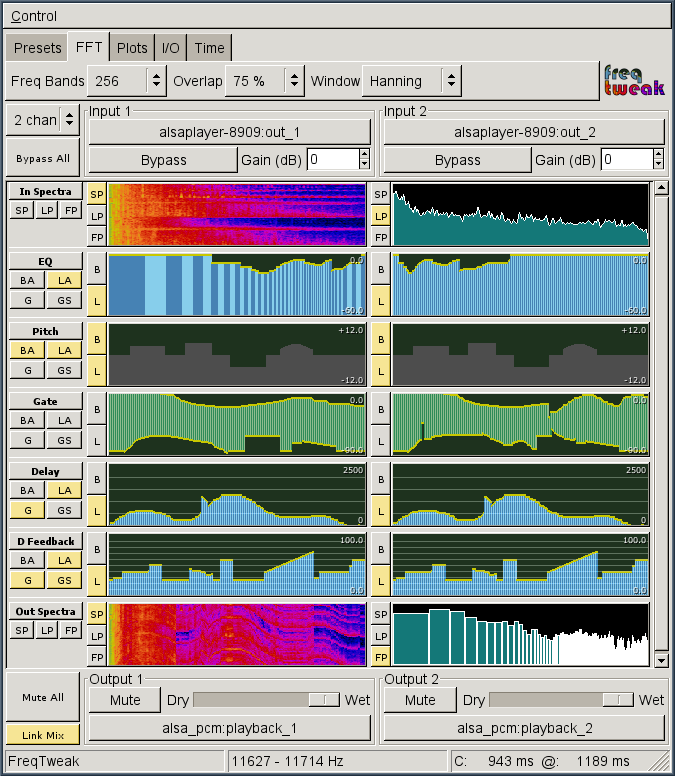

AlsaPlayer for Linux is a new kind of player that effectively runs pulse-code modulation or .PCM files. The player uses multithreading pretty heavily and was written specifically for giving some good exercise to the new Advanced Linux Sound Architecture (ALSA) driver and the library system. If you look closely, you’ll observe that AlsaPlayer has some highly interesting features that can be found only in the UNIX-based or Linux-based players. The main goal of the people who created AlsaPlayer for Linux was to develop a completely pluggable framework that could playback every type of media file, with majority of focus on the PCM audio data.

Audio visualization usually relies on hand-crafted features, like intensity, timbre or pitch. These metrics are defined by humans and are biased towards our cultural representation of sound. In this project, we have trained a Neural Net to generate these features directly from spectrograms, in an unsupervised way. We thus get rid of this bias and hope the resulting visualizations can help us perceive music in different ways.
https://br-g.github.io/Deep-Audio-Visualization/web-app/

projectM is an open-source, cross-platform reimplementation of Winamp MilkDrop, the music visualizer created by Ryan Geiss. What began as a way to bring MilkDrop-style graphics to more platforms has grown into an ecosystem of visualization libraries, desktop frontends, audio plug-ins, media-player integrations and large community preset collections.
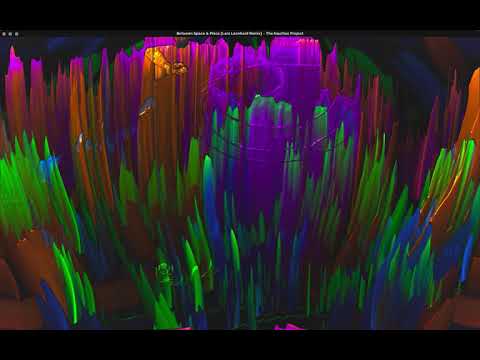
The central project is libprojectM, a reusable C++ library rather than a complete desktop application. It accepts audio samples (PCM), analyses the signal using FFT and beat detection, interprets MilkDrop-style preset equations and shaders, and renders the resulting animation with OpenGL. It can render into an OpenGL context or a texture so that another application can display the output.
This separation matters: the library does not provide a complete audio player or desktop audio-capture interface. A frontend or host application supplies audio, provides the user interface and graphics context, and makes presets and textures available. The core library is licensed under LGPL-2.1; individual frontends, plug-ins and integrations may use different licenses.
projectM official website · Core library on GitHub · Official GitHub organization and repositories
These projects provide a desktop interface around the visualization engine:
One of projectM’s strengths is that it can be embedded in other audio software instead of running as a separate visualizer window.
The projectM developers also document integrations in Kodi, VLC and Silverjuke.
MilkDrop-style presets are the creative heart of projectM. A preset describes a visualization through equations, parameters and shaders.
The main projectM repository has hundreds of GitHub forks, but most are ordinary copies or development branches:
Lactea belongs in the wider MilkDrop-compatible ecosystem, but it is not a projectM fork or a frontend using libprojectM. It is an independent Rust implementation supporting MilkDrop 2/3 and projectM-compatible presets, with its own standalone application, library, Kodi add-on and web demo.
projectM Music Visualizer on Steam provides an end-user distribution of the visualizer. The official project documentation currently identifies the modern desktop version as a development preview. The Android projectM app is maintained by an independent app author; the projectM developers explicitly state that they do not develop or support the Android apps.
Official website
Official GitHub organization
Core library
Developer wiki
Core library releases
Project status and links checked November 2026. projectM is an evolving ecosystem: the core library, frontends and third-party integrations have separate release schedules, licenses and support arrangements.

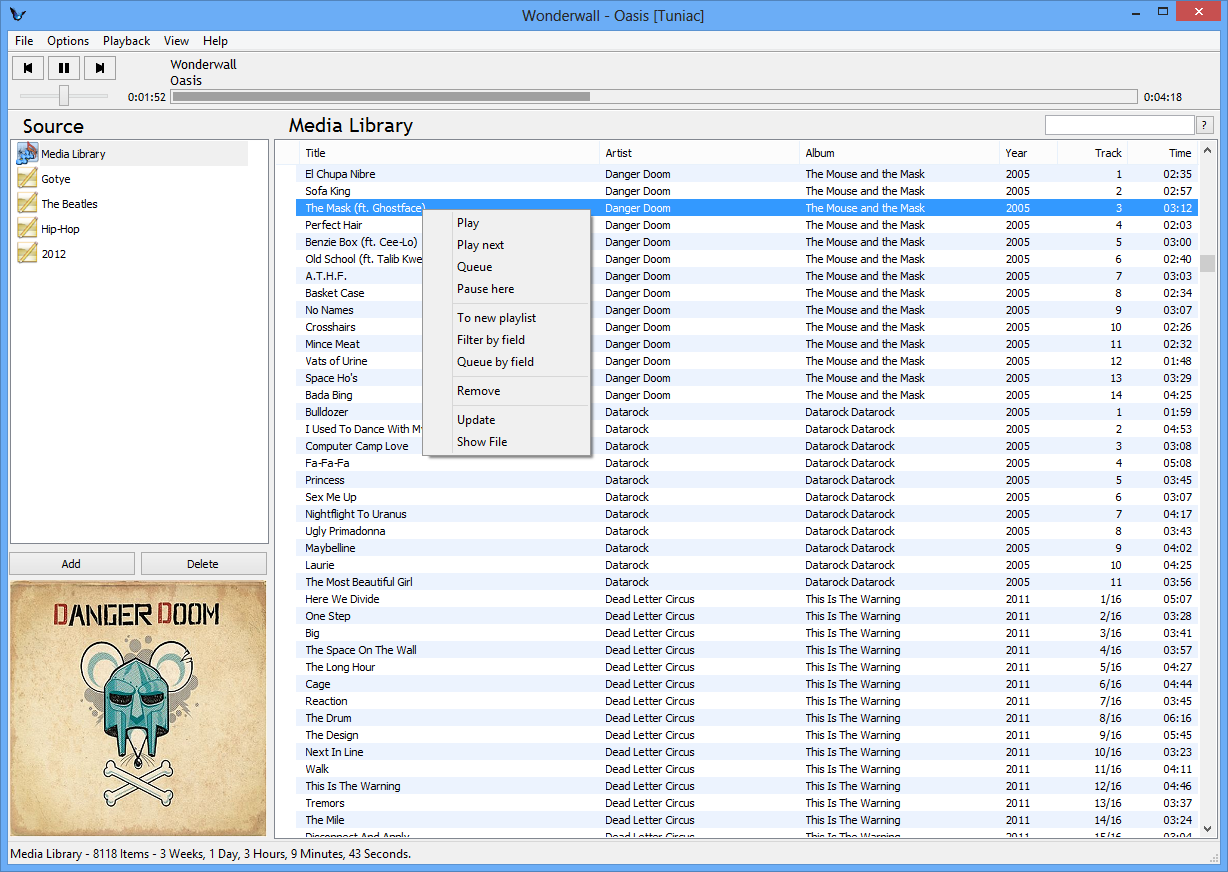
Tuniac is an iTunes style media player / manager for Windows, with an advanced playlist editor, search as you type and queue support.

A speaker measurement visualization, analysis and comparison tool.

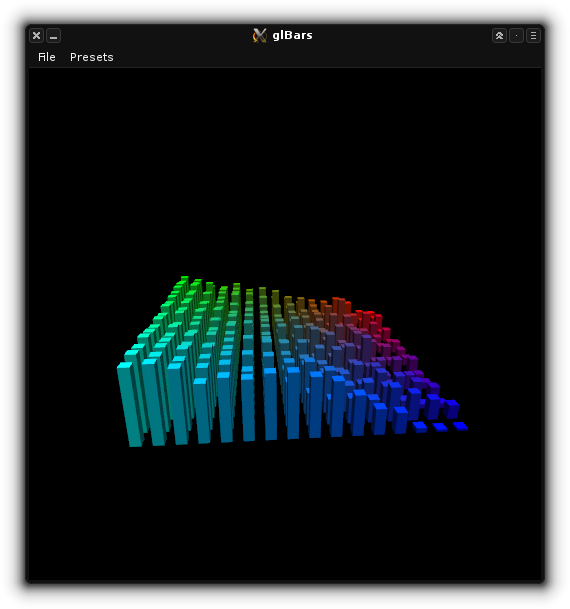
This is an OpenGL bars visualization plugin (as seen in XMMS and XBMC/Kodi). It’s adapted from the jack_glbars project by Nedko Arnaudov. glBars works as a JACK standalone and audio plugin (LV2 or VST).
github.com/DISTRHO/glBars
distrho.sourceforge.io/plugins
github.com/DISTRHO/DPF-Plugins

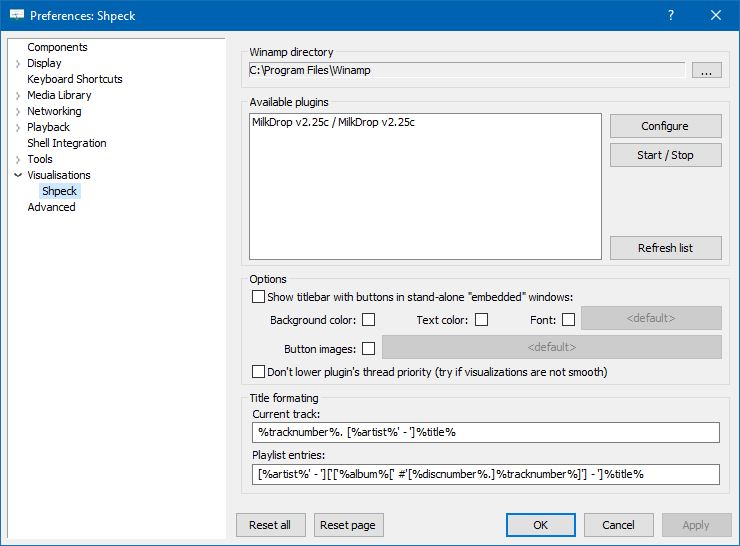
The foo_vis_shpeck component runs Winamp visualization plugins in a stand-alone window, a Columns UI panel or Default UI element.
Documentation
Download
Hydrogen Audio Topic
Download Winamp
Shpeck enables Foobar2000 to display dynamic graphics that react to the beat. It’s possible to toggle between fullscreen and windowed modes.
Install the foo_vis_shpeck plugin, combined with Winamp’s MilkDrop visualizations.
Resources:
www.foobar2000.org/components/view/foo_vis_shpeck
www.winamparchive.org
archive.org/details/tucows_193563_Winamp
www.mediafire.com/download/8hxarja92q9q99c/foobar2000-milkdrop-2.25c.7z
forums.winamp.com/forum/winamp/winamp-discussion/4615655-winamp-5-9-2-released
Guides:
Milkdrop in Foobar on Windows 8 ~ vault-tec.info/post/51743506694/milkdrop-in-foobar2000-on-windows-8
Additional Presets:
sourceforge.net/projects/mdpresetpack/
www.thefreewindows.com/21777/download-free-milkdrop2-50000-presets-megapack/
archive.org/details/Milkdrop252kPresetCollection.7z
… some archives from this milkdrop contest thread on Winamp forum and put everything into a single archive. Some of the presets are nice and quite original, but most of them are variations. The ones that seemed nice to me I copied and added exclamation mark to their names. ~ hydrogenaud.io/index.php/topic,59388.msg914054.html#msg914054

XMPlay is an audio player, supporting the OGG / MP3 / MP2 / MP1 / WMA / AAC / MP4 / WAV / AIFF / CDA / MO3 / IT / XM / S3M / MTM / MOD / UMX audio formats, PLS / M3U / ASX / WAX / CUE playlists, and ZIP archives. A load more audio and archive file formats are also supported via plugins.
When XMPlay was first released in 1998, only the XM file format was supported, hence the name “XMPlay”.
www.xmplay.com
support.xmplay.com
ssz.bitbucket.io (Input & Archive plugins)


