cdparanoia ~ Linux Digital Audio Extraction


Cdparanoia is a Compact Disc Digital Audio (CDDA) Digital Audio Extraction (DAE) tool, commonly known on the net as a ‘ripper’. The application is built on top of the Paranoia library, which is doing the real work (the Paranoia source is included in the cdparanoia source distribution). Cdparanoia reads audio from the CDROM directly as data, with no analog step between, and writes the data to a file or pipe in WAV, AIFC or raw 16 bit linear PCM.

Cdparanoia is a bit different than most other CDDA extration tools. It contains few-to-no ‘extra’ features, concentrating only on the ripping process and knowing as much as possible about the hardware performing it. Cdparanoia will read correct, rock-solid audio data from inexpensive drives prone to misalignment, frame jitter and loss of streaming during atomic reads. Cdparanoia will also read and repair data from CDs that have been damaged in some way.

Cdparanoia is easy to use and administrate; It has no compile time configuration, happily autodetecting the CDROM, its type, its interface and other aspects of the ripping process at runtime. A single binary can serve the diverse hardware of the do-it-yourself computer laboratory from Hell.

www.xiph.org/paranoia
en.wikipedia.org/wiki/Cdparanoia
wiki.hydrogenaudio.org/index.php?title=Cdparanoia

Resources:

Documentation
man.archlinux.org/man/cd-paranoia.1.en

Command Line Music Metadata Manager
github.com/krateng/mumema

foo_ui_wizard ~ User Interface Wizard


Sealed within the luminous Sapphiraz Sanctum, where ethereal interfaces shimmer in eternal twilight, the UI Wizard is a spellbinding chapter of The Wizardium’s grimoire. Its runic seal, the radiant ᛋ Sowilo, yields only to masters of window enchantment, reshaping foobar2000’s form with mischievous elegance — from glass-like Aero effects to borderless designs that defy mortal UI constraints.

  • Window Appearance Customization:
    • Supports multiple frame styles: Default, Small Caption, No Caption, No Border.
    • Configurable Aero effects: Default, Disabled, Glass Frame, Sheet of Glass.
    • Customizable window background color and transparency.
    • Optional custom window title and icon.
    • Configurable window shadow for borderless styles.
  • Window Behavior Control:
    • Adjustable window positioning and sizing with constraints (min/max width and height).
    • Customizable caption area for dragging with various move styles (e.g., mouse buttons, key combinations).
    • Snap-to-edge functionality with configurable snap and unsnap distances.
    • ESC key actions: None, Hide, or Exit.
    • Inactivity-based window hiding with customizable timeout.
  • Window State Management:
    • Toggle between Normal, Maximized, and Fullscreen states.
    • Option to disable window maximizing or resizing.
    • Automatic saving and loading of window position and size.
  • API: COM/ActiveX interface for scripting in foobar2000 via Spider Monkey Panel or JSplitter.
Foobar2000 > Preferences: UI Wizard Menu

www.the-wizardium.org
github.com/The-Wizardium/UI-Wizard

Zenamp ~ Player With Visualizations & Games


Multi-format audio player with MIDI, minigames, playlists & many visualizations

Lightweight GTK3 audio player supporting MIDI, WAV, MP3, OGG, FLAC, AIFF, and Opus formats. Features OPL3 FM synthesis for authentic MIDI playback, drag-and-drop playlist queue, real-time spectrum visualization, 10-band equalizer, and M3U playlist support. Built with SDL2 audio backend for cross-platform compatibility across Linux and Windows. Includes intuitive controls with keyboard shortcuts, 5-second seek buttons, and efficient format conversion. Perfect for musicians and audio enthusiasts needing reliable playback of both modern and legacy audio formats. Multi-threaded architecture ensures smooth performance. MIT License.

Features:

  • Music Player
  • Queue Support
  • Playlist Support
  • Visualizations
  • Minigames

sourceforge.net/projects/midiplayer
apps.microsoft.com/detail/9p7ddq785vq2

Foobar2000 ~ Album & Artist Artwork


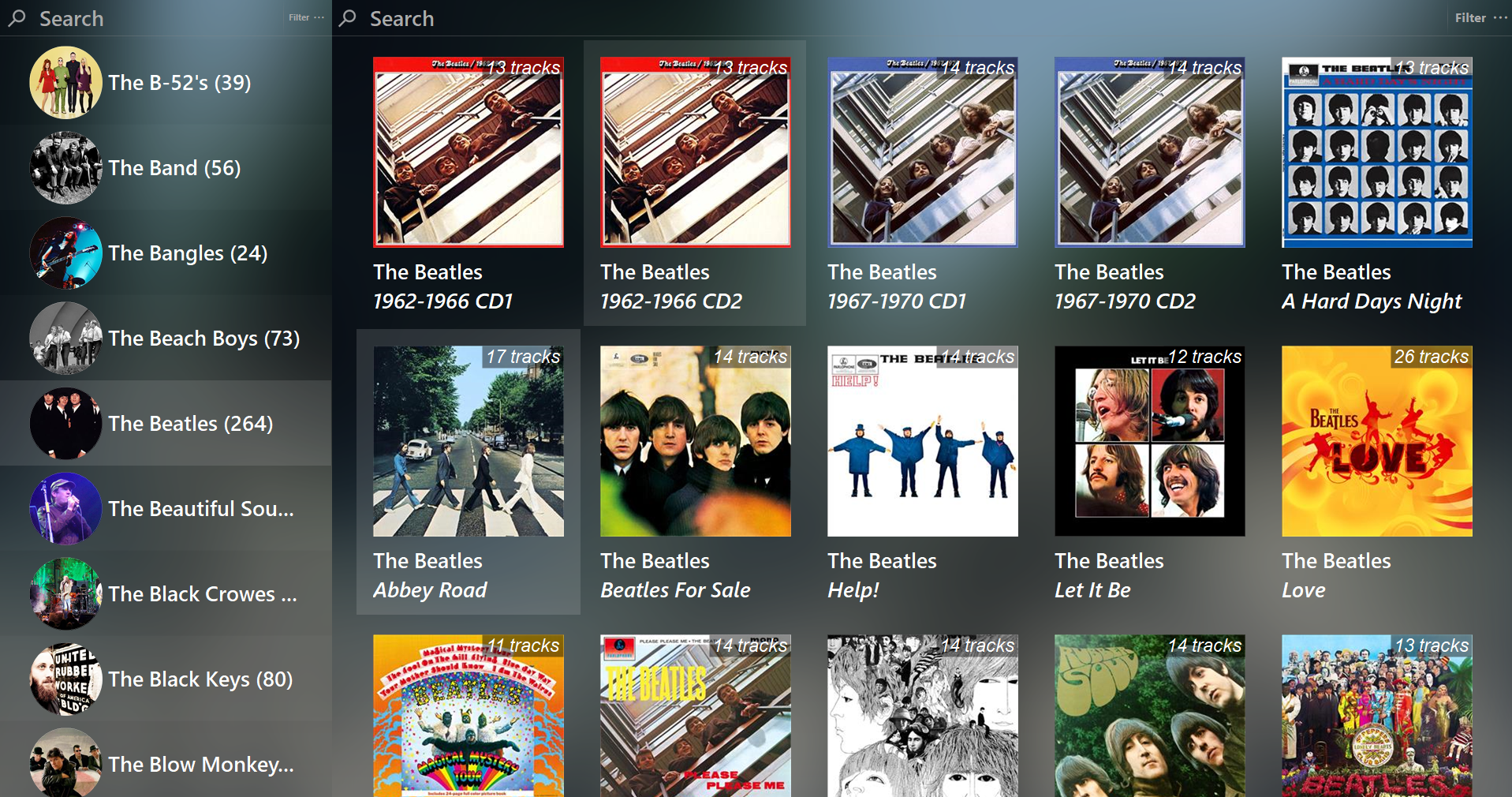
Foobar2000 displays artwork in a panel which can be added and configured to suit your preferences. The artwork panel displays the image file associated with an audio track. If the standard options are insufficient, Foobar’s image handling can be extended via additional components.

To add an artwork panel to the default user interface (DUI), Enable Layout Editing Mode from the menu View > Layout. Add the Album Art Viewer from the Selection Information section.

Context Menu (Right Mouse Button On Artwork Panel)
Selecting the Album Art Viewer on the Add New UI Element menu

Album Art Viewer (built-in)

Sources:

  • Embedded tags (front, back, disc, artist, etc.)
  • External image files (folder.jpg, cover.png, etc.)

Notes:

  • Supports multiple artwork types.
  • Very stable, but basic (no advanced layout or scripting).
  • Artist art is only shown if tagged or present as files.
Foobar2000 Artwork Display Context Submenu

Context Menu

Display Components (Artwork panels)

foo_ui_columns (Columns UI)

Displays: Album & artist art
Sources: Embedded tags and external files

Notes:

  • Legacy but still widely used.
  • Artwork panels are static (no scripting).
  • No longer actively developed, but stable.

Resources:

CLAMPS ~ Common Lisp Aided Music Production System


Clamps, short for “Common Lisp Aided Music Production System”, is a software system for realtime and non-realtime music production written in Common Lisp. It enables a seamless workflow between high-level structures to define musical processes all the way down to low level DSP definitions for sound creation including browser based interfaces for interactive work and control useable for live performances. In that respect it combines features of systems like OpenMusic, SuperCollider or the Pure Data/Max family of software.

codeberg.org/ormf/clamps
codeberg.org/ormf/clamps-install
github.com/arclanguage/Clamp

Namida ~ Android Media Player


A Beautiful and Feature-rich Android Music & Video Player with Youtube Support, Built in Flutter.

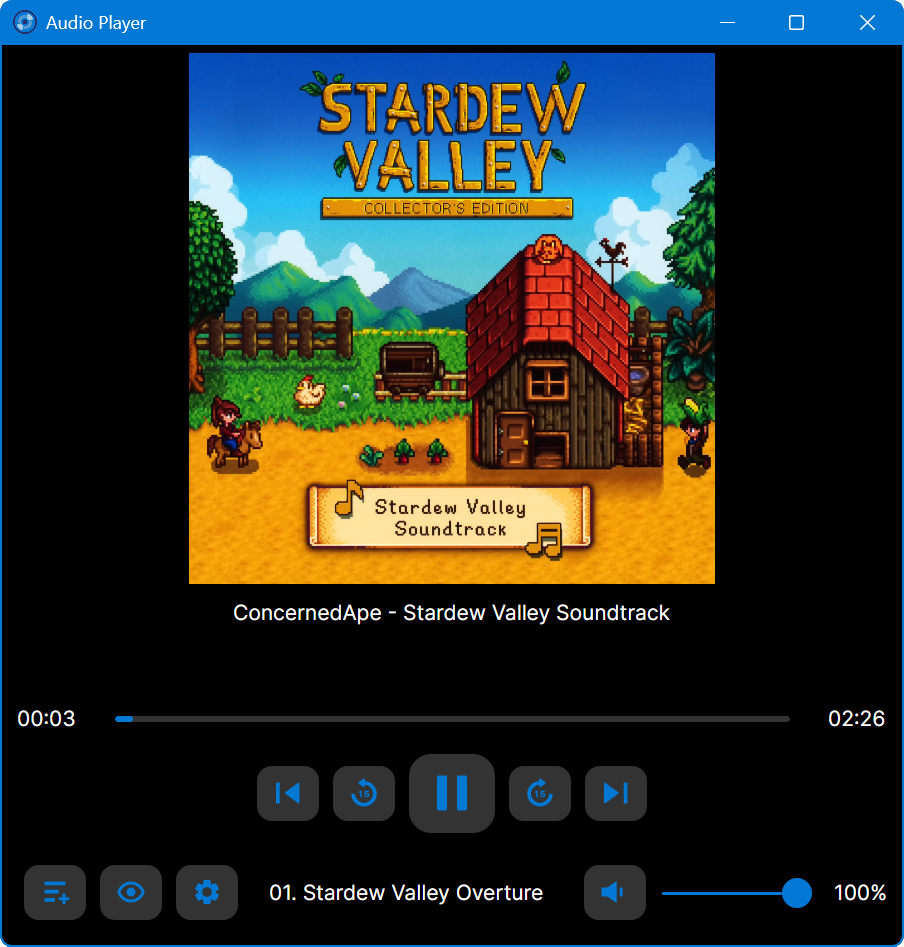
Namida Interface

github.com/namidaco/namida

Rainmeter ~ Elegant Music Player


vsthemes.org

vsthemes.org/en/skins/rainmeter/45451-elegant-music-player
www.rainmeter.net

Bitter ~ Bitscope & Intersample Clip Monitor


Bitter shows how many of the available bits are being used by the audio signal, reports clipping samples, and estimates when digital-to-analog conversion would cause inter-sample clips. Typical uses for a bitscope include: verifying that a render dither is working properly; verifying that a particular plugin is not reducing the signal bit depth; testing for faulty audio source data.

Features:

  • Check for Intersample Clipping that may appear during digital-to-analog conversion
  • Detailed display of the usage density of each bit
  • Reveal the bitrate of the digital signal, which may well differ from that of the file’s bitrate or your DAW’s audio engine bitrate
  • Display the audio sample rate

www.stillwellaudio.com/plugins/bitter

DSOAL ~ DirectSound DLL Replacement


This project is for a DirectSound DLL replacement. It implements the DirectSound interfaces by translating the calls to OpenAL, and fools applications into thinking there is a hardware accelerated sound device. EAX is also implemented (up to version 4) by using OpenAL’s EAX extension, allowing for environmental reverb with sound obstruction and occlusion effects.

Effectively, this allows DirectSound applications to enable their DirectSound3D acceleration path, and turn on EAX. The actual processing is being done by OpenAL with no hardware acceleration requirement, allowing it to work on systems where audio acceleration is not otherwise available.

Or more succinctly: it enables DirectSound3D surround sound and EAX for systems without the requisite hardware.

github.com/kcat/dsoal
github.com/WinterSnowfall/dsoal

OpenMusic ~ Music Composition Language


OpenMusic (OM) is a visual programming language based on Common Lisp. Visual programs are created by assembling and connecting icons representing functions and data structures. Most programming and operations are performed by dragging an icon from a particular place and dropping it to an other place. Built-in visual control structures (e.g. loops) are provided, that interface with Lisp ones. Existing CommonLisp/CLOS code can easily be used in OM, and new code can be developed in a visual way.

OM may be used as a general purpose functional/object/visual programming language. At a more specialized level, a set of provided classes and libraries make it a very convenient environment for music composition. Above the OpenMusic kernel, live the OpenMusic Projects. A project is a specialized set of classes and methods written in Lisp, accessible and visualisable in the OM environment. Various classes implementing musical data / behaviour are provided. They are associated with graphical editors and may be extended by the user to meet specific needs. Different representations of a musical process are handled, among which common notation, midi piano-roll, sound signal. High level in-time organisation of the music material is proposed through the concept of “maquette”.

openmusic interface

openmusic-project.github.io
openmusic-project.github.io/openmusic
github.com/openmusic-project
en.wikipedia.org/wiki/OpenMusic

OM-SoX

OM-SoX is a library for multichannel audio manipulation and functional batch processing for OpenMusic, a visual programming environment based on CommonLisp / CLOS.

sourceforge.net/projects/omsox

Partiels ~ Audio Analysis Application


Partiels is an audio analysis application that allows you to explore the content and characteristics of sounds.

Features:

Partiels allows analysis of one or several audio files using Vamp plug-ins loading data files, visualizingeditingorganizing, and exporting the results as images or text files that can be used in other applications such as Max, Pure Data, Open Music, etc.

  • Windows, Mac & Linux support
  • Multiformat support
  • Multichannel support
  • Multiaudiofile support
  • Analyzing audio with Vamp plug-ins
  • Visualizing results as spectrogram, lines, and markers
  • Textual and graphical editing of results 
  • Organizing and ordering analyses in groups
  • Exporting results to PNG, JPEG, CSV, LAB, JSON, CUE, REAPER & SDIF formats
  • Loading results from CSV, LAB, JSON, CUE & SDIF formats
  • Batch processing
  • Command line interface to analyze, export, and convert results
  • Consolidating documents for sharing

Alongside Partiels, a wide range of analyses based on audio engines developed at IRCAM and outside are ported to Vamp plug-ins. These plug-ins allow you to perform FFT, LPC, transient, fundamental, formant, tempo, TTS and many other analyses. You can also find a large number of analysis plug-ins on the Vamp plug-ins website.

github.com/Ircam-Partiels
www.vamp-plugins.org

Sequencer64 ~ Live MIDI Looper


Sequencer64 is a live MIDI looper with a song-creation layout window. Sequencer64 is a reboot of seq24, extending it greatly over the last six years. The heart of seq24 remains intact. It is an old friend with a whole lot of added equipment. It has an extensive manual and Windows installers. Sequencer64 has build options for ALSA, PortMidi, JACK, Gtkmm 2.4, Qt 5, Windows, and a command-line/daemon.

github.com/ahlstromcj/sequencer64