Zrythm is a cross-platform digital audio workstation designed to be featureful and easy to use. Automate almost anything with automation events using straight lines, ramps and curves, or with LFOs and envelopes. Featuring a chord pad for quickly trying out chords in a scale and a chord track to help with chord progressions.
Complete support for LV2 and VST2, with experimental support for VST3, AU, SFZ and SF2. Fully JACK aware, including support for JACK transport, ALSA, WASAPI, Windows MME, CoreMidi and CoreAudio.
Zrythm (Basic) is free software. Use, study, share and improve it freely. Available in multiple languages including English, French, Galician, Portuguese, Japanese and German.
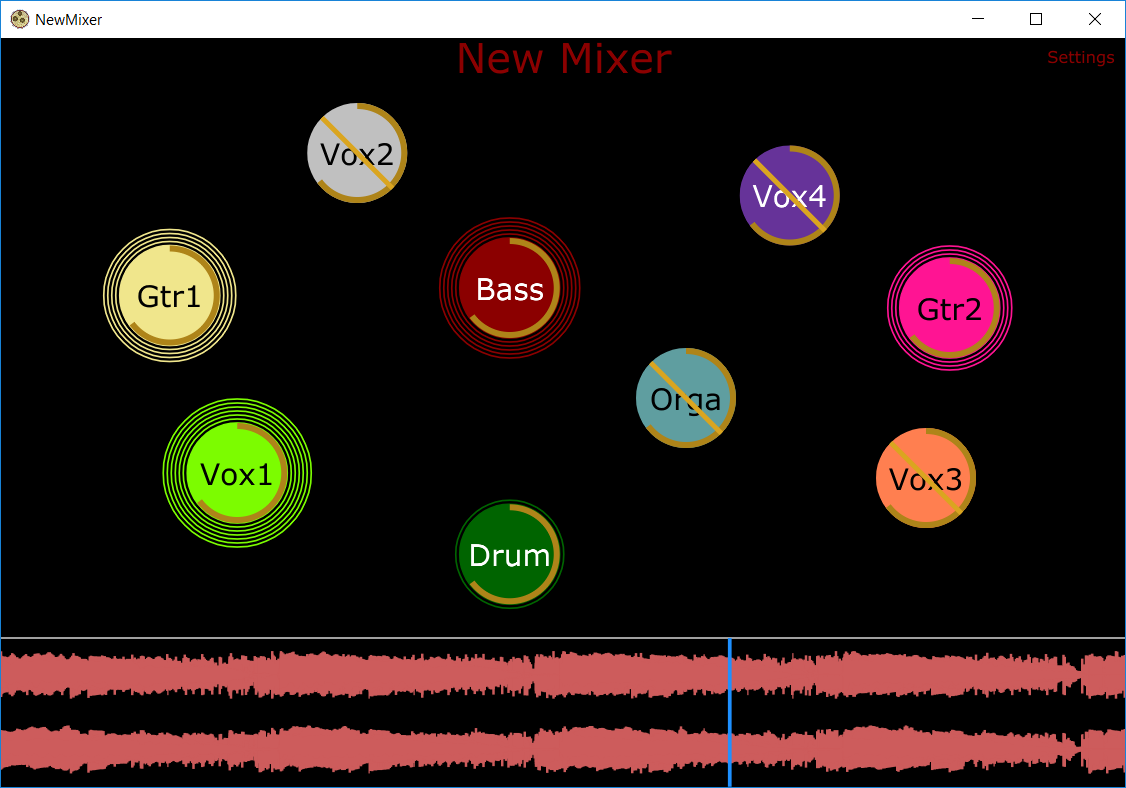
A unique and revolutionary audio mixing tool that allows the user to visualize audio sources by their location in space rather than as channels on a mixing board.
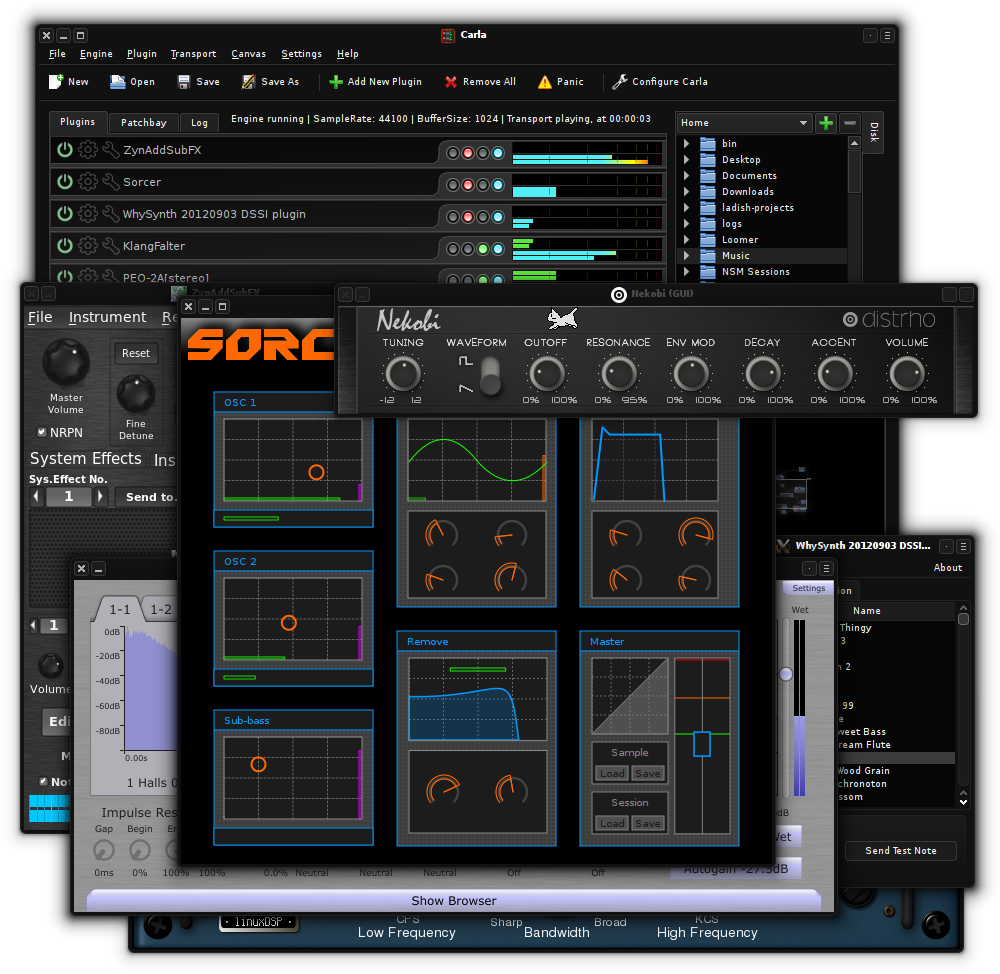
Carla is a fully-featured modular audio plugin host, with support for many audio drivers and plugin formats. It has some nice features like transport control, automation of parameters via MIDI CC and remote control over OSC.
Carla currently supports LADSPA (including LRDF), DSSI, LV2, VST2, VST3 and AU plugin formats, plus SF2 and SFZ file support. It uses JACK as the default and preferred audio driver but also supports native drivers like ALSA, DirectSound or CoreAudio.
There are 4 types of engine processing:
Single-client: (JACK driver only) Same as Multi-client, except that all JACK ports belong to a single master client. This is needed when a setup doesn’t support multi-client JACK apps, such as LADISH.
Multi-client: (JACK driver only) Every single plugin is exposed as a new JACK client. Audio and MIDI ports are registered as needed.
Rack: Plugins are processed in order, from top to bottom. Plugins with non-stereo audio channels are not supported, but a forced-stereo option is available for Mono ones.
Patchbay: Modular patchbay mode, just like in JACK Multi-client and many other modular applications. Every plugin gets its own canvas group and ports allowing you to interconnect plugin audio and MIDI.
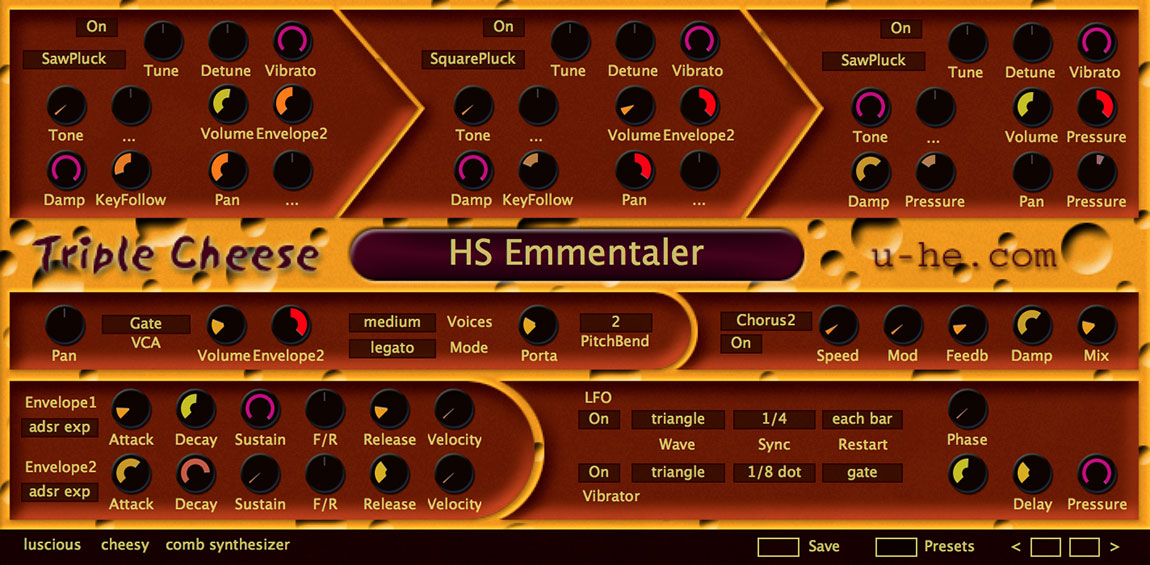
Triple Cheese: Luscious and cheesy, winner of the 2006 KVR Developer Challenge, is a truly unique freeware synthesizer. No traditional oscillators or wavetables, no FM or phase distortion and no analogue modelled filters here. A touch unusual and a little cheesy, Triple Cheese is quite capable of some surprising sounds.
Triple Cheese avoids classic synthesis techniques—no subtractive, frequency modulation (FM) or additive synthesis. Rather, it employs various types of comb filter, often in series, to generate and modify sound. Think of the comb filters as very short chromatically tuned delays. Three modules are arranged in series and either generate their own sound, or process the output of the previous module.
The features for each module can result in sounds that might seem a little “cheesy” or retro (think early 1980s digital synths). But when pushed, you will find Triple Cheese creates some surprisingly lush sounds.
8 different modes per comb filter module (11 modes total)
Polyphonic (up to 16 voices), duophonic, monophonic (retriggered) or legato mode
A modern music player focused on streaming from free sources.
Features:
Searching for and playing music from YouTube (including integration with playlists), Jamendo, and SoundCloud
Searching for albums (powered by Last.fm and Discogs), album view, automatic song lookup based on artist and track name (in progress, can be dodgy sometimes)
Song queue, which can be exported as a playlist
Loading saved playlists (stored in json files)
Scrobbling to last.fm (along with updating the ‘now playing’ status)
Fetches data by automatically calculated MusicBrainz Disc ID, existing Artist/Album or MusicBrainz Album ID tags;
Uses the latest version of MusicBrainz web service, which corresponds to the NGS data model;
Supports many different tags, including artist, album, date, track number / total tracks, disc number / total discs, label, catalog number, barcode etc.;
Supports MusicBrainz-specific tags: Artist ID, Album ID, Release Group ID, Disc ID, Track ID, album type, album status;
Missing TOCs can be submitted to MusicBrainz from the context menu.
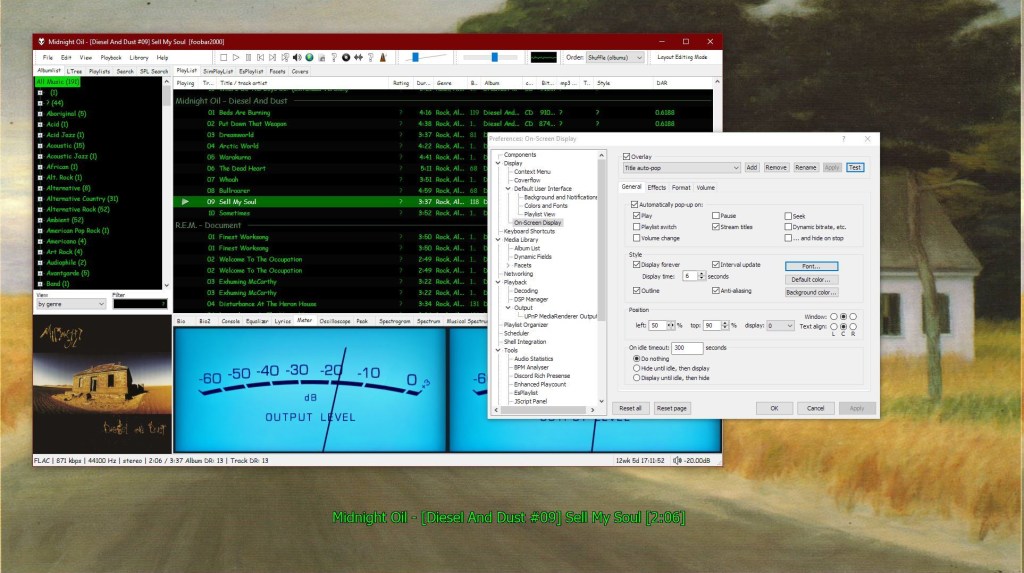
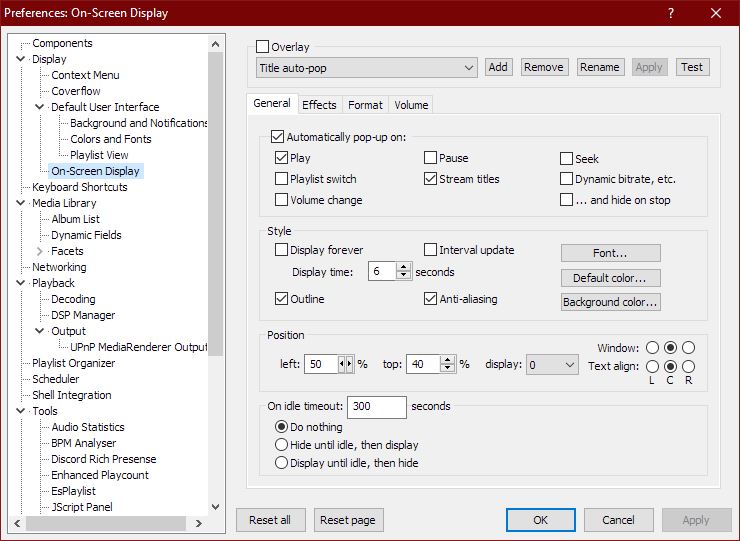
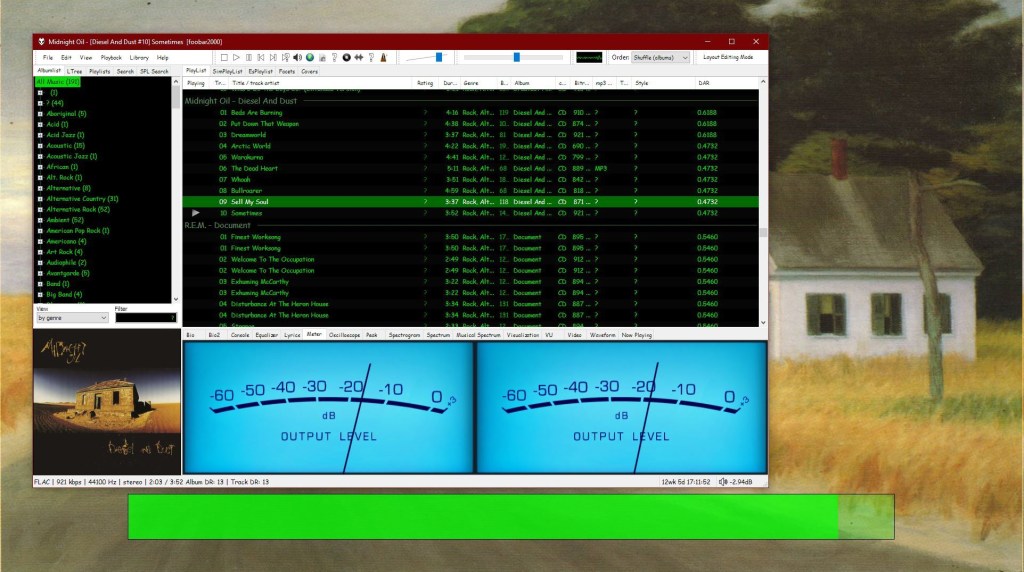
This component provides configurable screen overlays which may be opened with hotkeys, or appear on specific events. Each overlay is configured separately, and has its own set of events.
Foobar – OSD – Full Screen – Title DisplayFoobar ~ OSD – Full Screen – Volume Display
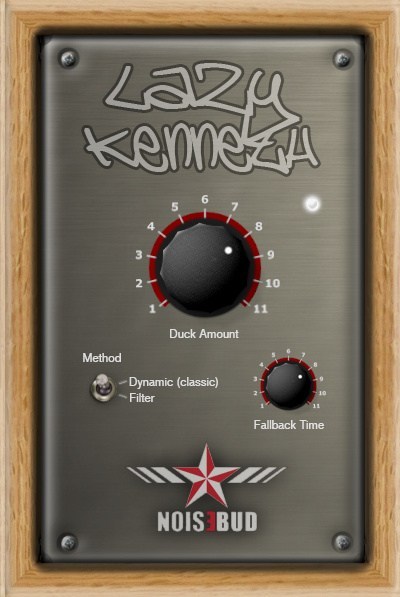
Lazy Kenneth will help those who don’t know how to use, or are too lazy to use sidechain to handle heavy basslines that collide with the bass drum in 4/4 music. That is music where you put a bass drum on all fours, techno, house, trance, minimal, tribal and so on. Put Lazy Kenneth on the bassline track and it will automatically duck the signal when the bass drum hits. You could place a LK on all tracks except the bass drum for some real heavy pumping effect.