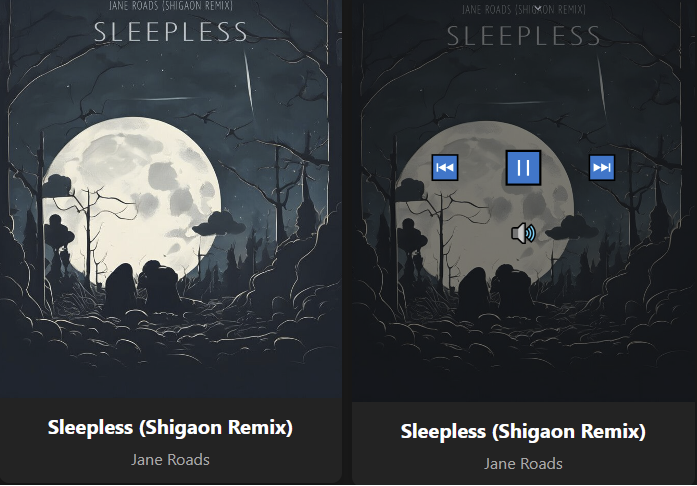
A clean, minimalist web interface for foobar2000 that displays full-screen album art with elegant hover controls.

github.com/jame25/albumart_minimal

A clean, minimalist web interface for foobar2000 that displays full-screen album art with elegant hover controls.
github.com/jame25/albumart_minimal

A lightweight HTML5 web music player with FLAC support that runs in a Docker container. This project provides a clean, minimalist interface for playing FLAC audio files with metadata extraction.

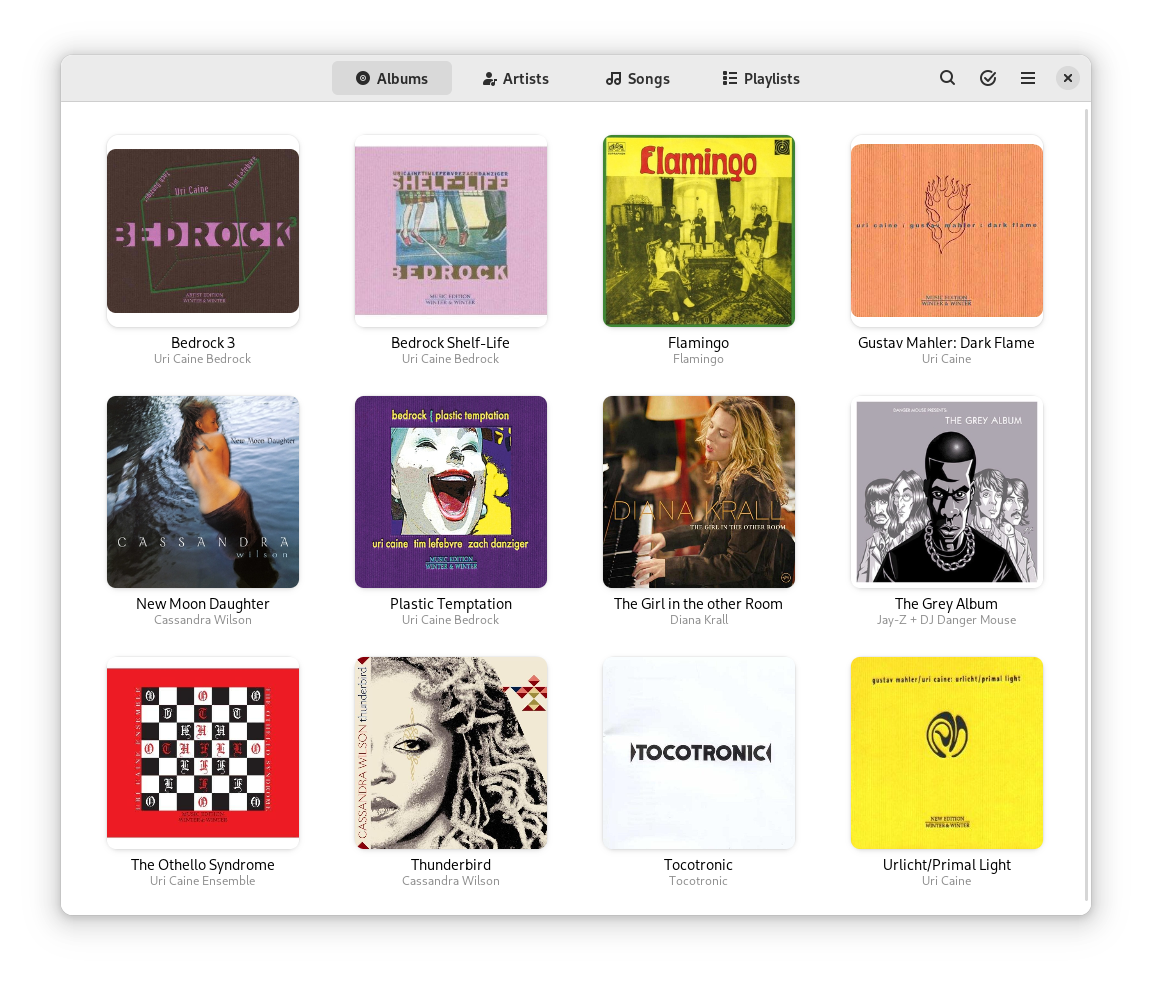
An easy and pleasant way to play your music.
Find tracks in your local collection, use automatically generated playlists or curate a fresh one.

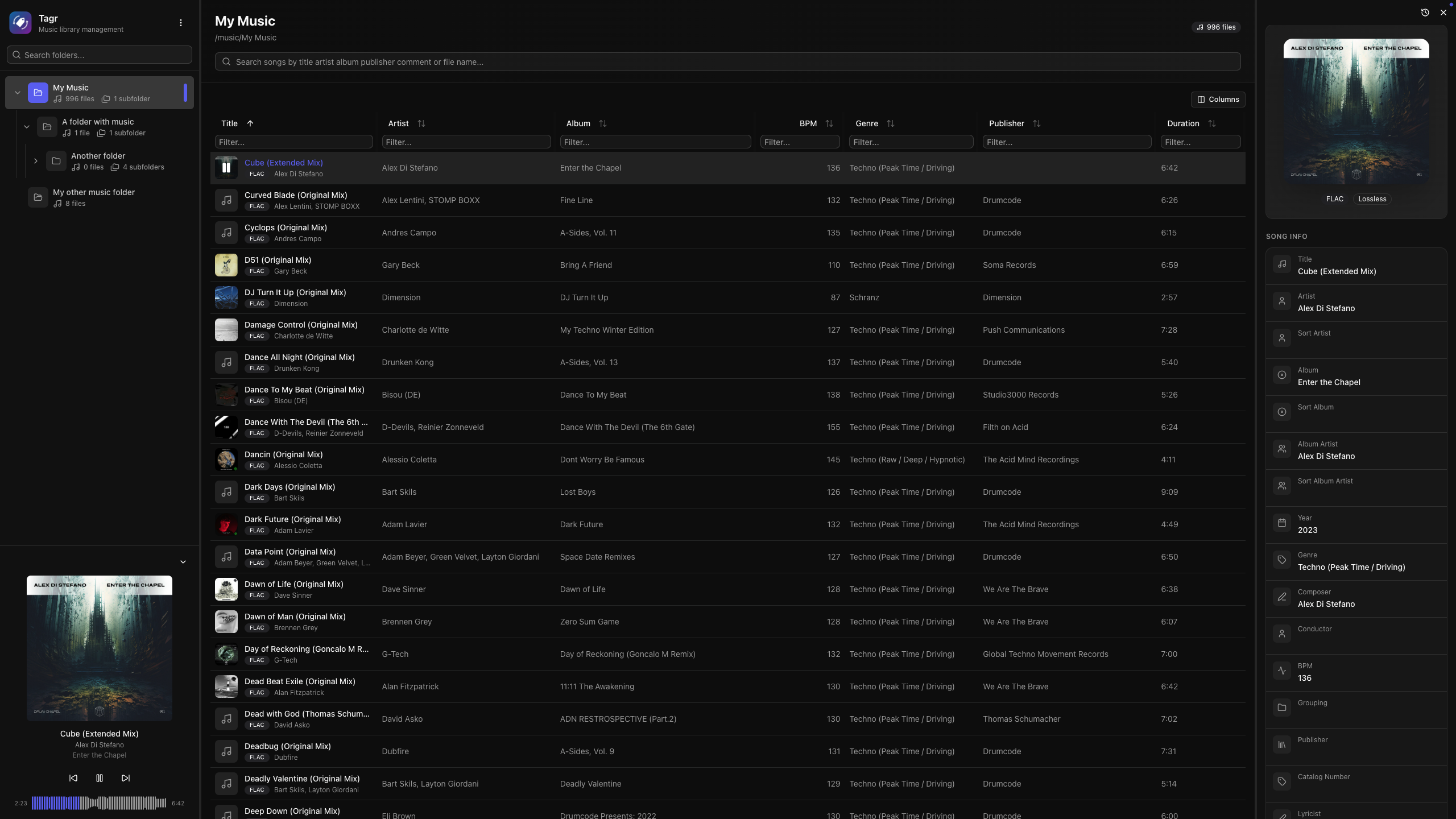
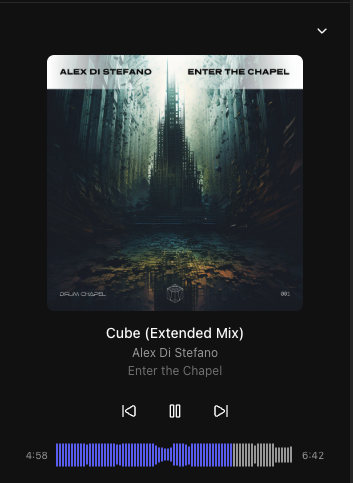
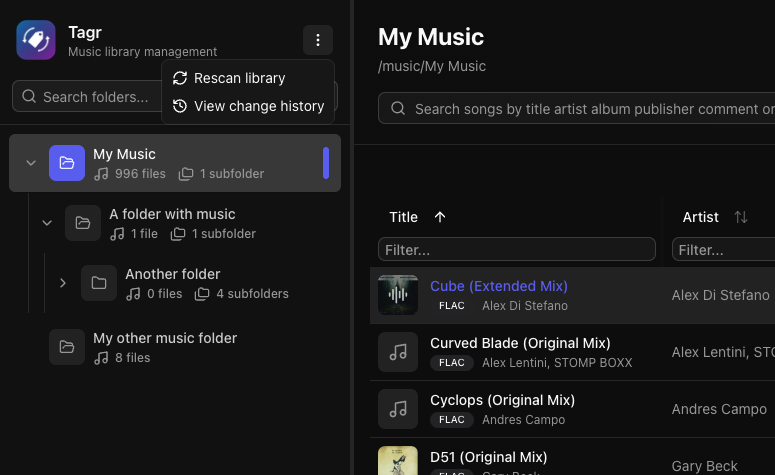
Self-hosted web app for browsing, playing, and editing music file metadata. Features a three-panel UI to navigate your library, listen to tracks, and write tag changes directly back to audio files. Built with Next.js, React, Prisma + SQLite, and node-taglib-sharp.
Most metadata editors are either desktop-only, command-line tools, or bloated apps with steep learning curves. If your music lives on a NAS, a server, or a headless machine, editing tags means SSH, mounting drives, or syncing files back and forth.
Tagr takes a different approach:

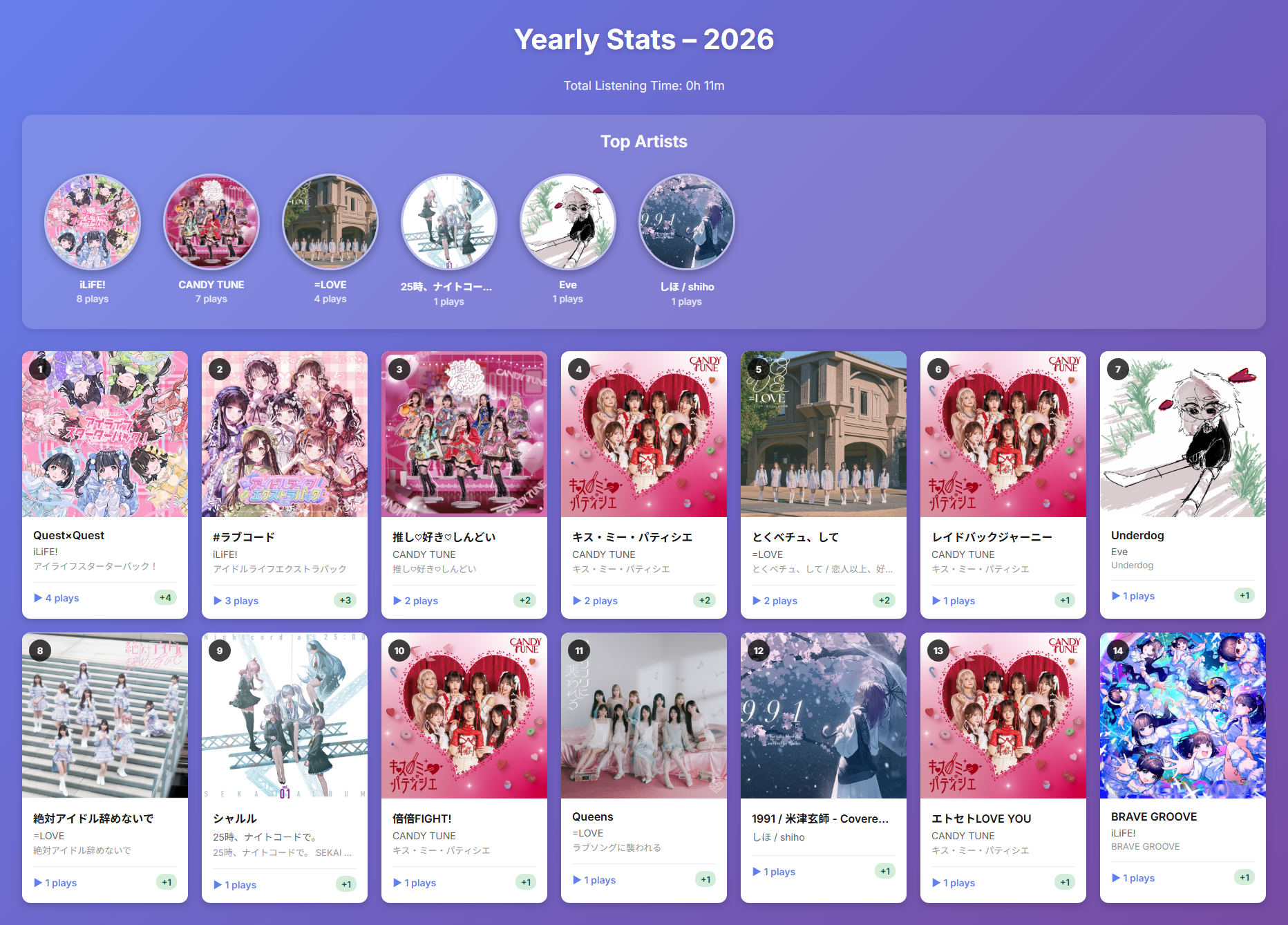
A foobar2000 component that tracks and visualizes your music listening statistics on a monthly and yearly basis.
Features:
- 📊 Monthly & Yearly Statistics: View your listening history organized by month or year
- 🎵 Track Play Counts: Records the number of times each track is played with accurate playback time tracking
- 📈 Month-over-Month Comparison: See how your listening habits change with delta indicators
- 🎨 Beautiful HTML Reports: Export visually appealing reports with album artwork
- 🏆 Top Artists Ranking: Highlights your most-played artists with circular album art
- ⏱️ Total Listening Time: Calculates and displays your total listening time
- 🗄️ SQLite Database: Efficient local storage of listening history
- 🖼️ Album Art Integration: Displays album artwork in reports using embedded thumbnails
github.com/shirafukayayoi/foo_monthly_stats

Museeks aims to be a simple and easy-to-use music player with a clean UI. You will not find tons of features, as its goal is not to compete with more complete and more famous music players.
.m3u import/export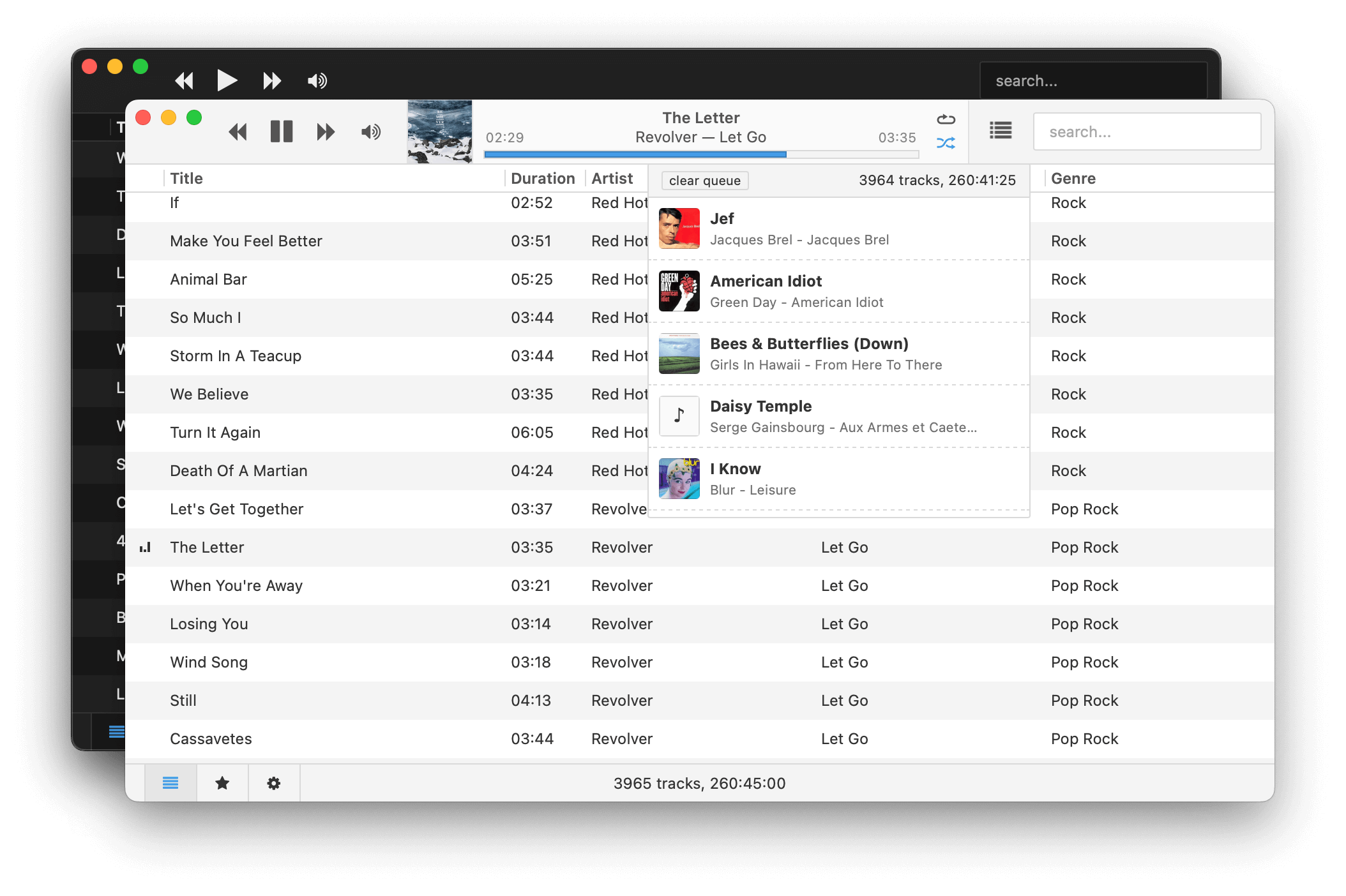
museeks.io
github.com/martpie/museeks
sourceforge.net/projects/museeks.mirror

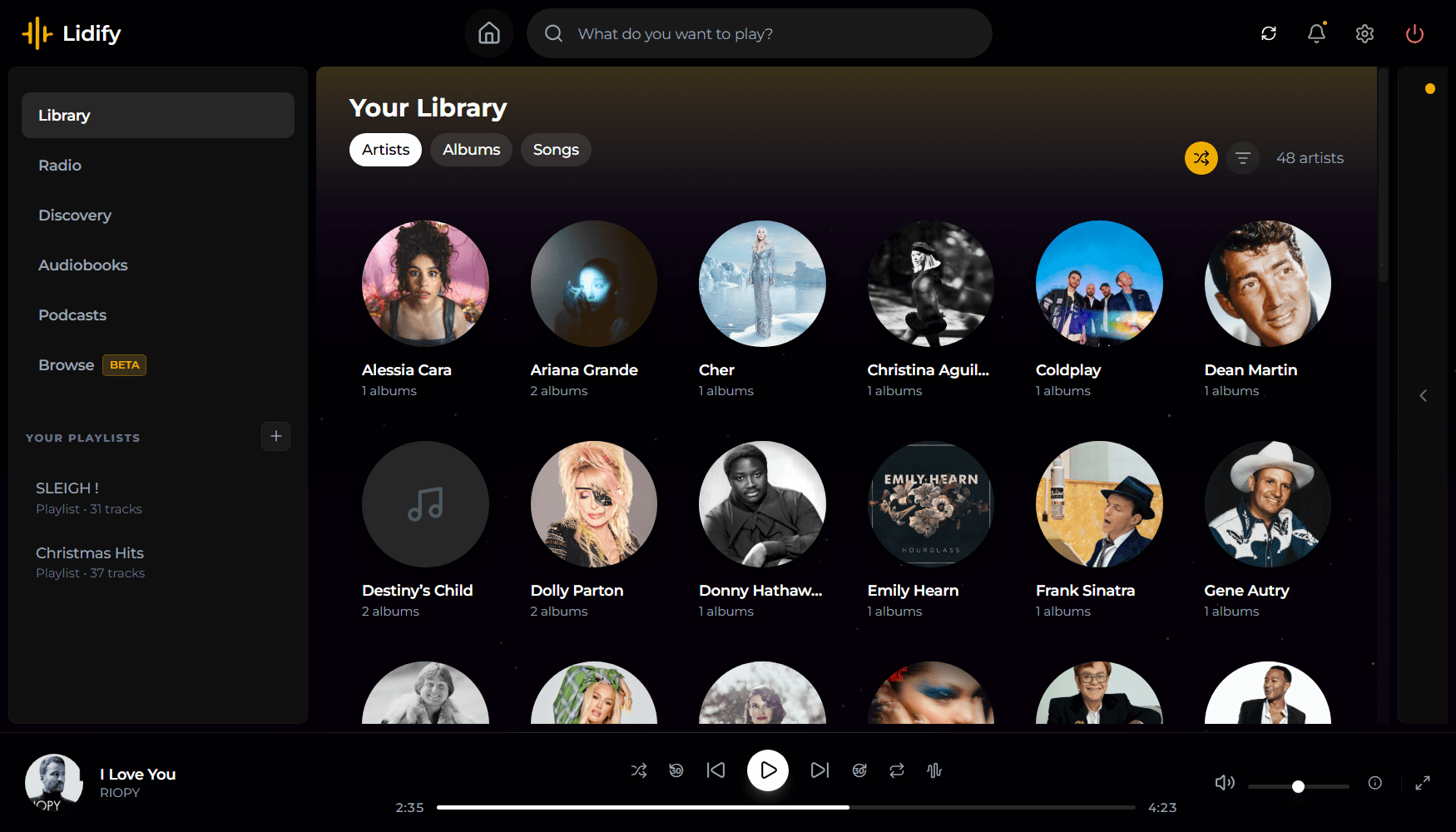
Lidify is built for music lovers who want the convenience of streaming services without sacrificing ownership of their library. Point it at your music collection, and Lidify handles the rest: artist discovery, personalized playlists, podcast subscriptions, and seamless integration with tools you already use like Lidarr and Audiobookshelf.
github.com/Chevron7Locked/lidify
github.com/TheWicklowWolf/Lidify

This is an audio player for Windows, Linux and MacOS.
It is designed to play audio CDs dumped to raw bin/cue files.
The bin/cue files can be loaded from a folder on disk, or from a zip archive.
This player provides a convenient way of listening to dumps in that format without any additional step(s):
- No need to mount the cue file as a virtual drive.
- No need to extract the cue/bin files from zip files.
- No need to convert the data to wav/flac/ogg/mp3.
This is currently NOT supported:
- Playing from archives in 7z and rar formats.
- Playing music from other formats such as wav, mp3, flac, ogg, etc. Just use a regular music player for that.
Album and track metadata is loaded from the CDTEXT information when present in cue file.
Additional metadata is optionally retrieved from CueToolsDB, including album art.
Lyrics are optionally retrieved from LRCLIB. Using a local LRCLIB sqlite3 database is also supported.
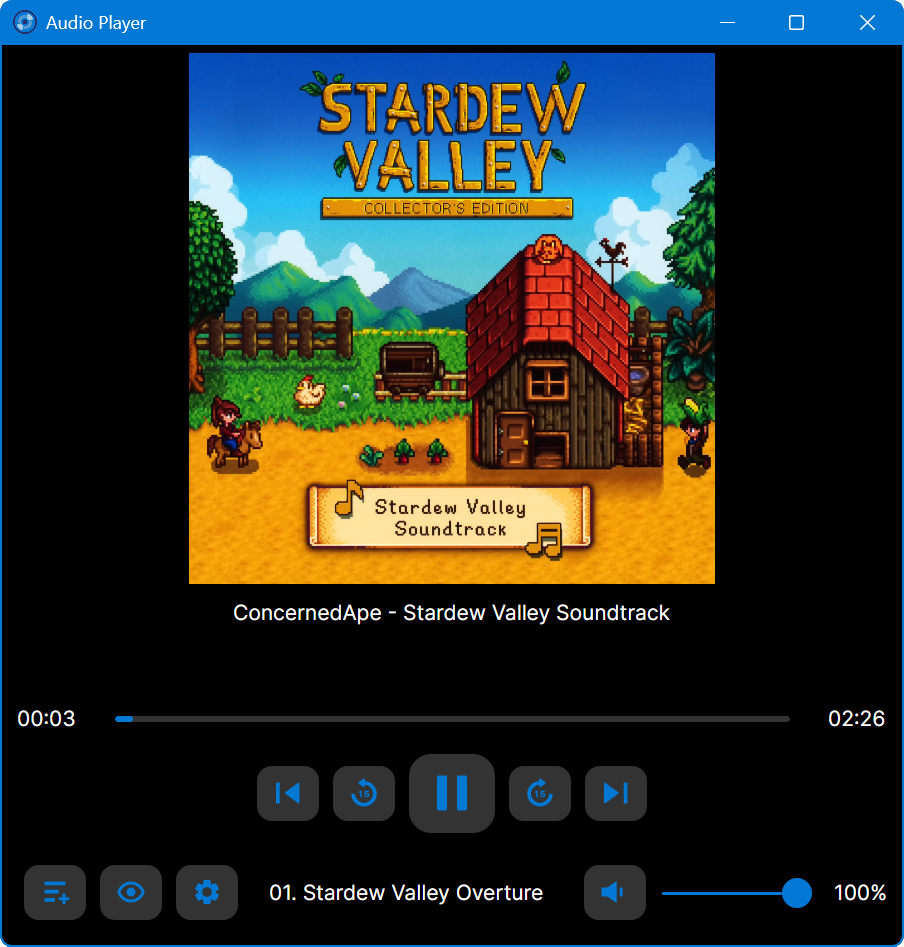
github.com/huguesv/AudioPlayer

Feature rich library viewer and browser for foobar2000 and Spider Monkey Panel. Improved version of the original Library Tree, which tons of new features, performance optimizations and fixes.
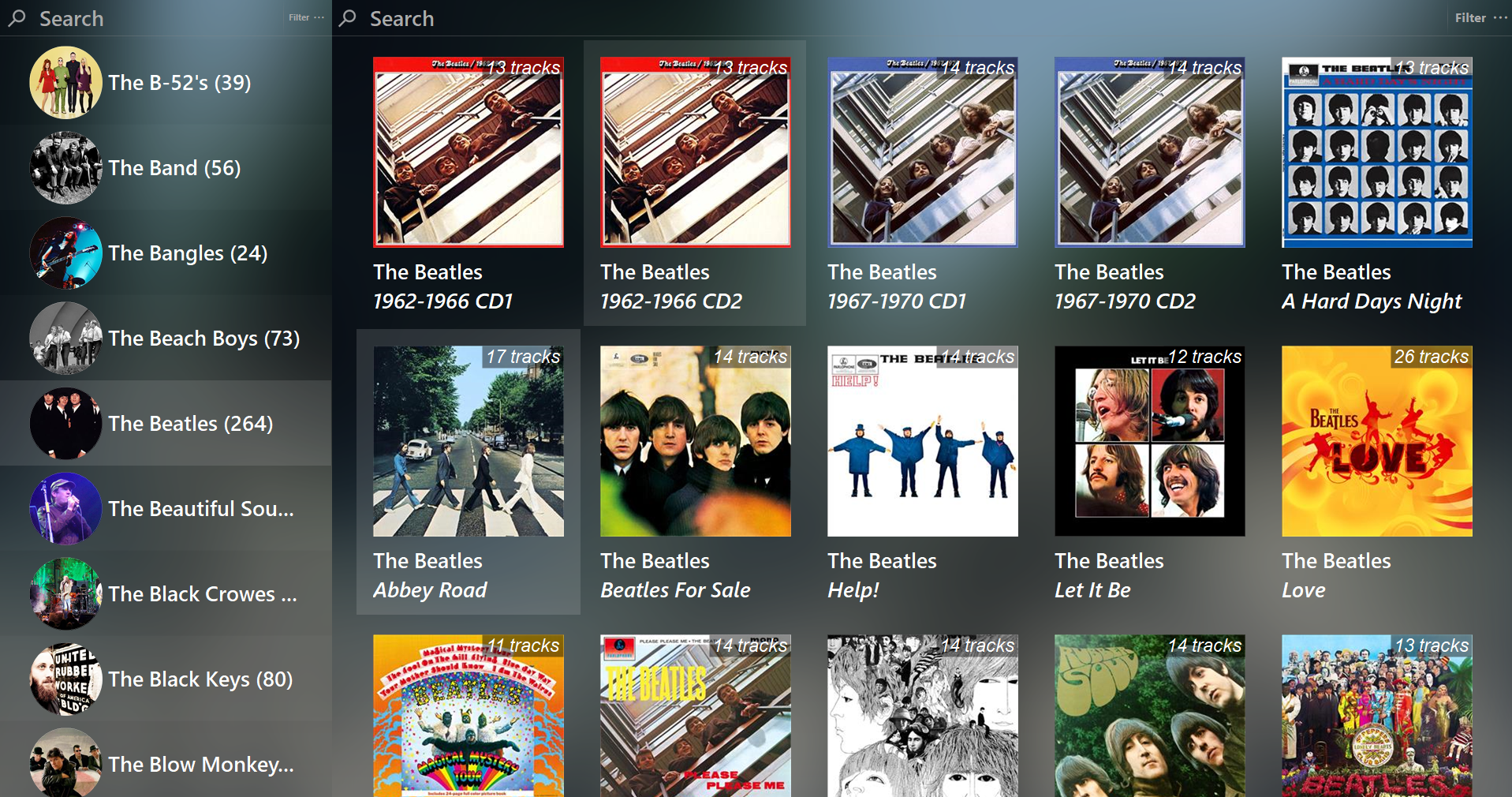
github.com/regorxxx/Library-Tree-SMP

caudec is a command-line utility that transcodes (converts) audio files from one format (codec) to another, among other things.
It leverages multi-core CPUs and runs multiple processes concurrently (one per file and per codec, and more than one thread per codec when it supports it). The objective is to hog the CPU as much and as long as possible. One strategy is to sort input files by size, so that the largest files potentially get more threads towards the end of the job.

Plays & manages your music library. Looks beautiful & juicy.
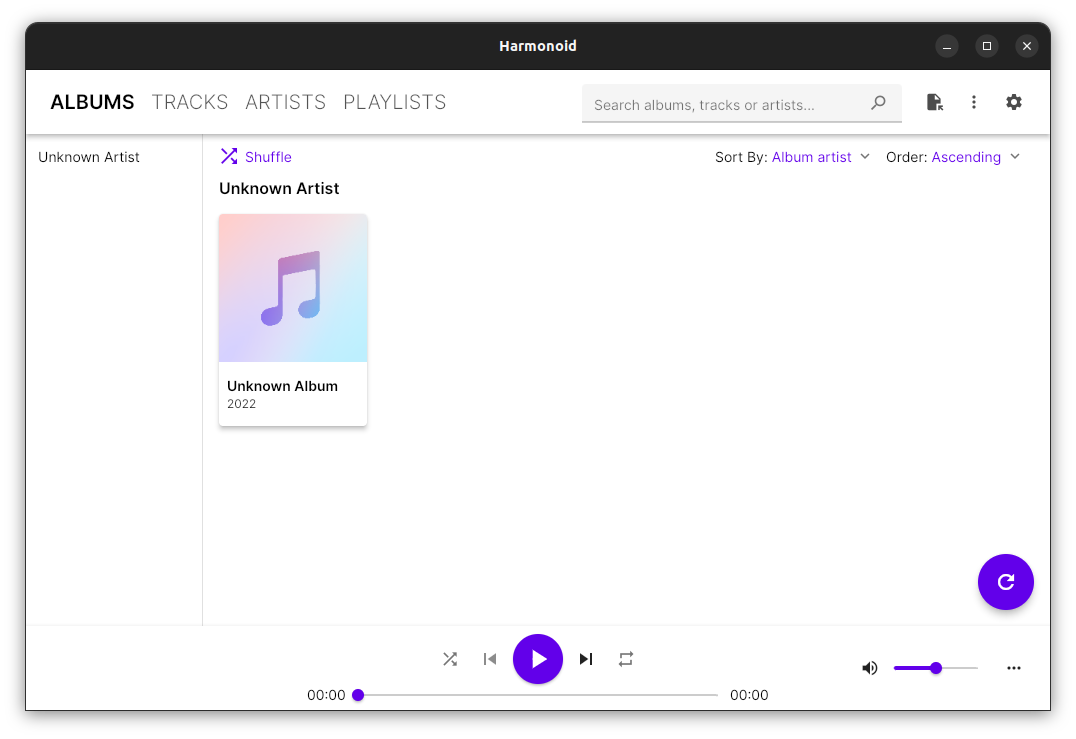
harmonoid.com
github.com/harmonoid
sourceforge.net/projects/harmonoid.mirror
itsfoss.com/harmonoid

A collection of macOS components for foobar2000 v2 – mostly remakes of the components, which I used to love back then on windows.
DISCLAIMER: All of this is a WIP, actively tested on my foobar2000 instance, but WIP nonetheless, it may crash your foobar.
| SimPlaylist | Lightweight playlist viewer with album art and grouping | 1.1.0 | 📖 |
| Playlist Organizer | Tree-based playlist management | 1.1.0 | 📖 |
| Waveform Seekbar | Audio visualization seekbar with effects | 1.0.0 | 📖 |
| Album Art (Extended) | Multi-type album art viewer with selection support | 1.0.0 | 📖 |
| Queue Manager | Visual playback queue management | 1.0.0 | 📖 |
| Last.fm Scrobbler | Last.fm integration and scrobbling | 1.0.0 | – |
hydrogenaudio.org/index.php/topic,128911.0
github.com/JendaT/fb2k-components-mac-suite


