Discord Audio Stream ~ Stream Audio Via Discord


Designed for 24/7 audio playing on discord.

Discord has many unwanted rate limits, especially in the audio area. This package does all the work and ensures that your music never stops playing due to ffmpeg or Discord, with as little effort as possible.

github.com/FrauJulian/Discord-Audio-Stream
www.npmjs.com/package/discord-audio-stream

MusicSync ~ Synchronize Music Libraries


MusicSync is a cross-platform tool that synchronizes your music library between devices and drives with advanced settings.

You can use it through CLI, that makes easy to sync you library with only a click using a script, or through GUI, that is more user-friendly. Here there are two examples:

python musicsync D:/Music sdcard/Music --adb --min-rating 4.5 --output-format opus --output-bitrate 128k
python musicsync D:/Music sdcard/Music --adb --min-rating 3 --min-year 2020 --output-format opus --output-bitrate

github.com/serpest/MusicSync
hydrogenaud.io/index.php?topic=121169.0

microenc ~ Linux/BSD Batch Encoding Script


microenc is a small Bash shell script for Linux/BSD for encoding directories with audio files to other formats using FFmpeg as encoder.

Features:

  • Encodes to MP3, AAC, Vorbis, Opus, AC-3, E-AC-3, DTS, FLAC, ALAC, WavPack, AIFF and WAV audio
  • Auto-copying of metadata and, for MP3/AAC/FLAC/ALAC/AIFF, cover art
  • Optional high-quality audio resampling
  • Requires only ffmpeg and ffprobe
sourceforge.net/projects/microenc

Fooyin ~ Linux Audio Player


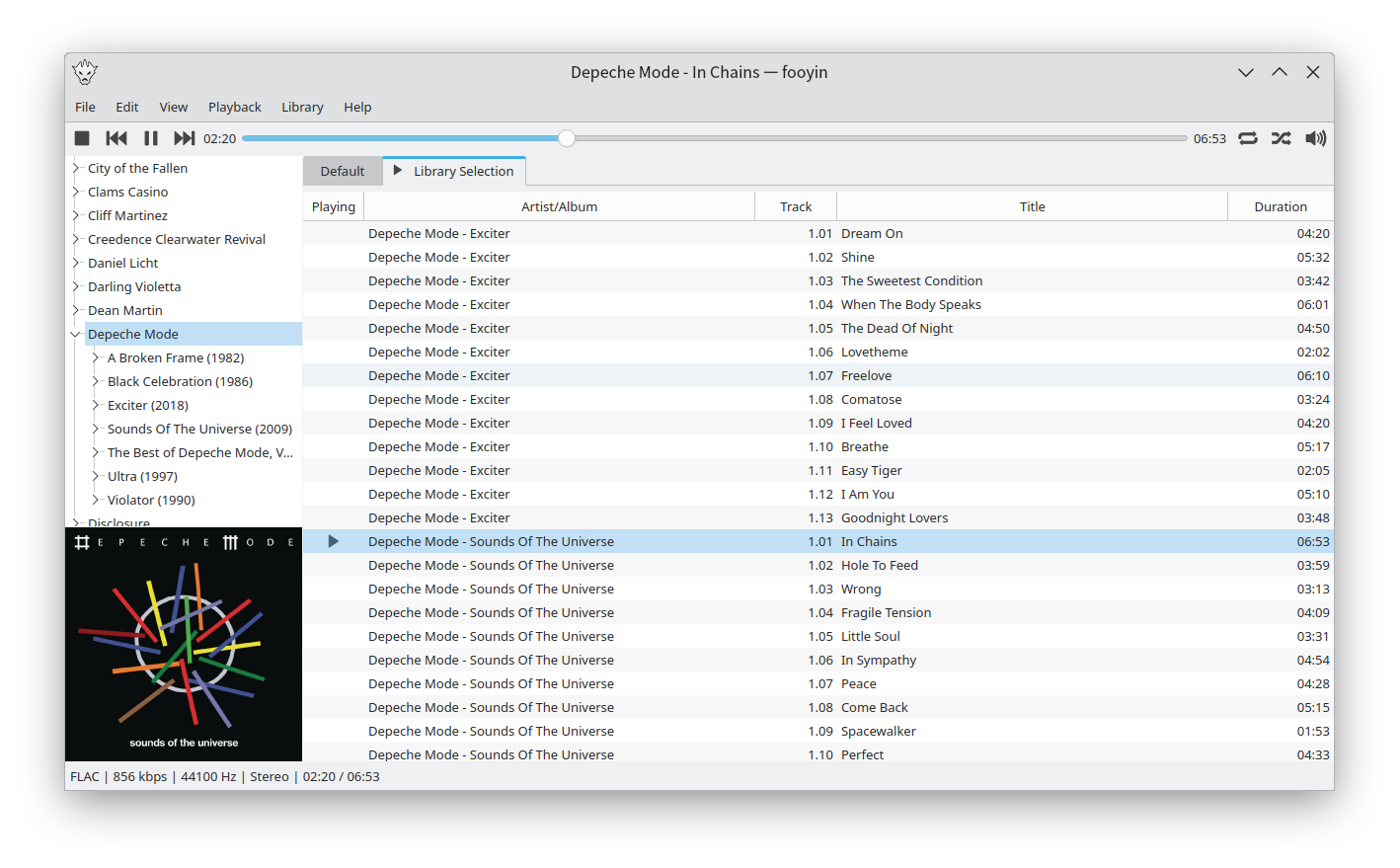
Fooyin is a customisable music player for Linux. Fooyin features a layout editing mode in which the entire user interface can be customised, starting from a blank state or a default layout. FooScript takes this further by extending the customisation to individual widgets themselves.

Features:

  • Playback FLAC, MP3, MP4, Vorbis, Opus, WavPack, WAV, AIFF, Musepack, Monkey’s Audio
  •  Playback popular VGM and tracker module formats
  •  Gapless playback
  •  Add and play files from within compressed archives
  •  Audio output and device configuration
  •  CUE sheet support (including embedded)
  •  Fully customisable layout, starting from a blank window
  •  Customisable keyboard shortcuts
  •  Filter library on any field(s)
  •  Create and manage playlists
  •  Import/export playlists (M3U/M3U8)
  •  Extensible using a plugin system
  •  Tag editing
  •  Library tree, including directory structure view
  •  Directory browser
  •  Waveform seekbar
  •  MPRIS support
  •  ReplayGain support
  •  Scrobbling

www.fooyin.org
github.com/ludouzi/fooyin

foo_mpv ~ foobar2000 Local Video Support


This component allows playing local video files in foobar2000 using libmpv. It is not a foobar decoder, it will just play the video for files that foobar is already playing via other input components. You may need to install other decoders or foo_input_ffmpeg to play certain files.

Features:

  • Video player can be a default UI element, columns UI panel or a separate window
  • On-screen control on the video
  • Fullscreen mode
  • Generates video thumbnails as album art, with optional manual thumbnail chooser
  • Video panels can act as an album art viewer when no video is present to avoid wasting space
  • Reads mpv.conf and input.conf
  • Provides some interfaces for integrating mpv Lua scripts with foobar2000

hydrogenaud.io/index.php?topic=119836.0
www.foobar2000.org/components/view/foo_mpv
github.com/sammoth/foo_mpv

LosslessCut ~ Lossless Audio Video Editing


The swiss army knife of lossless video / audio editing

LosslessCut aims to be the ultimate cross platform FFmpeg GUI for extremely fast and lossless operations on video, audio, subtitle and other related media files. The main feature is lossless trimming and cutting of video and audio files, which is great for saving space by rough-cutting your large video files taken from a video camera, GoPro, drone, etc. It lets you quickly extract the good parts from your videos and discard many gigabytes of data without doing a slow re-encode and thereby losing quality. Or you can add a music or subtitle track to your video without needing to encode. Everything is extremely fast because it does an almost direct data copy, fueled by the awesome FFmpeg which does all the grunt work.

Features:

  • Lossless cutting of most video and audio formats
  • Losslessly cut out parts of video / audio (for cutting away commercials etc.)
  • Losslessly rearrange the order of video / audio segments
  • Lossless merge / concatenation of arbitrary files (with identical codecs parameters, e.g. from the same camera)
  • Lossless stream editing: Combine arbitrary tracks from multiple files (ex. add music or subtitle track to a video file)
  • Losslessly extract all tracks from a file (extract video, audio, subtitle, attachments and other tracks from one file into separate files)
  • Batch view for fast multi-file workflow
  • Remux into any compatible output format
  • Take full-resolution snapshots from videos in JPEG / PNG format
  • Manual input of cutpoint times
  • Apply a per-file timecode offset (and auto load timecode from file)
  • Change rotation / orientation metadata in videos
  • View technical data about all streams
  • Timeline zoom and frame / keyframe jumping for accurate cutting around keyframes
  • Saves per project cut segments to project file
  • View FFmpeg last command log so you can modify and re-run recent commands on the command line
  • Undo/redo
  • Give labels to cut segments
  • View segment details, export / import cut segments as CSV
  • Import segments from: MP4 / MKV chapters, Text file, YouTube, CSV, CUE, XML (DaVinci, Final Cut Pro)
  • Video thumbnails and audio waveform
  • Edit file metadata and per-stream metadata
  • Edit per-stream disposition
  • Cut with chapter marks
  • Annotate segments with tags
  • View subtitles

mifi.github.io/lossless-cut

Ultimate Mono2Stereo ~ Better Mono To Stereo


What sets this frontend for ffmpeg apart from other stereo simulators is it creates an illusion of actual stereo separation. More importantly, it produces none of the weird phasing, and/or time delay artifacts. And very little, if any of the tone discoloration, when those others aren’t meticulously set up just right. All this is accomplished by using the ffmpeg crossover audio filter to split the sound into 8 frequency bands. The split points are based on center frequencies of a typical 1/3 octave equalizer. Those 8 bands are then panned in varying degrees to left and right. The varying width of each band is set to achieve the best balance between the left and right channels.

sourceforge.net/projects/ultimate-mono2stereo

PS3 Media Server ~ Cross-platform Media Server


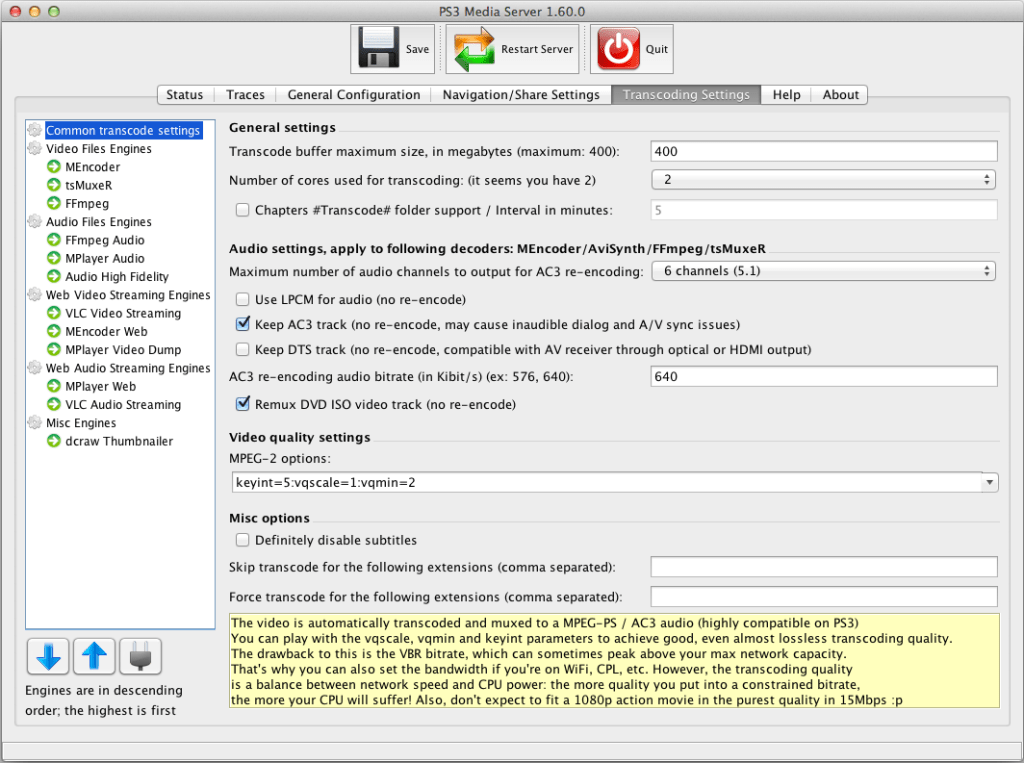
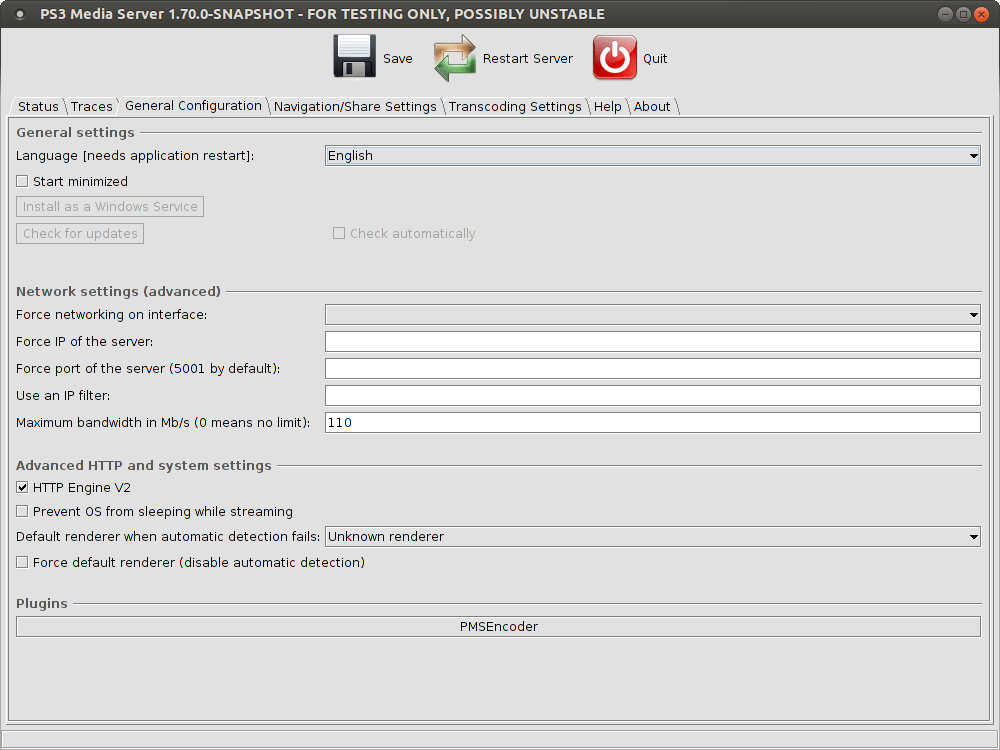
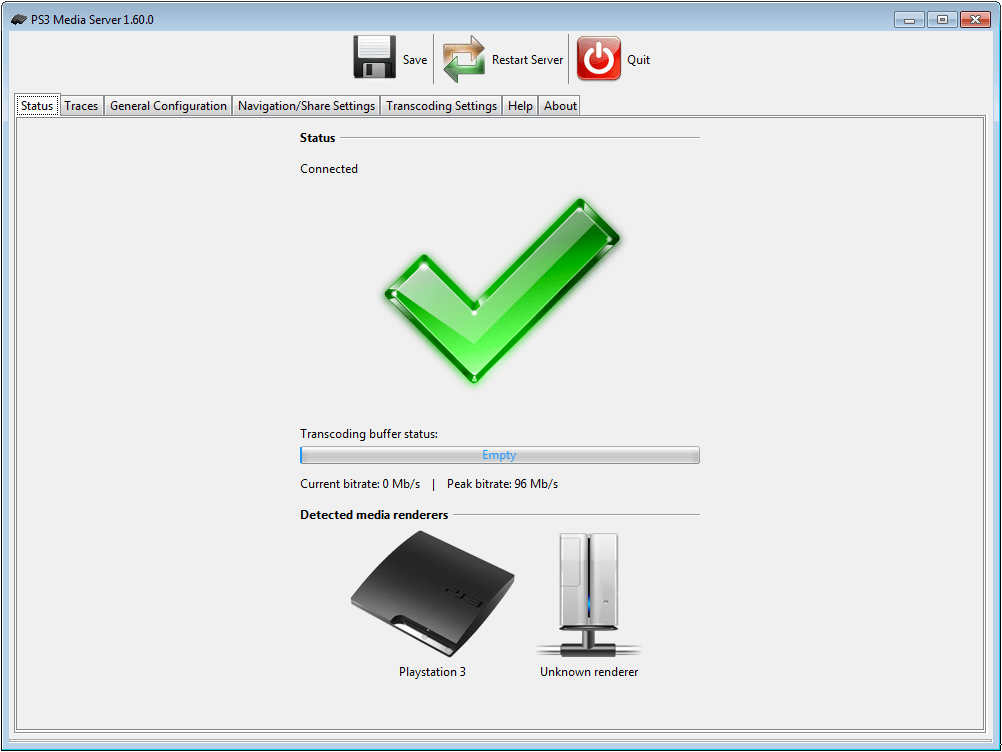
PS3 Media Server is a DLNA-compliant UPnP Media Server. Originally written to support the Sony PlayStation3, PS3 Media Server has been expanded to support a range of other media renderers, including smartphones, TVs, music players and more. Because it is written in Java, PS3 Media Server supports all major operating systems, with versions for Windows, Linux and Mac OS X.

The program streams or transcodes many different media formats with little or no configuration. It is powered by MEncoder, FFmpeg, tsMuxeR and AviSynth, which combine to offer support for a wide range of media formats.

sourceforge.net/projects/ps3mediaserver

R128GAIN ~ EBU Loudness Scanner


R128GAIN is a FFmpeg and SoX based EBU R128 compliant loudness scanner. It helps you normalizing the loudness of your audio and video files to the same level.

r128gain.sourceforge.net
sourceforge.net/projects/r128gain

FFmpeg ~ Open Source Audio Video Toolset


A complete, cross-platform solution to record, convert and stream audio and video. FFmpeg is the leading multimedia framework, able to decode, encode, transcode, mux, demux, stream, filter and play pretty much anything that humans and machines have created. It supports the most obscure ancient formats up to the cutting edge. No matter if they were designed by some standards committee, the community or a corporation. It is also highly portable: FFmpeg compiles, runs, and passes our testing infrastructure FATE across Linux, Mac OS X, Microsoft Windows, the BSDs, Solaris, etc. under a wide variety of build environments, machine architectures, and configurations.

ffmpeg.org

Frontends:

Resources:

GNUsound ~ Opensource Unix Audio Editor


GNUsound is a multitrack sound editor for GNOME 1 and 2.

www.gnu.org/software/gnusound

cyanrip ~ Accurate & Secure Ripper


Fully featured CD ripping program able to take out most of the tedium. Fully accurate, has advanced features most rippers don’t, yet has no bloat and is cross-platform.

Features:

github.com/cyanreg/cyanrip