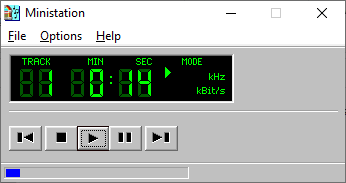
The Ministation application is a small media player, for playing audio files. The program only has a few options to play, stop, pause, etc. the current media track.
github.com/Sibra-Soft/ministation

The Ministation application is a small media player, for playing audio files. The program only has a few options to play, stop, pause, etc. the current media track.
github.com/Sibra-Soft/ministation

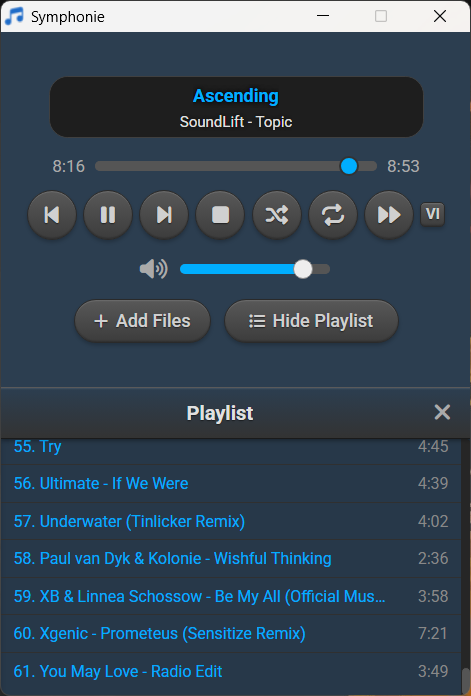
Symphonie is a sleek, lightweight desktop music player built with Electron and powered by HTML5 capabilities, offering a clean interface for enjoying your local audio library. It supports popular formats including MP3, FLAC, AAC, M4A, OGG, WAV, OPUS. Features include playlist management, intuitive playback controls, track metadata display (title/artist), and shuffle functionality for a seamless listening experience.
sourceforge.net/projects/symphonie

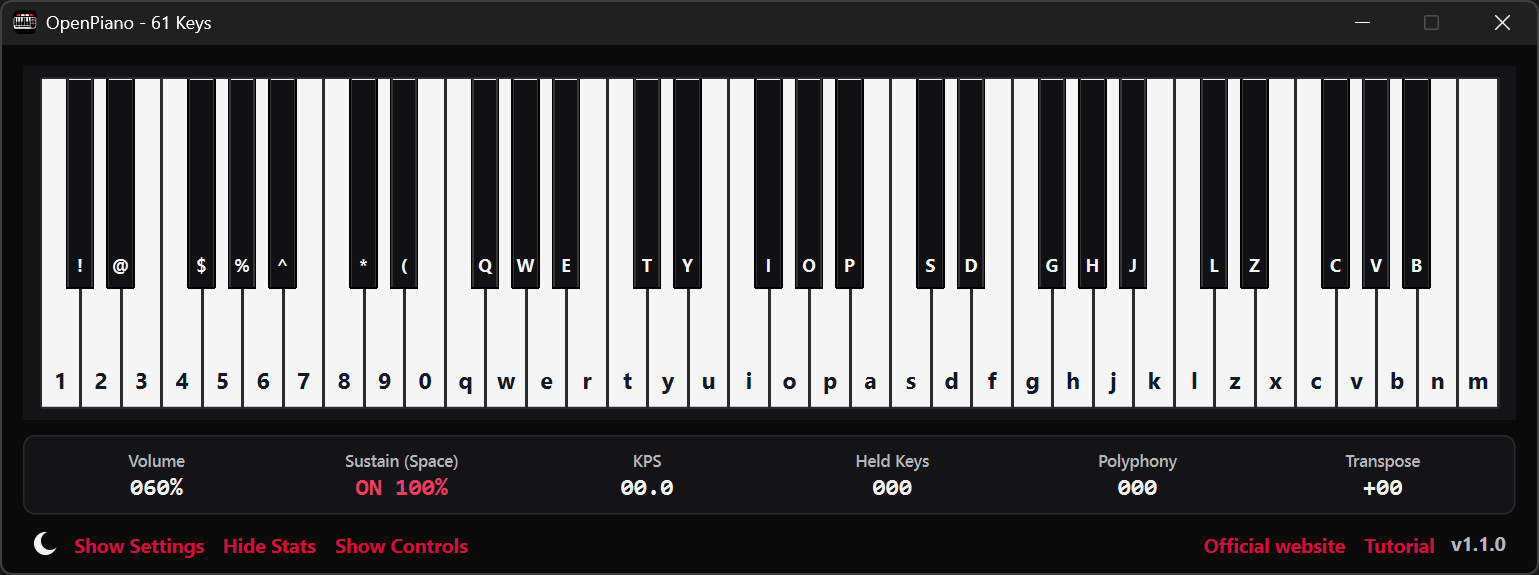
OpenPiano is a Windows desktop piano application that allows you to play, practice, and record music using your PC keyboard, mouse, or a MIDI device.
It supports real-time playback using SoundFonts and provides on-screen piano layouts for visual feedback while playing.
OpenPiano is designed to run entirely locally. It does not require accounts, cloud services, or an internet connection for core functionality.
- 61-key and 88-key layouts with live key feedback
- SoundFont support (.sf2 / .sf3) with bank and preset selection
- Keyboard, mouse, and MIDI input support
- Editable keybind mode with Save, Discard, and Ctrl+Z undo
- Keyboard and mouse combo triggers with shared 61/88-key mapping
- MIDI recording and .mid export
- Real-time controls for volume, velocity, sustain, and transpose
- Live stats for KPS, held keys, and polyphony
- Theme, UI scale, animation speed, and key color customization
- Built-in tutorial with an in-depth explanation of features
- Offline local-first workflow with no account required
www.justagwas.com/projects/openpiano
github.com/Justagwas/openpiano
sourceforge.net/projects/openpiano
github.com/michele-perrone/OpenPiano

This program now comes in two flavours, as a Direct Show filter and a VST plugin. The Direct Show Filter allows any Direct Show capable audio player software (such as Windows Media Player) the ability to read and decode B-format wave files (the format of which is specified here on Richard Dobson’s web page – details on the Waveformat extensible file format used can be found on Microsofts web site here – details on Ambisonics can be found here).
The VST version comes in 1st and 2nd order versions (3rd and 4th order versions to follow) and allows you to alter the polar patterns of the speaker feeds either across the whole frequency range or using ‘Shelf Filters’ with a variable cut-off. Both of the VST plugins will derive outputs for a standard ITU 5 speaker array, with higher orders giving better frontal resolution.
web.archive.org/web/20070806013036/http://sparg.derby.ac.uk/SPARG/Staff_BW

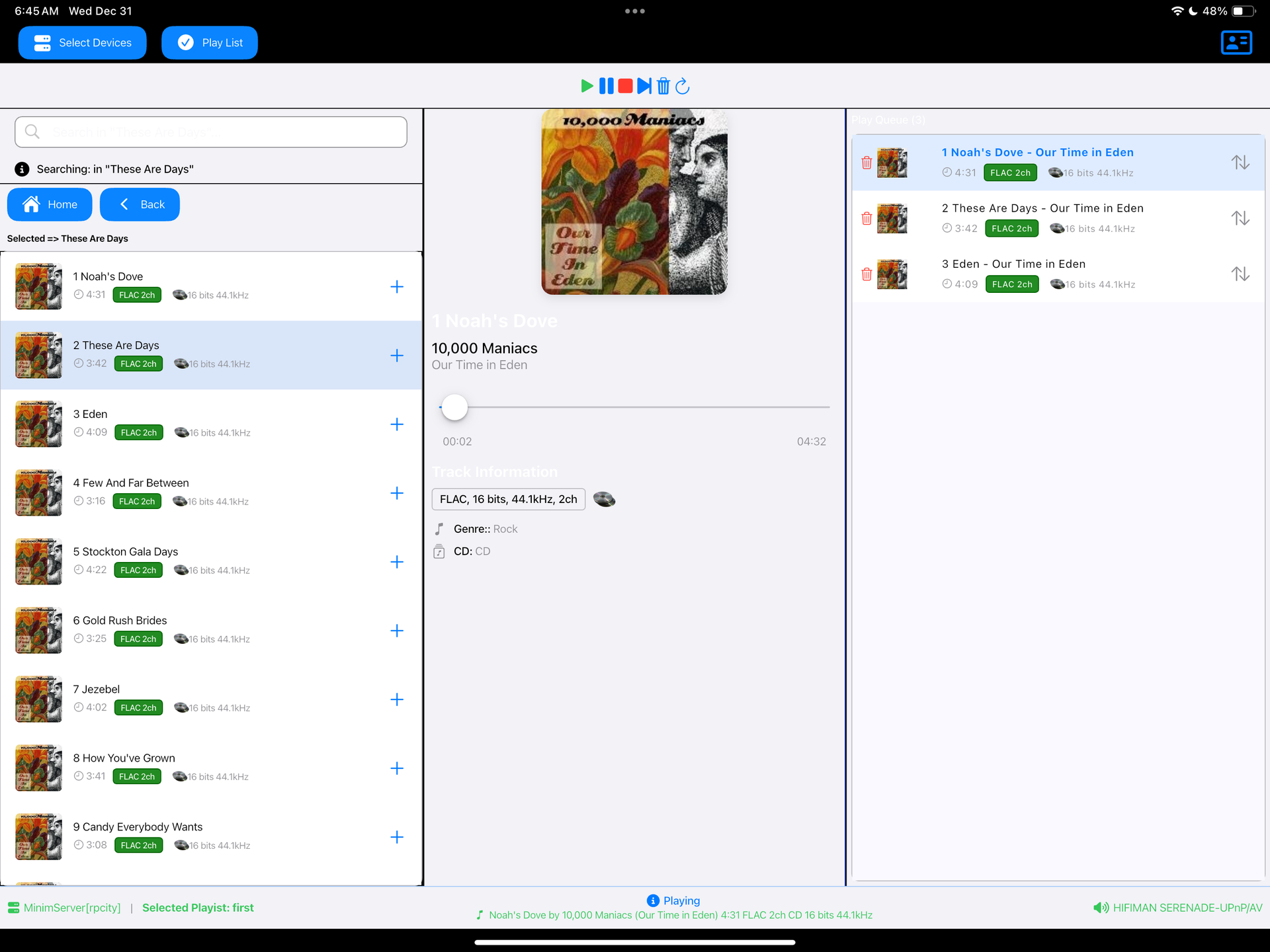
Read a DLNA Media Server to select music to play on your DLNA Renderer
Scan the network for your Media Server (“Server”) and Renderer (“Renderer”) devices, select one of each and then from the main screen select the music you want to play, drilling into Albums, Artists, Genres (all defined by your Media Server). Any music you want to hear is called a track and is loaded onto the play queue. Then select Play button to listen to the track listed at the top of the queue. You can also create playlists and store your favorite tracks for playback.
sourceforge.net/projects/dlna-music-controller
en.wikipedia.org/wiki/List_of_UPnP_AV_media_servers_and_clients

Reliably play midi music files from a folder or “.m3u” playlist. Adjust playback speed, volume and output device on the fly during playback. A large playback progress bar makes jumping forward and backward in time a breeze with just a single click or tap. Supports “.mid”, “.midi” and “.rmi” files in format 0 (single track) and format 1 (multi-track). Comes complete with 24 sample midis ready to play.
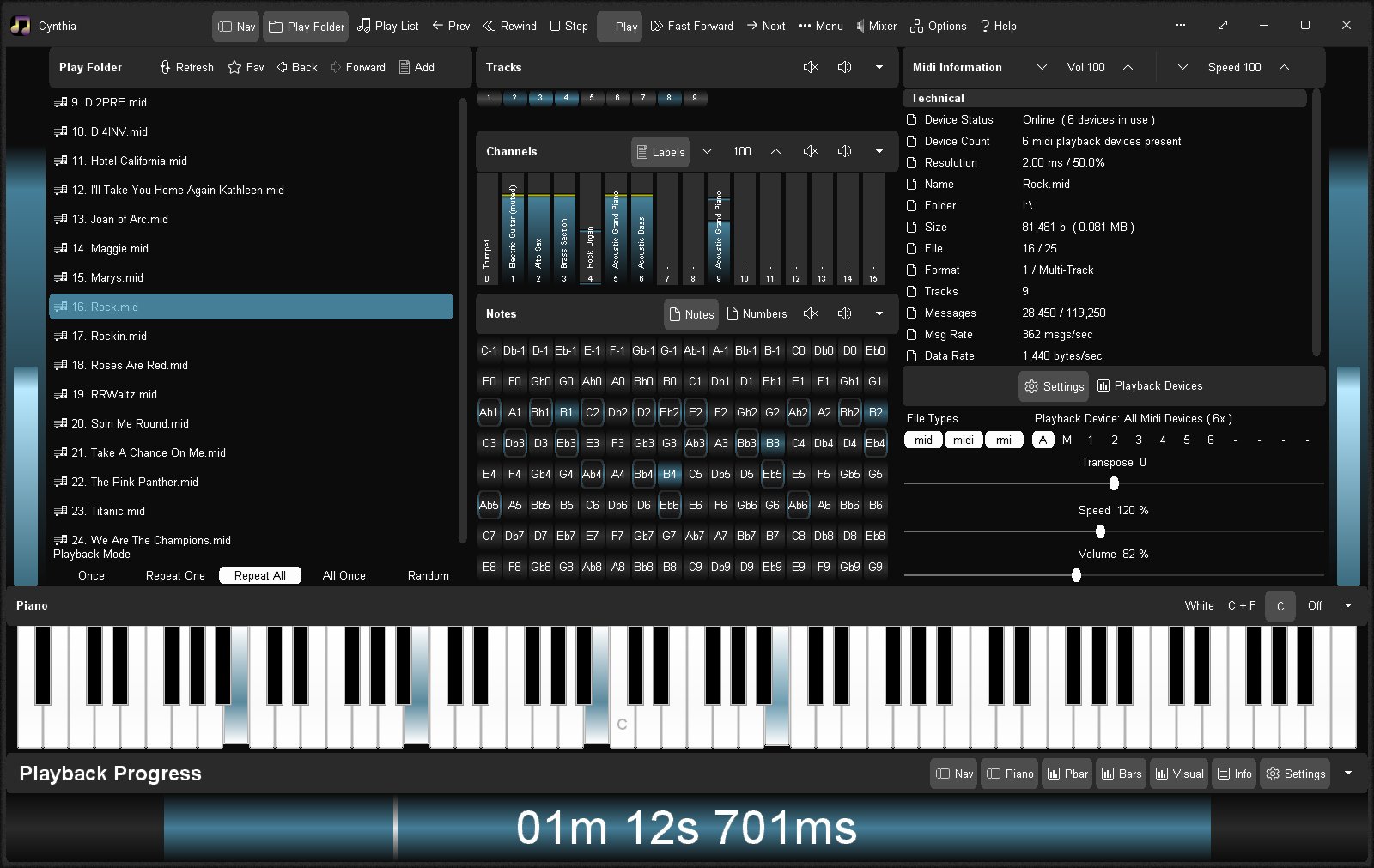
sourceforge.net/projects/cynthia1
www.blaizenterprises.com/cynthia

This is a first JUCE plugin, meant to offer some useful metering.
github.com/airwindows/Meter/releases

This is an audio player for Windows, Linux and MacOS.
It is designed to play audio CDs dumped to raw bin/cue files.
The bin/cue files can be loaded from a folder on disk, or from a zip archive.
This player provides a convenient way of listening to dumps in that format without any additional step(s):
- No need to mount the cue file as a virtual drive.
- No need to extract the cue/bin files from zip files.
- No need to convert the data to wav/flac/ogg/mp3.
This is currently NOT supported:
- Playing from archives in 7z and rar formats.
- Playing music from other formats such as wav, mp3, flac, ogg, etc. Just use a regular music player for that.
Album and track metadata is loaded from the CDTEXT information when present in cue file.
Additional metadata is optionally retrieved from CueToolsDB, including album art.
Lyrics are optionally retrieved from LRCLIB. Using a local LRCLIB sqlite3 database is also supported.
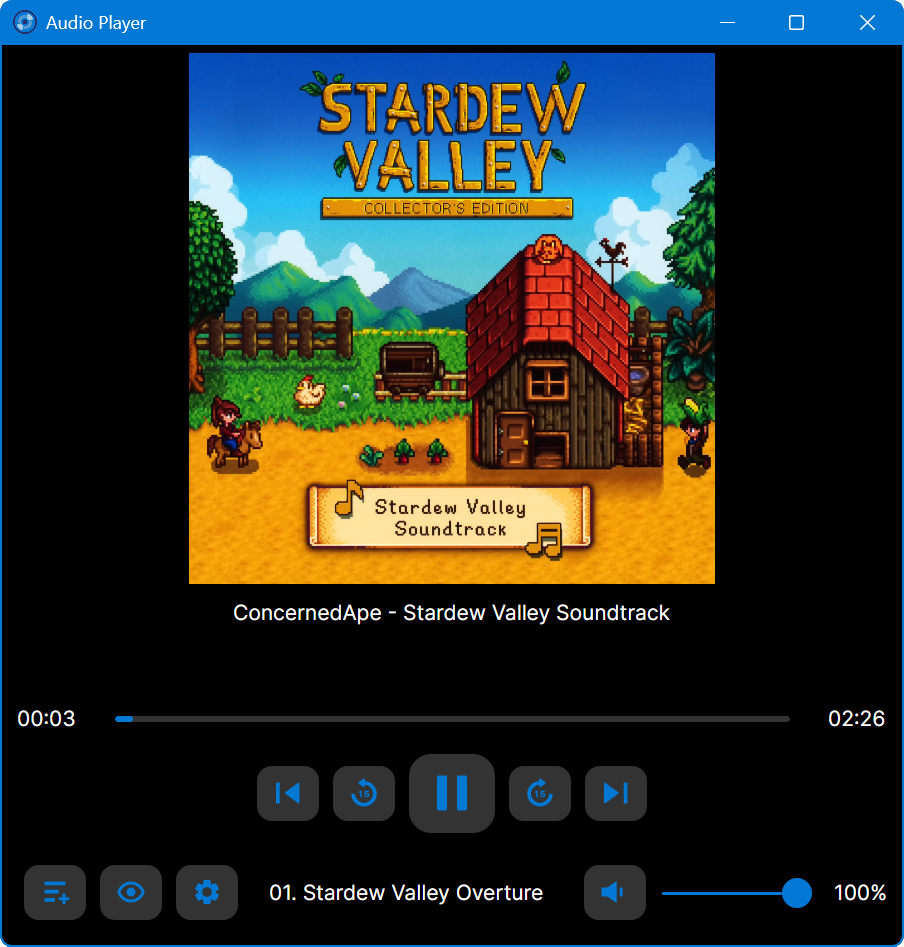
github.com/huguesv/AudioPlayer

This is a Commodore 64 emulator specialized for sound reproduction. It is also a SID player for music collections like HVSC and CGSC. It is a full C64 emulator and can play games of the GameBase64 project as well.
Features:
- Cycle-Exact C64 Emulator
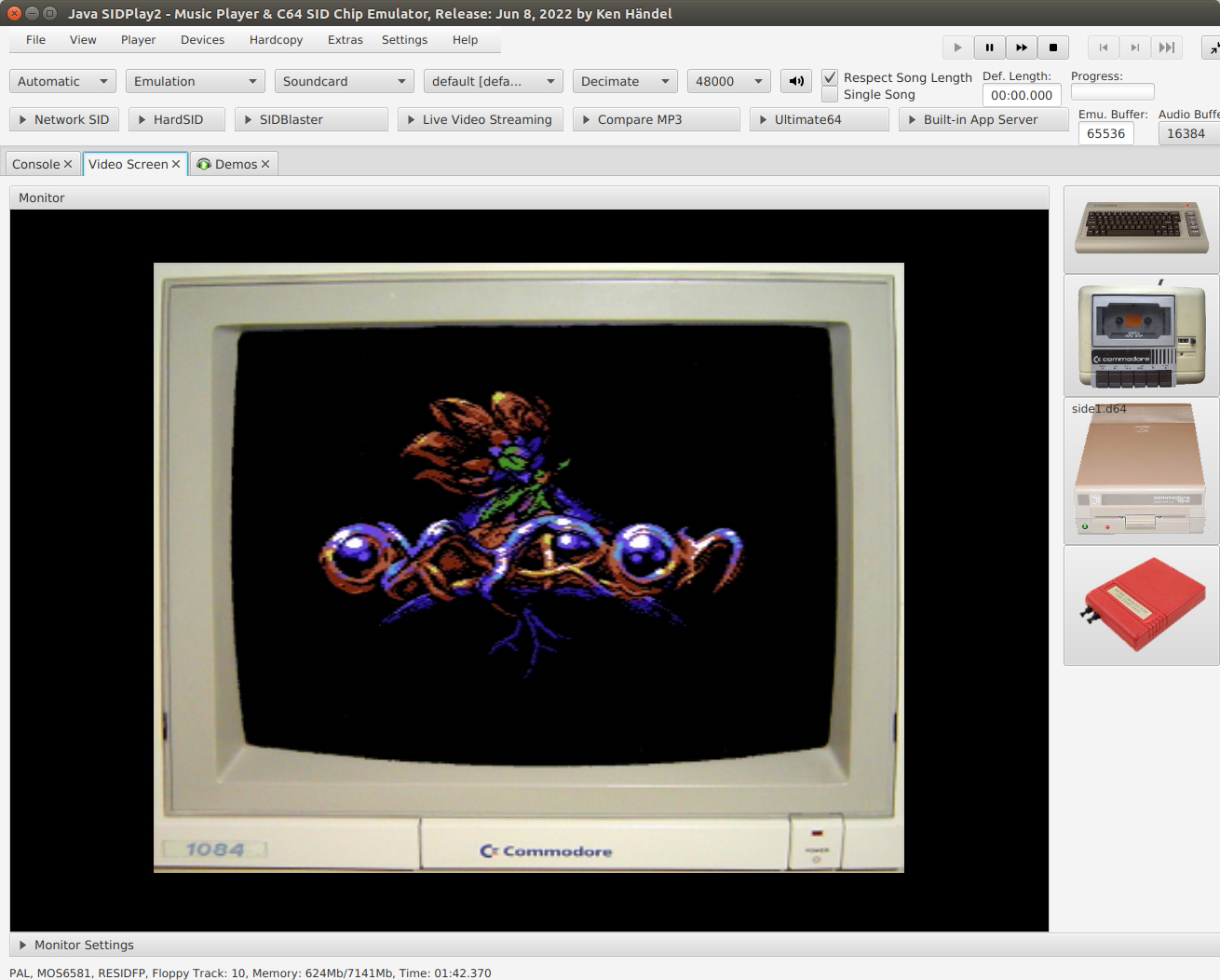
sourceforge.net/projects/jsidplay2
openhub.net/p/jsidplay2
Online:
haendel.ddns.net:8443/static/c64jukebox.vue

Feature rich library viewer and browser for foobar2000 and Spider Monkey Panel. Improved version of the original Library Tree, which tons of new features, performance optimizations and fixes.
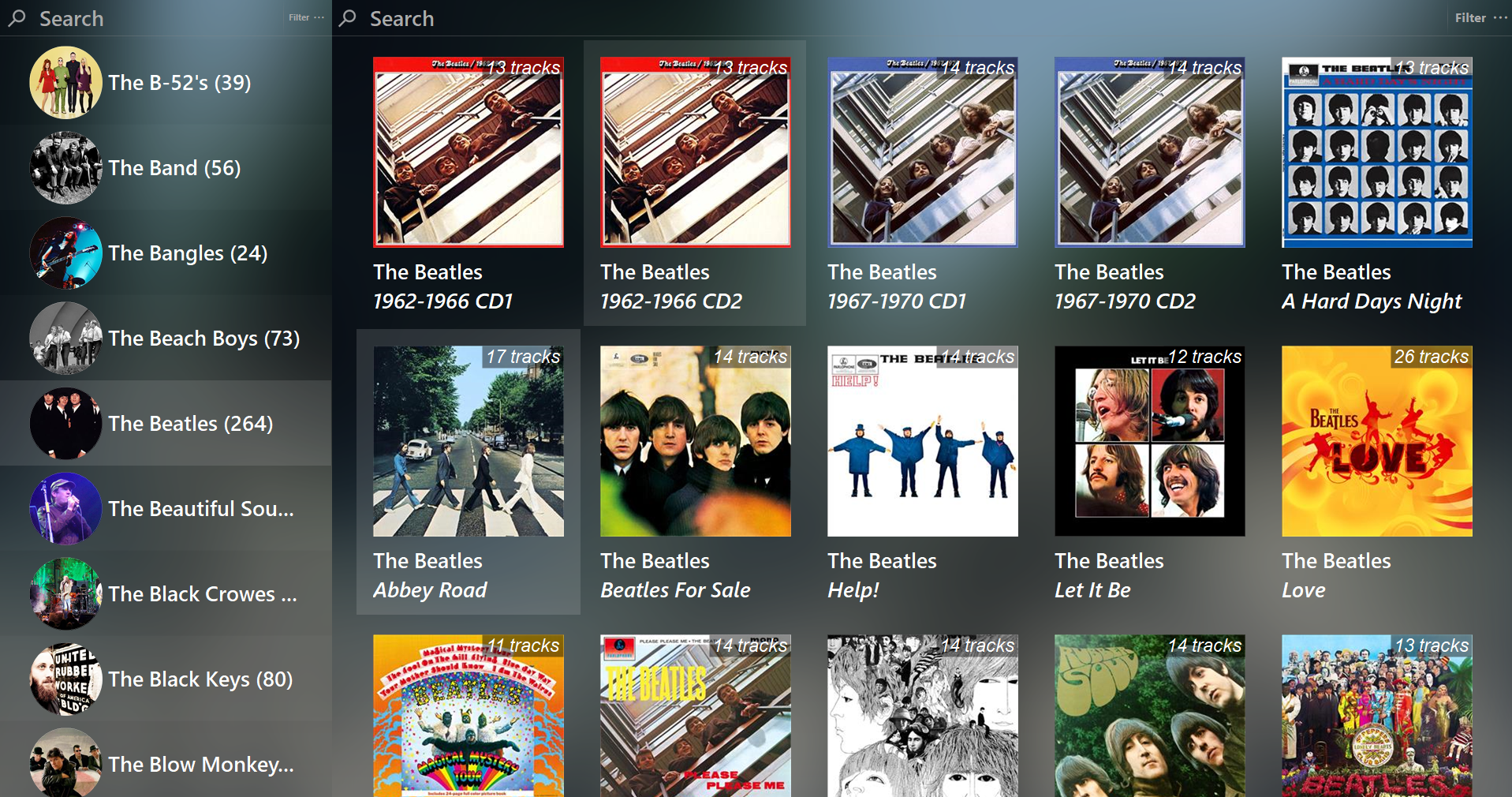
github.com/regorxxx/Library-Tree-SMP

Swing Music is a fast and beautiful, self-hosted music player for your local audio files. Like a cooler Spotify … but bring your own music. Just run the app and enjoy your music library in a web browser.
Features:
- Daily Mixes – curated everyday based on your listening activity
- Metadata normalization – a clean and consistent library
- Album versioning – normalized albums and association with version labels (eg. Deluxe, Remaster, etc)
- Related artist and albums
- Folder view – Browse your music library by folders
- Playlist management
- Beautiful browser based UI
- Silence detection – Combine cross-fade with silence detection to create a seamless listening experience
- Collections – Group albums and artists based on your preferences
- Statistics – Get insights into your listening activity
- Lyrics view
- Android client
- Last.fm scrobbling
- Multi-user support
- Cross-platform – Windows, Linux, MacOS (coming soon), arm64, x86
- Blazingly fast
- Pure awesomeness
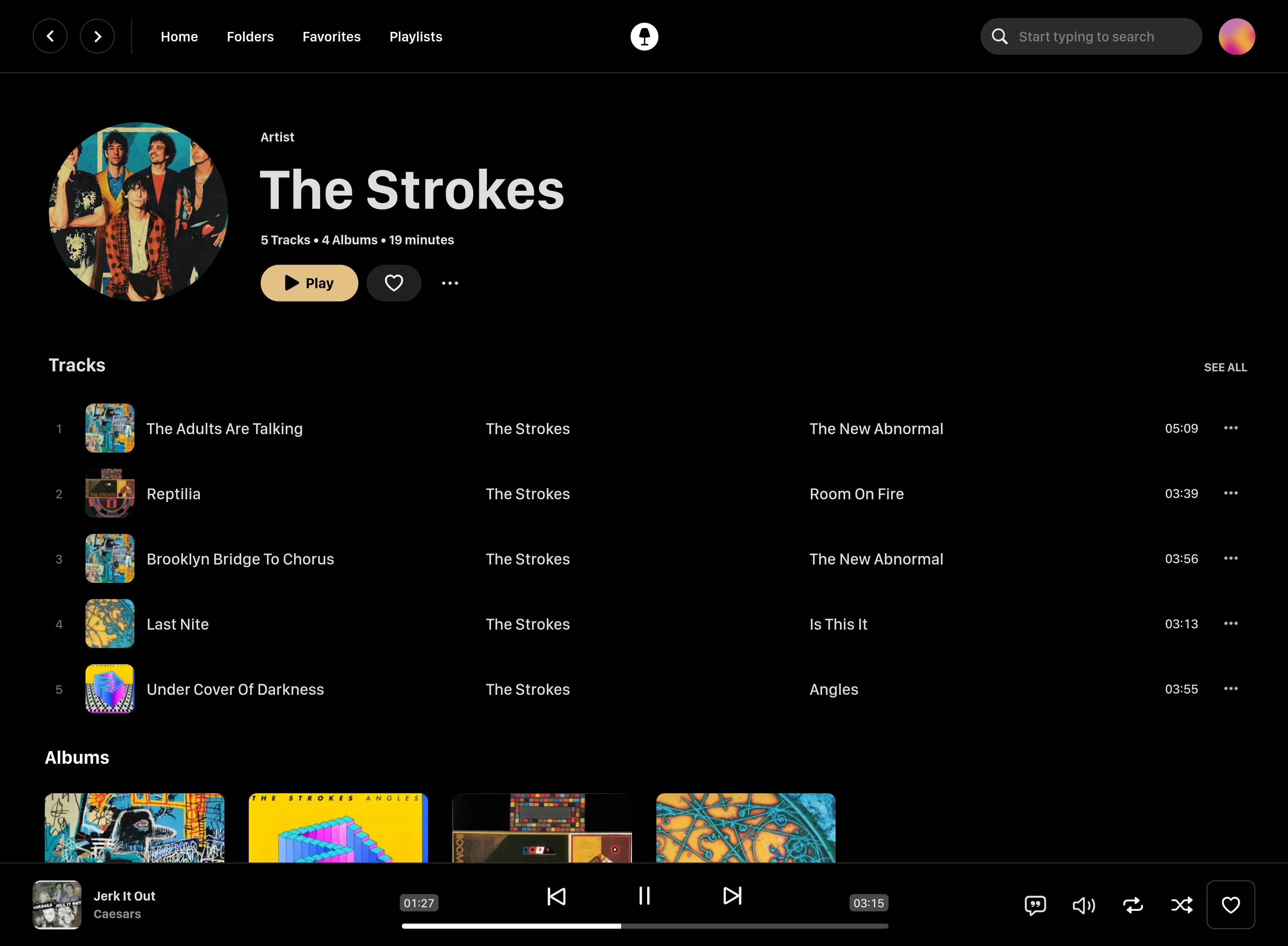
github.com/swingmx/swingmusic
github.com/swingmx/android
github.com/swingmx/webclient
sourceforge.net/projects/swing-music.mirror

Seekbar for foobar2000, using Spider Monkey and ffmpeg or audiowaveform. It’s based on RMS or peak levels, instead of the actual waveform.
Features:
- Uses audiowaveform by default (included).
- ffprobe can be used if desired. Download it and copy ffprobe.exe into ‘helpers-external\ffprobe’.
- Visualizer mode to simply show an animation which changes according to BPM (if tag exists).
- VU Meter mode by RMS or peak levels.
- Fully configurable using the R. Click menu:
- Colors
- Waveform modes
- Analysis modes
- VU Meter
- Animations
- Multi-channel display
- Refresh rate (not recommended anything below 100 ms except on really modern CPUs)
github.com/regorxxx/Not-A-Waveform-Seekbar-SMP


